Trusted shipping
Easy returns
Secure shopping



Buy Gaming Keyboard Mechanical Wired Keyboard Cherry MX Red Switch Backlight Keyboard Mini Design (60%) 68-Keys White in United States - Cartnear.com
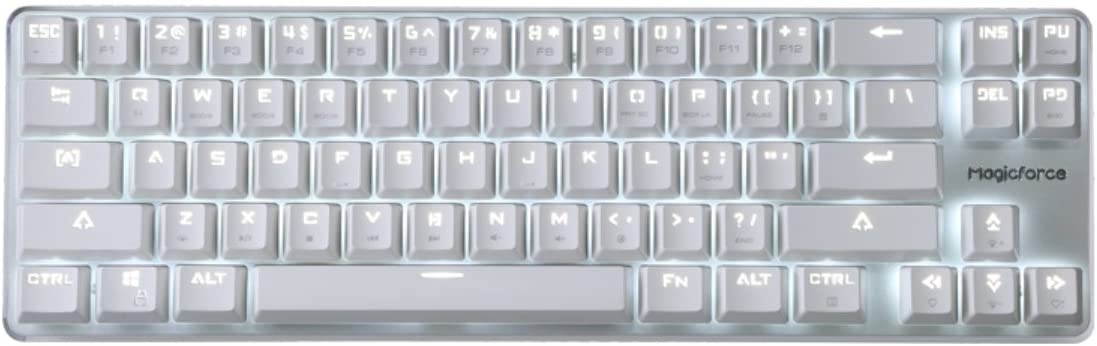
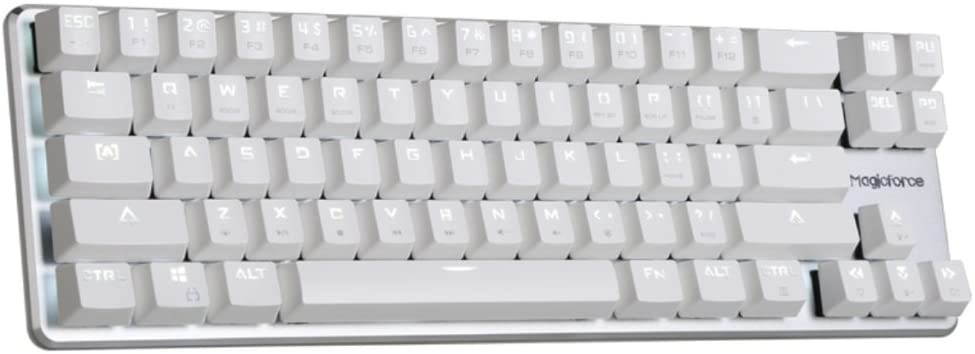
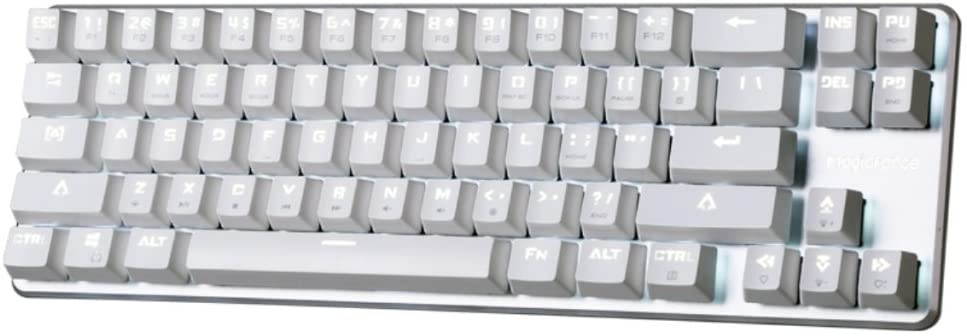
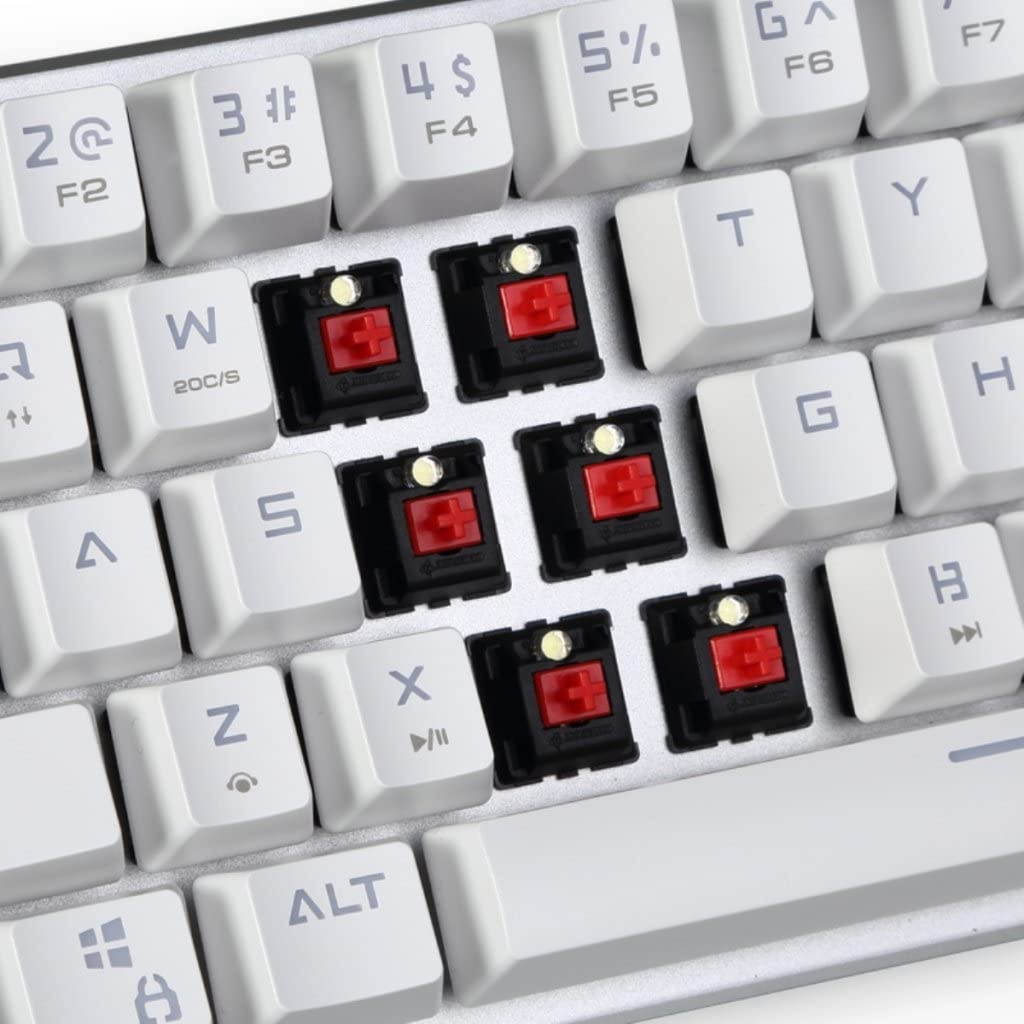
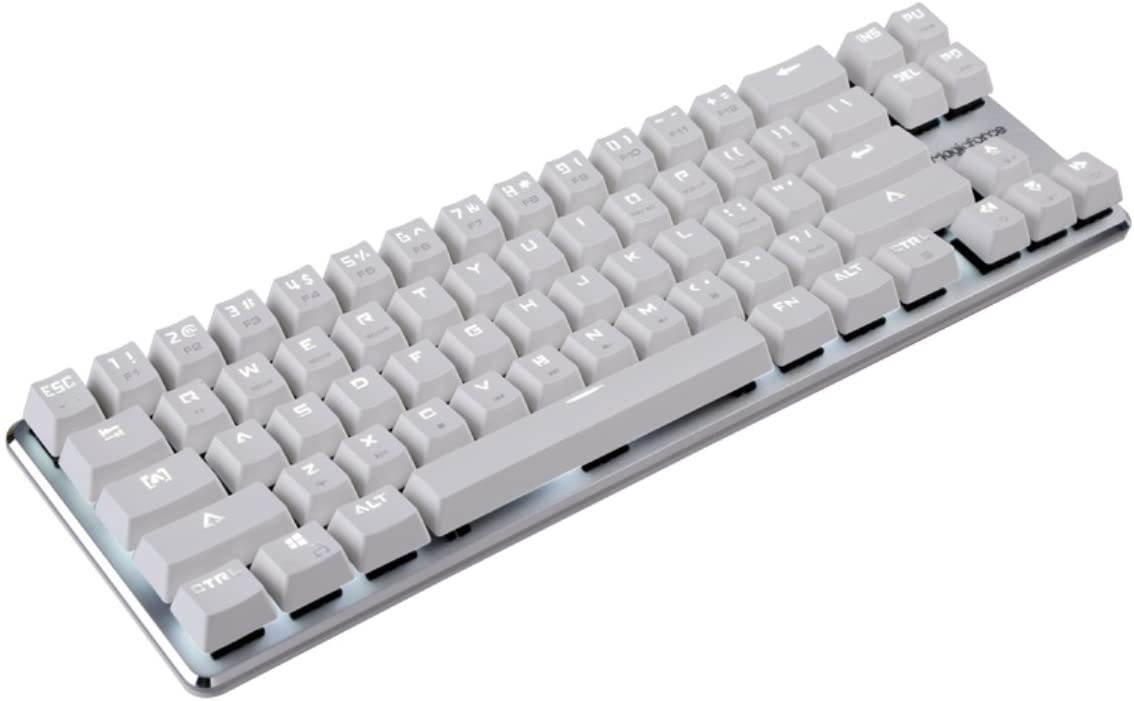
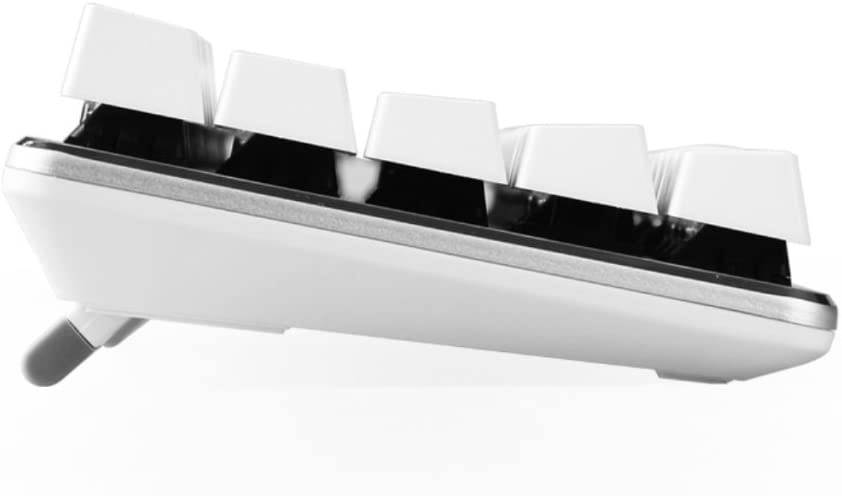
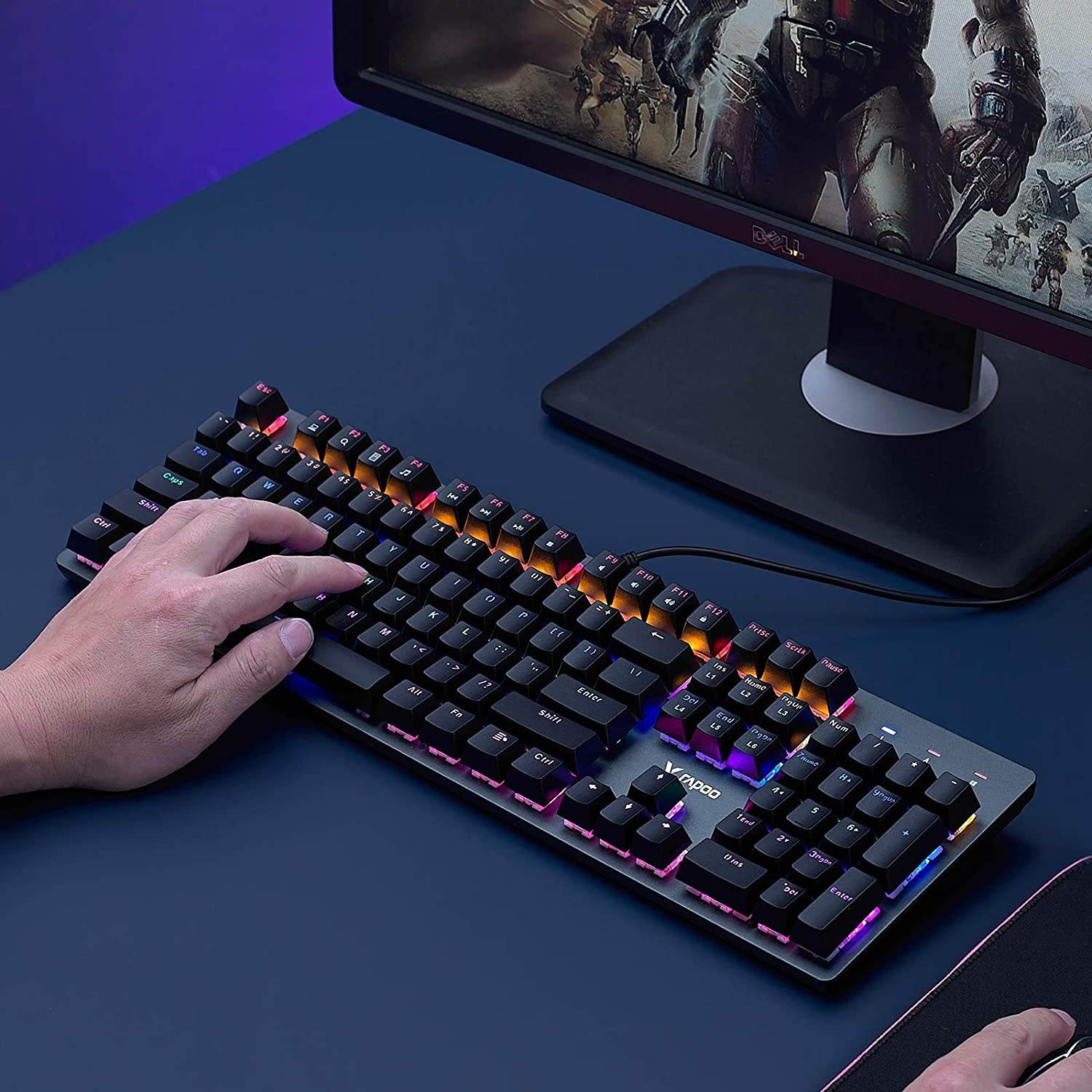
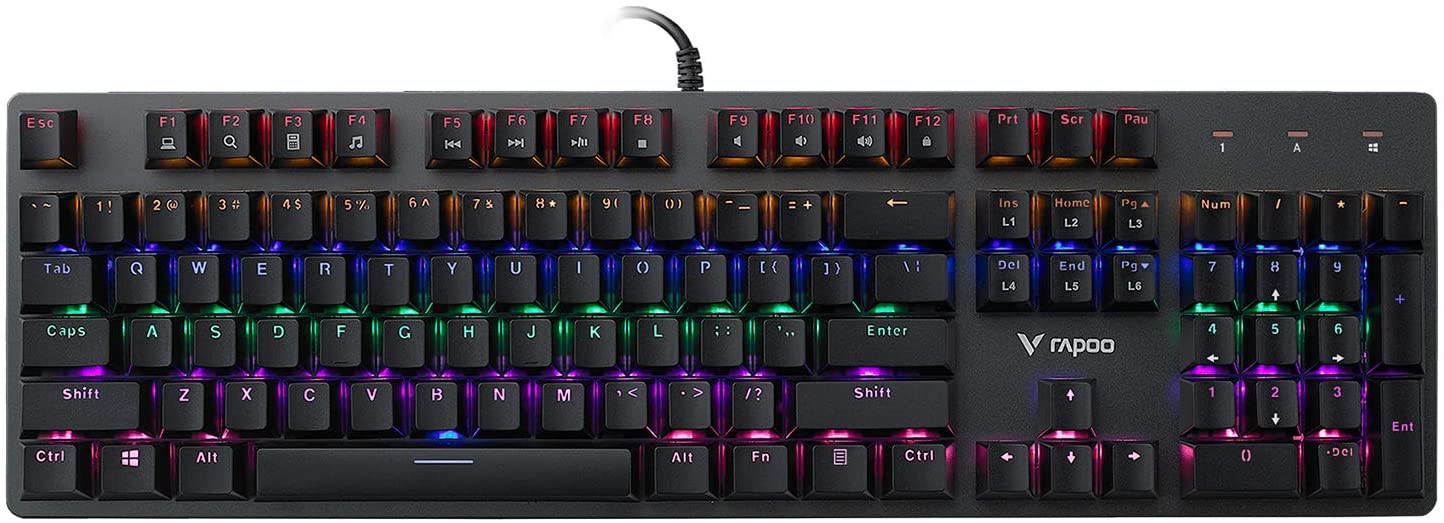
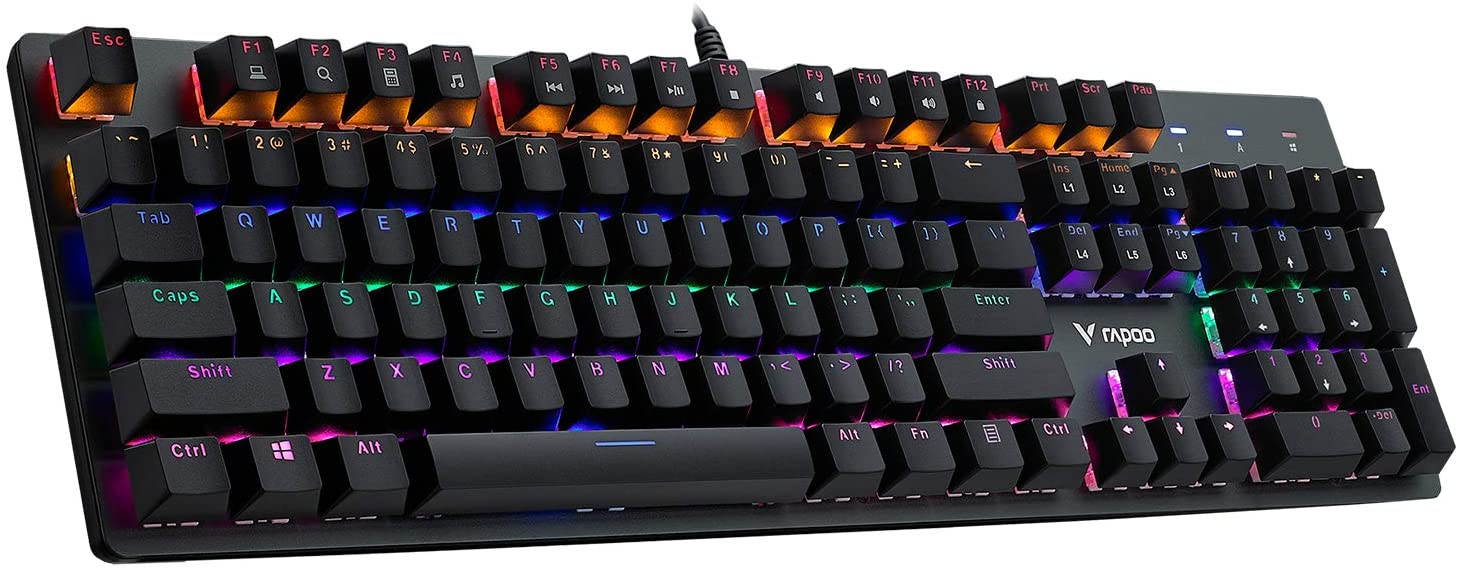
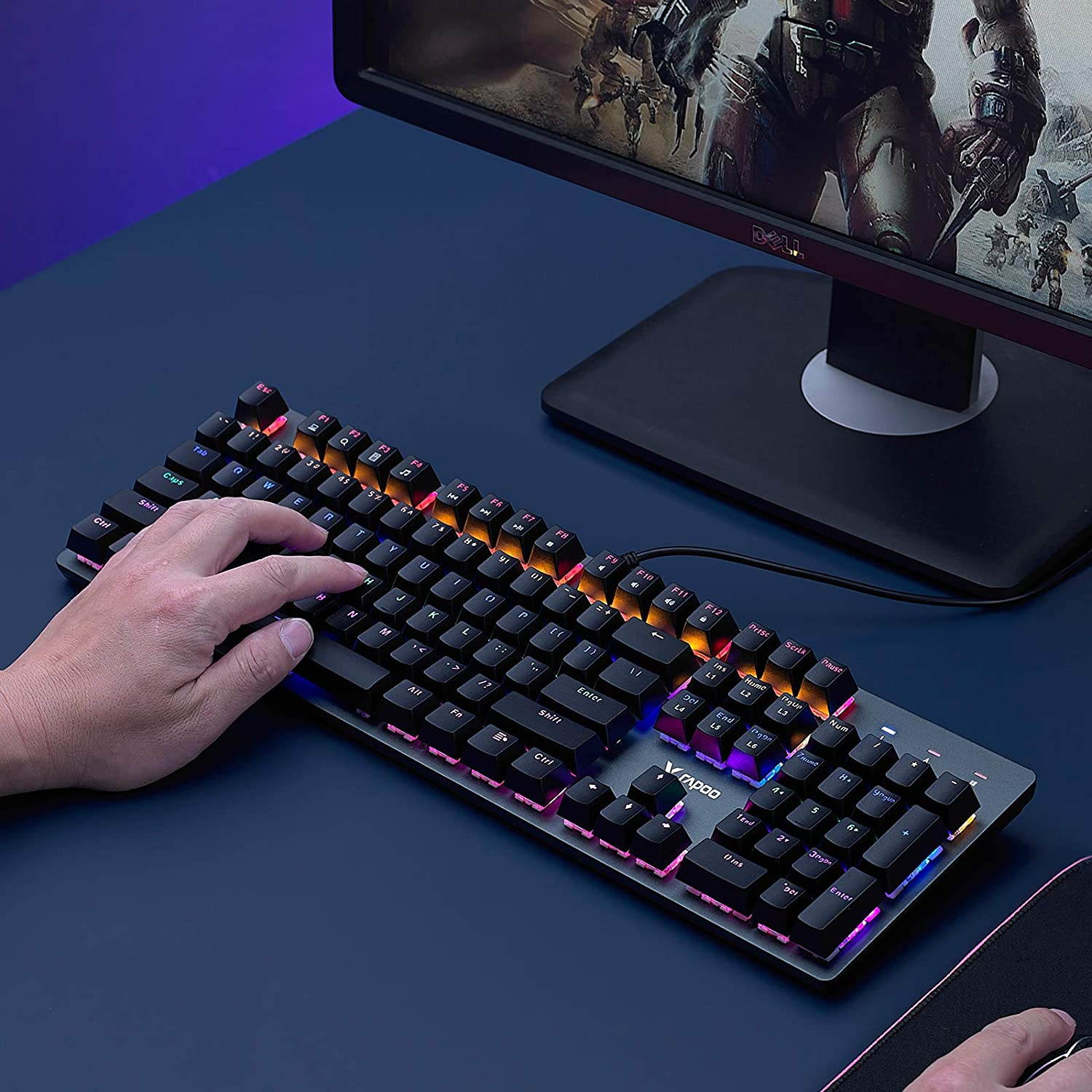
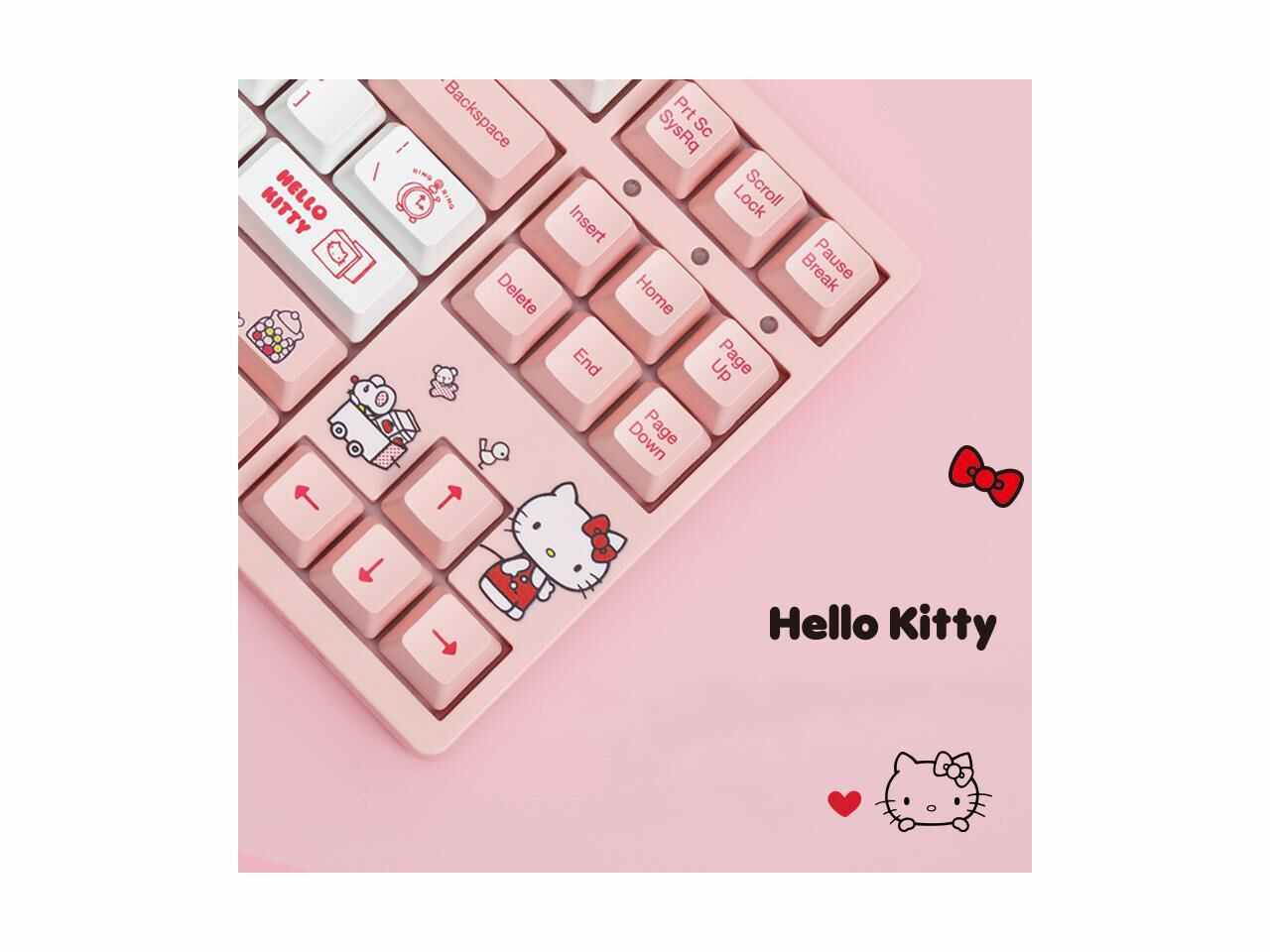
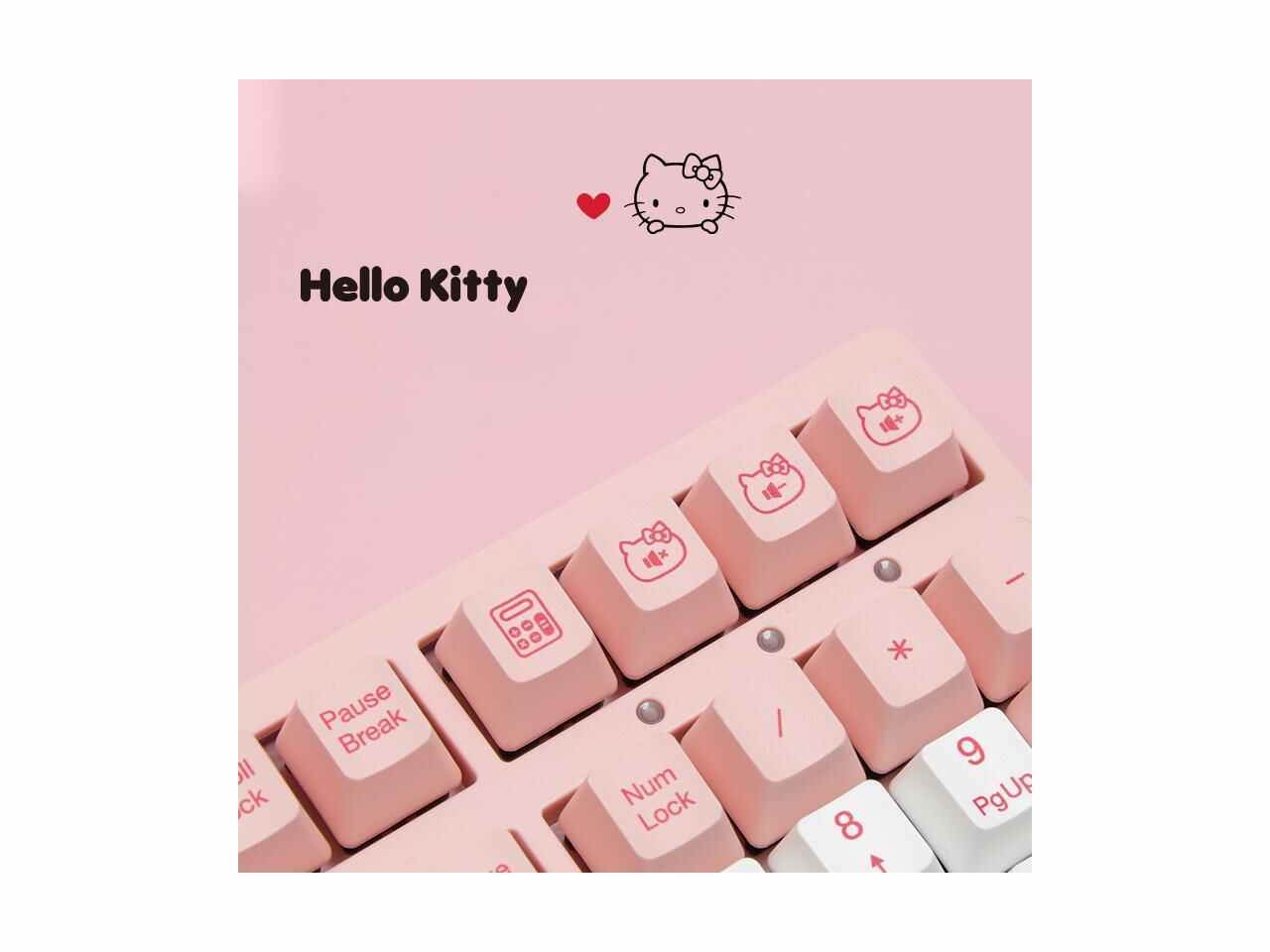
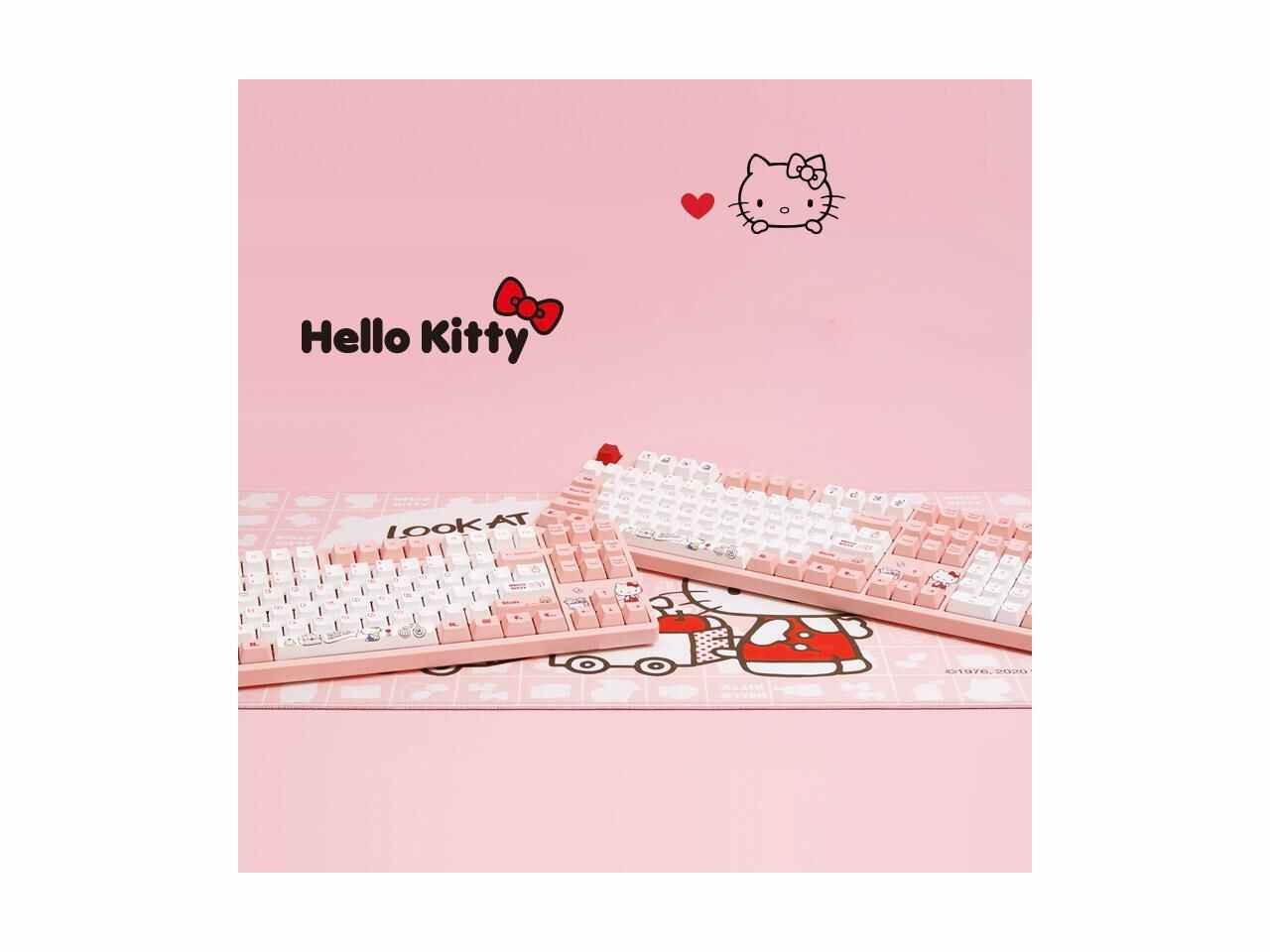
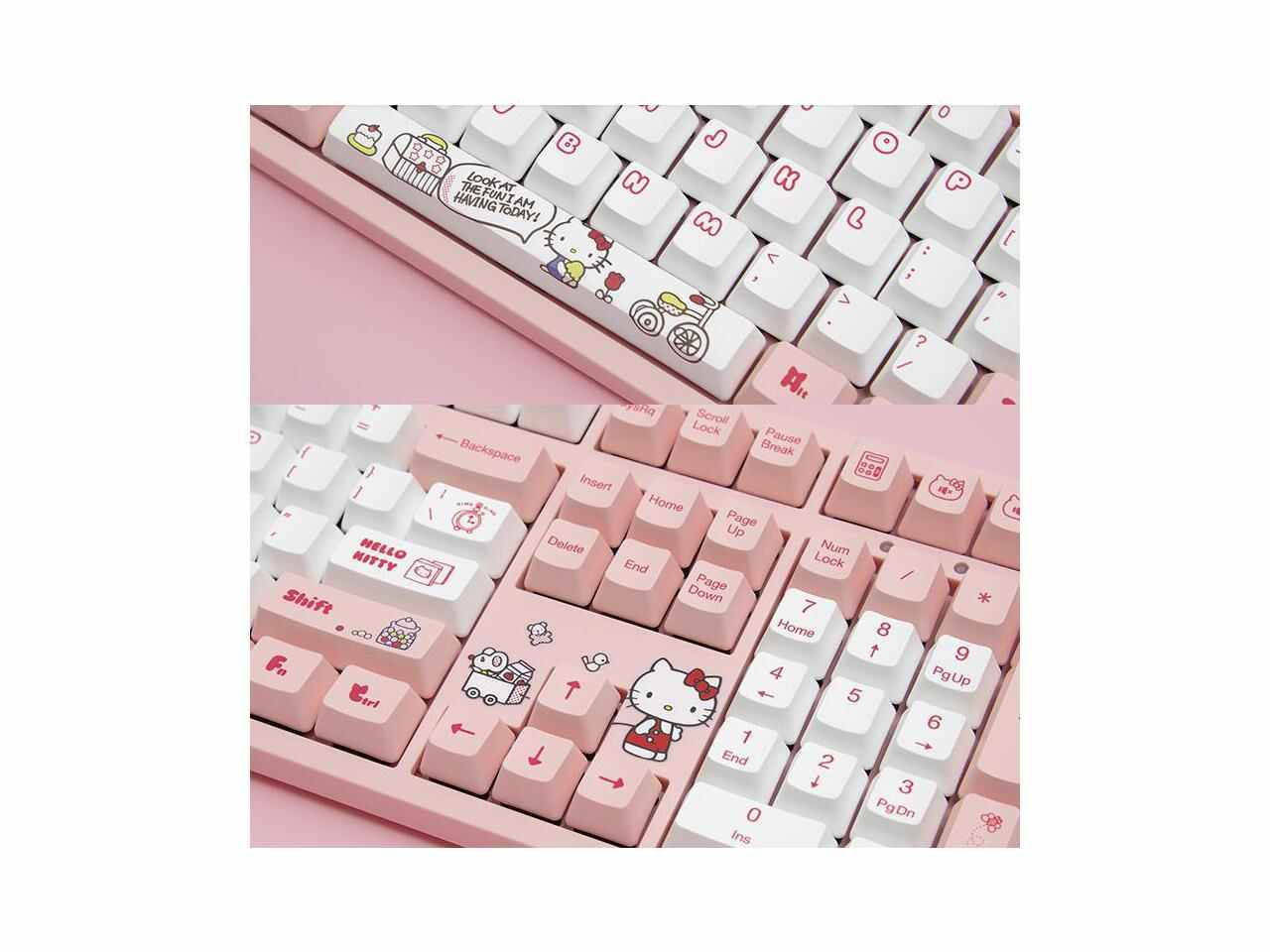
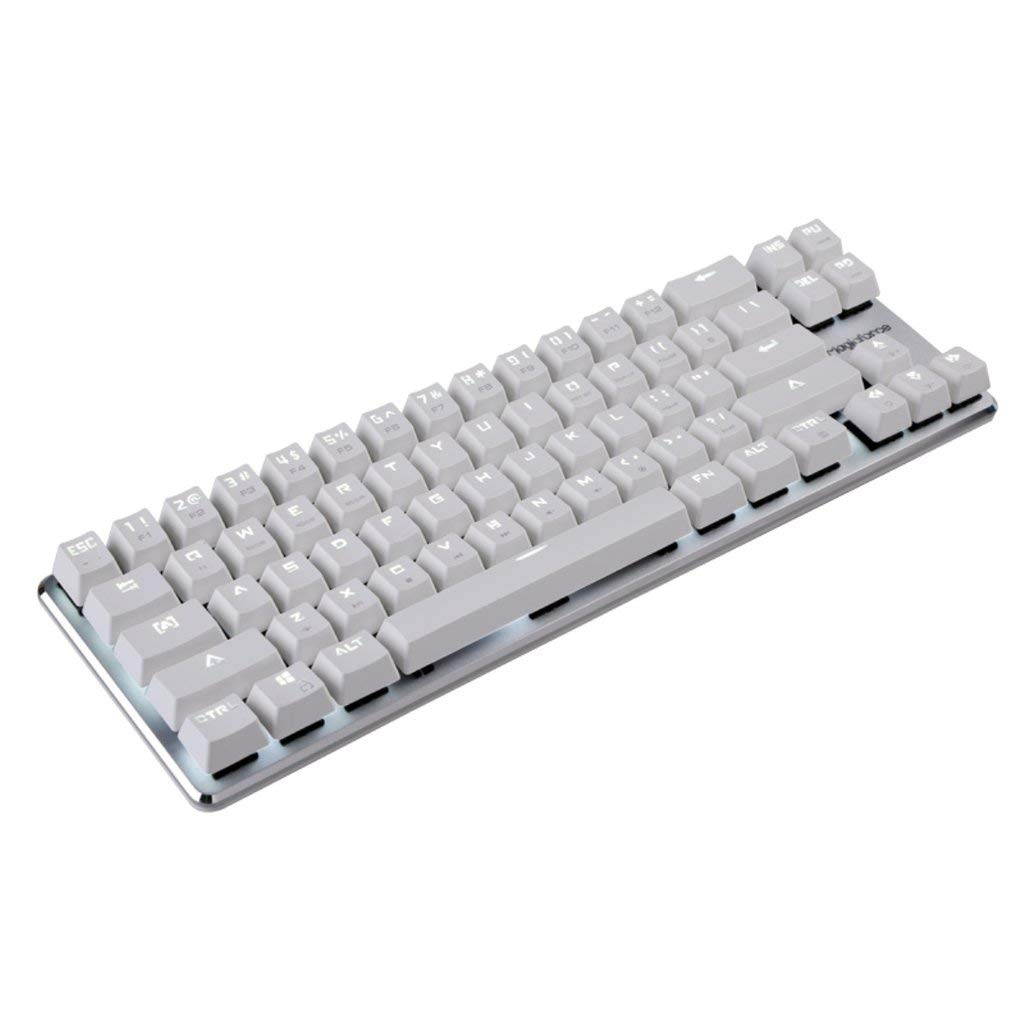
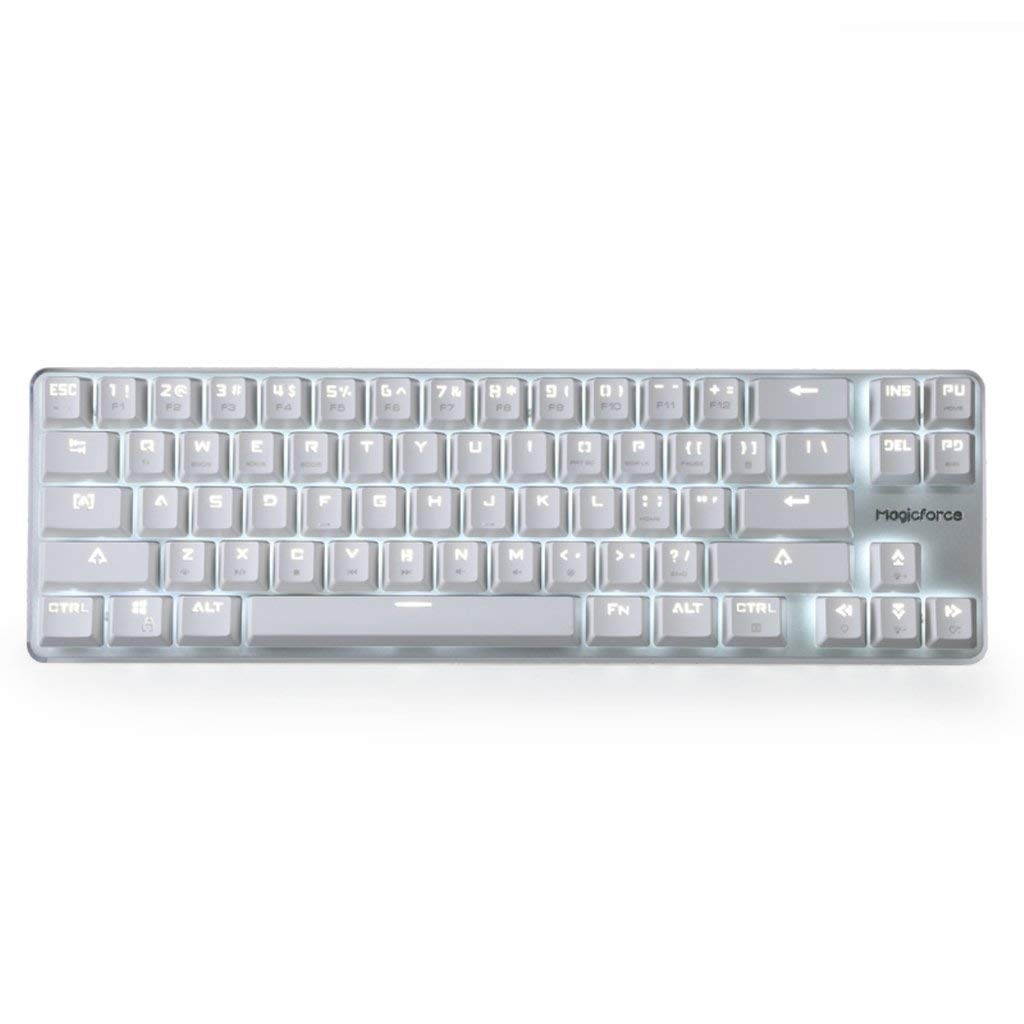
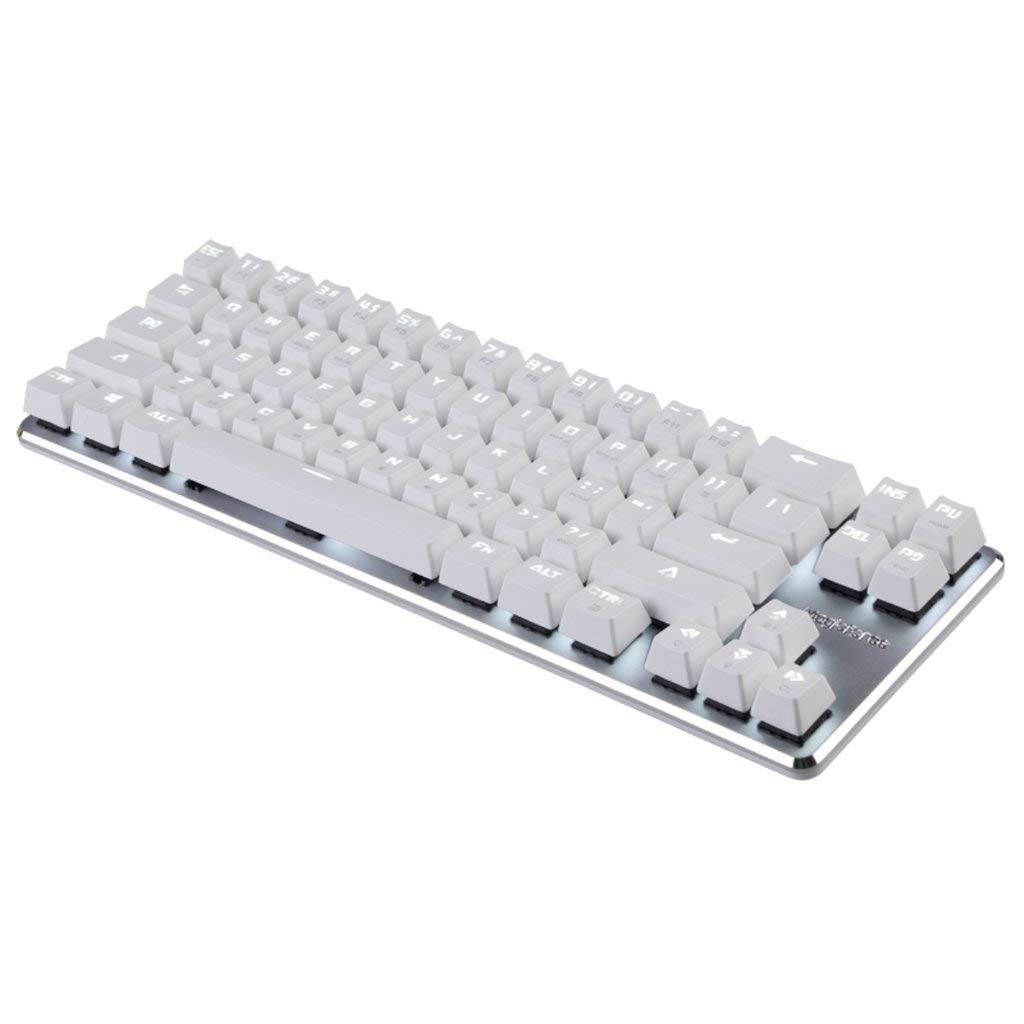
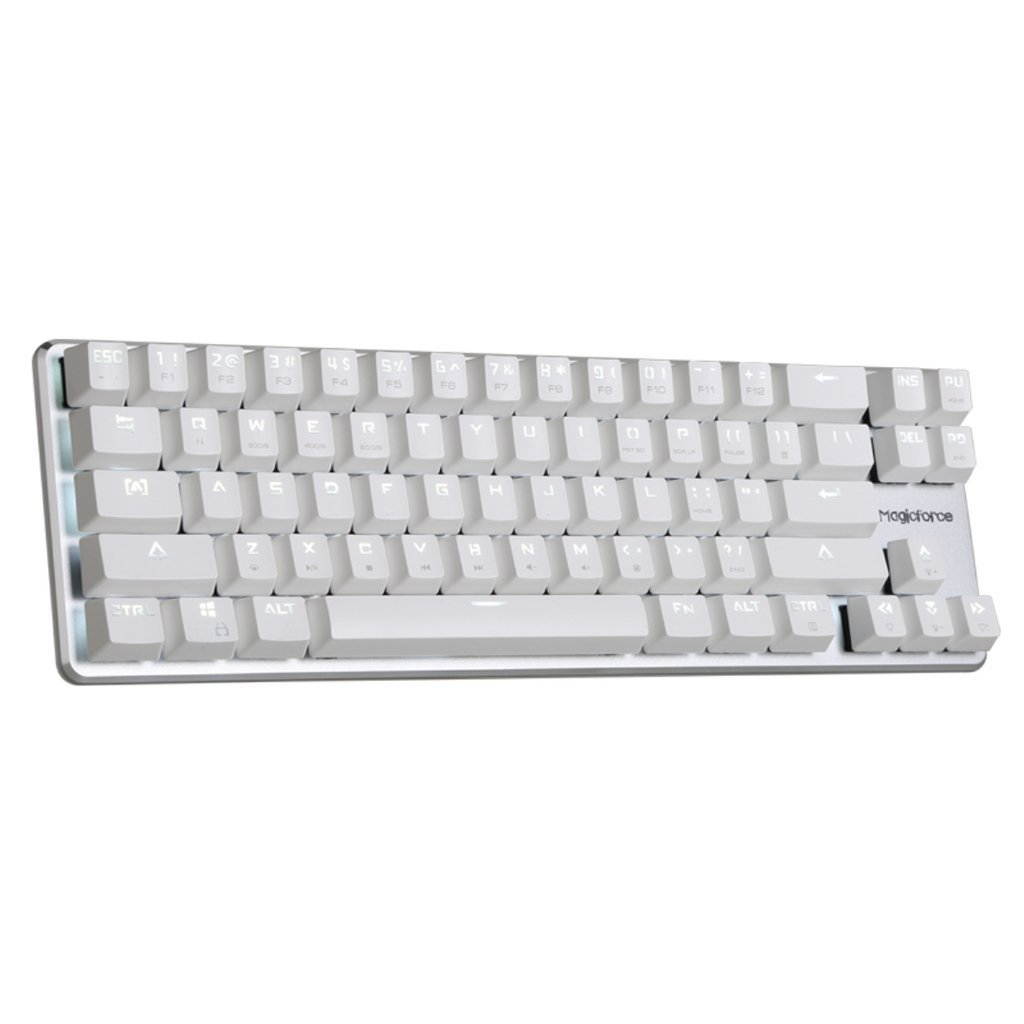
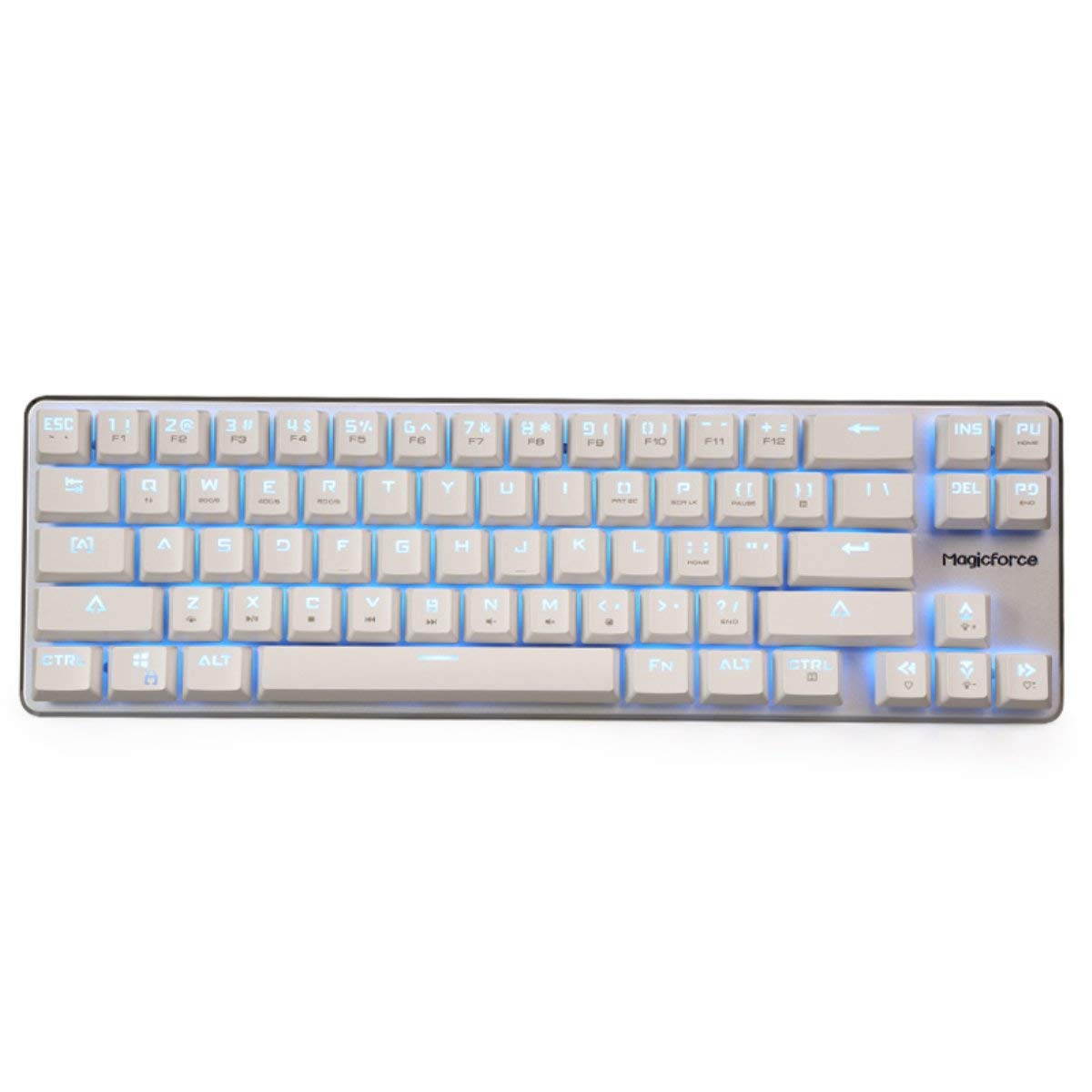
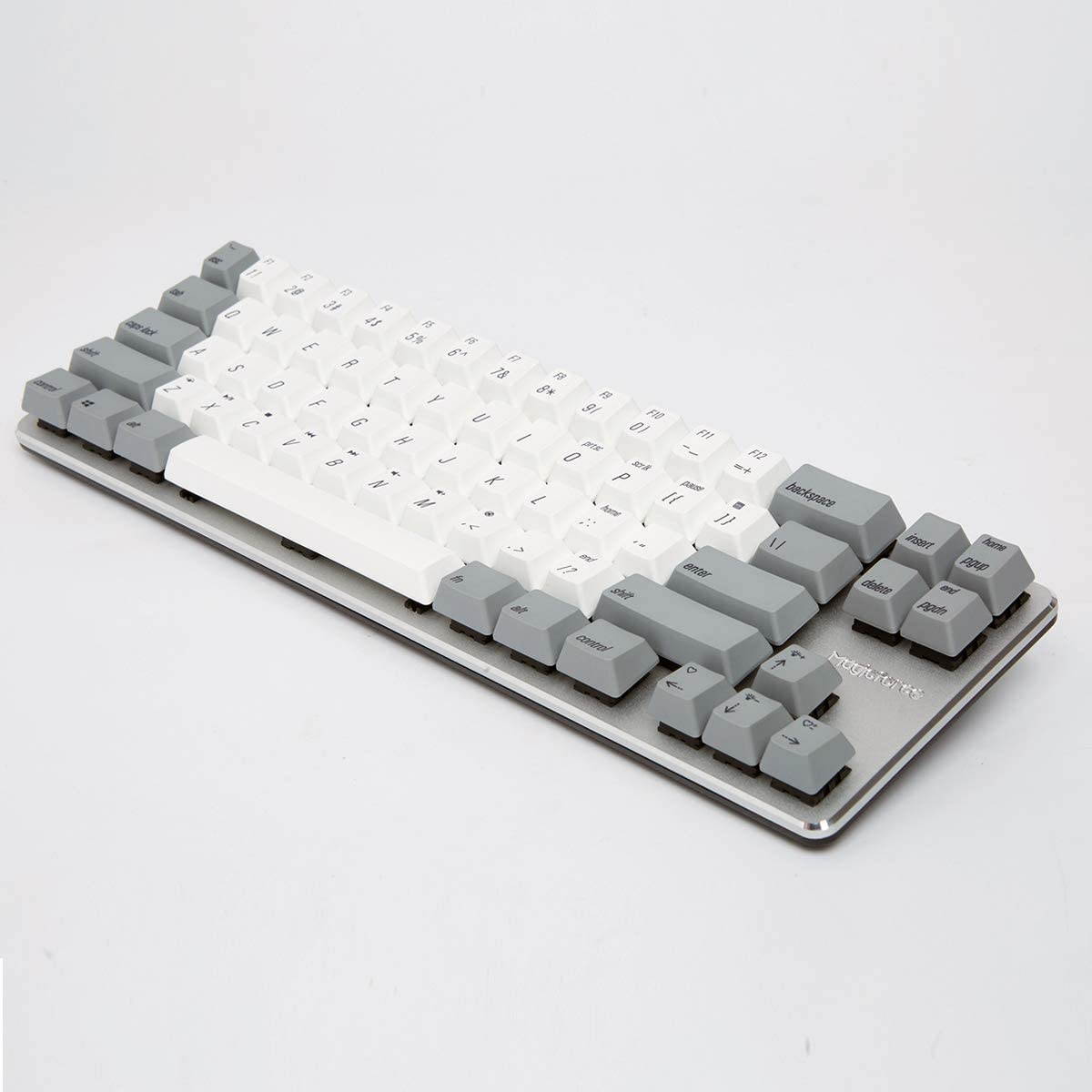
Gaming Keyboard Mechanical Wired Keyboard Cherry MX Red Switch Backlight Keyboard Mini Design (60%) 68-Keys White
CTNR1437283 CTNR1437283Qisan
2027-06-03
/itm/gaming-keyboard-mechanical-wired-keyboard-cherry-mx-red-switch-backlight-keyboard-mini-design-60-68-keys-white-1437283
USD
146.17
$ 146 $ 151 3% Off
Item Added to Cart
customer
*Product availability is subject to suppliers inventory

SHIPPING ALL OVER UNITED STATES

100% MONEY BACK GUARANTEE

EASY 30 DAYSRETURNS & REFUNDS

24/7 CUSTOMER SUPPORT

TRUSTED AND SAFE WEBSITE

100% SECURE CHECKOUT
Features:
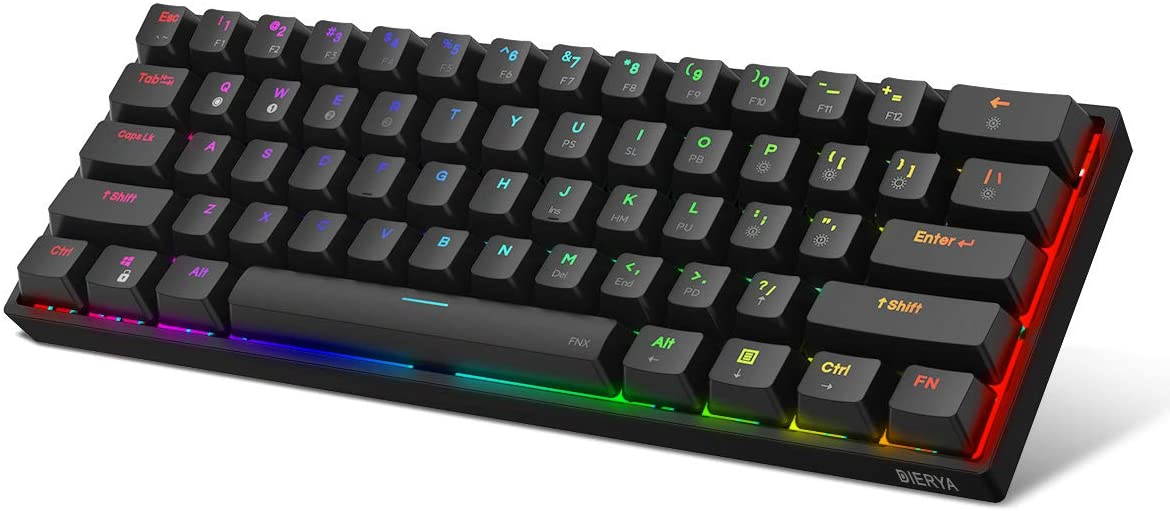
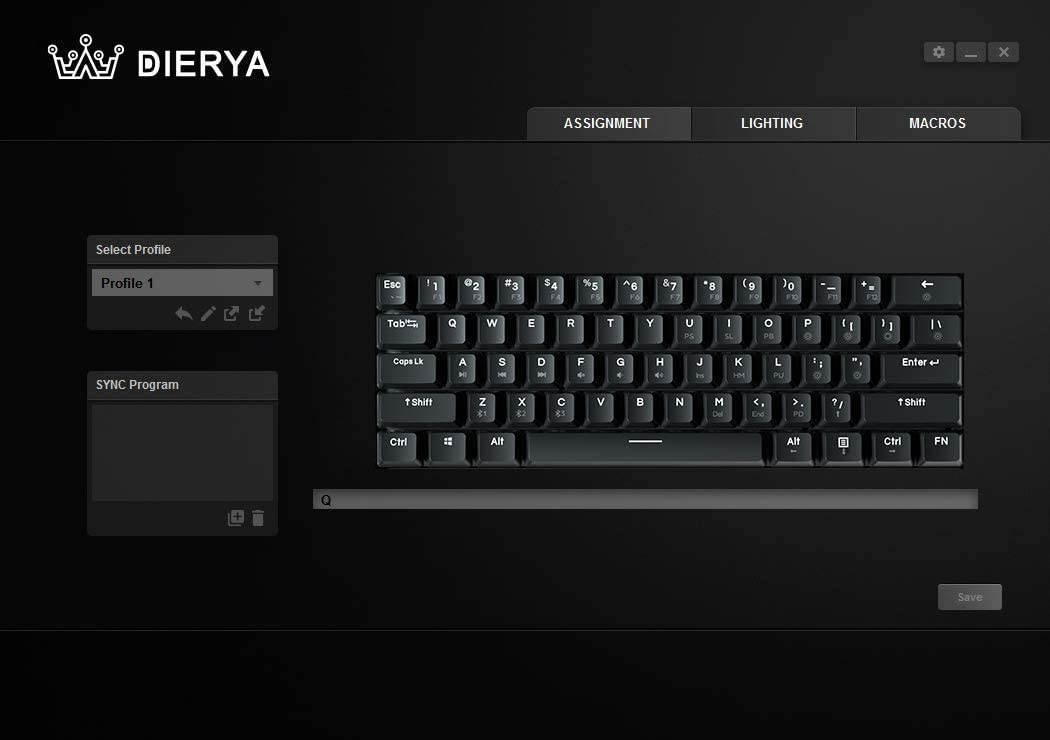
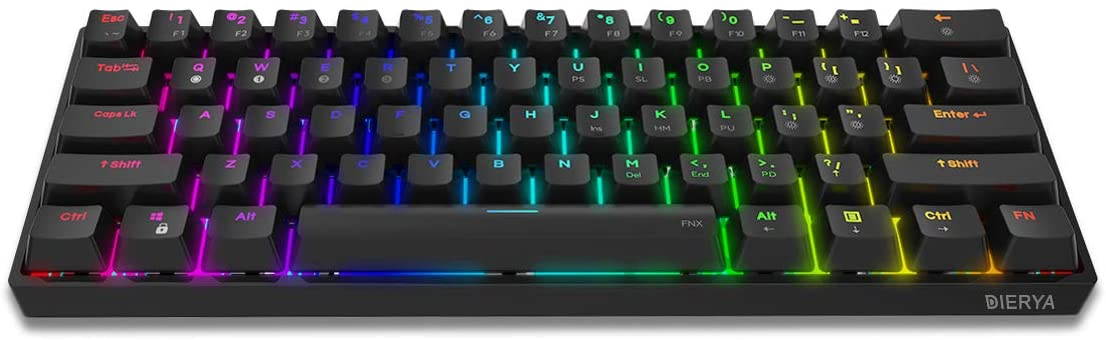
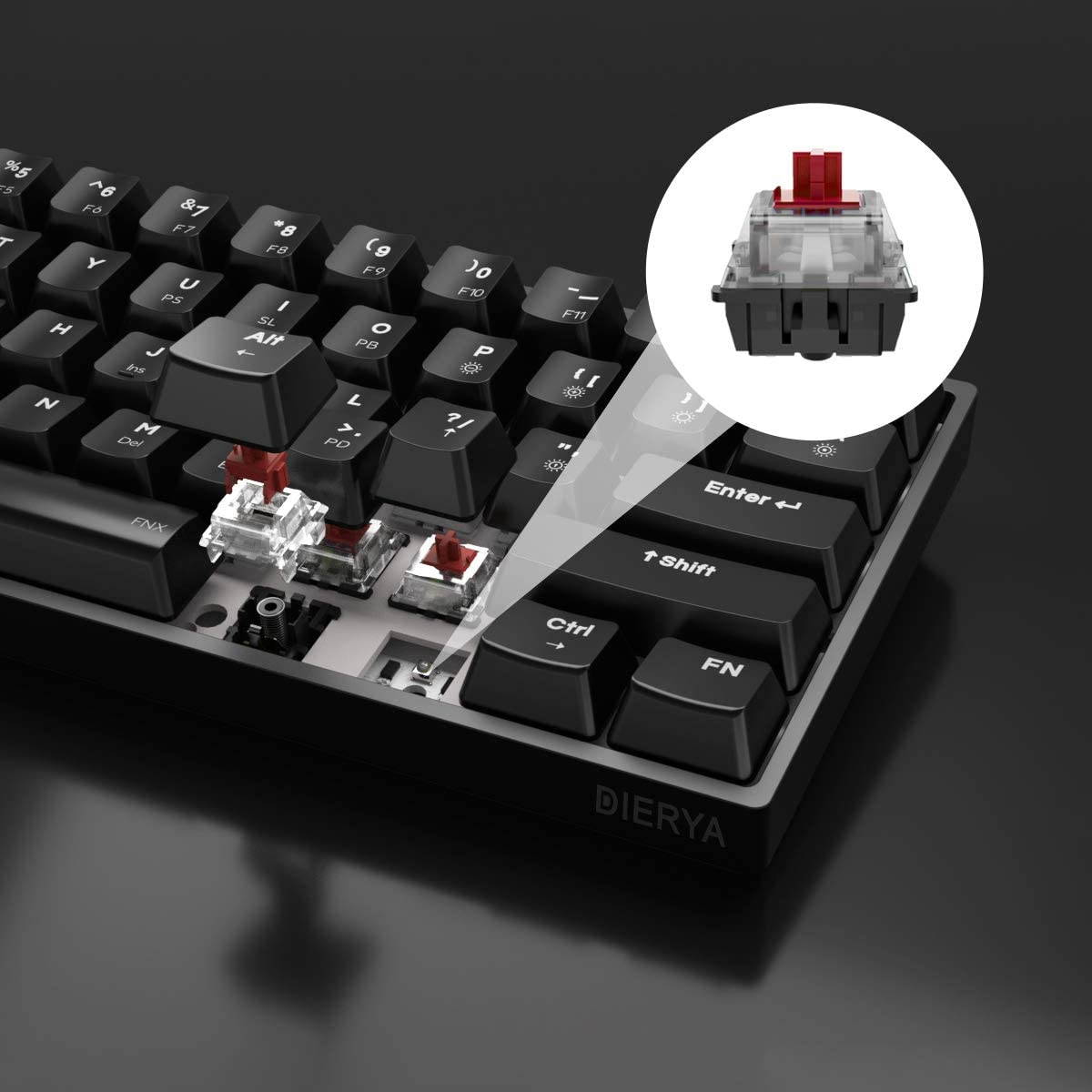
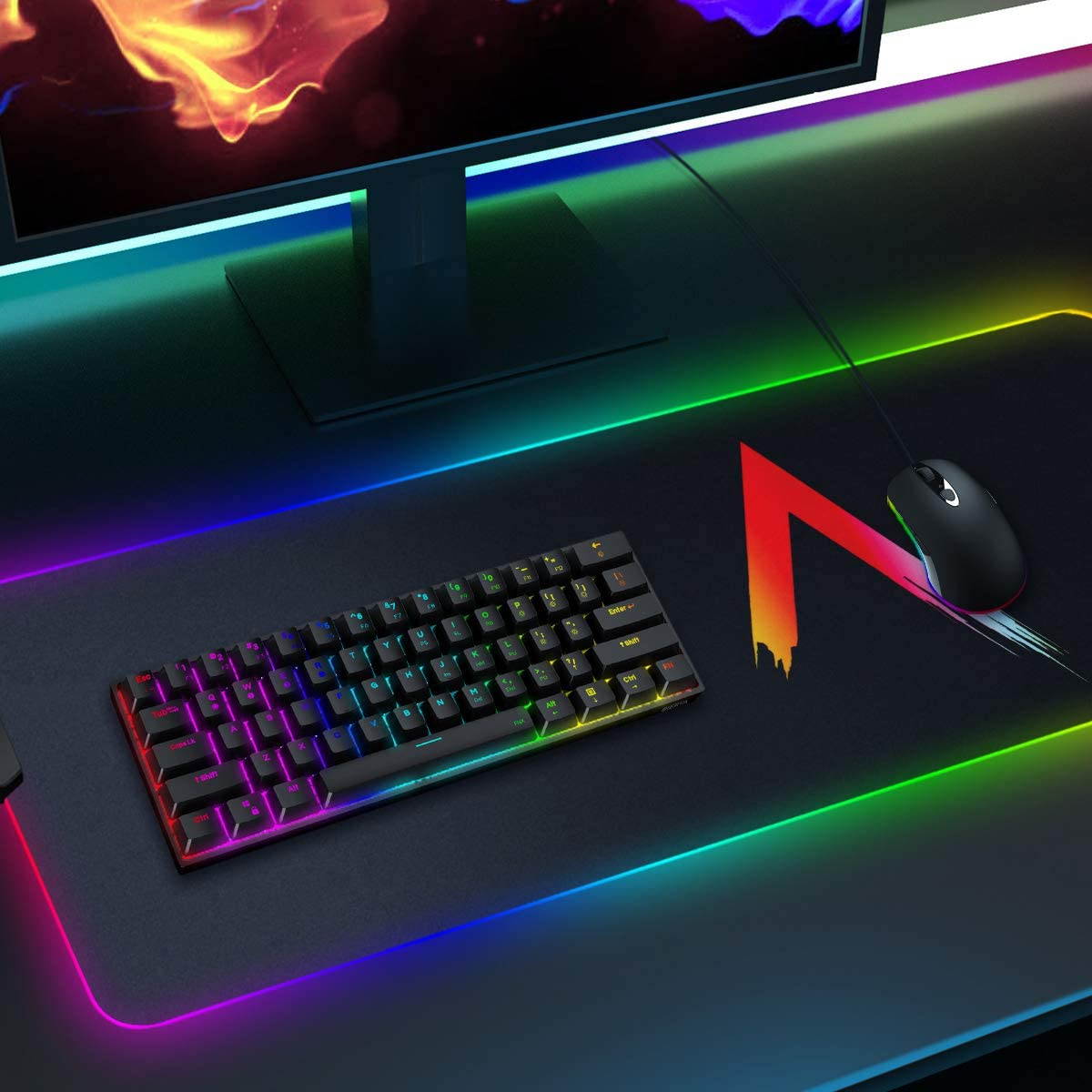
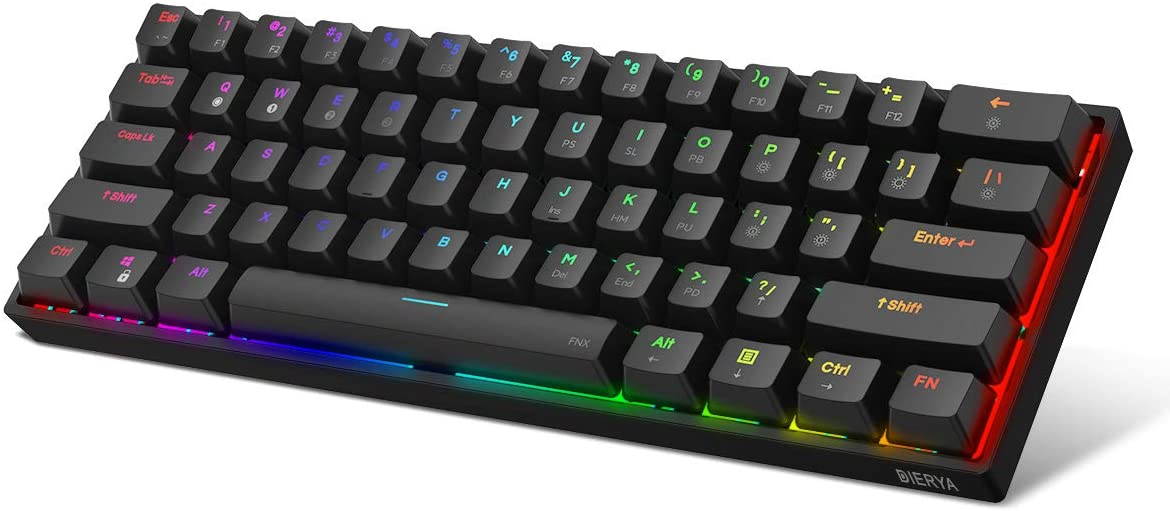
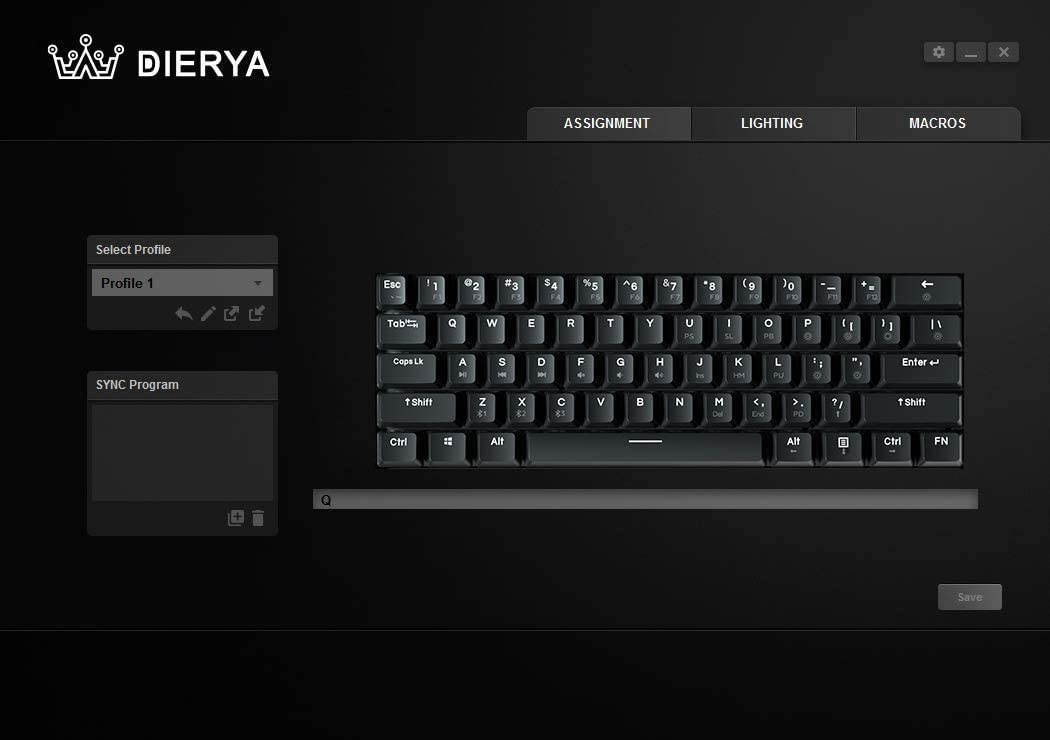
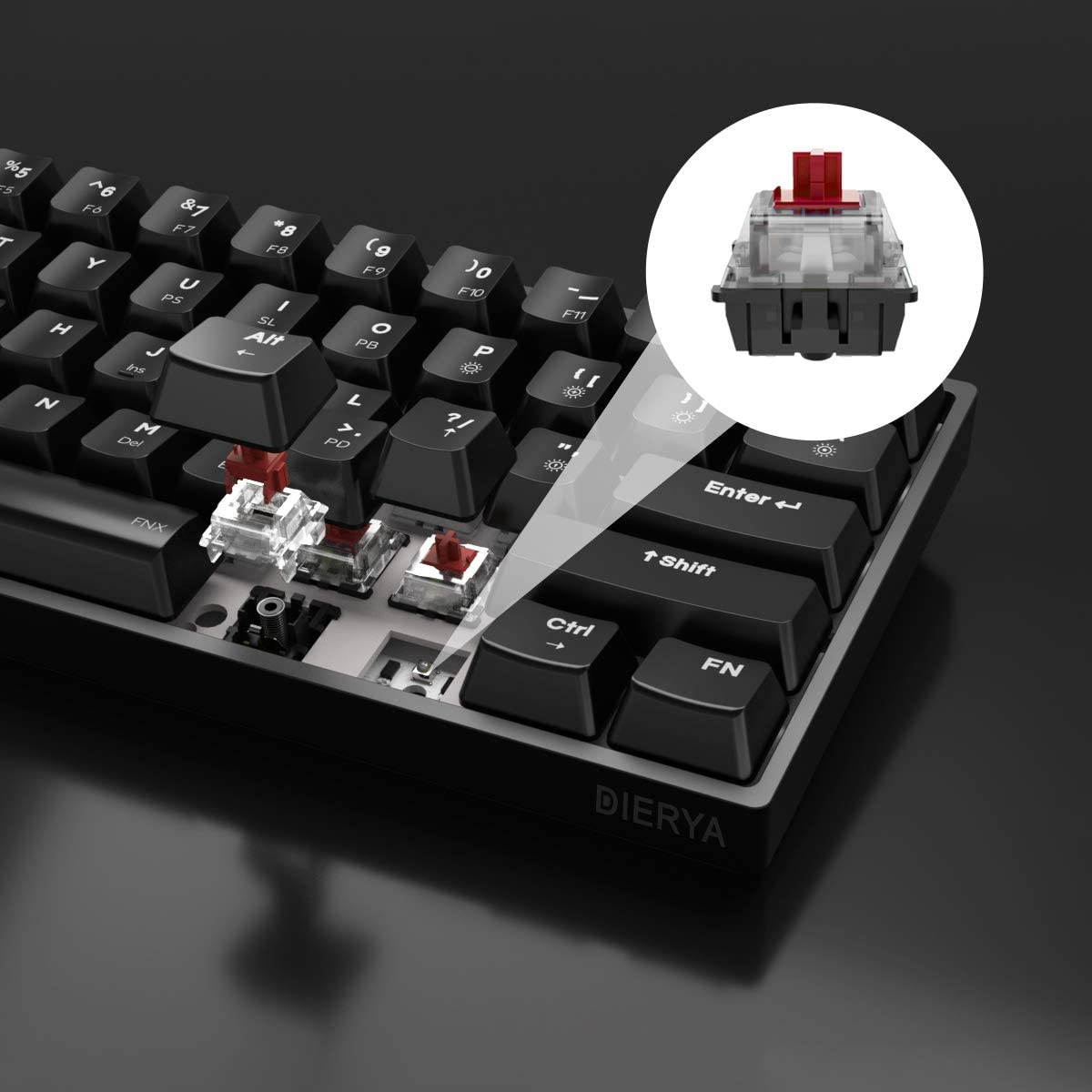
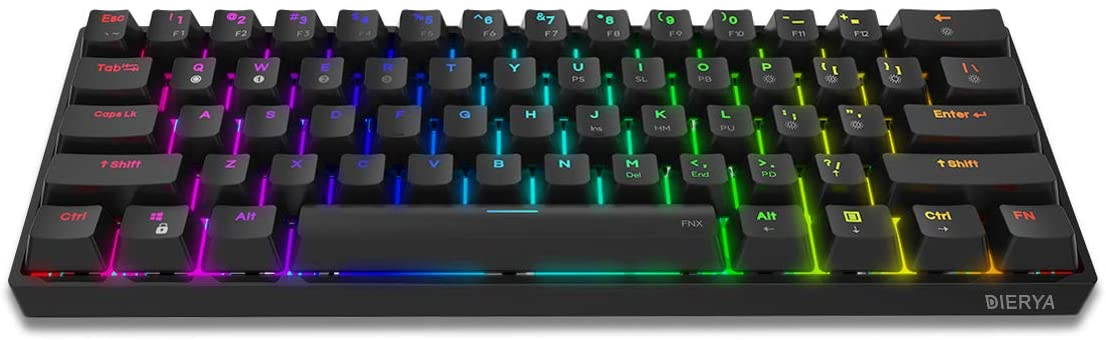
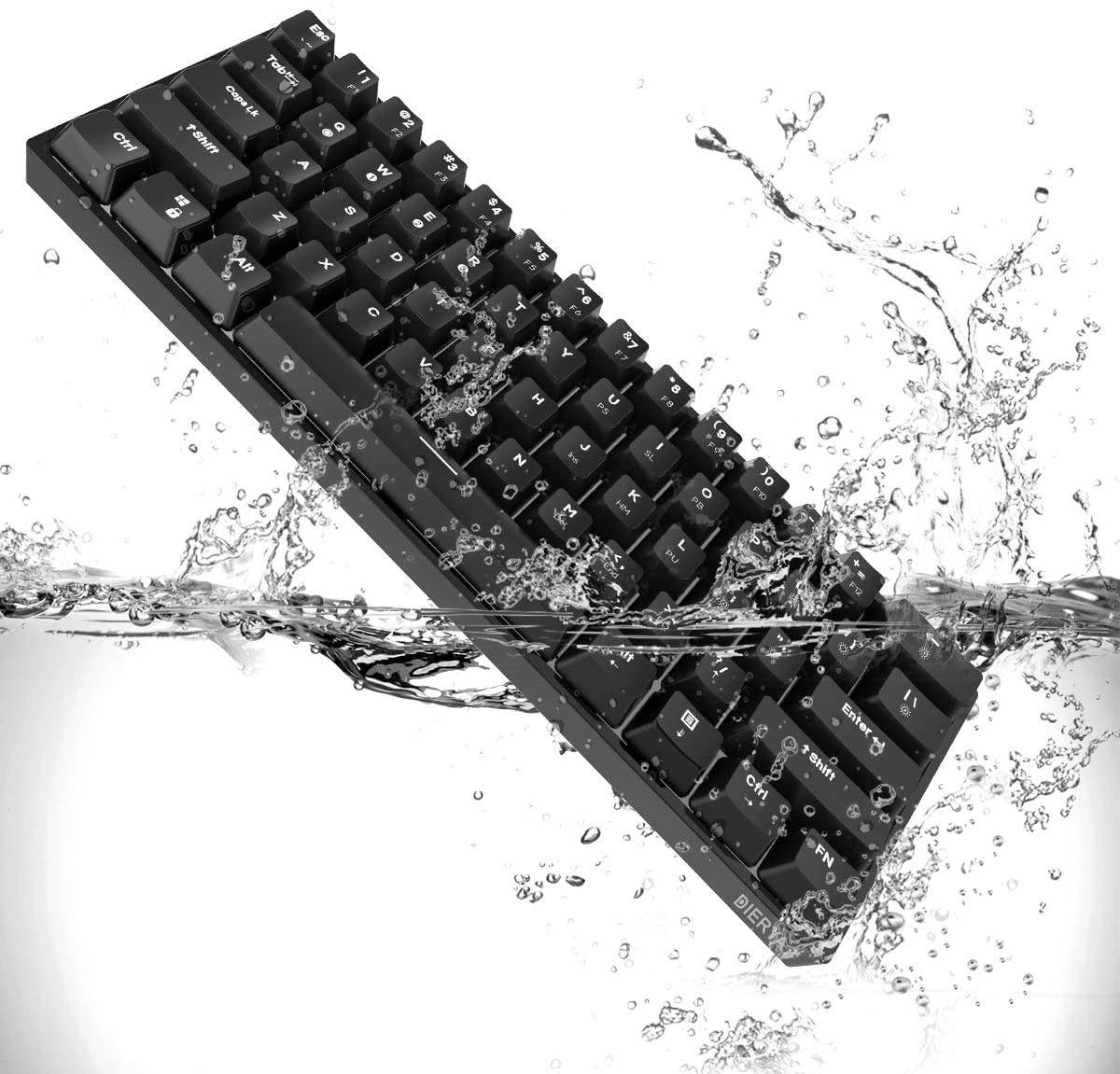
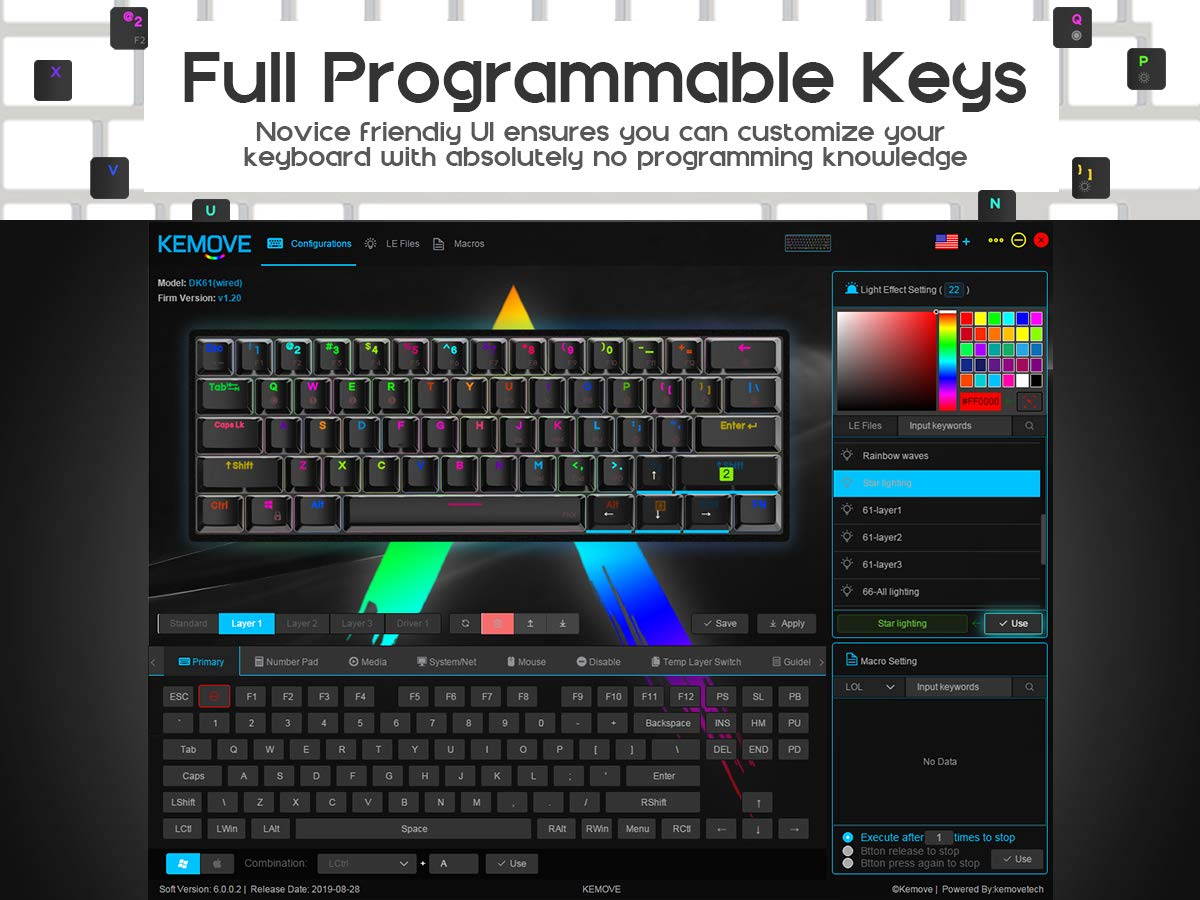
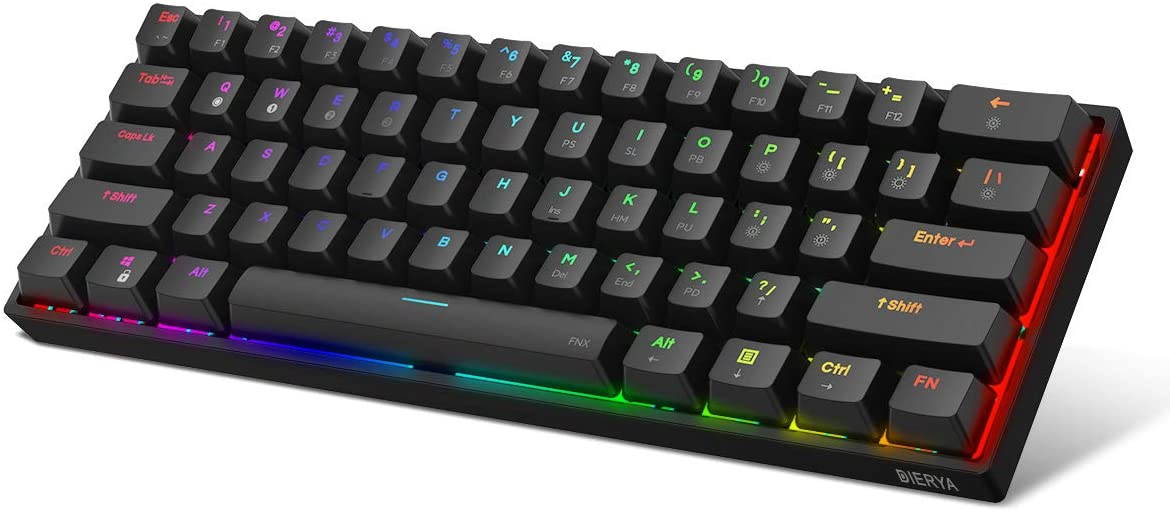
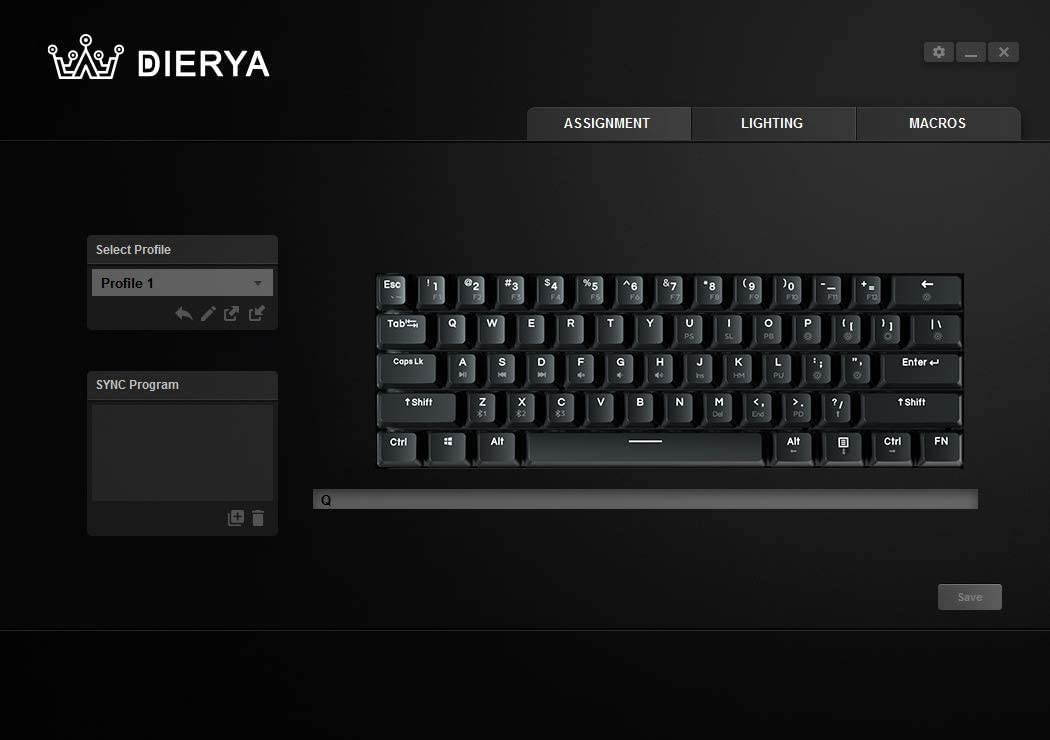
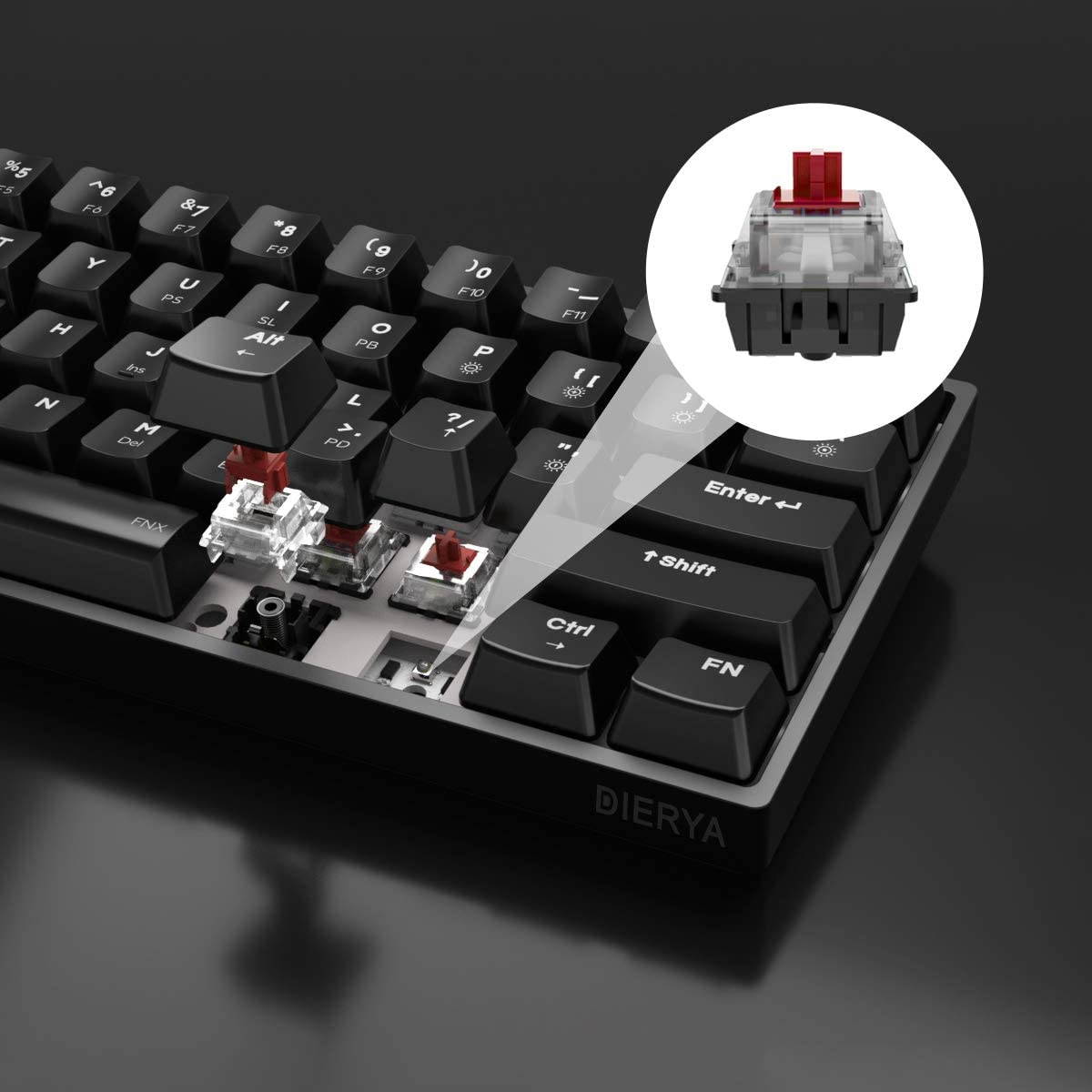
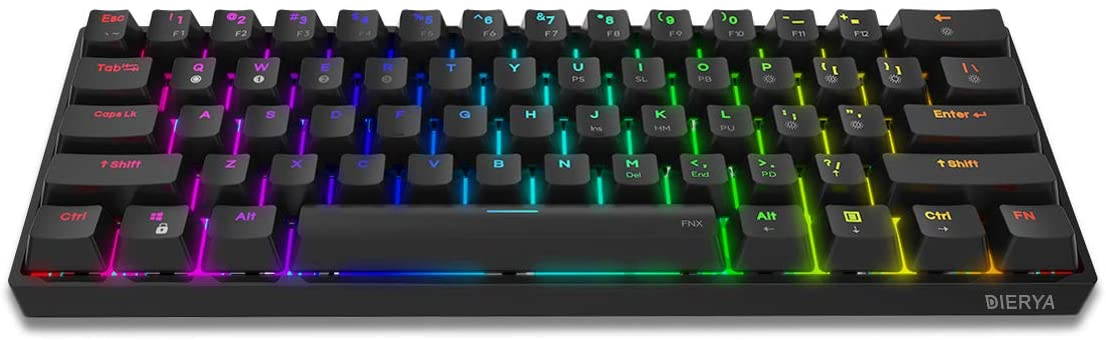
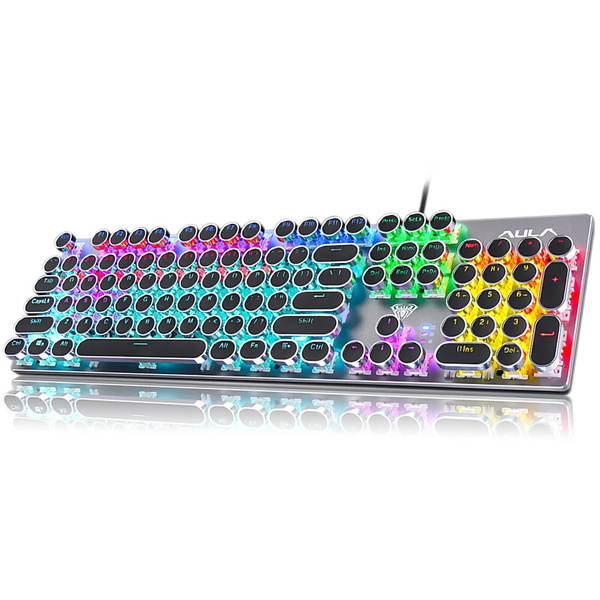
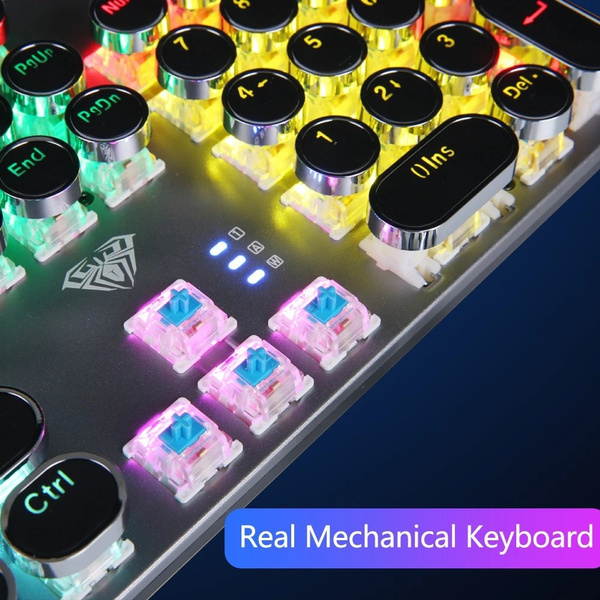
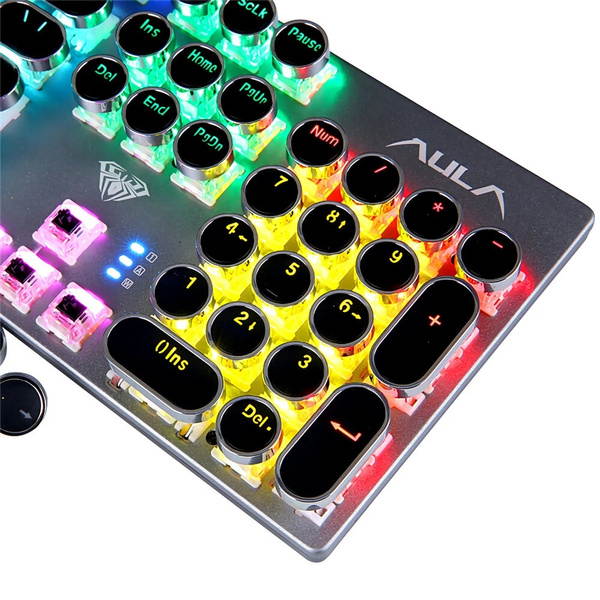
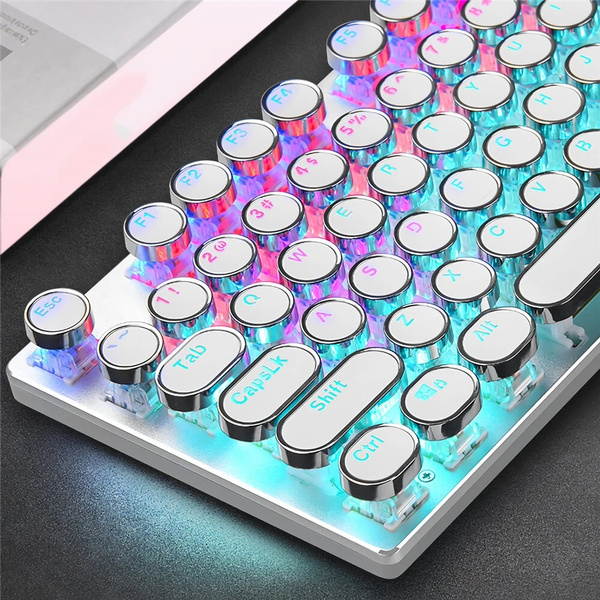
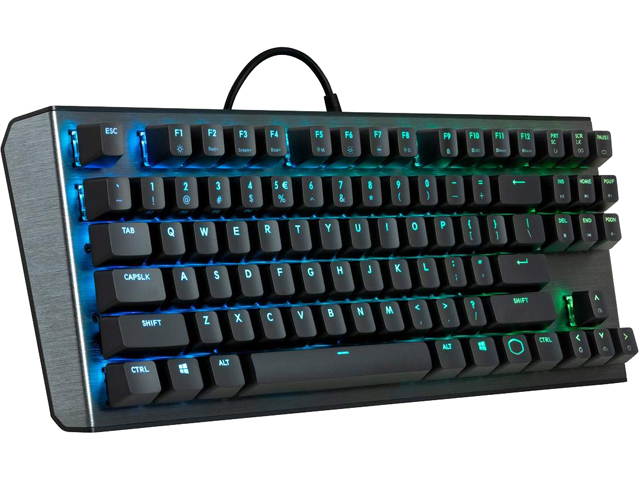
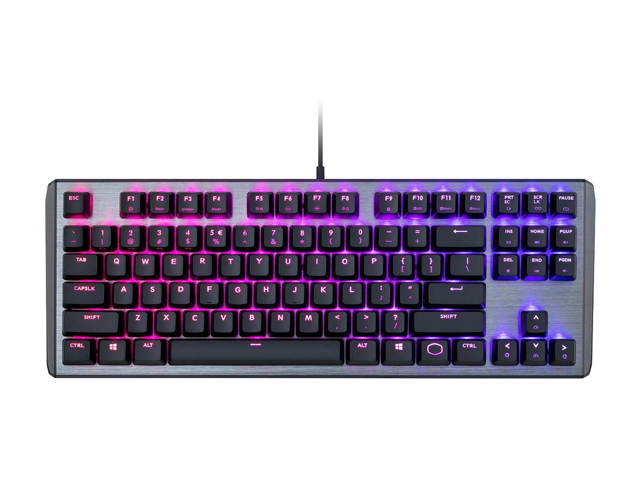
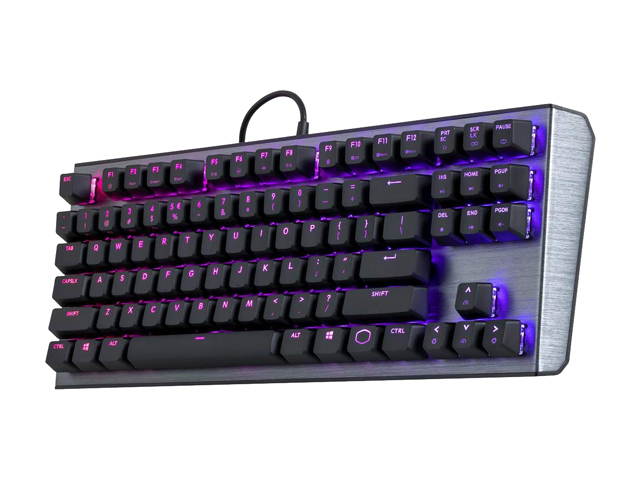
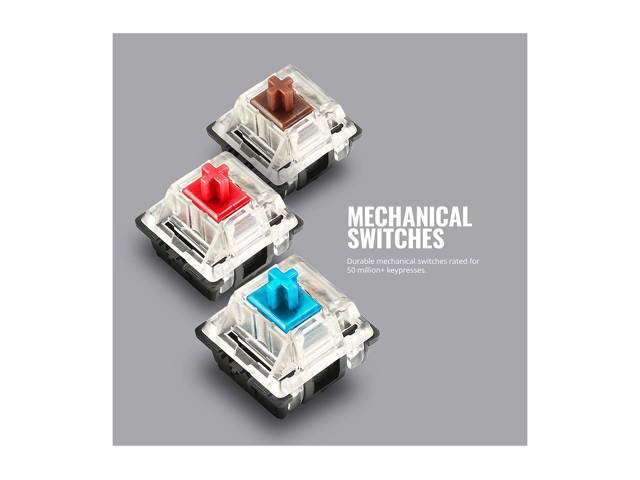
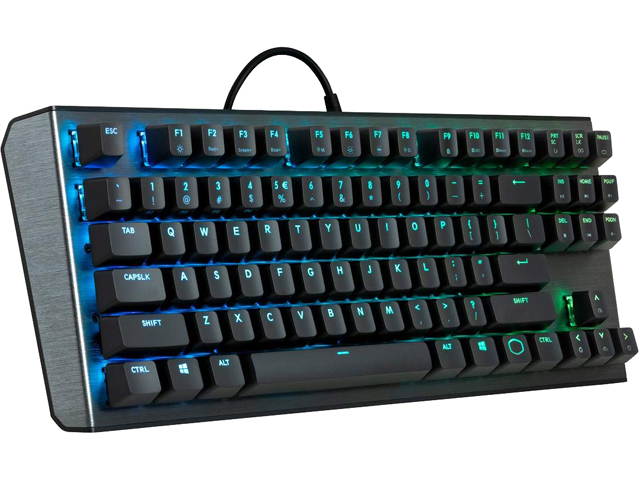
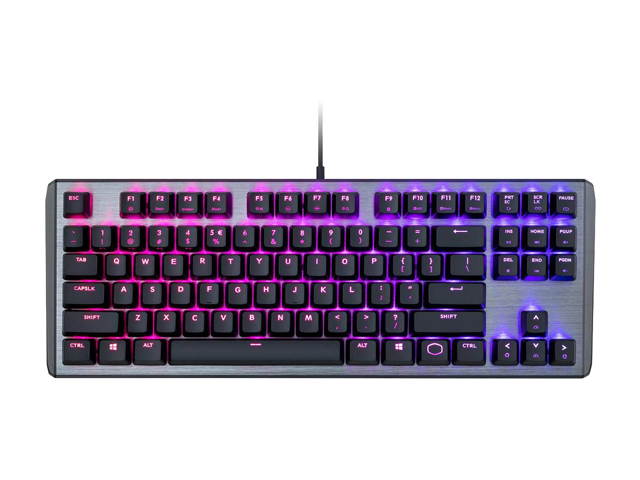
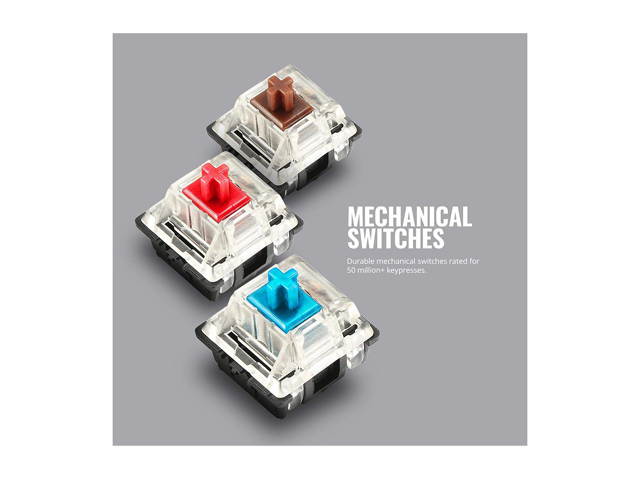
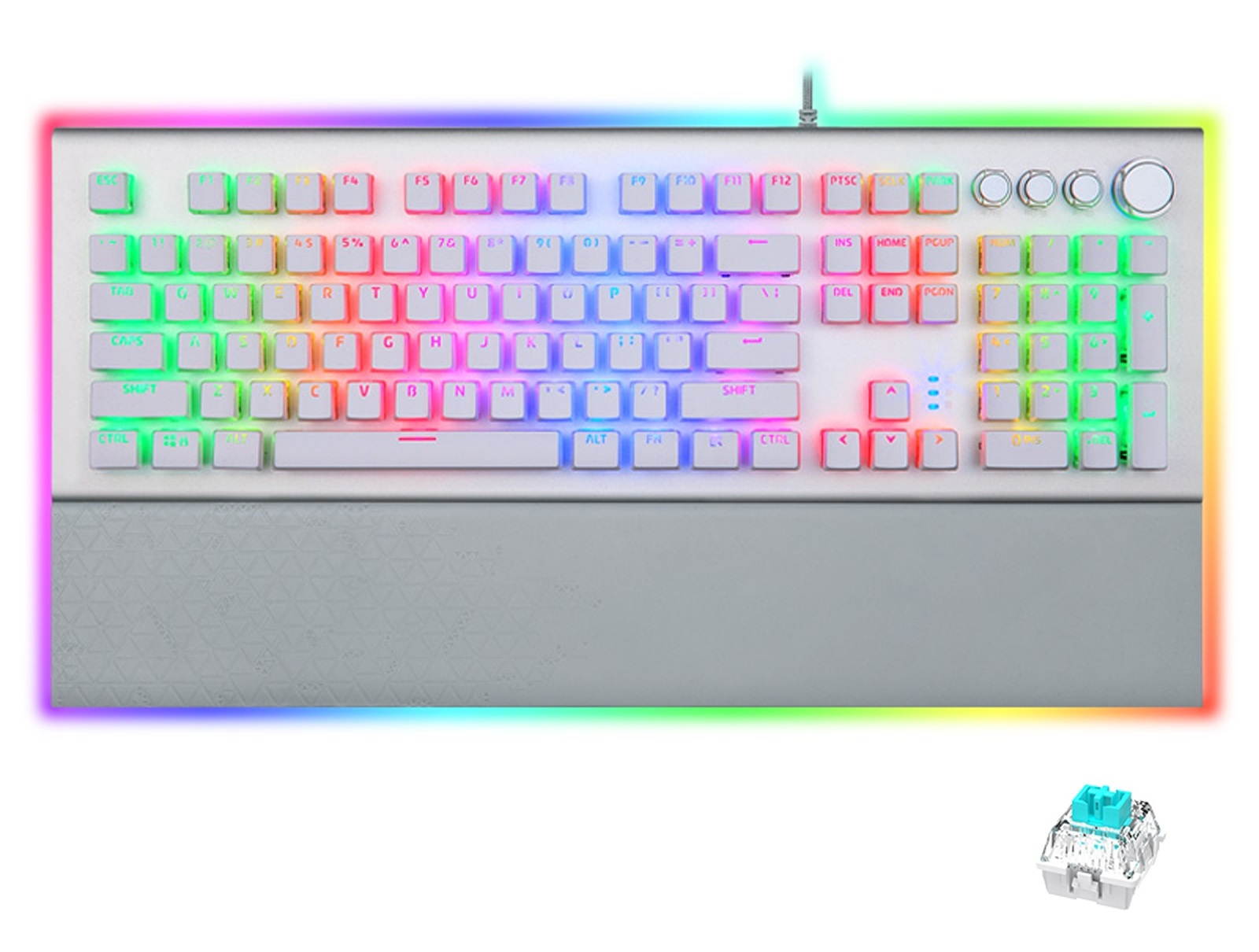
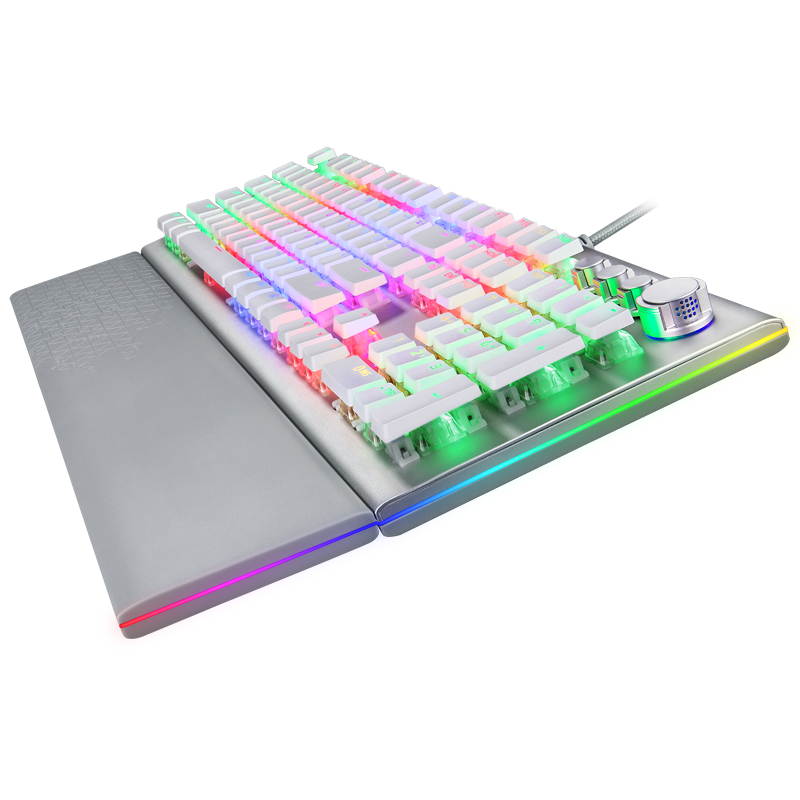
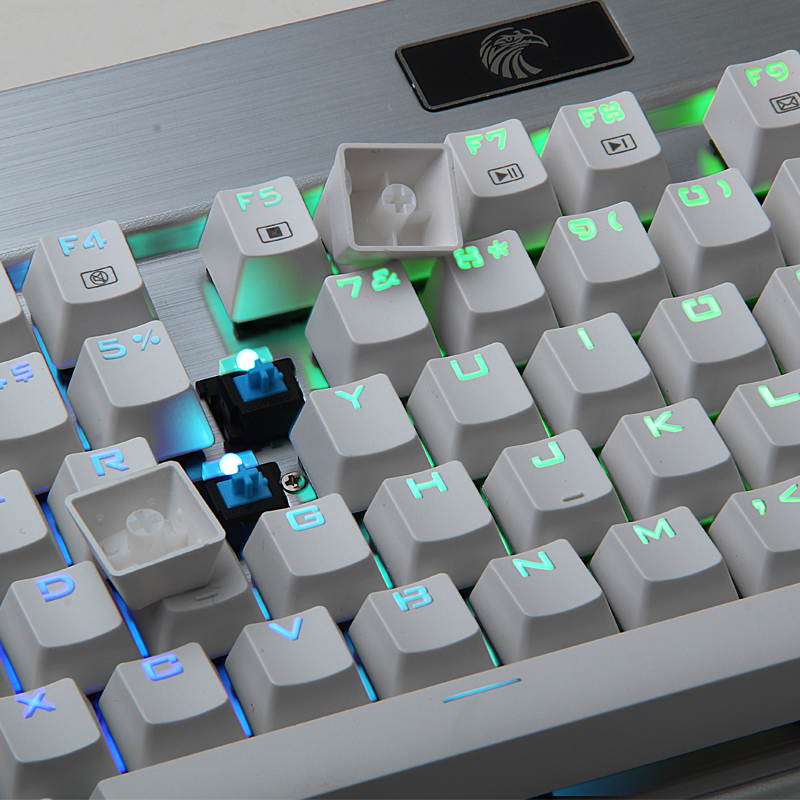
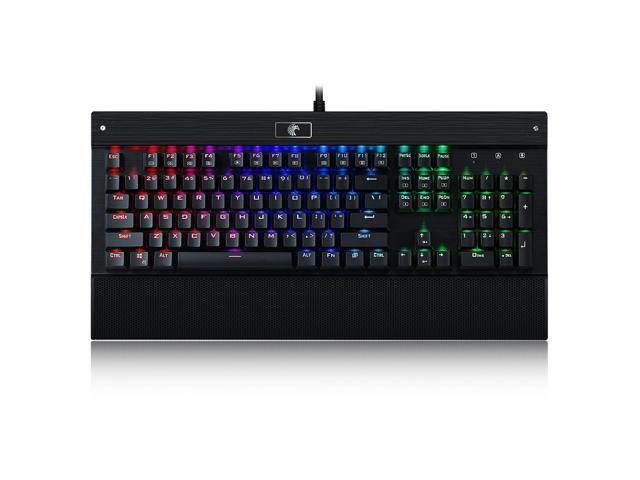
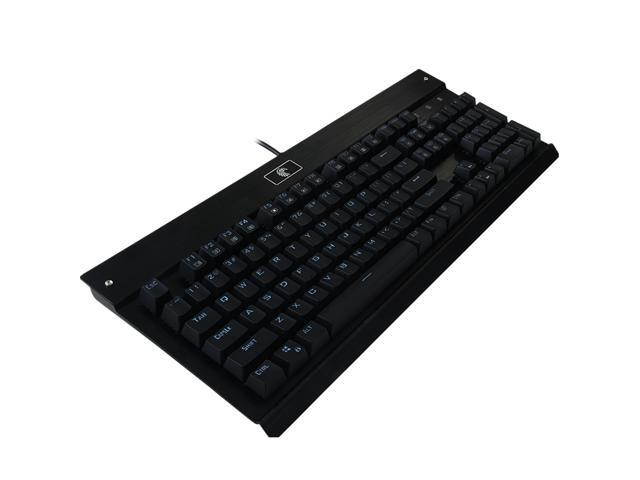
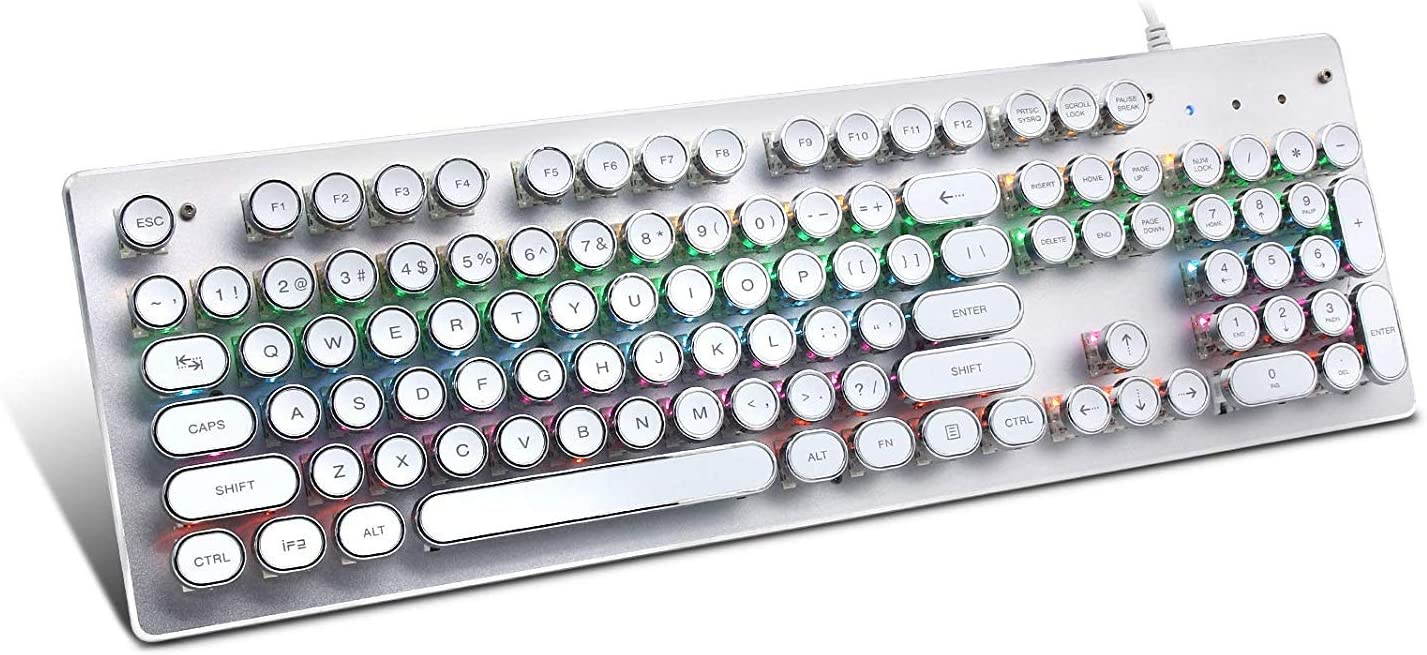
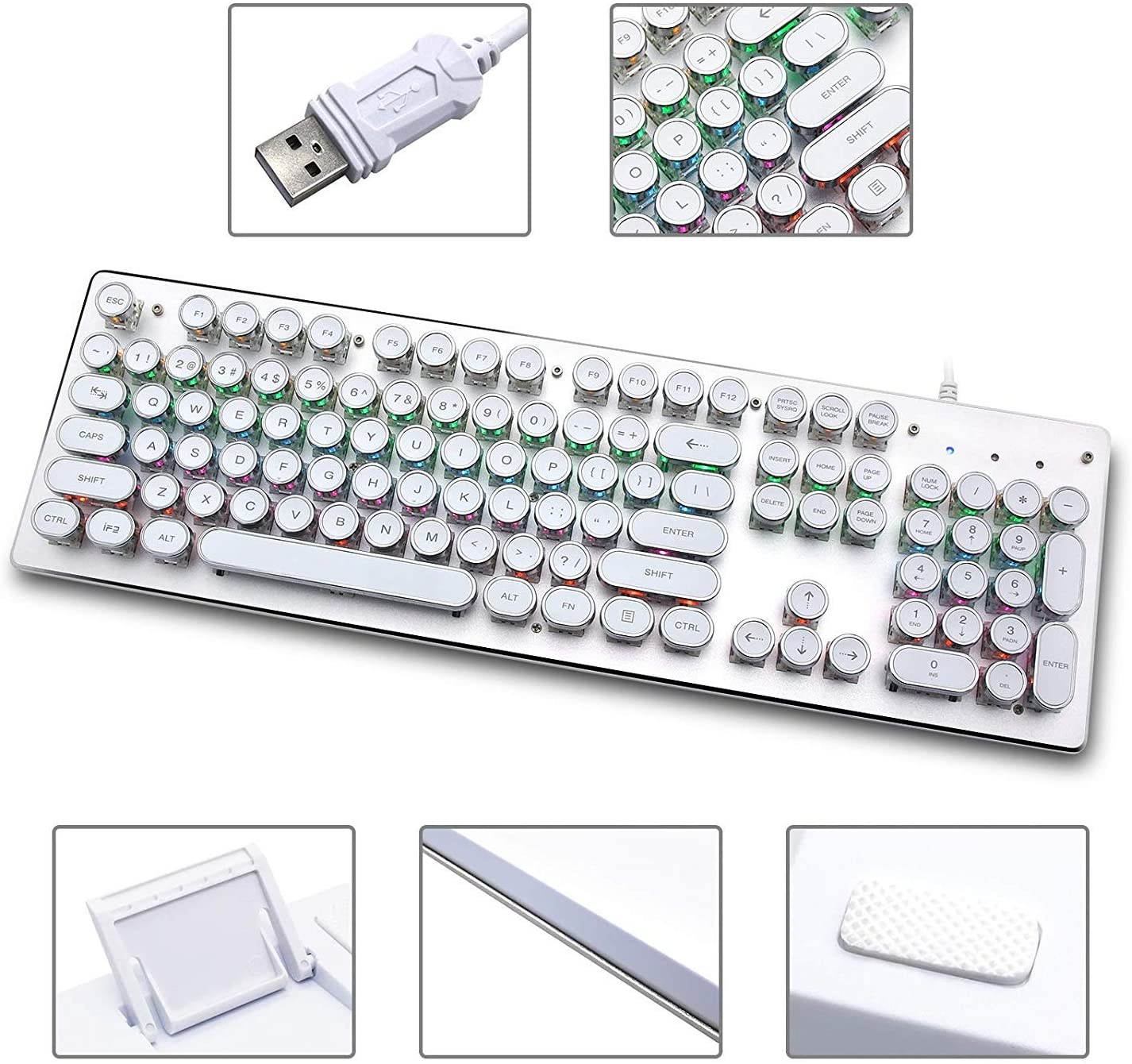
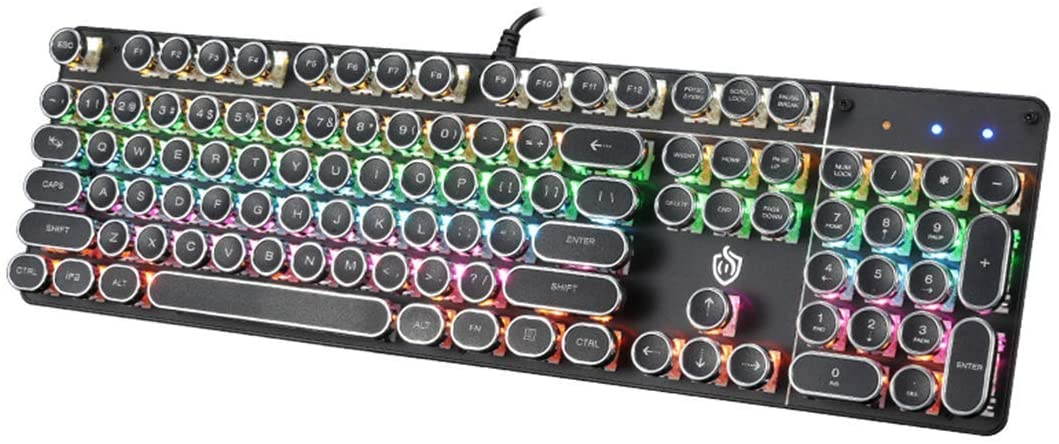
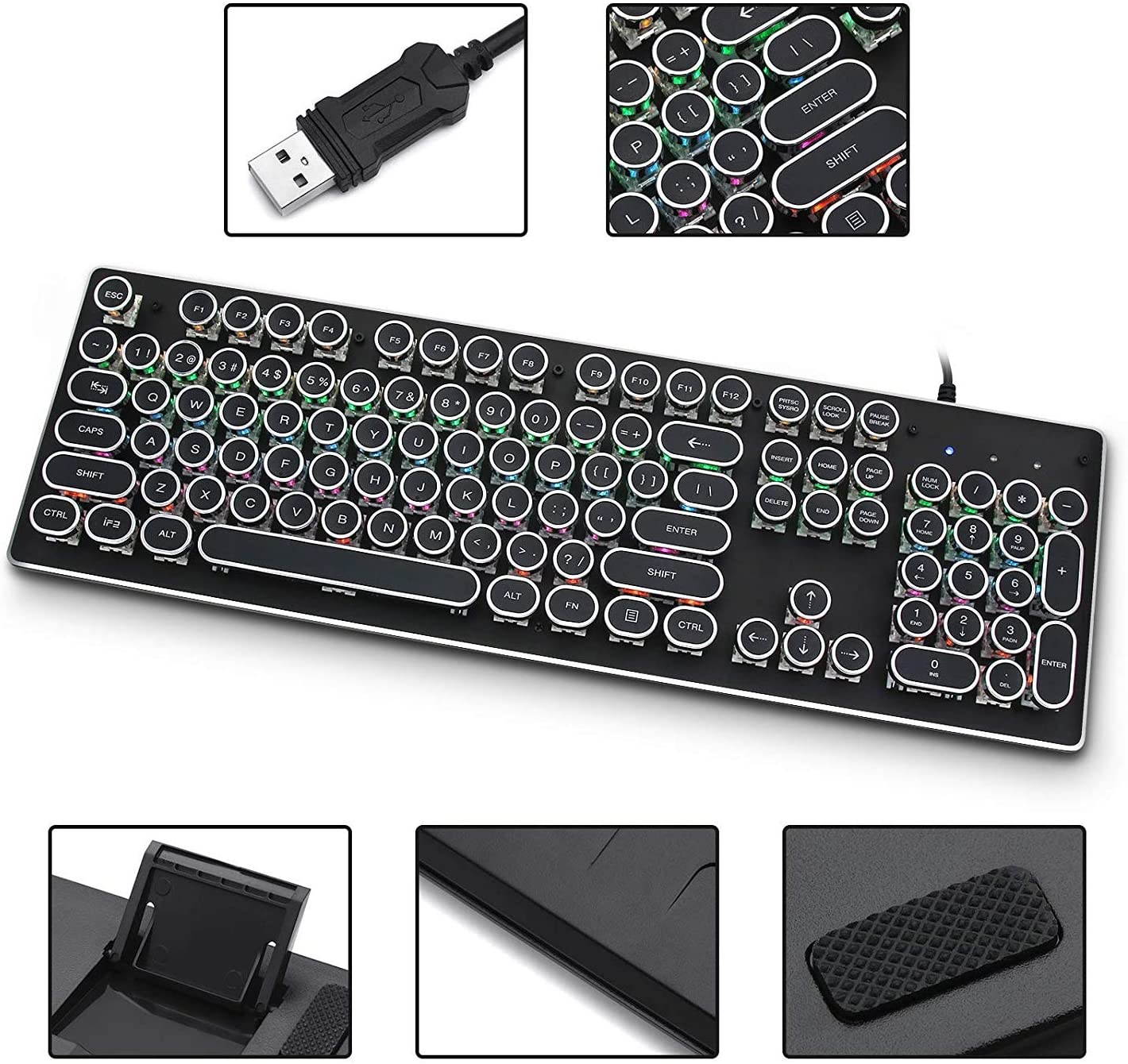
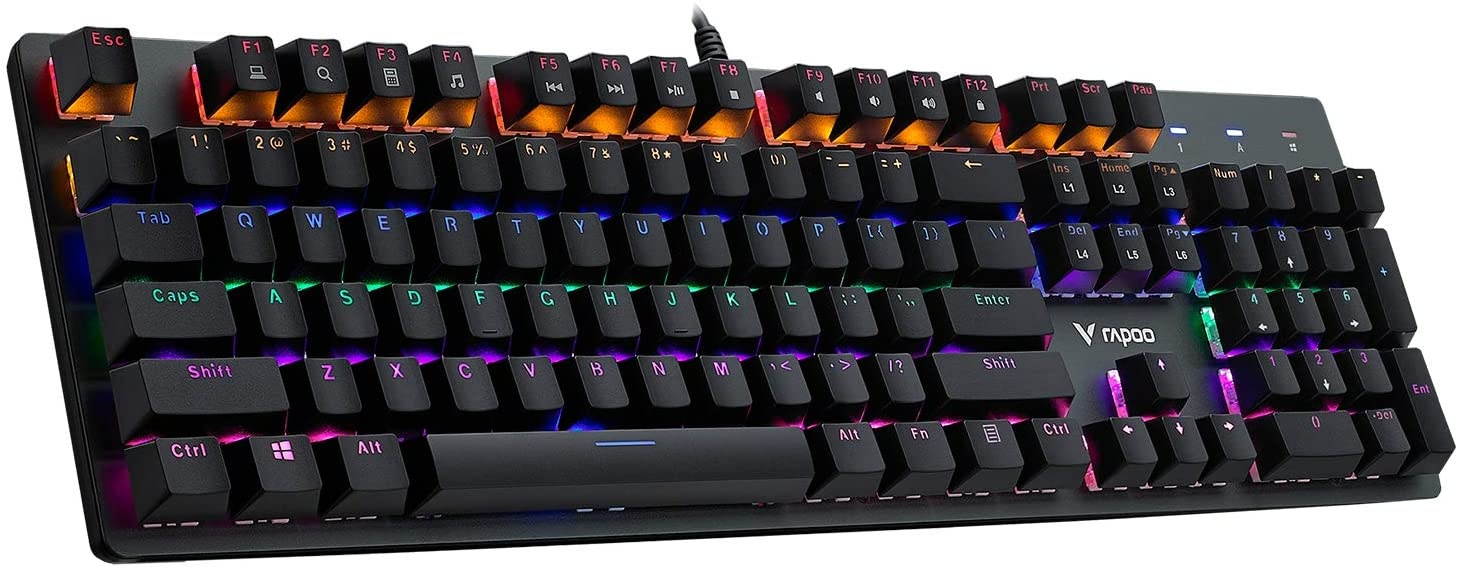
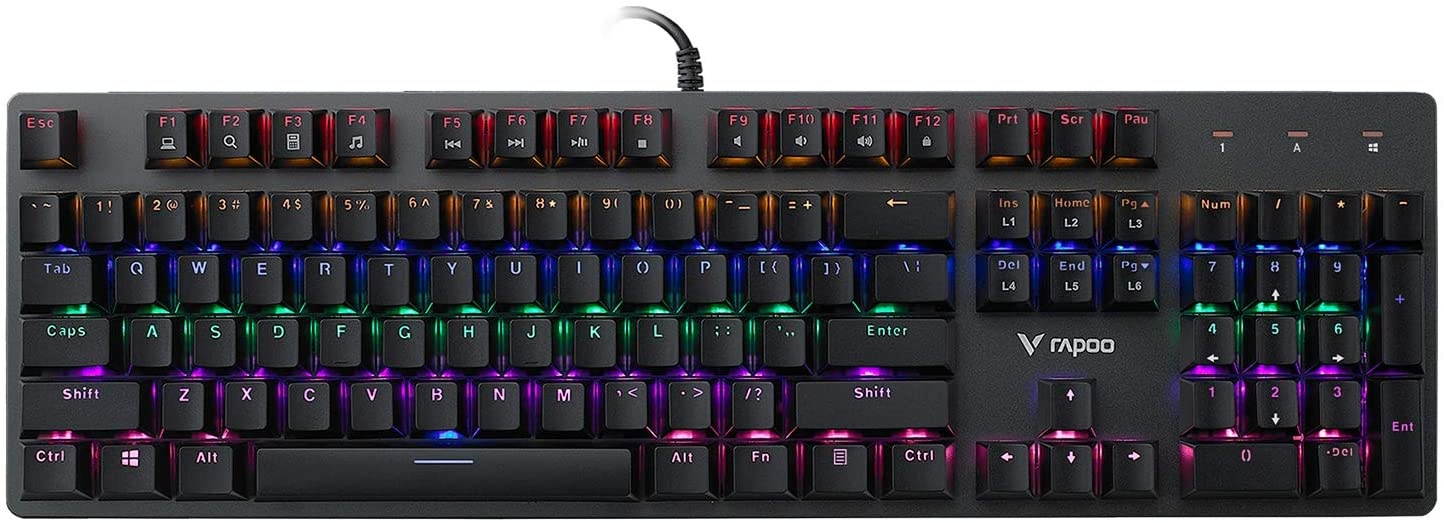
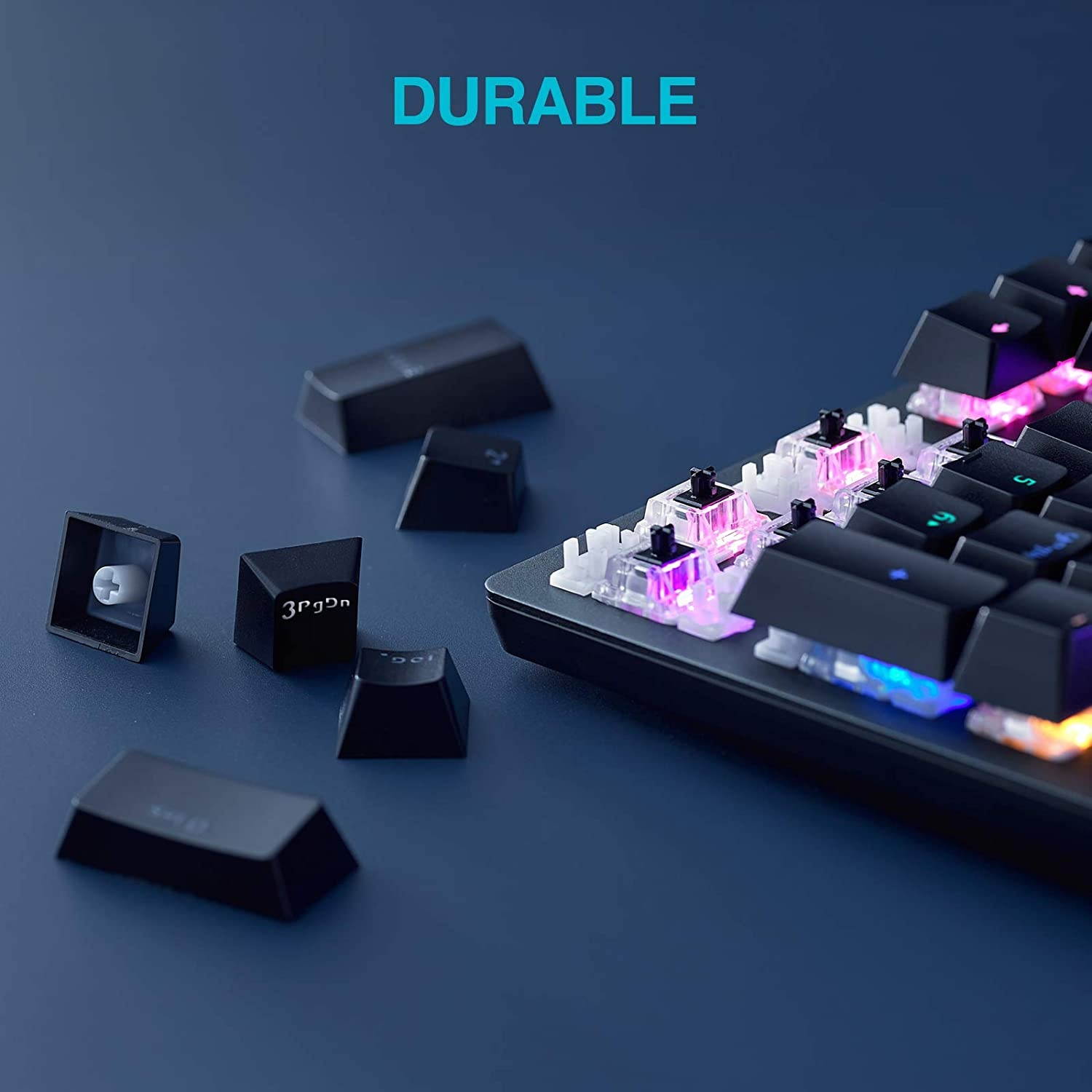
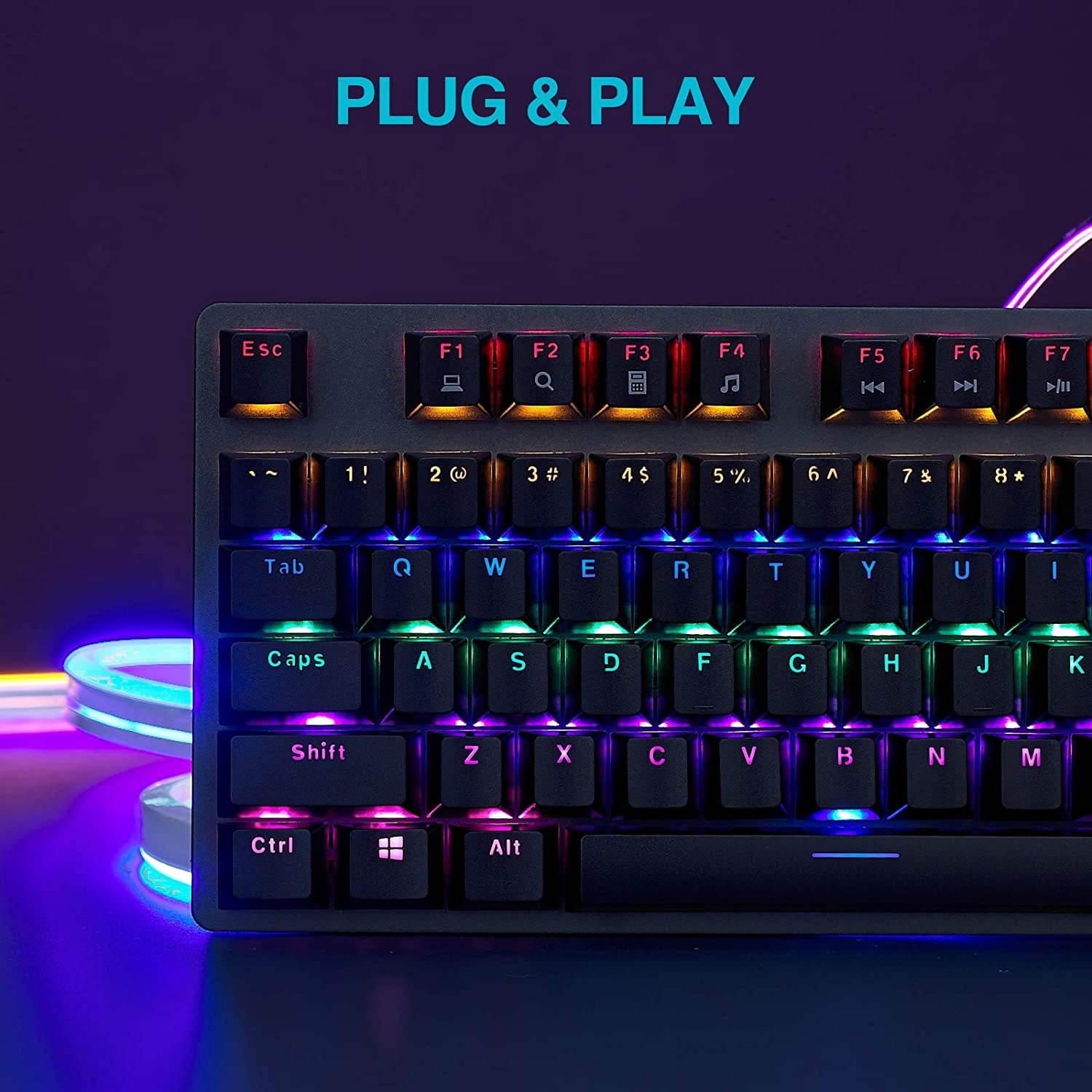
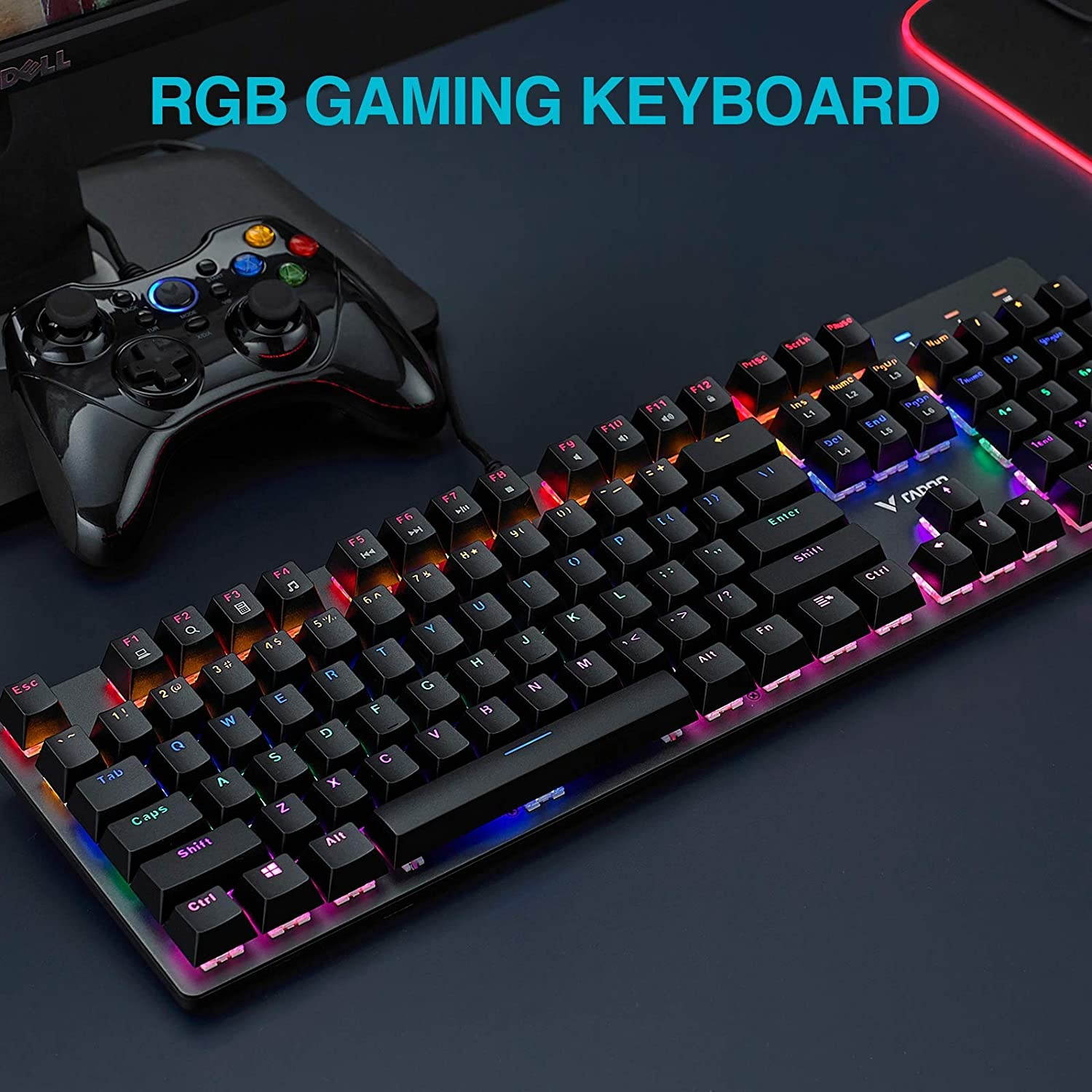
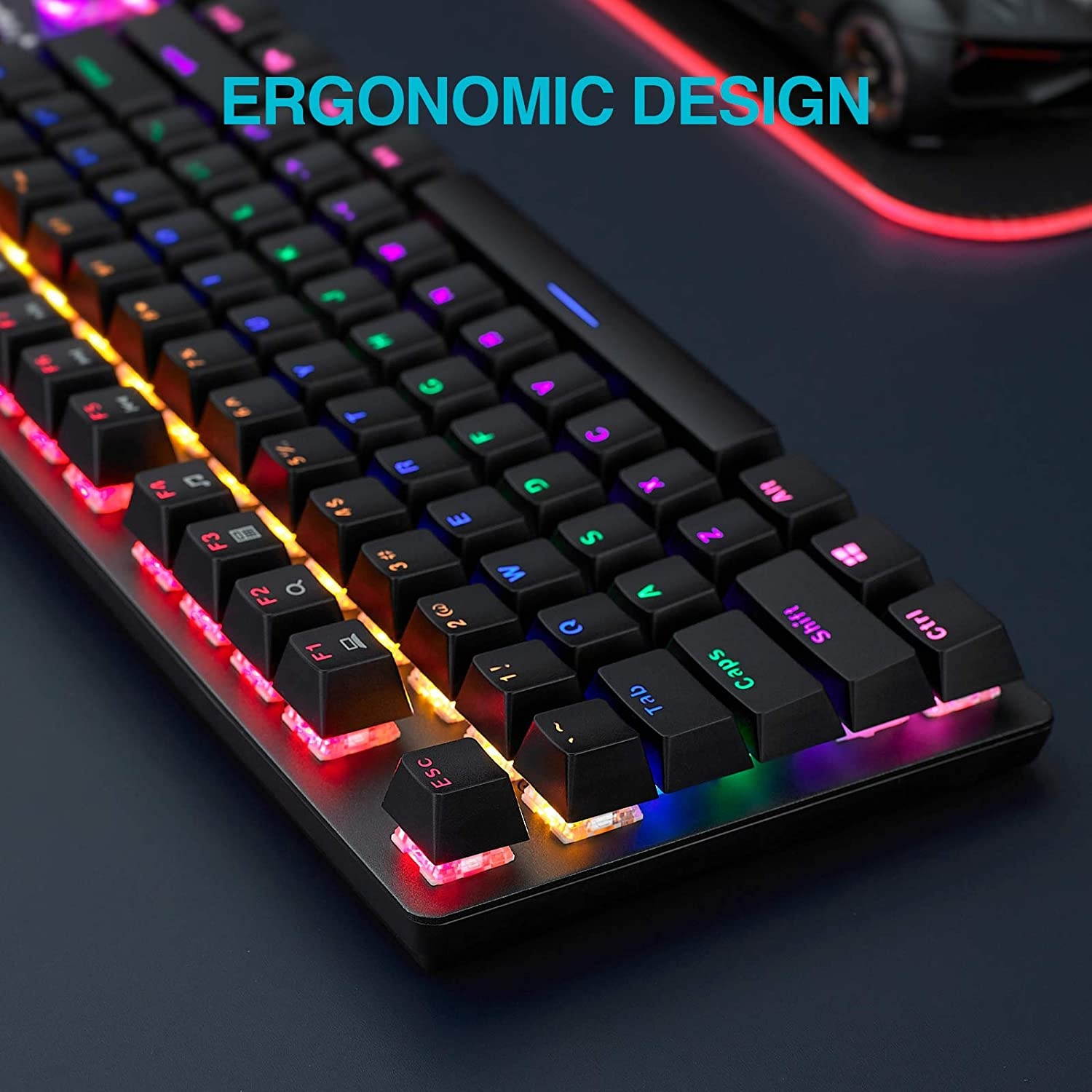
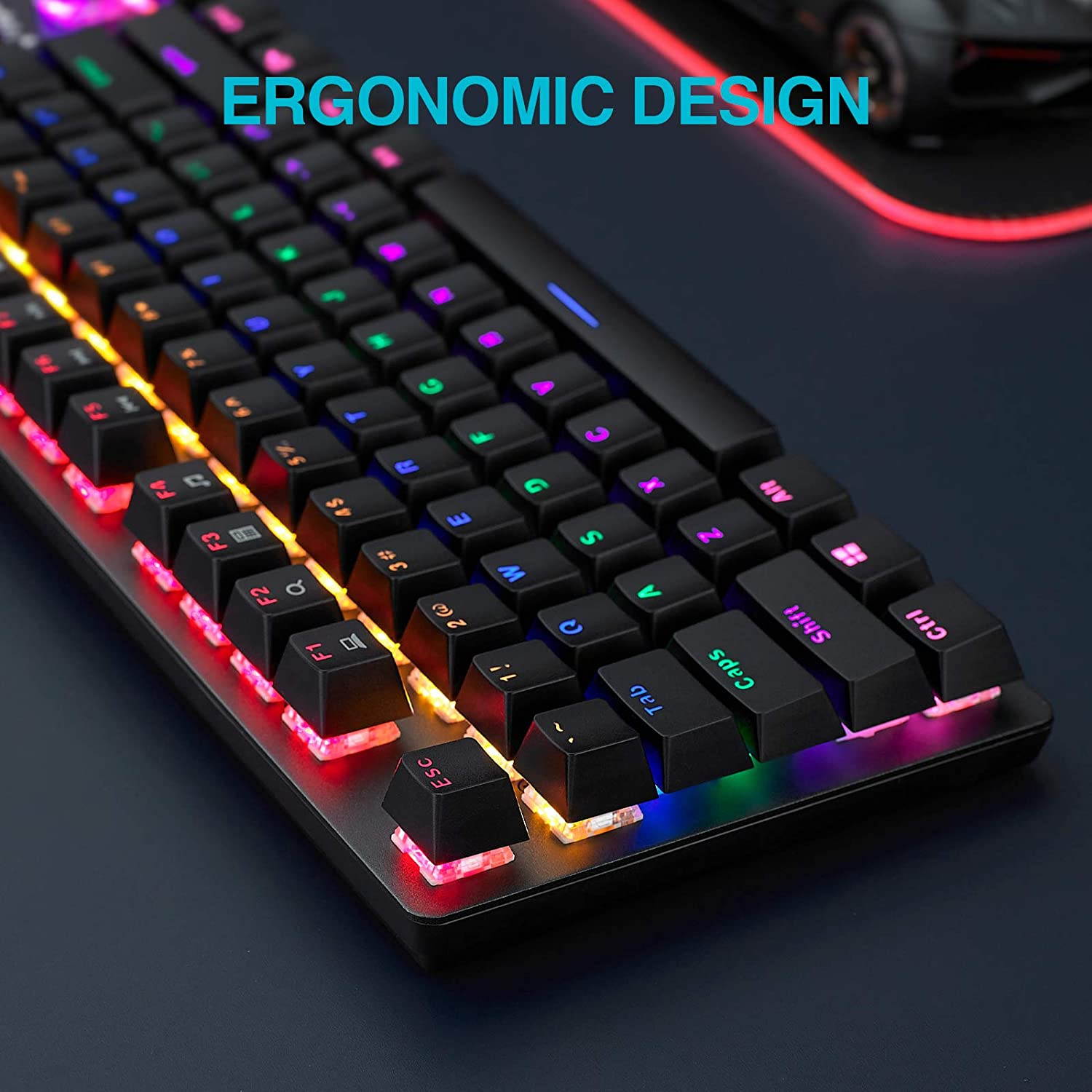
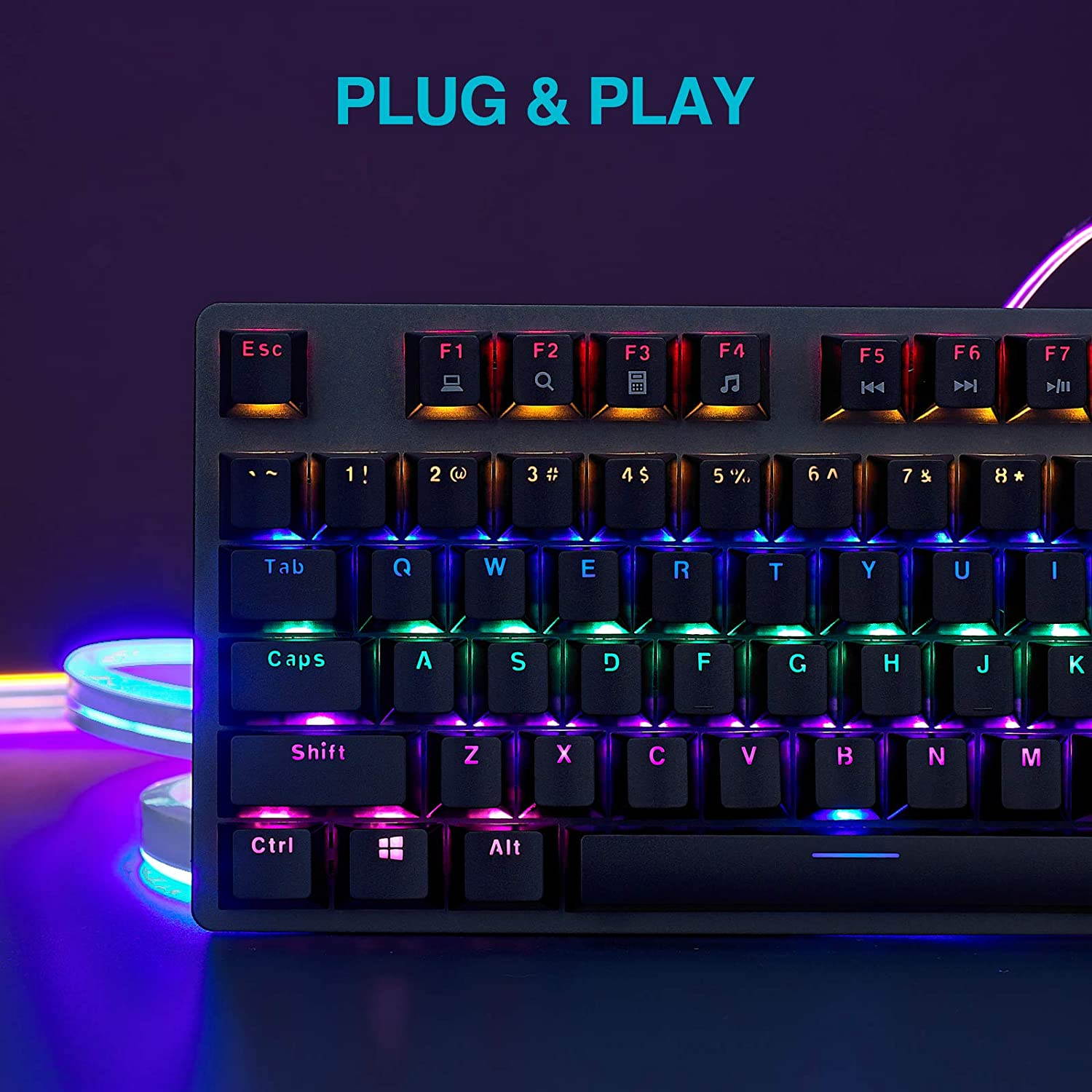
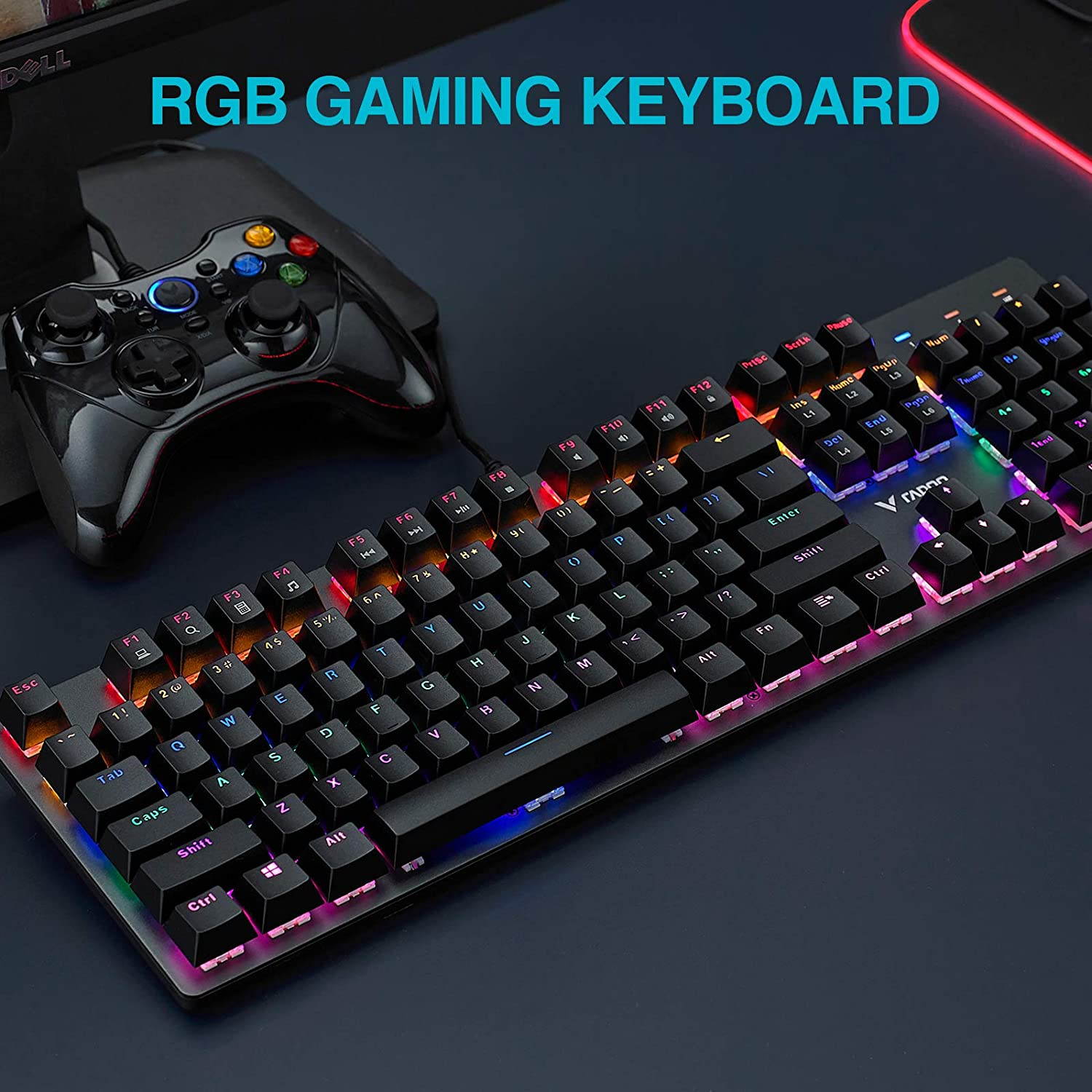
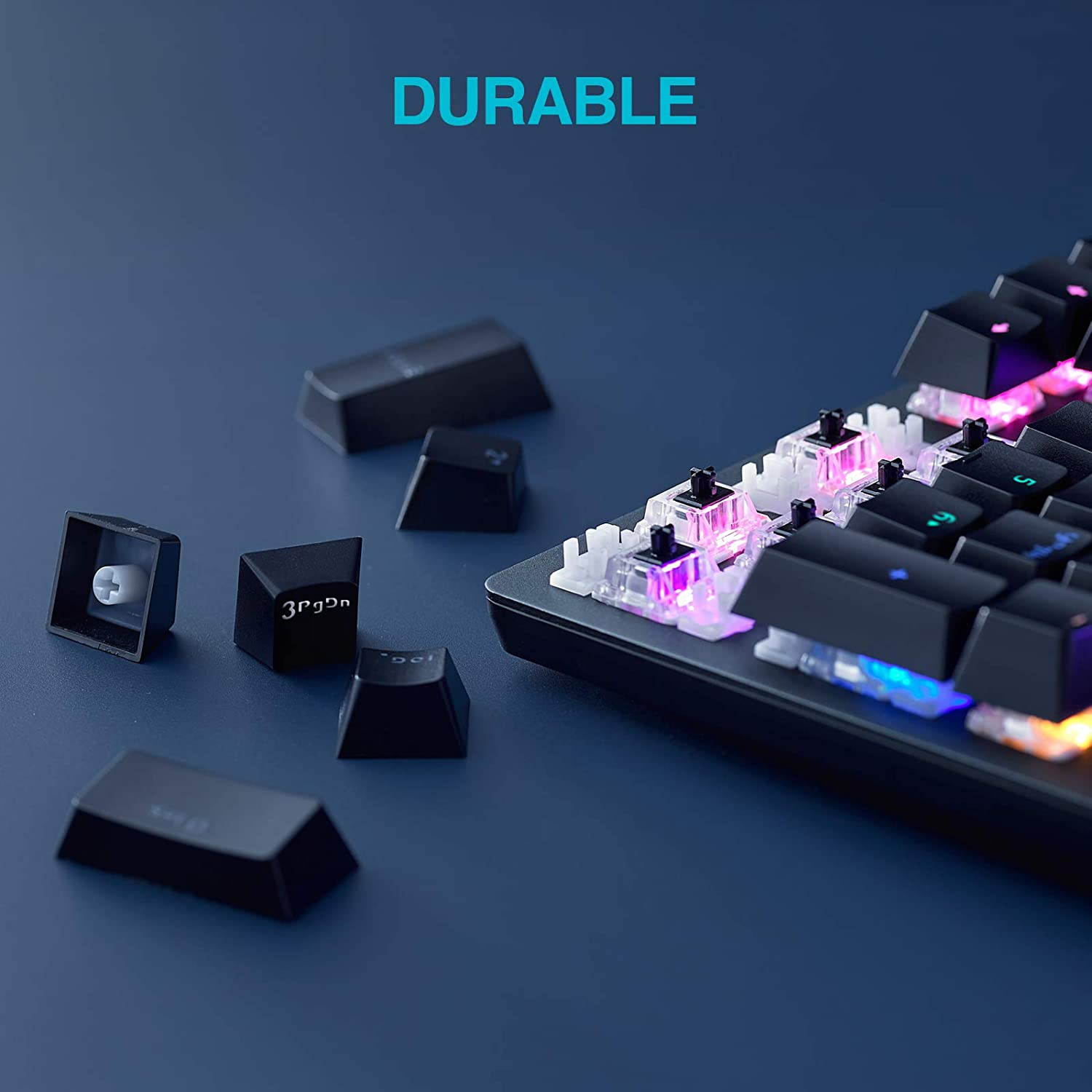
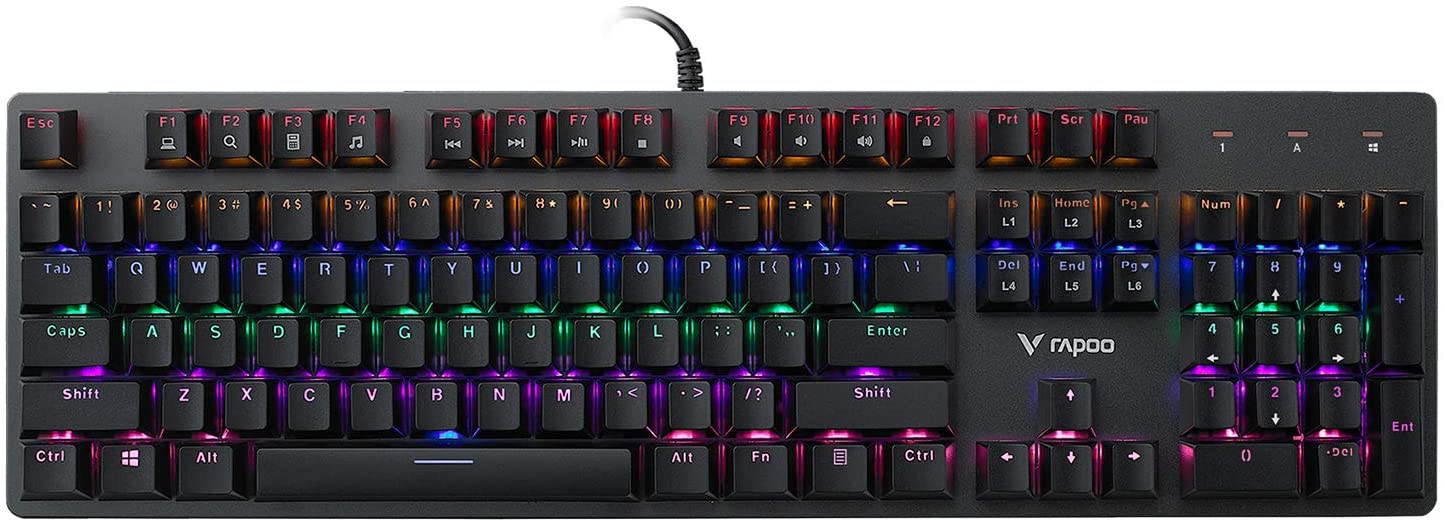
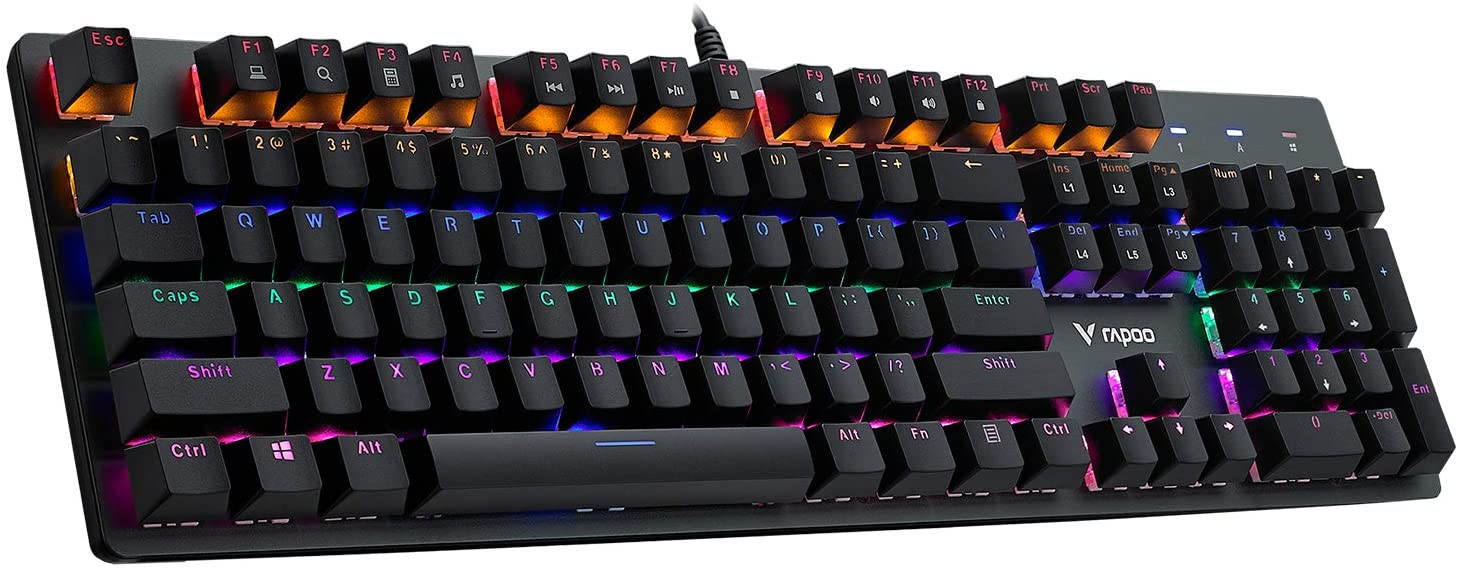
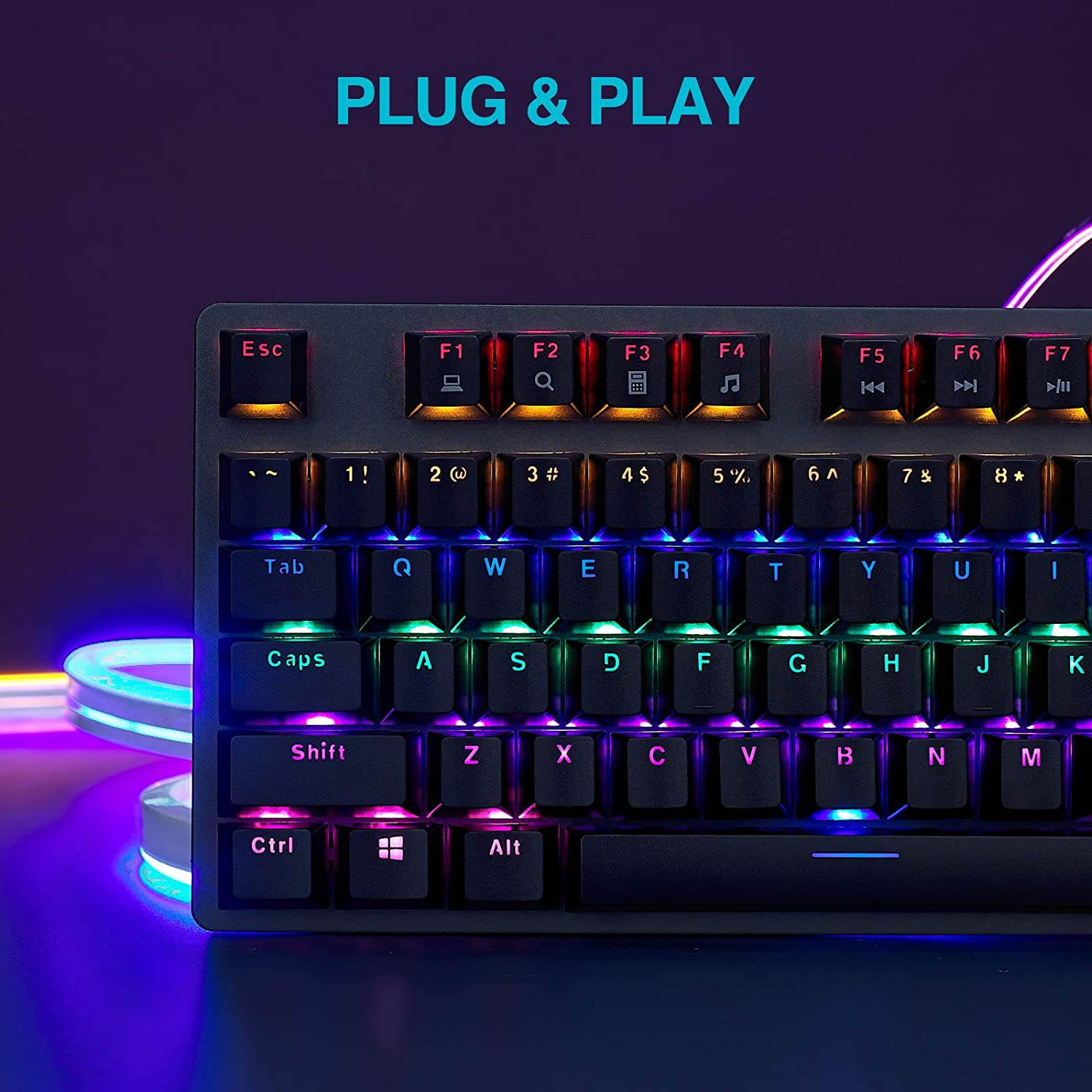
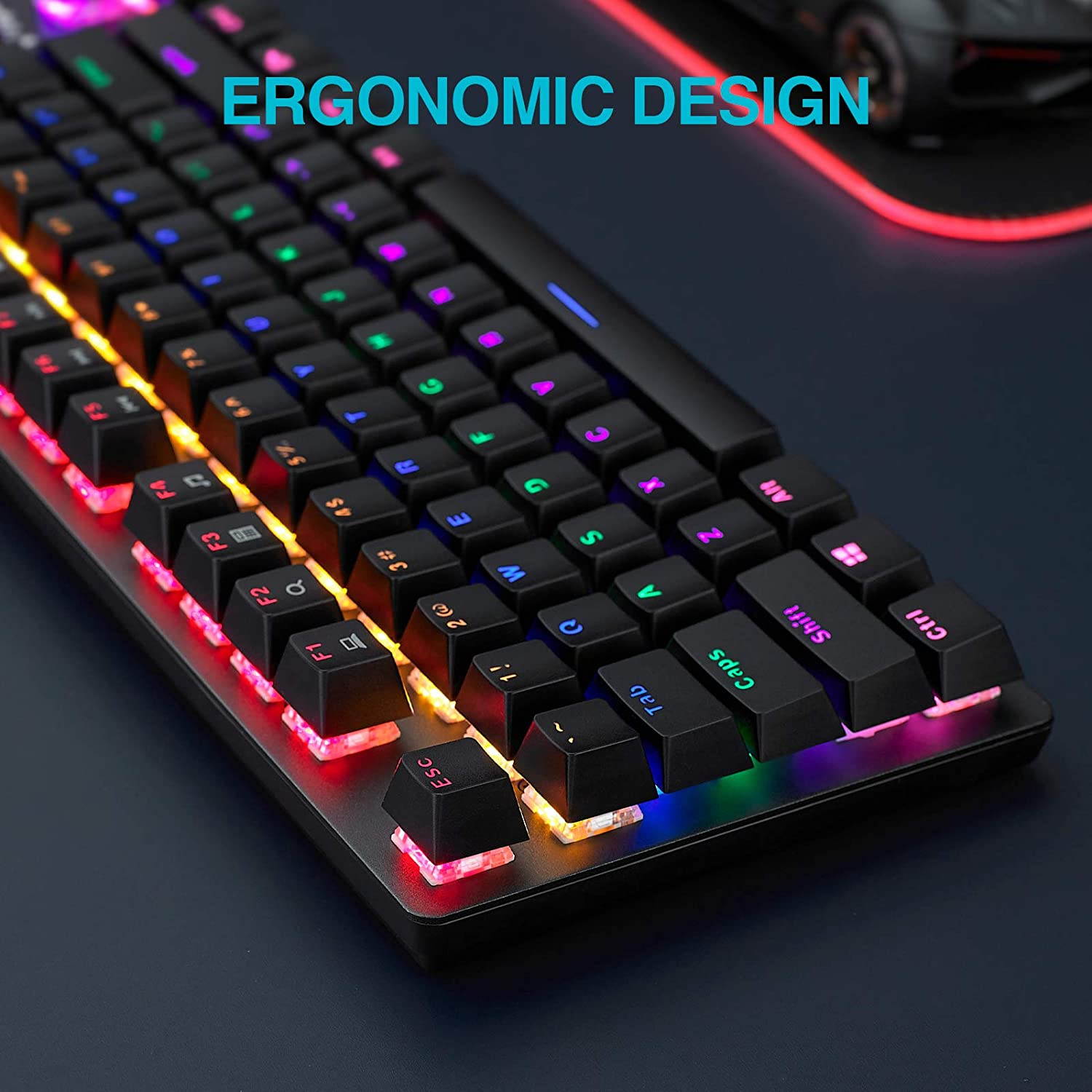
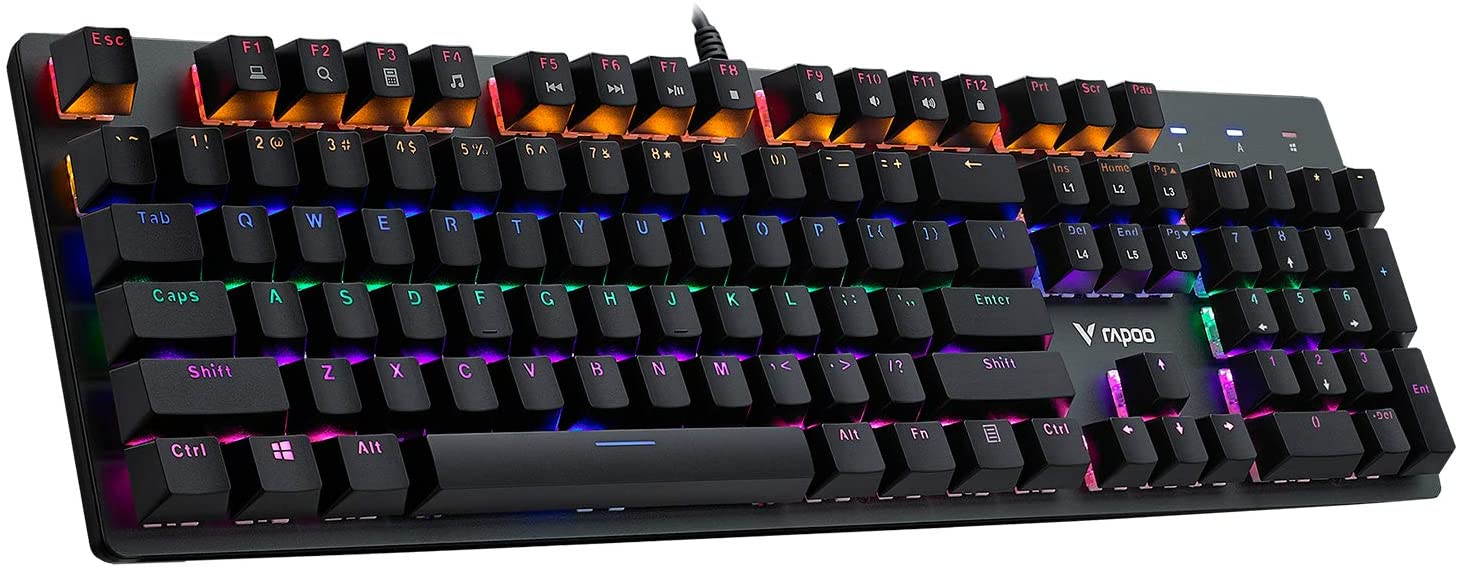
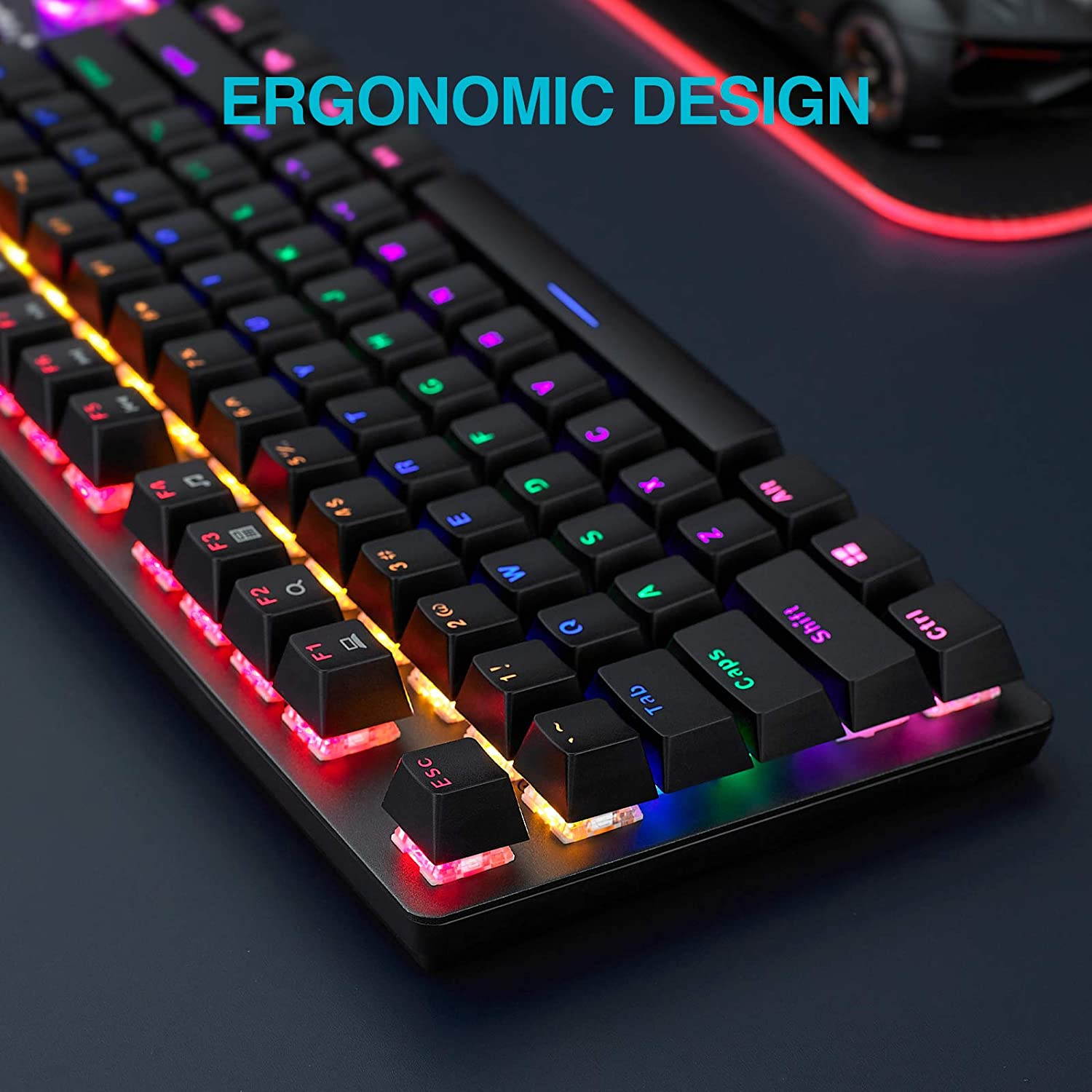
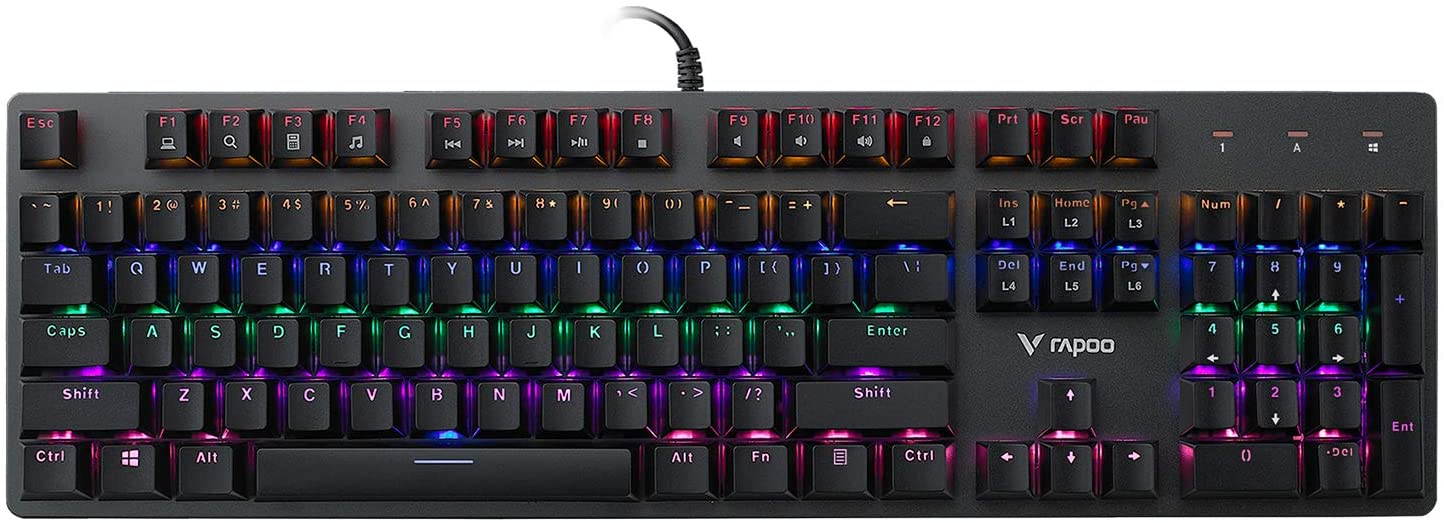
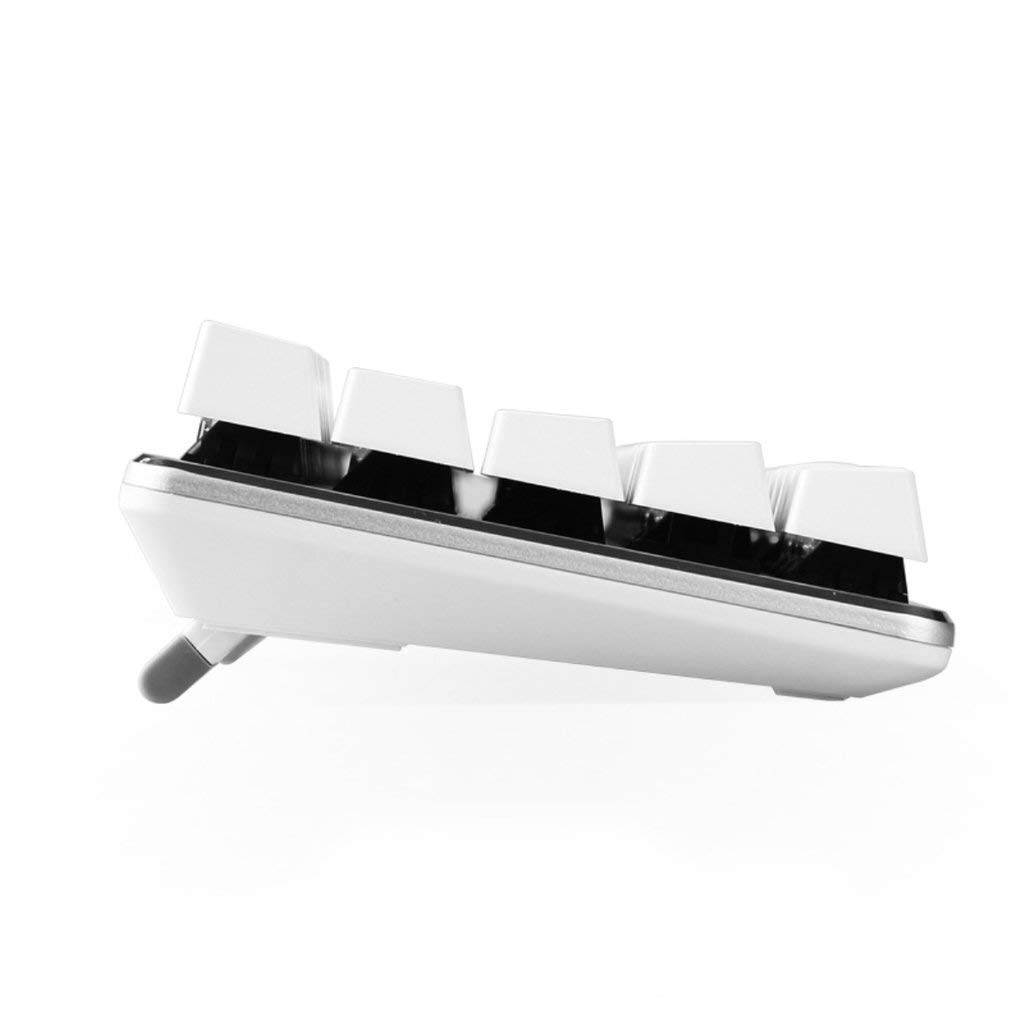
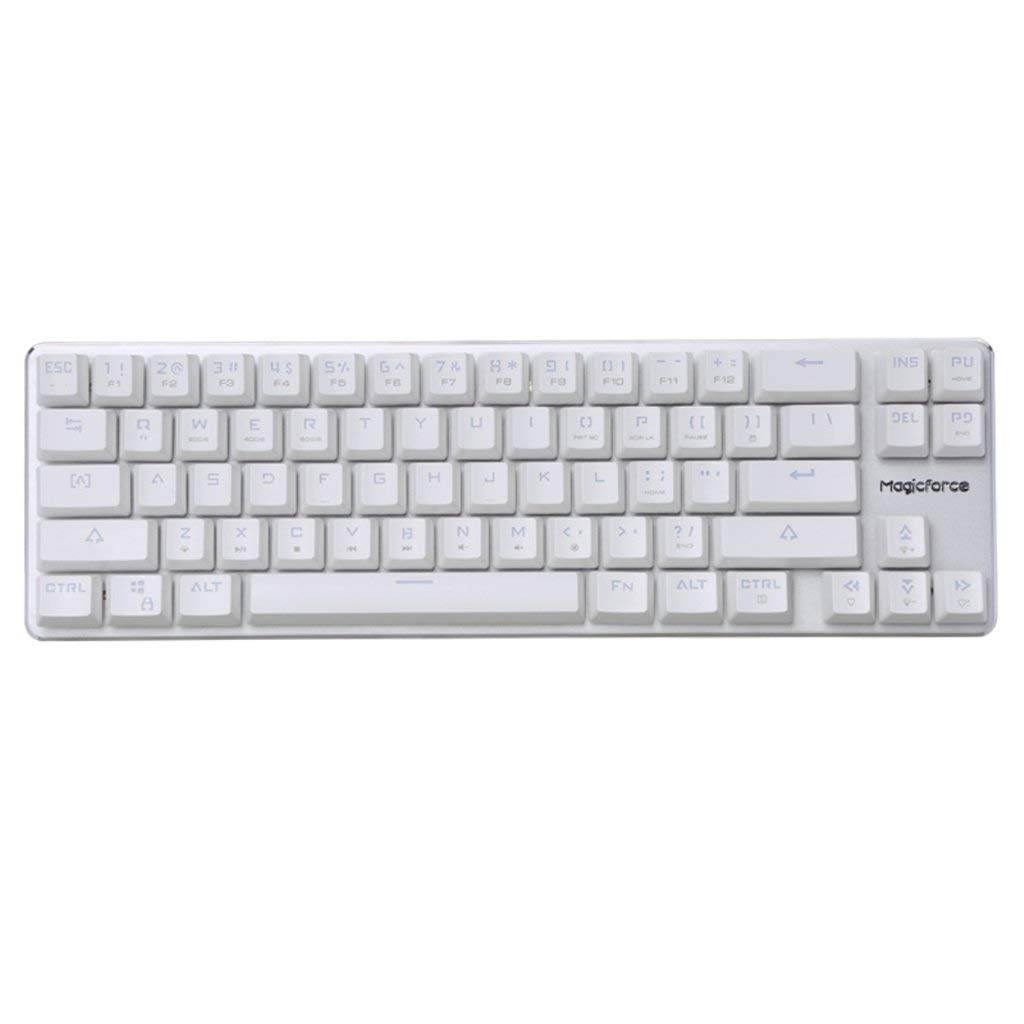
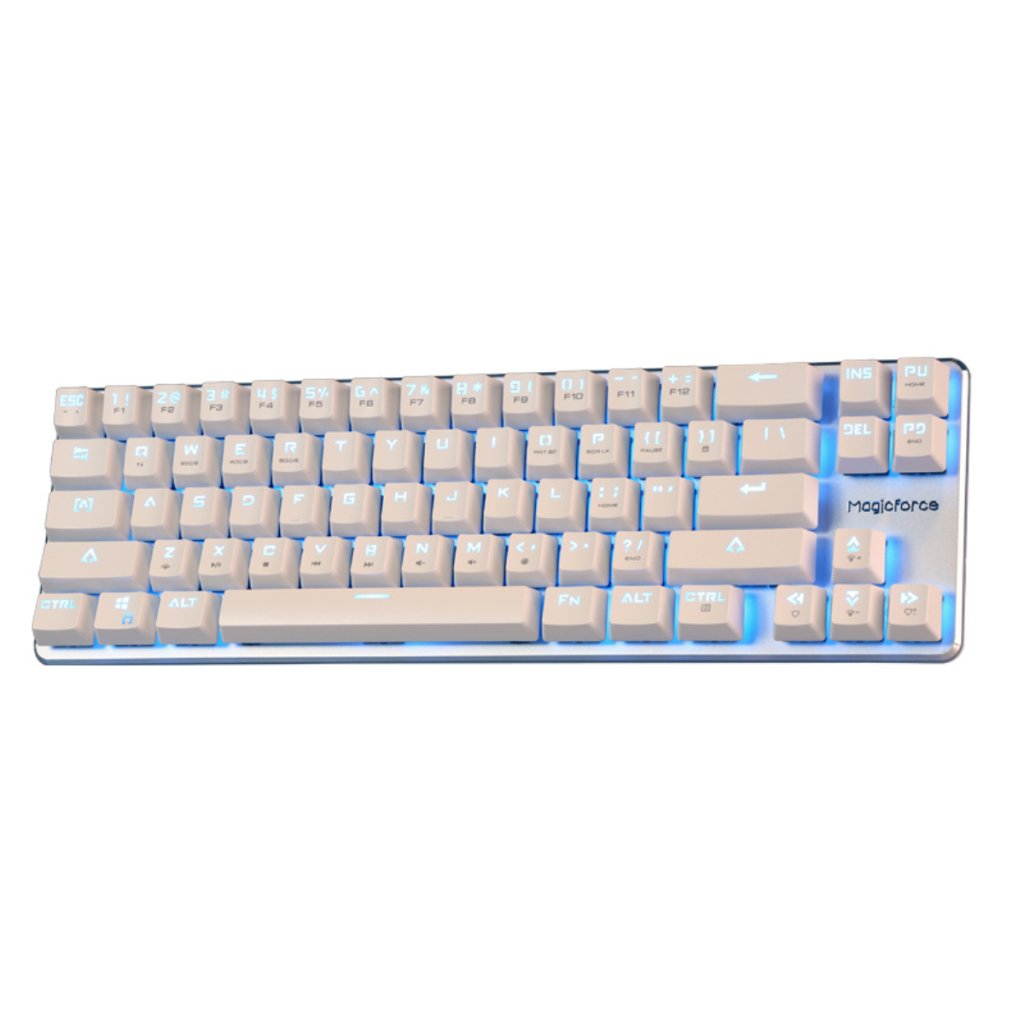
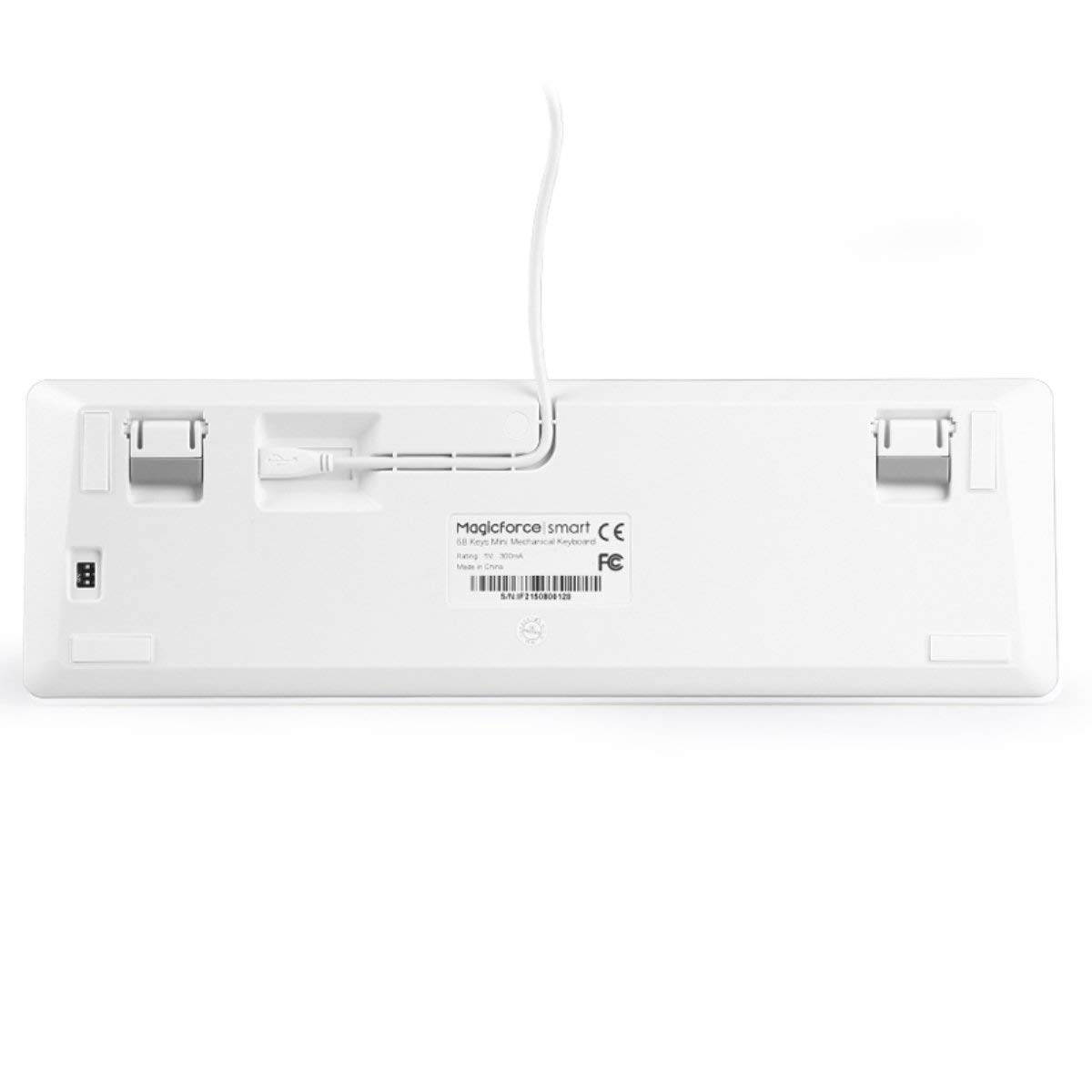
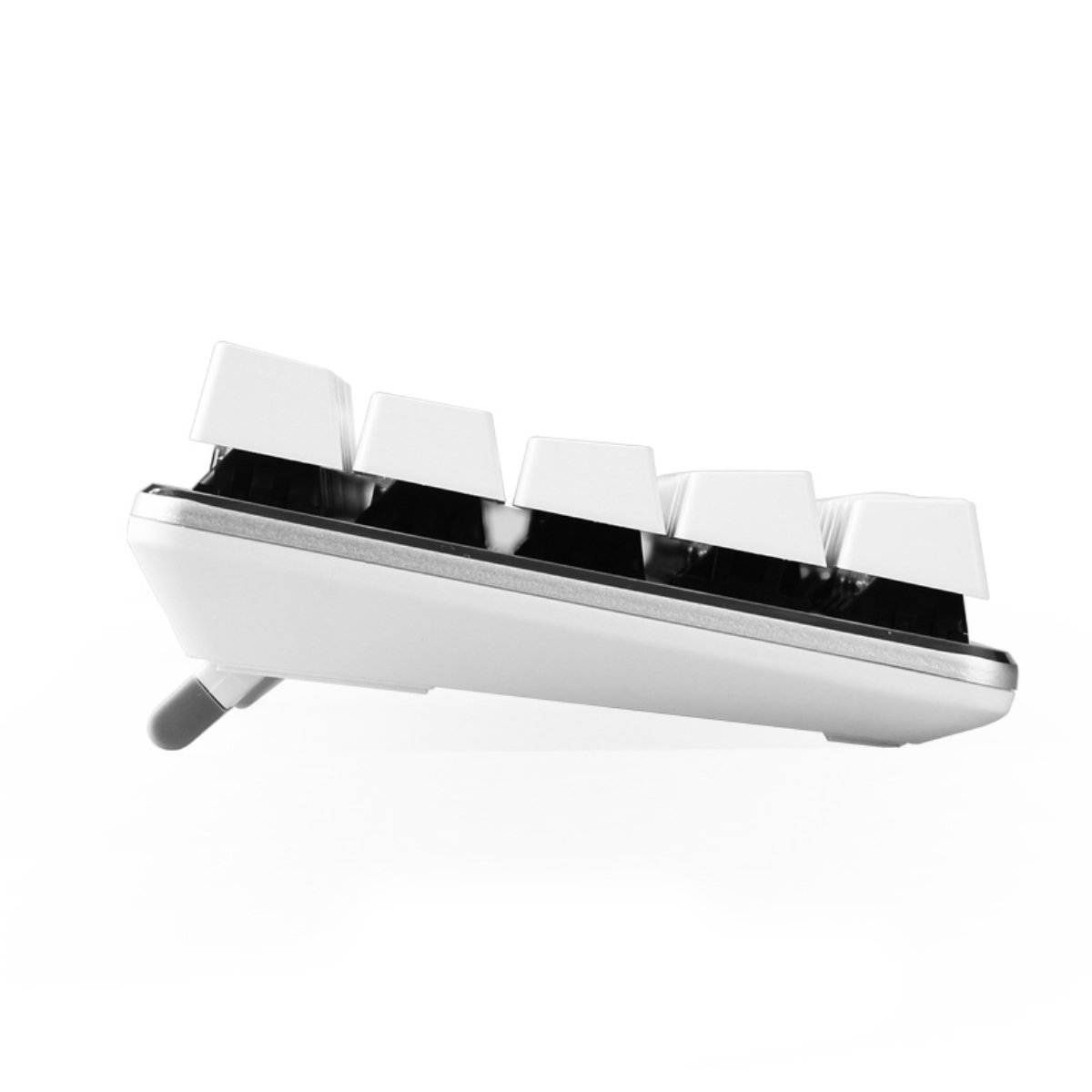
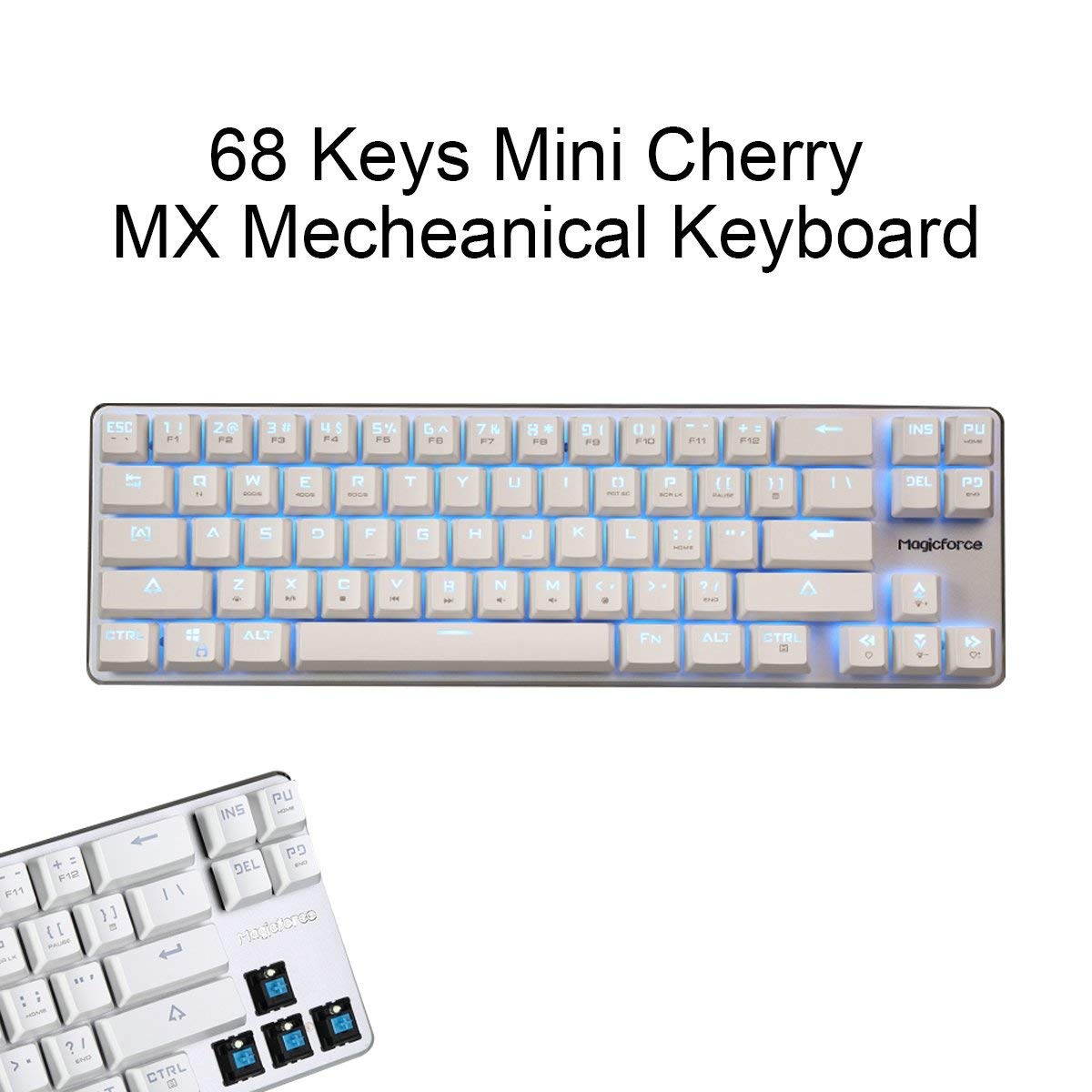
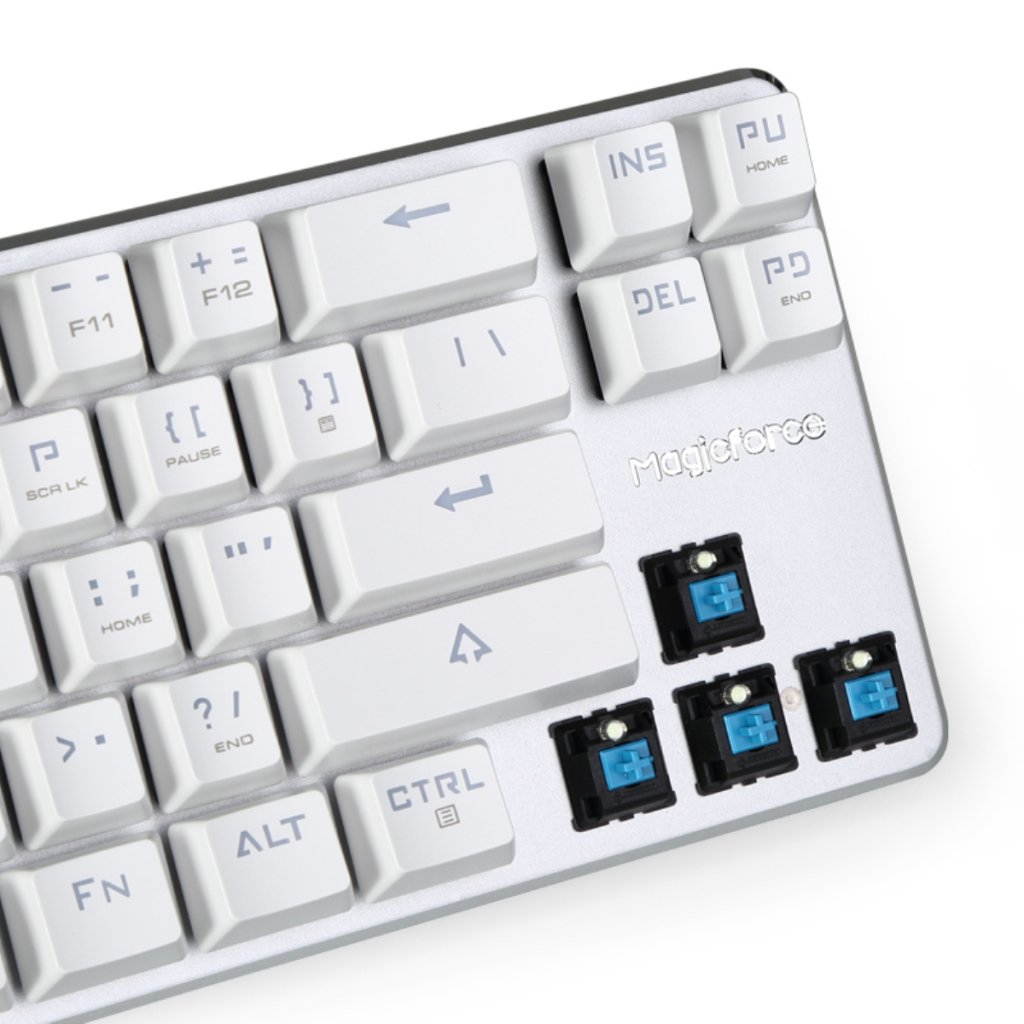
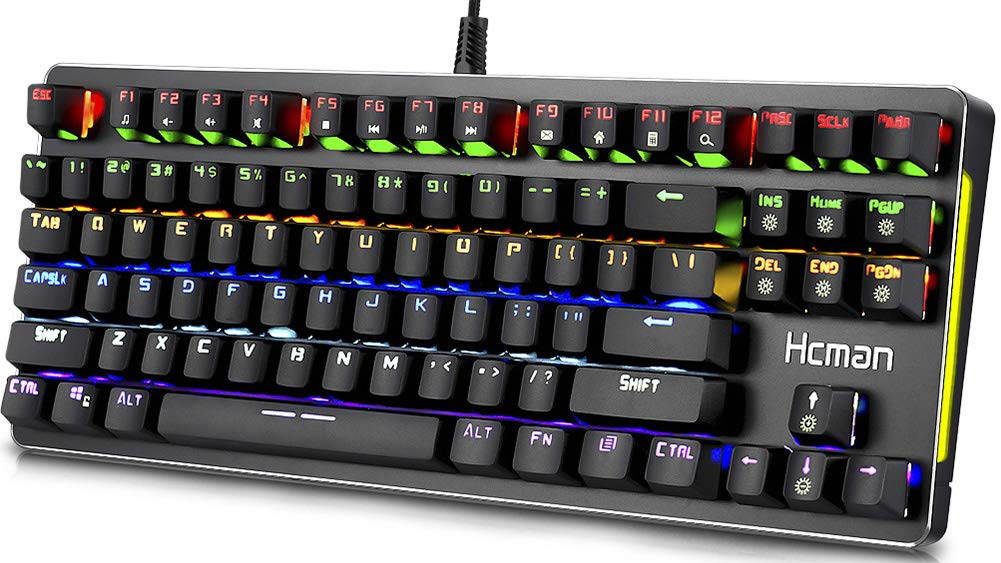
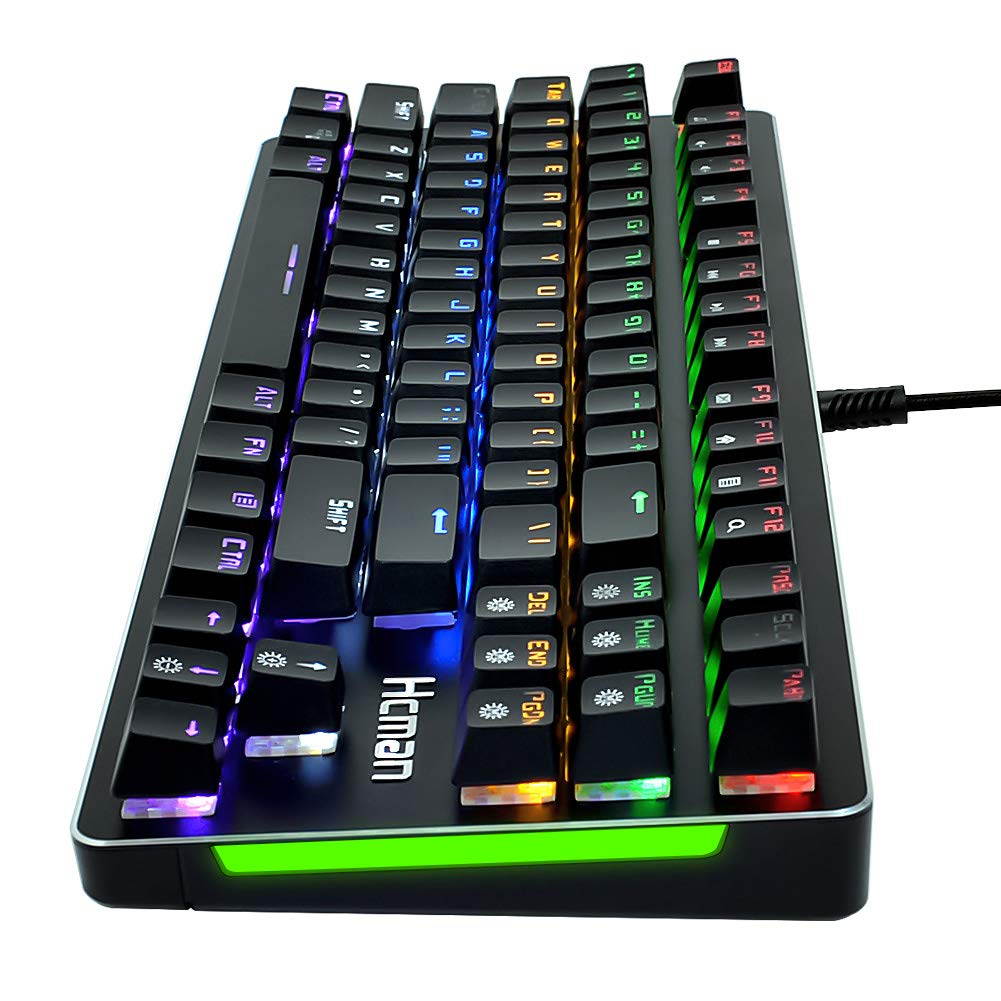
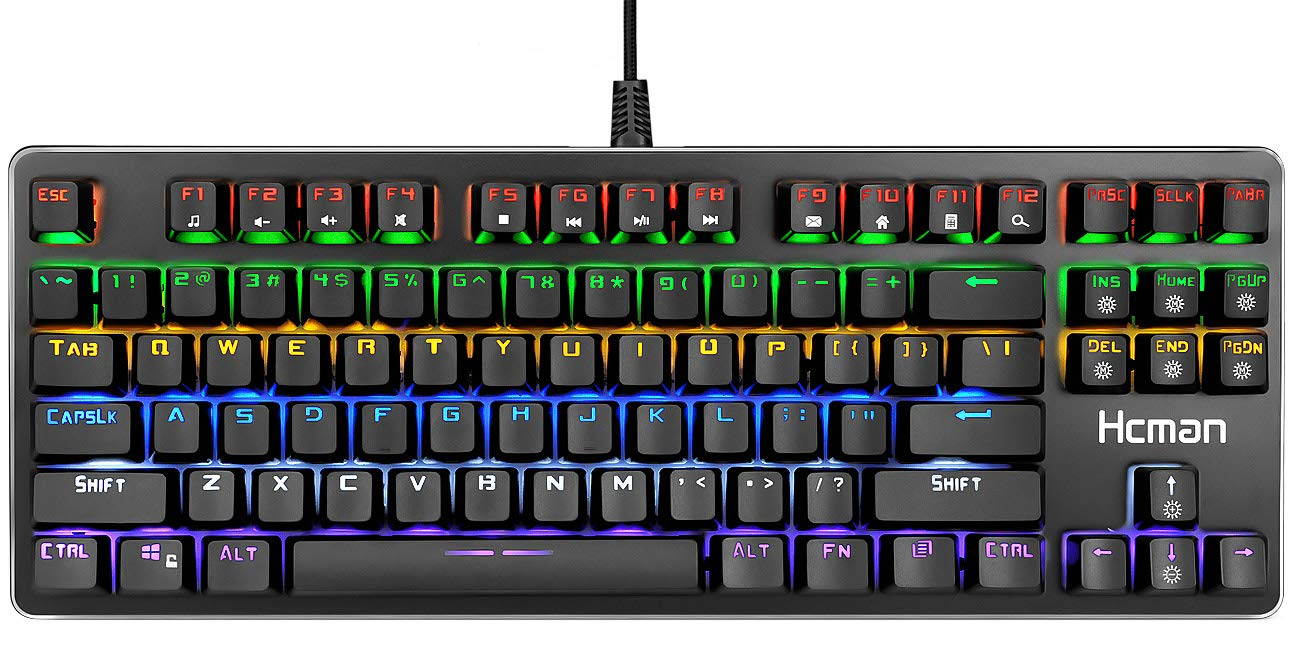
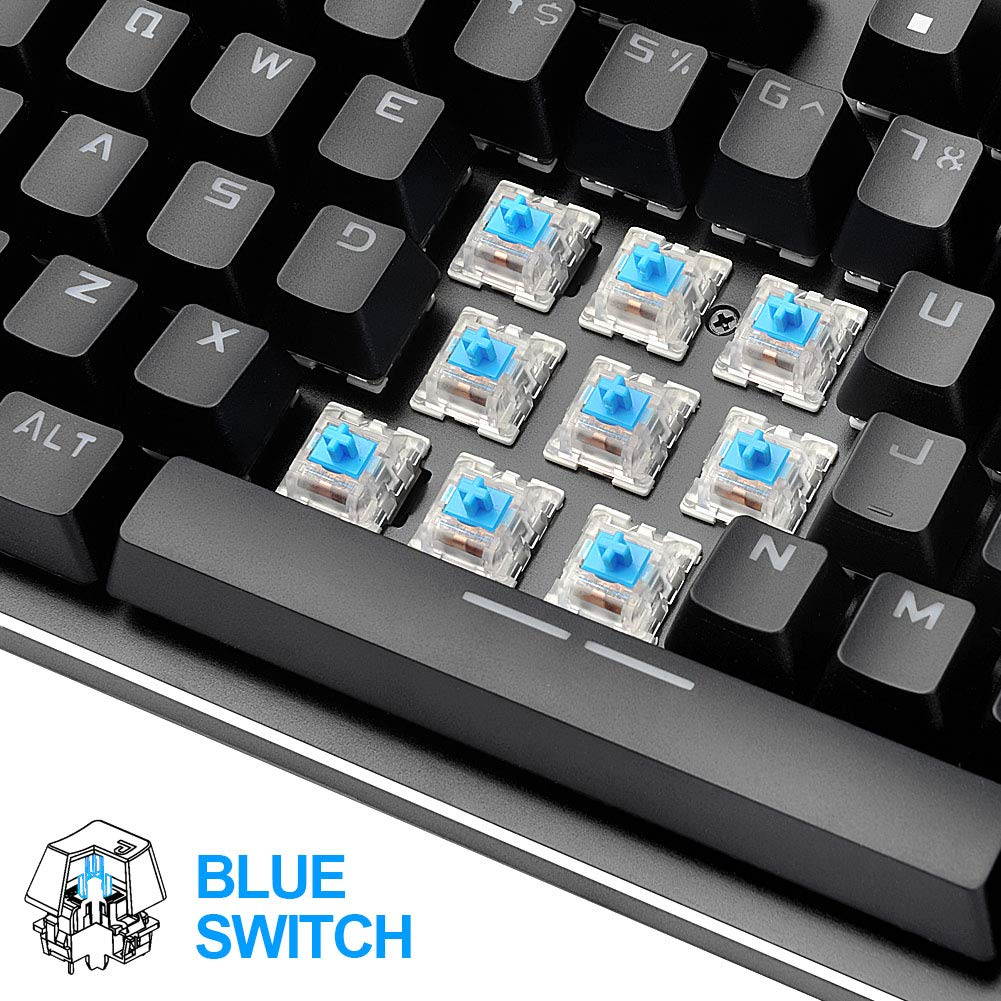
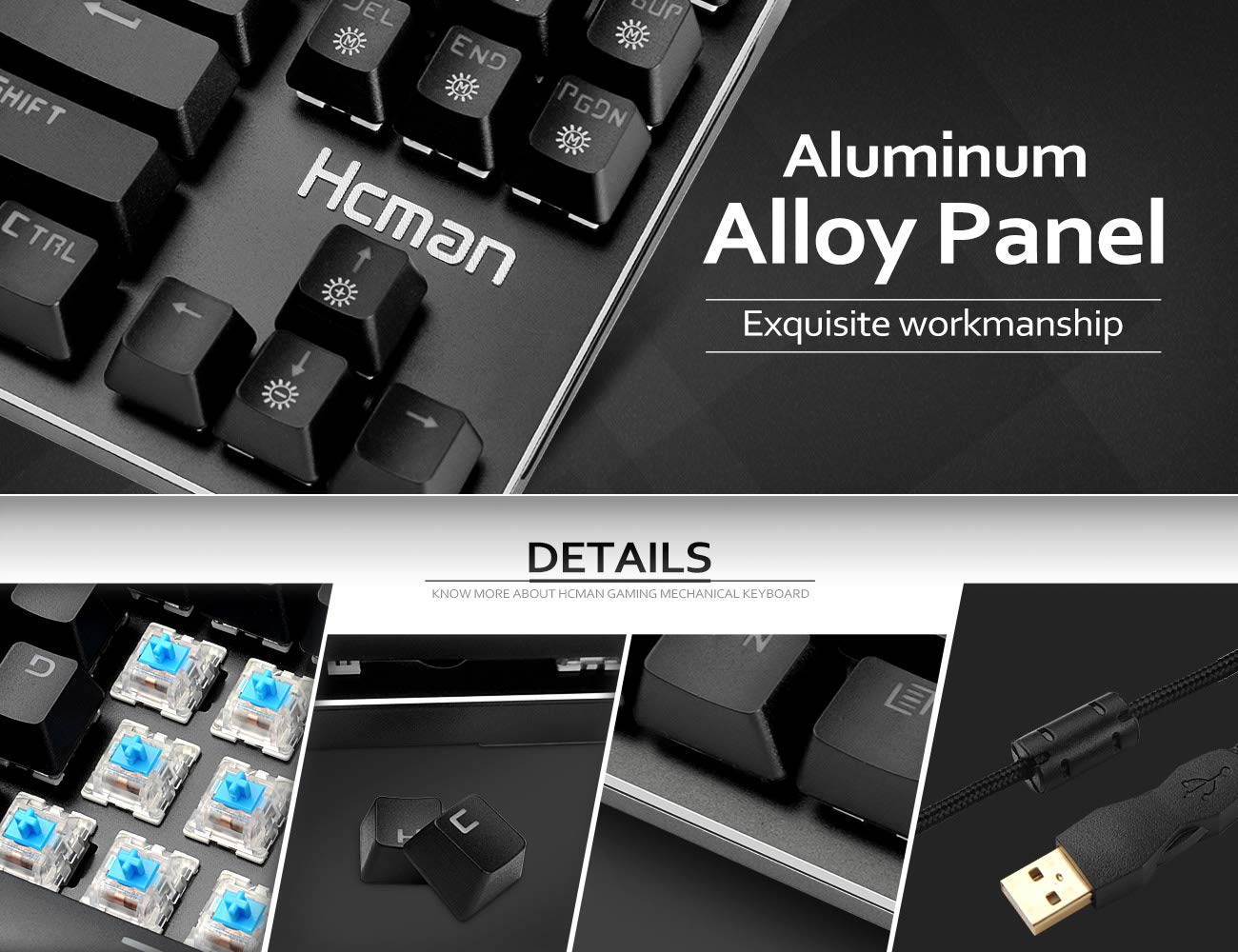
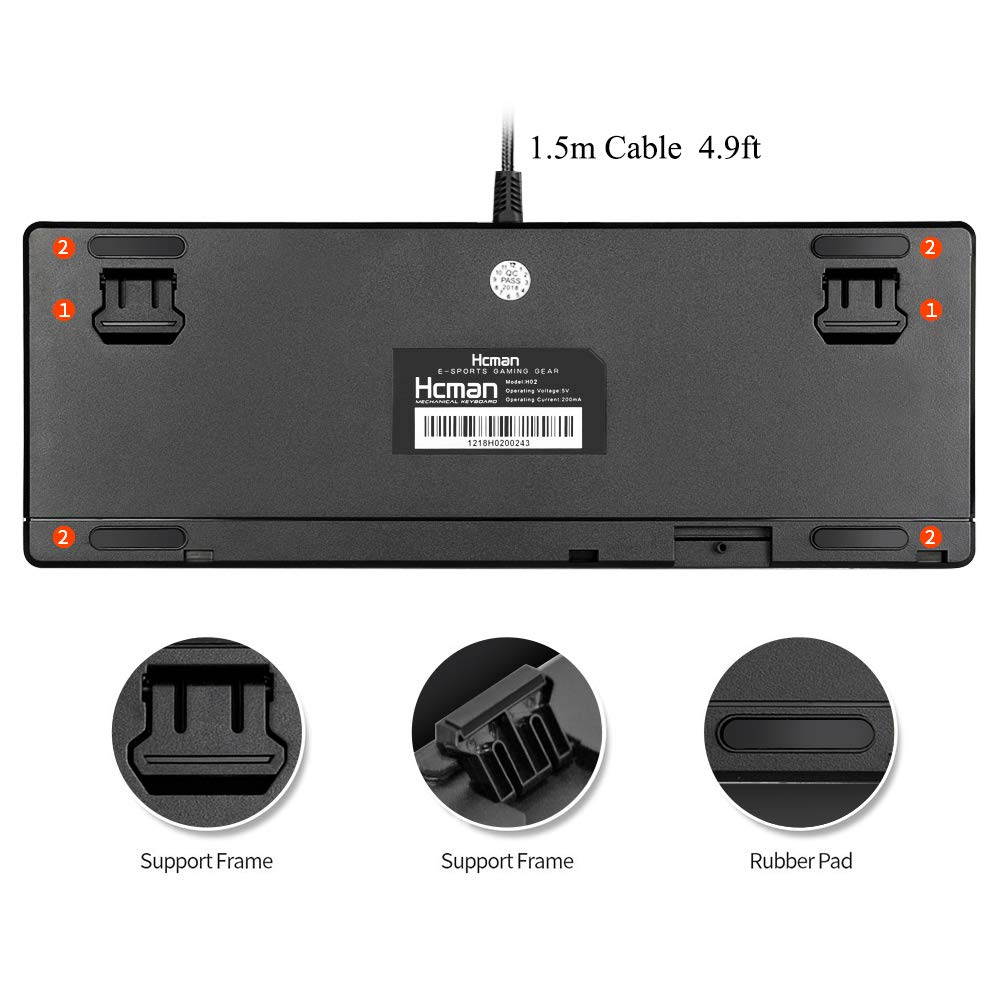
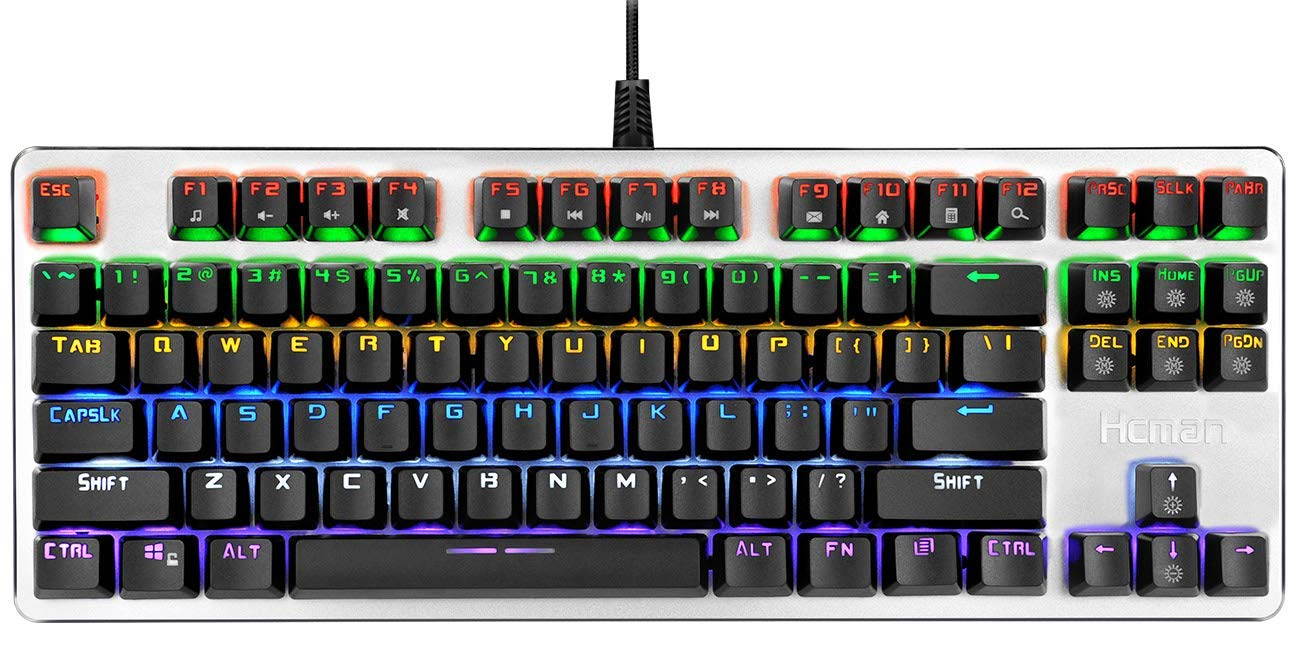
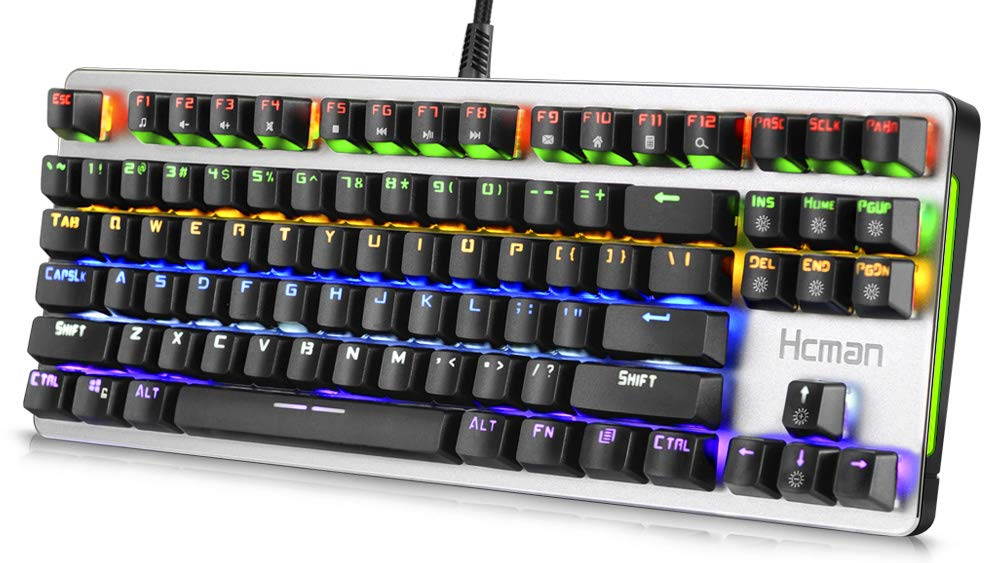
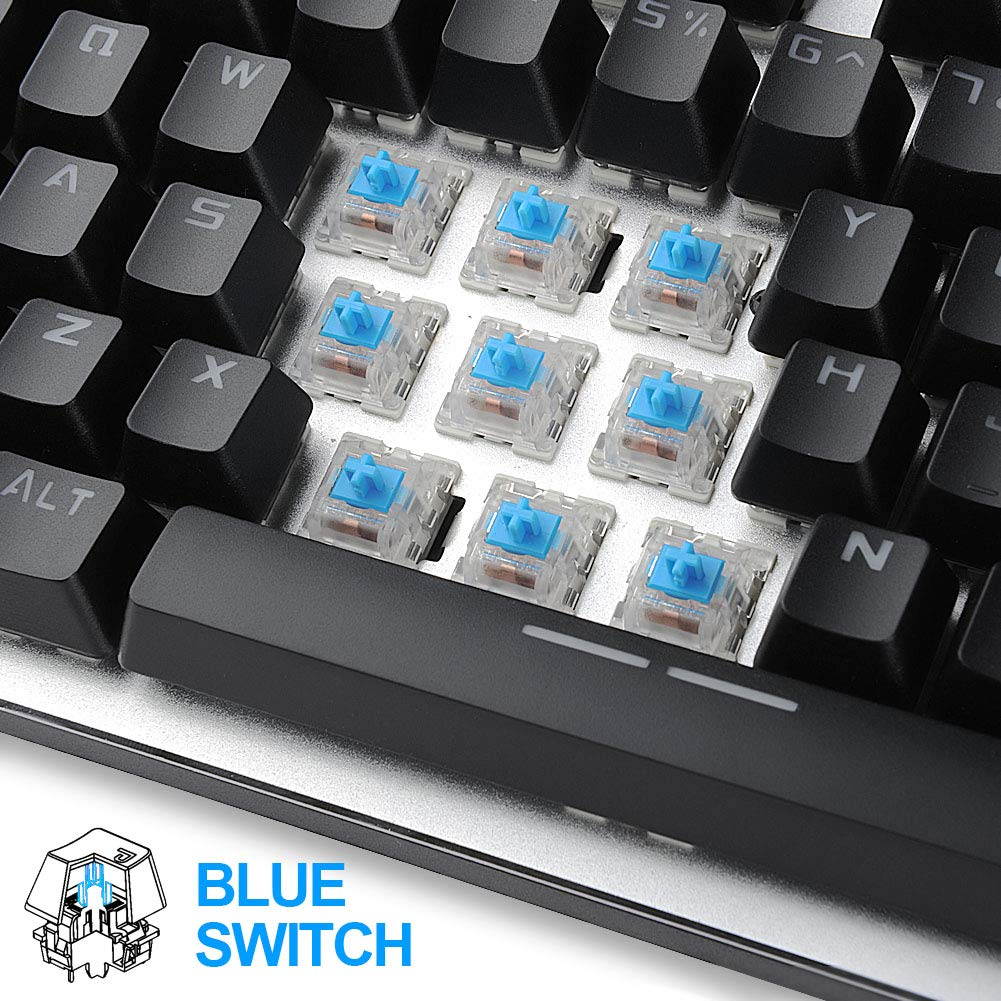
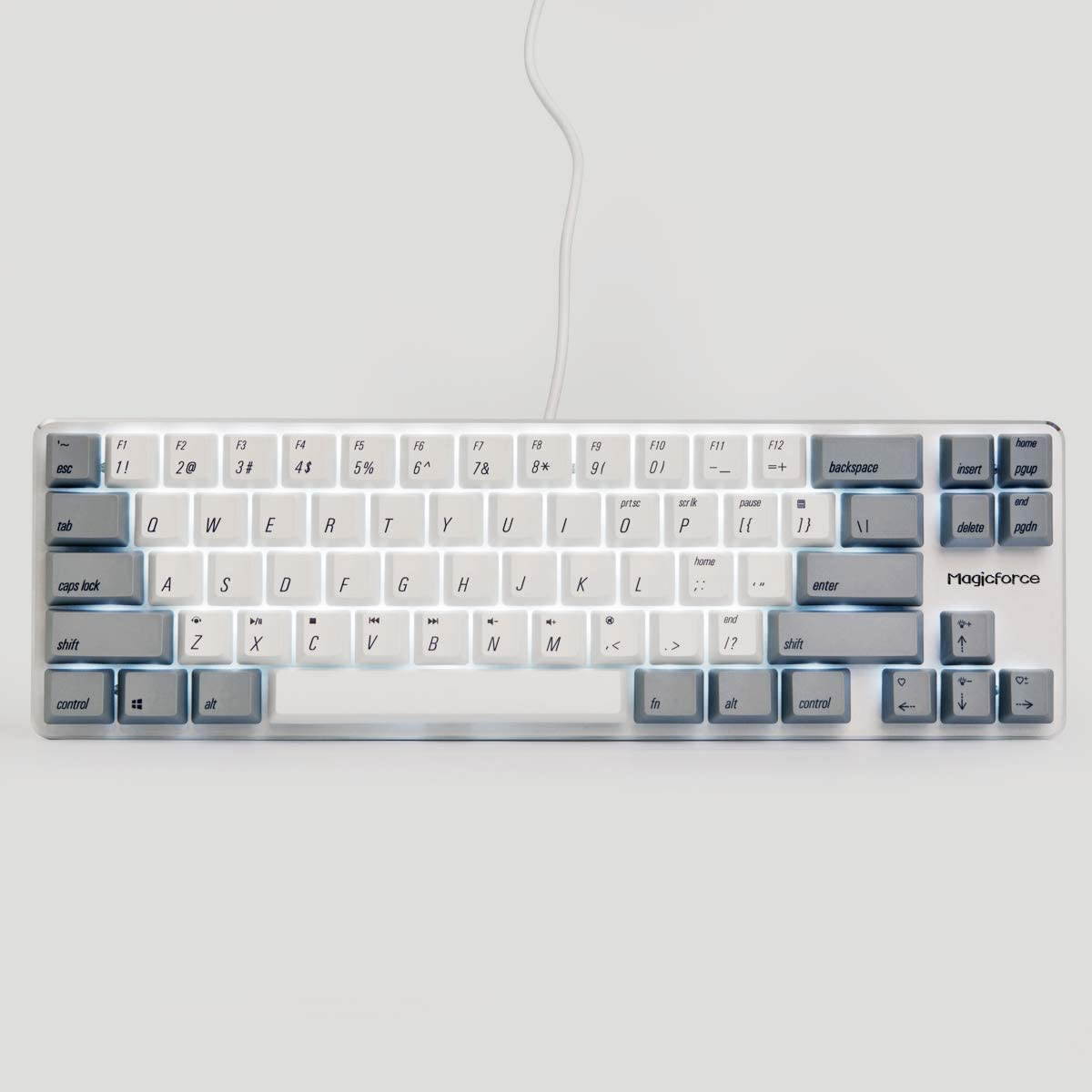
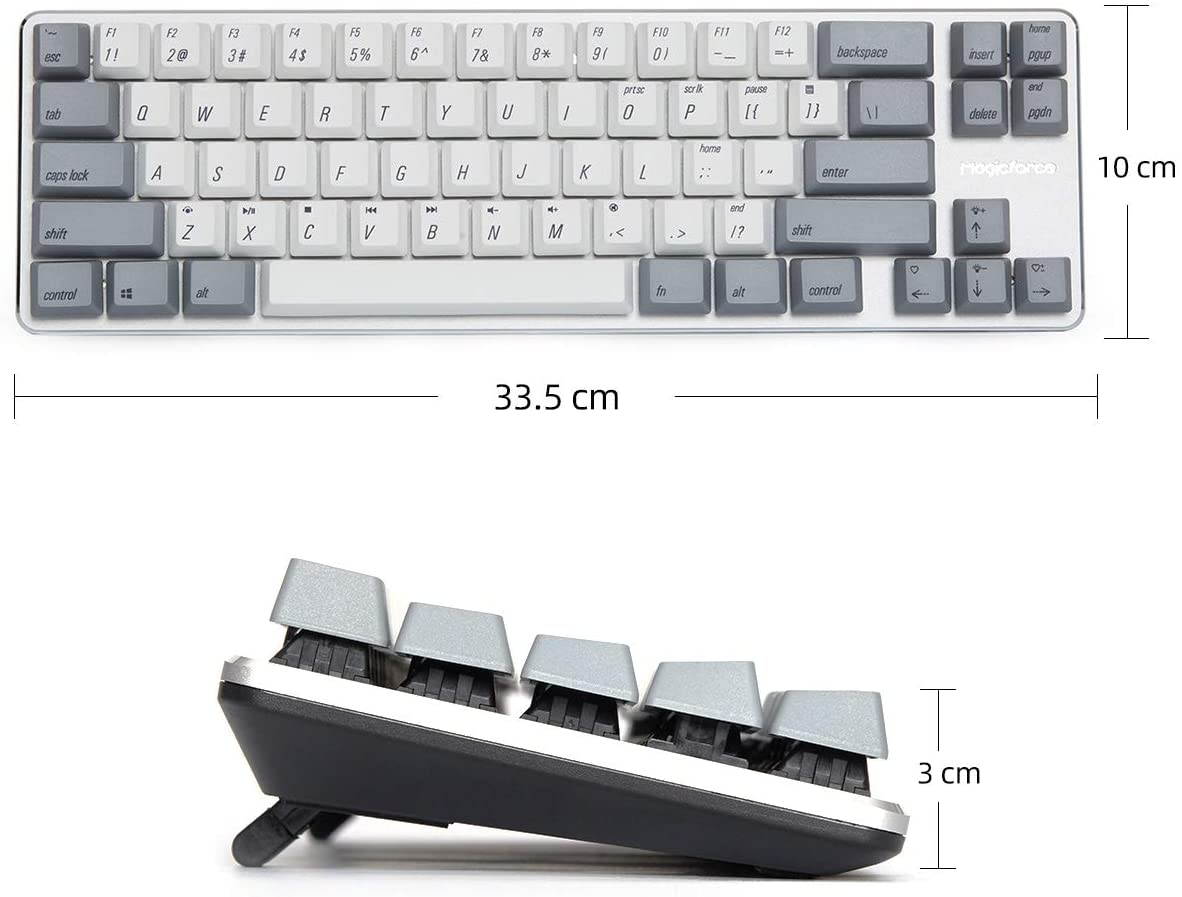
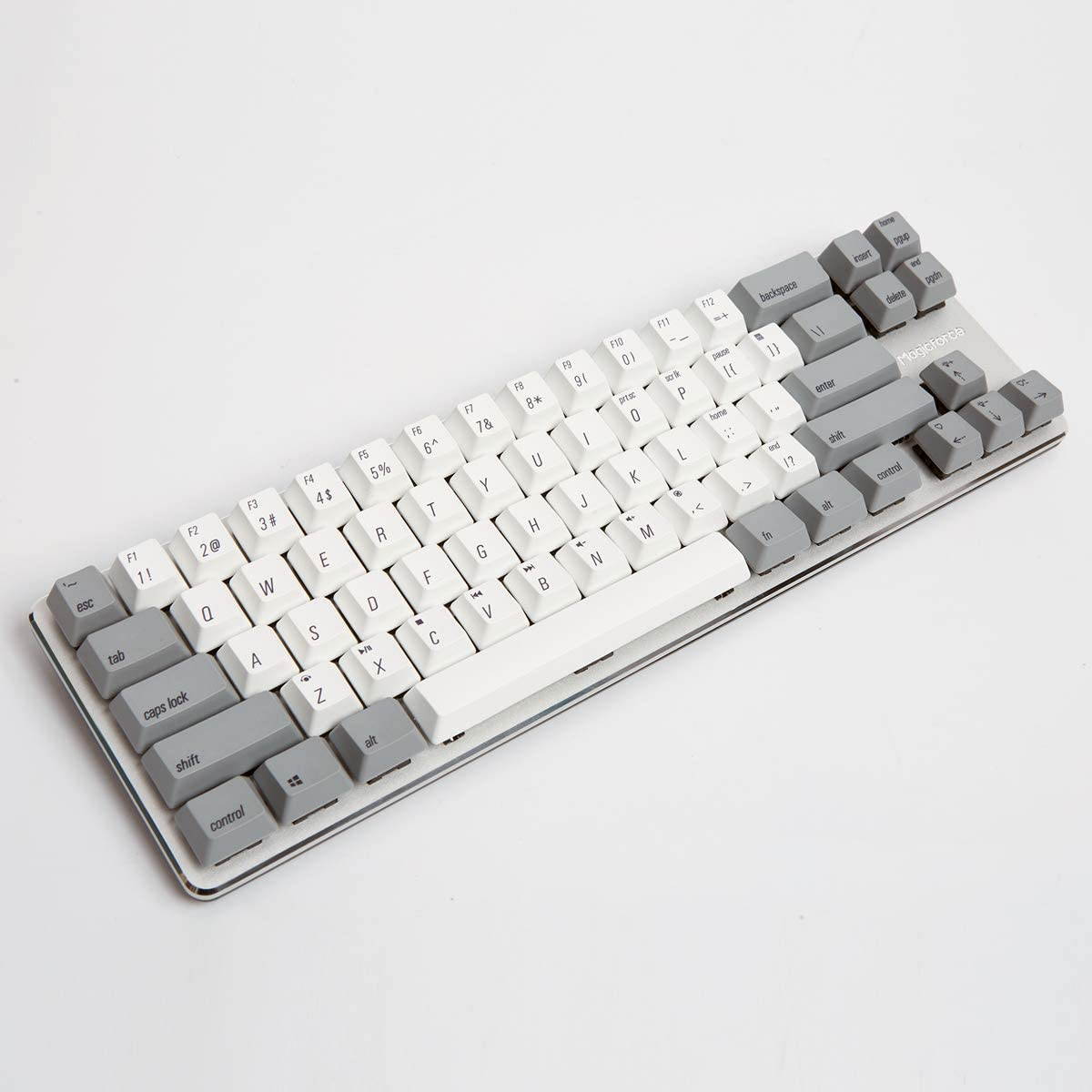
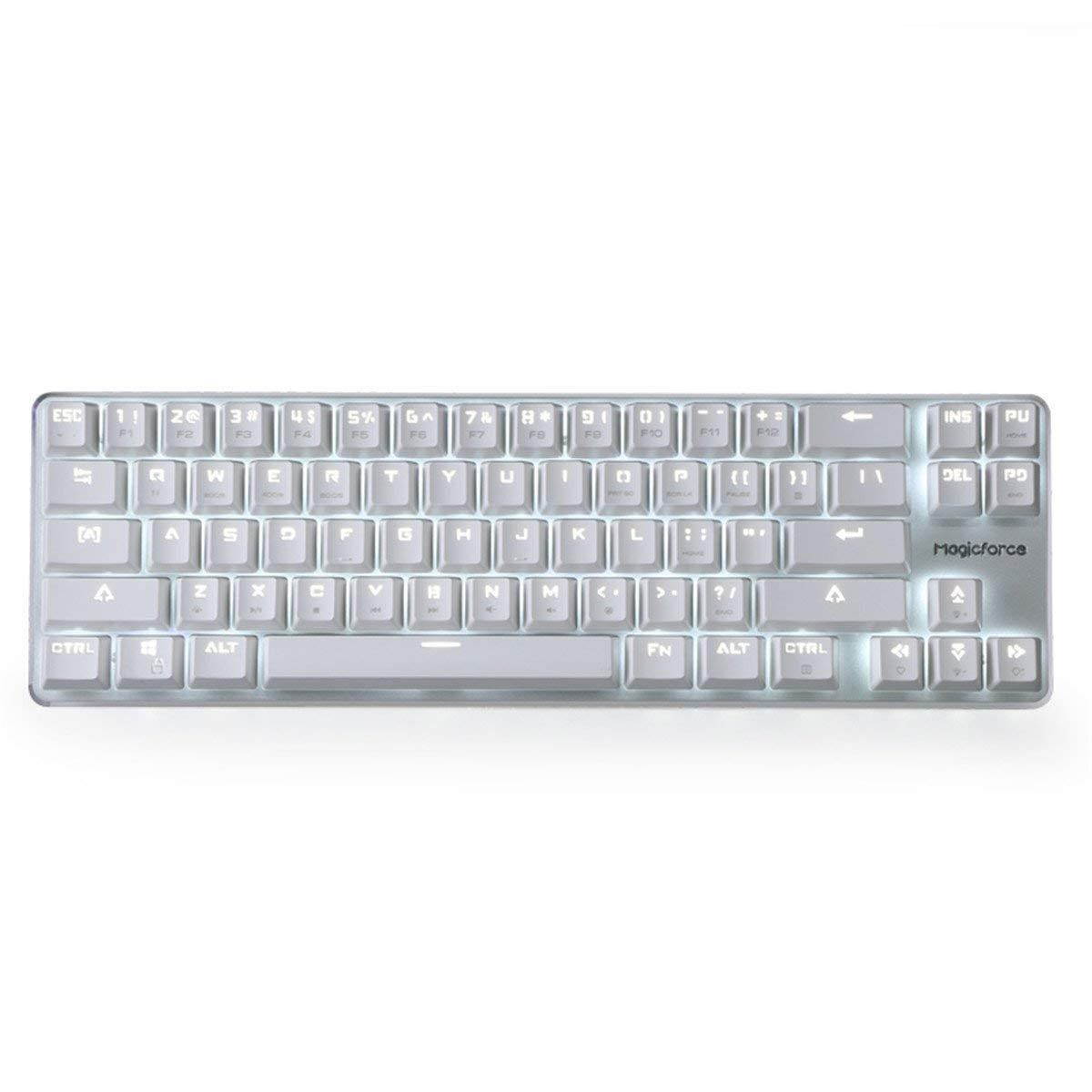
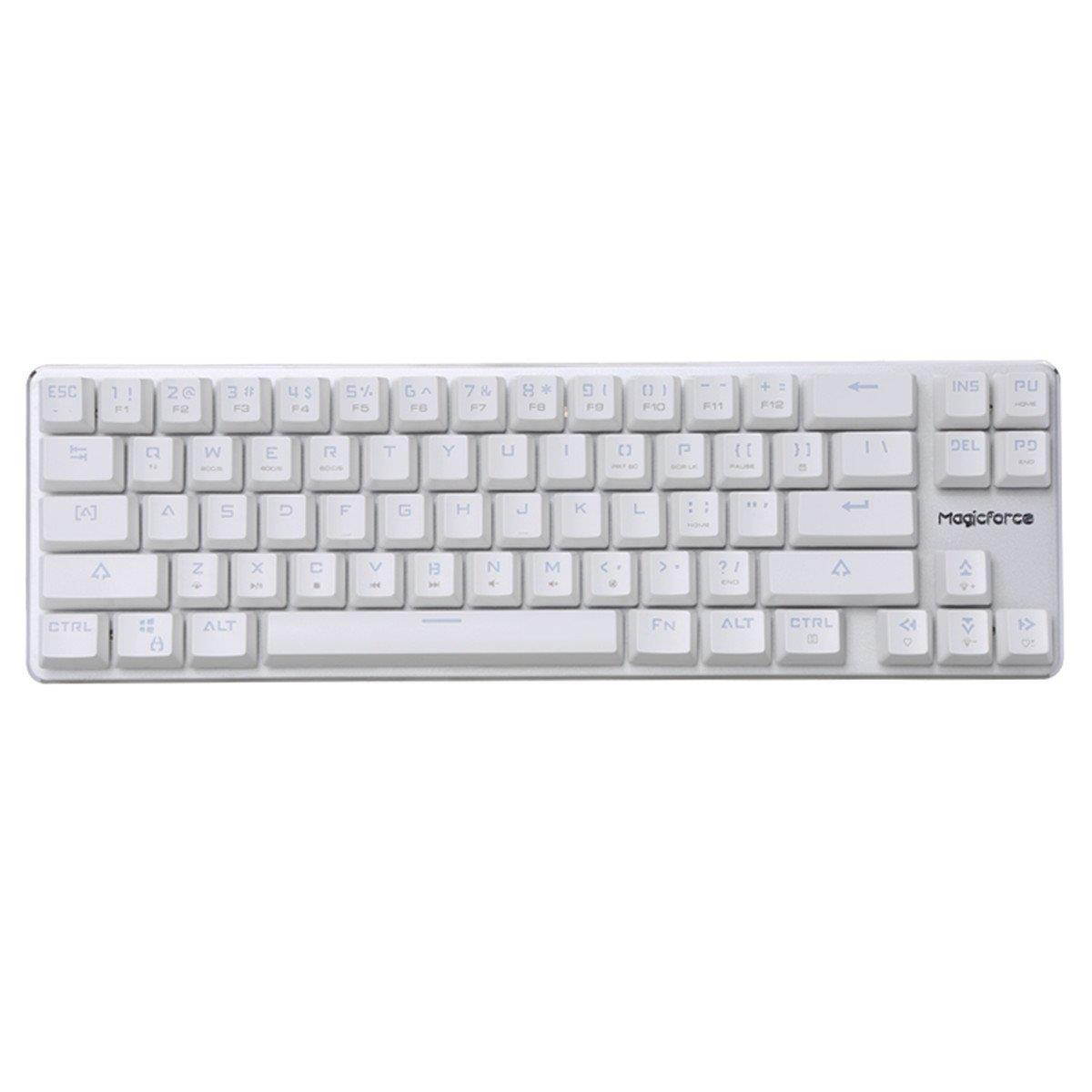
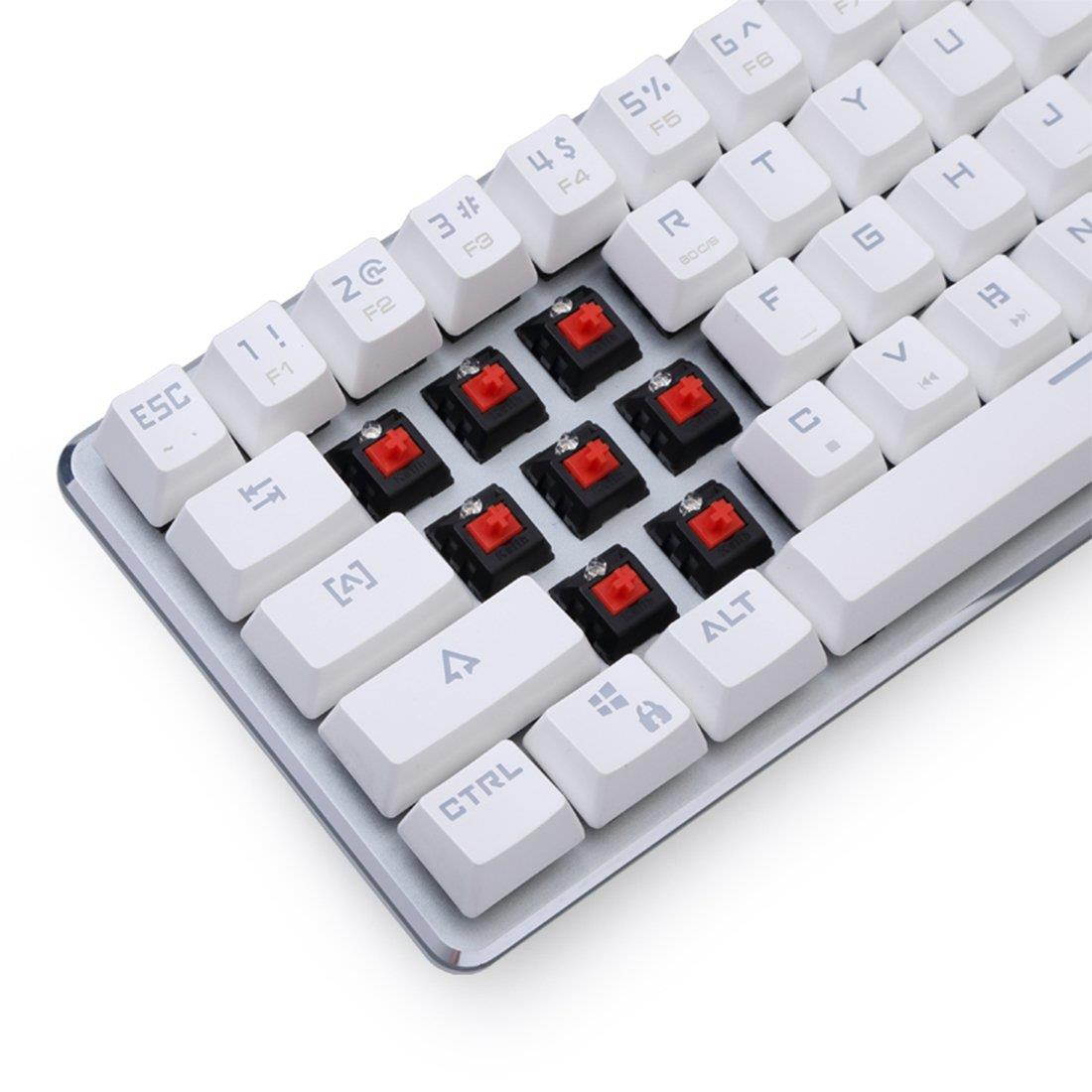
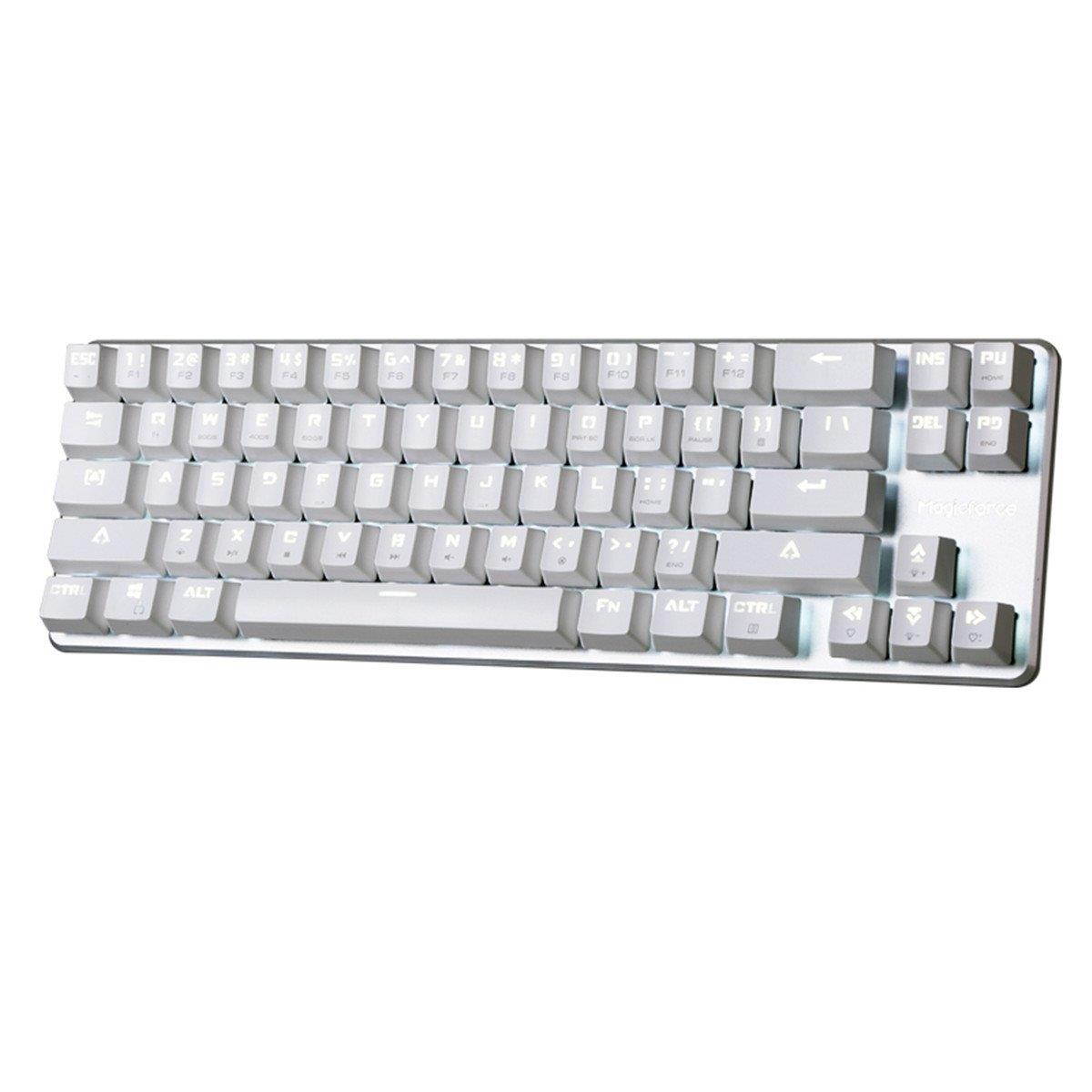
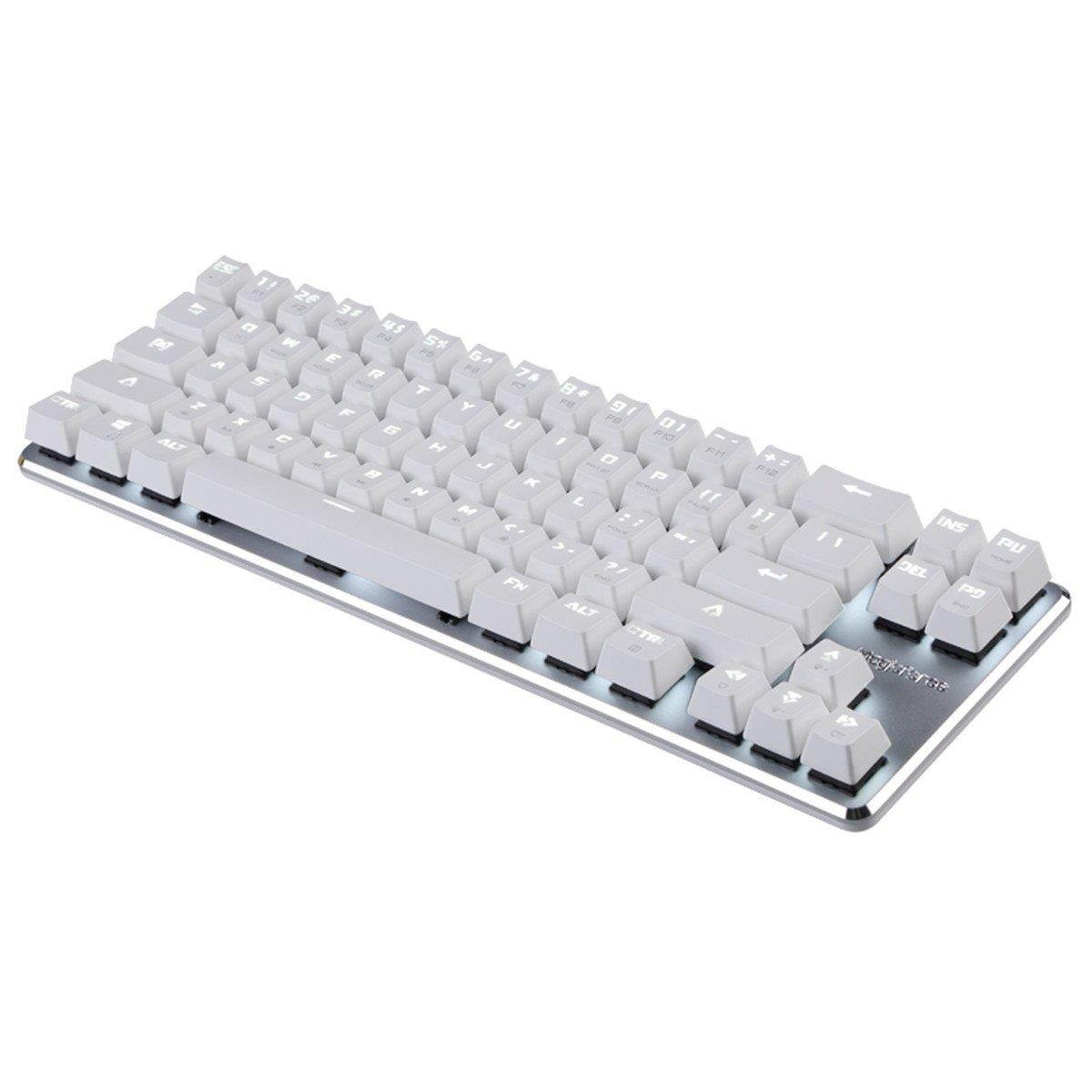
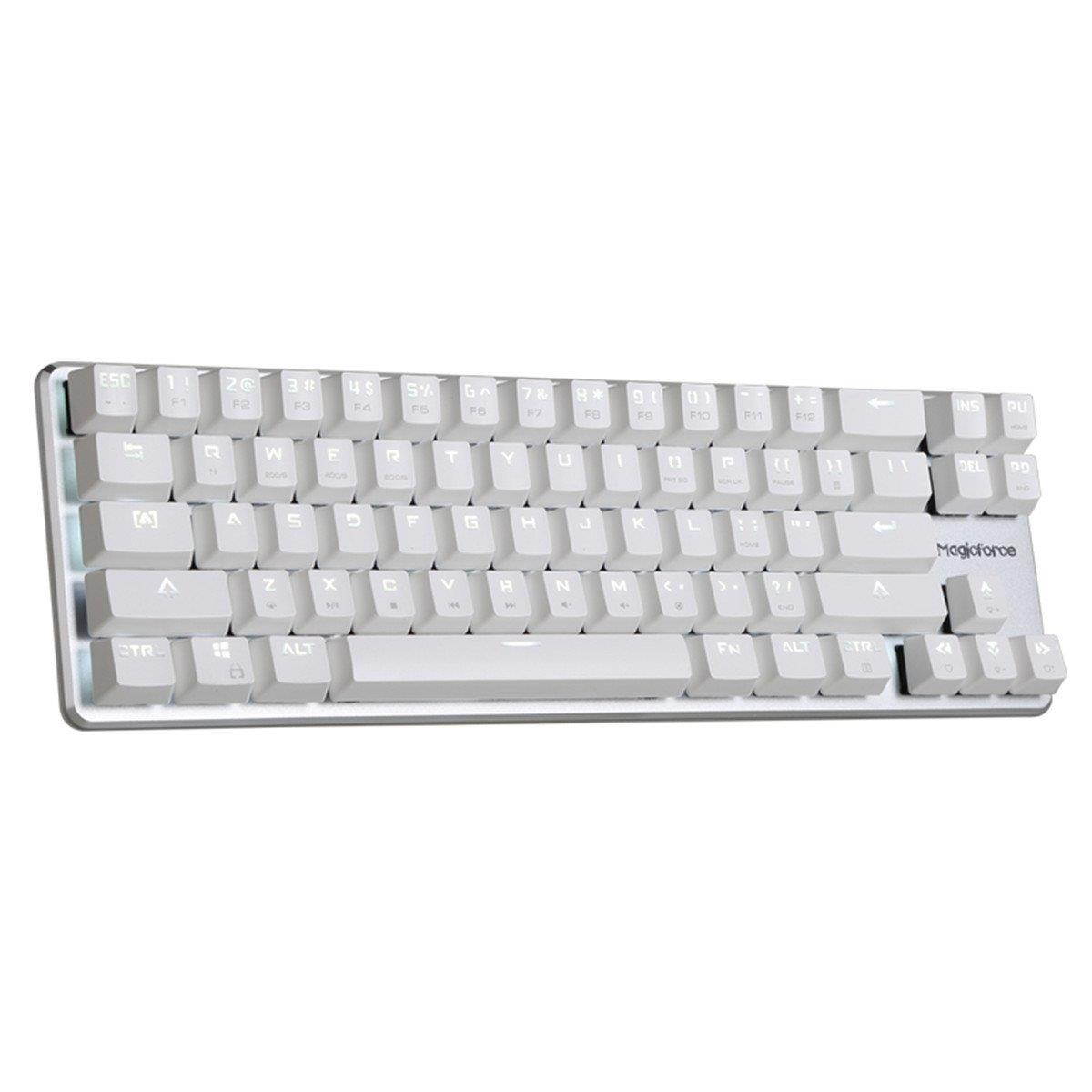
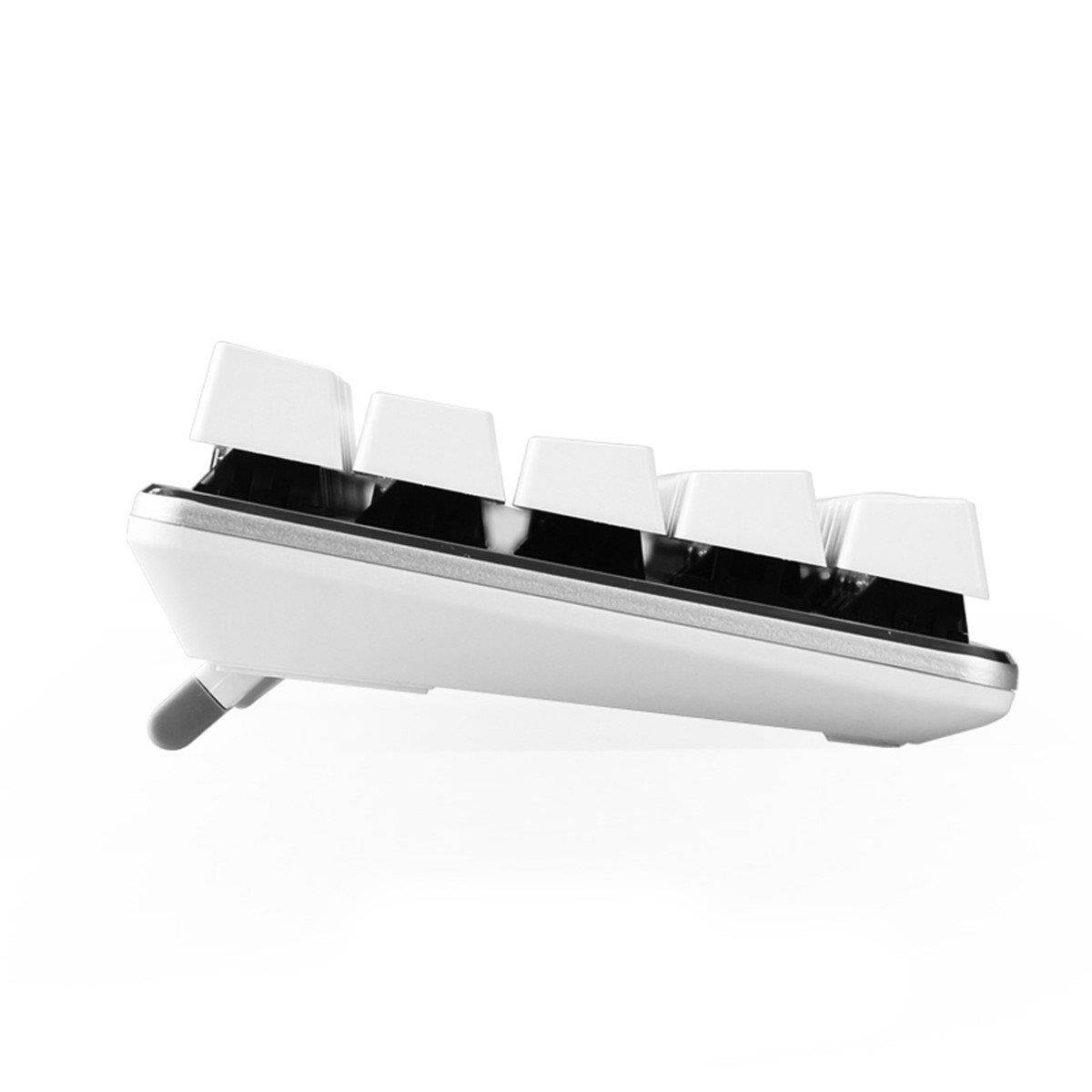
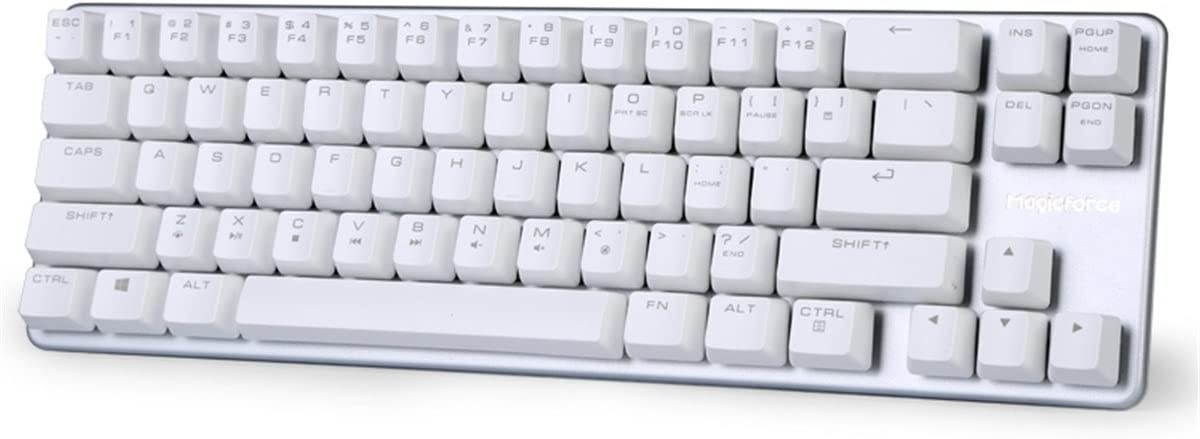
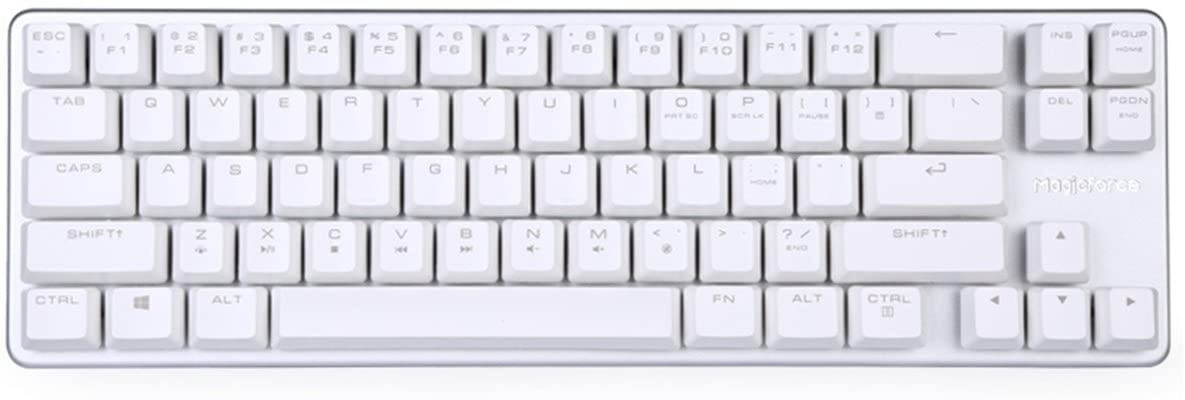
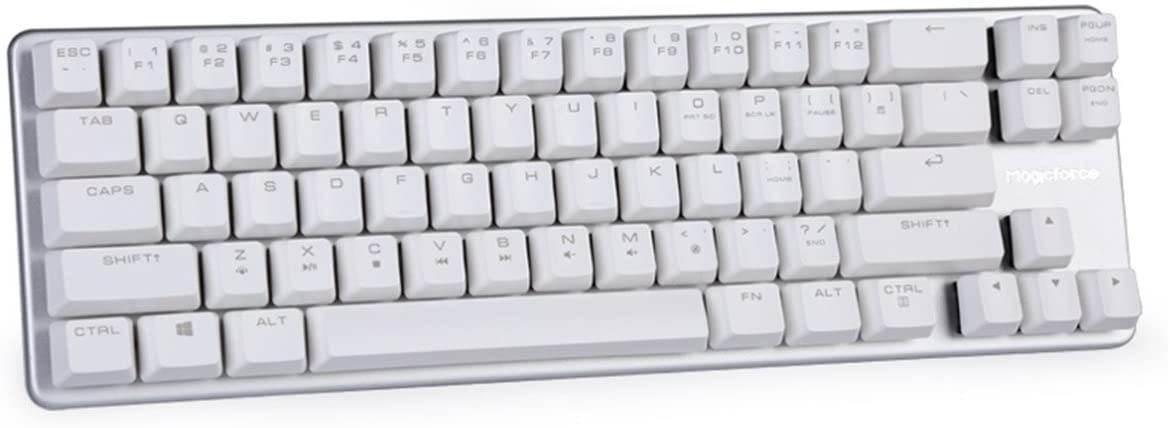
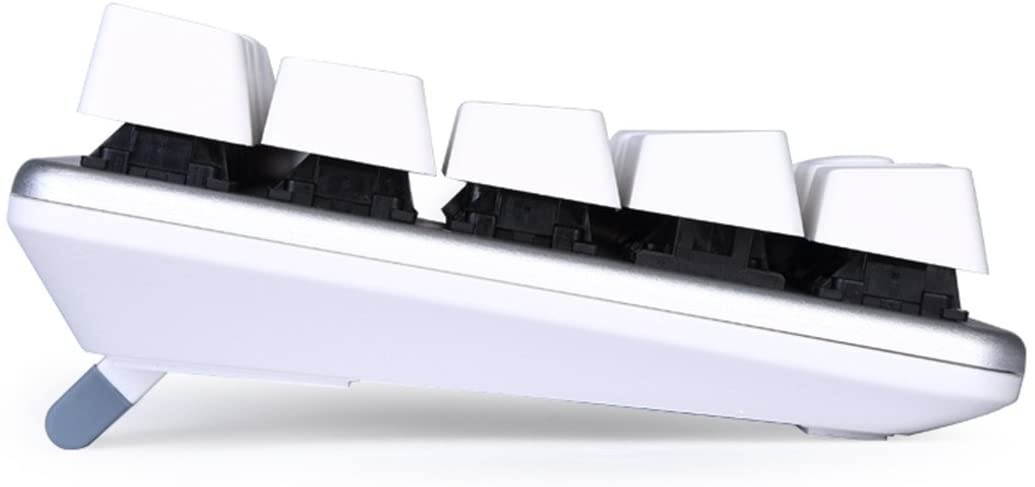
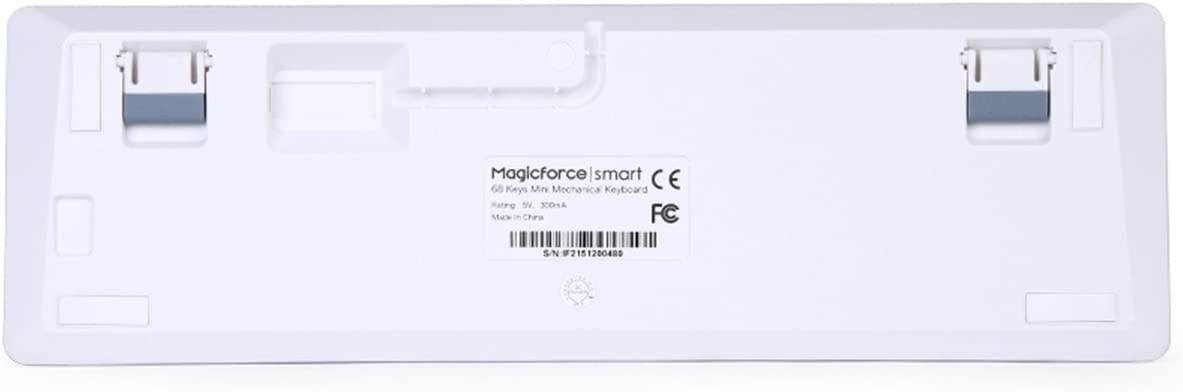
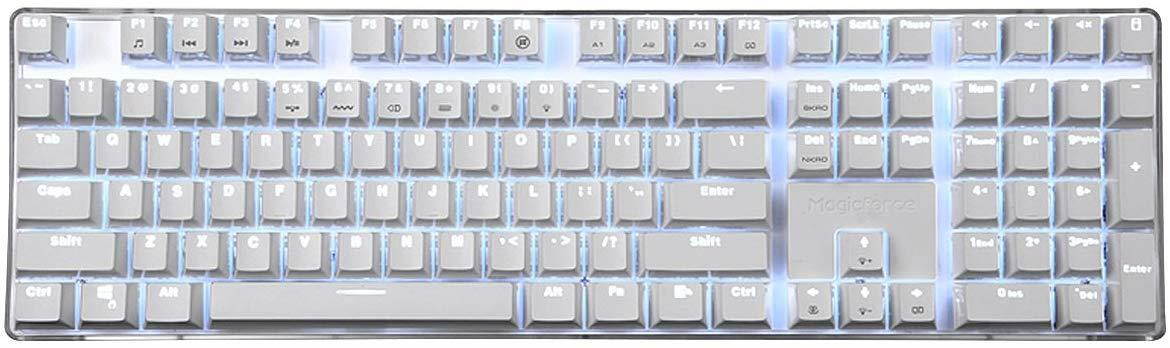
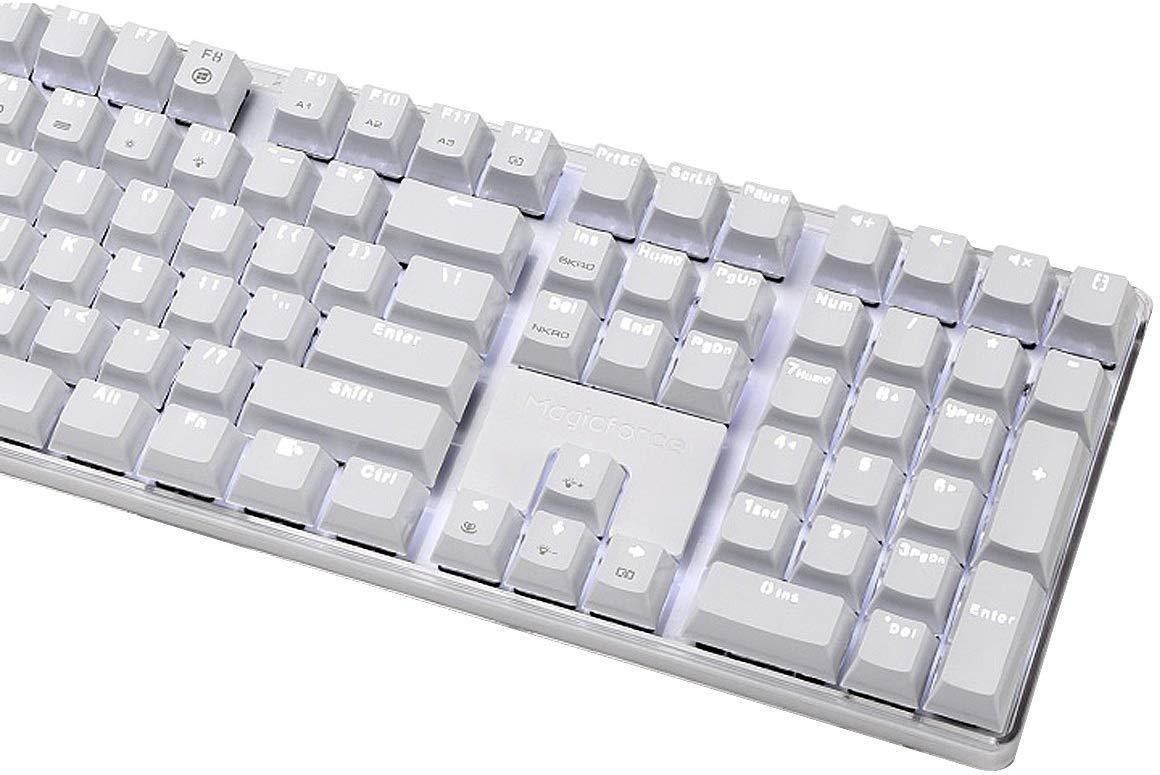
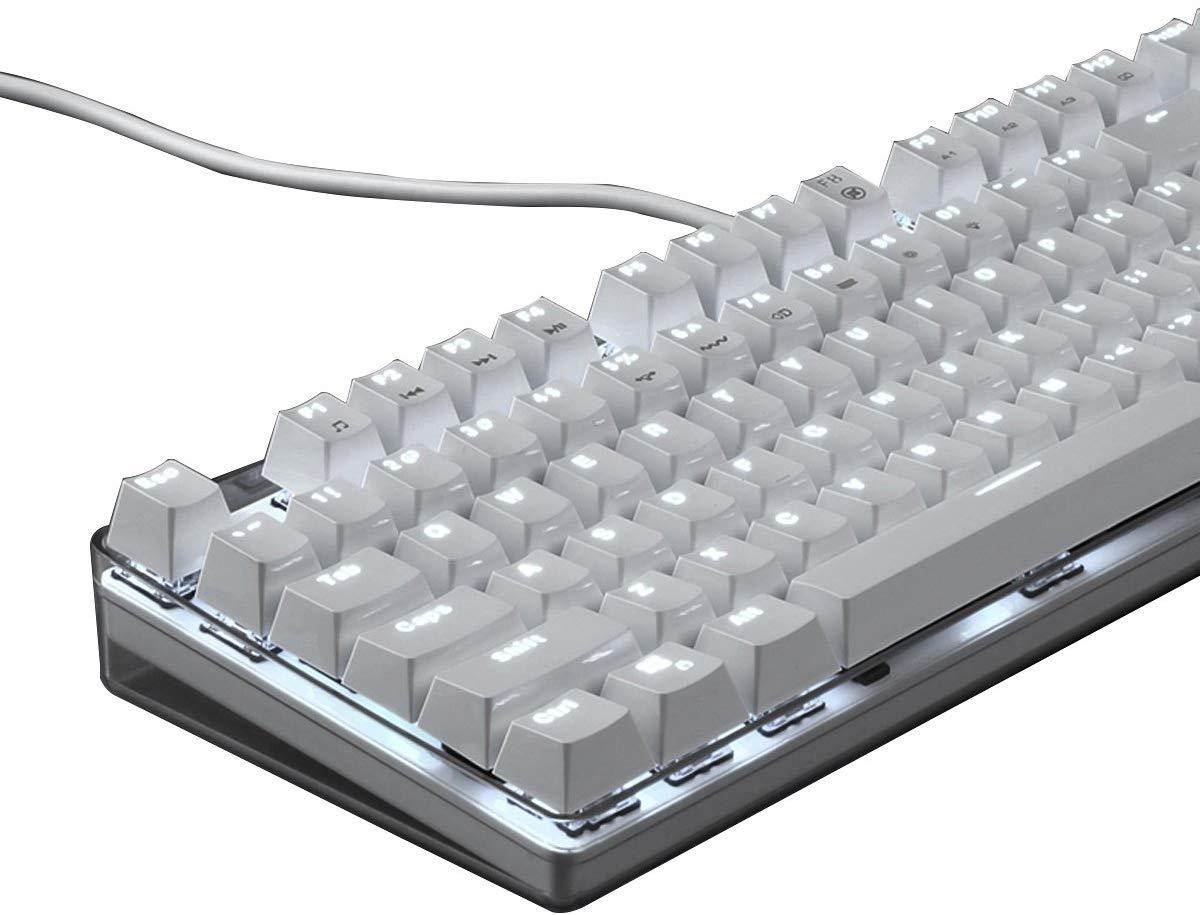
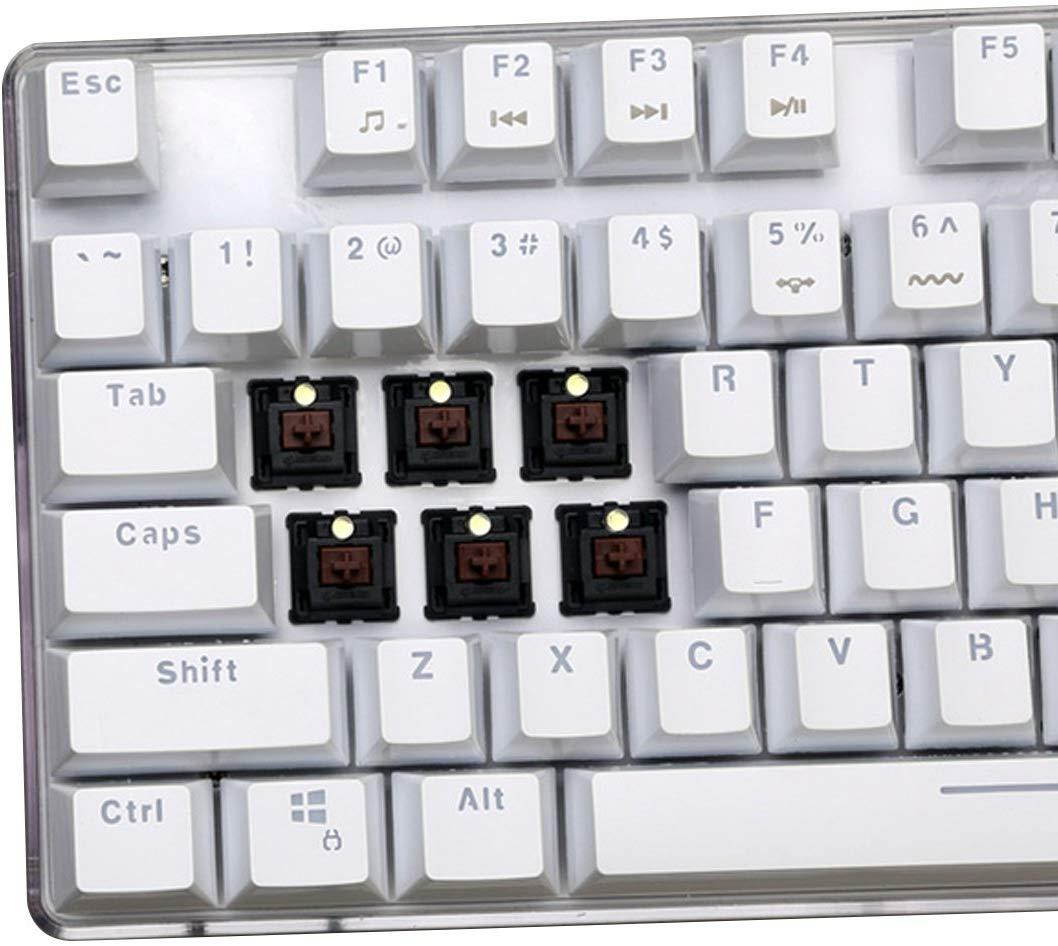
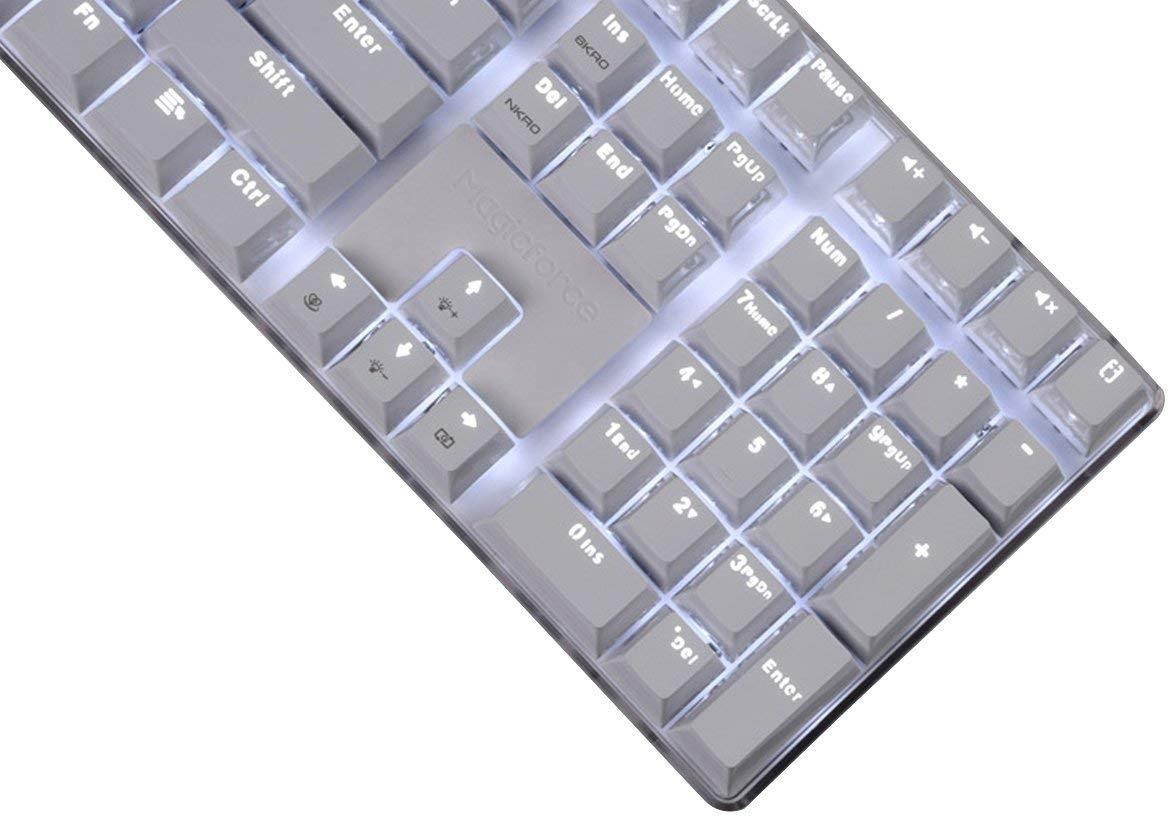
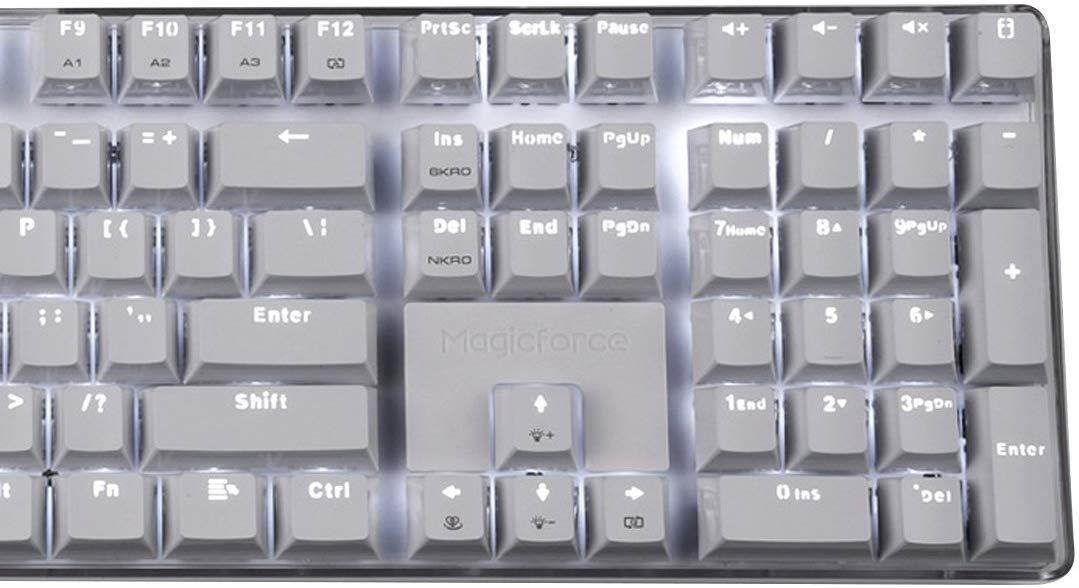
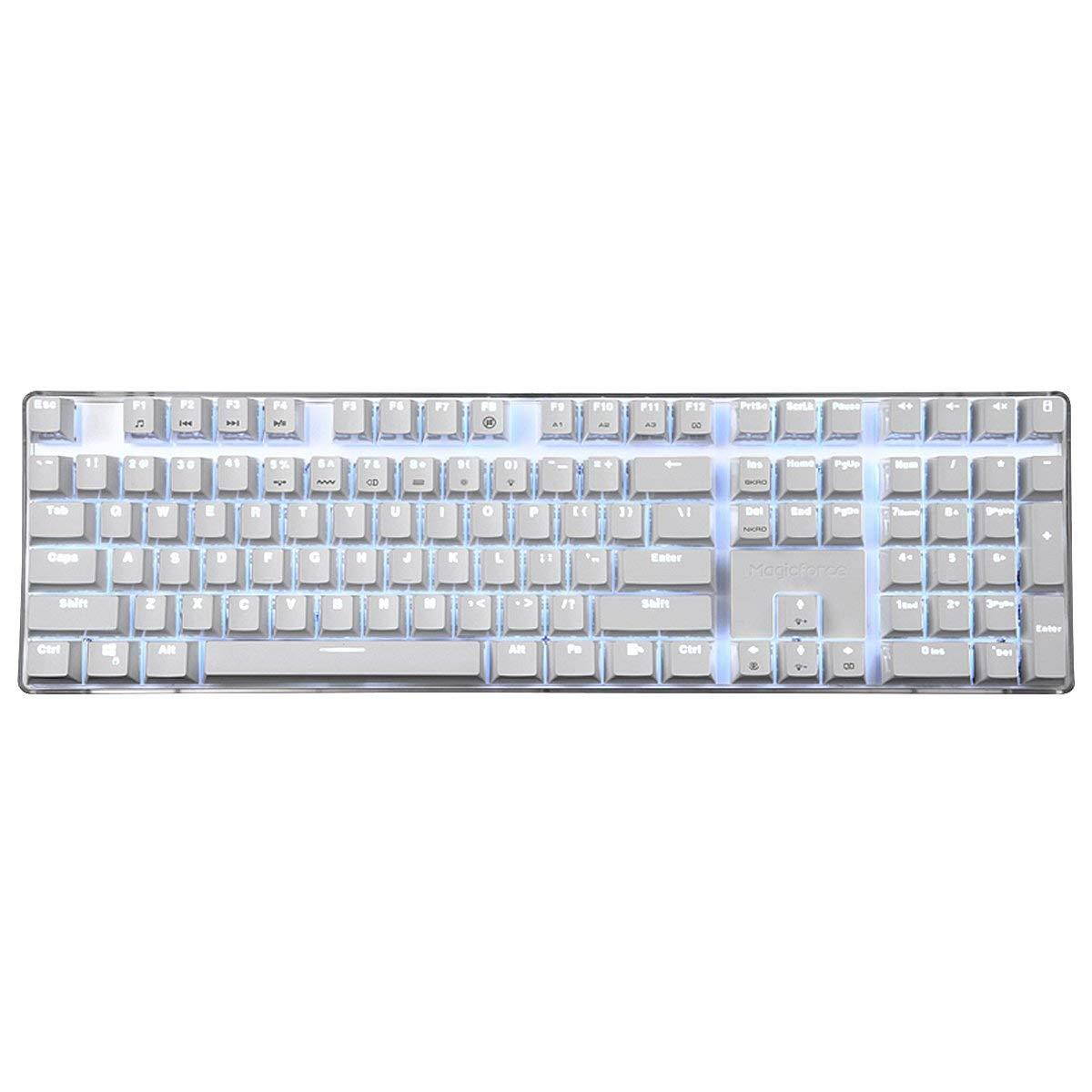
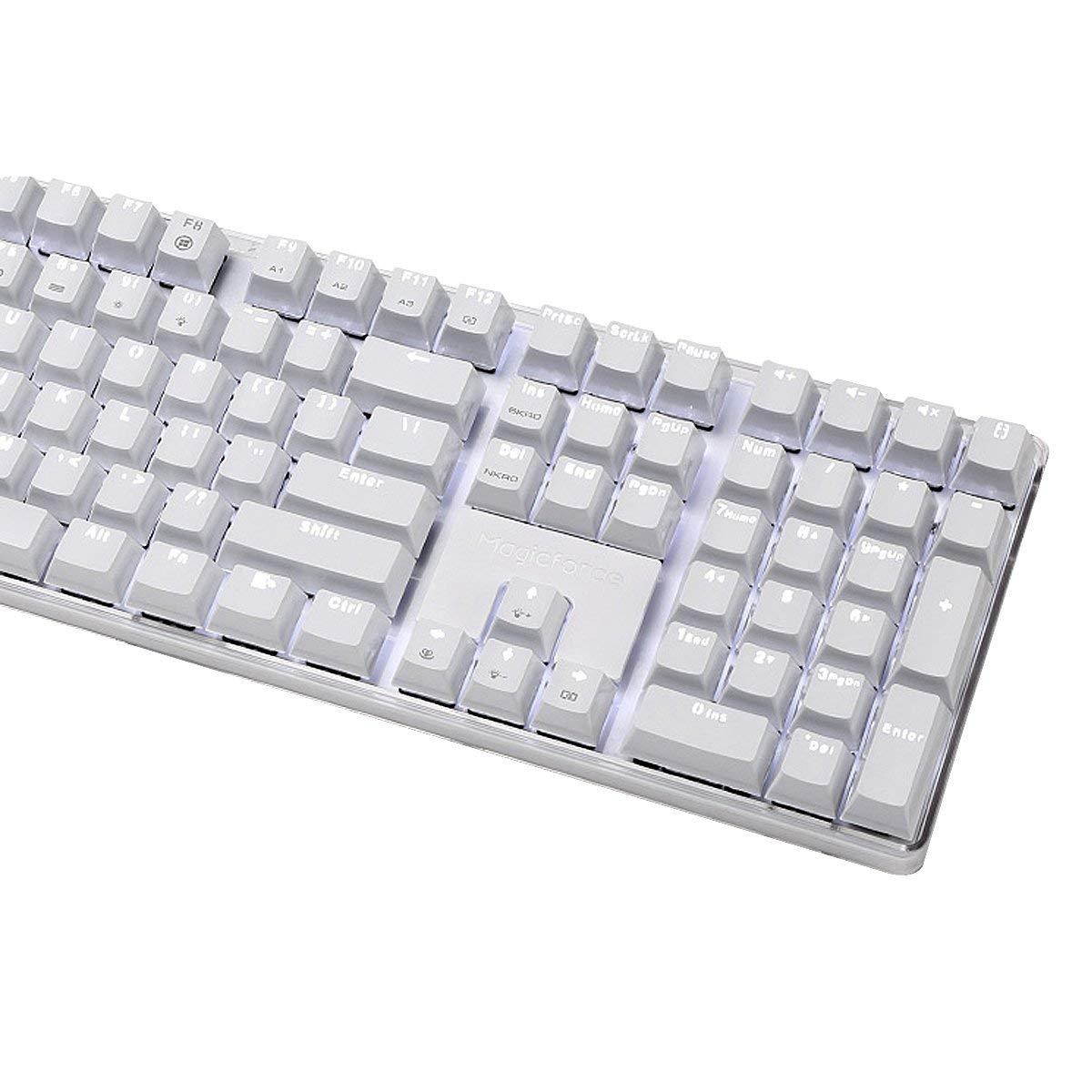
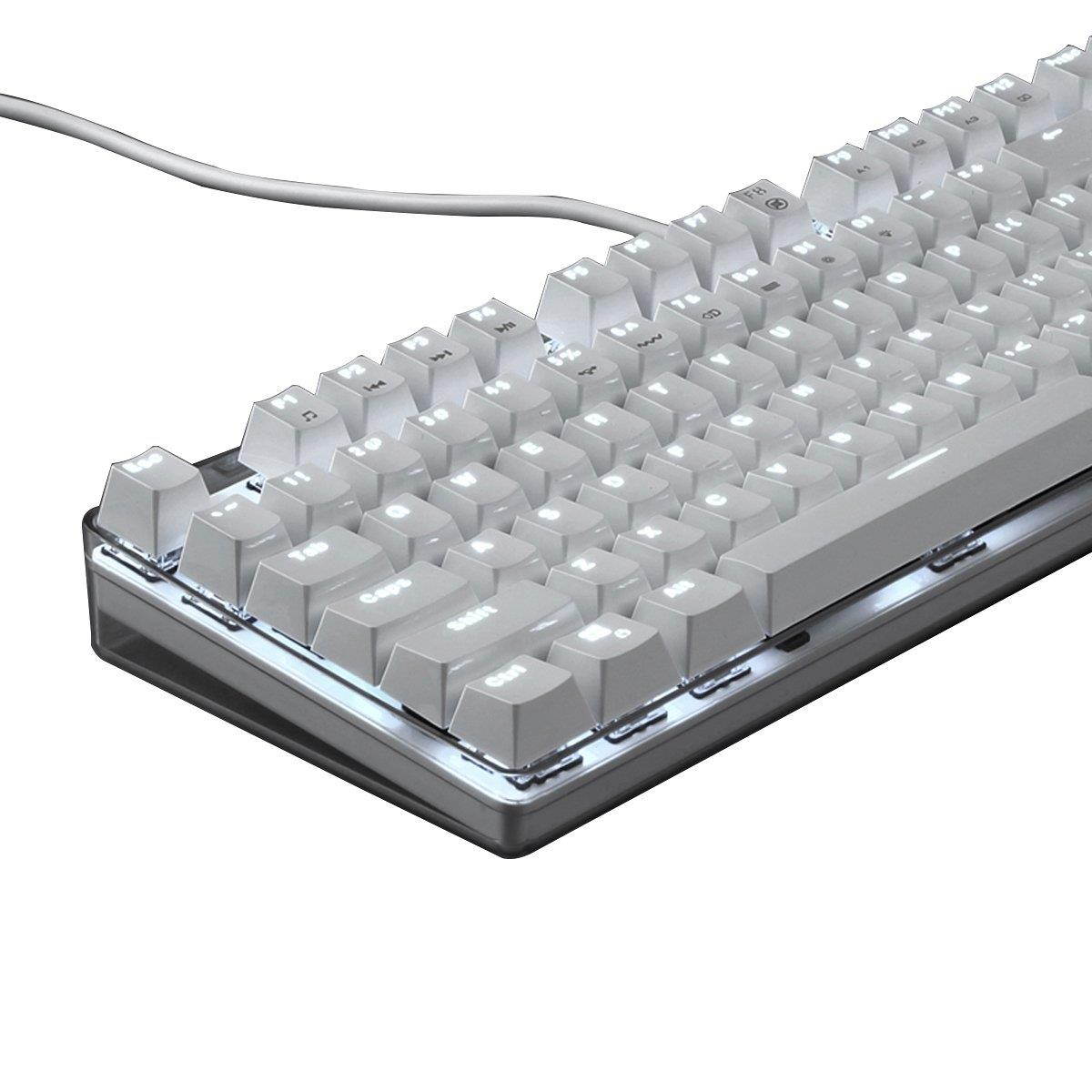
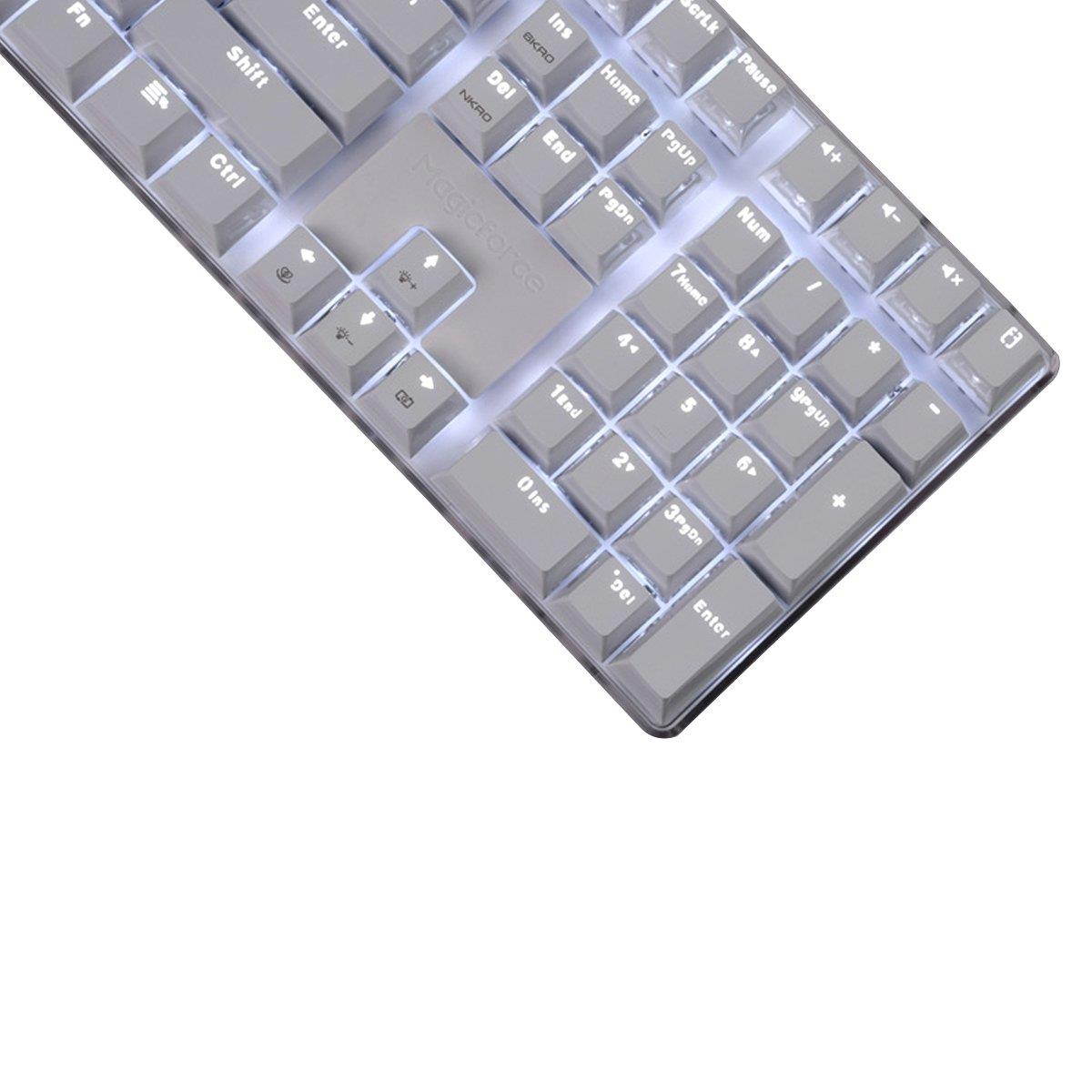
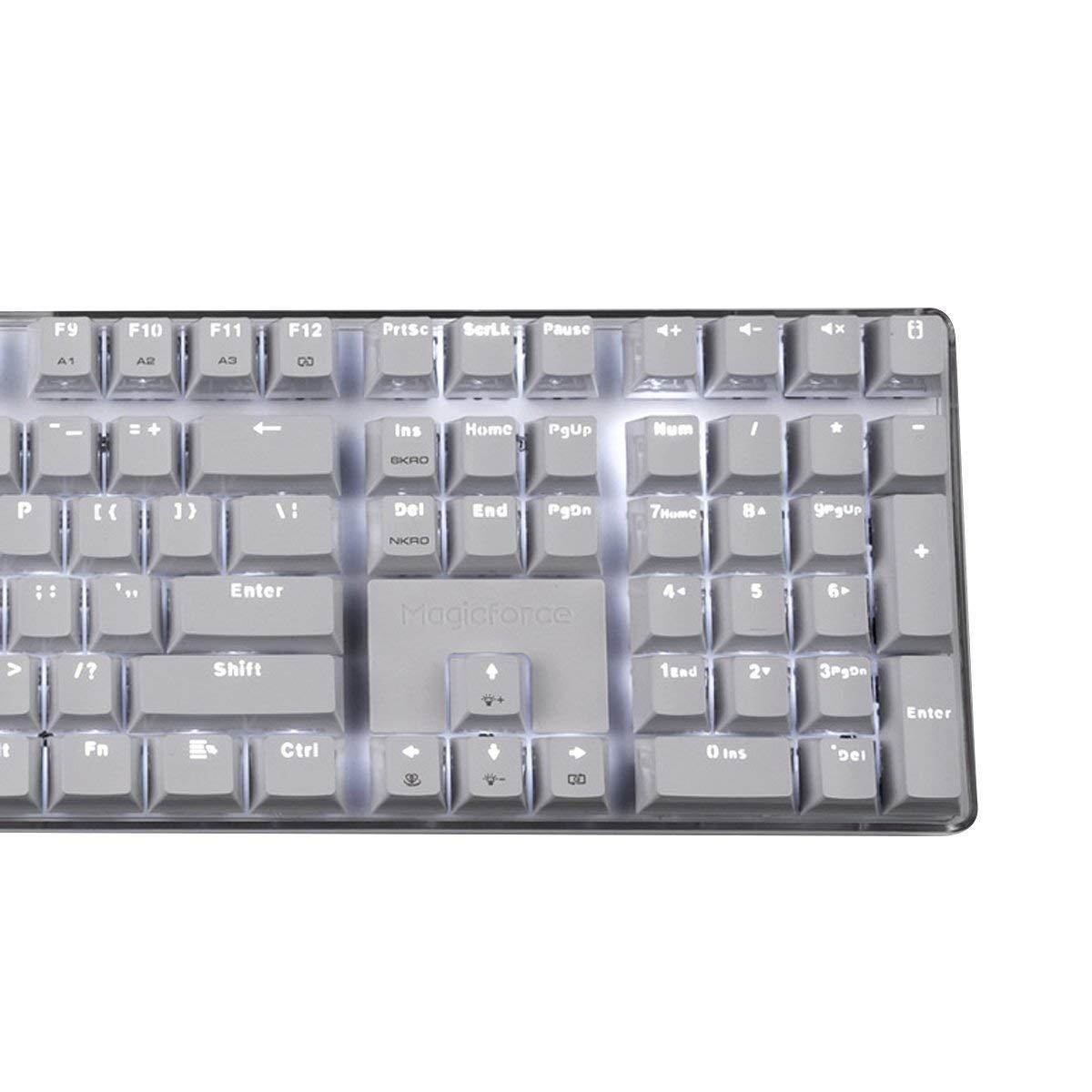
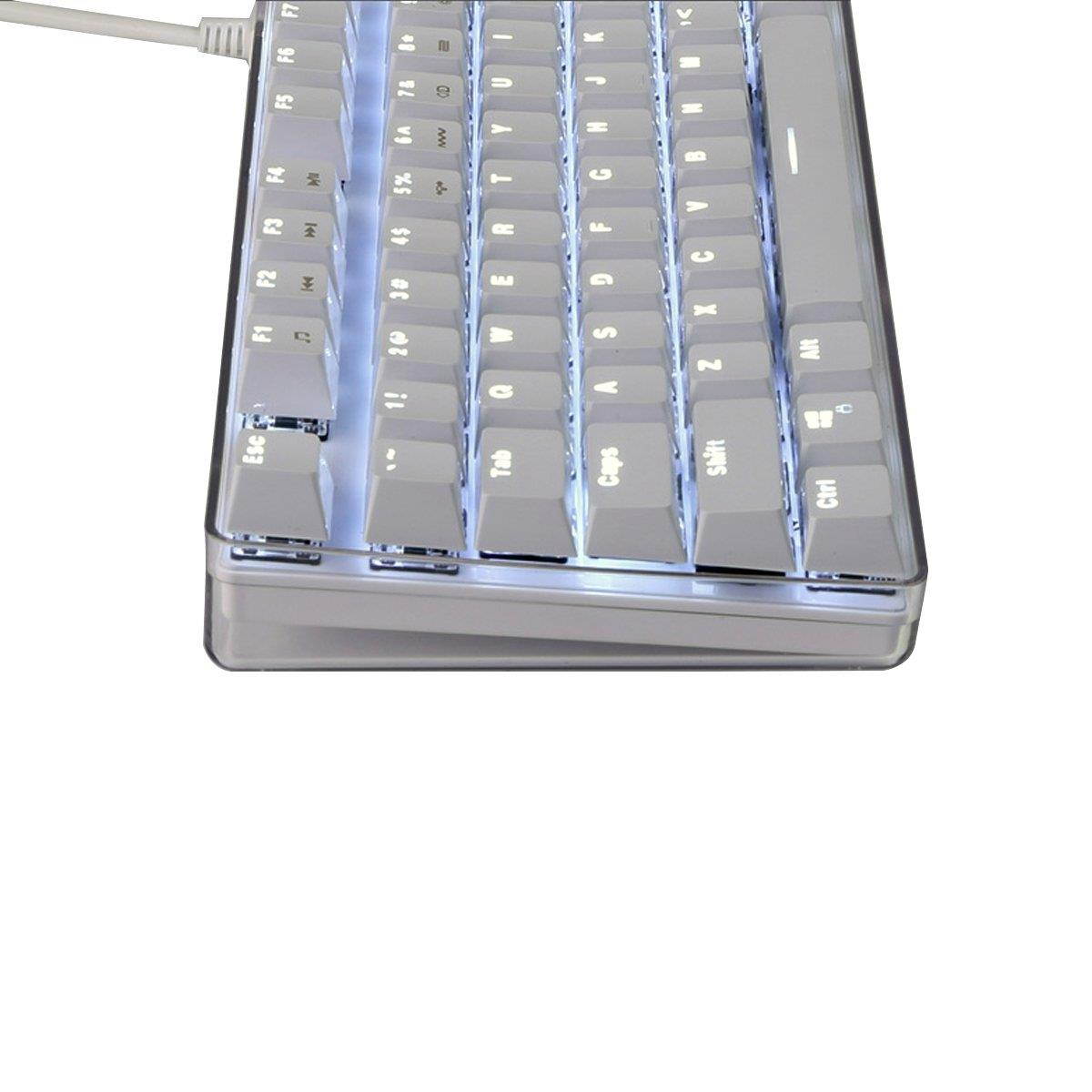
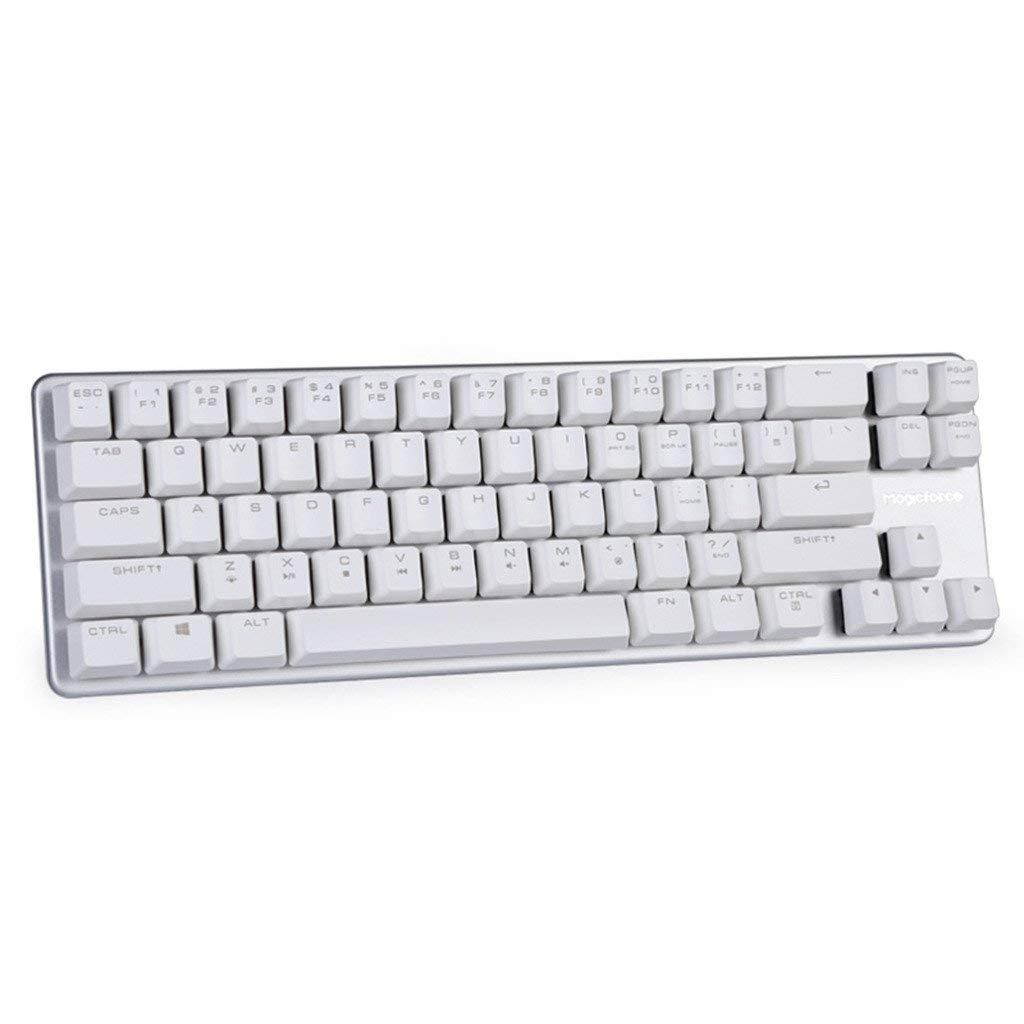
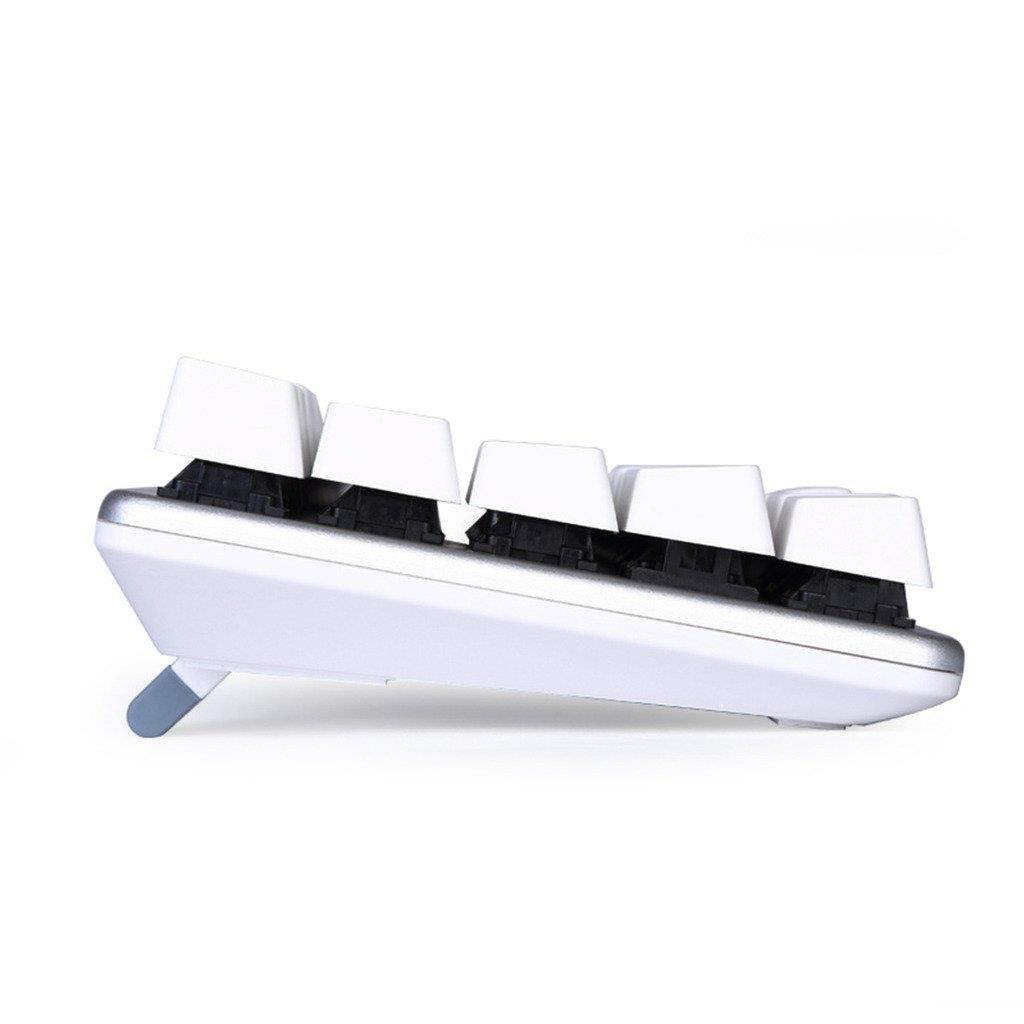
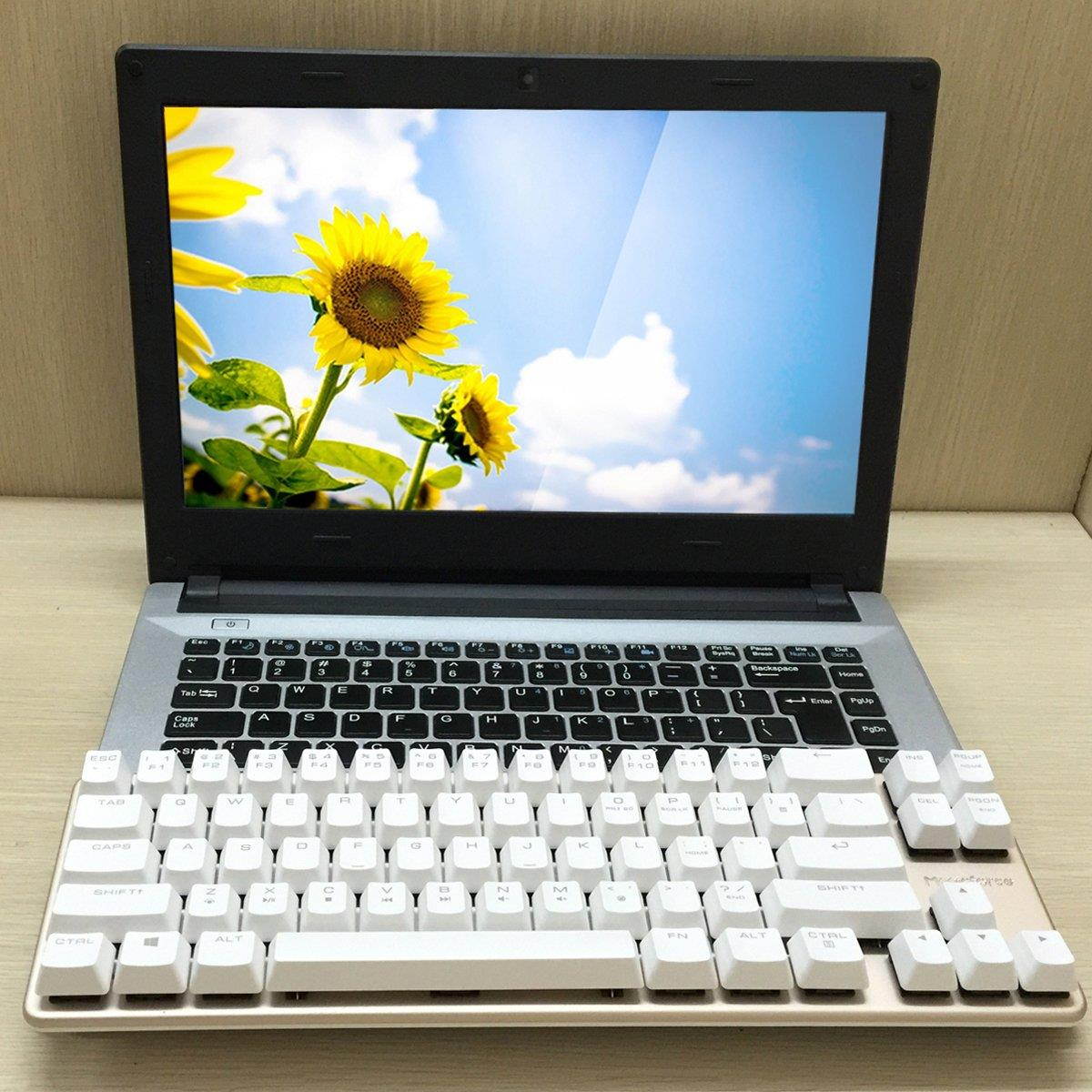
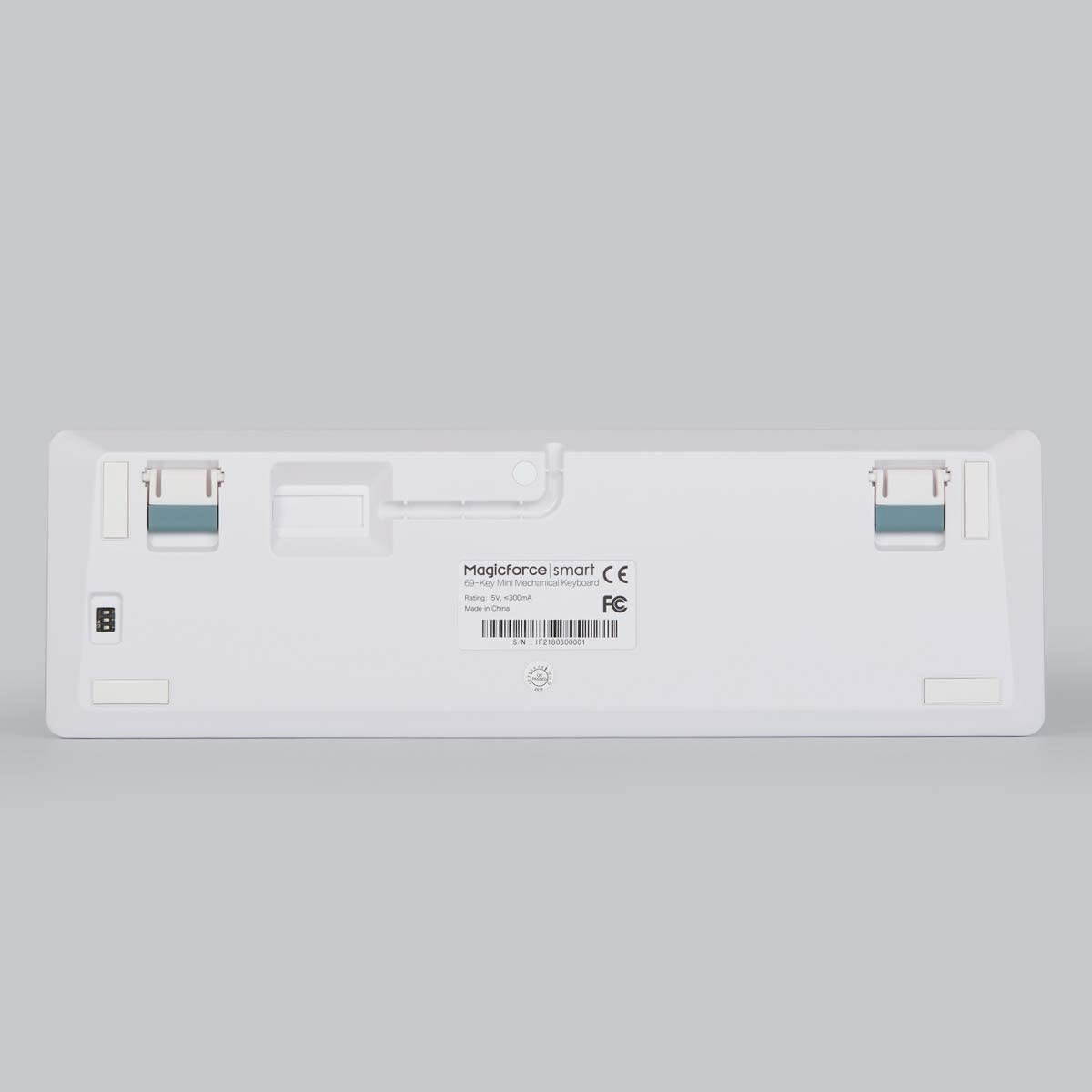
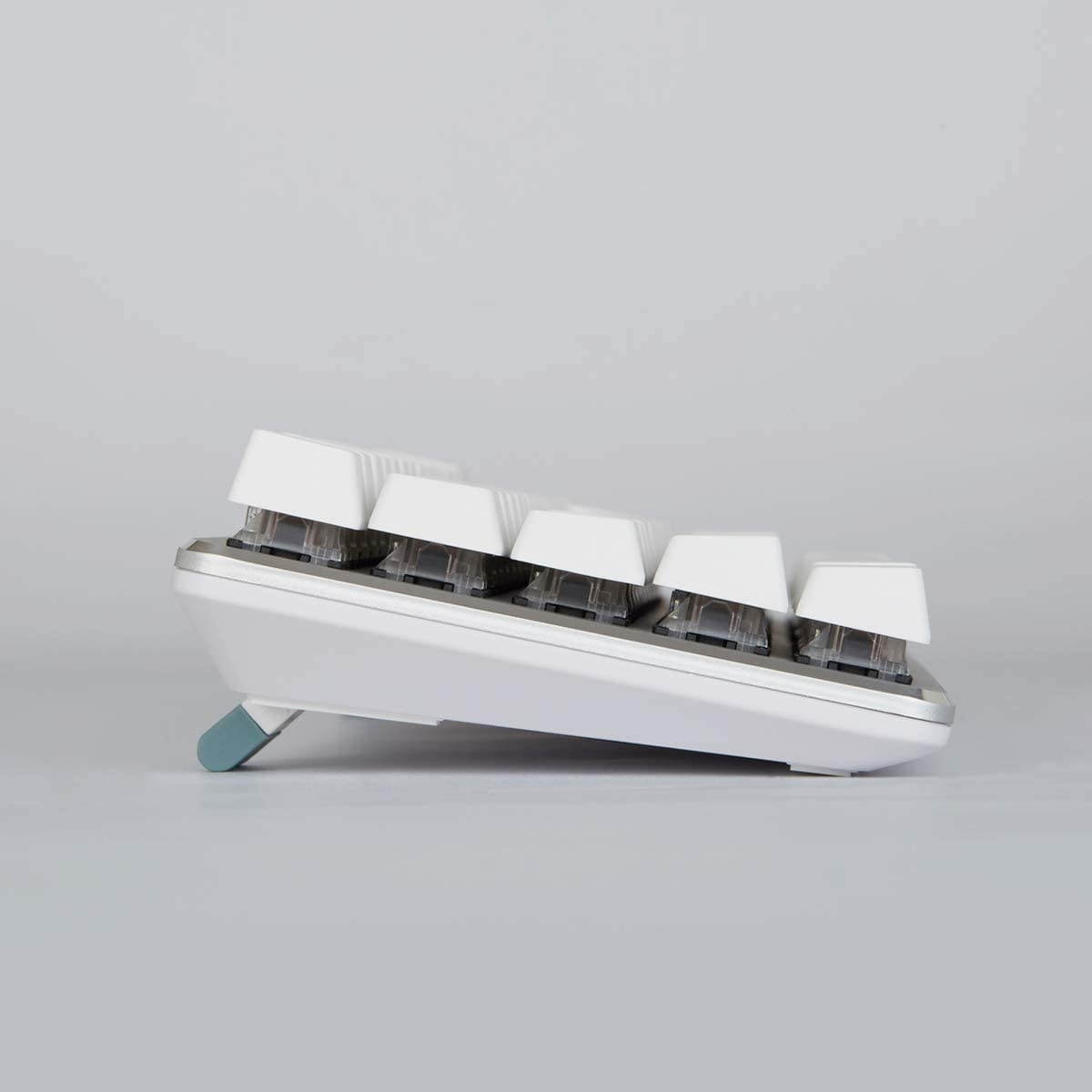
mini and portable design,unique 68 keys layout Mechanical Cherry MX Red switches,all keys roll-over anti-ghosting Alternate Action or Ergonomic Design Keyboard size is 13.38"*1.57"*4.13" Color:White Short-cuts to multimedia functions. Keyboard comes with three DIP switchesDIP Switch 1:
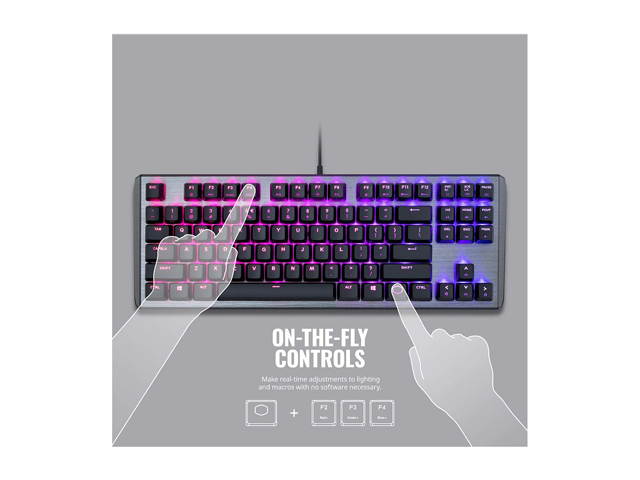
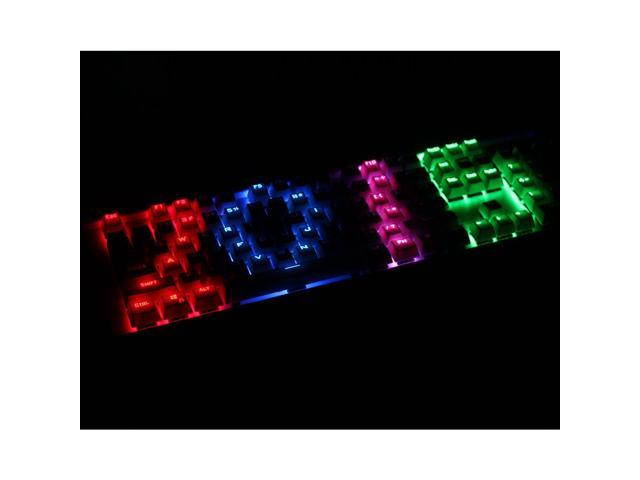
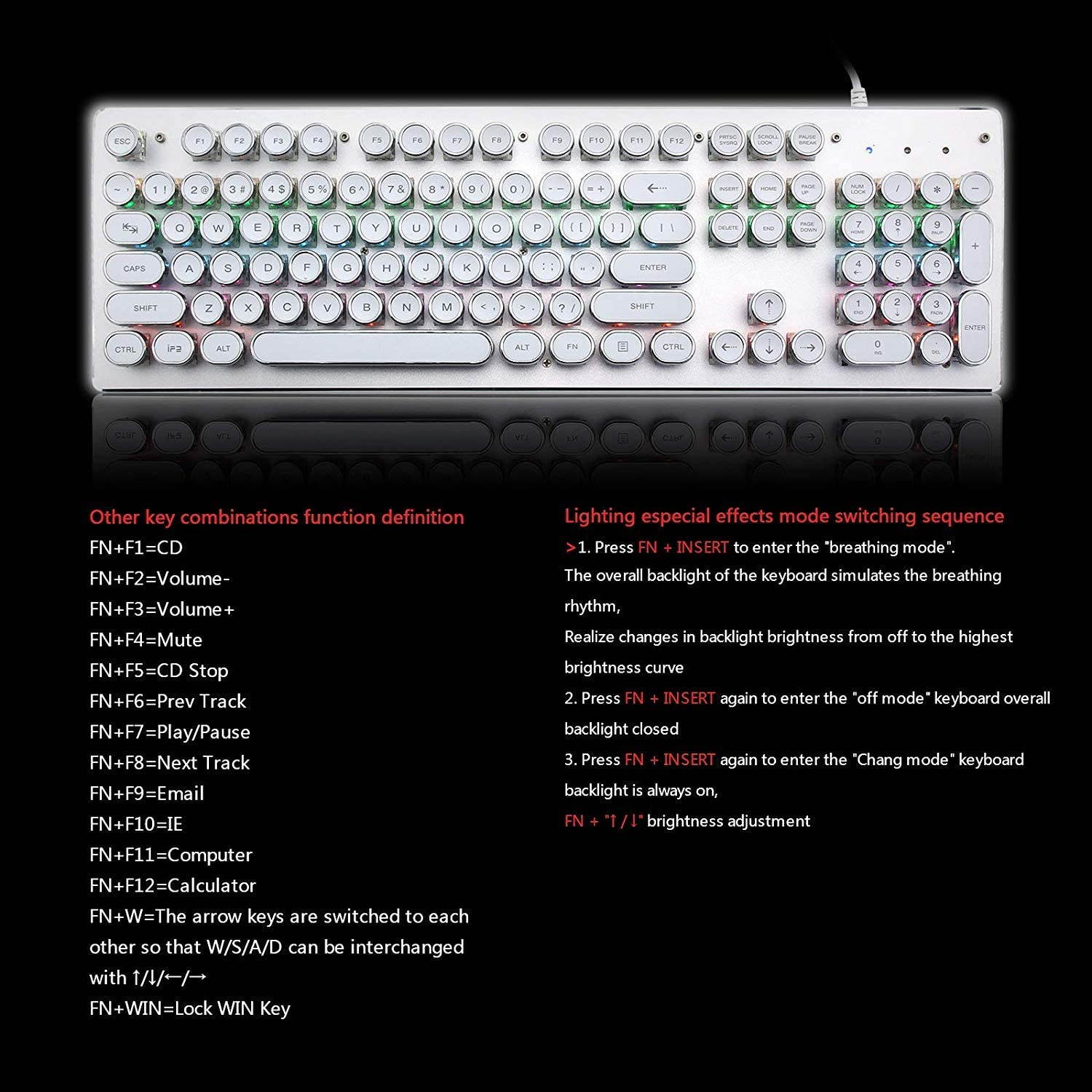
swap Capslock with left Ctrl DIP Switch 2:swap Windows key with the FN keyDIP Switch 3:Lock the Windows key Backlight Adjustable:The adjustable Lighting, operated through Fn+????, augments your play with a variety of exciting visual options Keyboard has a function for the key speedFN+W:
20C/S(default rate) FN+E:
40C/S(medium speed) FN+R:
60 C/S(high speed) Note:
When you set it to 40c/s and 60c/s,and you pressed the key continuously, the key stutters. This is normal. The speed of the game screen design is based on the normal speed of the keyboard, if the keys speed when you clicked faster than the default speed of the game, it will caused key stutter. When you press the tab, its speed is real speed for the keyboard. This issue is normally due to different continuity speed of the keyboard and the game. User can press fn+w, e or r to adjust the speed of the keyboard. The keyboard start mode is actually w, which is also compatible with most games. It is very possible the game you were playing is with a rarely using speed or you may touch fn+e or r by a chance.Package included:
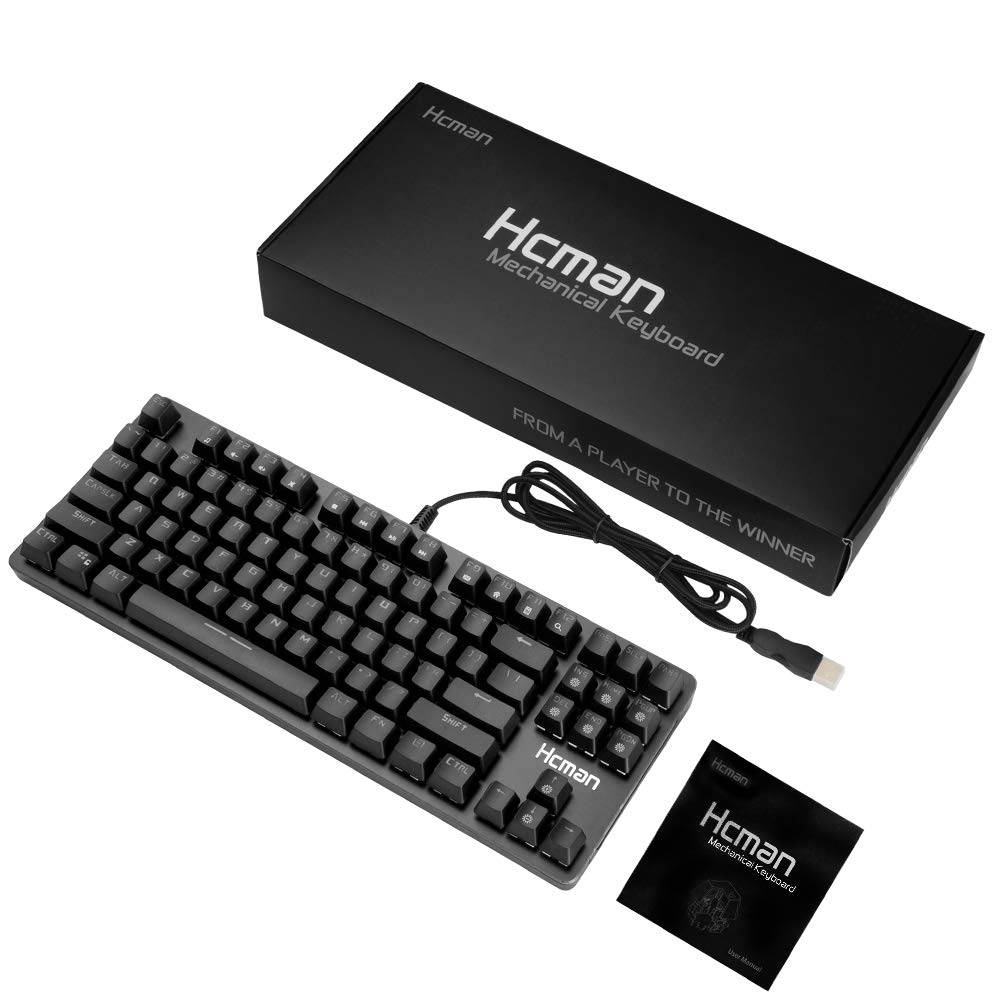
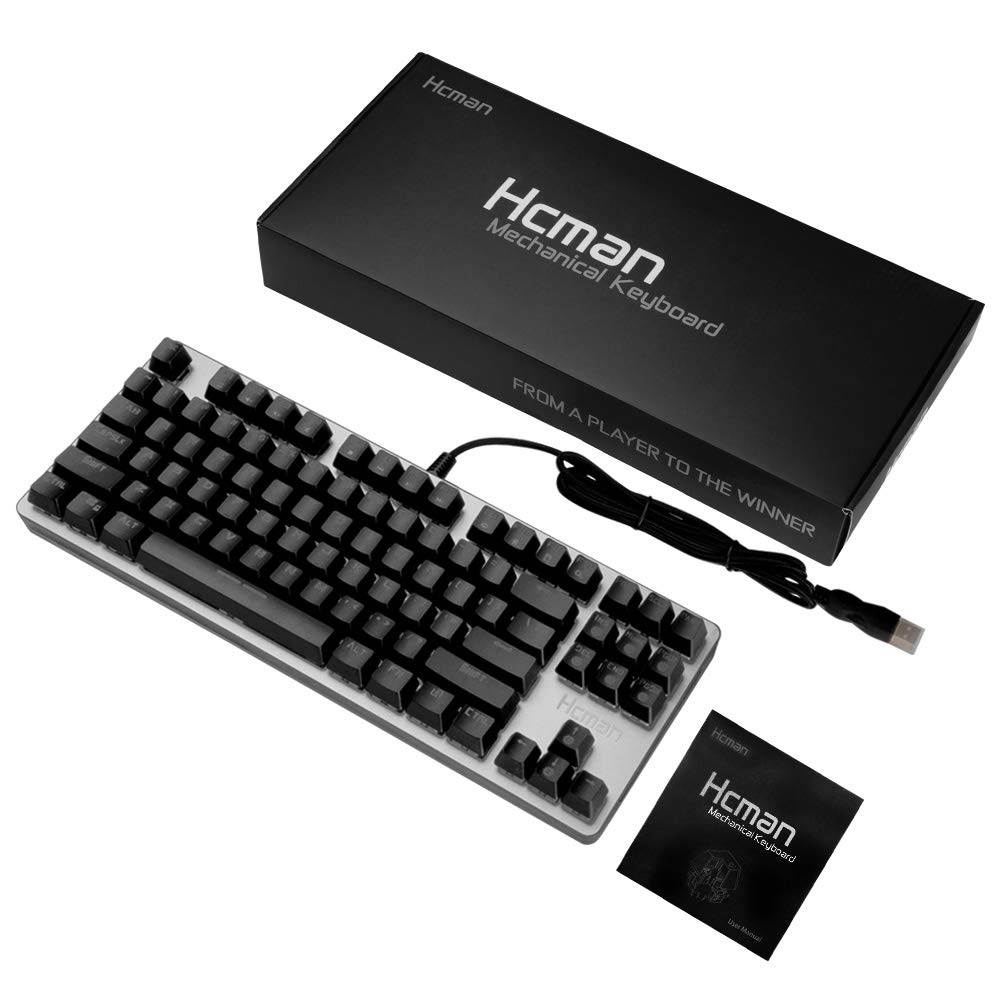
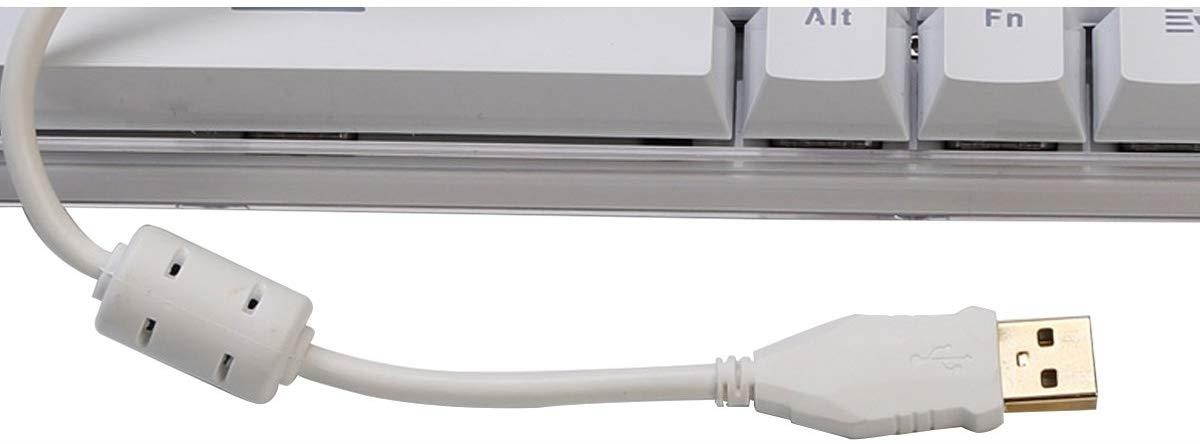
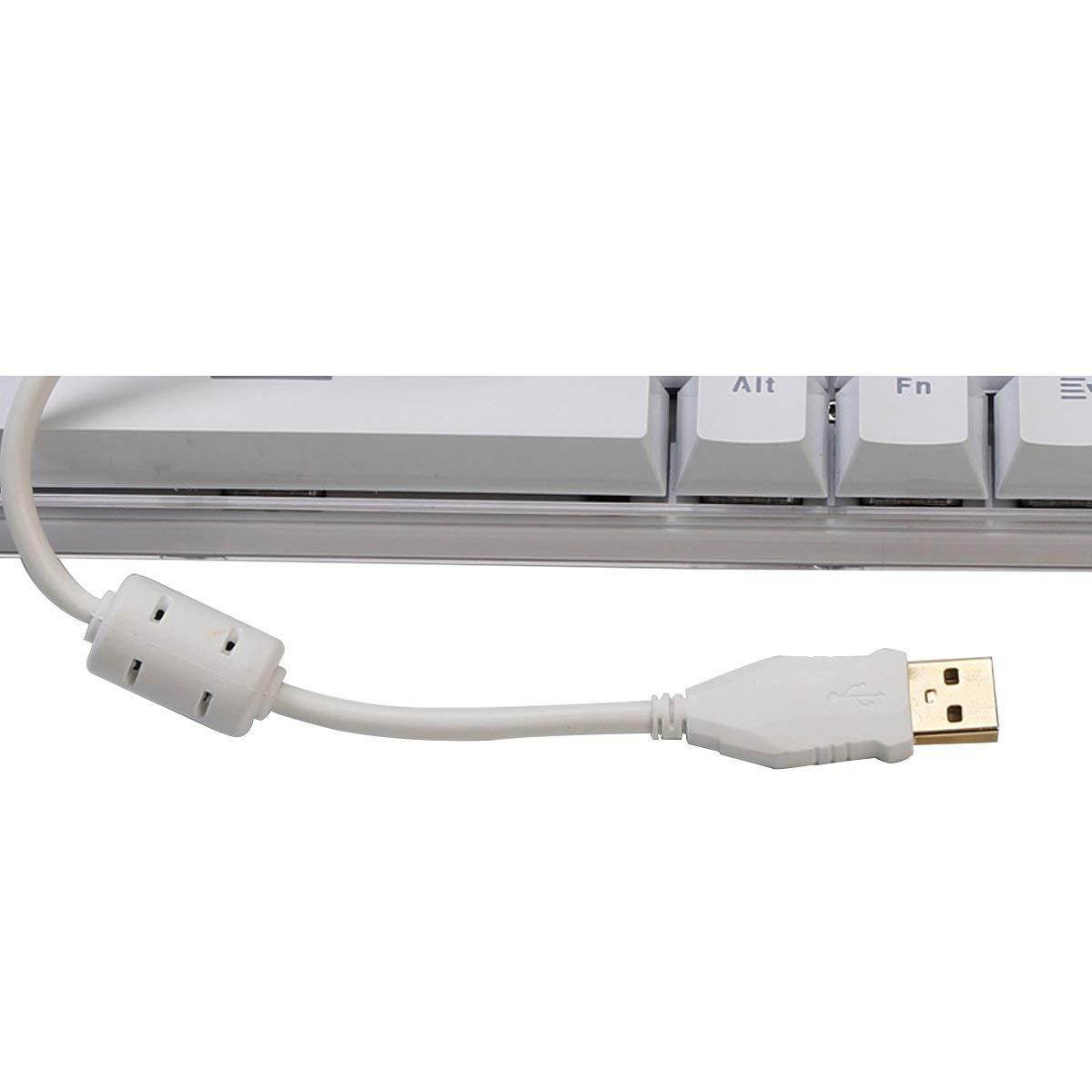
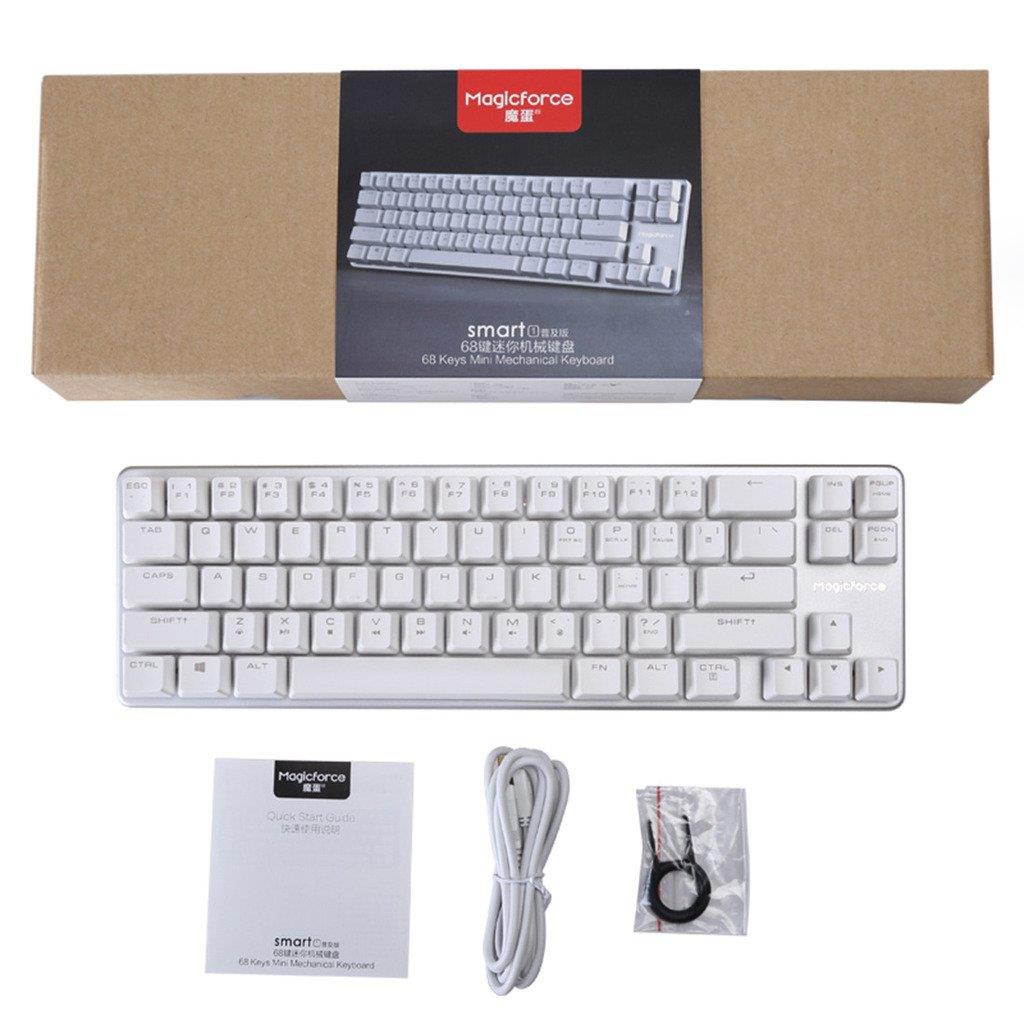
1 x 68 keys mechanical gaming keyboard1 x USB Cable 1 x manual
mini and portable design,unique 68 keys layout Mechanical Cherry MX Red switches,all keys roll-over anti-ghosting Alternate Action or Ergonomic Design Keyboard size is 13.38"*1.57"*4.13" Color:White Short-cuts to multimedia functions. Keyboard comes with three DIP switchesDIP Switch 1:
swap Capslock with left Ctrl DIP Switch 2:swap Windows key with the FN keyDIP Switch 3:Lock the Windows key Backlight Adjustable:The adjustable Lighting, operated through Fn+????, augments your play with a variety of exciting visual options Keyboard has a function for the key speedFN+W:
20C/S(default rate) FN+E:
40C/S(medium speed) FN+R:
60 C/S(high speed) Note:
When you set it to 40c/s and 60c/s,and you pressed the key continuously, the key stutters. This is normal. The speed of the game screen design is based on the normal speed of the keyboard, if the keys speed when you clicked faster than the default speed of the game, it will caused key stutter. When you press the tab, its speed is real speed for the keyboard. This issue is normally due to different continuity speed of the keyboard and the game. User can press fn+w, e or r to adjust the speed of the keyboard. The keyboard start mode is actually w, which is also compatible with most games. It is very possible the game you were playing is with a rarely using speed or you may touch fn+e or r by a chance.Package included:
1 x 68 keys mechanical gaming keyboard1 x USB Cable 1 x manual