Trusted shipping
Easy returns
Secure shopping



Buy Qisan Mechanical Gaming Keyboard Full Size 104 Keys US Layout Wired Blue Switch Backlit Keyboard with Pink Color in United States - Cartnear.com
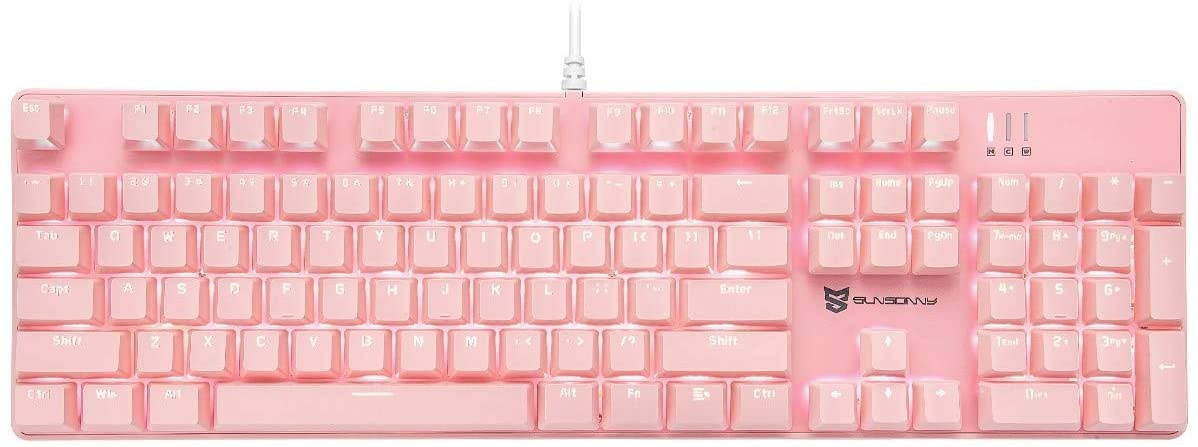
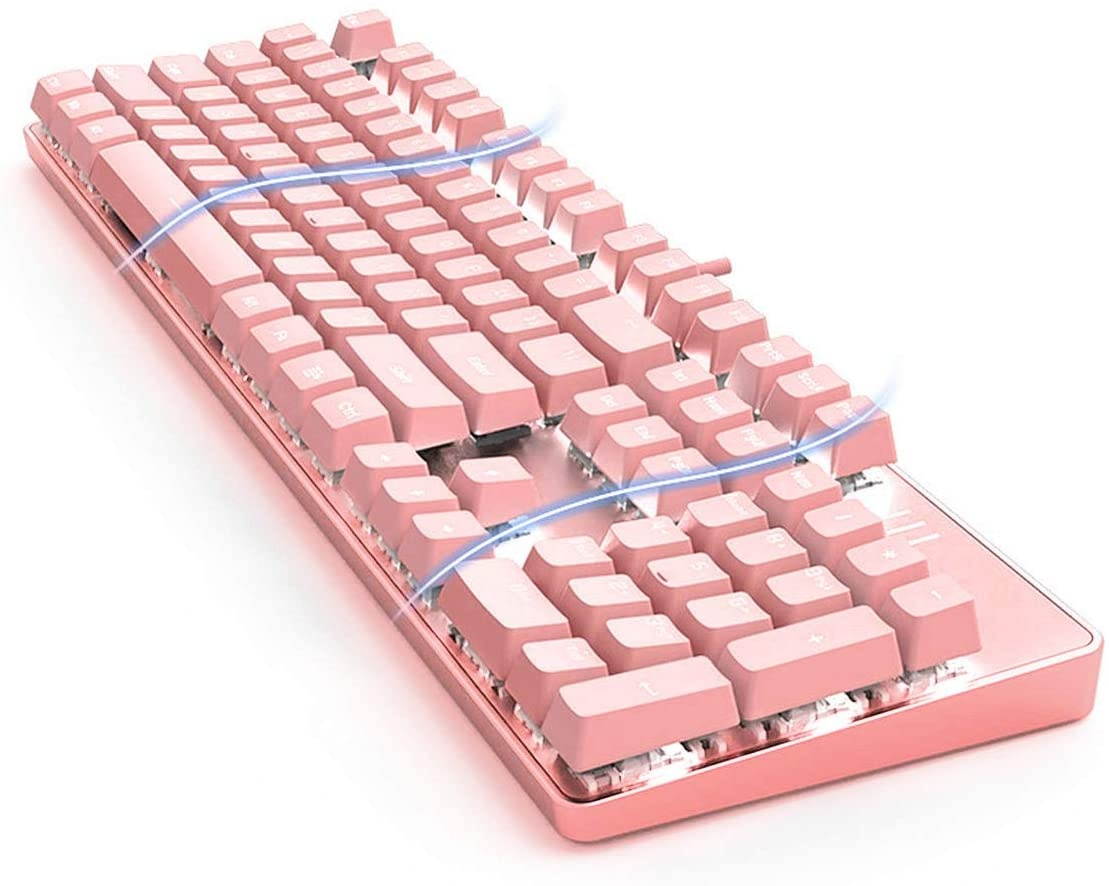
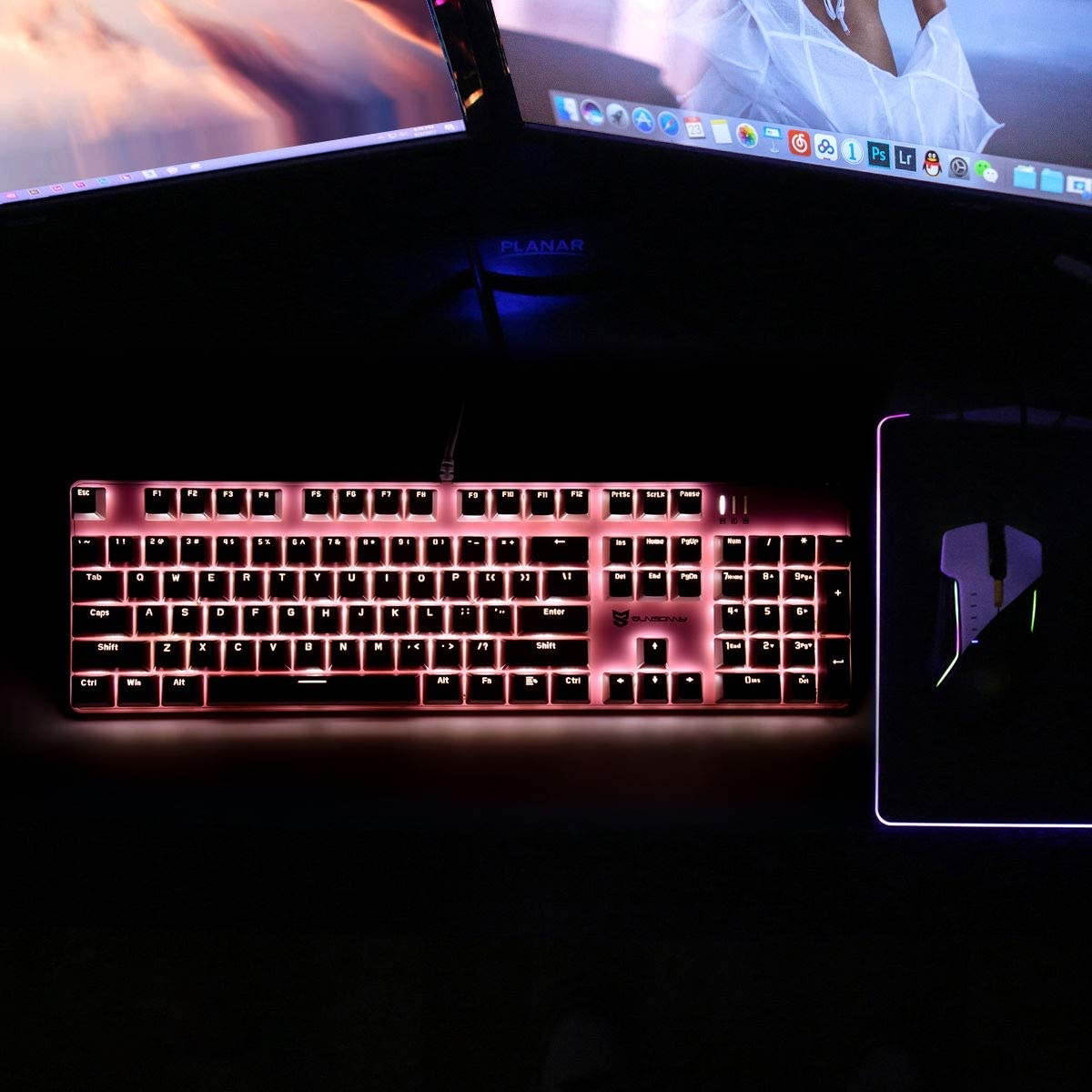

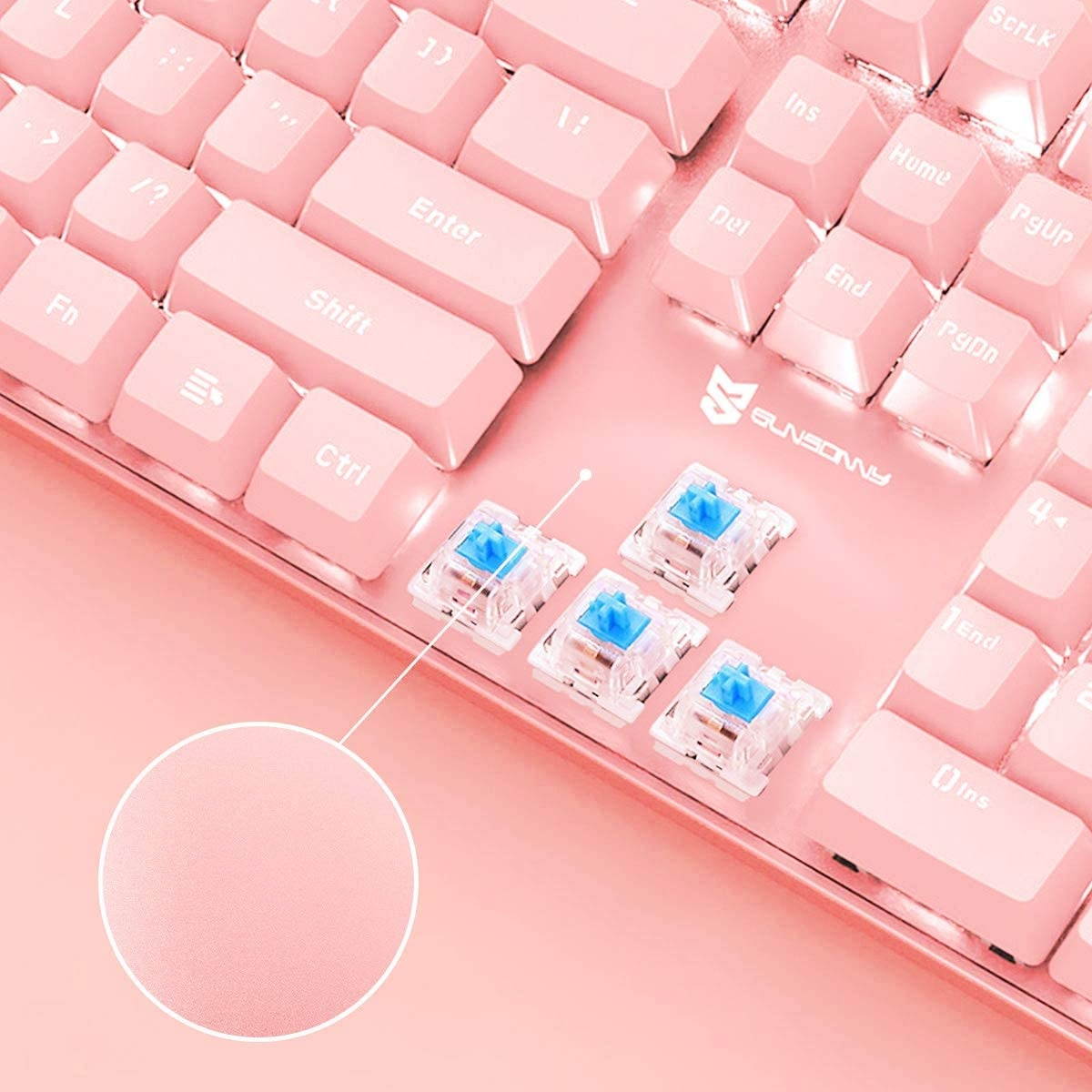
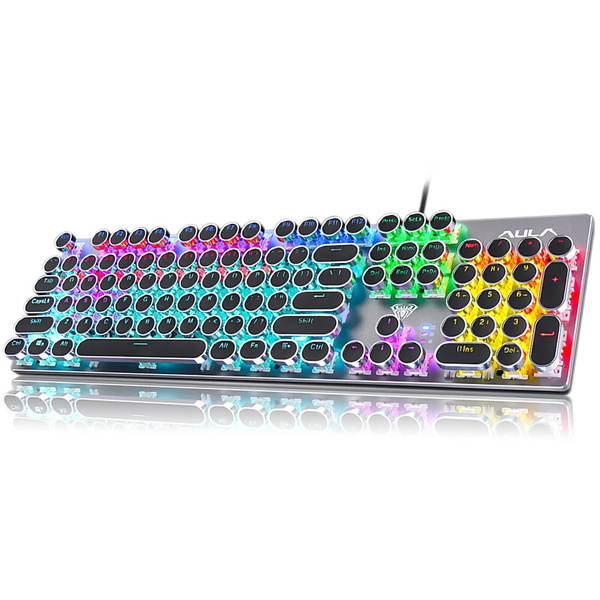
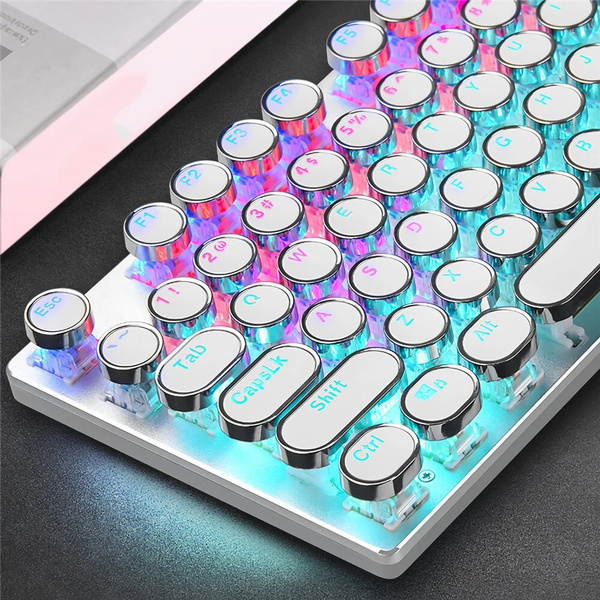
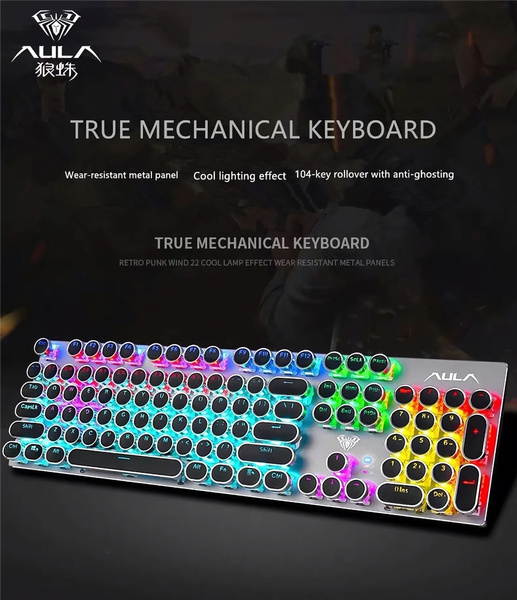
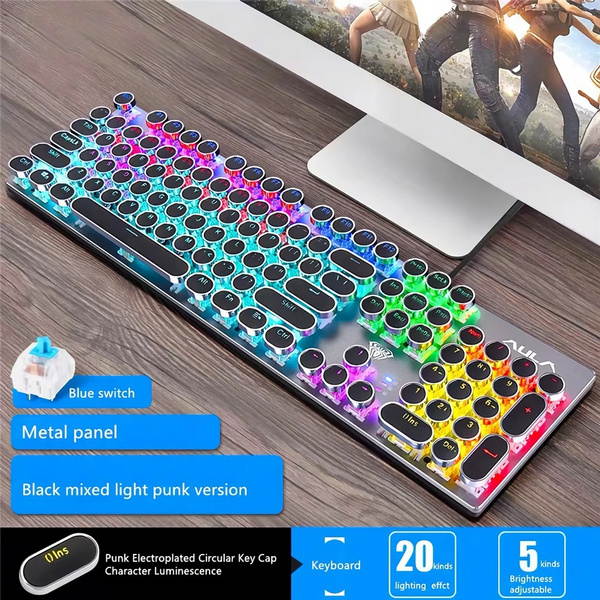
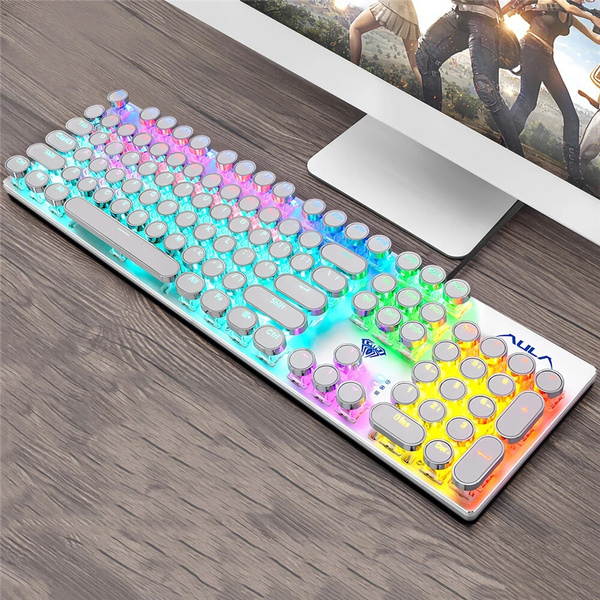
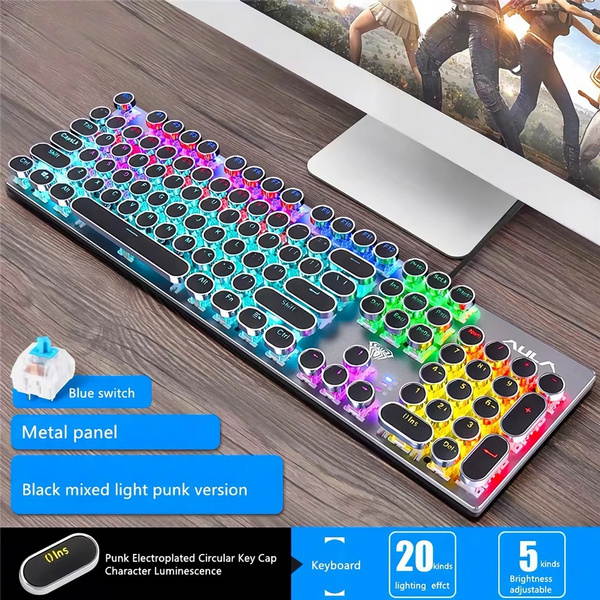
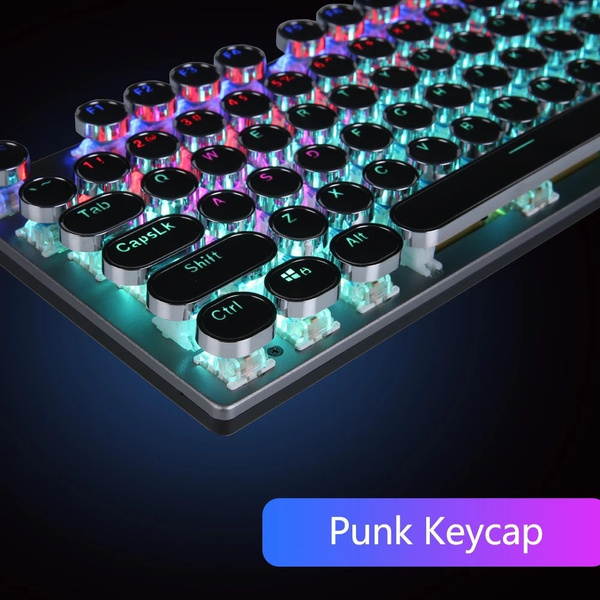
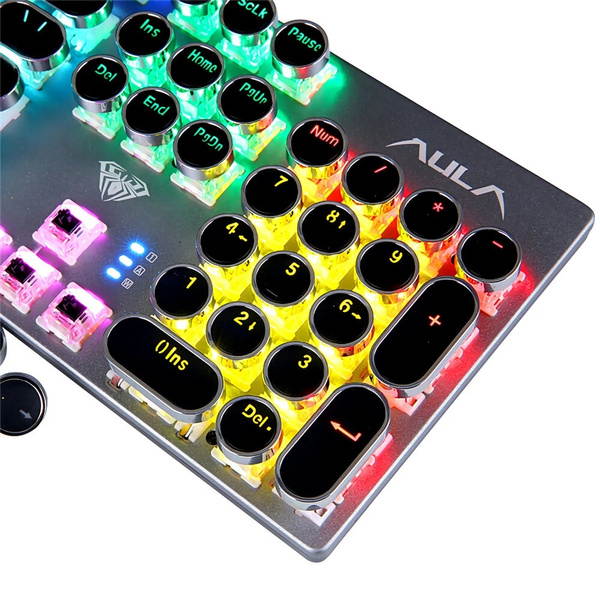
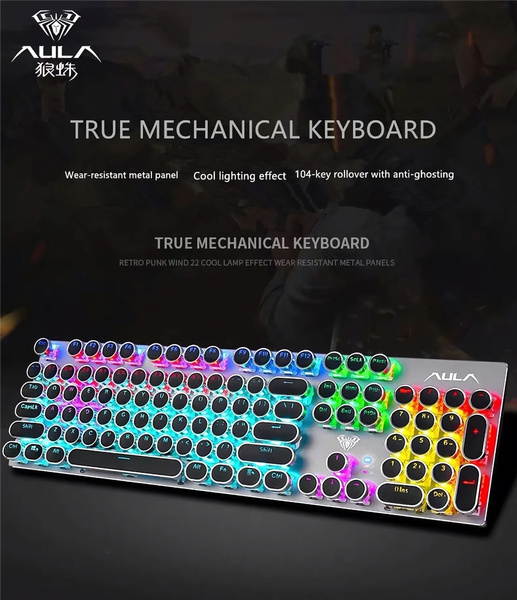
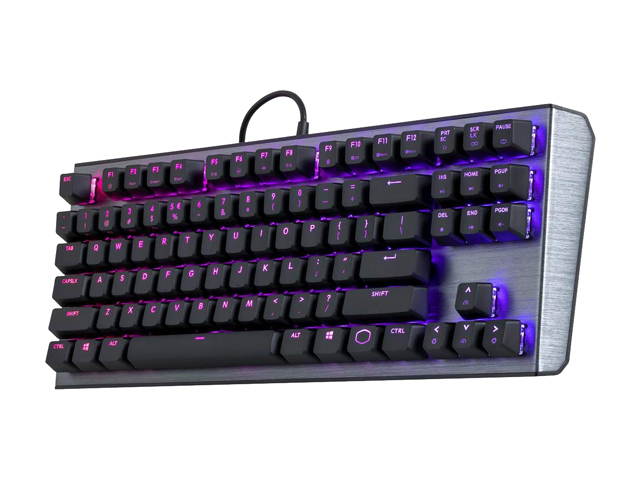
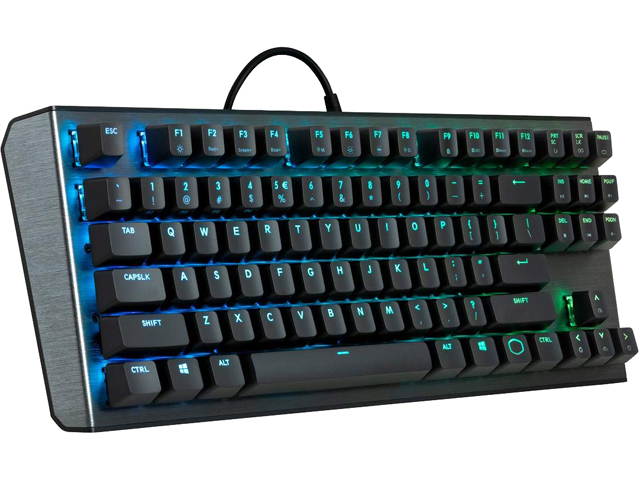
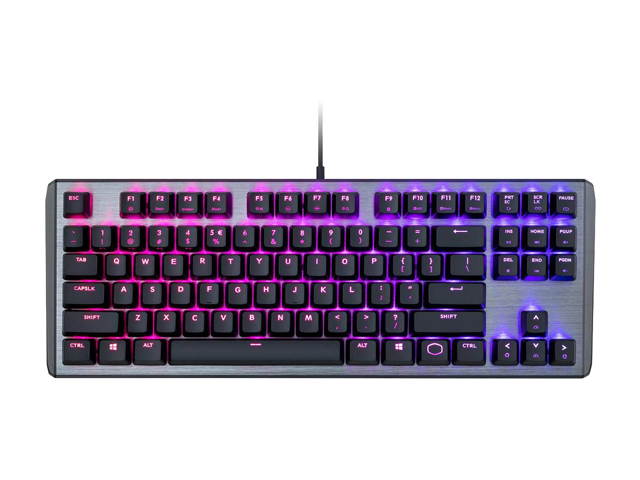
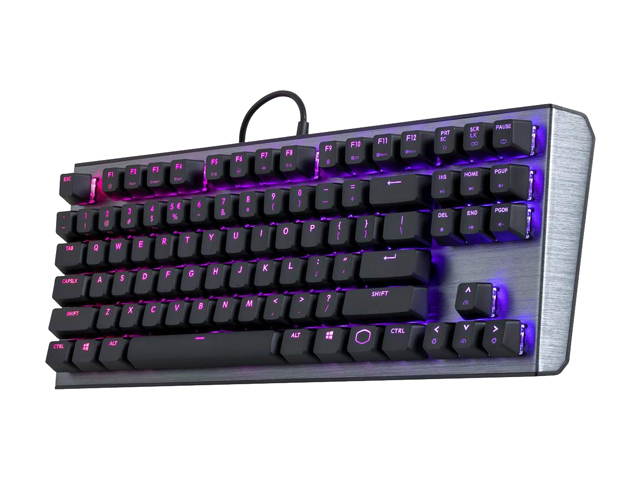
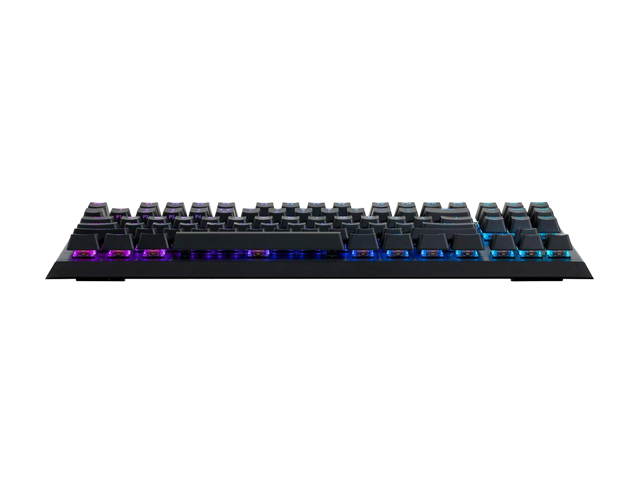
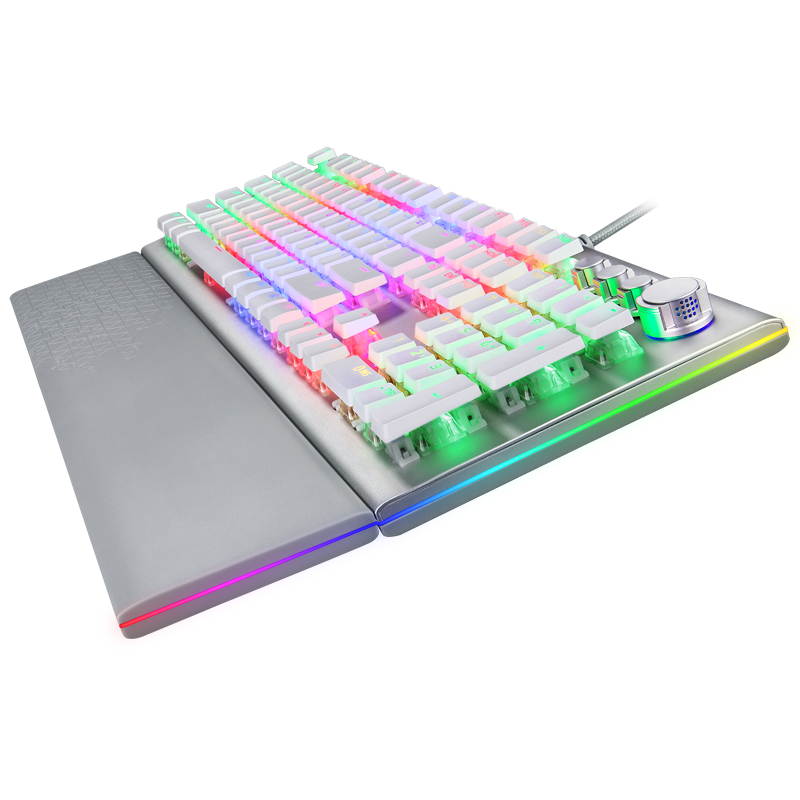
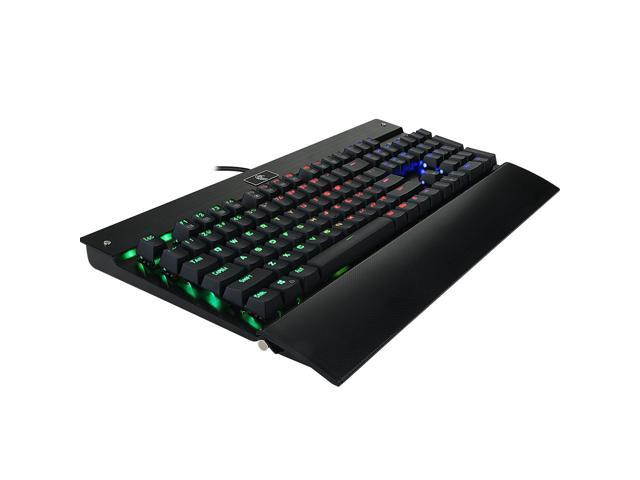
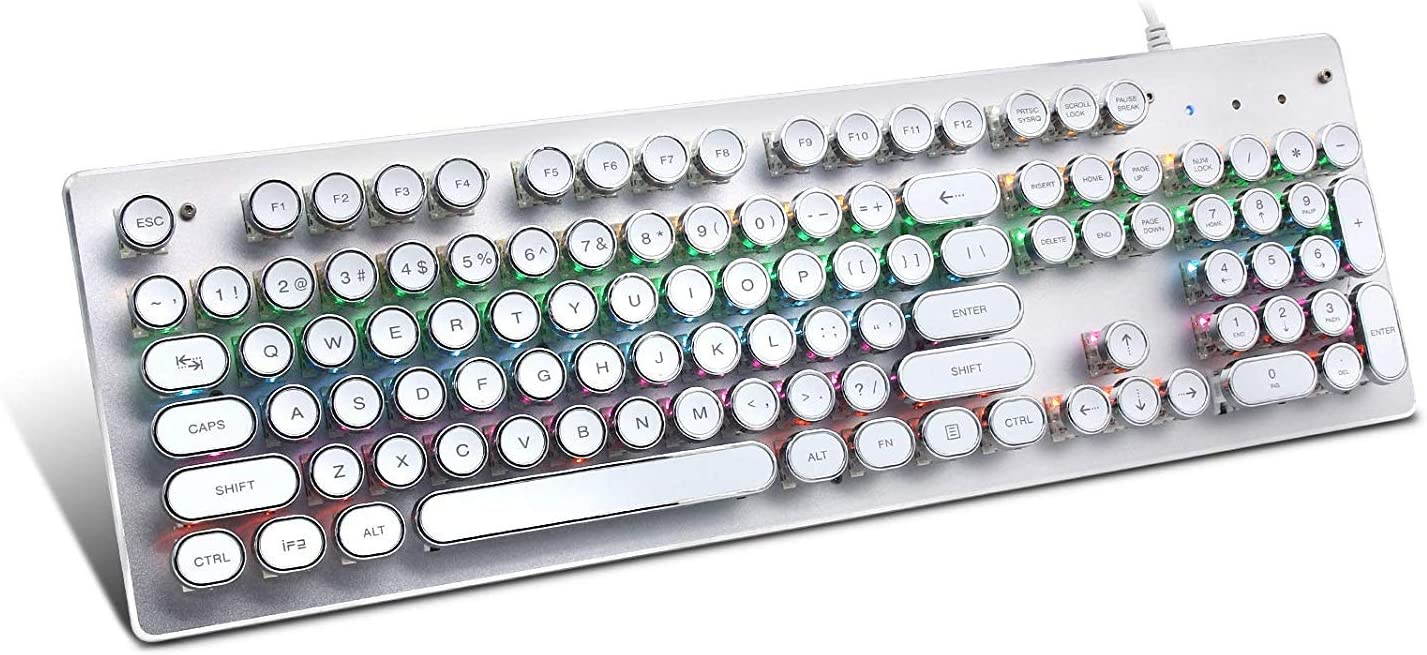
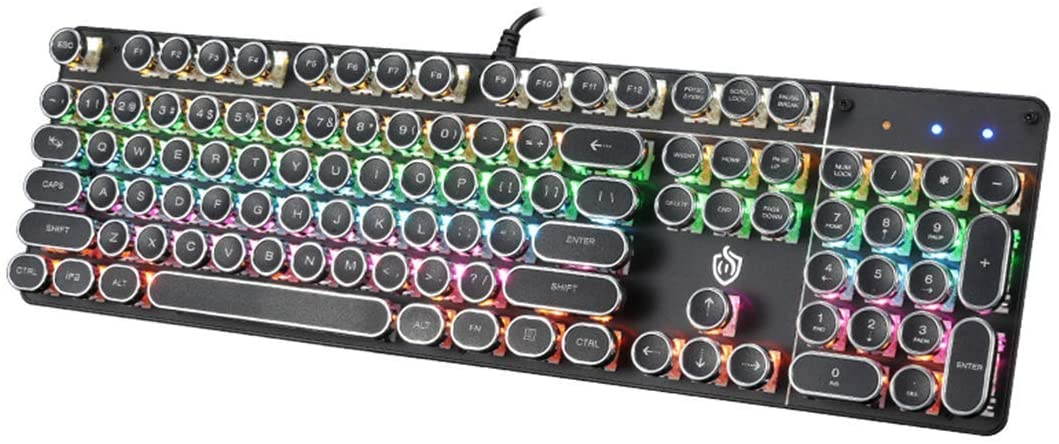
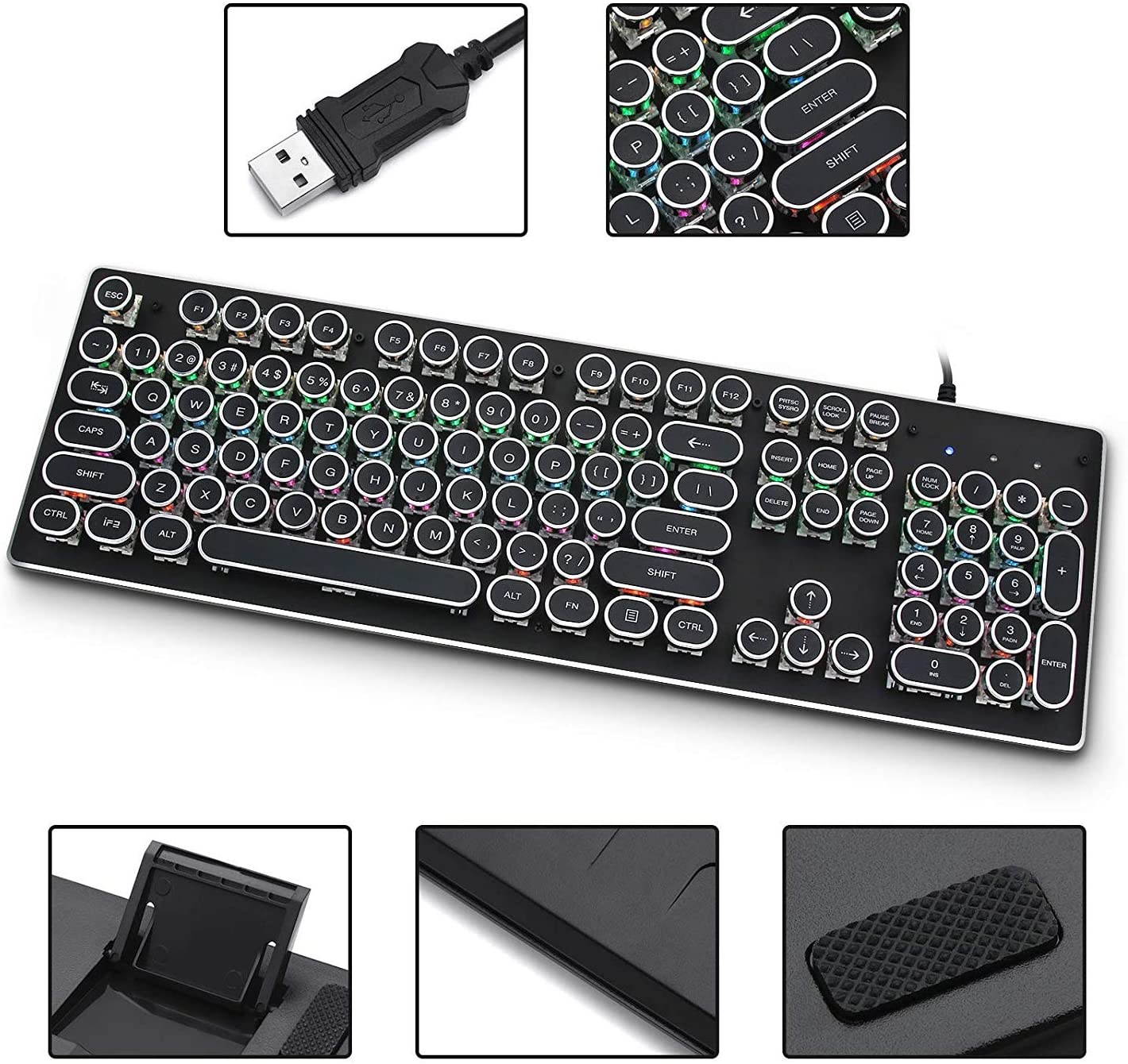
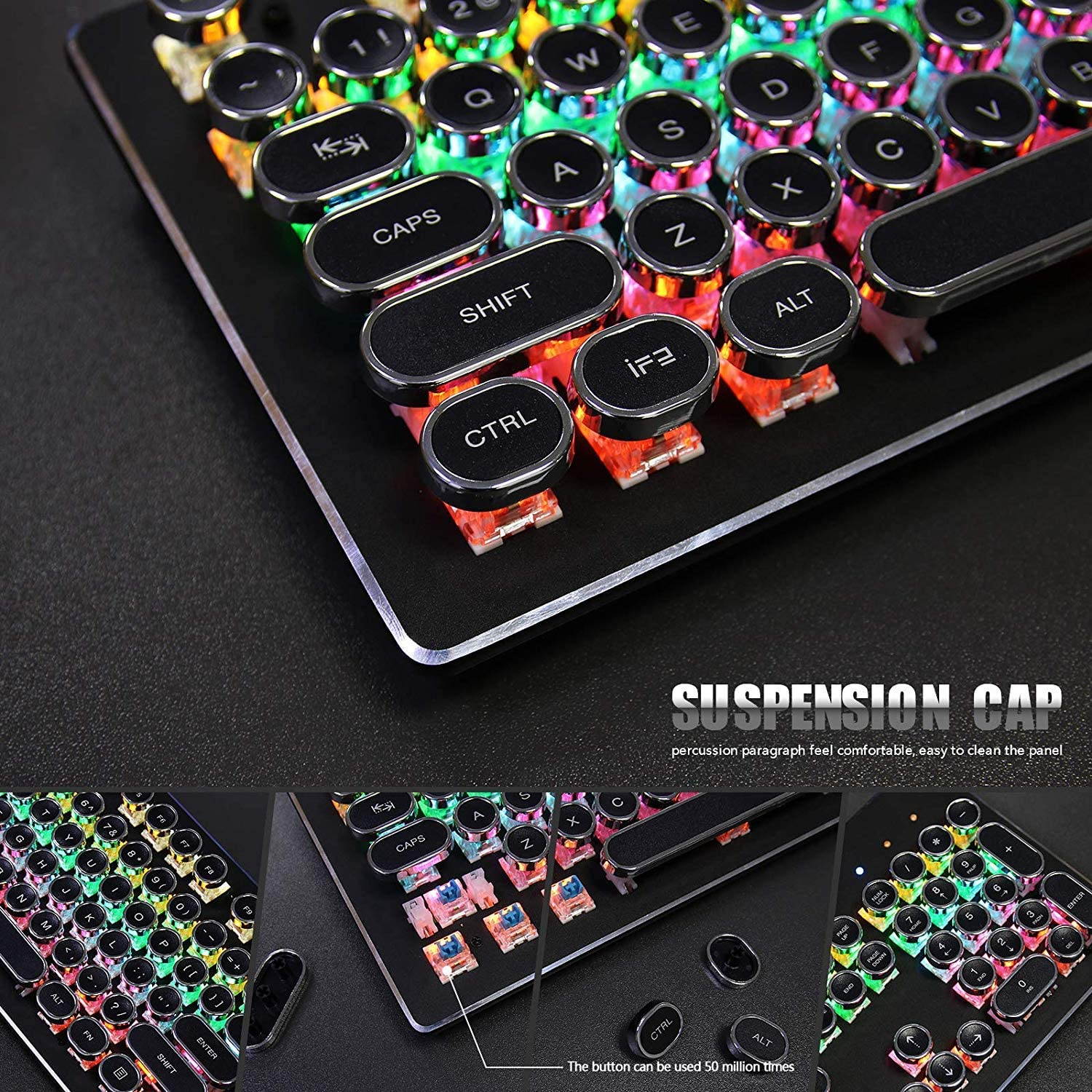
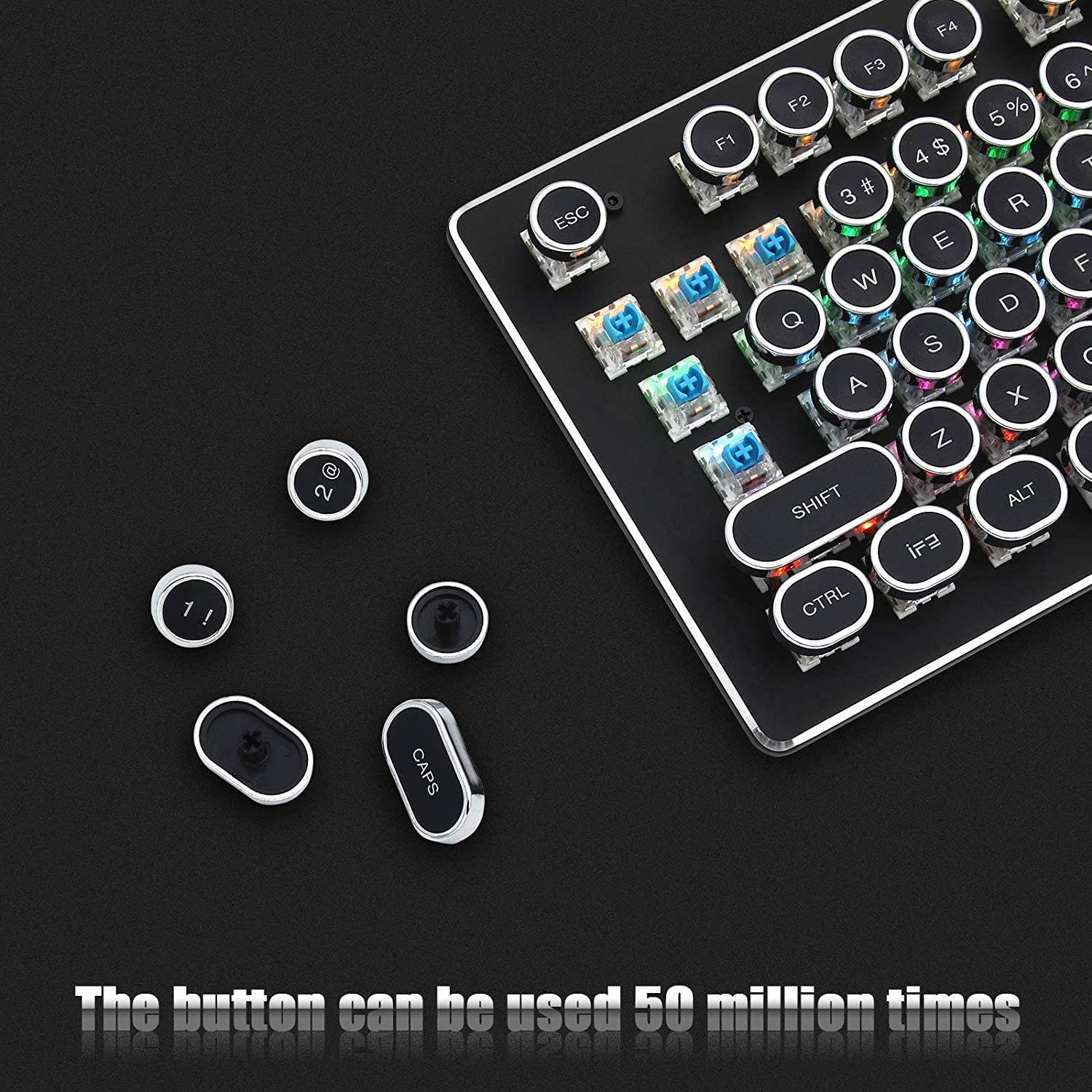
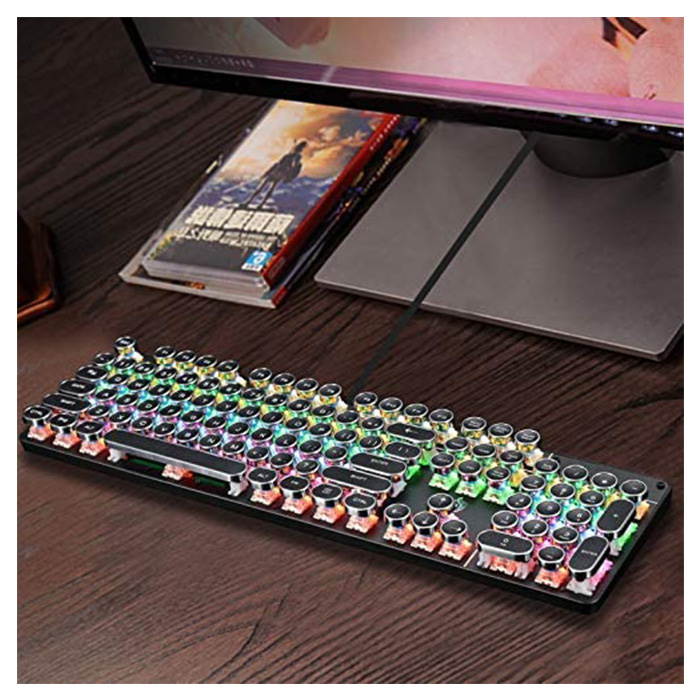
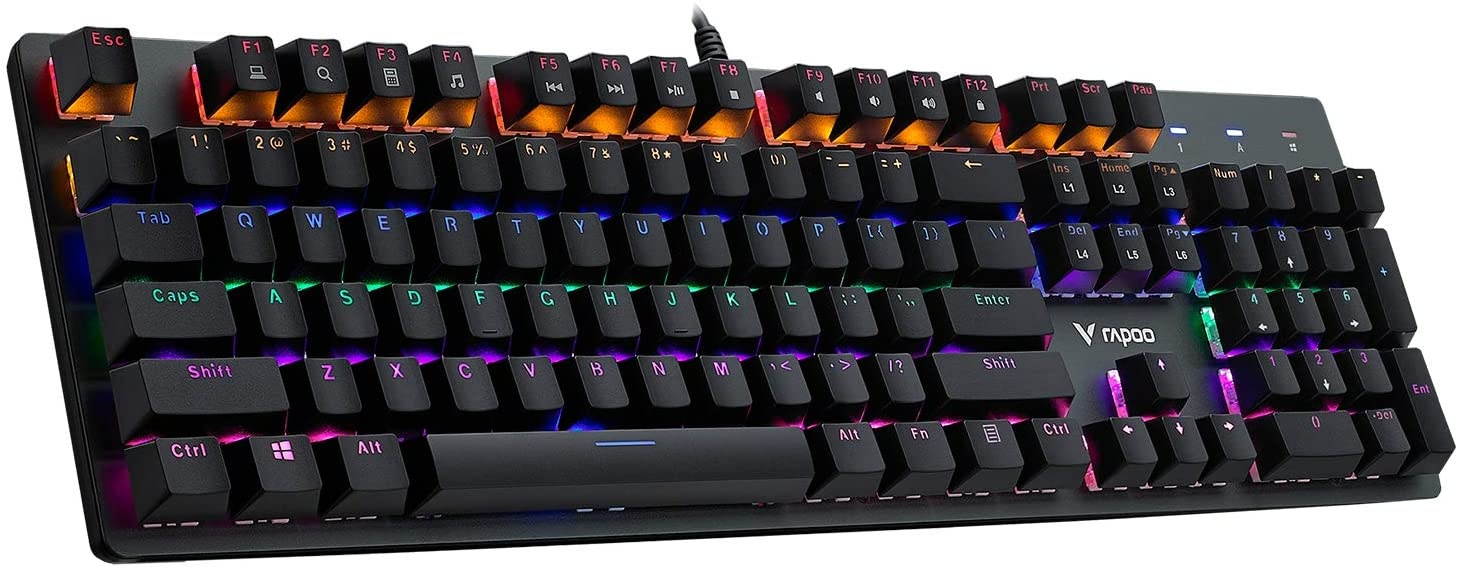
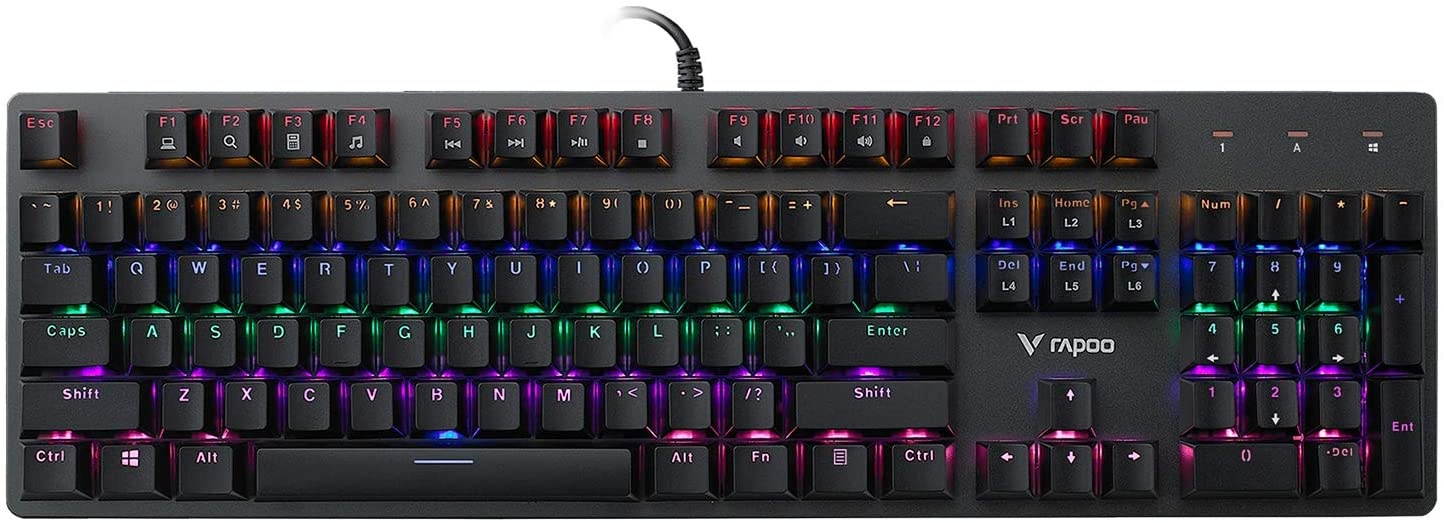
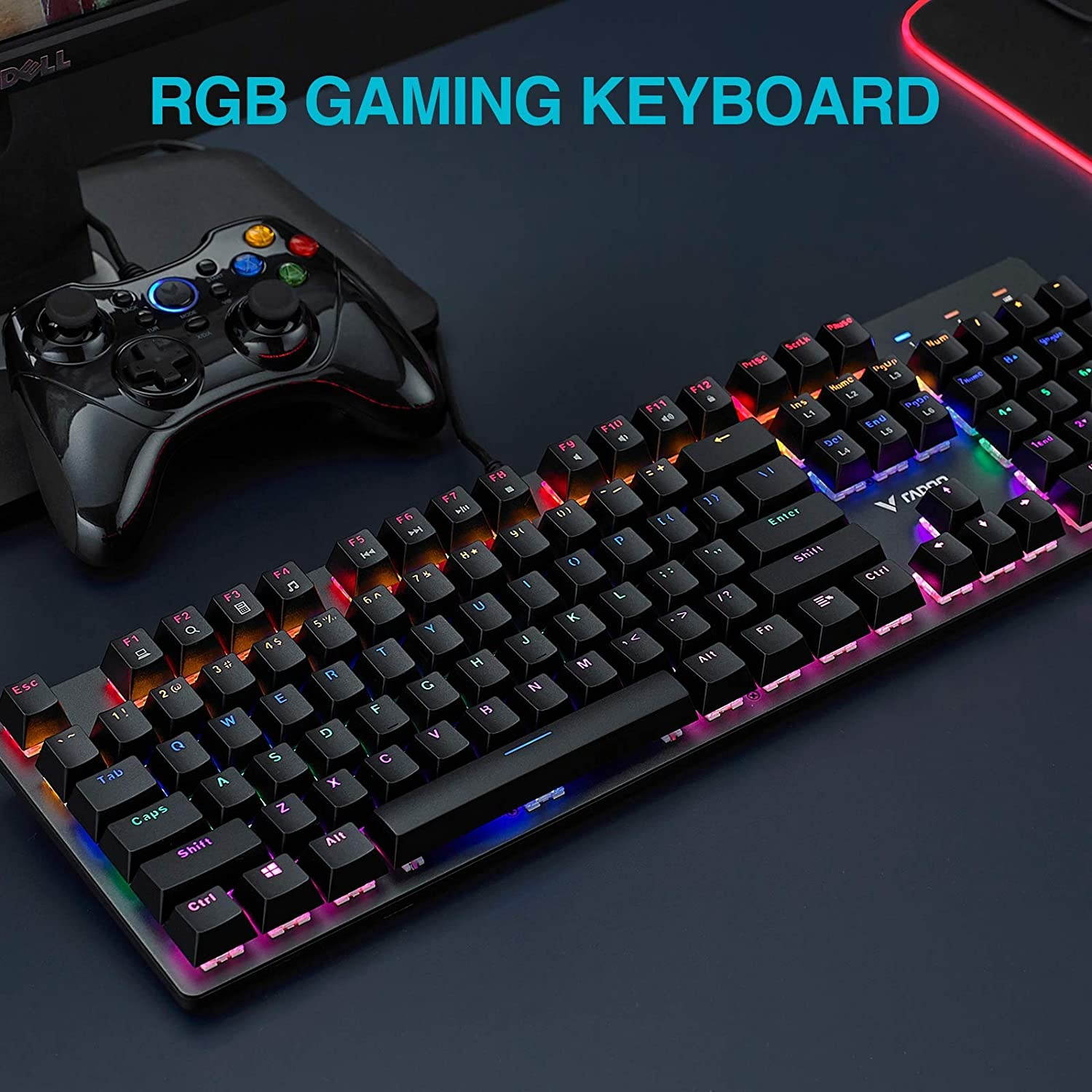
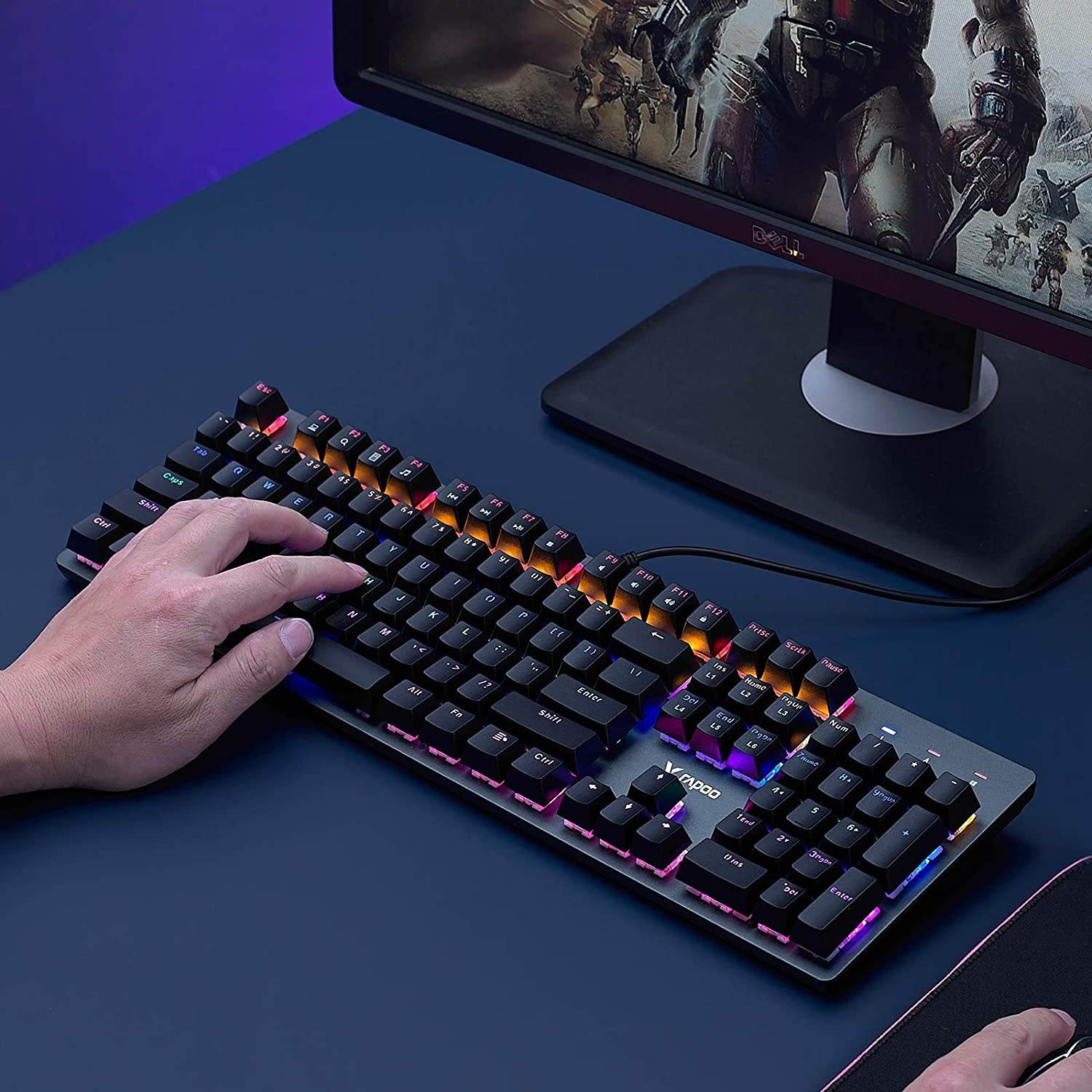
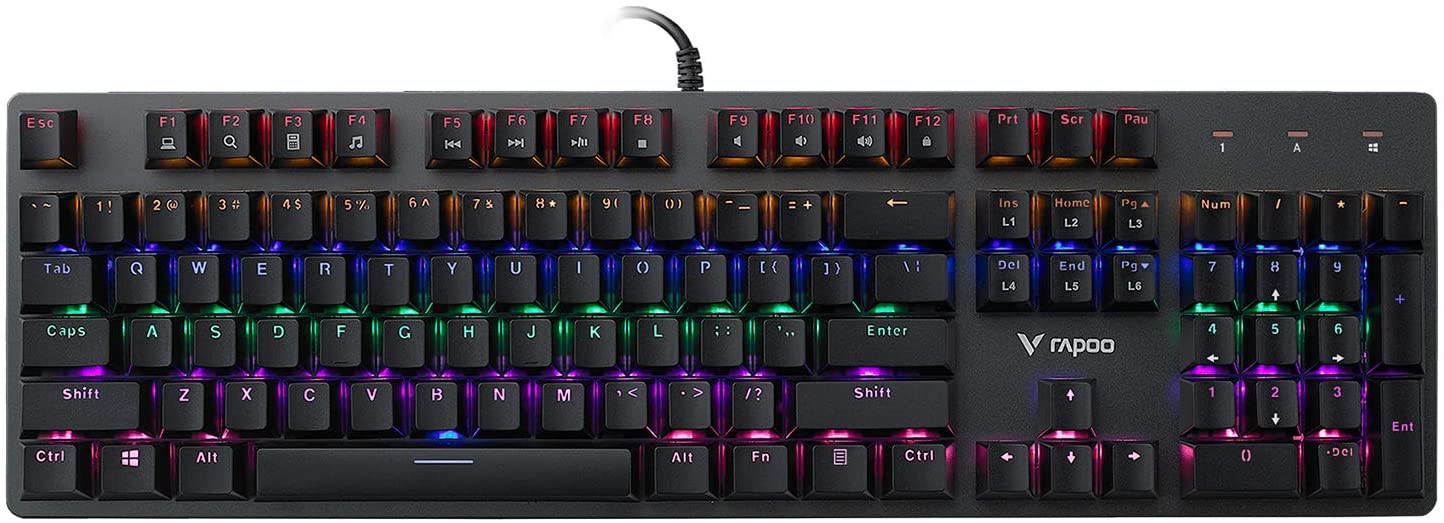
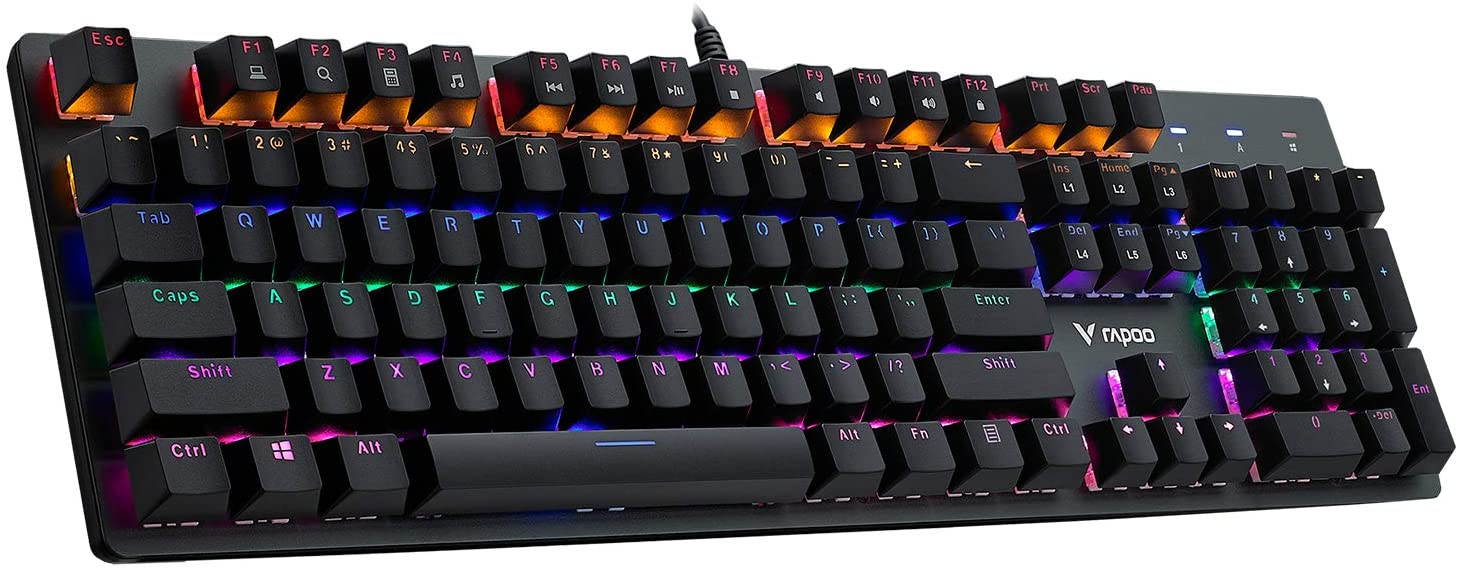
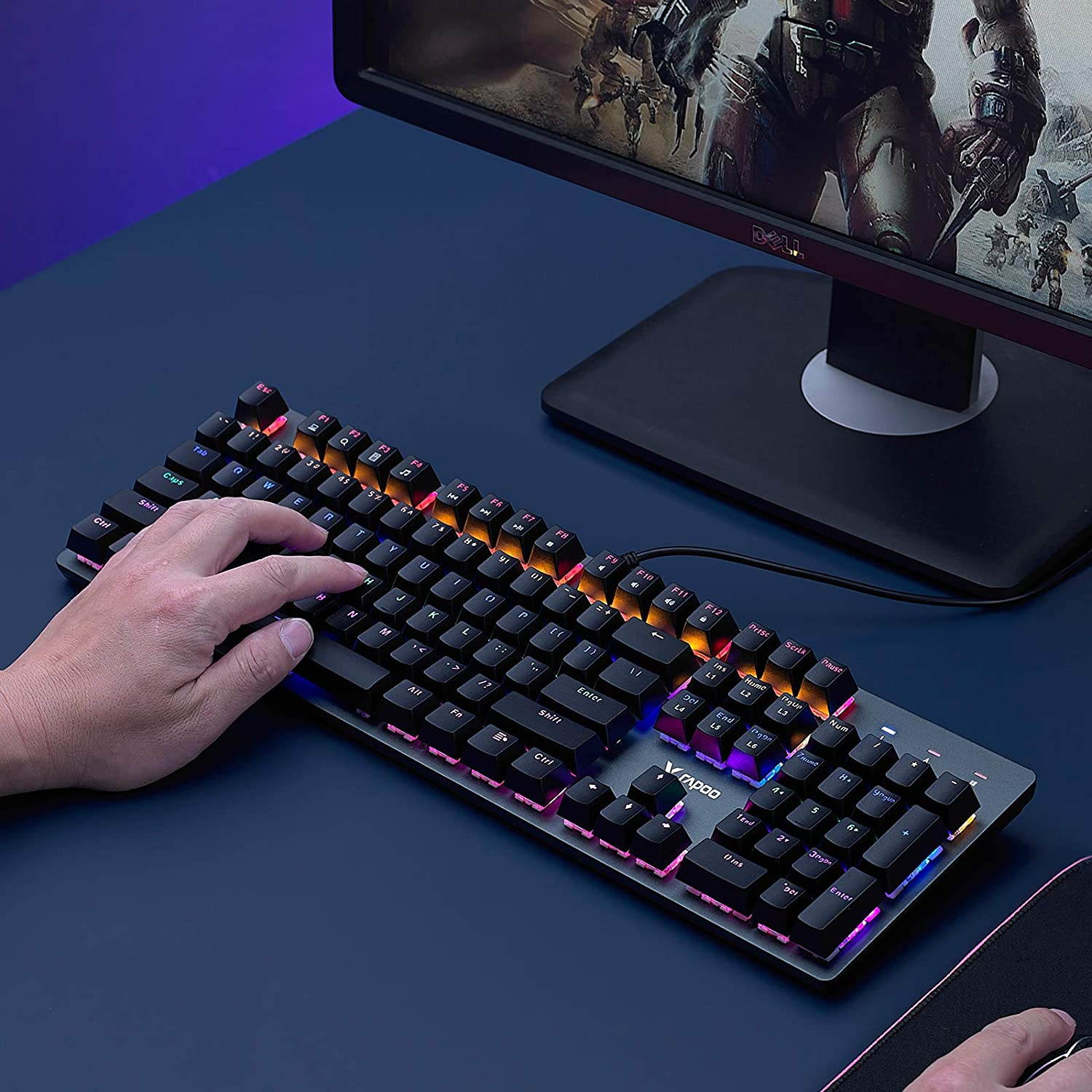
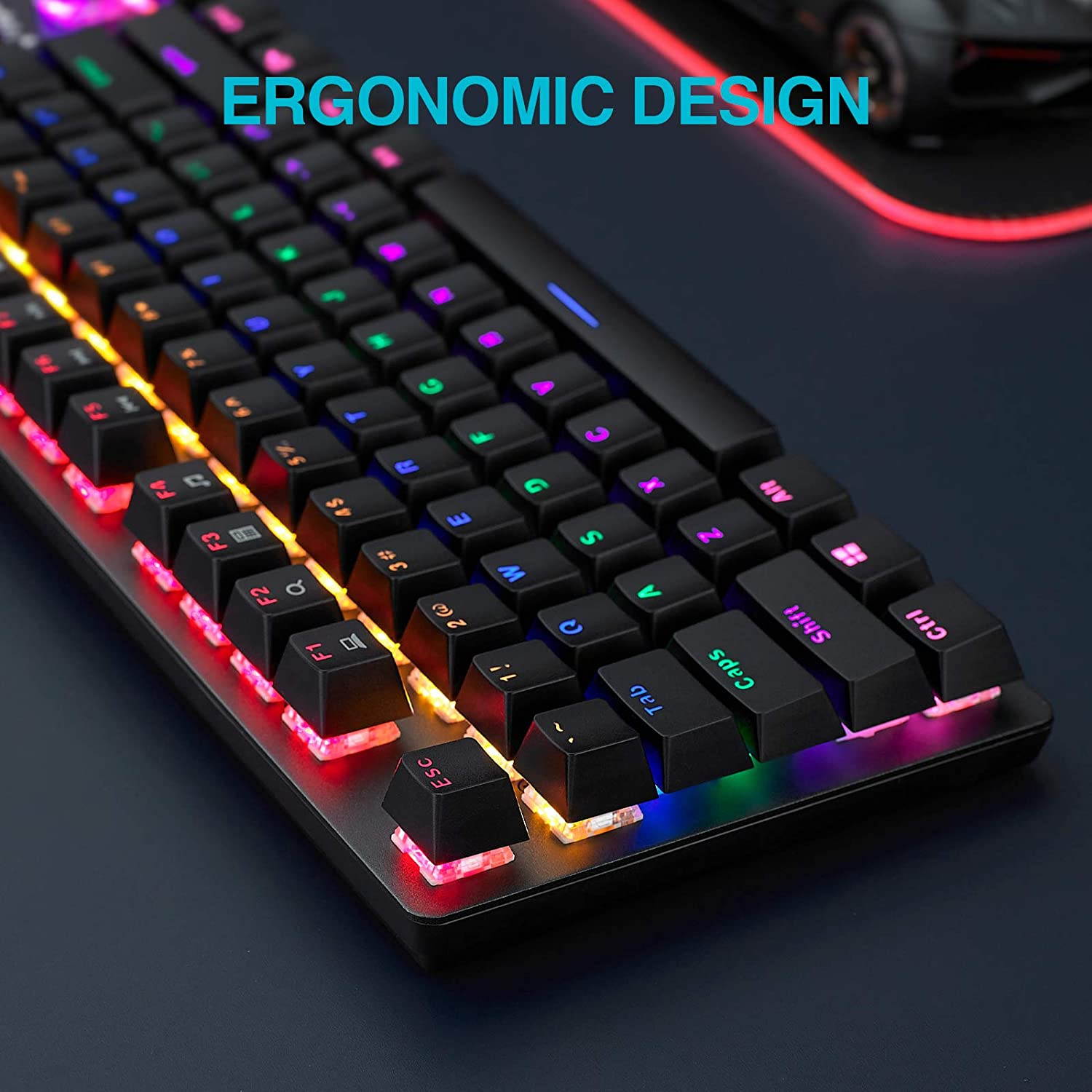
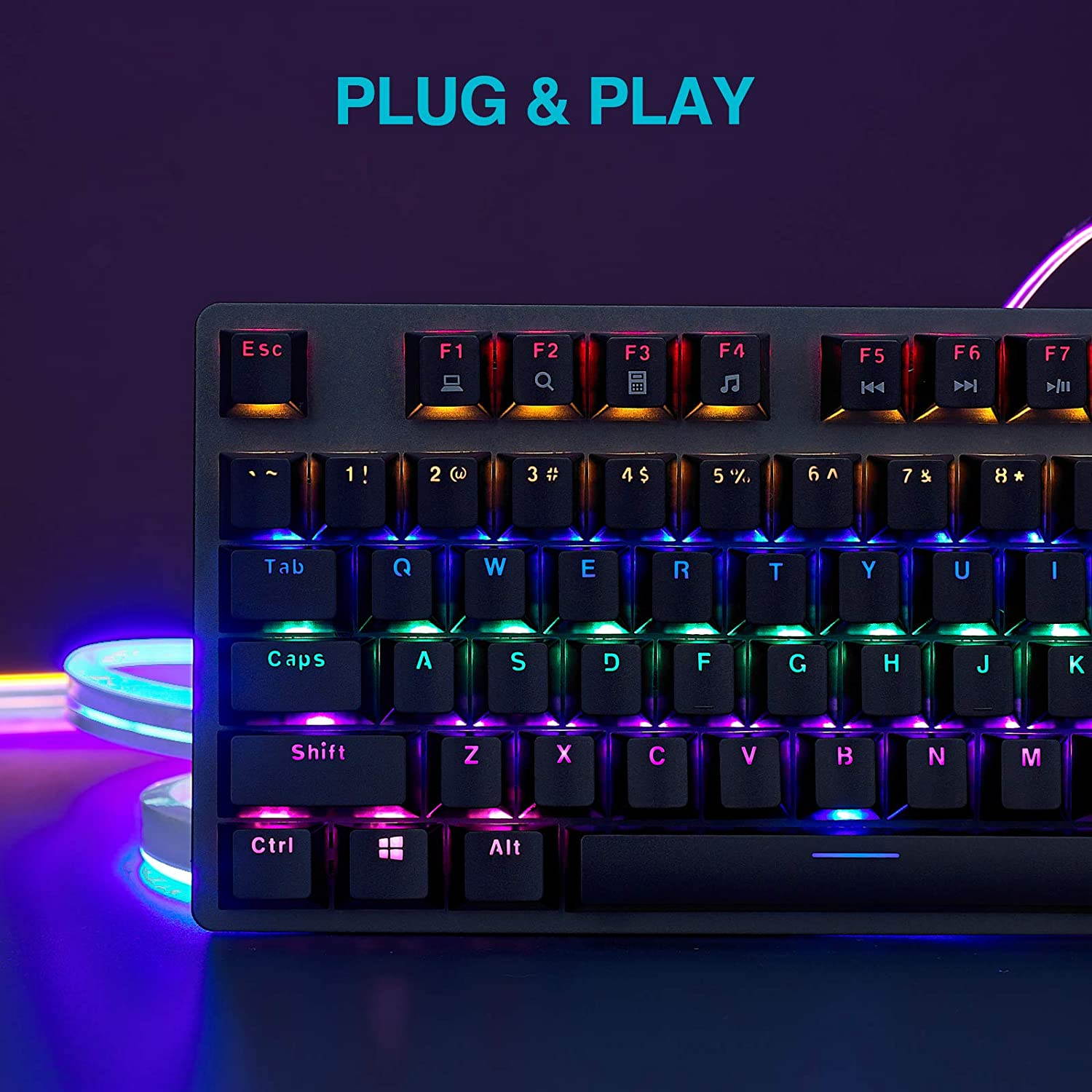
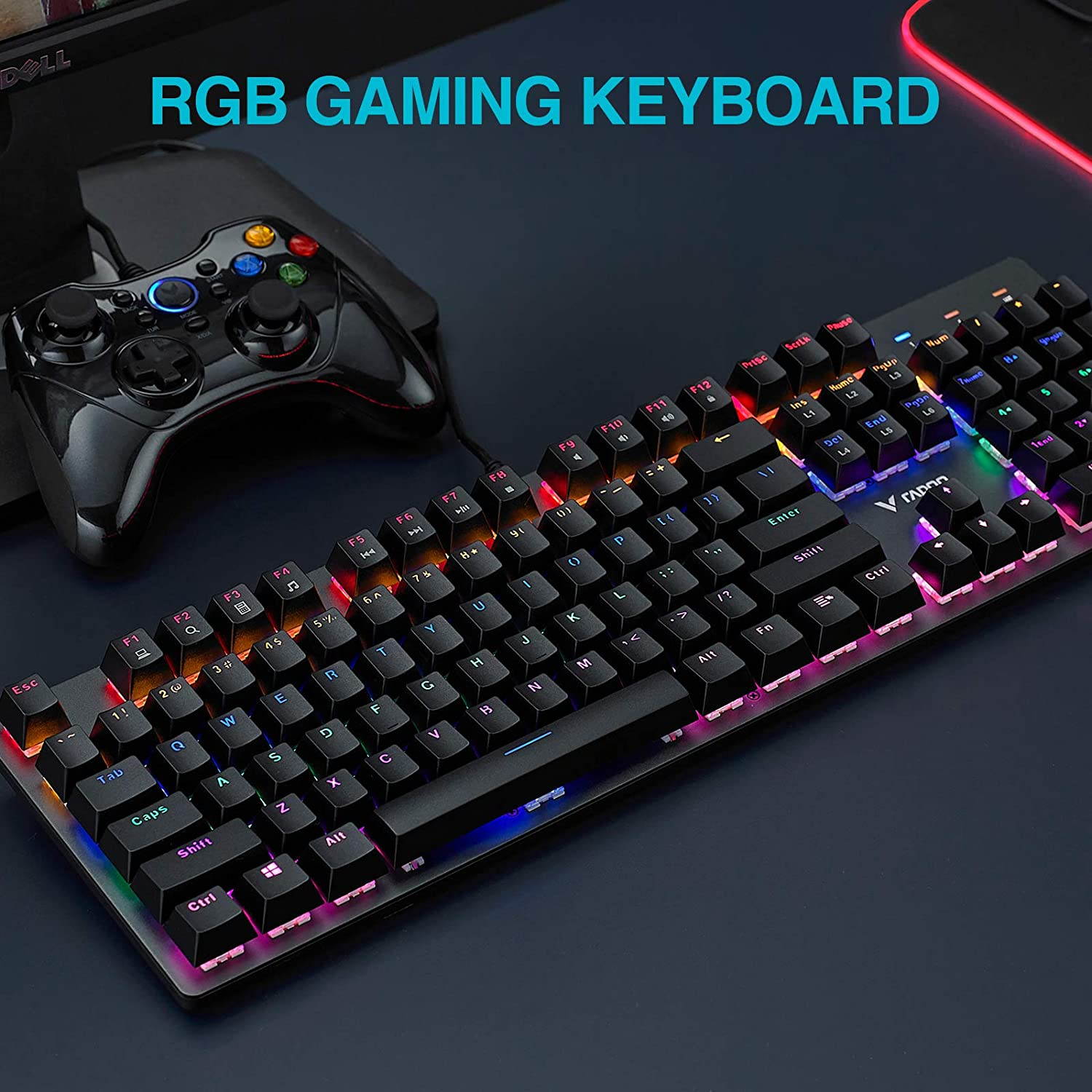
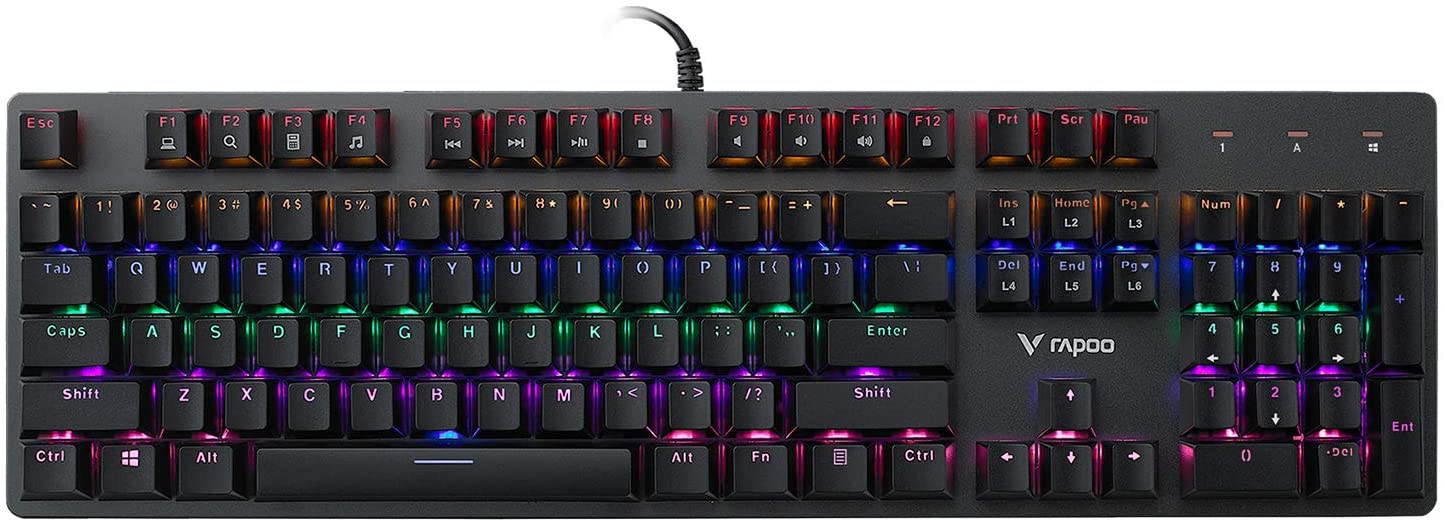
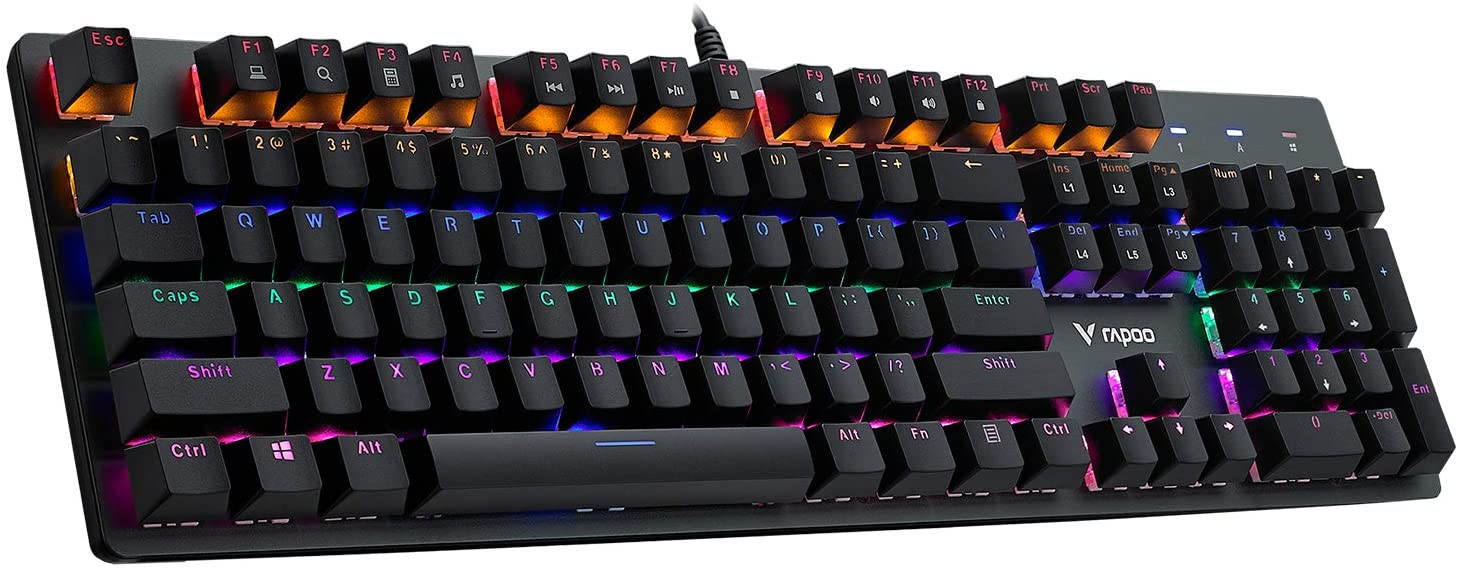
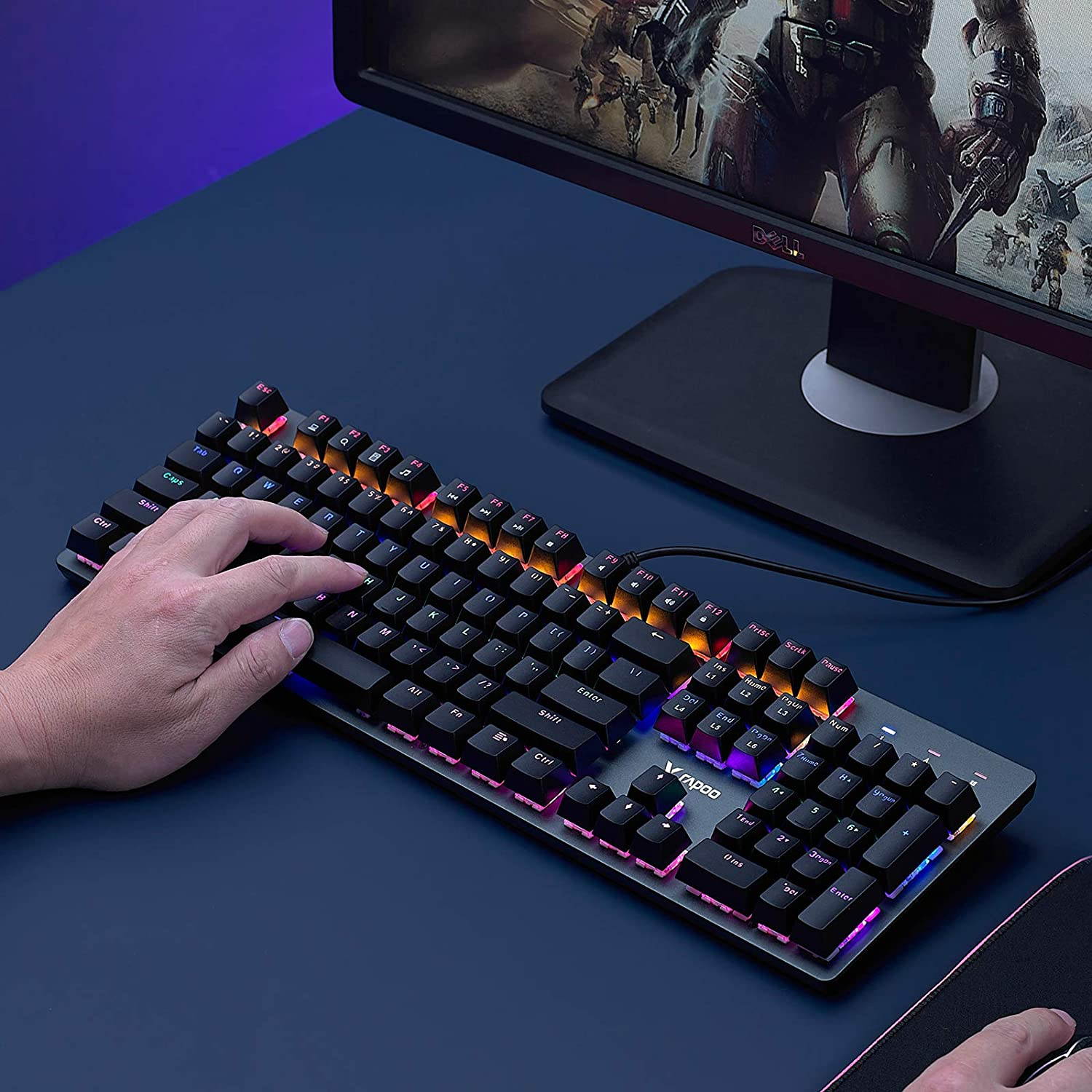
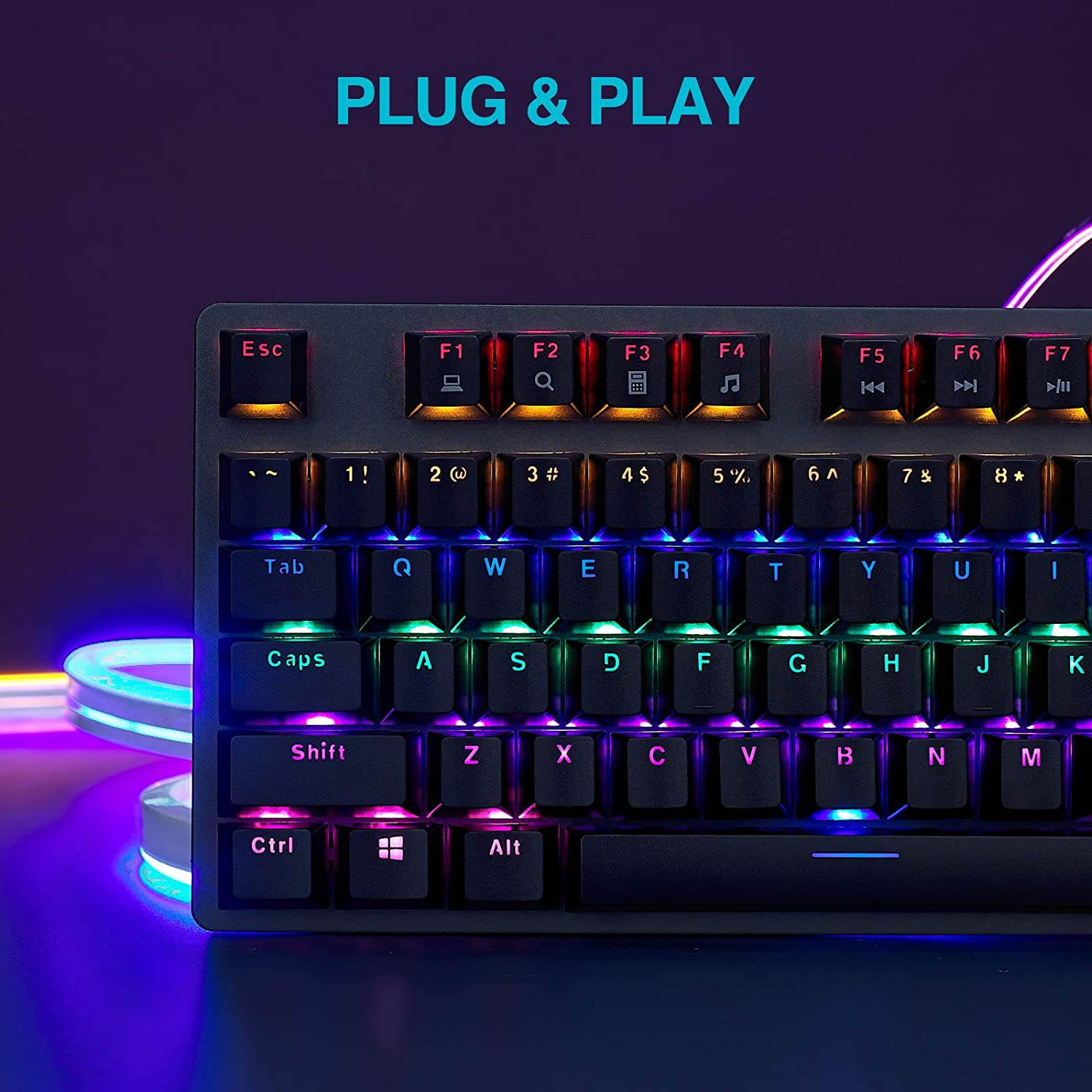
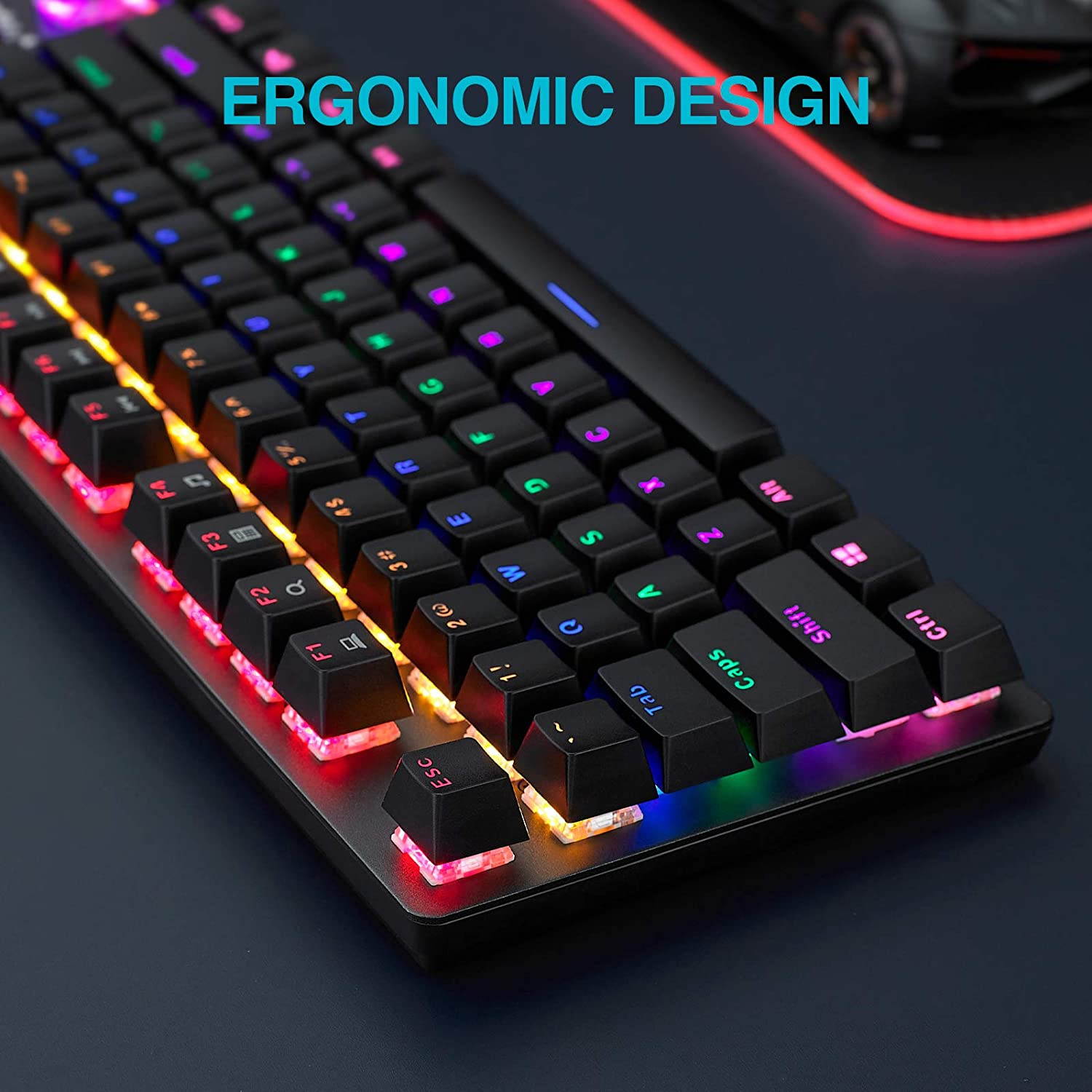
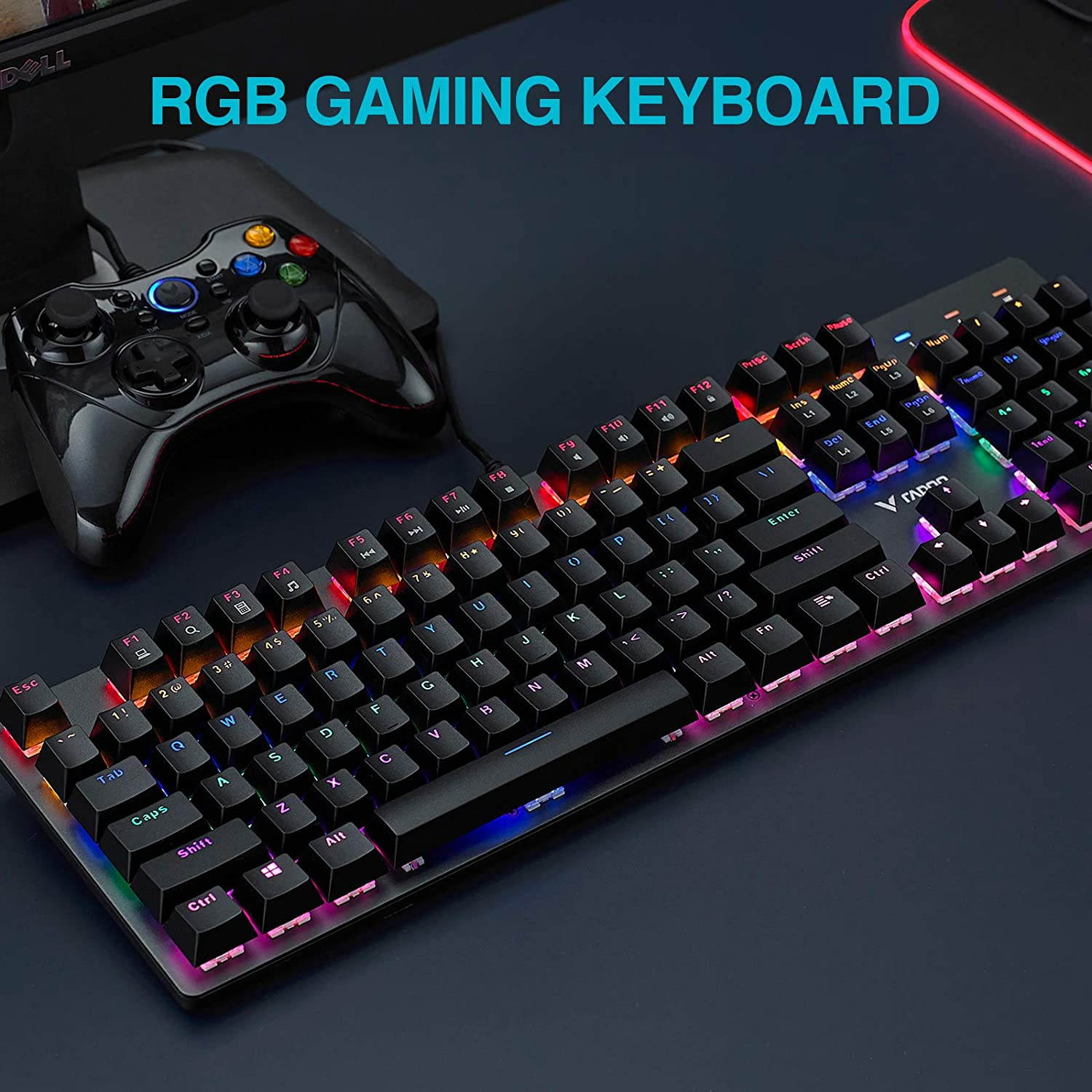
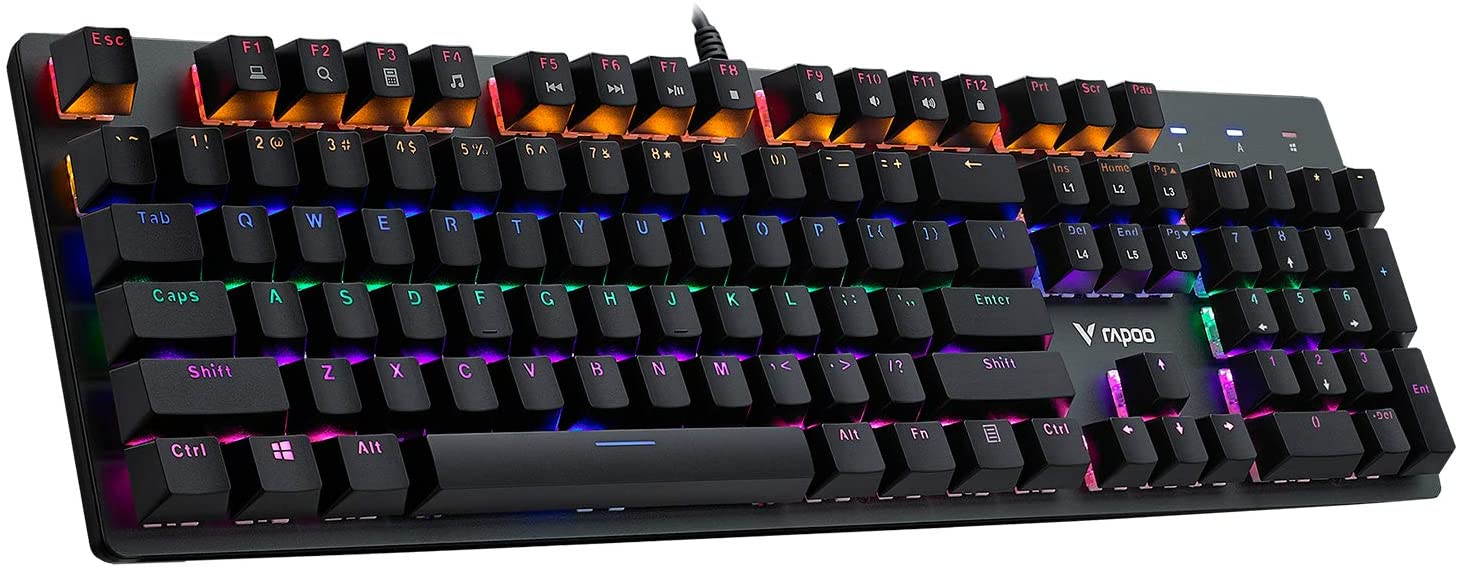
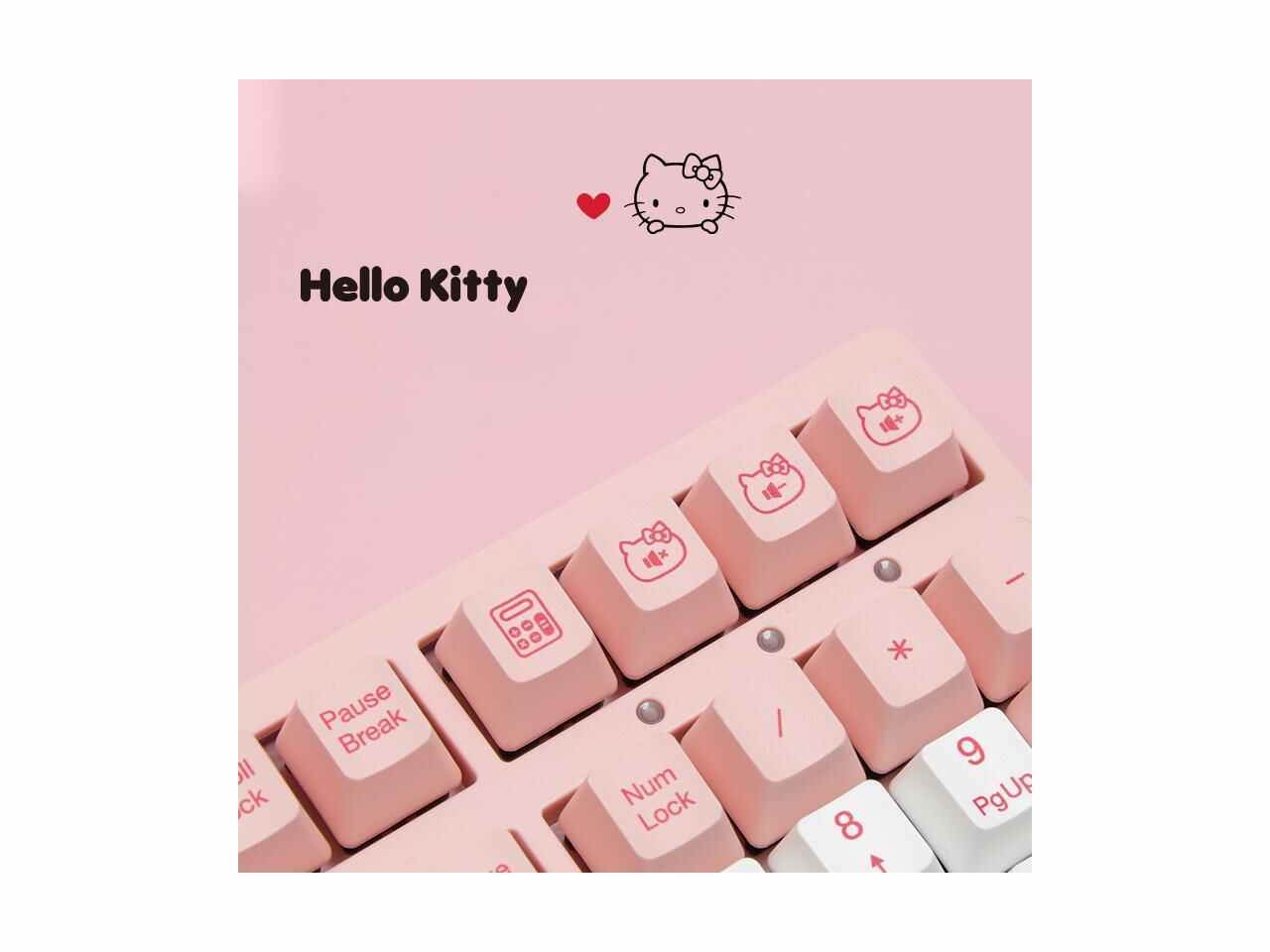
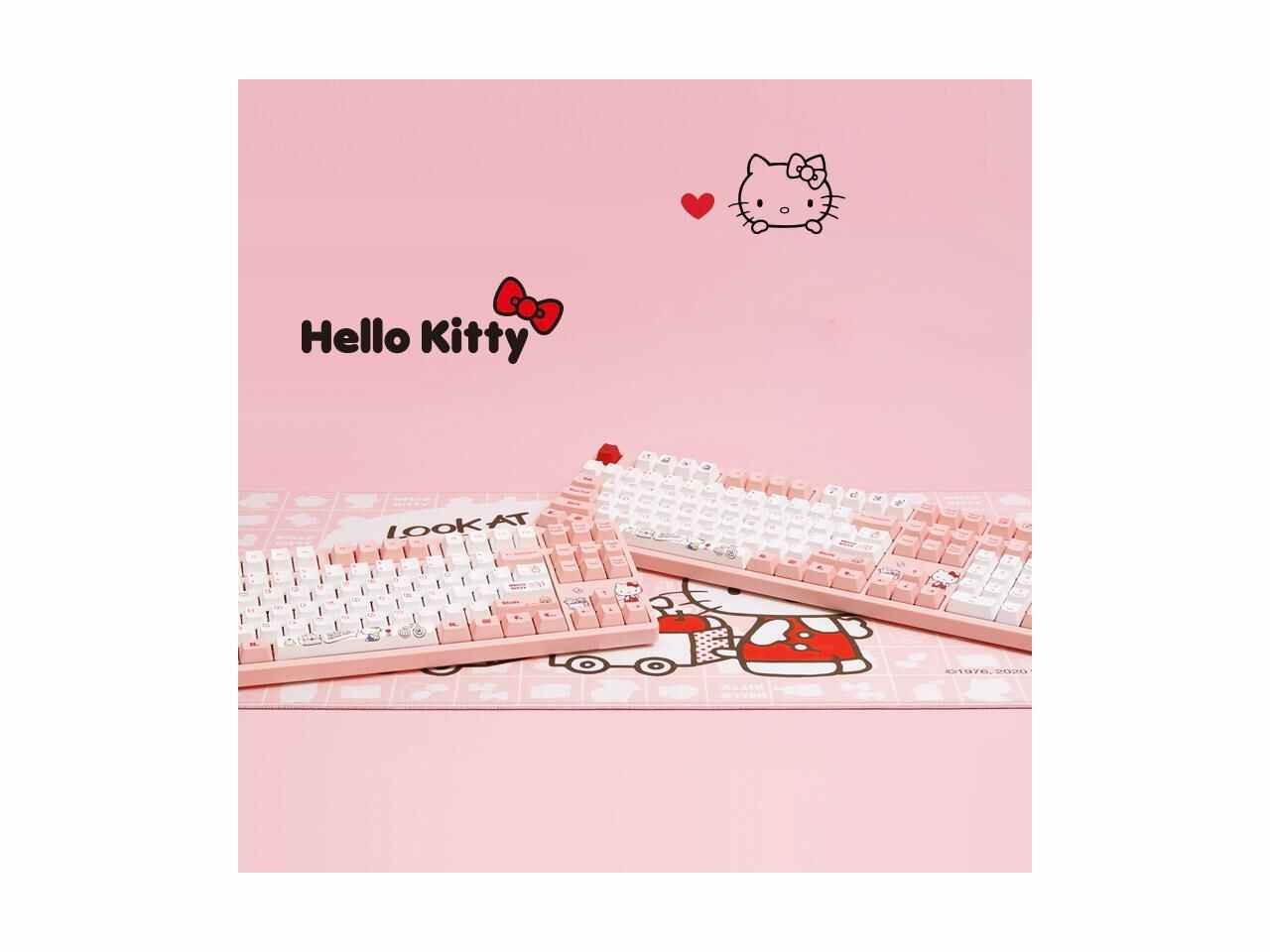
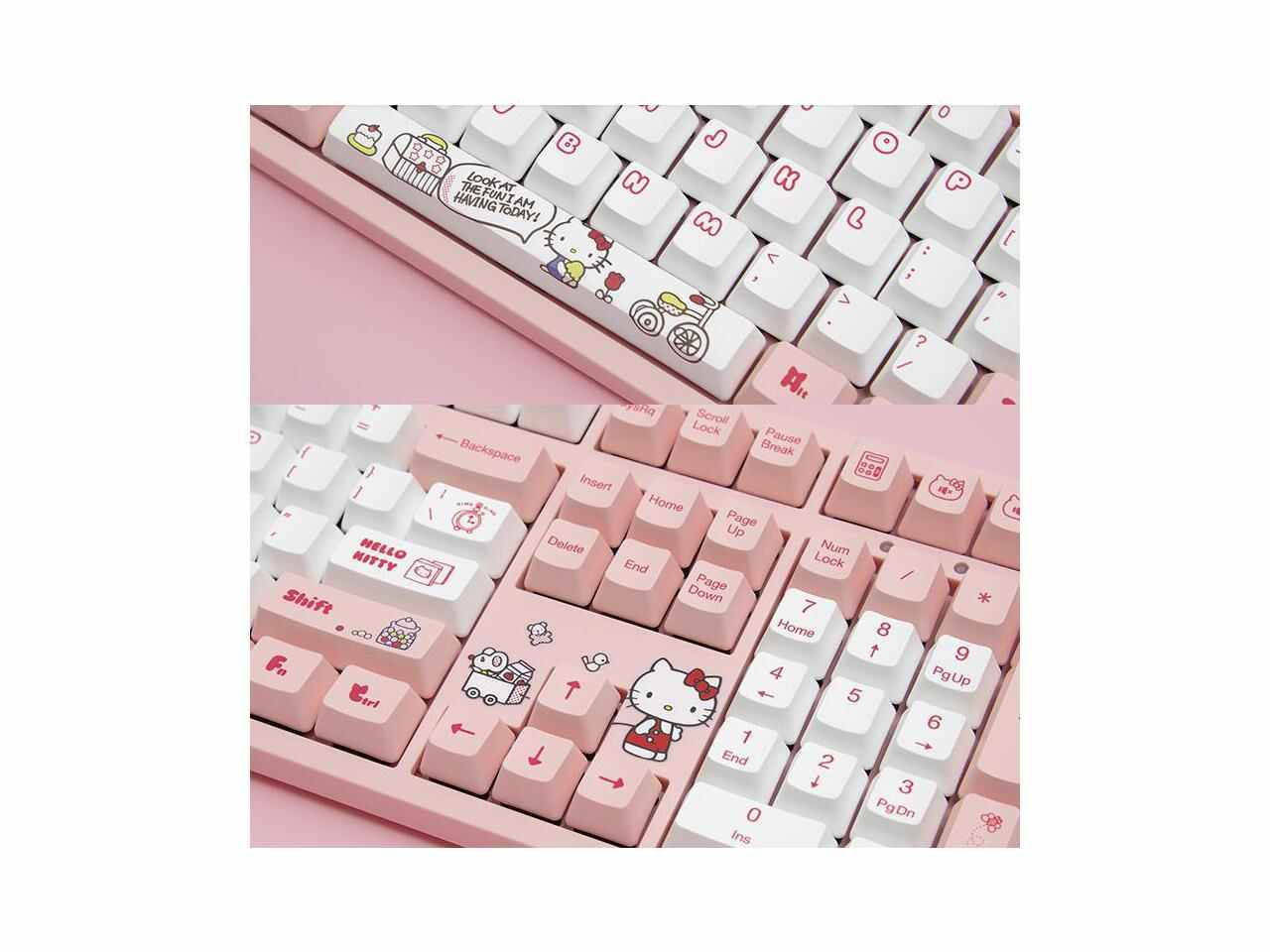
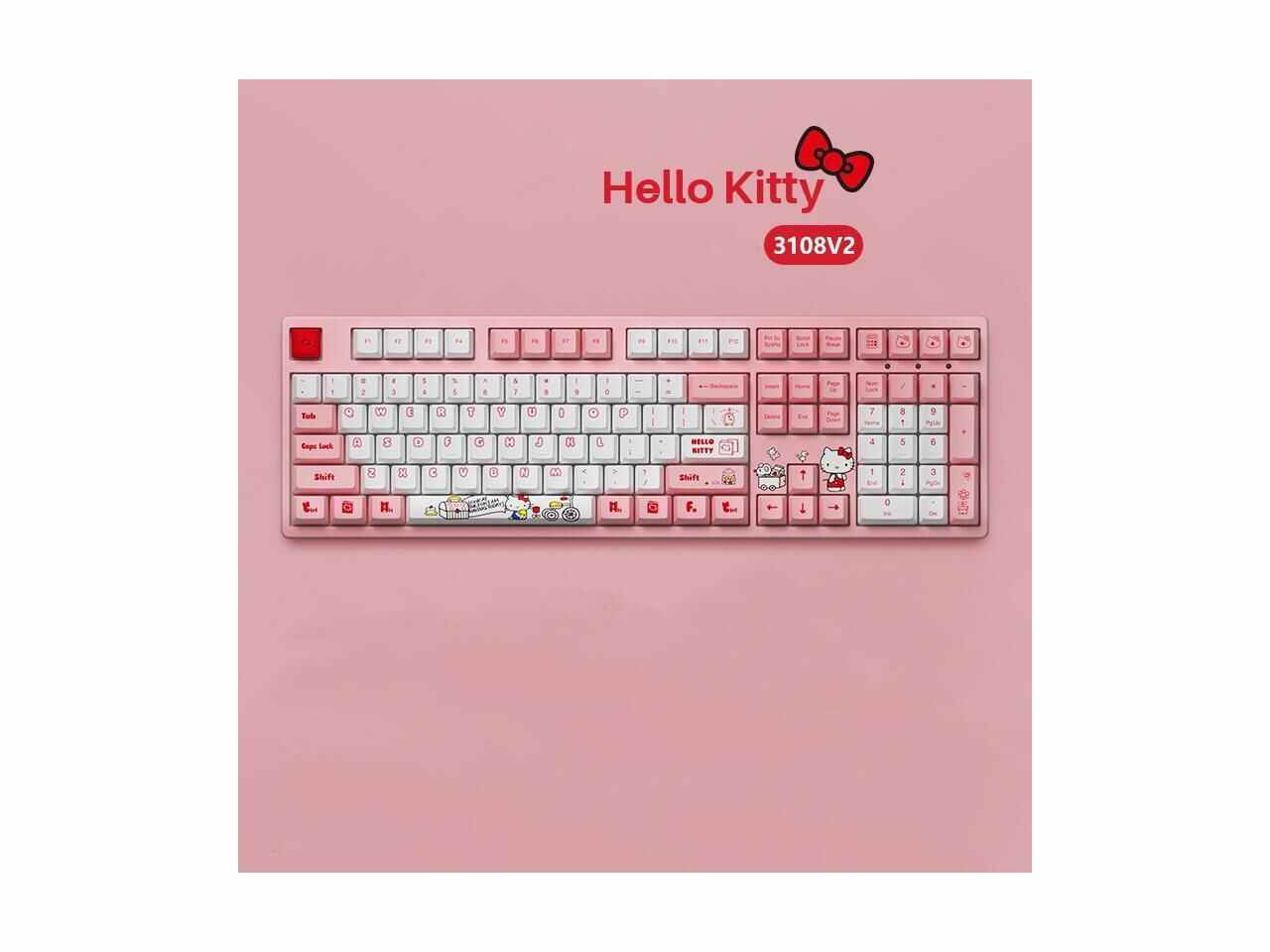
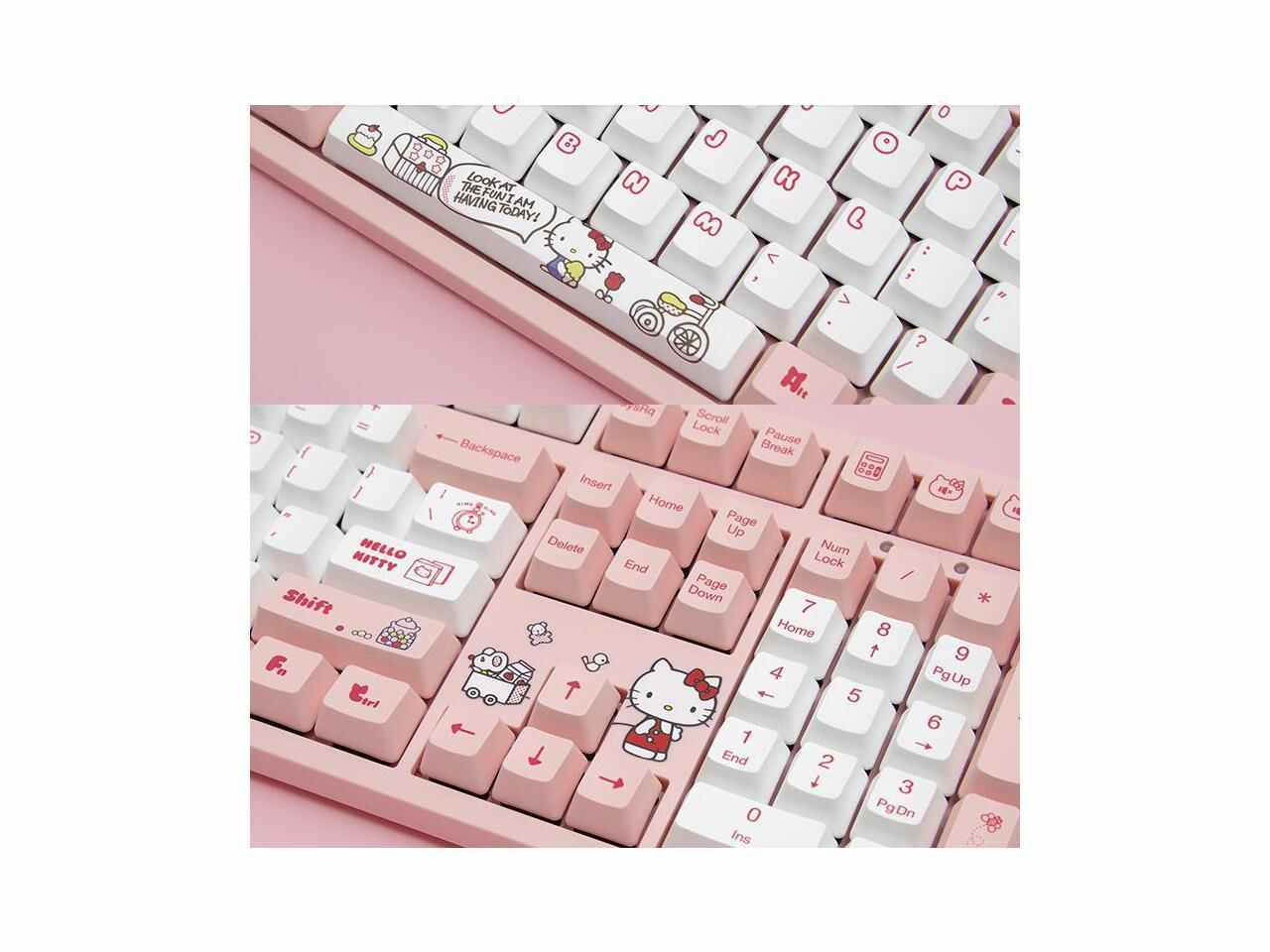
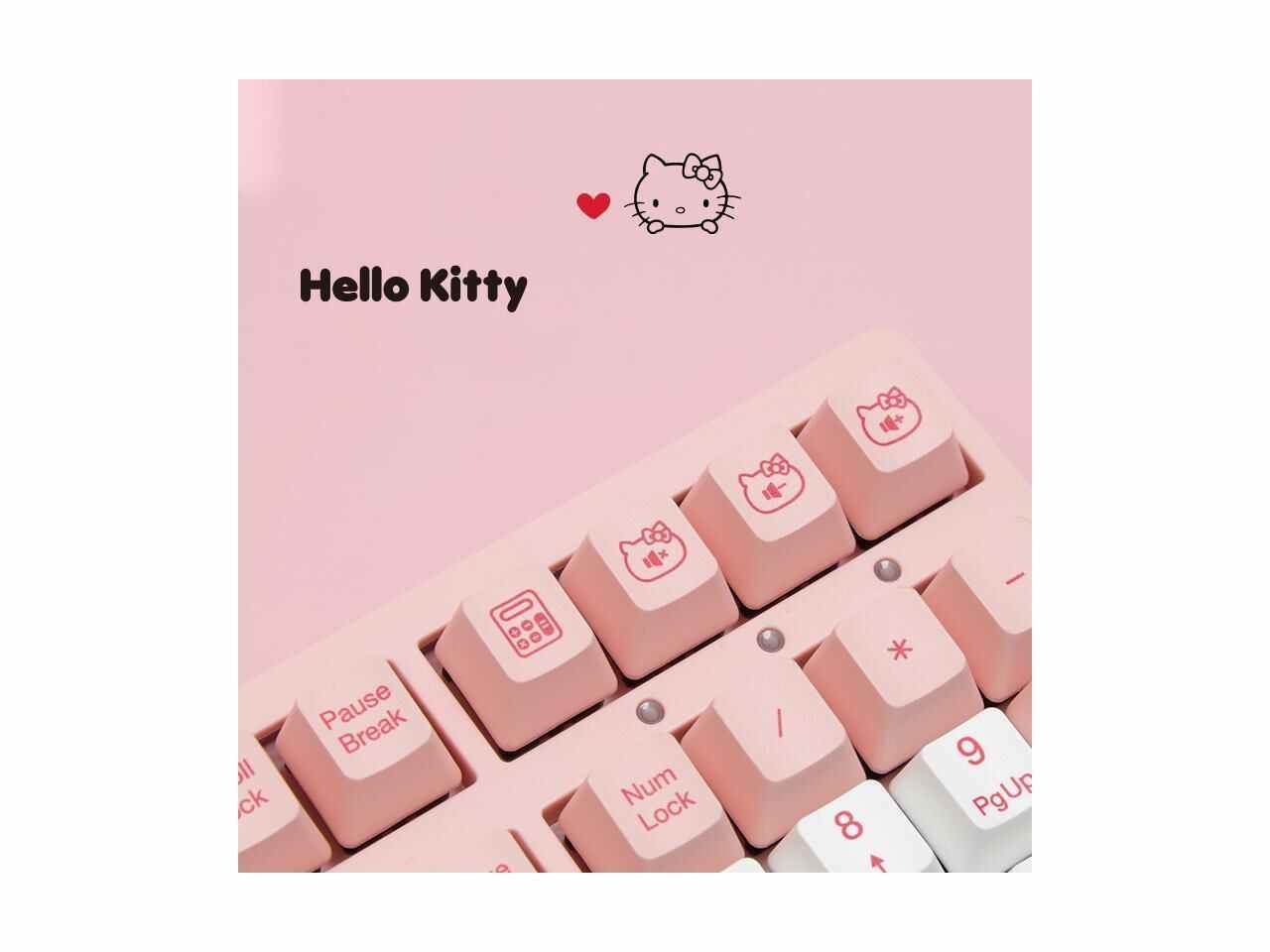
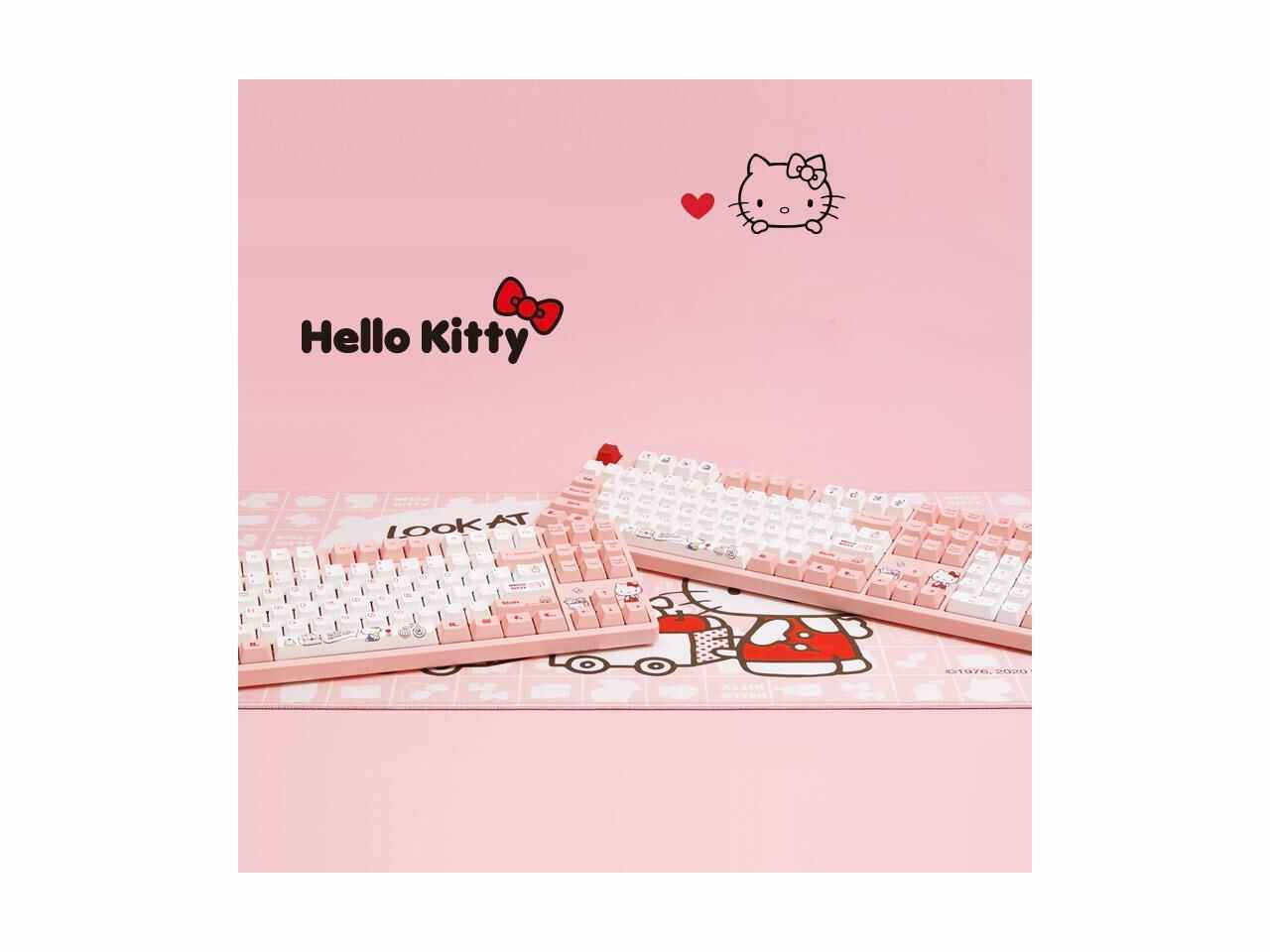
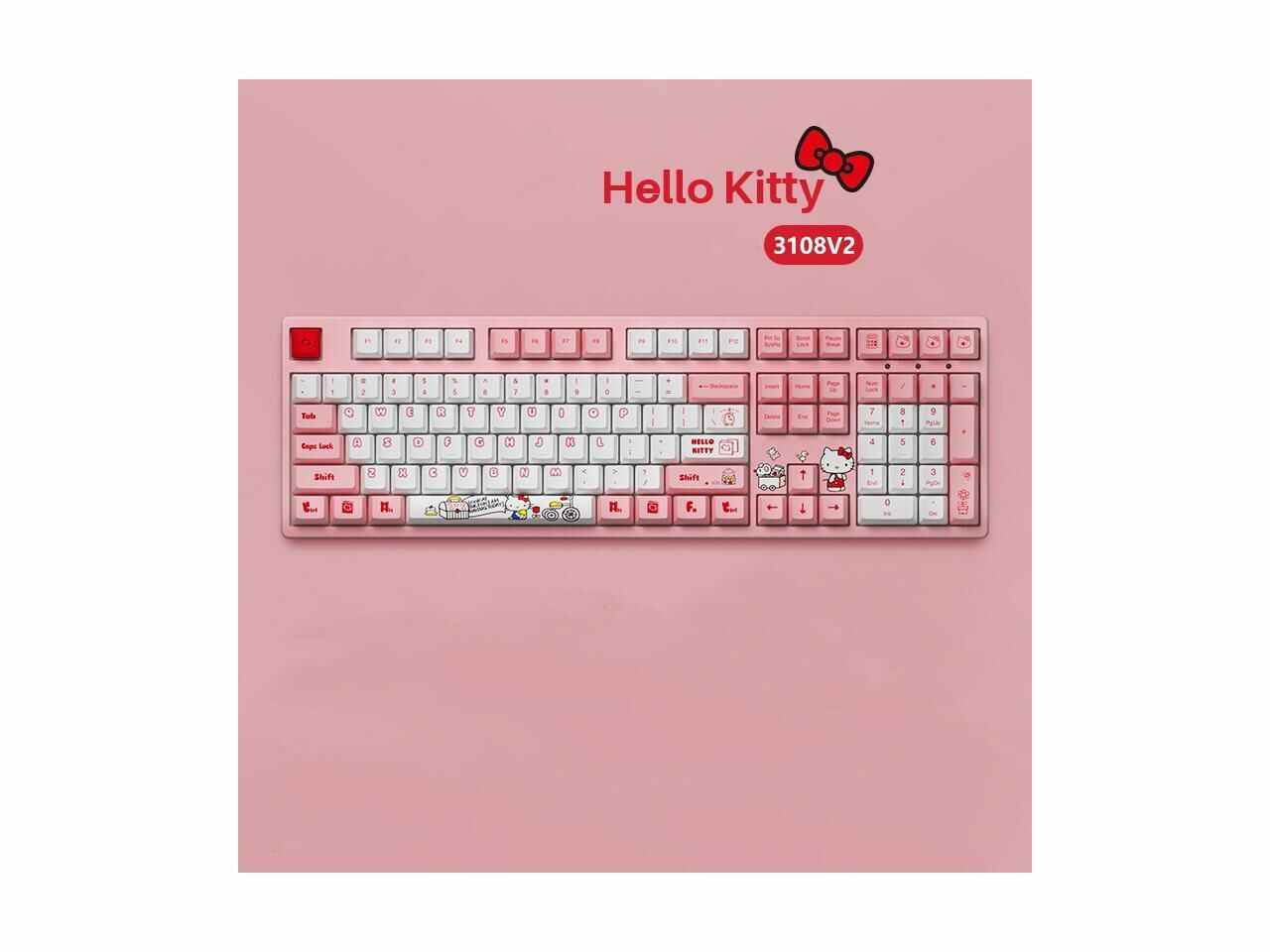
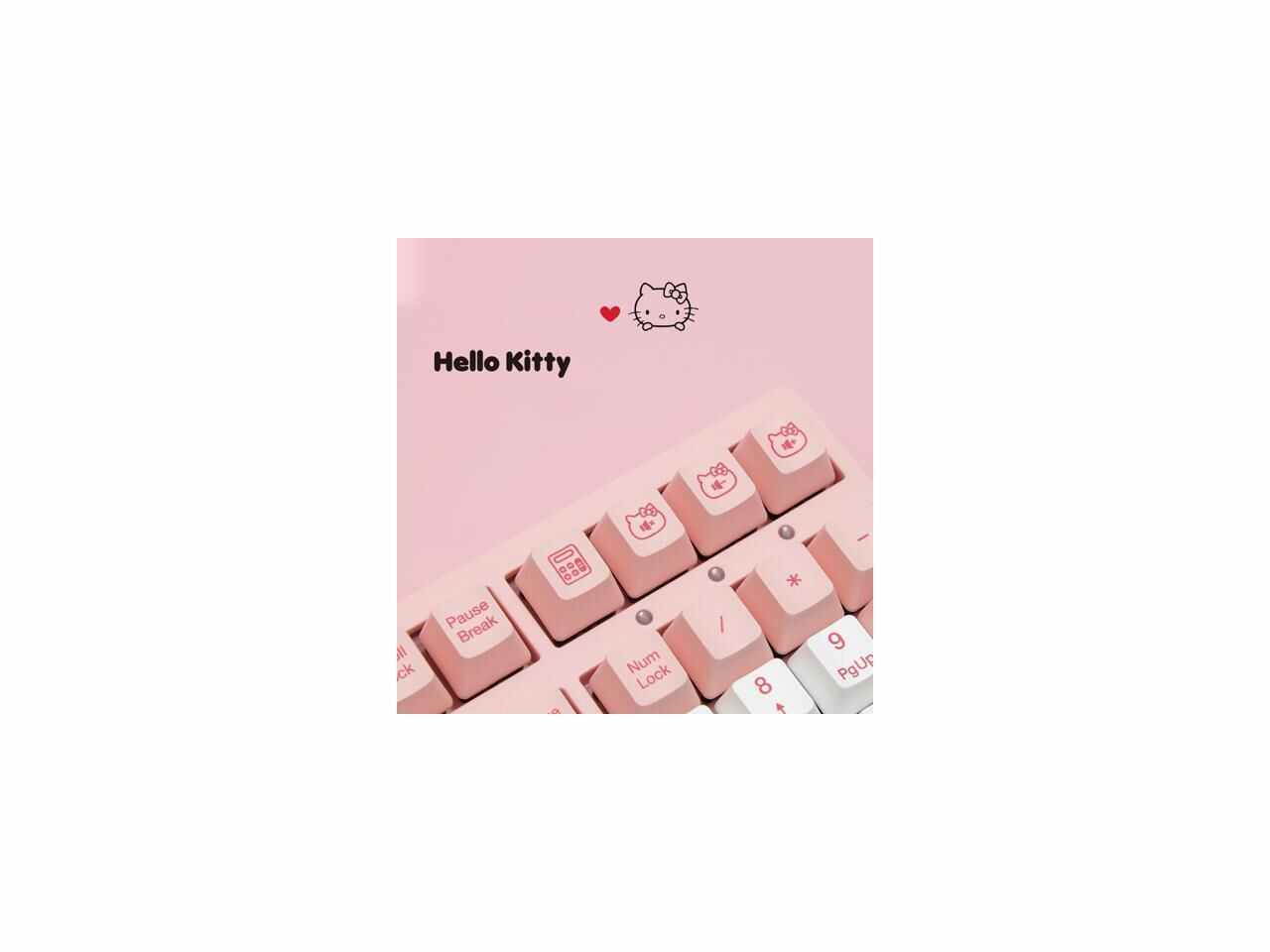
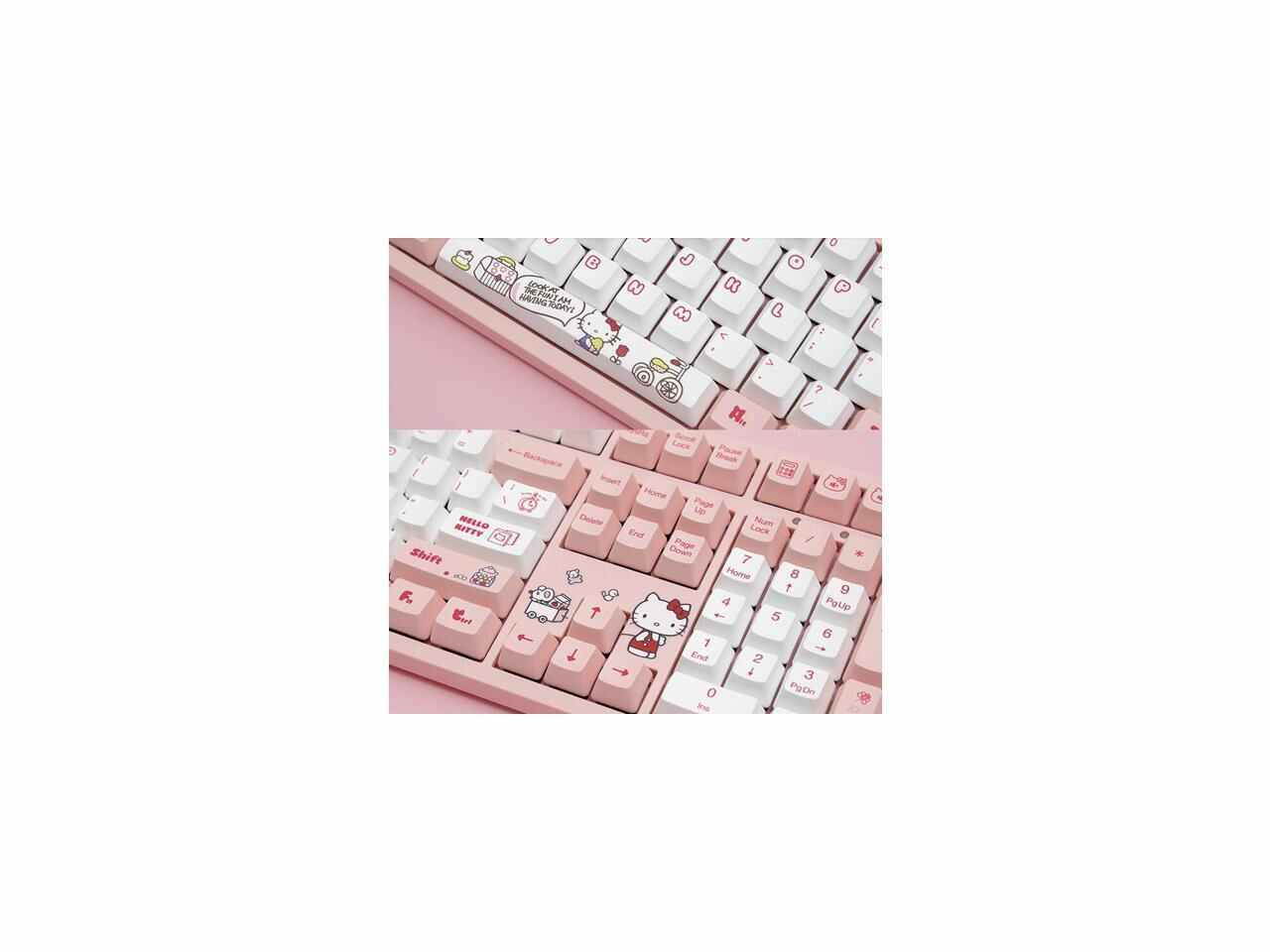
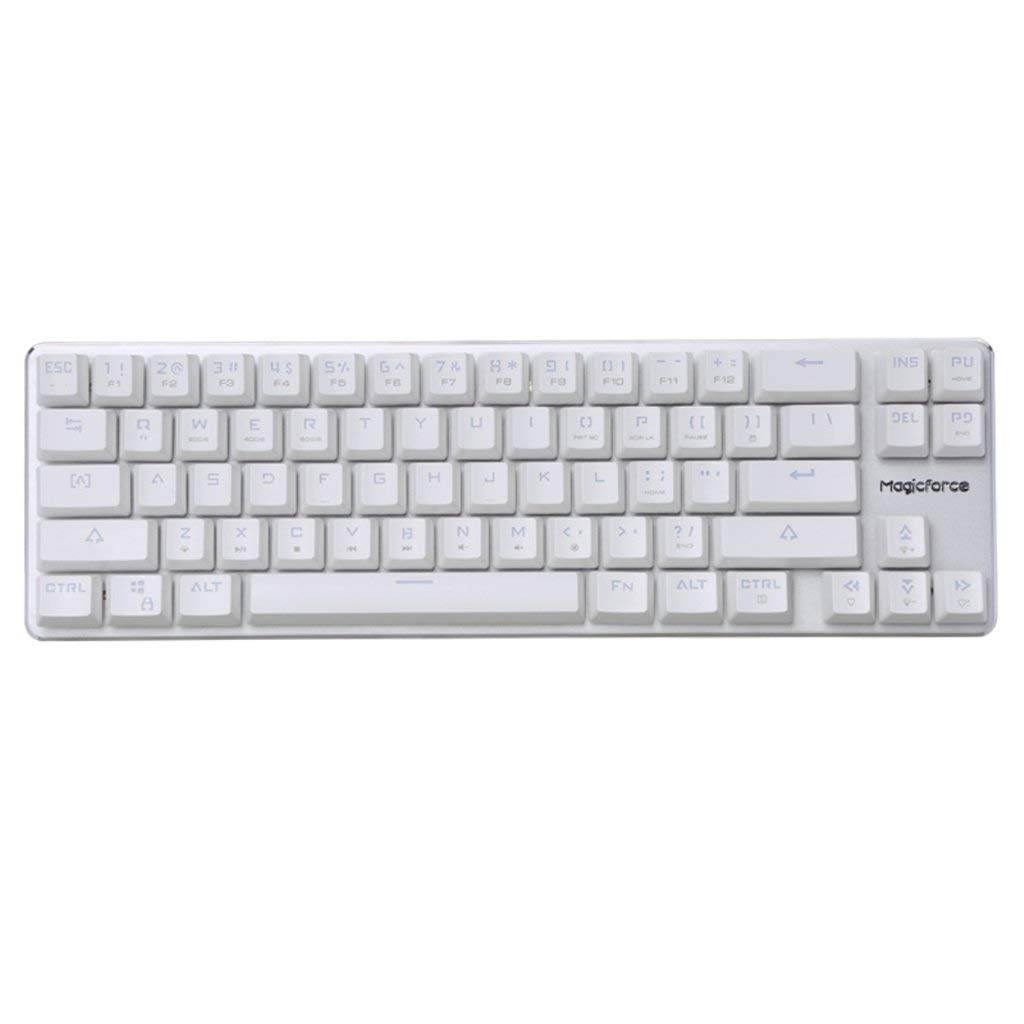
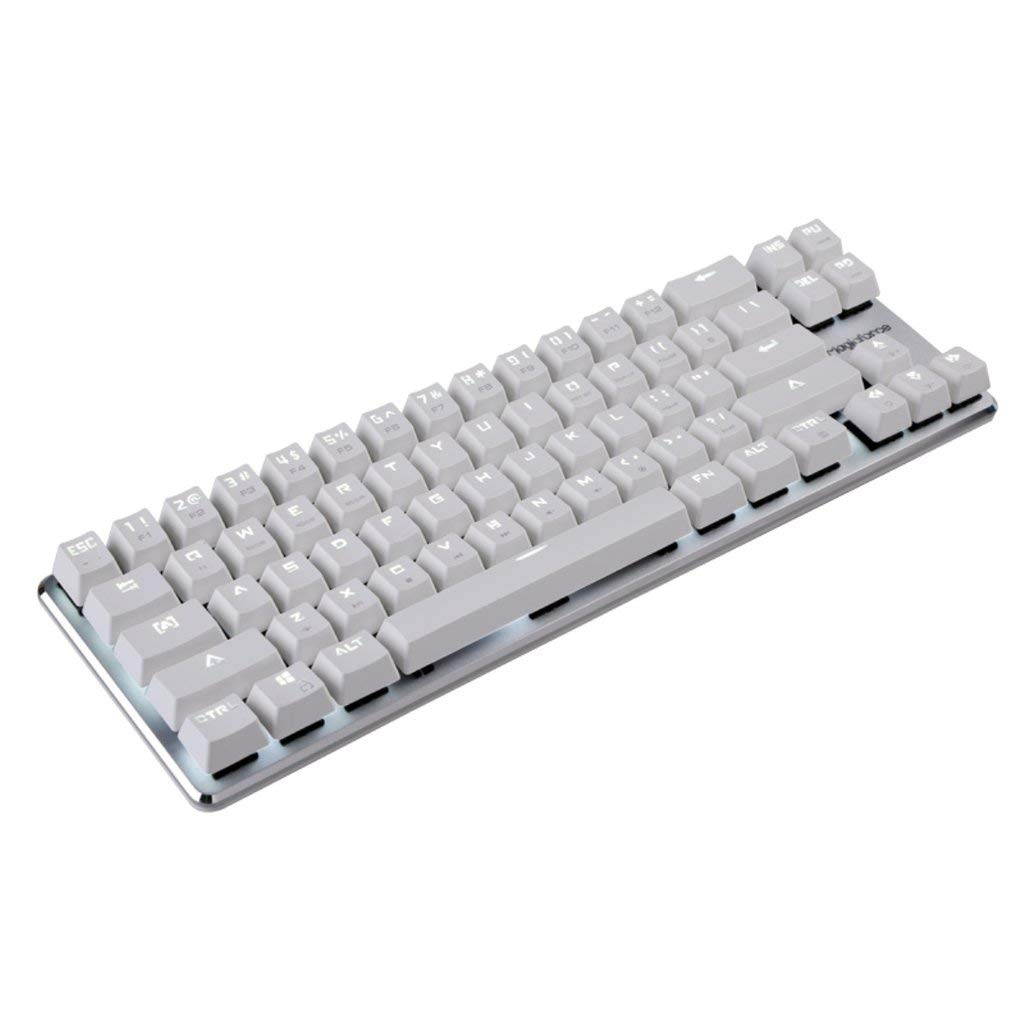
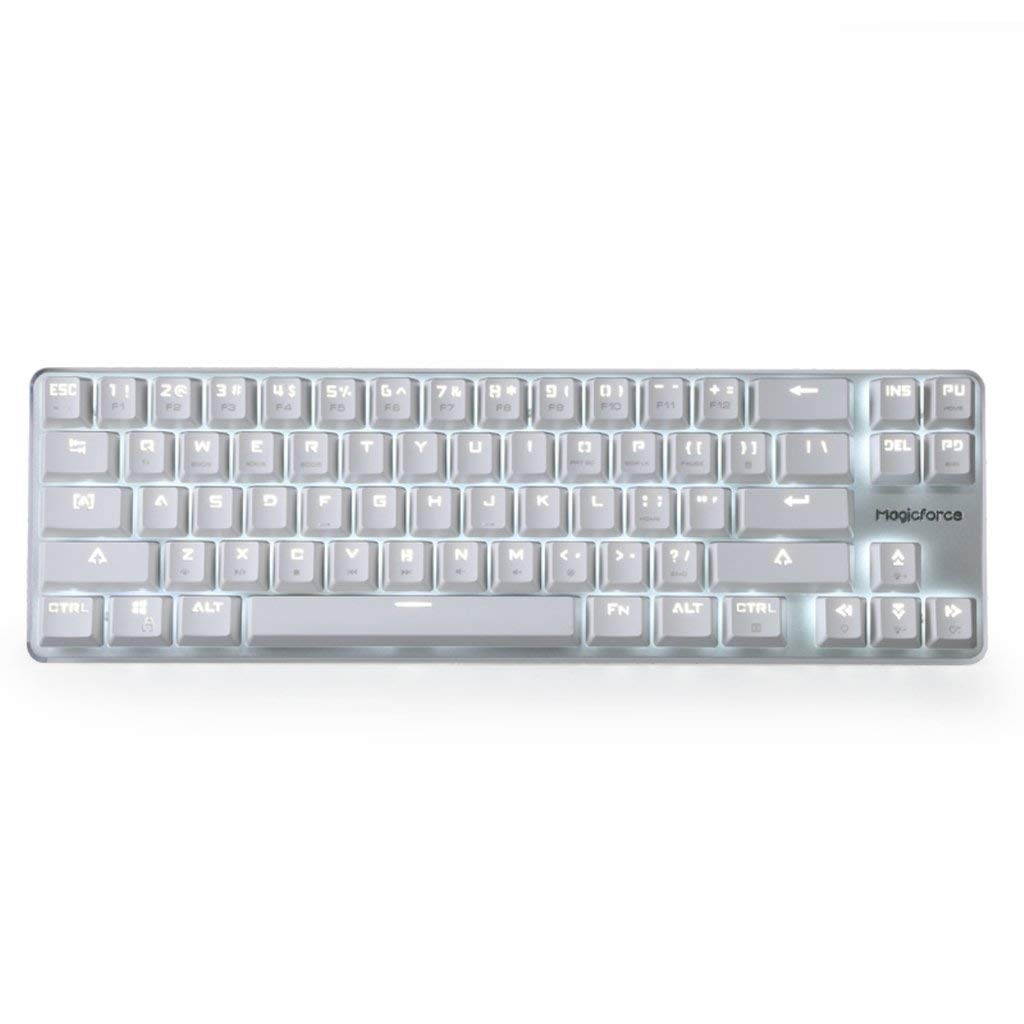
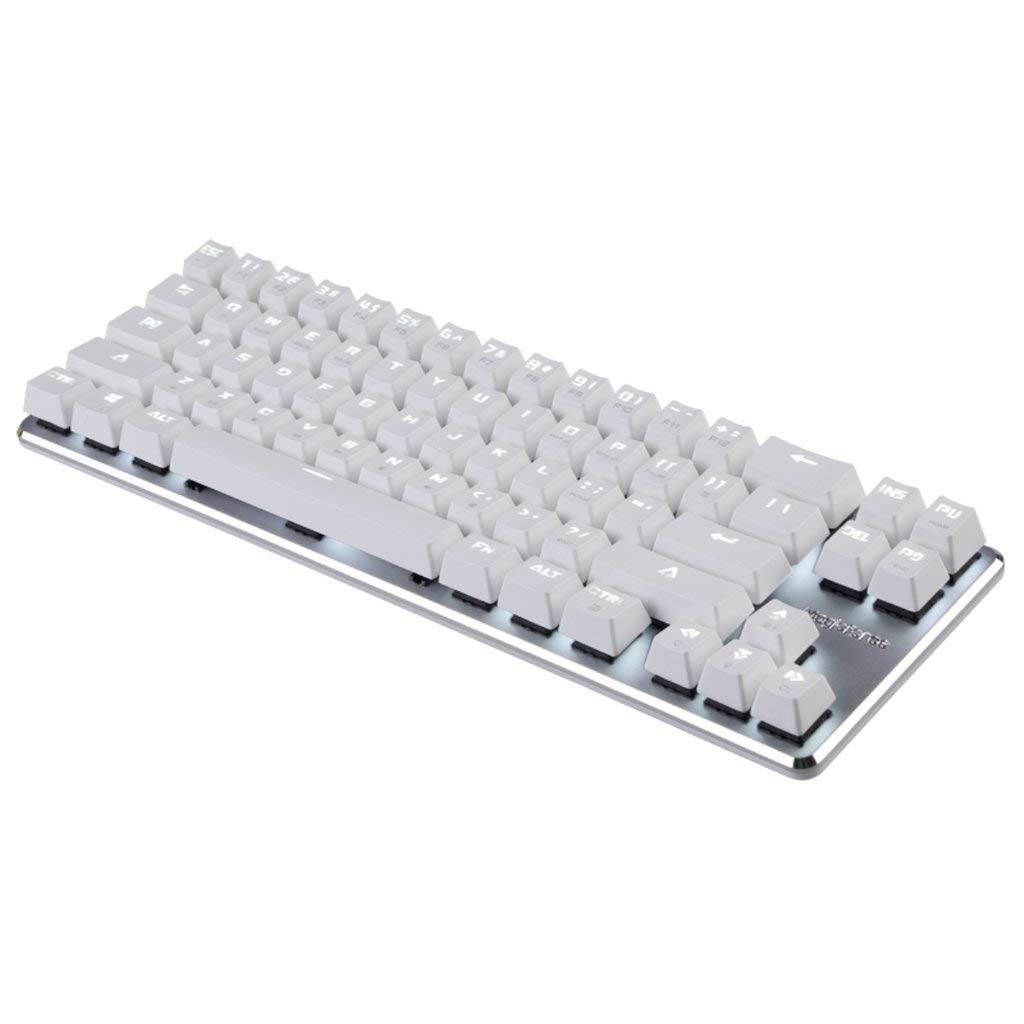
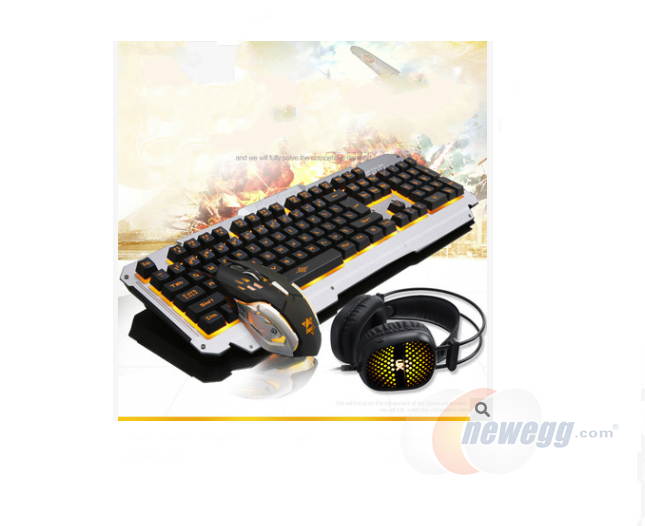
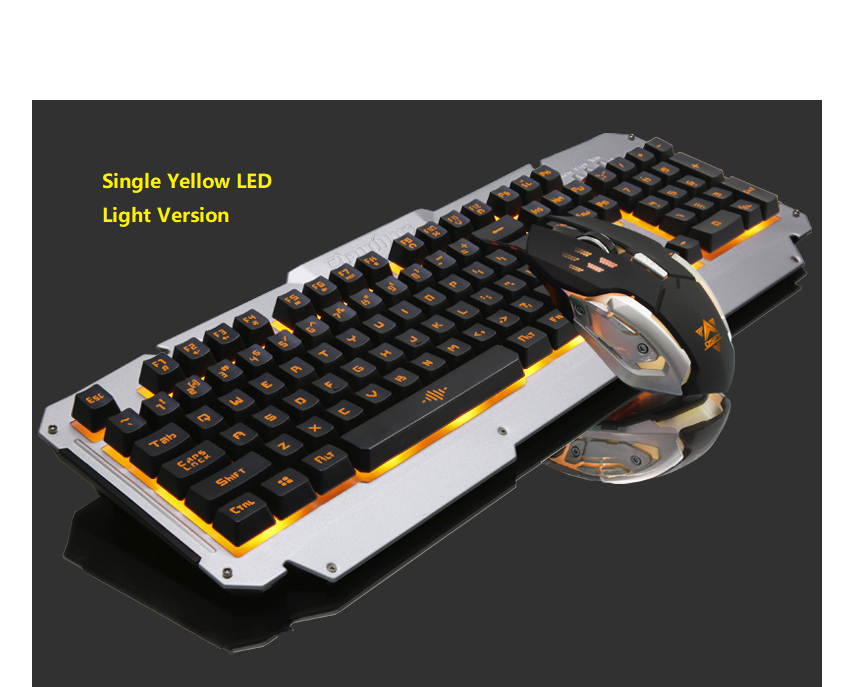
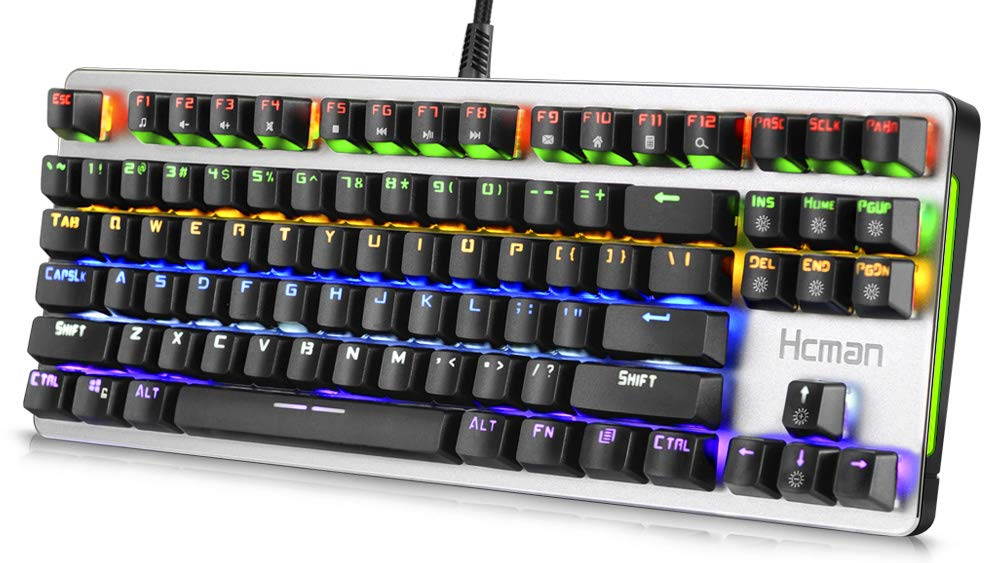
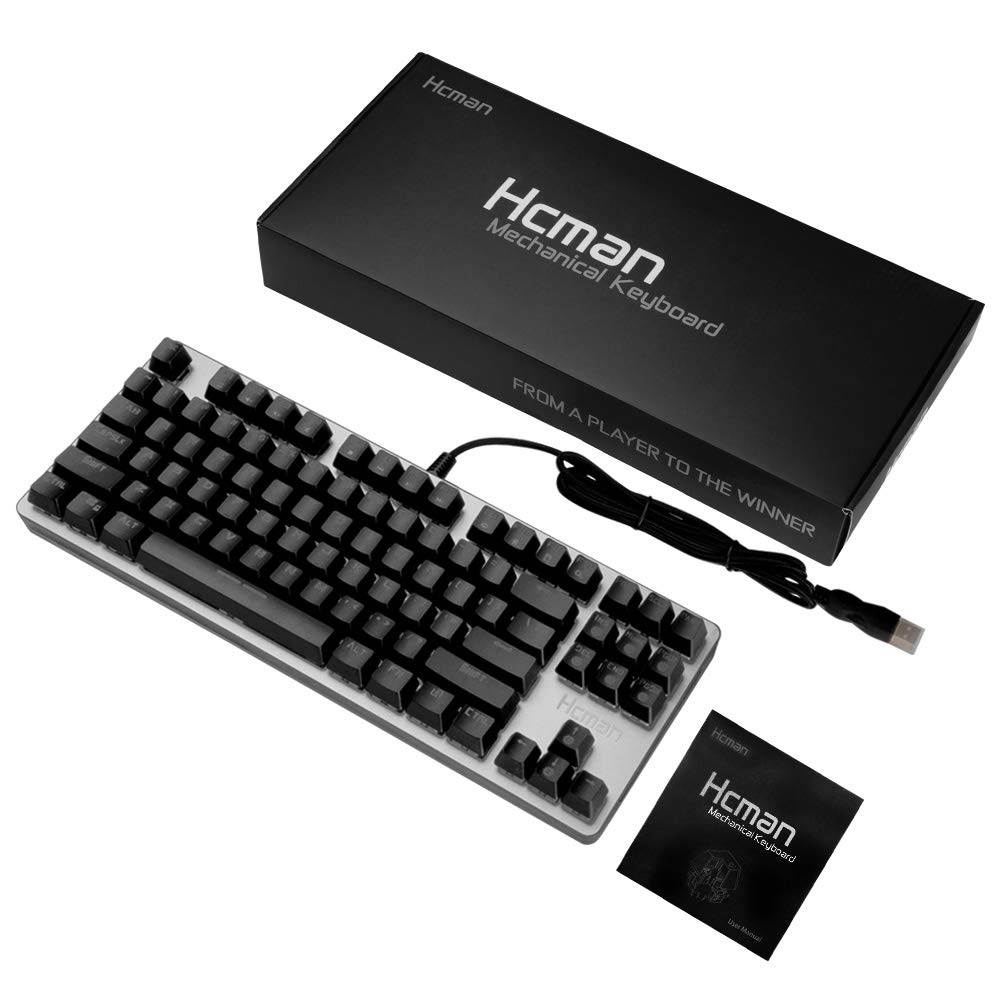
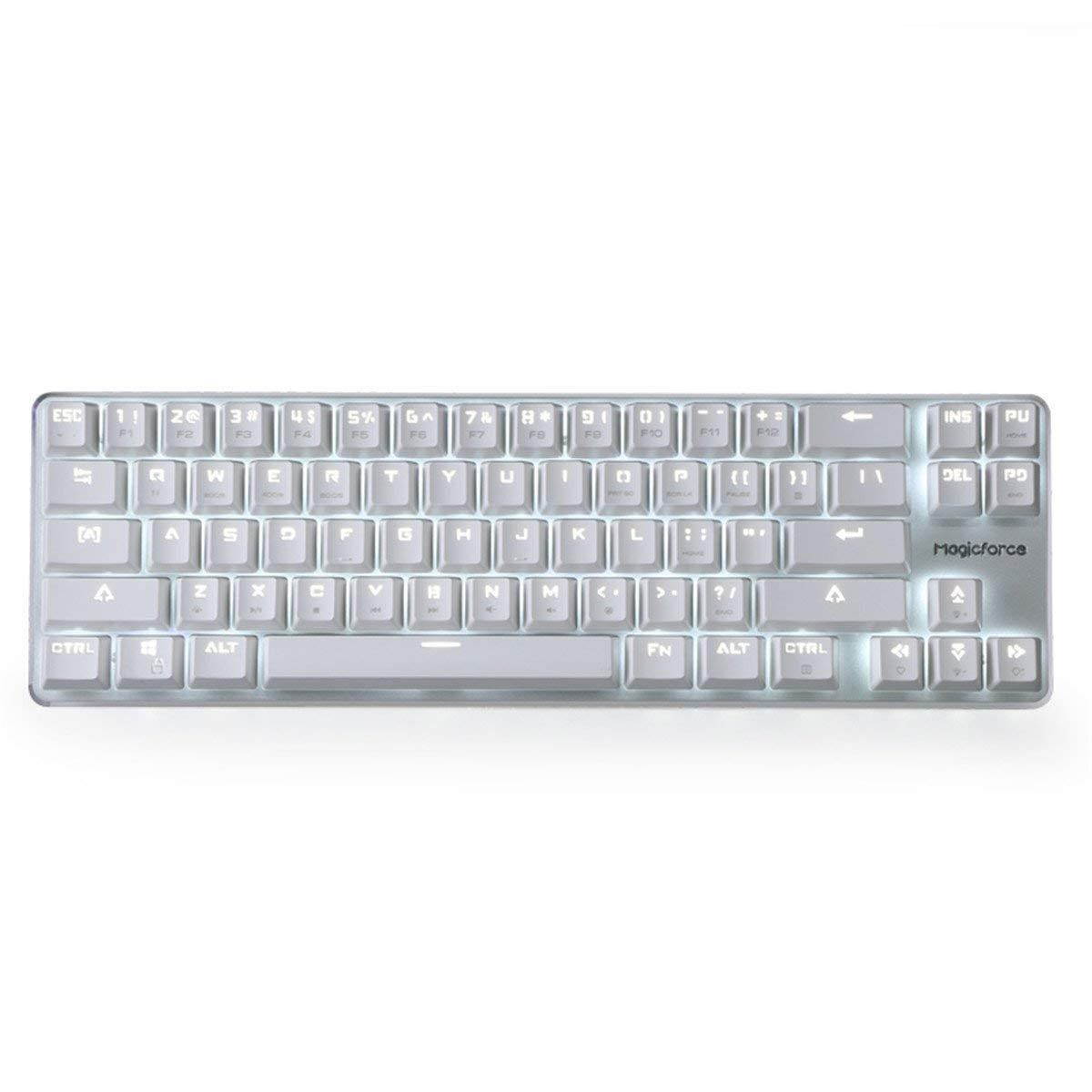
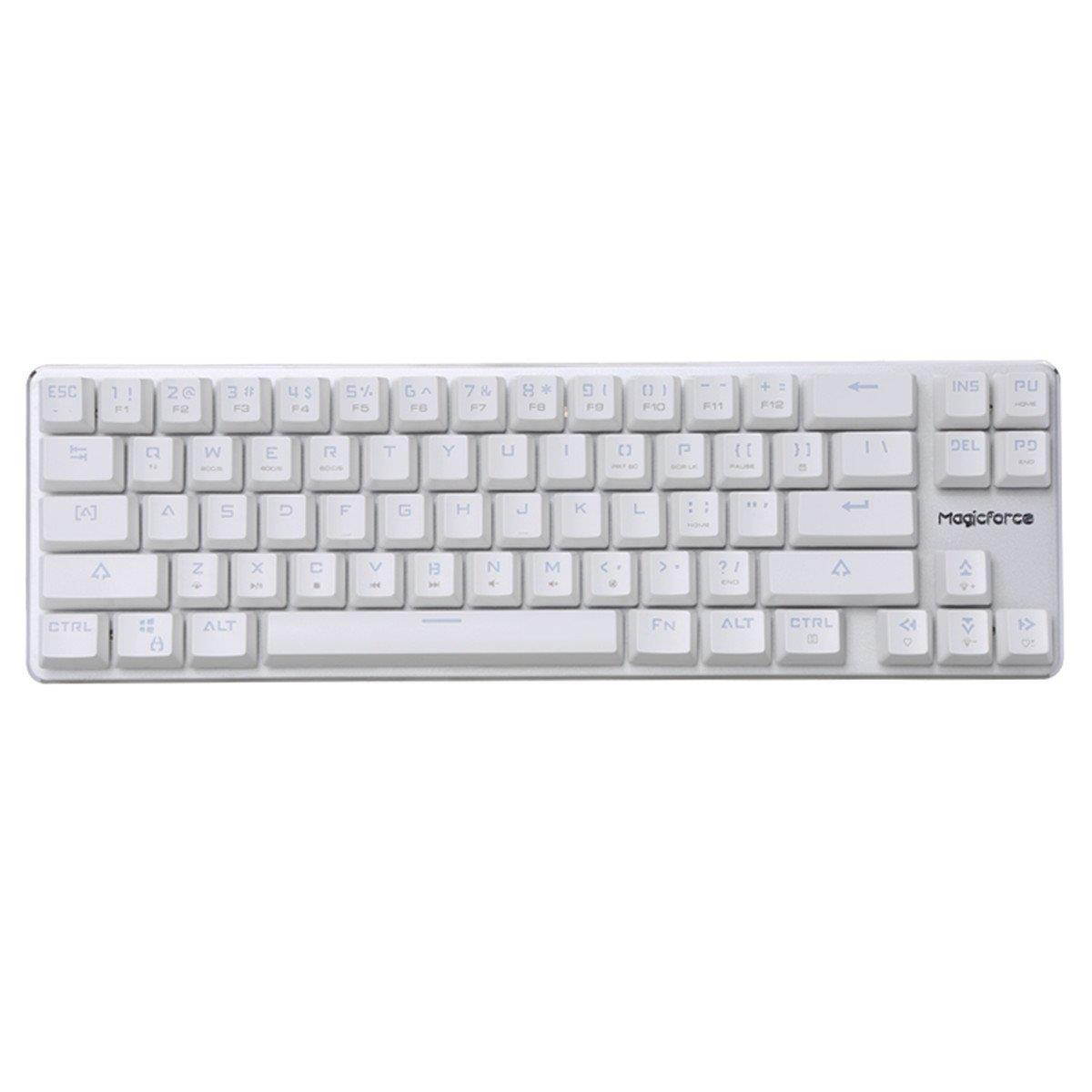
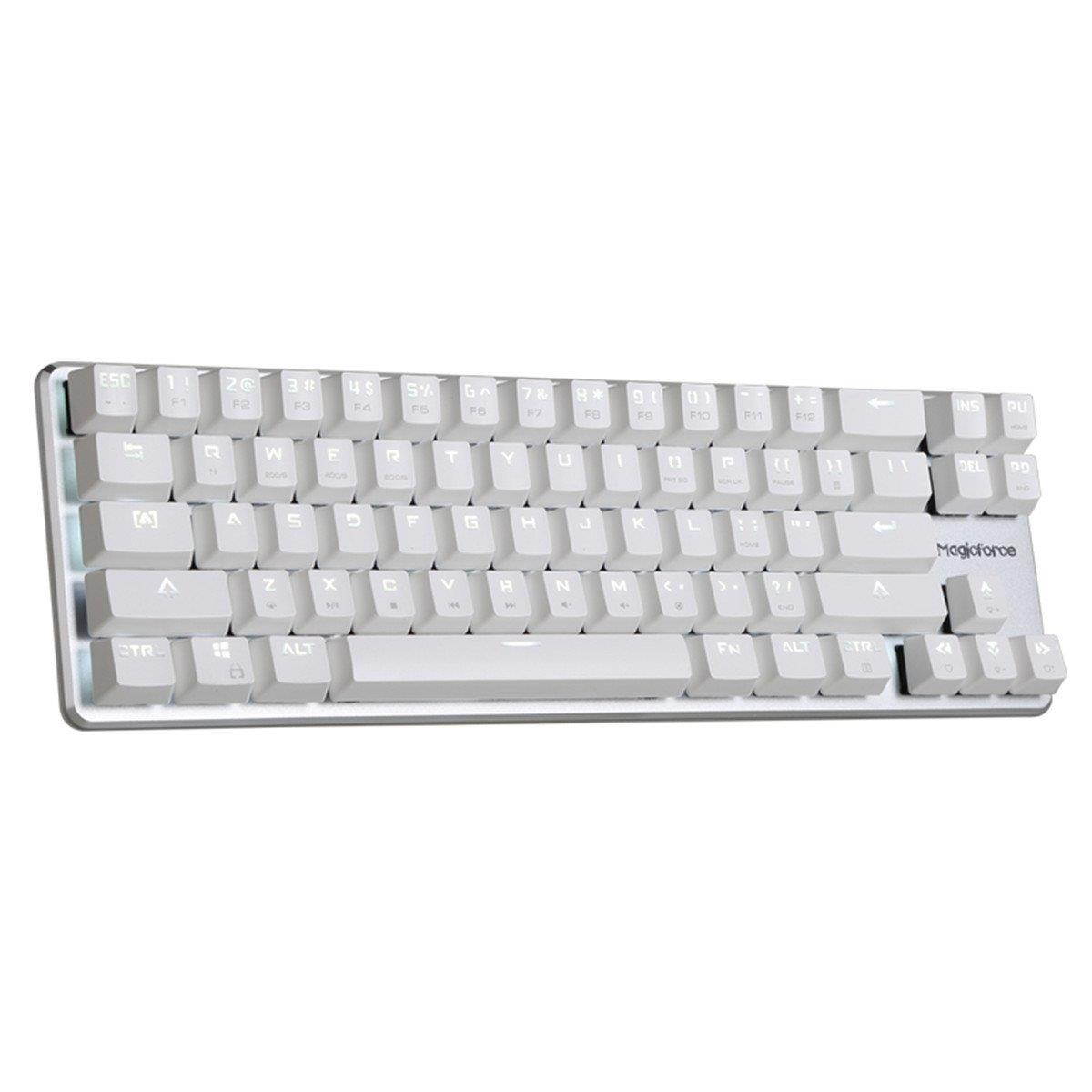
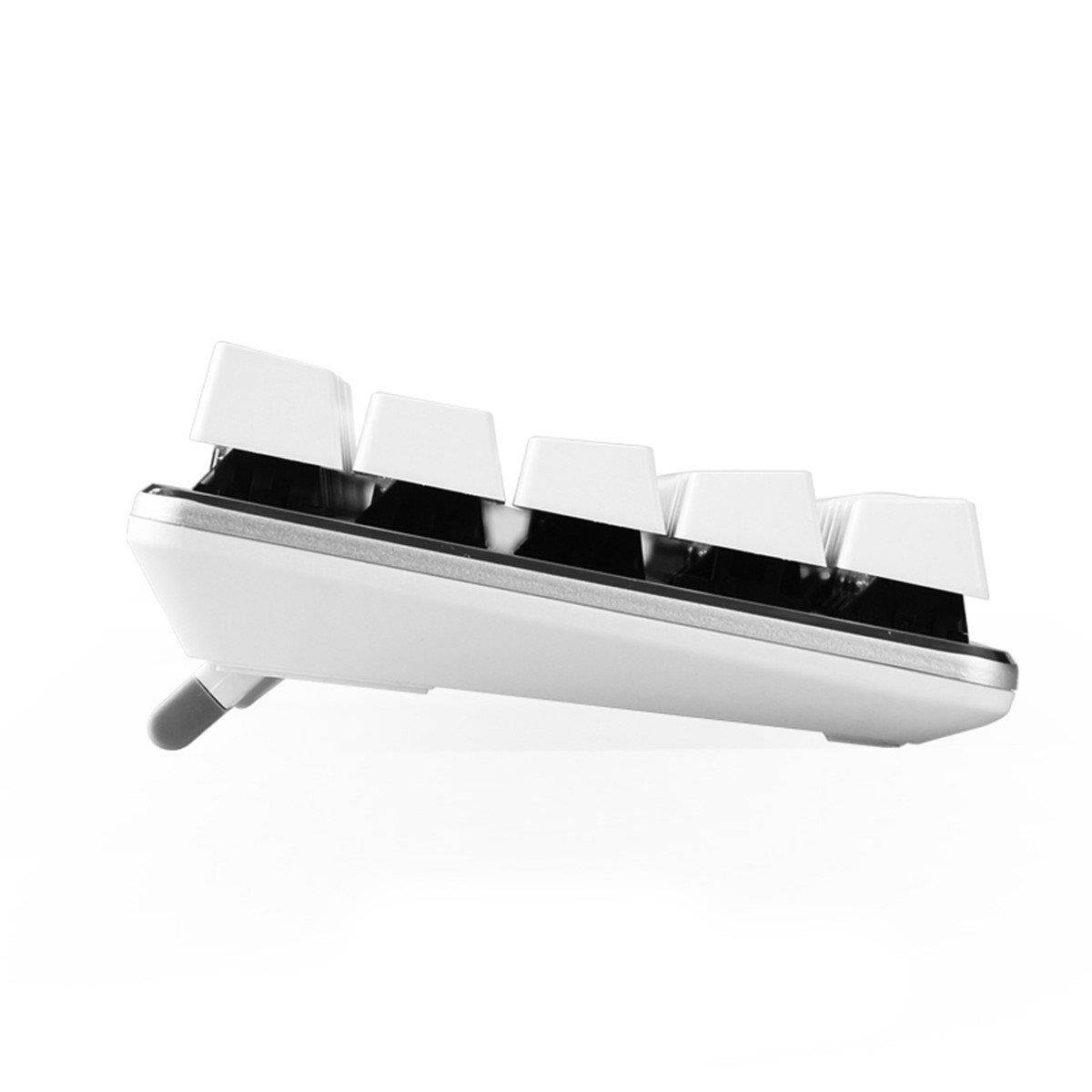
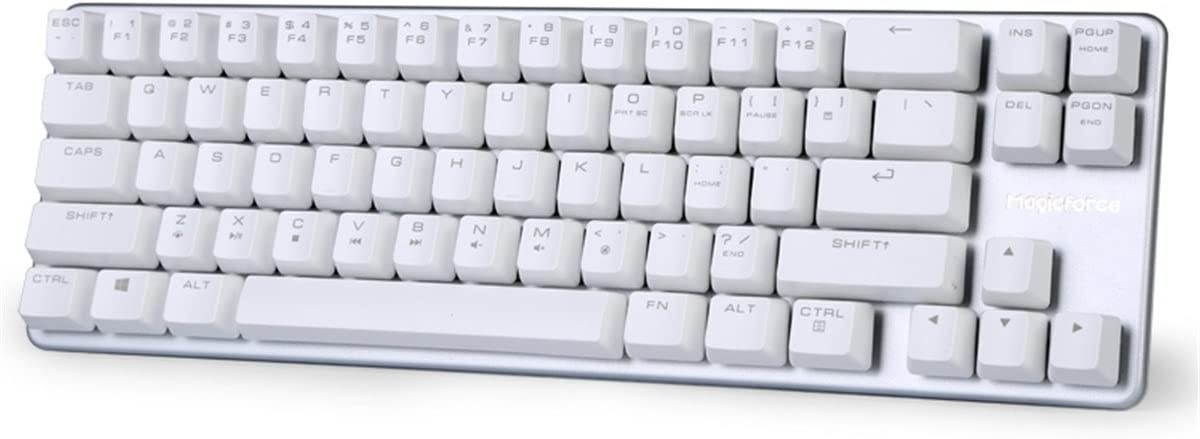
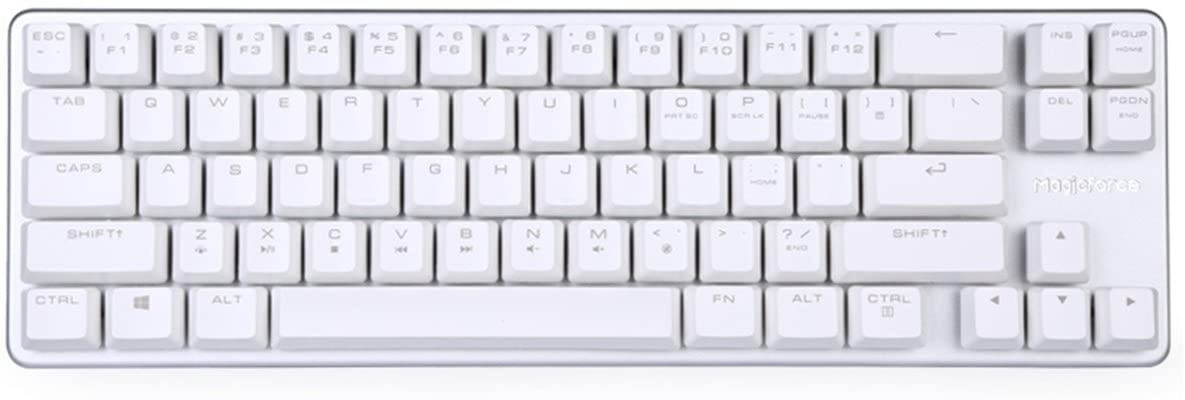
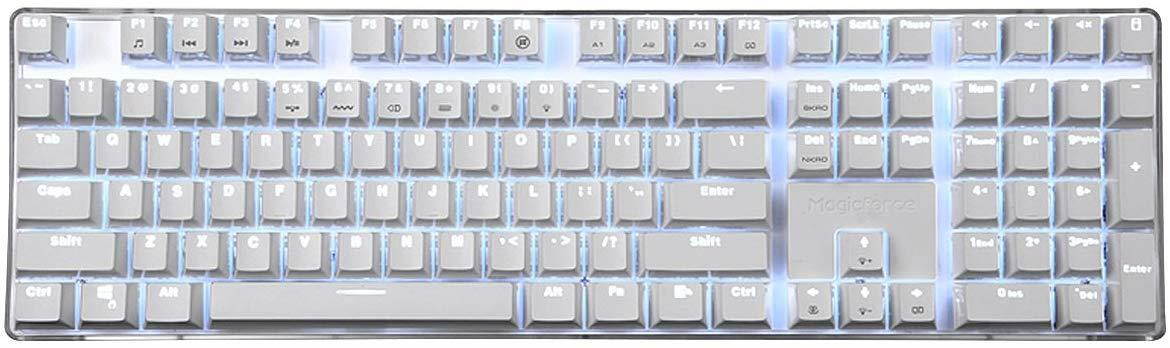
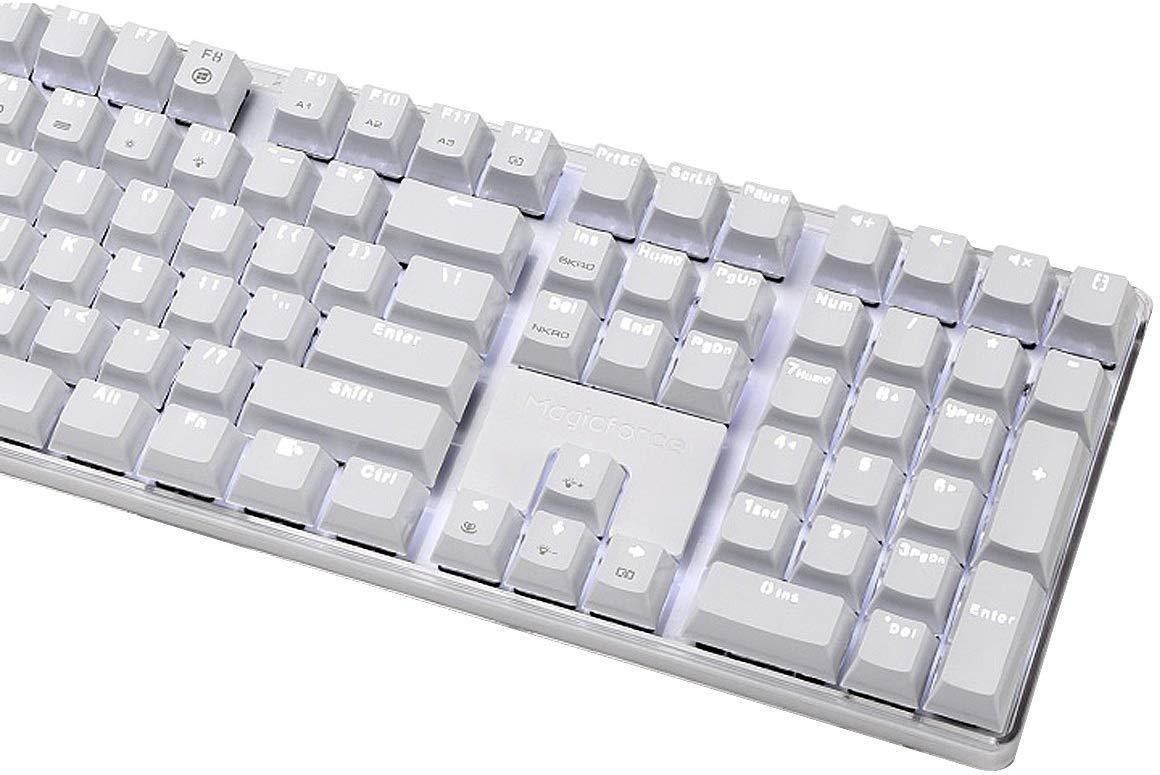
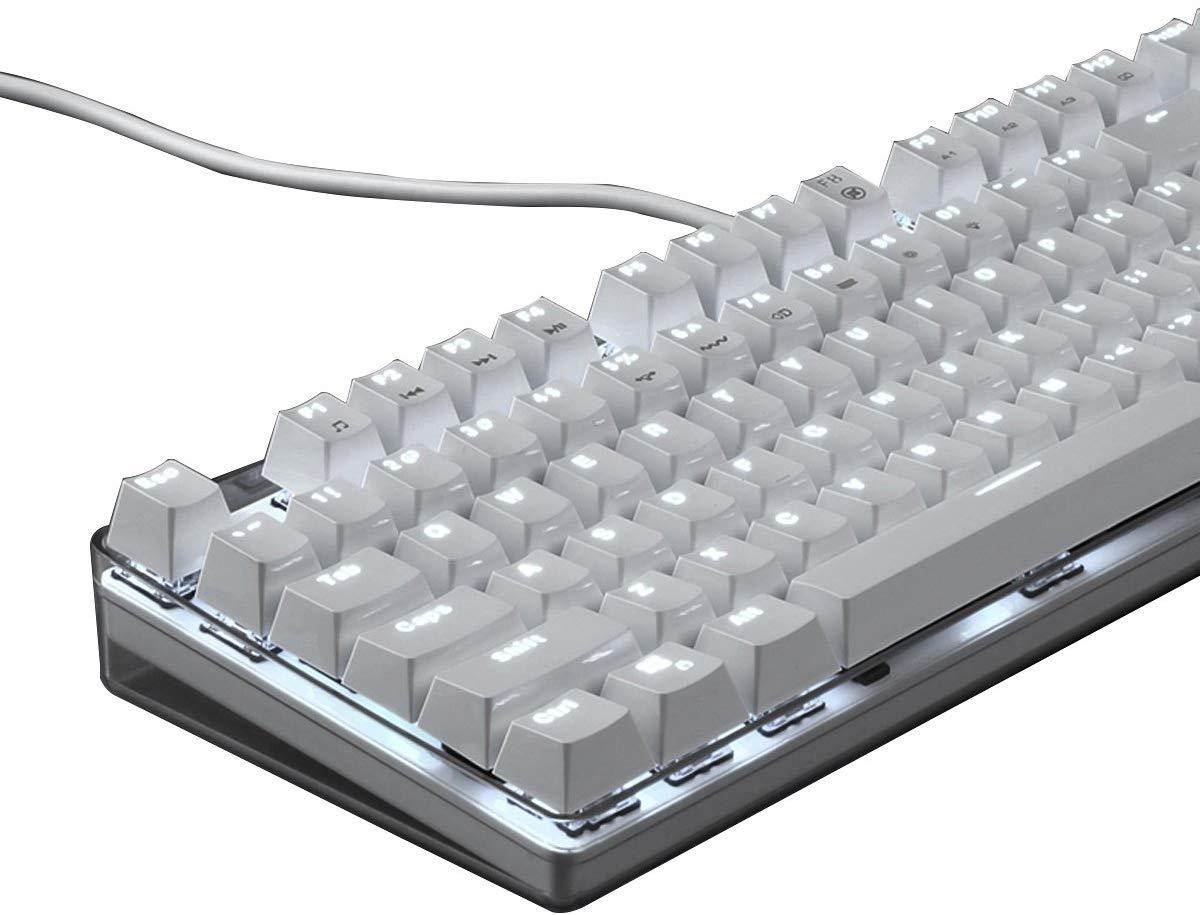
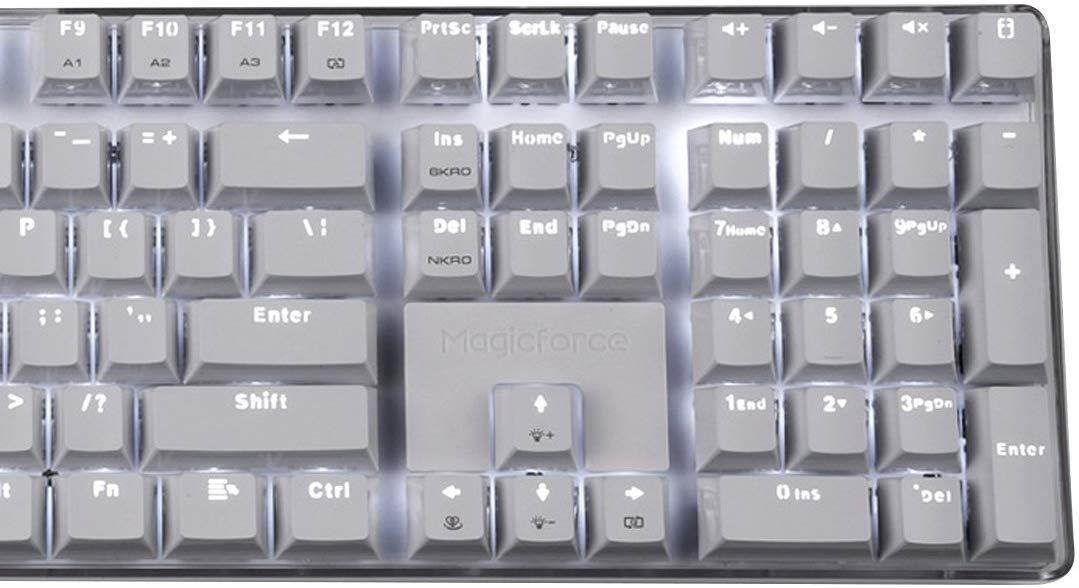
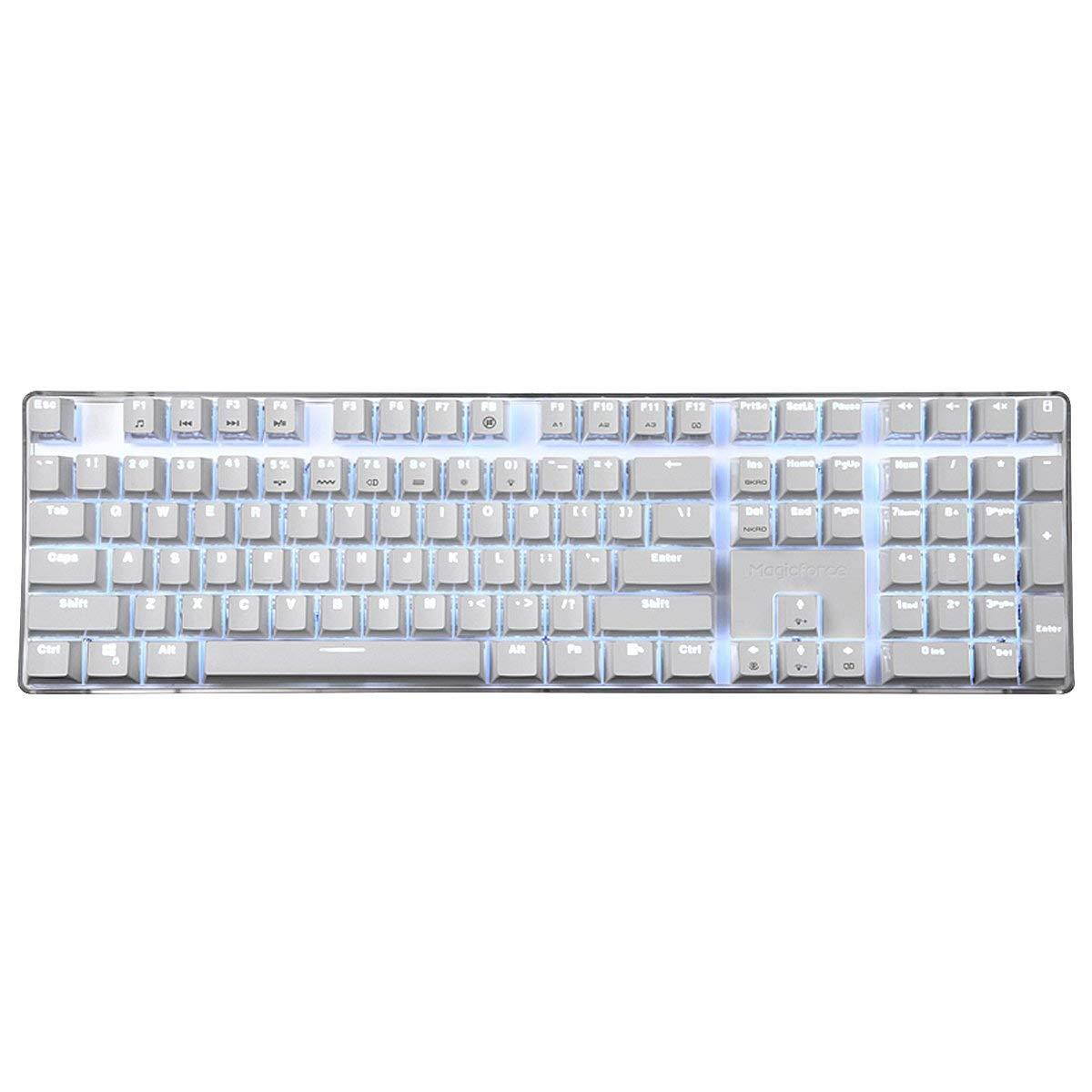
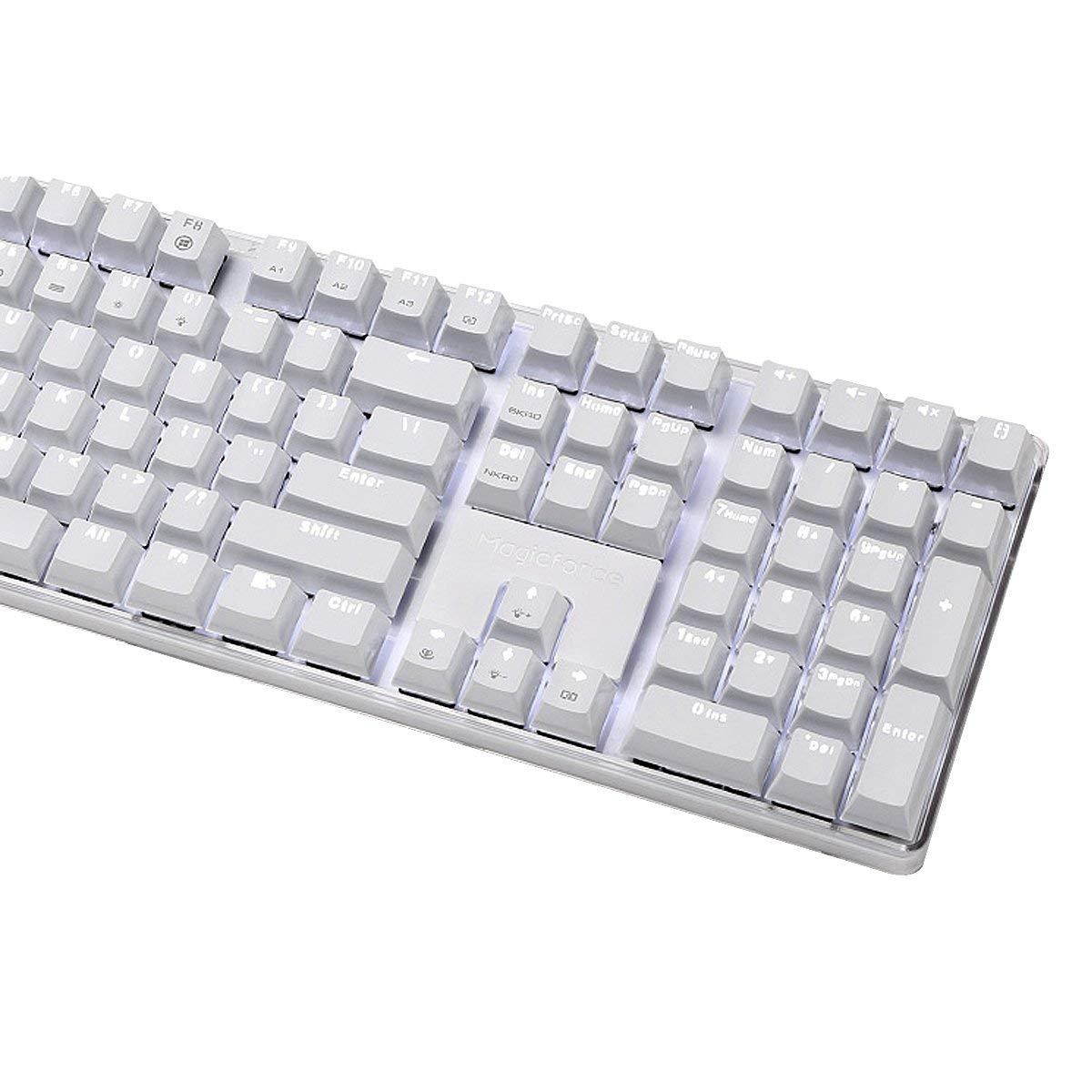
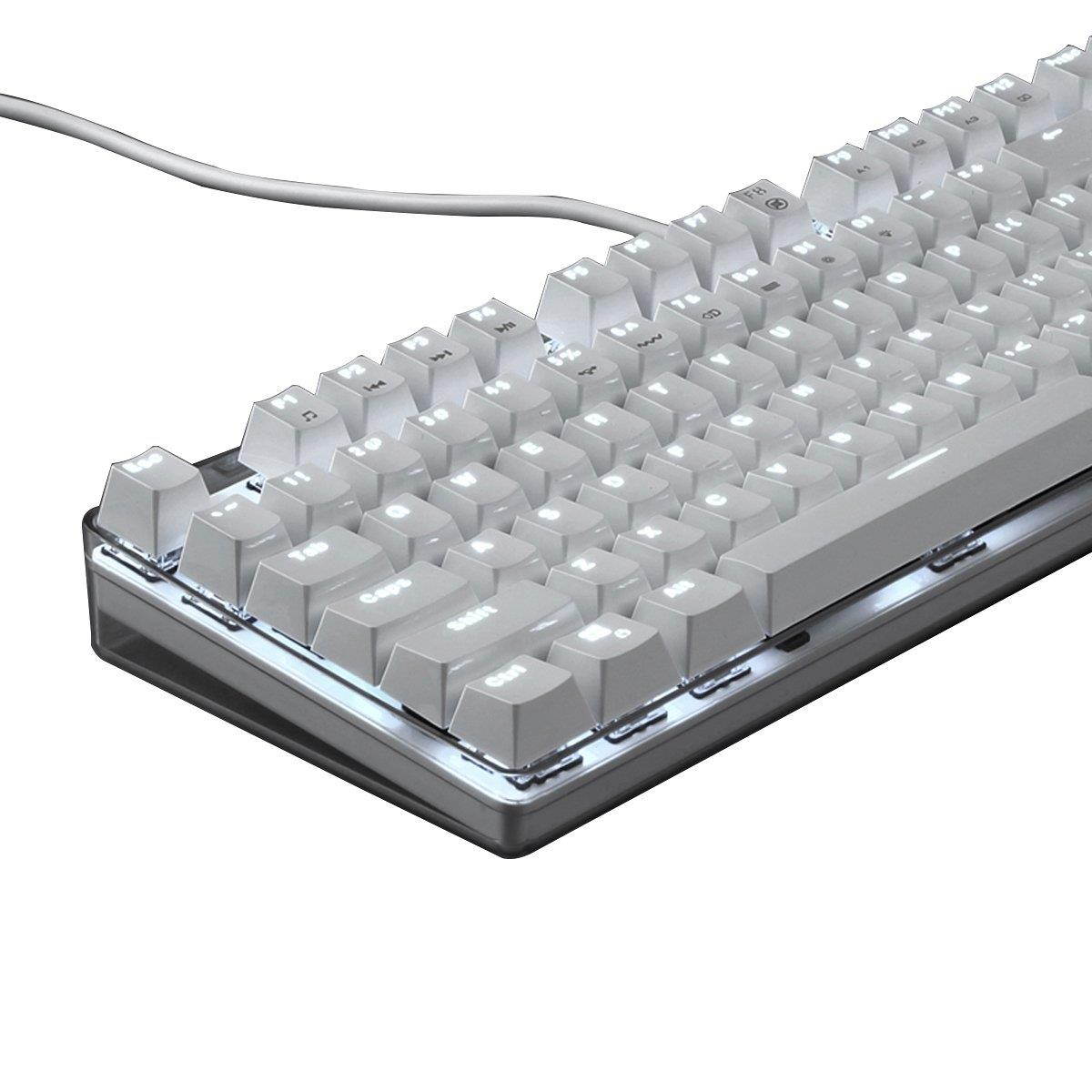
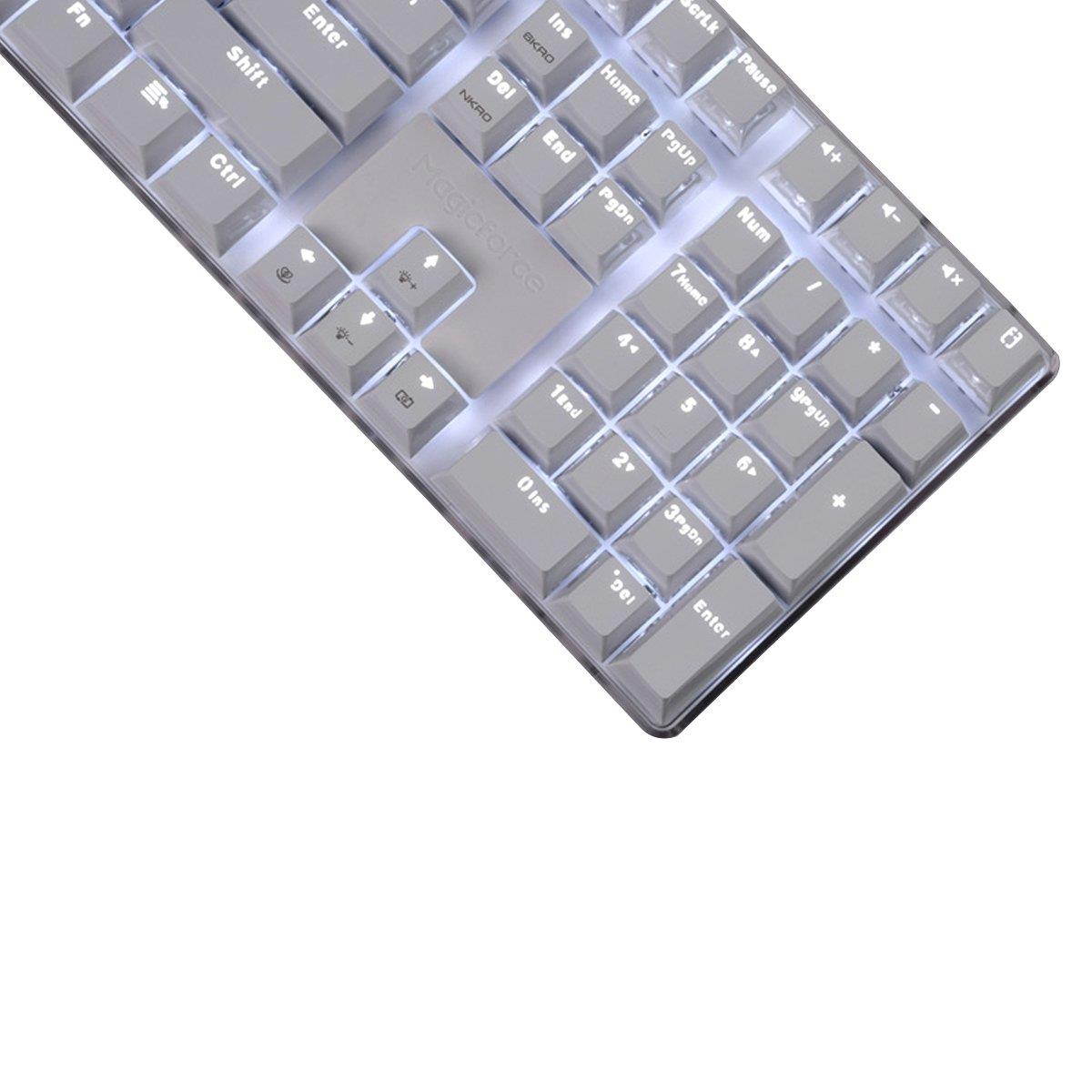
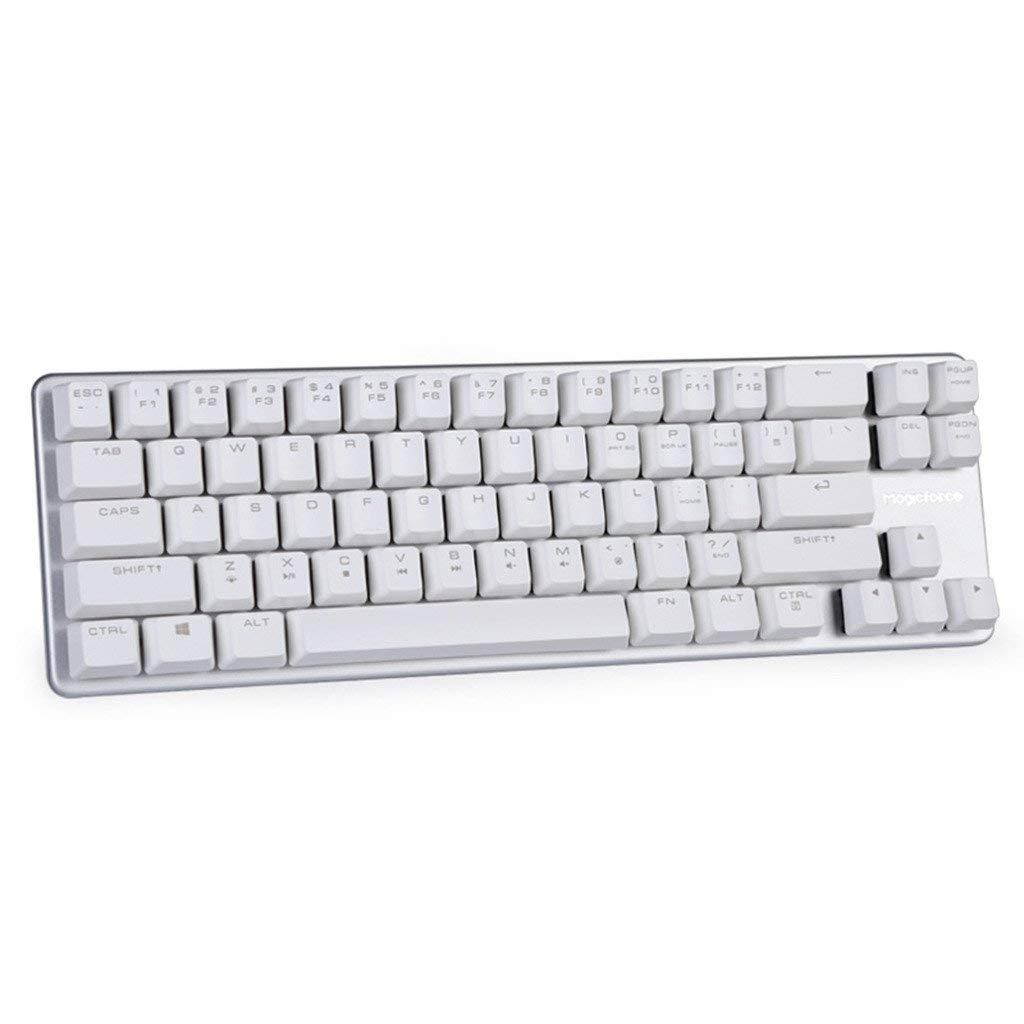
Qisan Mechanical Gaming Keyboard Full Size 104 Keys US Layout Wired Blue Switch Backlit Keyboard with Pink Color
CTNR1439045 CTNR1439045Qisan
2027-06-03
/itm/qisan-mechanical-gaming-keyboard-full-size-104-keys-us-layout-wired-blue-switch-backlit-keyboard-with-pink-color-1439045
USD
58.68
$ 58 $ 60 3% Off
Item Added to Cart
customer
*Product availability is subject to suppliers inventory

SHIPPING ALL OVER UNITED STATES

100% MONEY BACK GUARANTEE

EASY 30 DAYSRETURNS & REFUNDS

24/7 CUSTOMER SUPPORT

TRUSTED AND SAFE WEBSITE

100% SECURE CHECKOUT
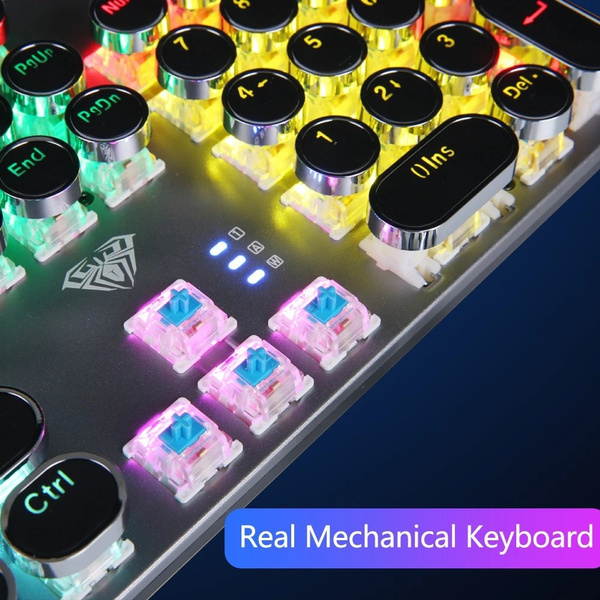
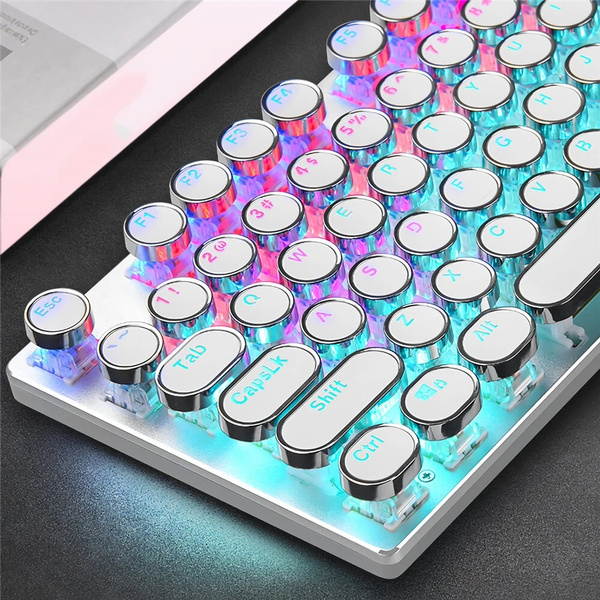
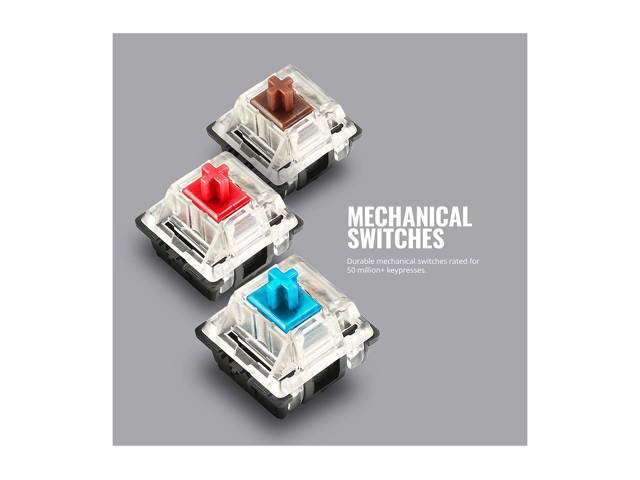
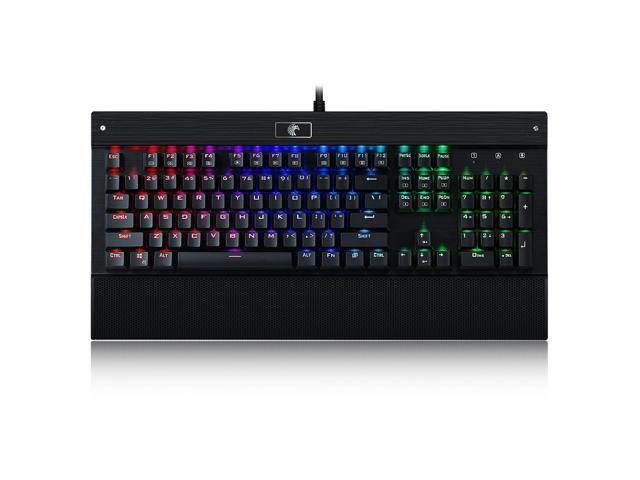
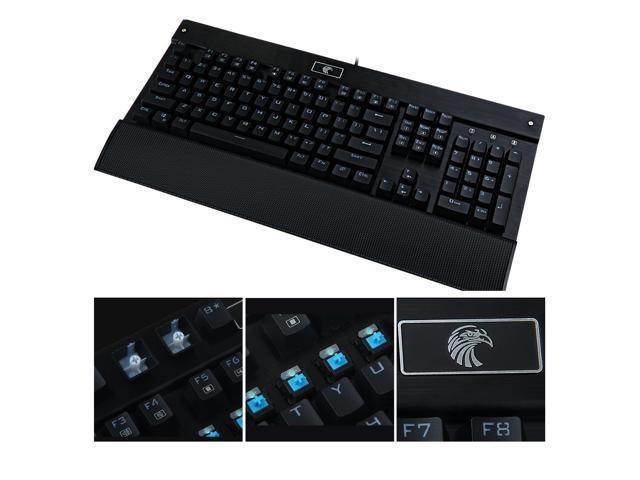
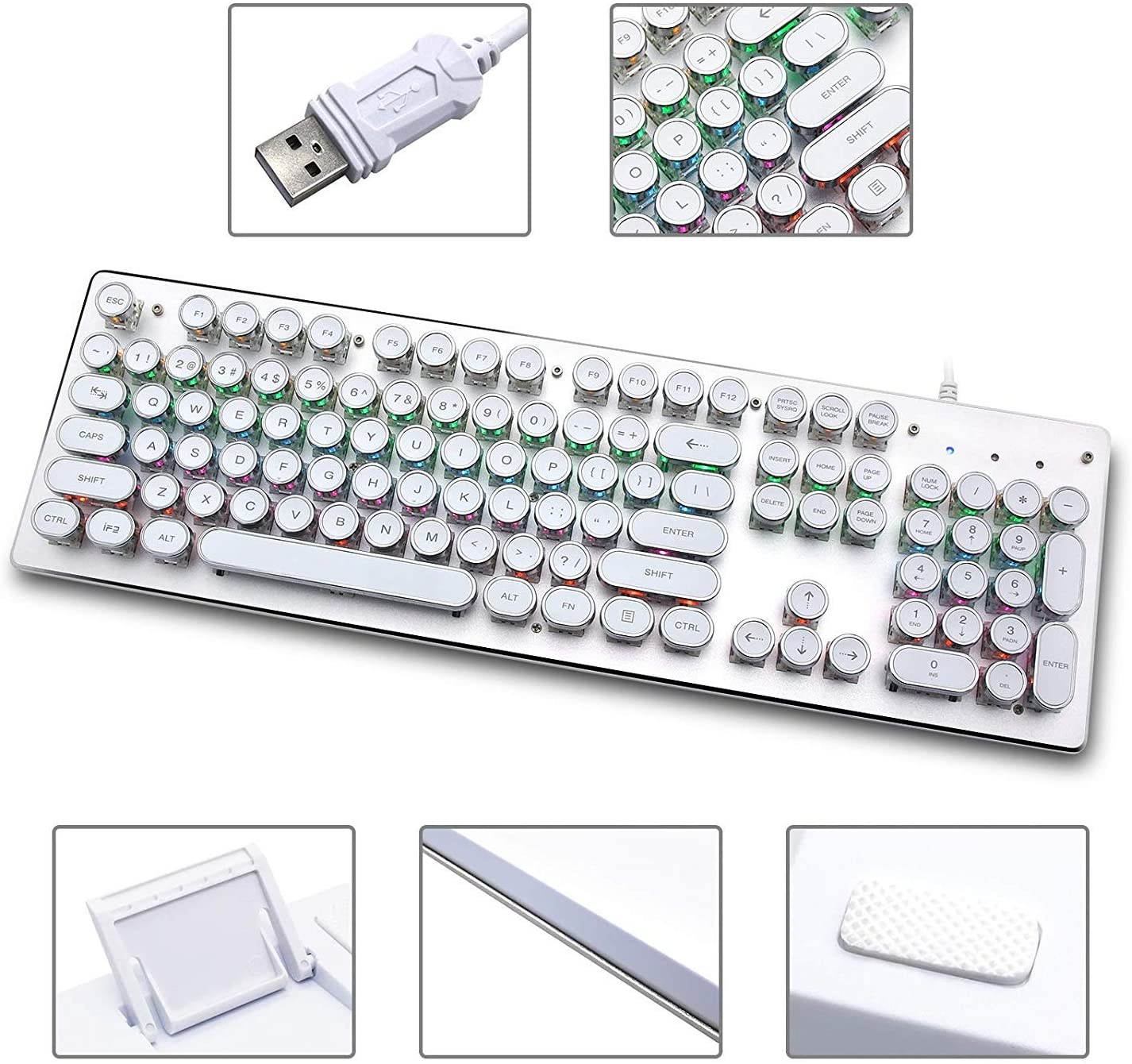
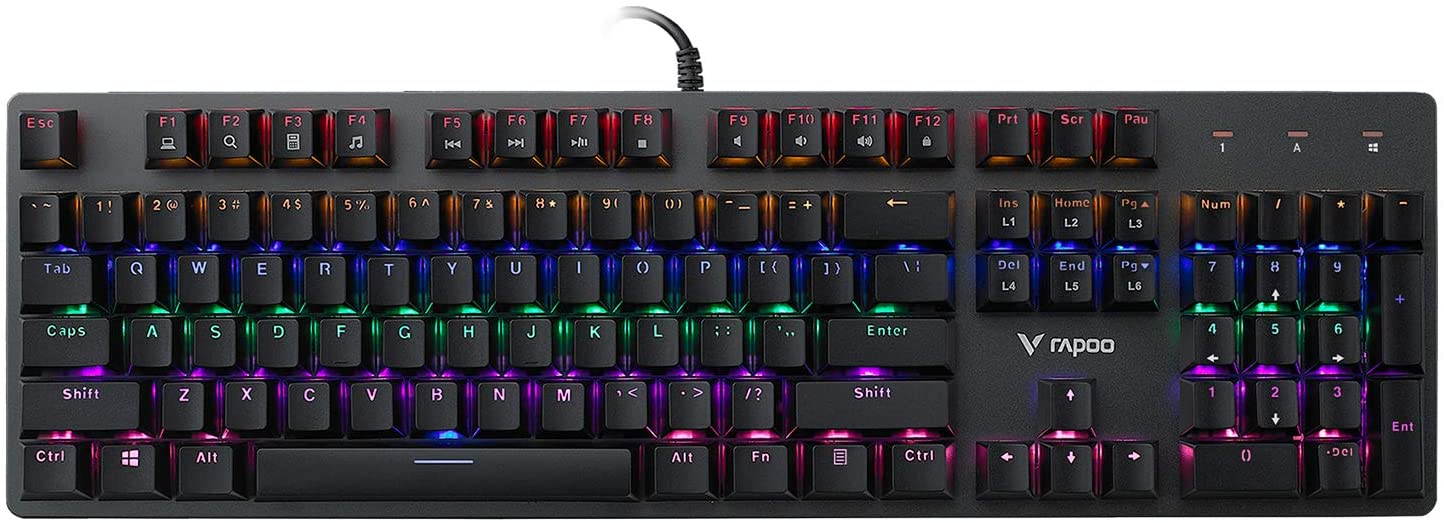
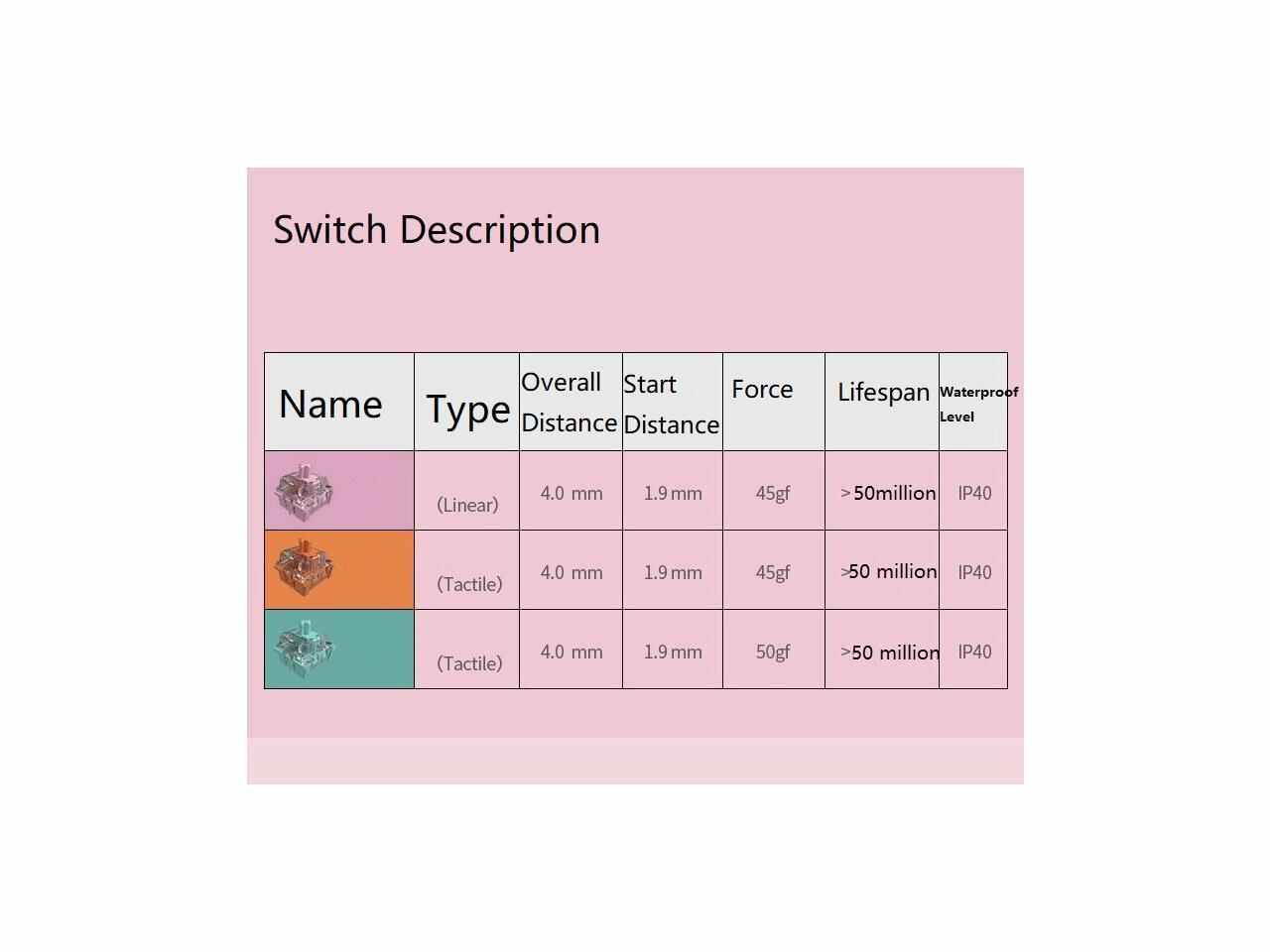
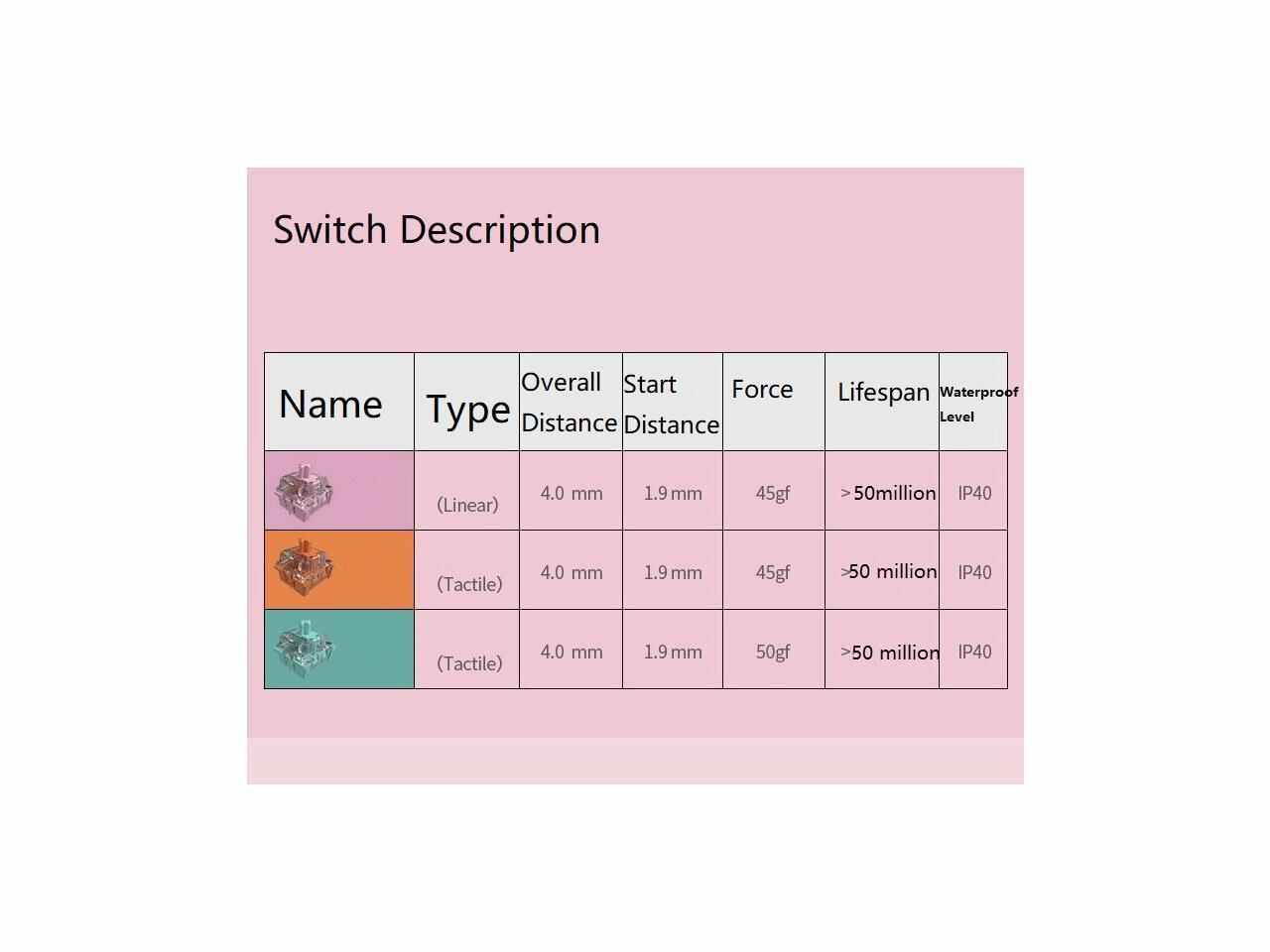
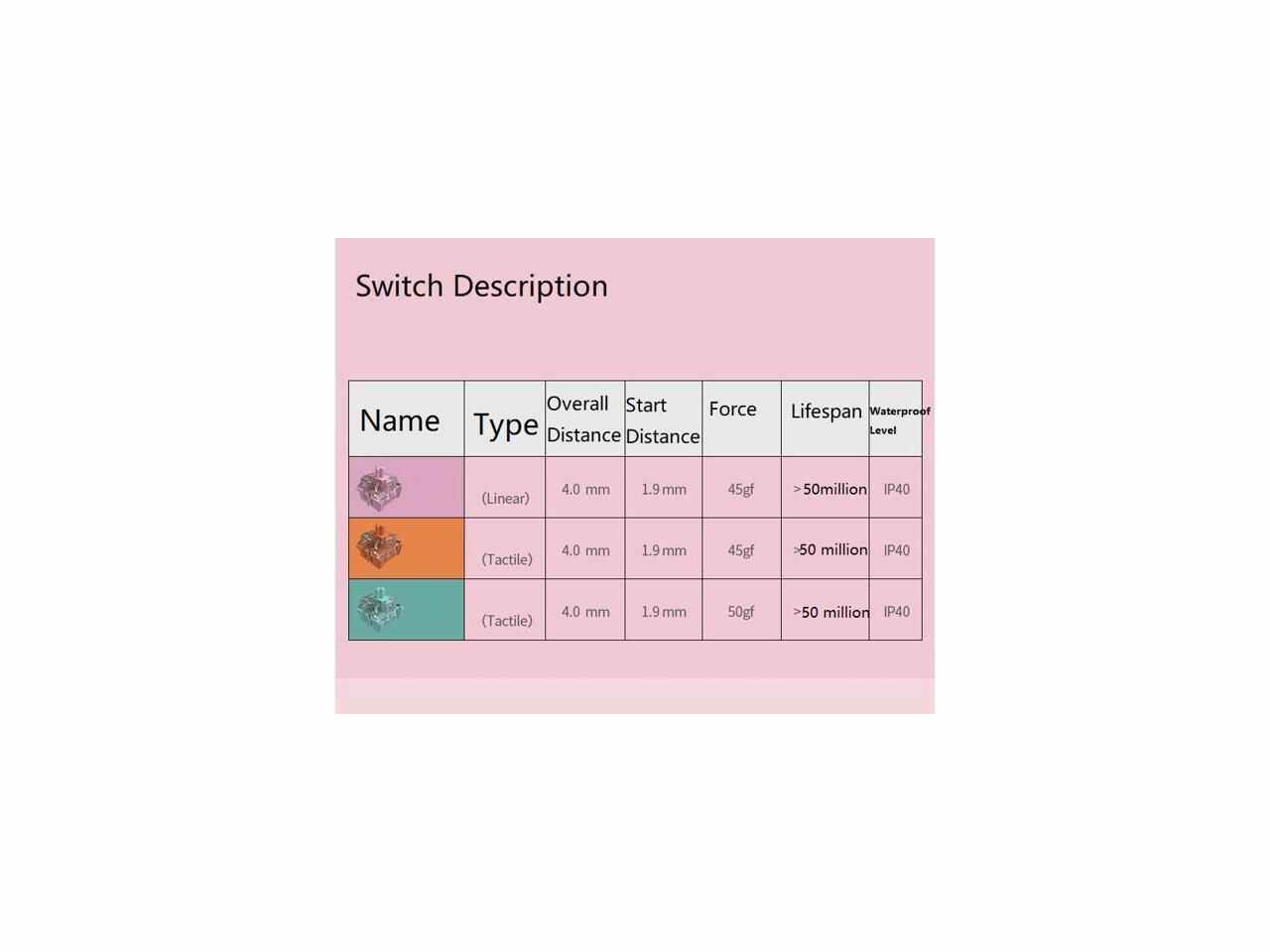
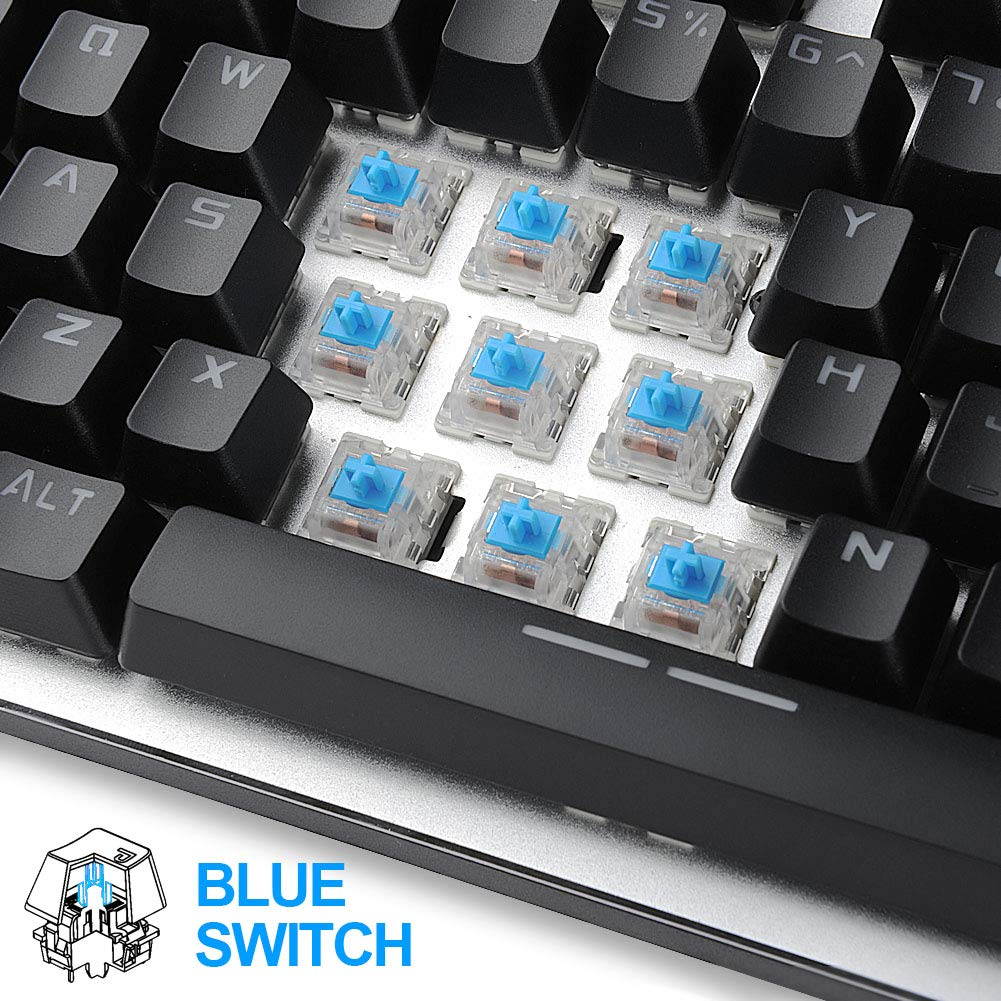
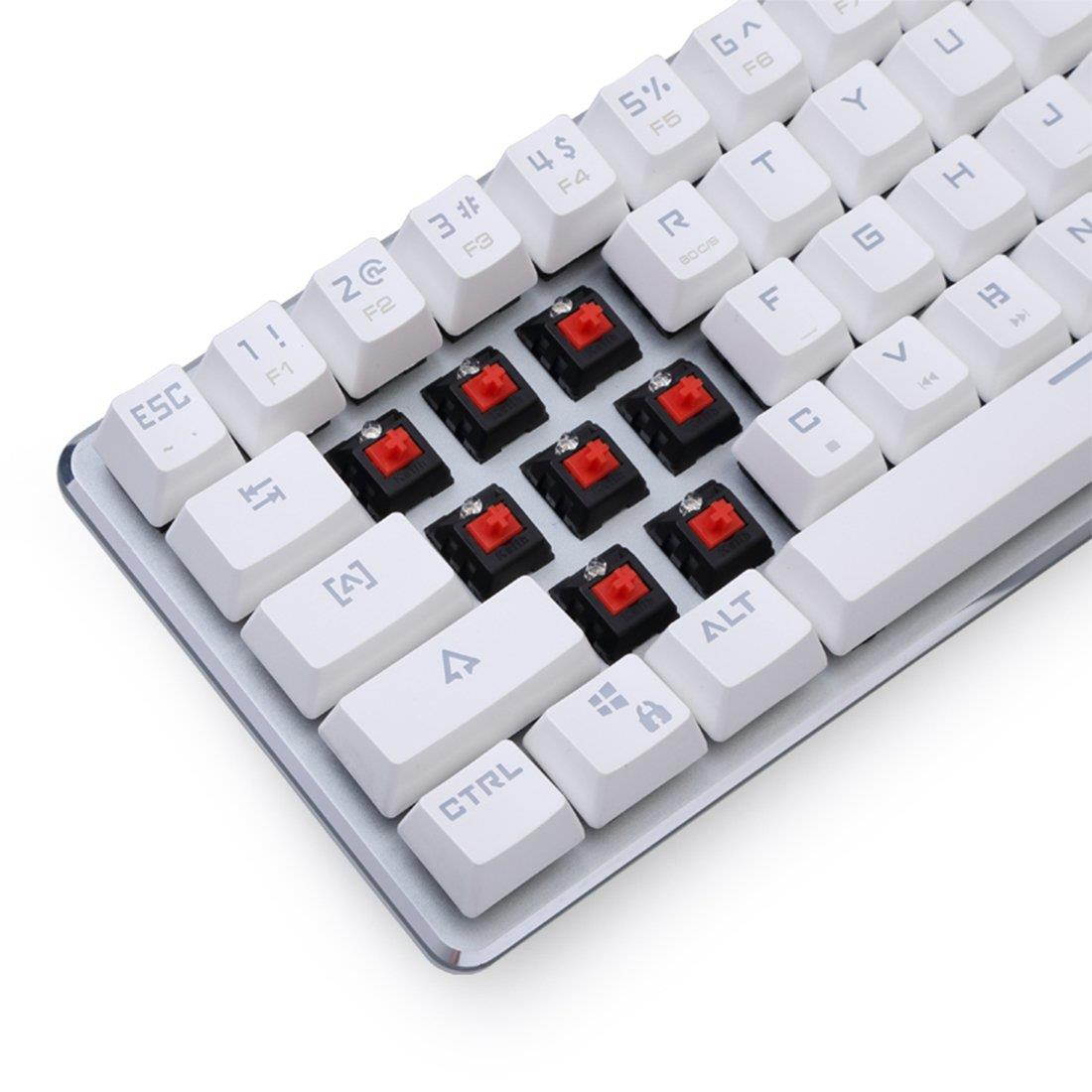
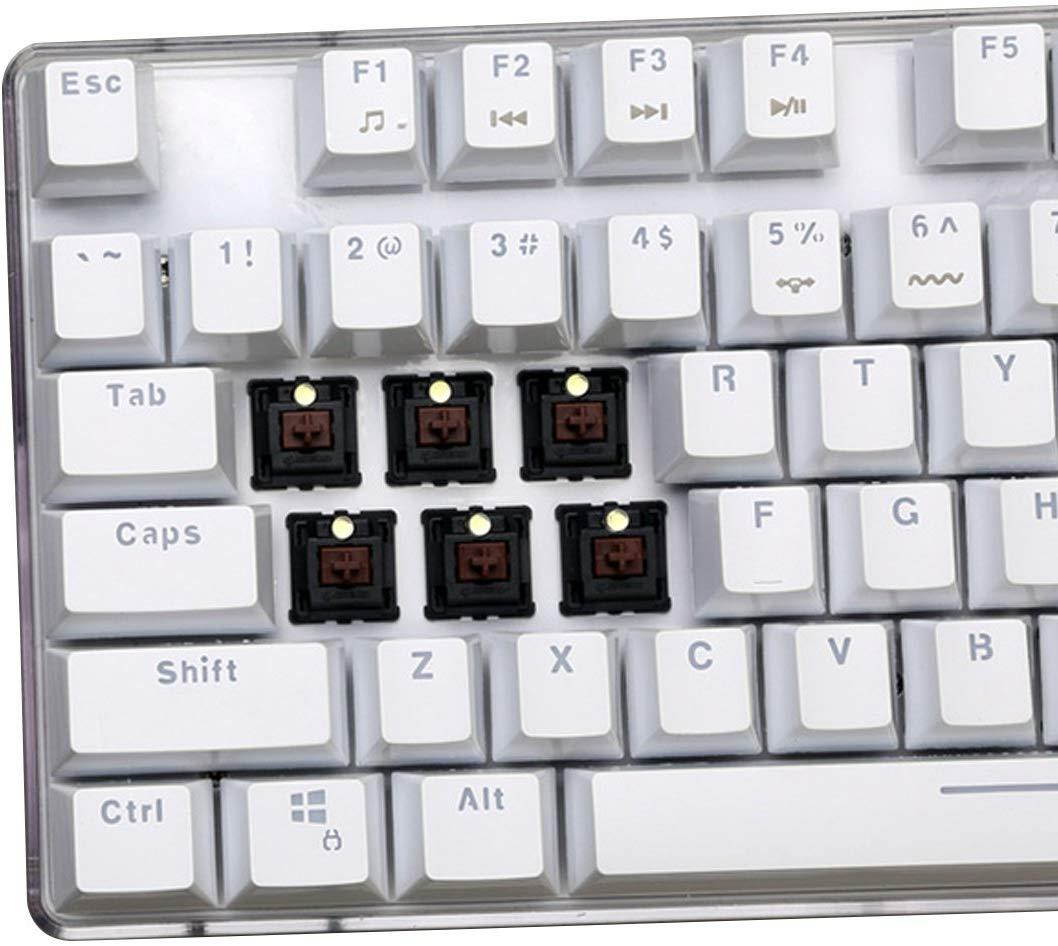
Specifications Switch:
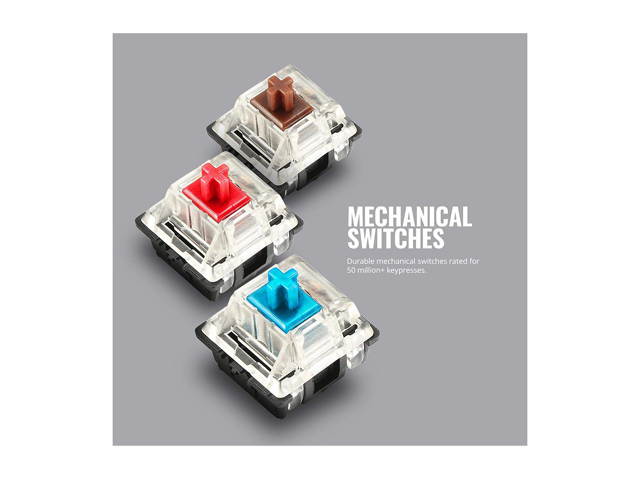
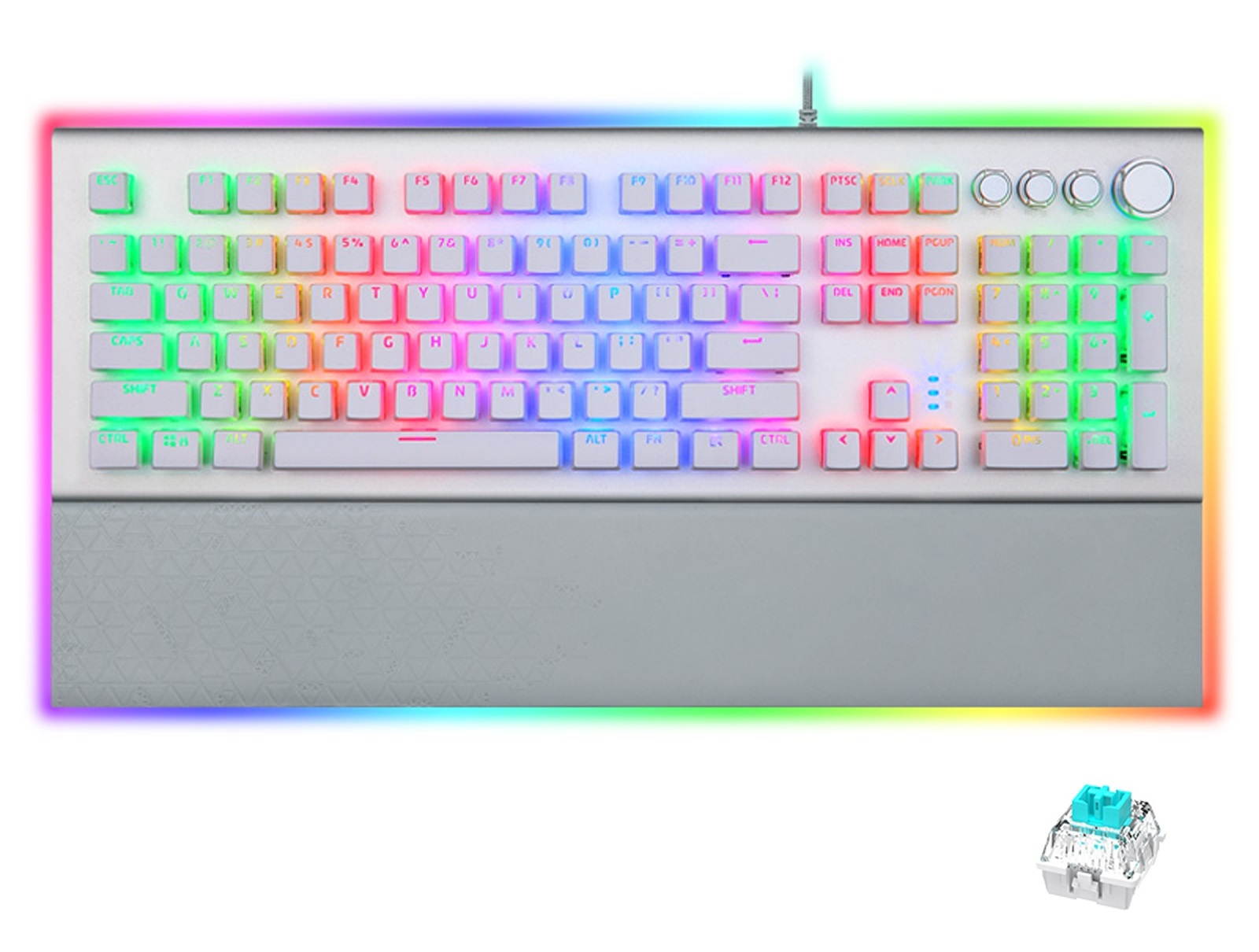
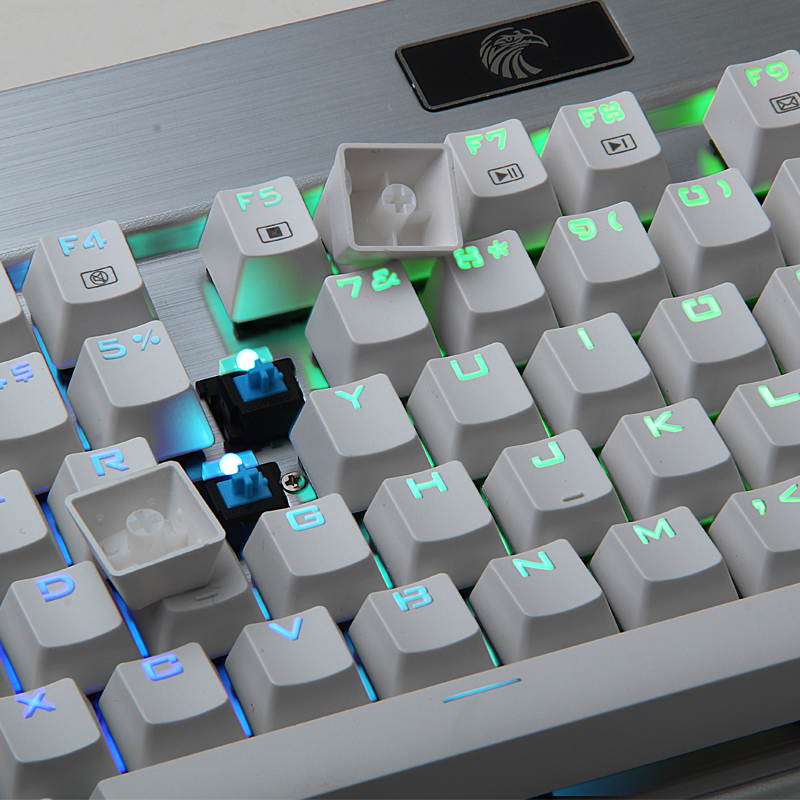
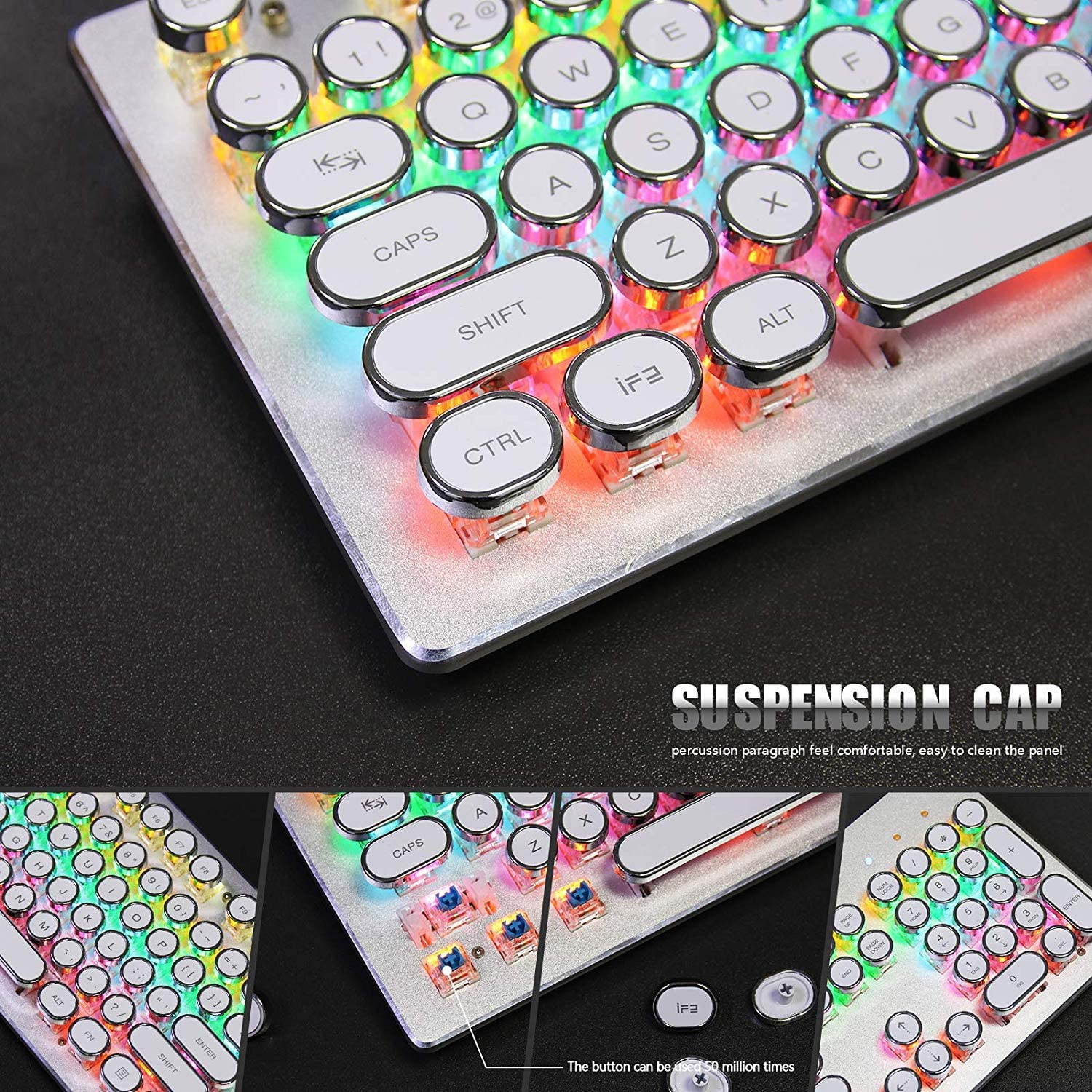
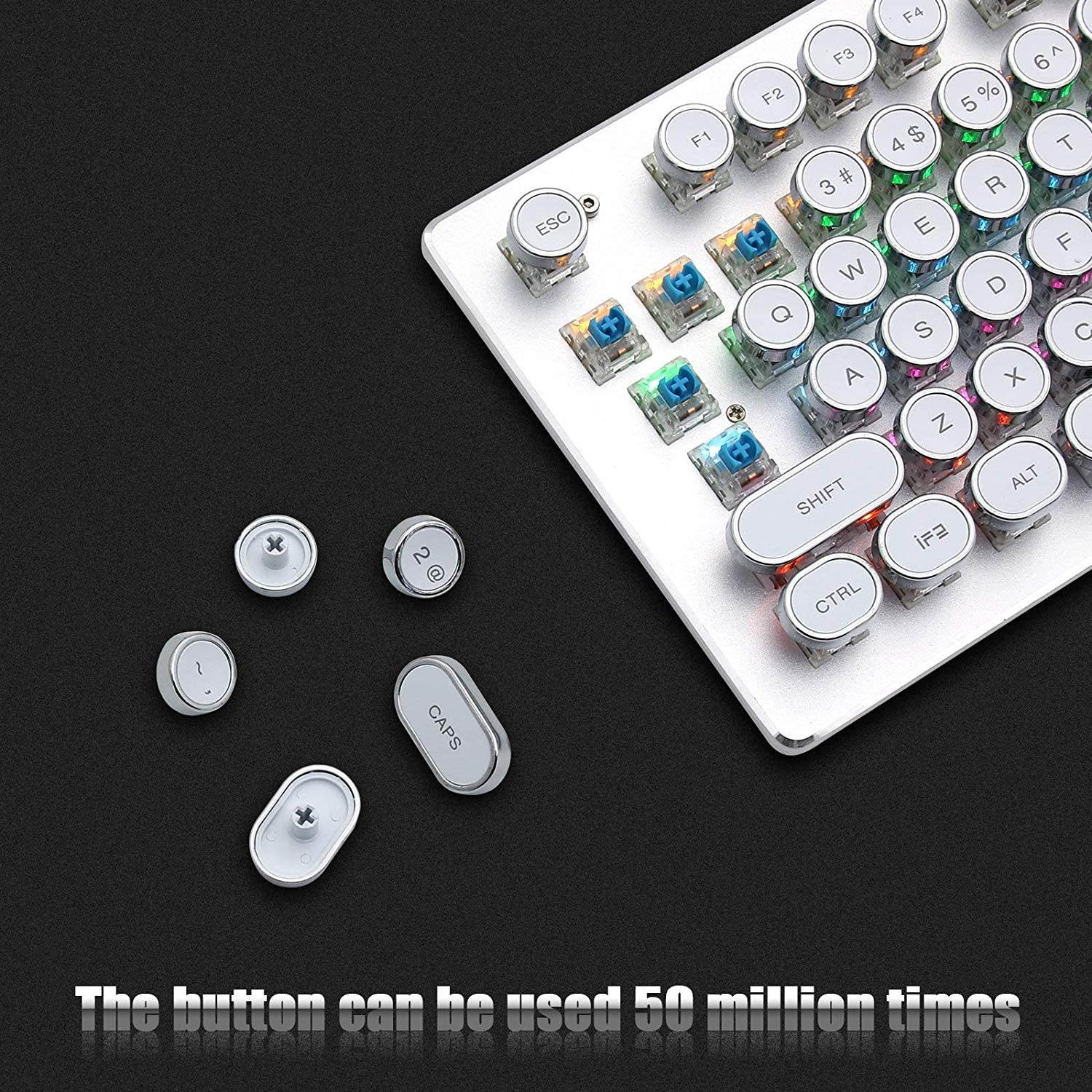
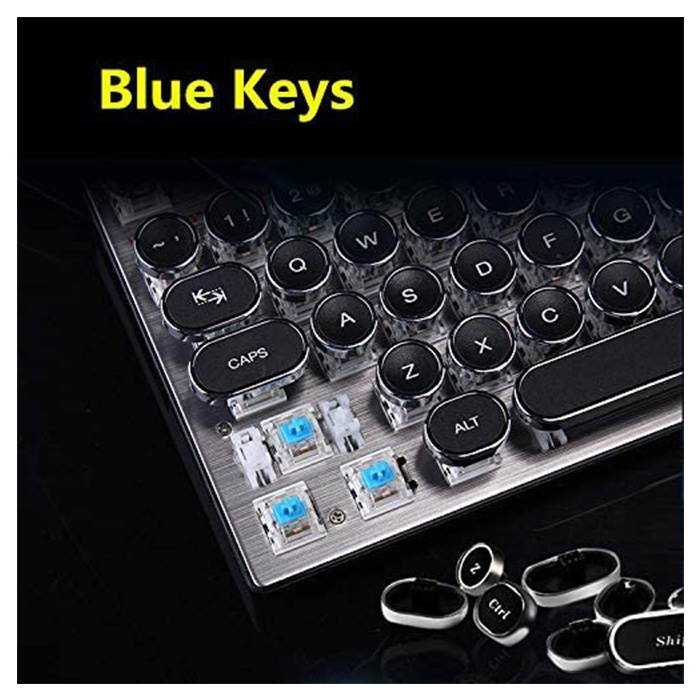
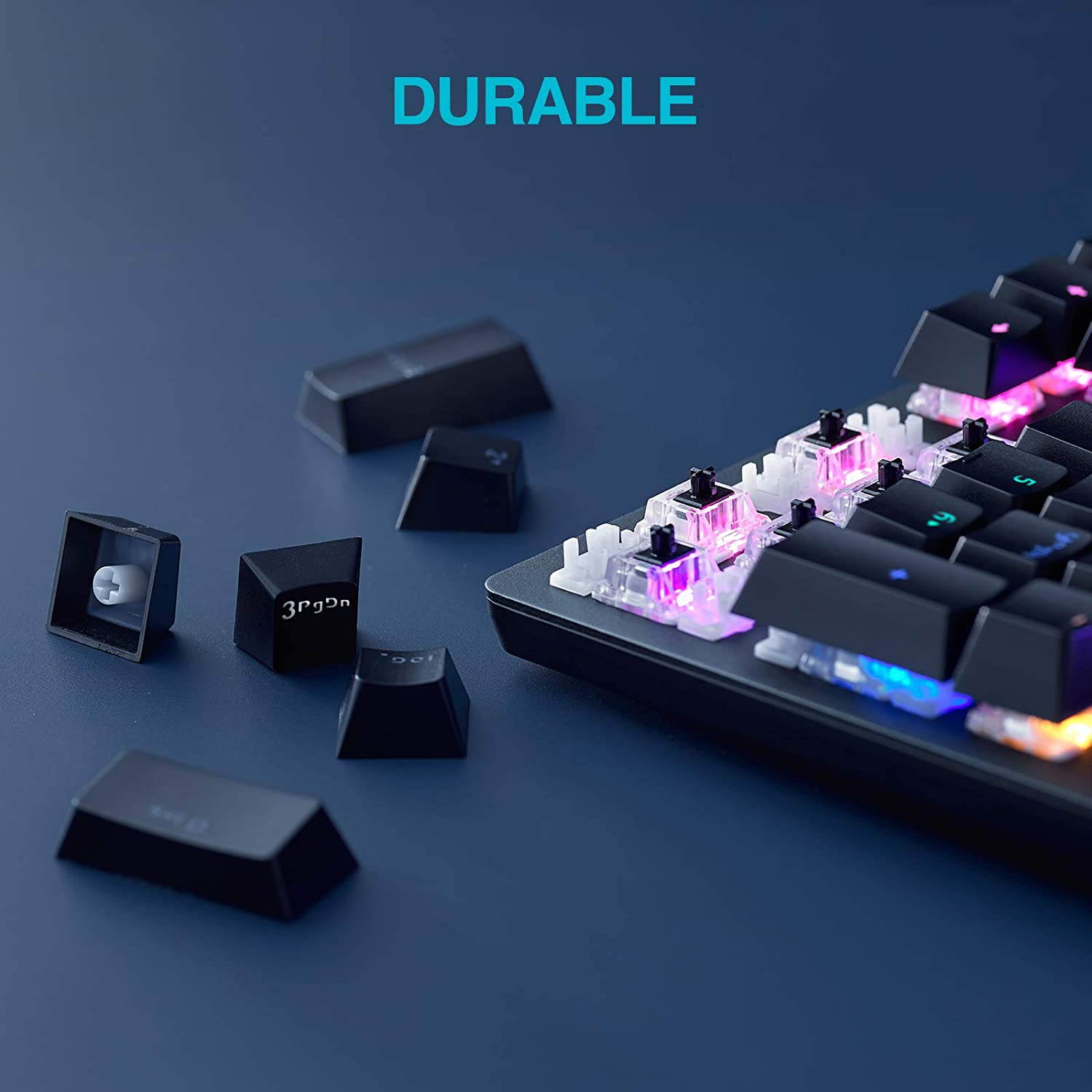
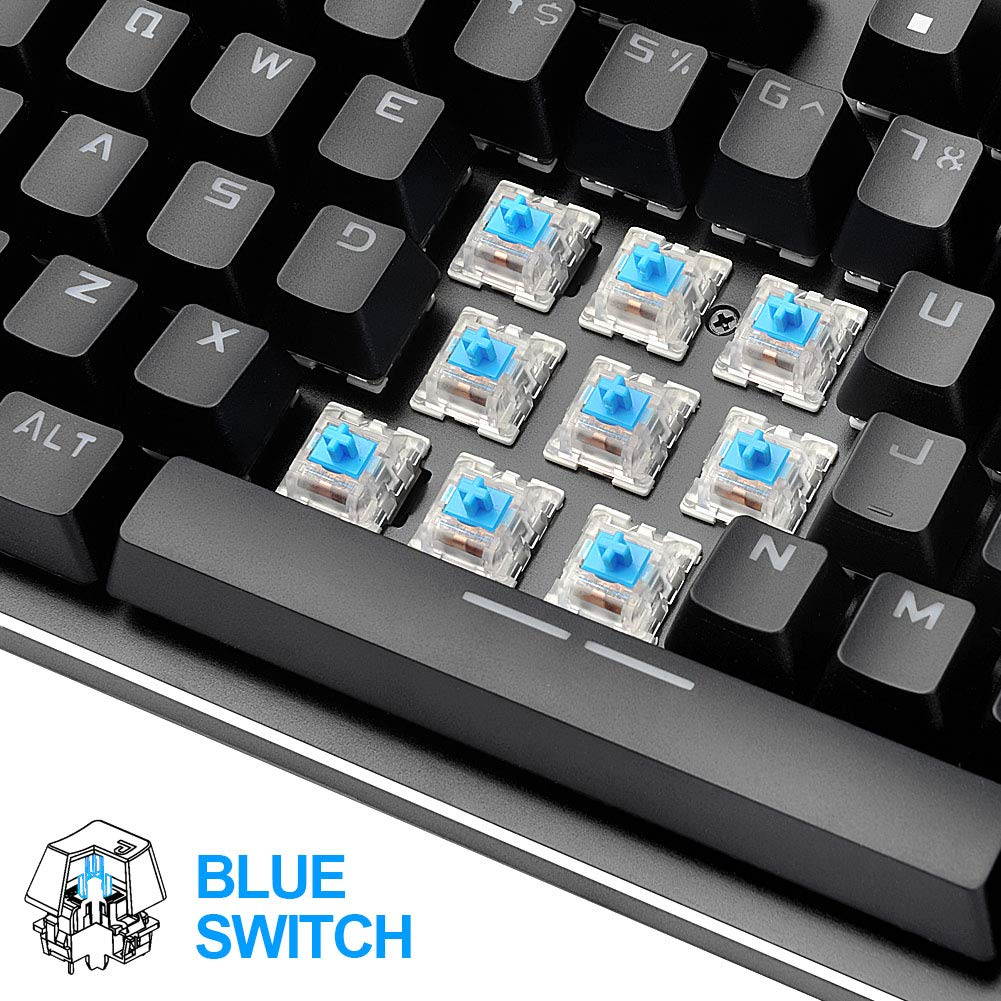
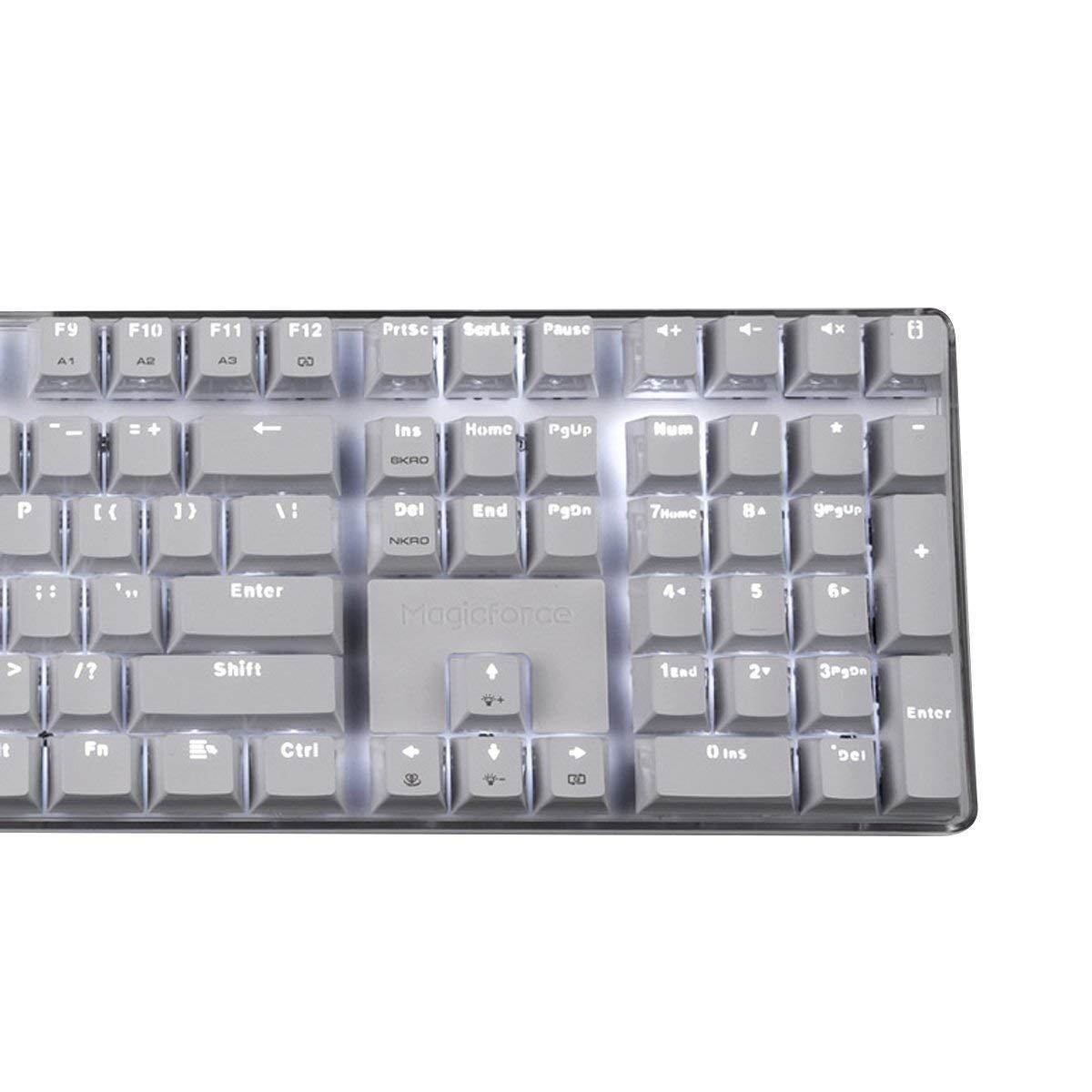
Blue Keys:
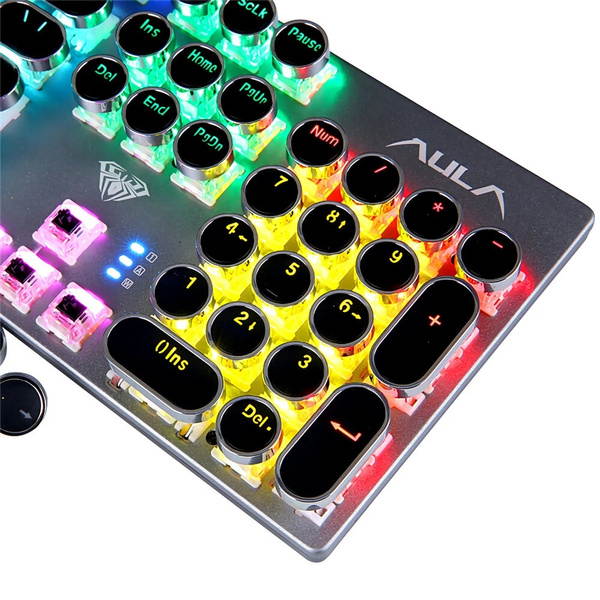
104 keys Actuation Force:
50 ?à 10g Color:
pink color Rating:
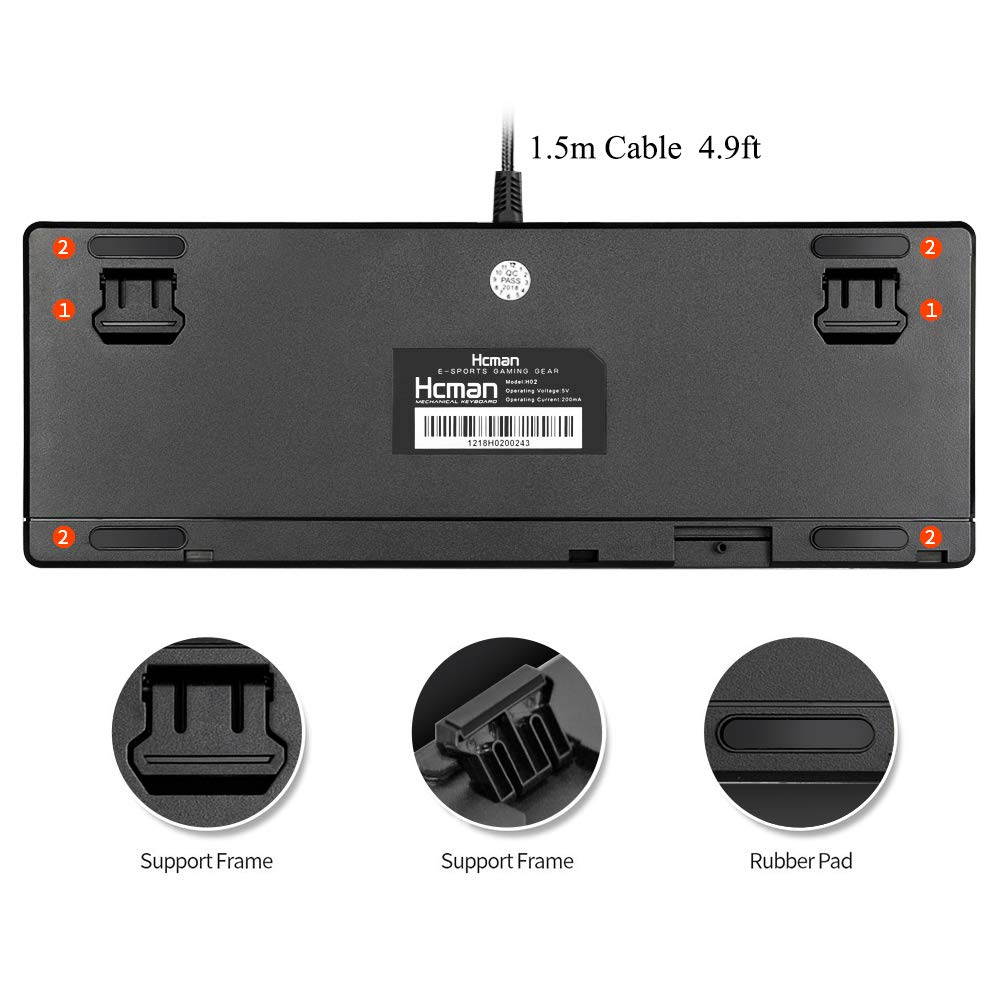
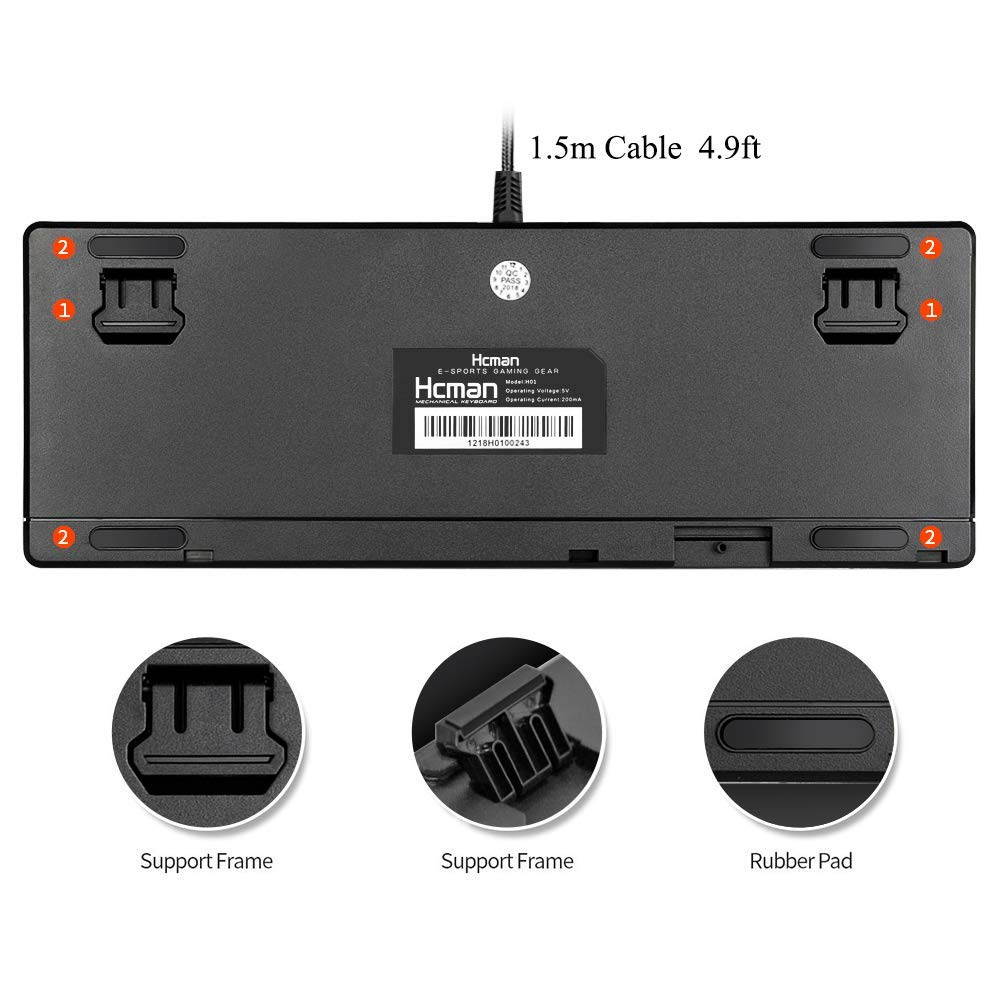
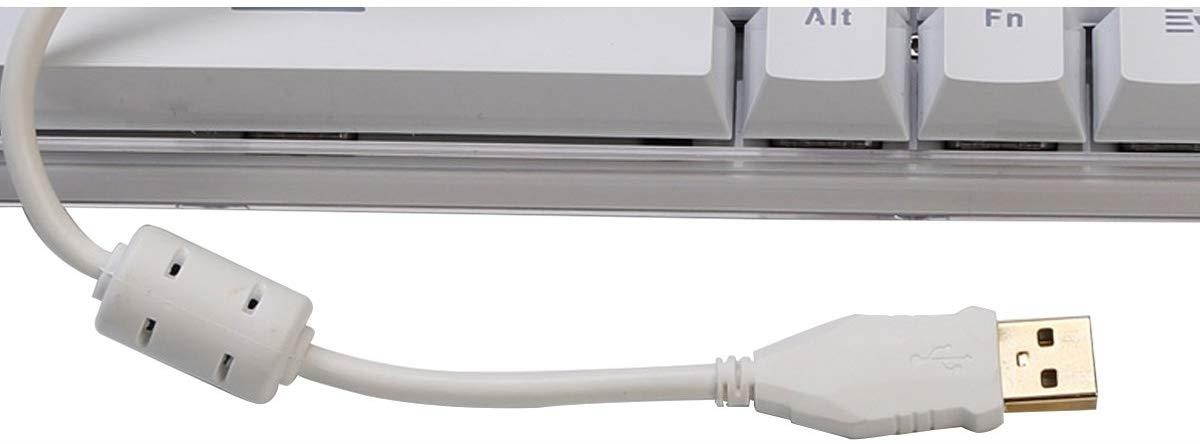
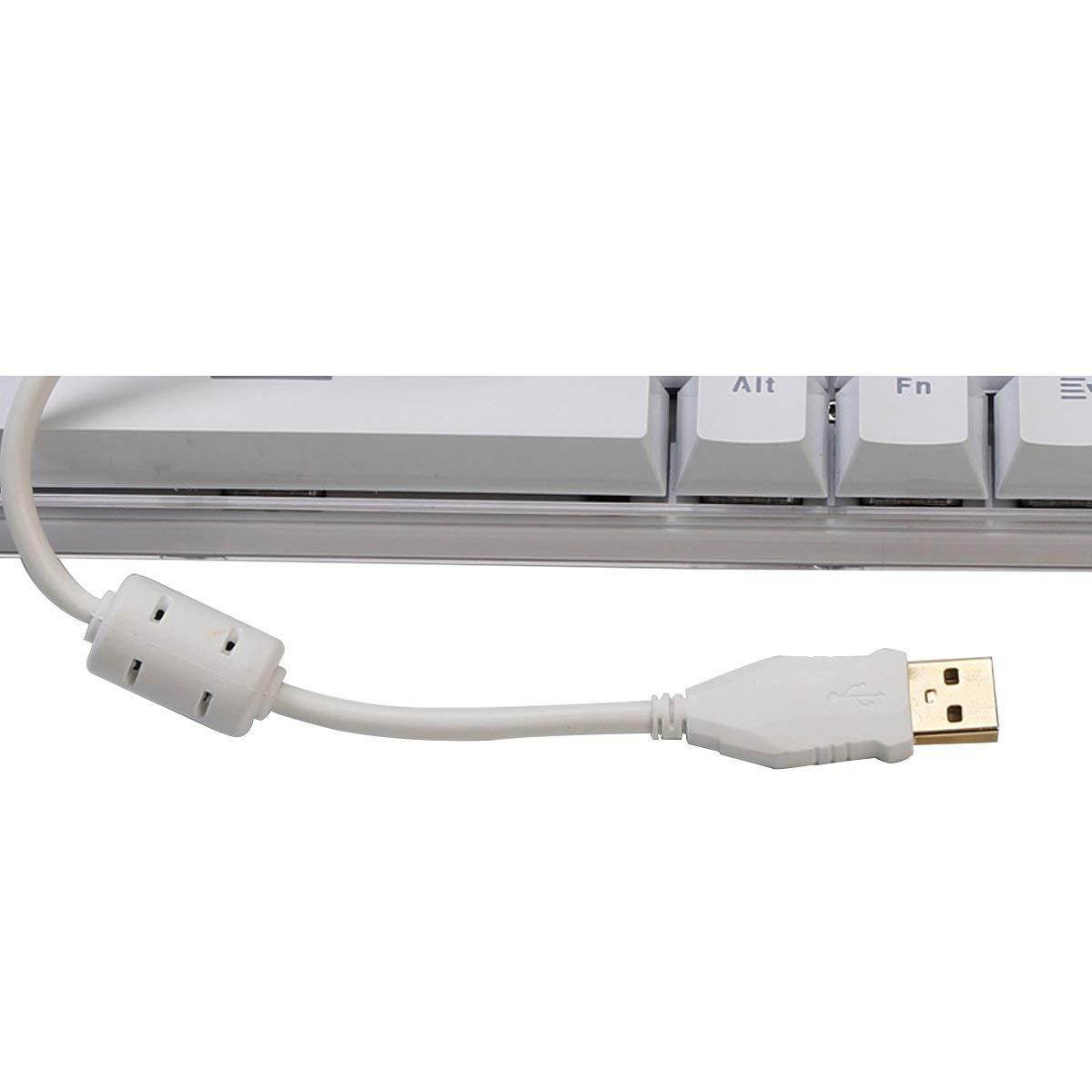
4.5-5.5V, 350mA Data Cable Length:
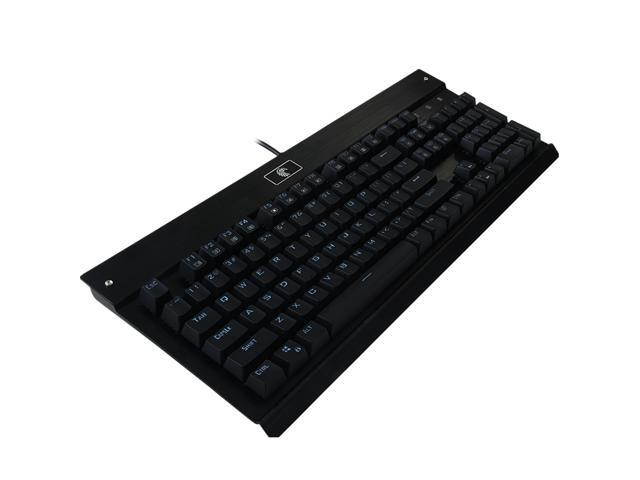
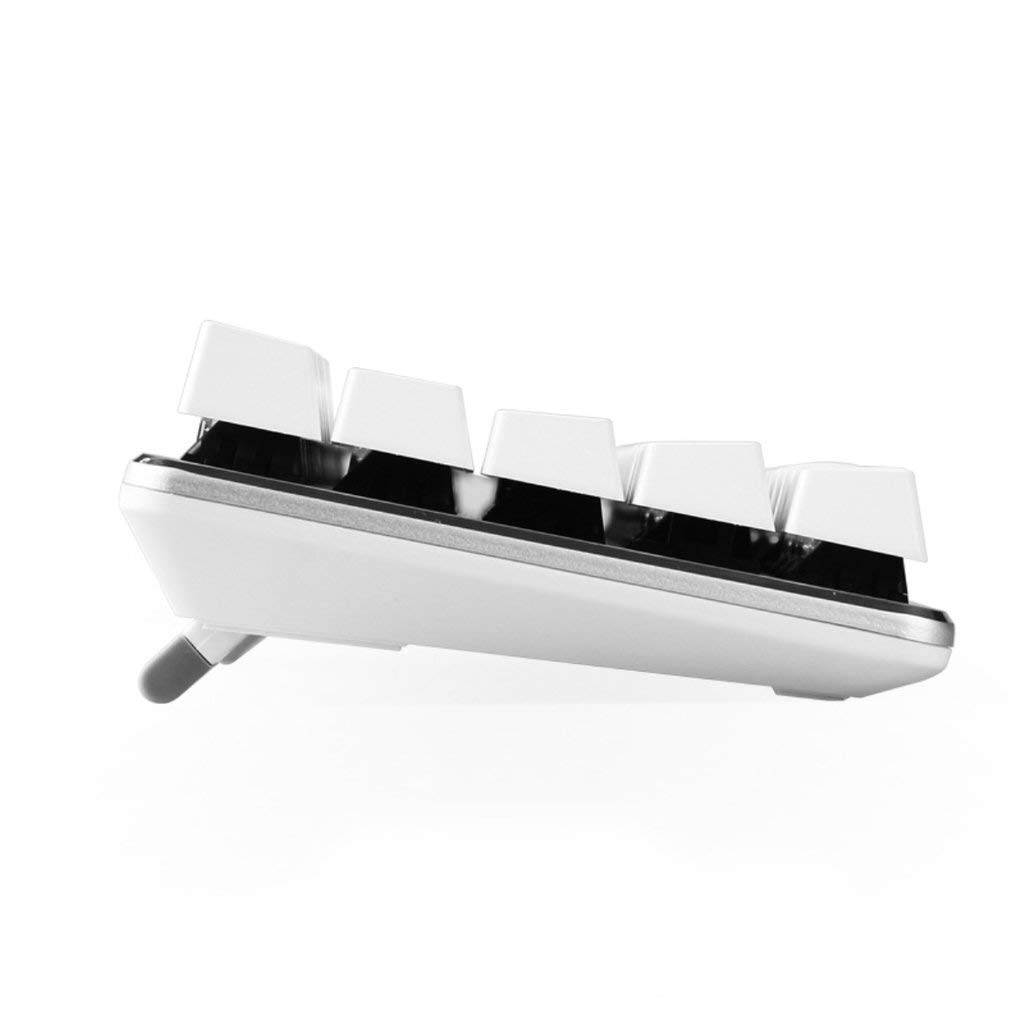
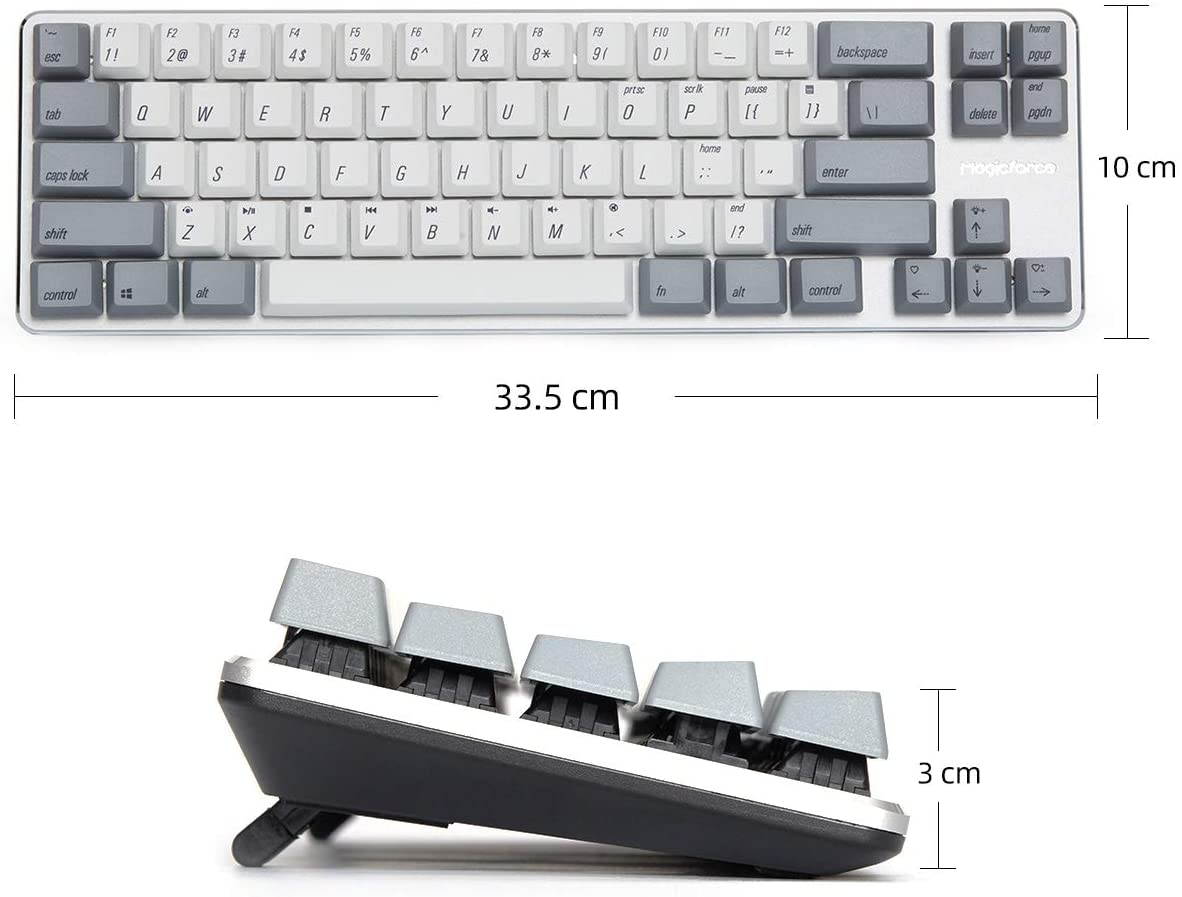
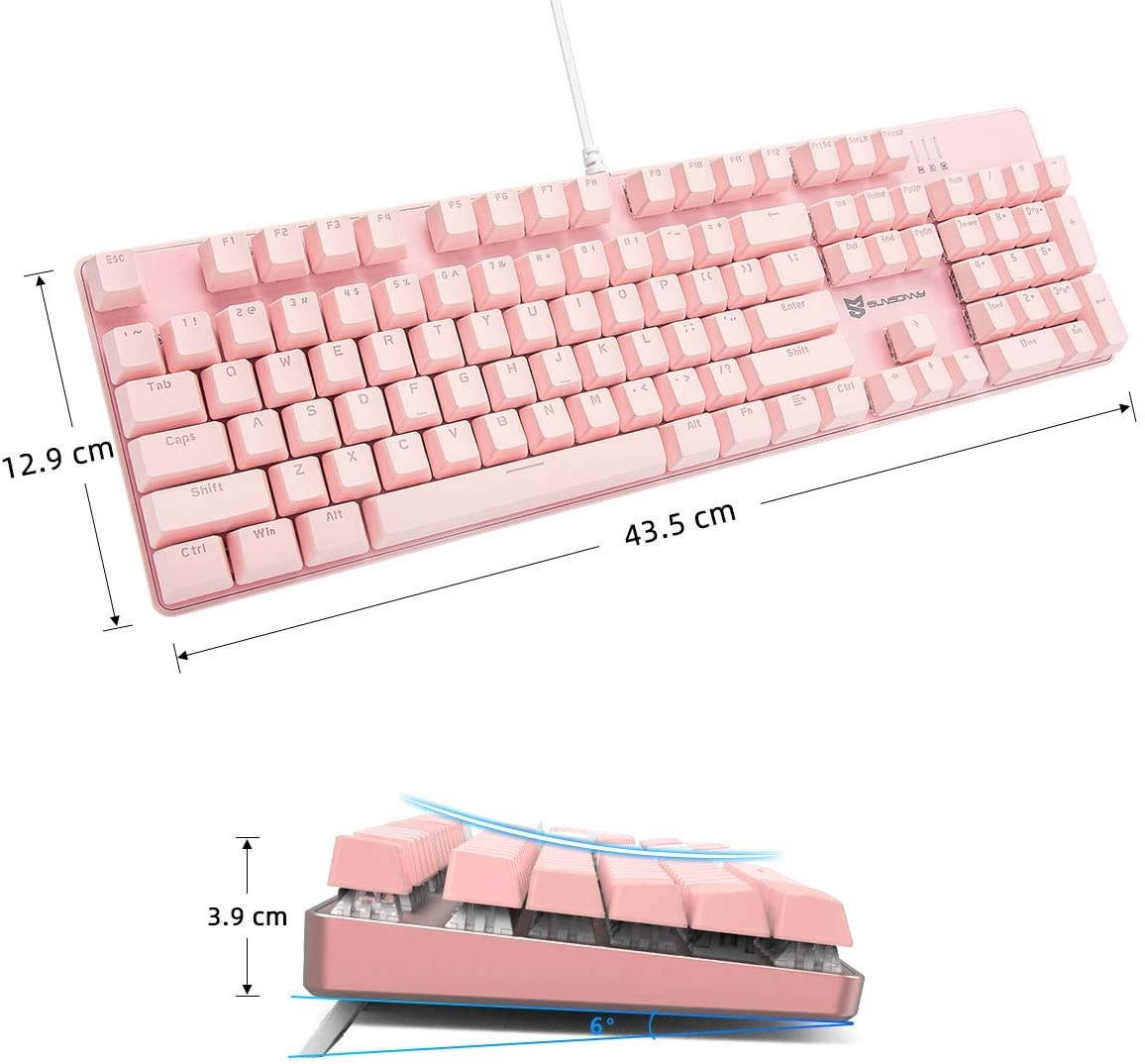
150cm Product Size:
43*13*4cm; Product Weight:
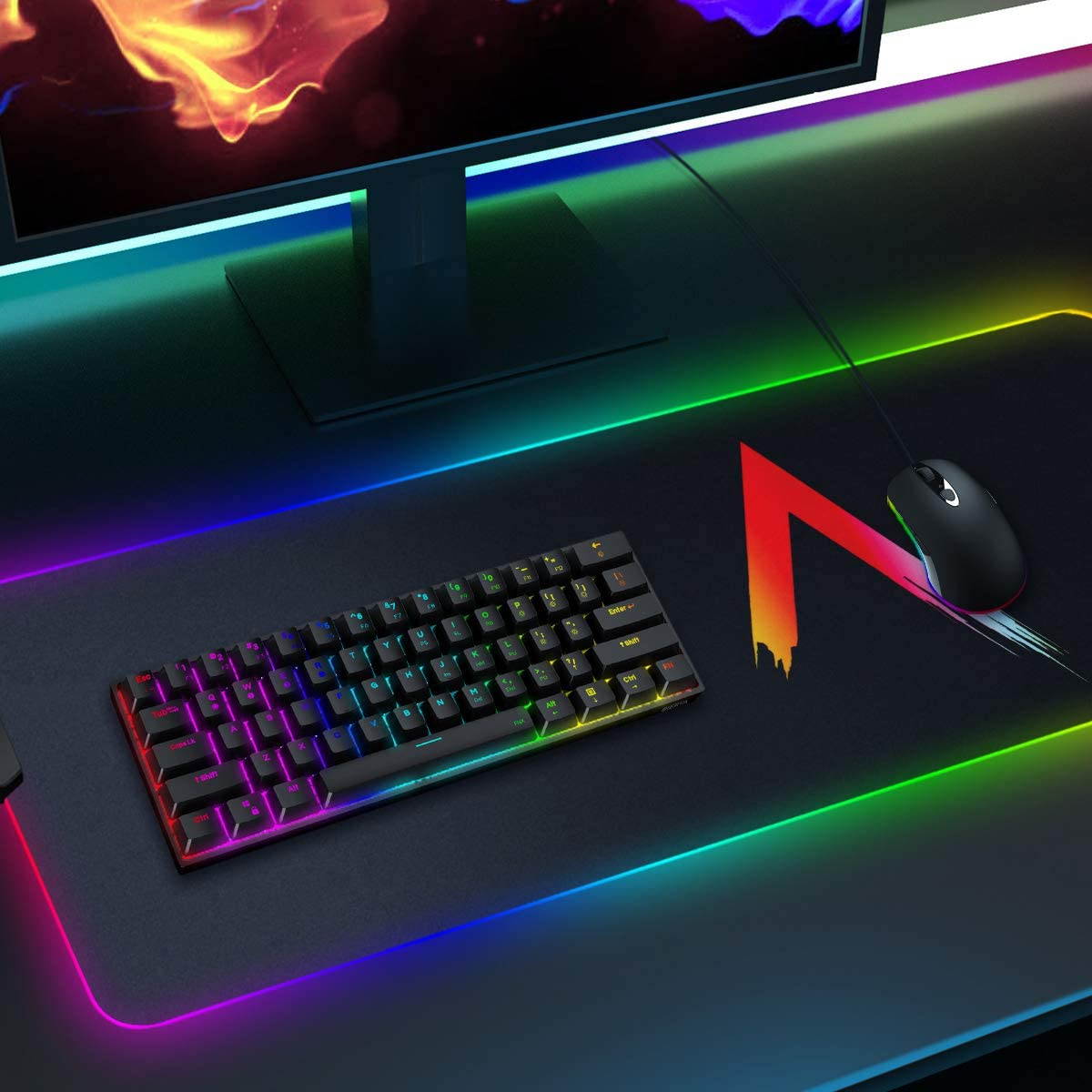
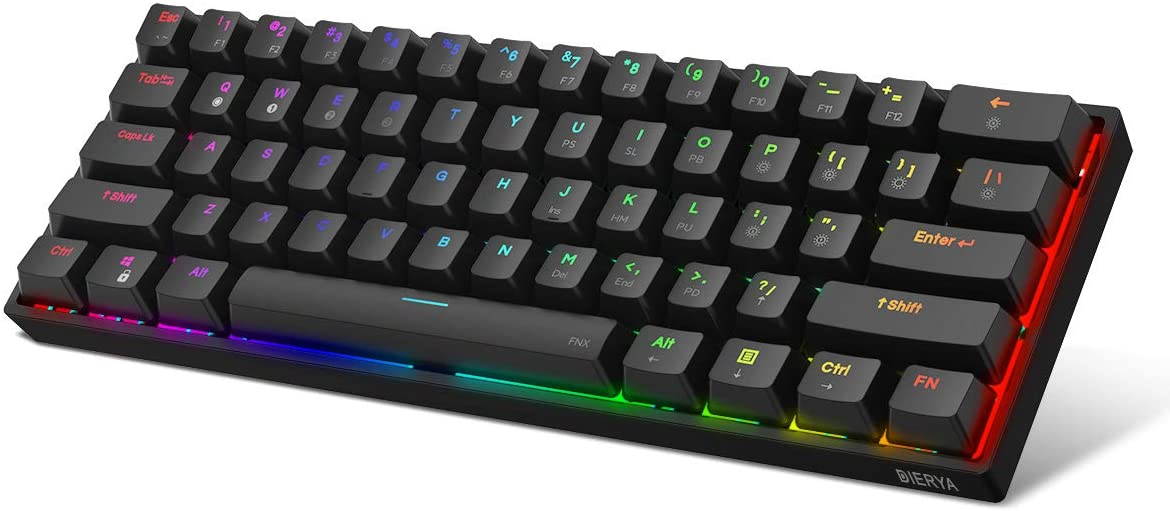
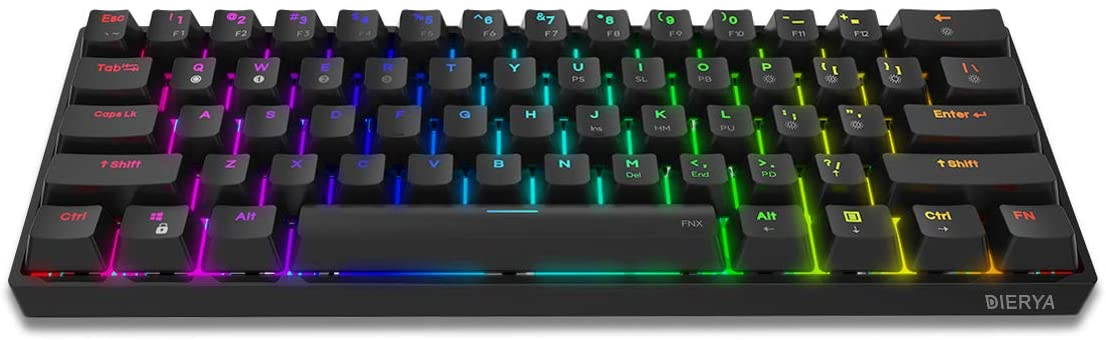
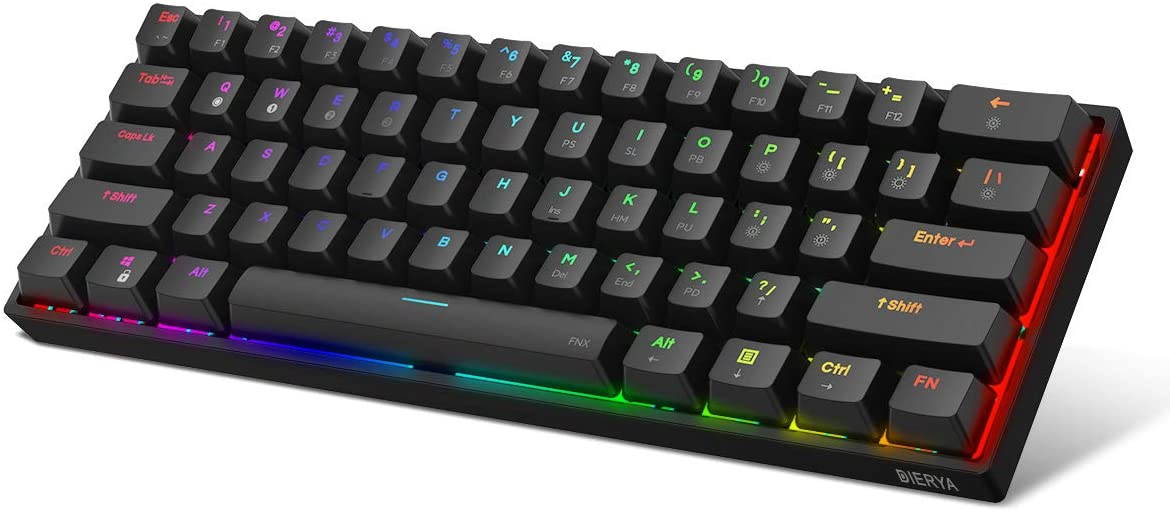
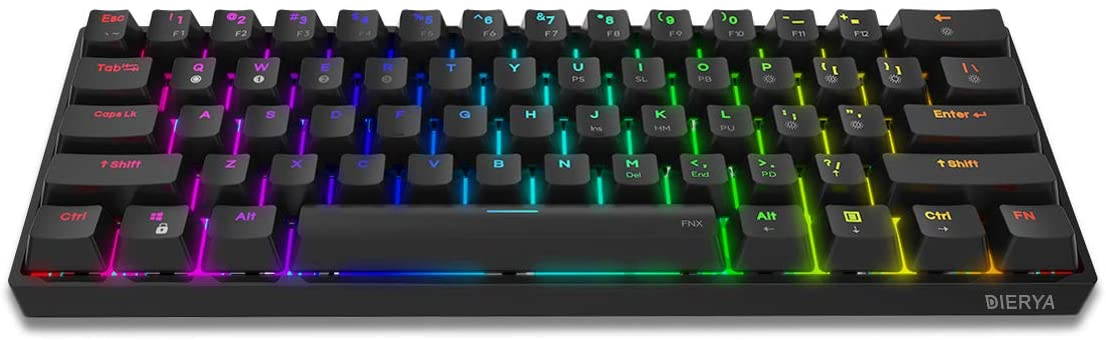
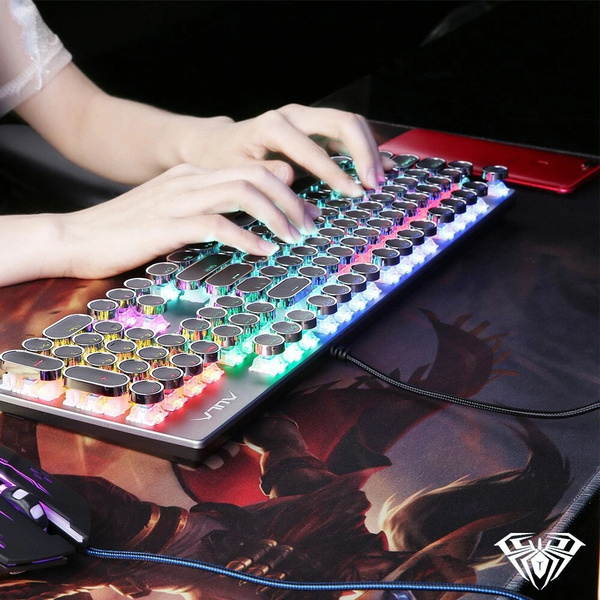
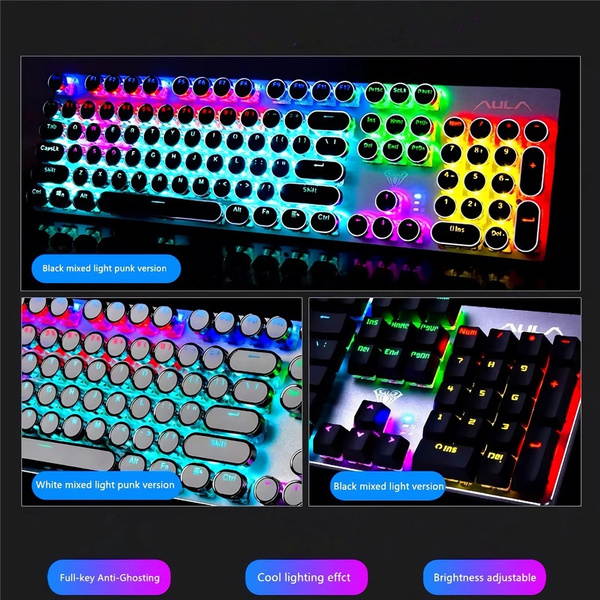
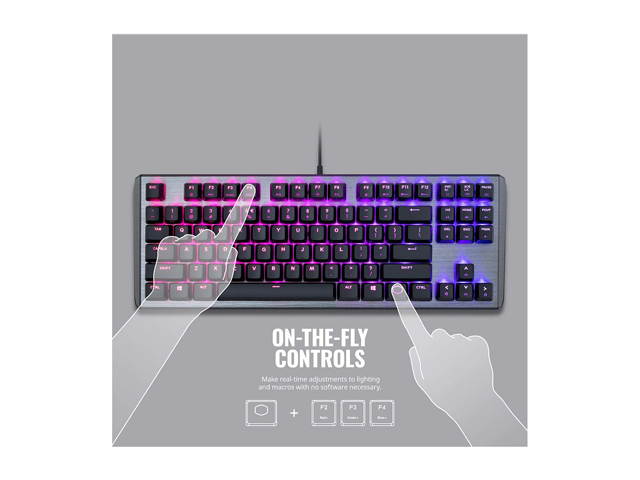
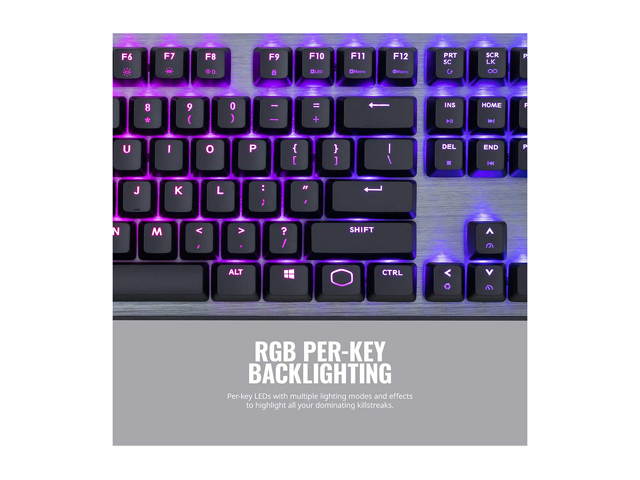
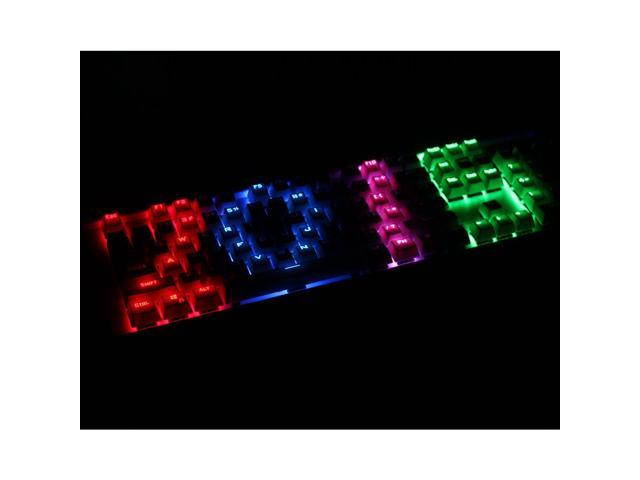
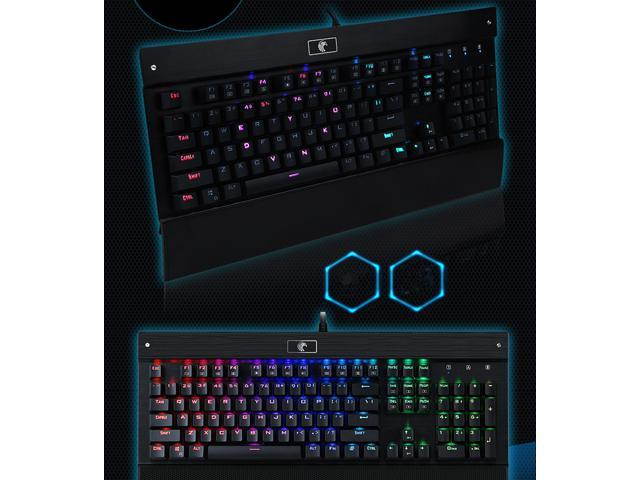
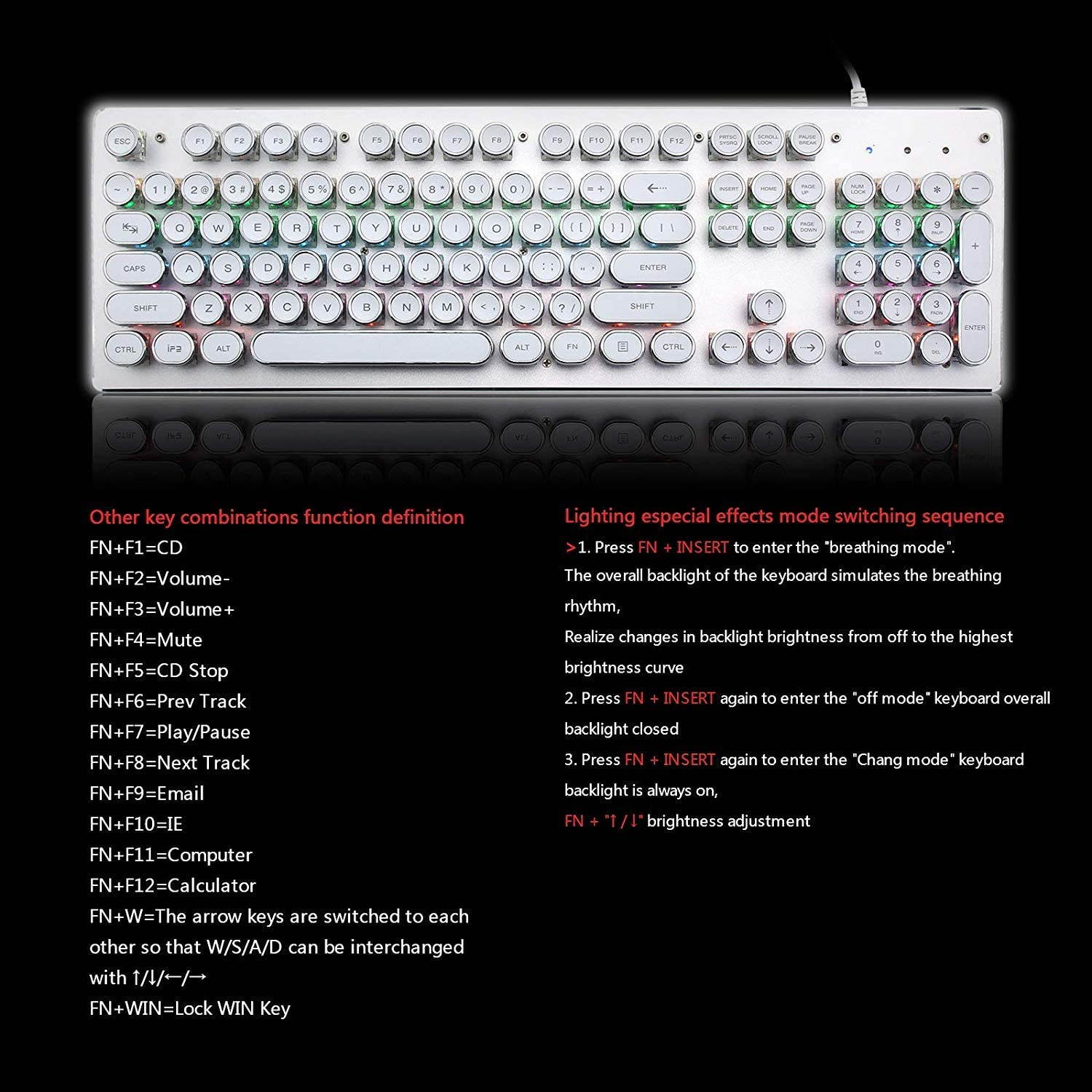
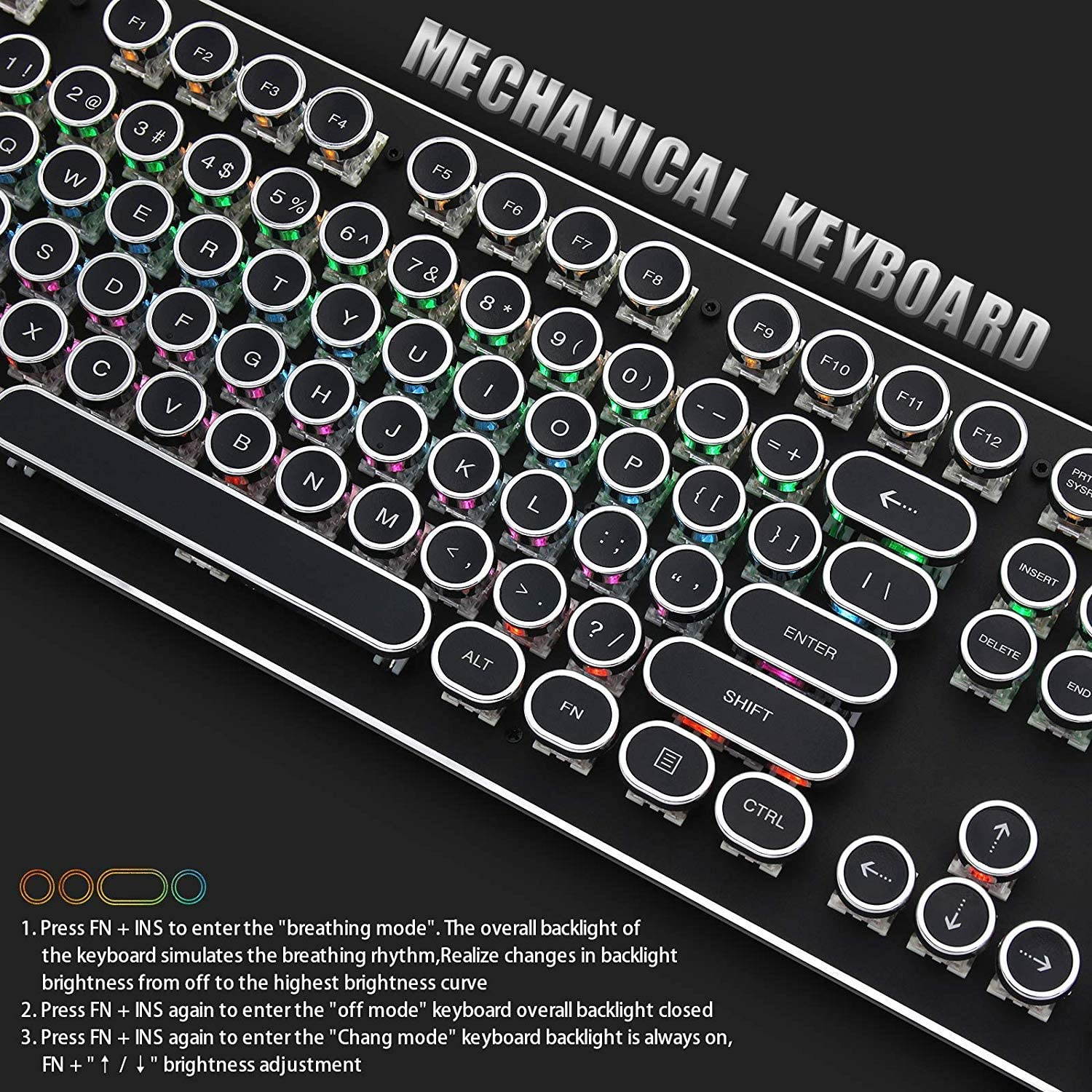
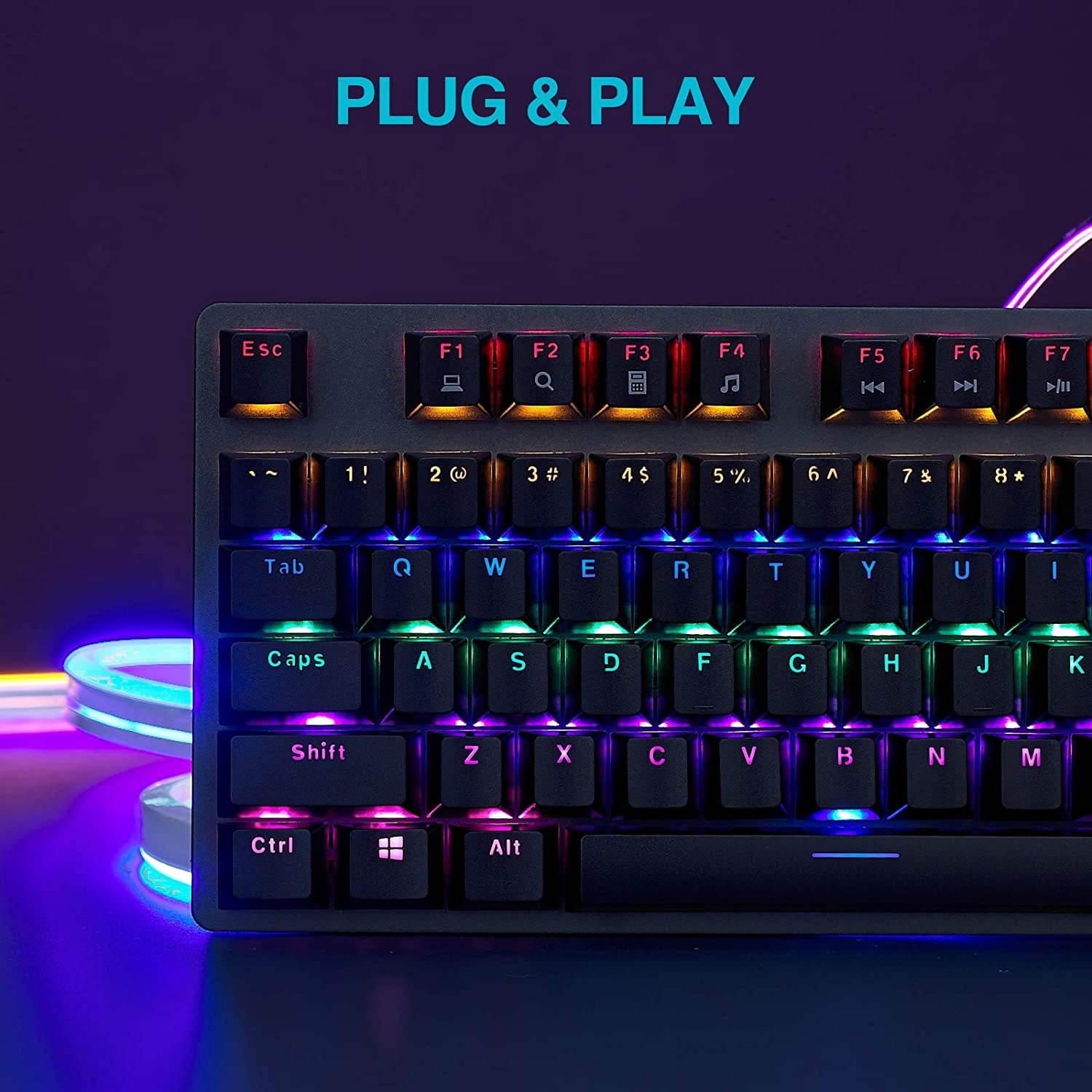
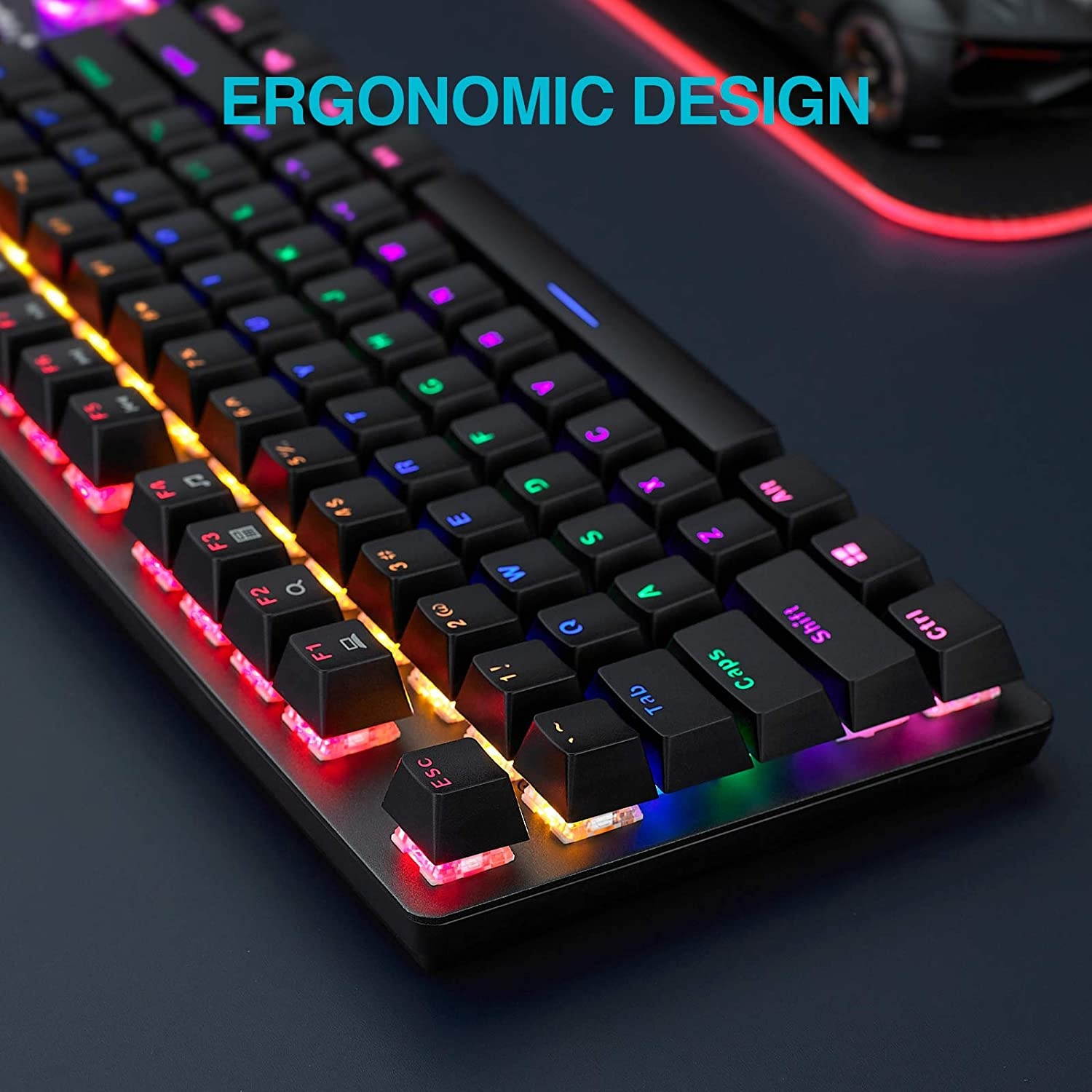
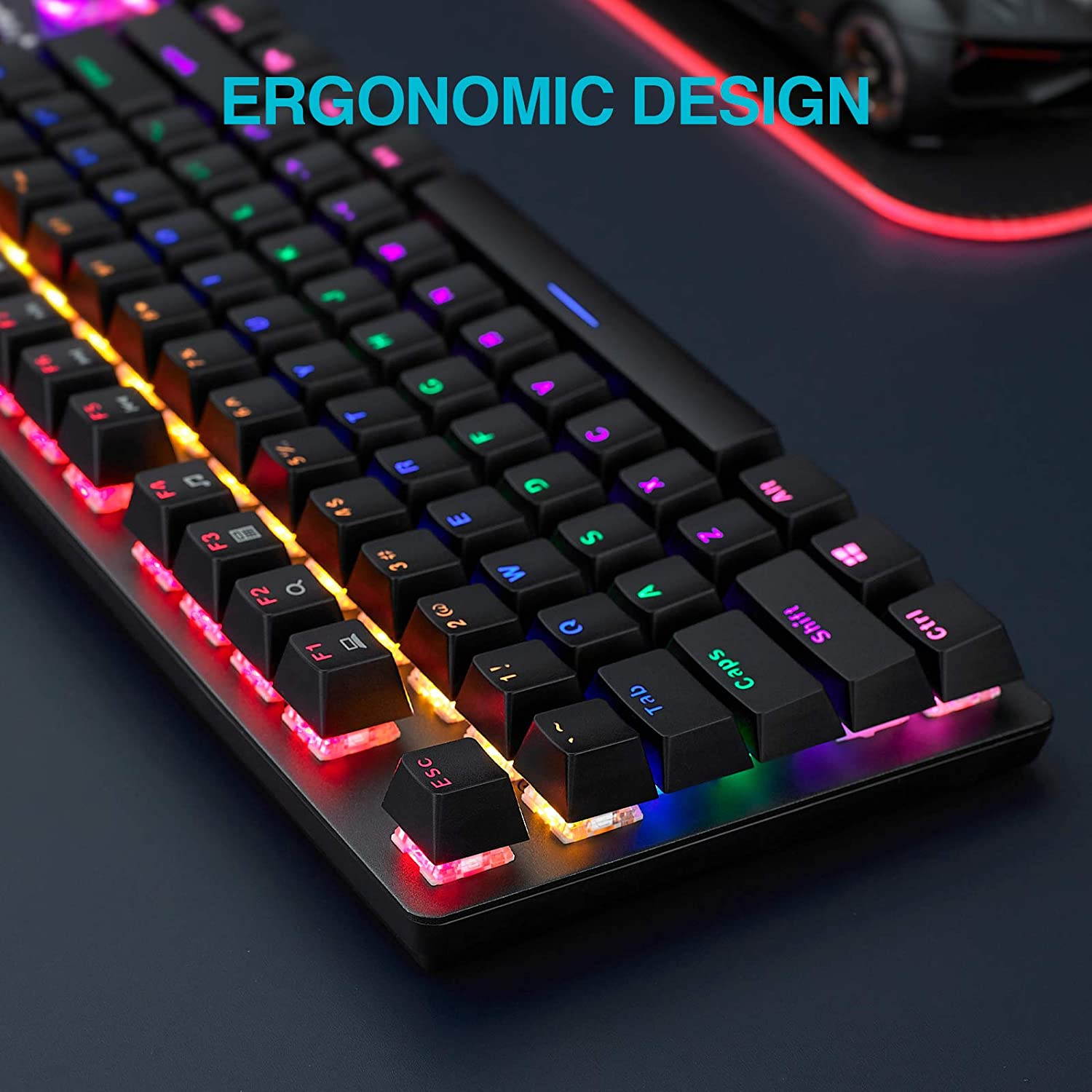
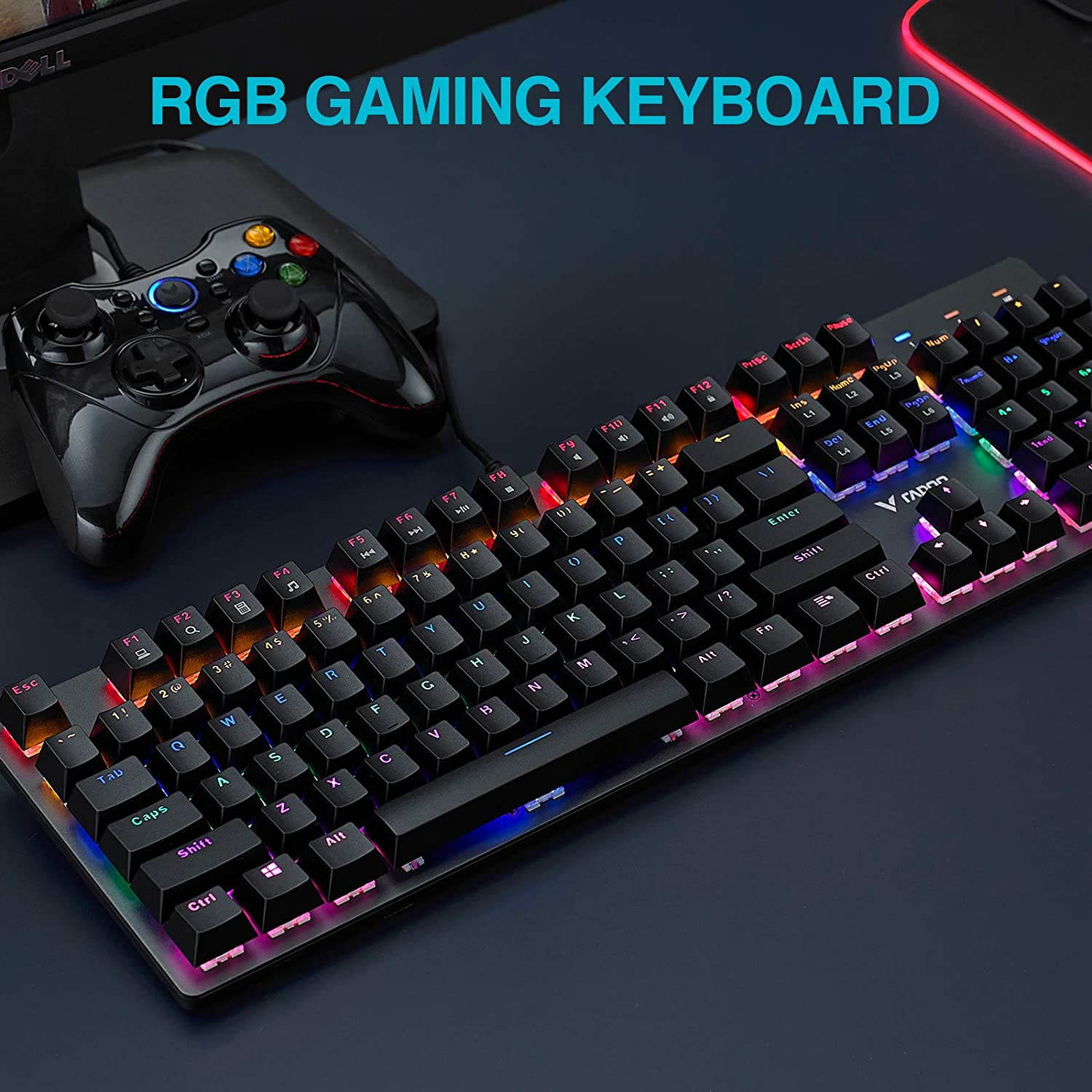
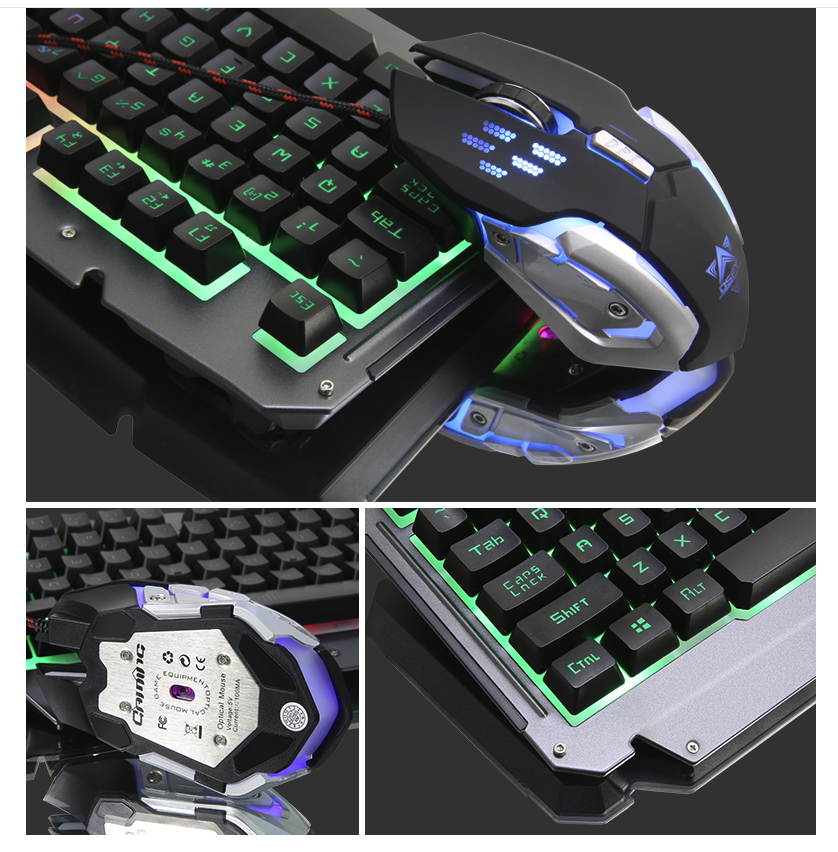
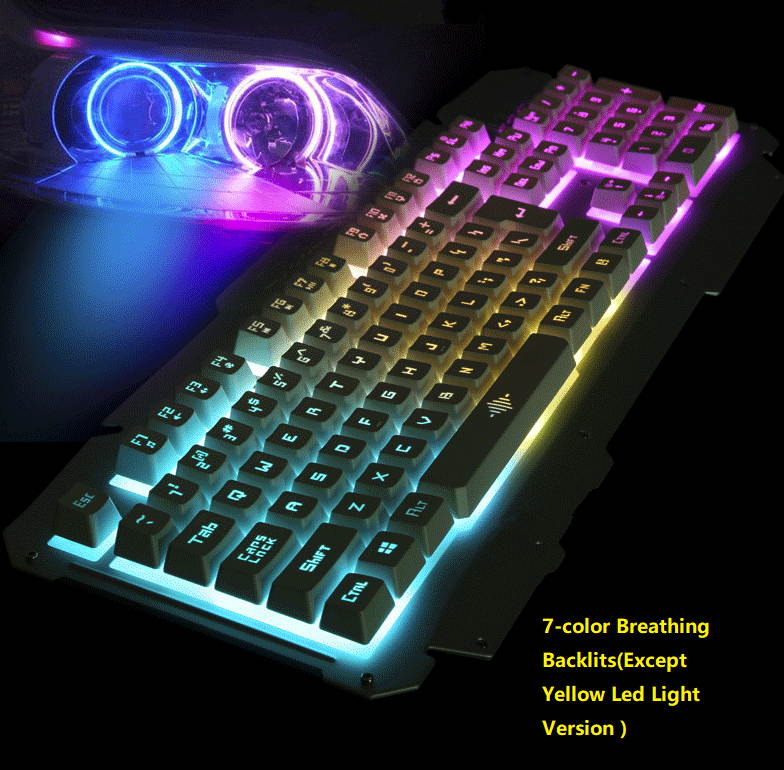
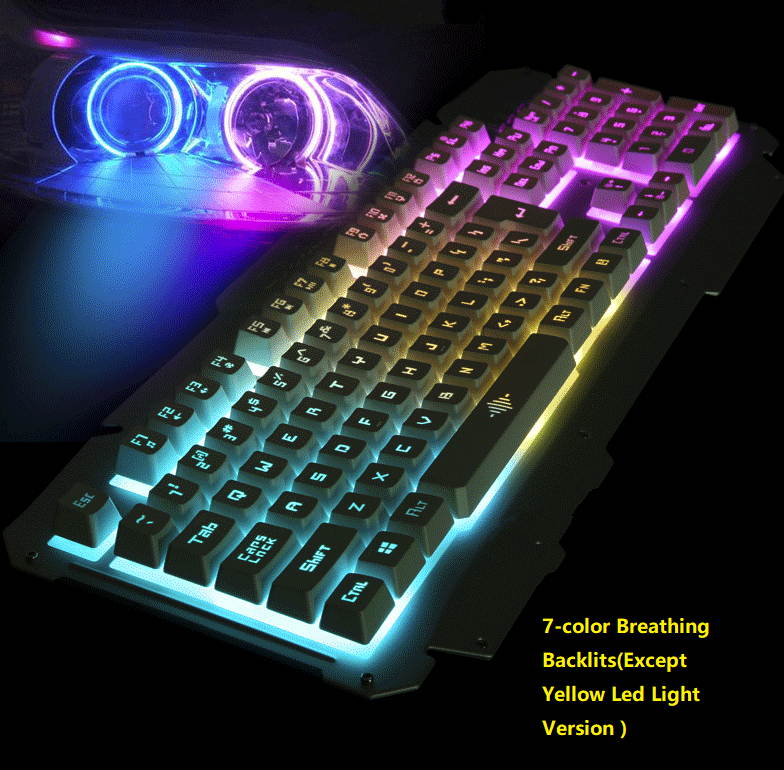
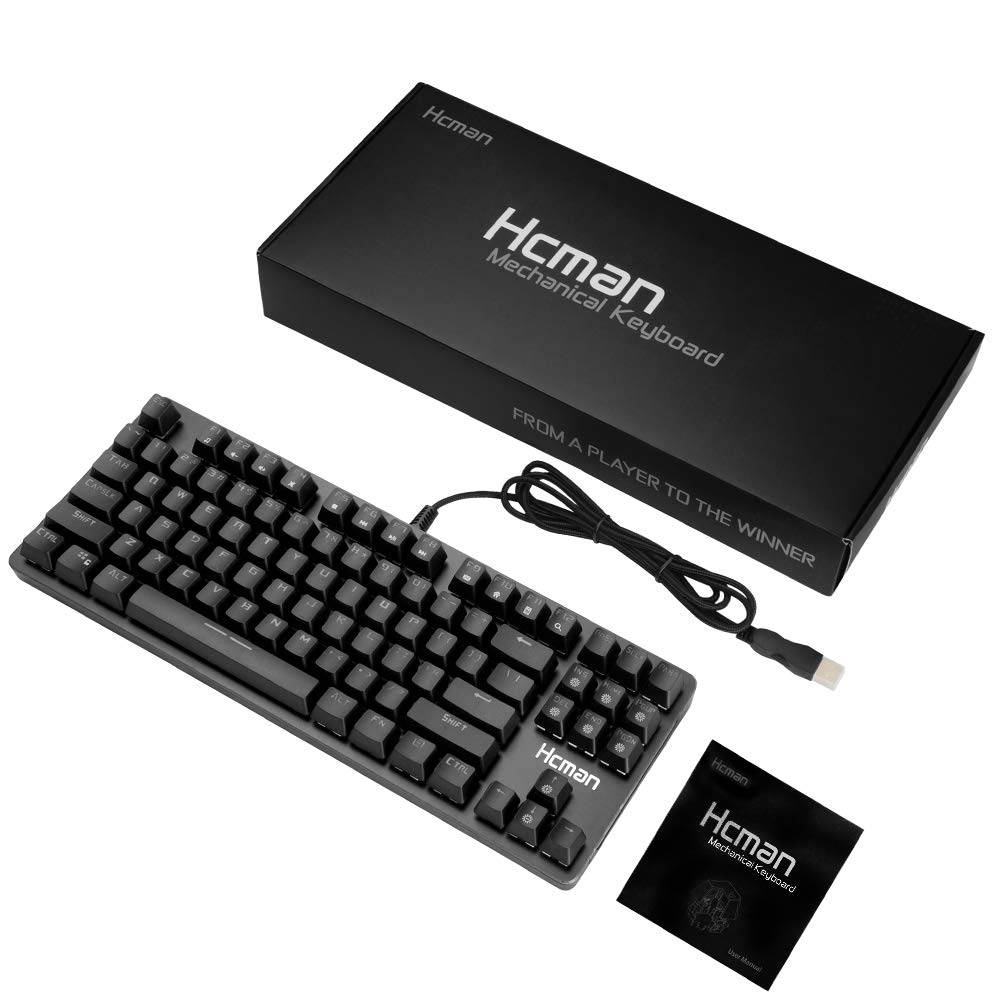
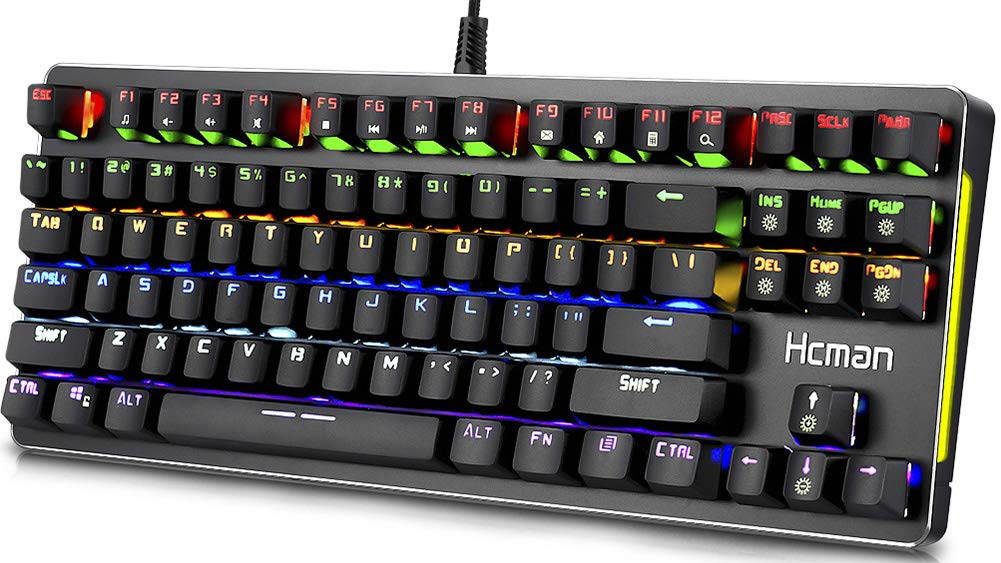
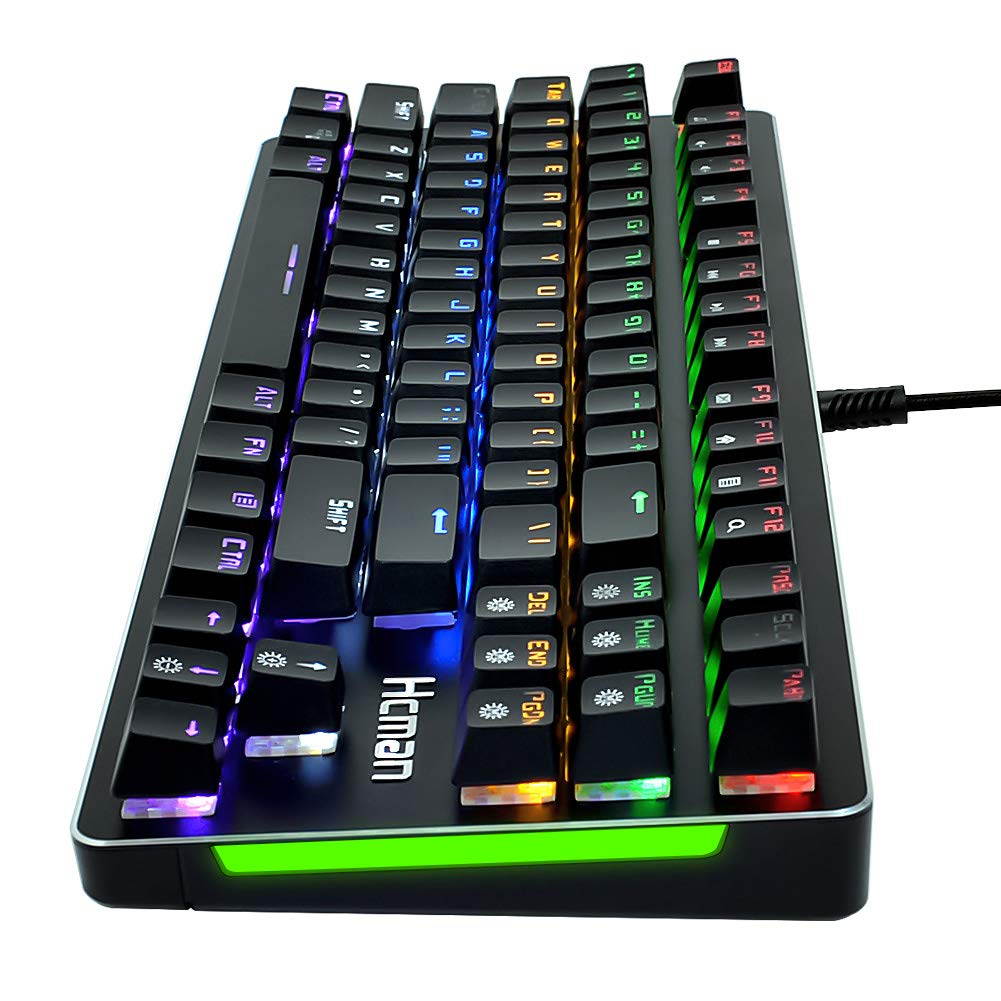
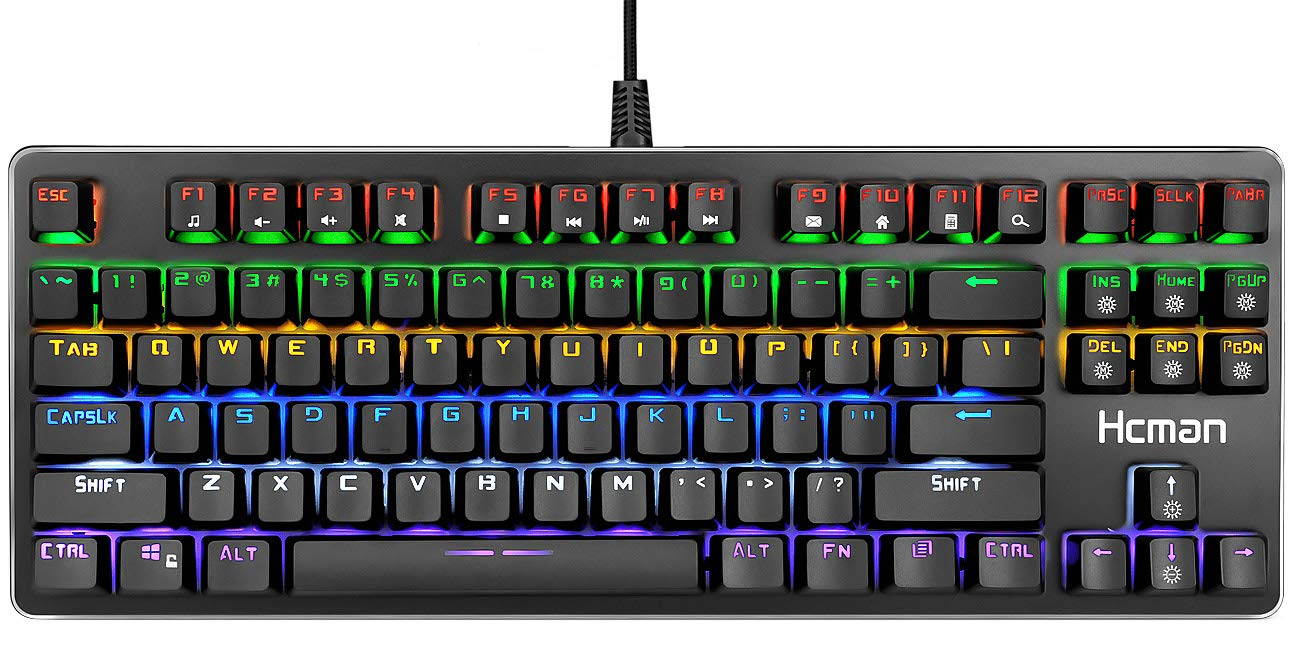
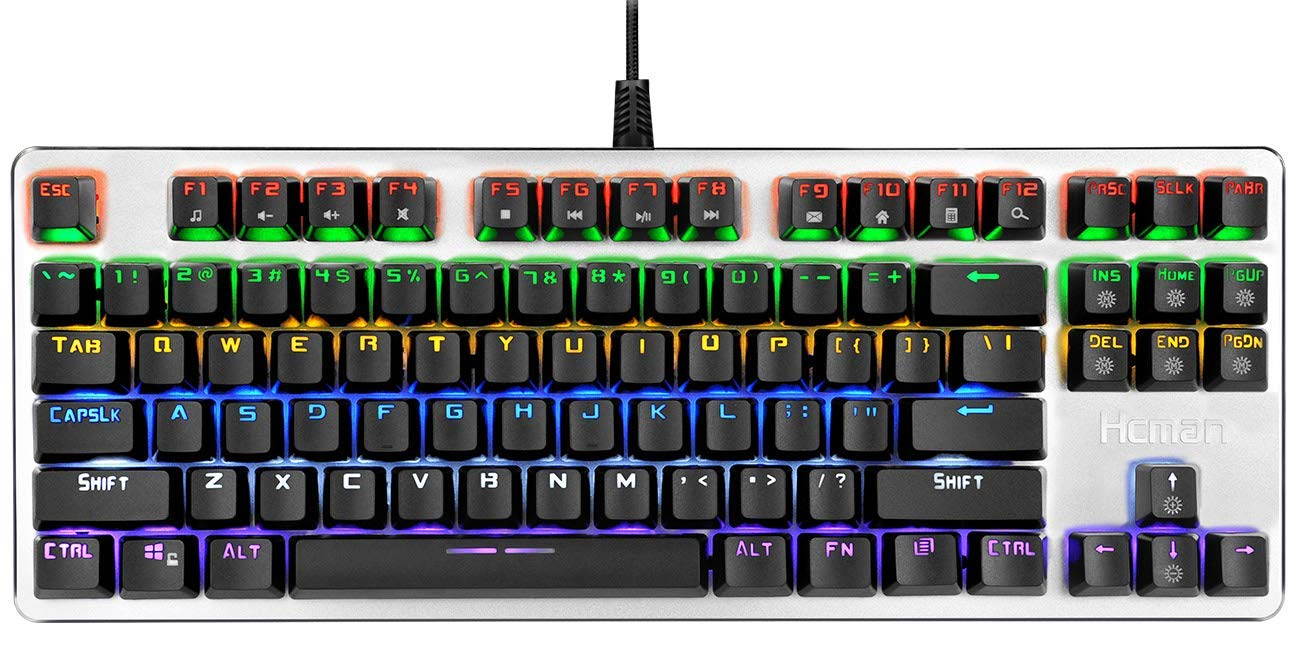
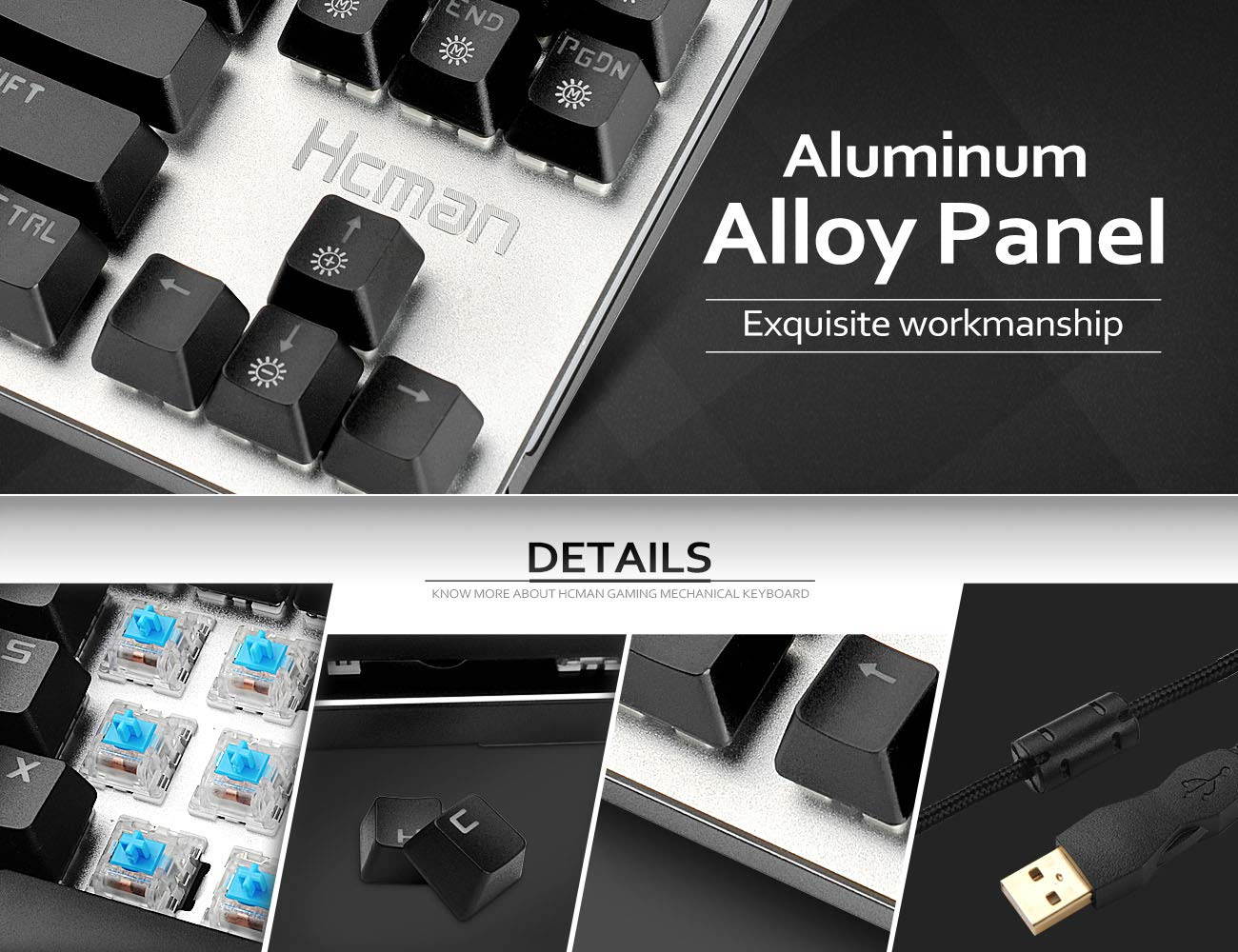
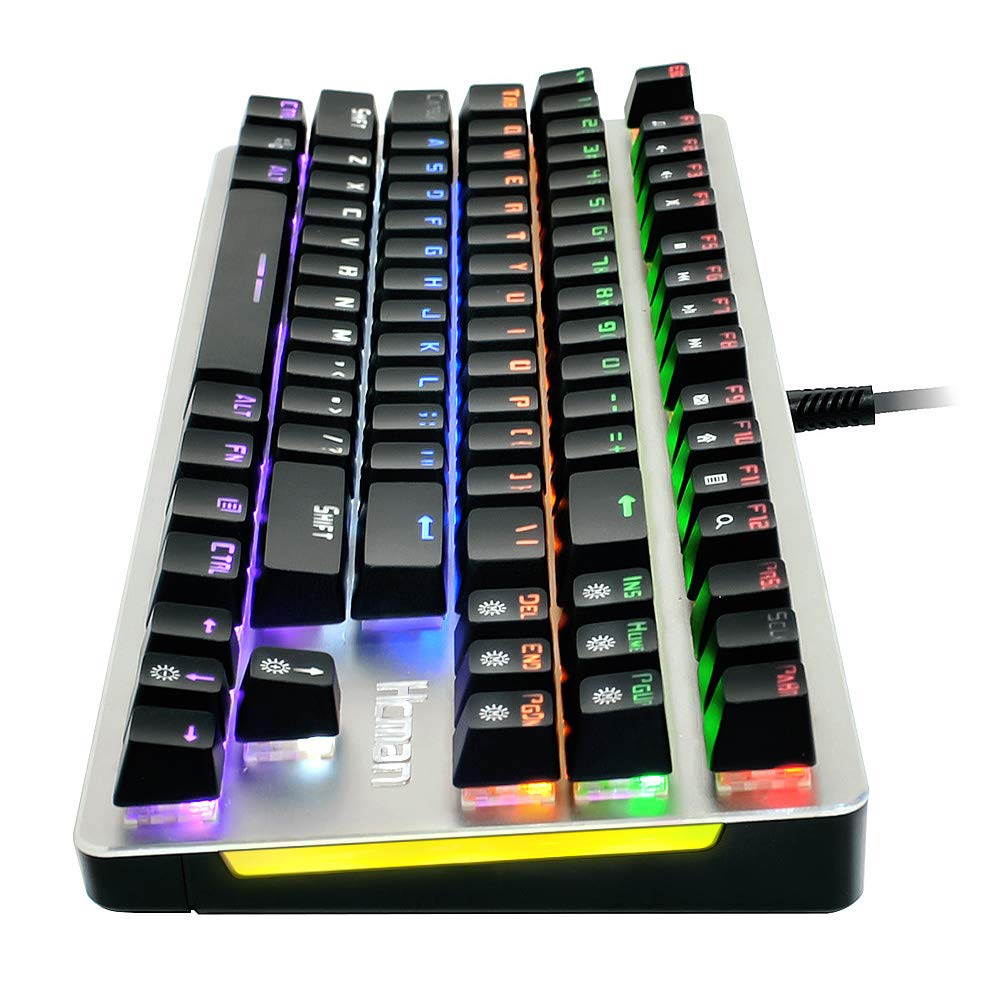
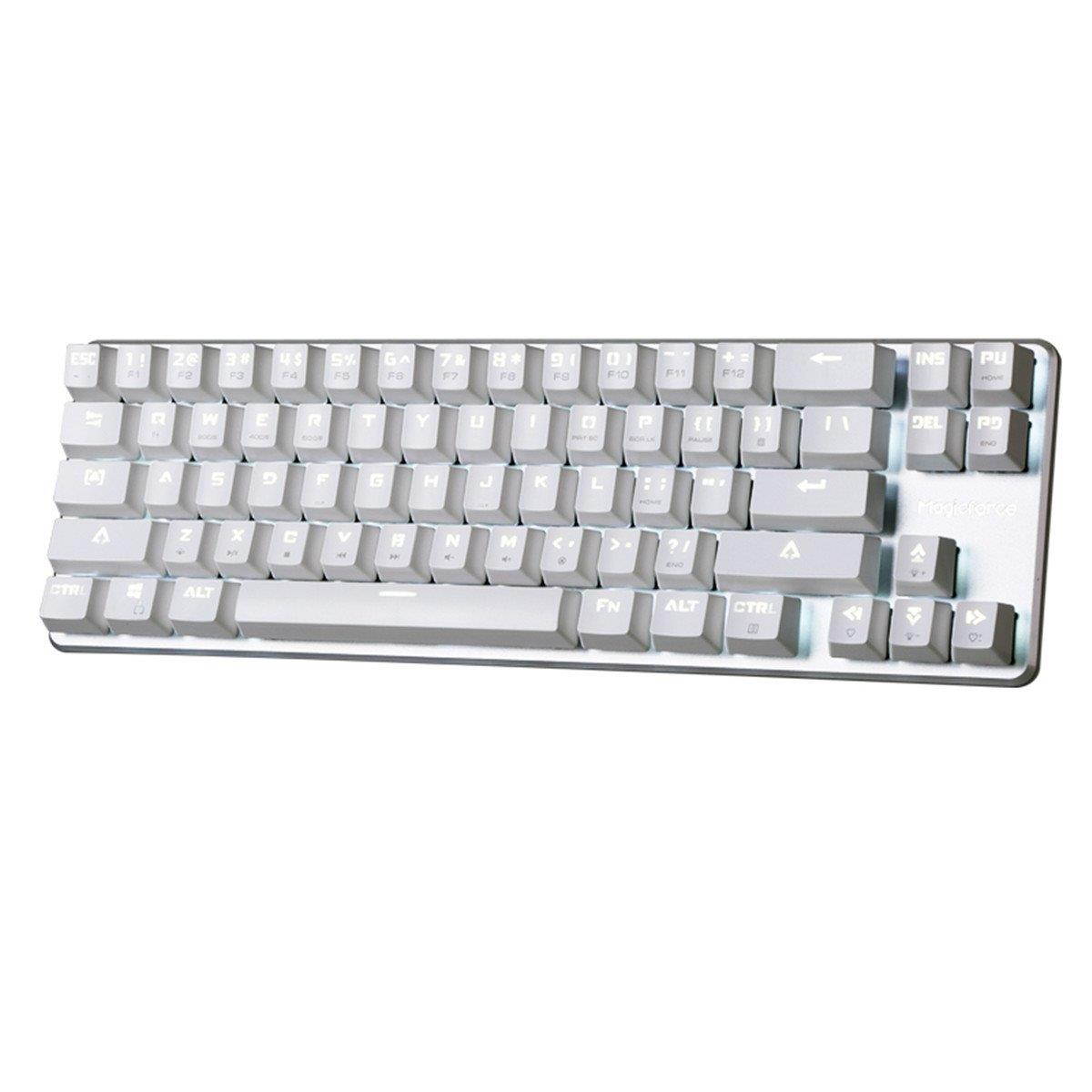
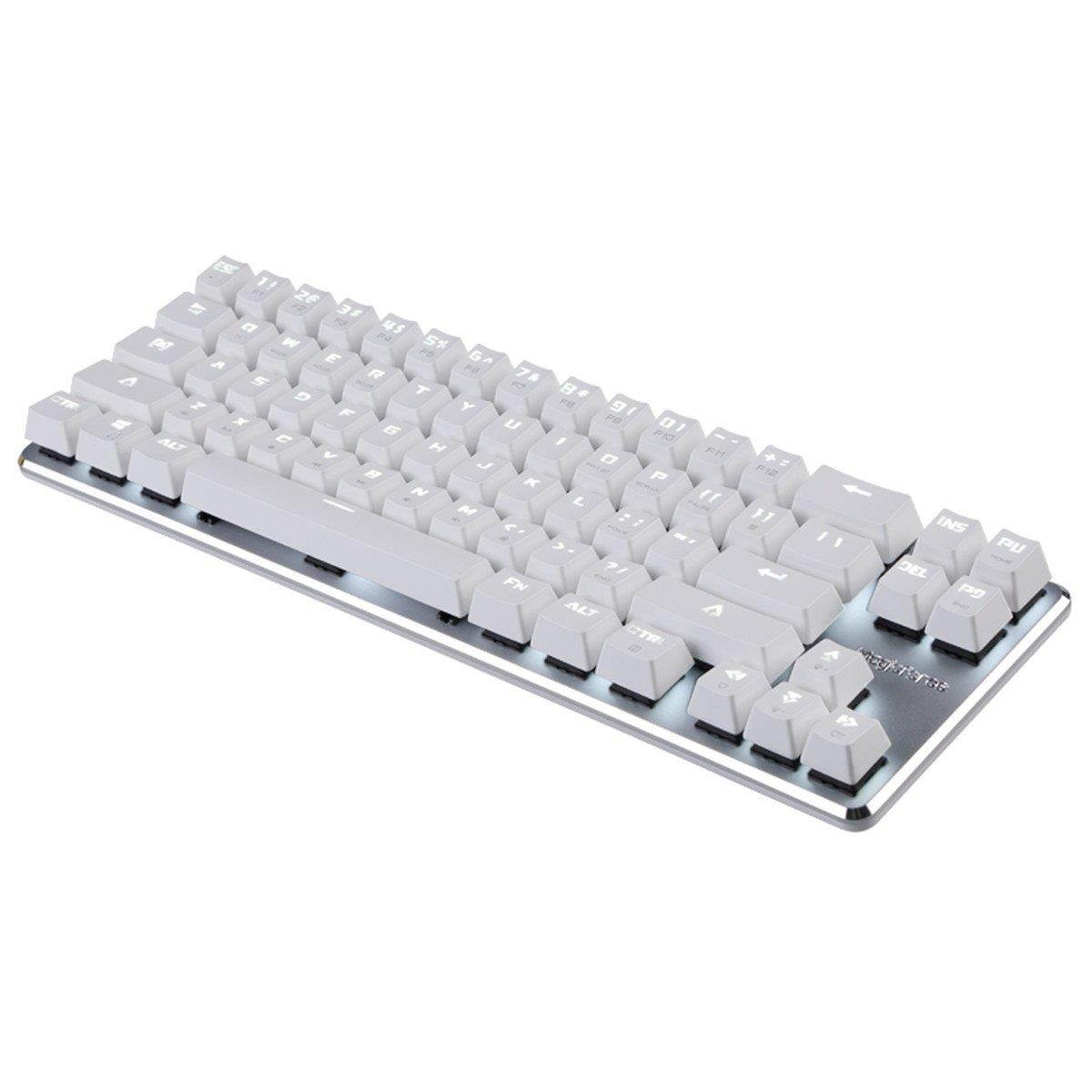
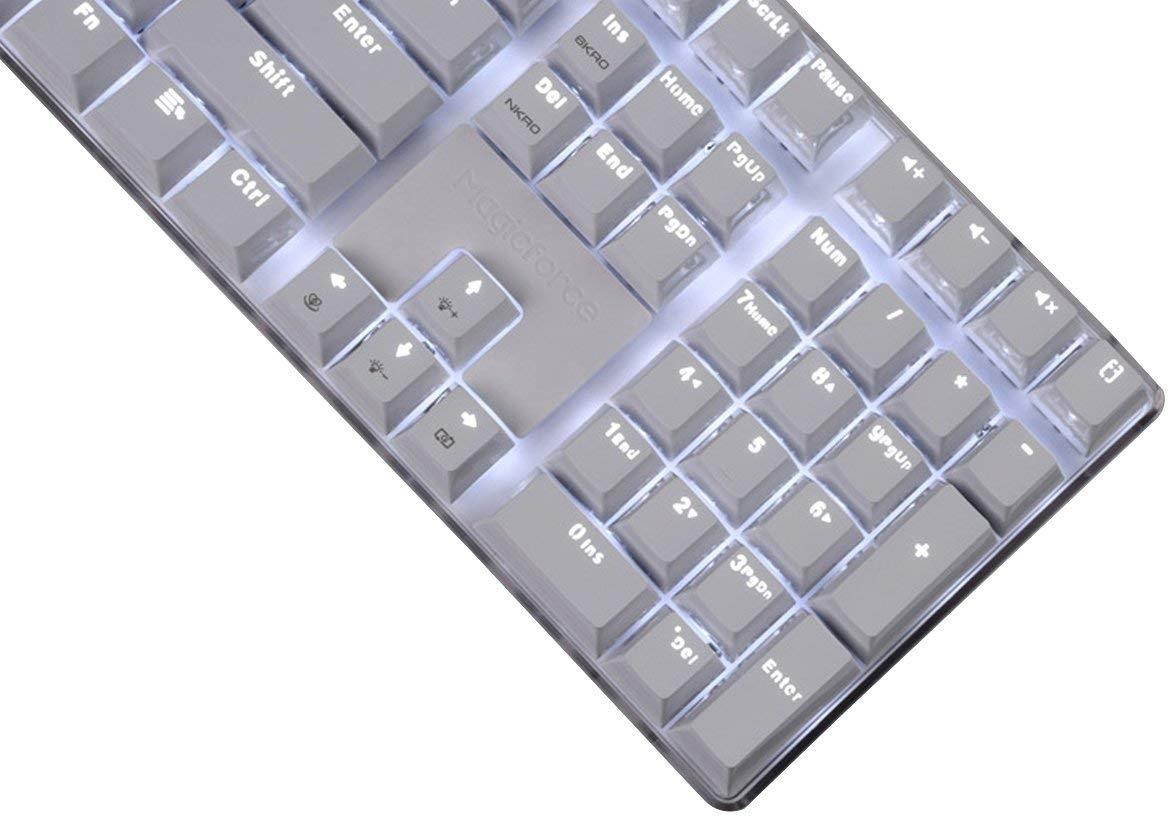
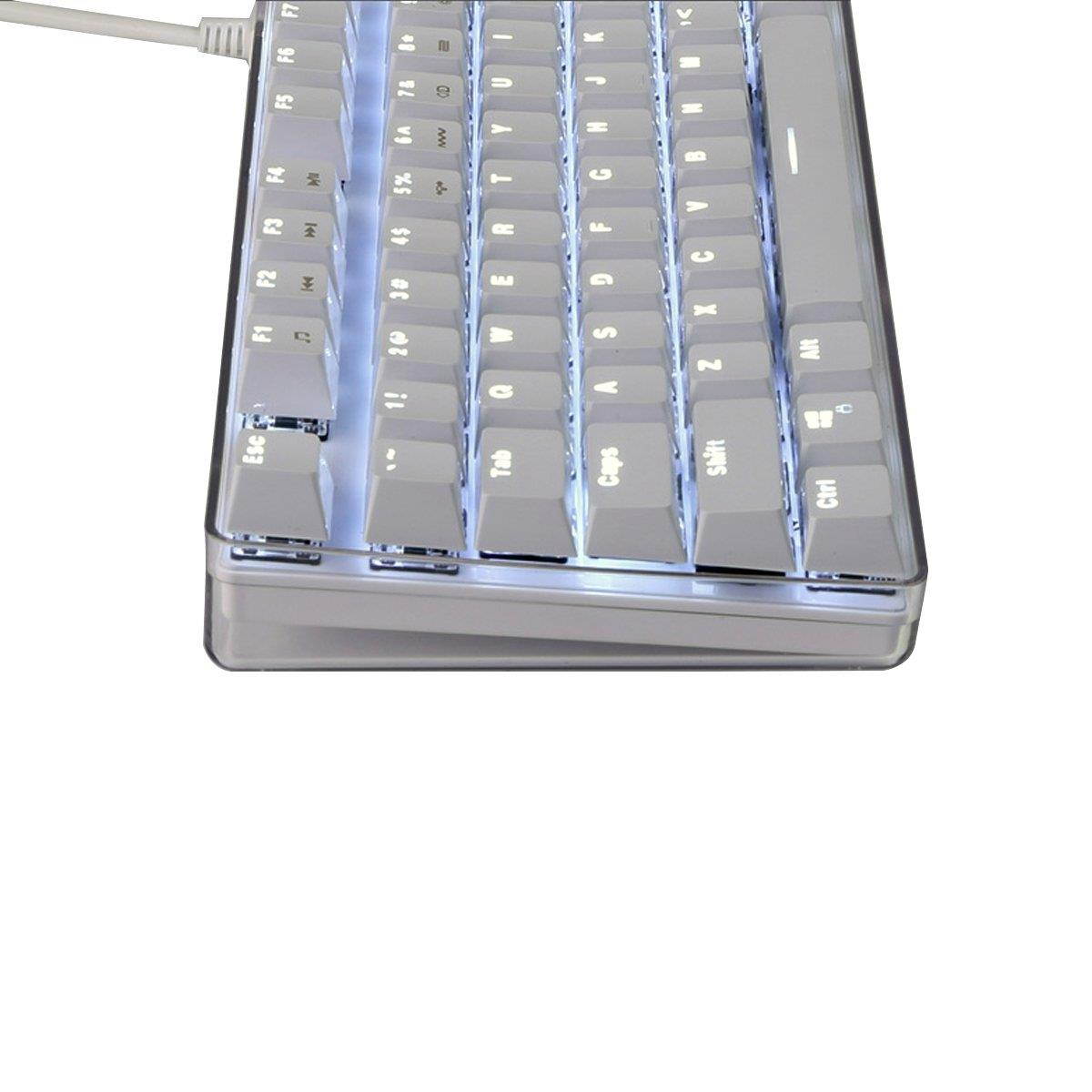
1030g 21 Backlit Modes Adjust 1. FN + DELMode A. Waving left to right Mode B. Circling wave Mode C. Waving right to left Mode D. Glistening wave 2. FN + INSERTMode A. Steady lighting Mode B. Left part keys lighting Mode C. Breathing Mode D. Hit key light down 3. FN + HOMEMode A. Hit key waving Mode B. Hit key light up Mode C. Hit key light in a row Mode D. Light around the key 4. FN + PG UPMode A. S shape lighting Mode B. W shape lighting Mode C. Raining Mode D. Billow 5. FN + PG DNMode A. Star Shining Mode B. Shimmering Mode C. lighting from top to bottom Mode D. Lighting in a gradient 6. FN + ENDStop the backlit mode for customizing another backlit modesPressing FN + END twice for saving the backlit mode 5 Backlit Intensity Modes AdjustFN + ?ü/?y:
Backlight intensity up/downFN + ??/?ú :
Backlight direction adjusting4 flow velocity ModesFN + + :
Flow velocity +FN + - :
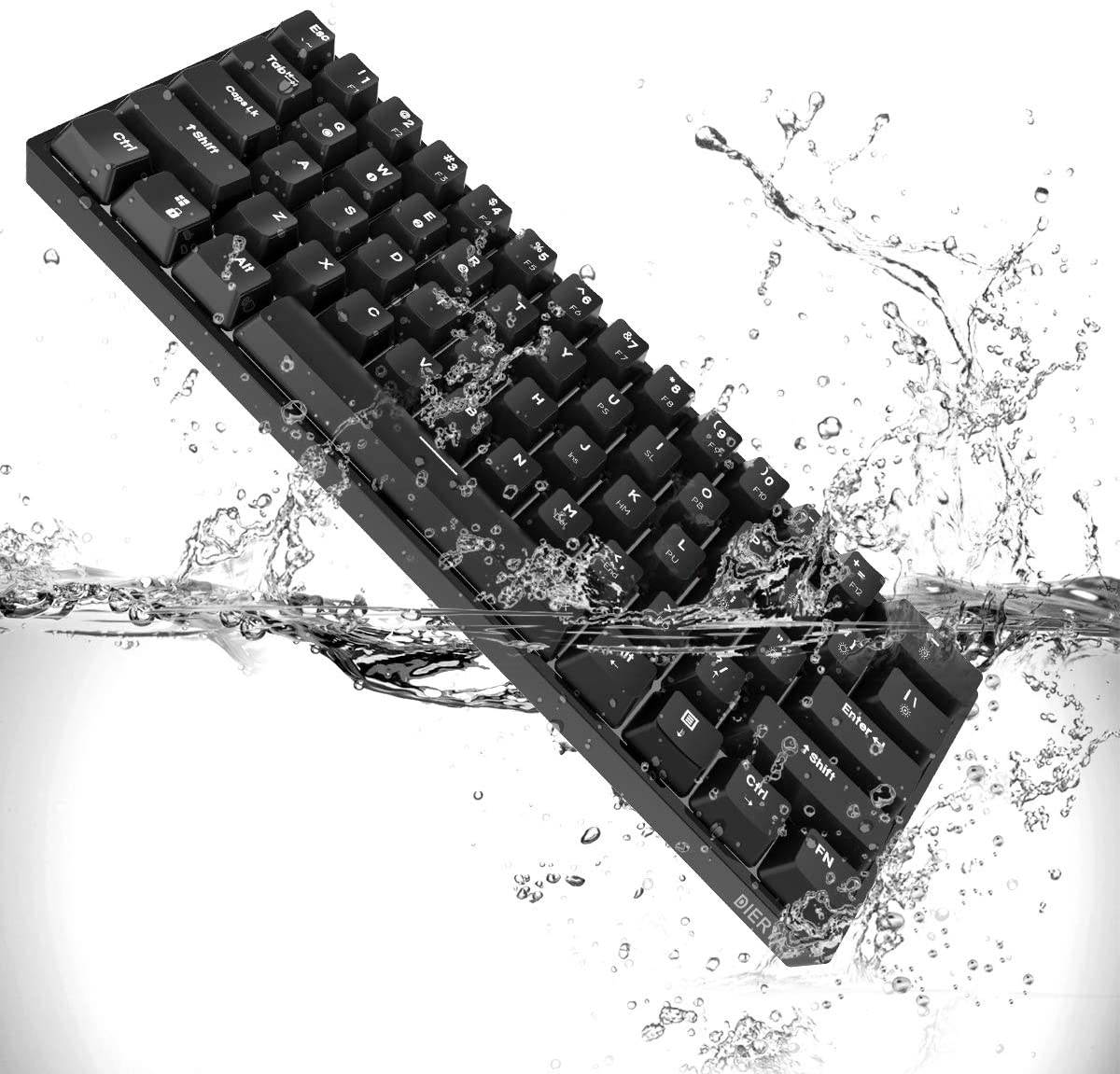
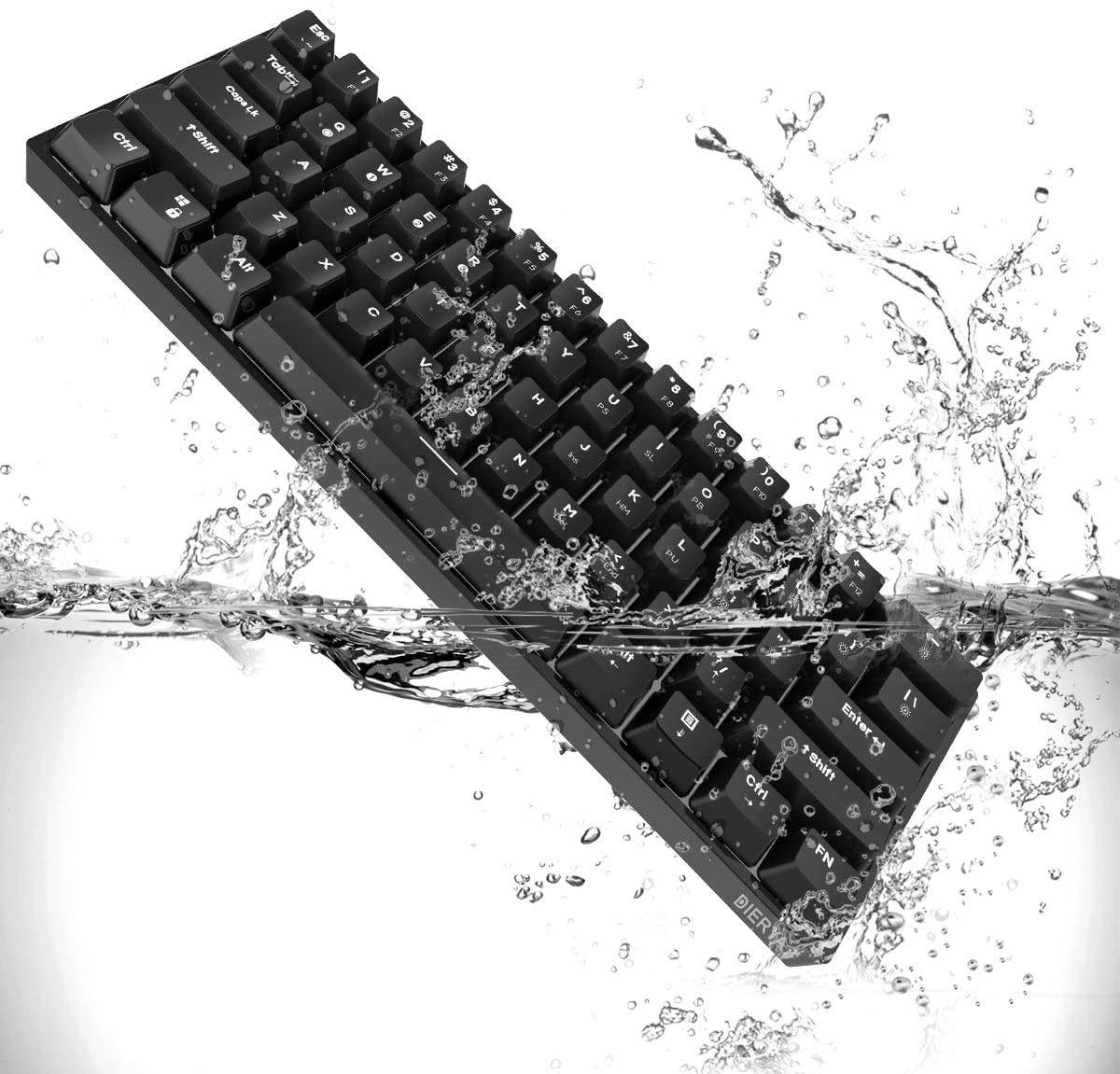
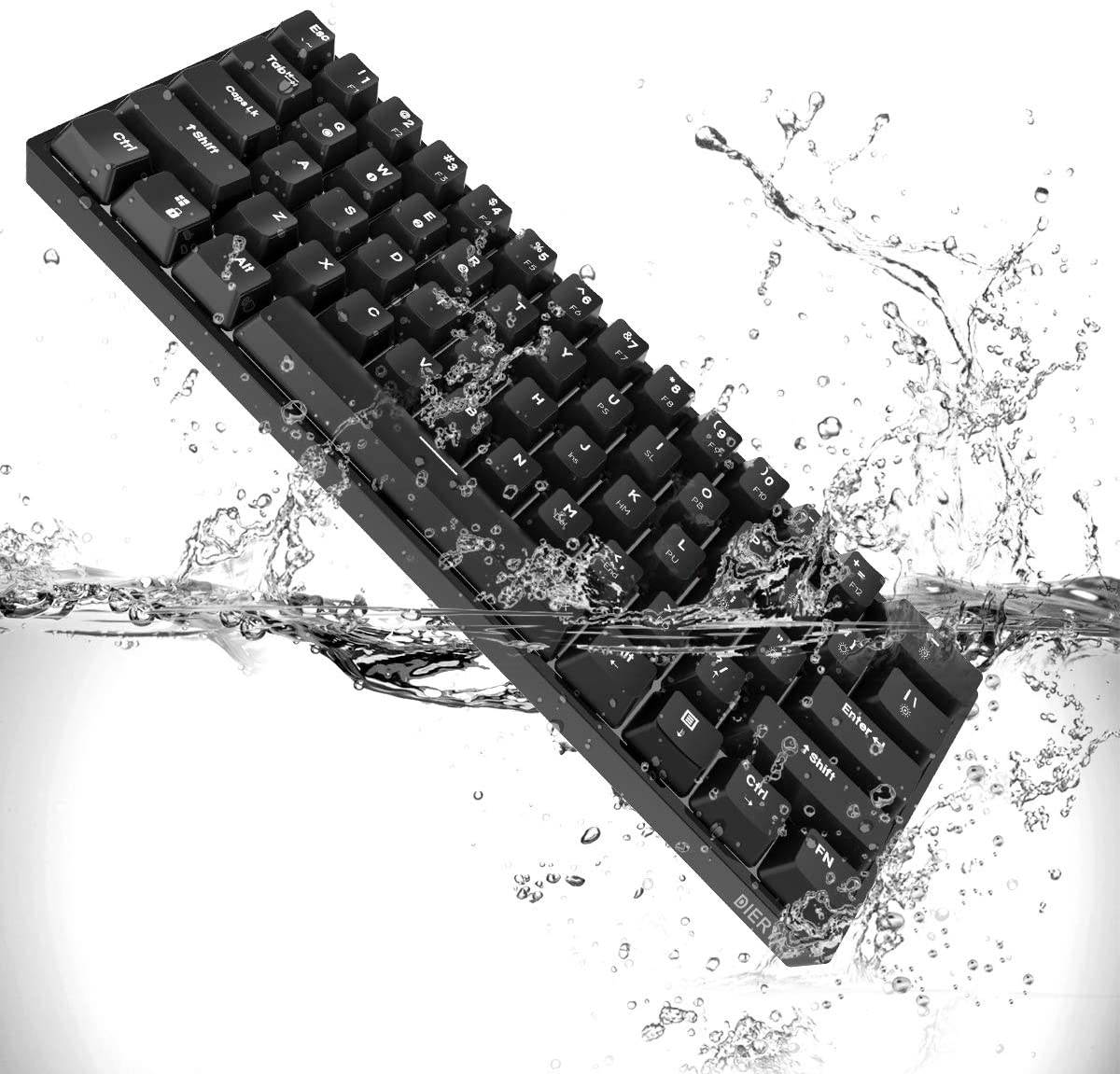
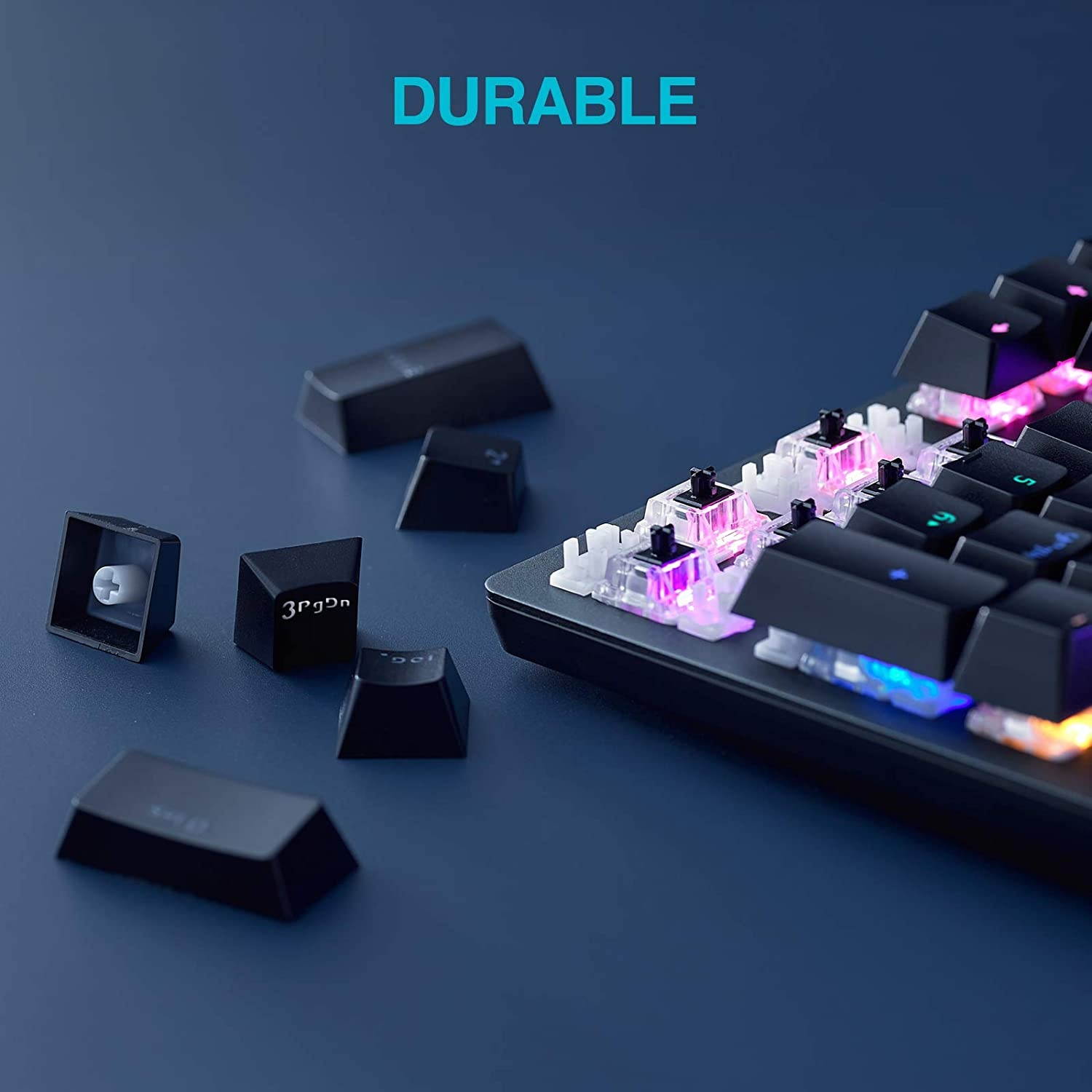
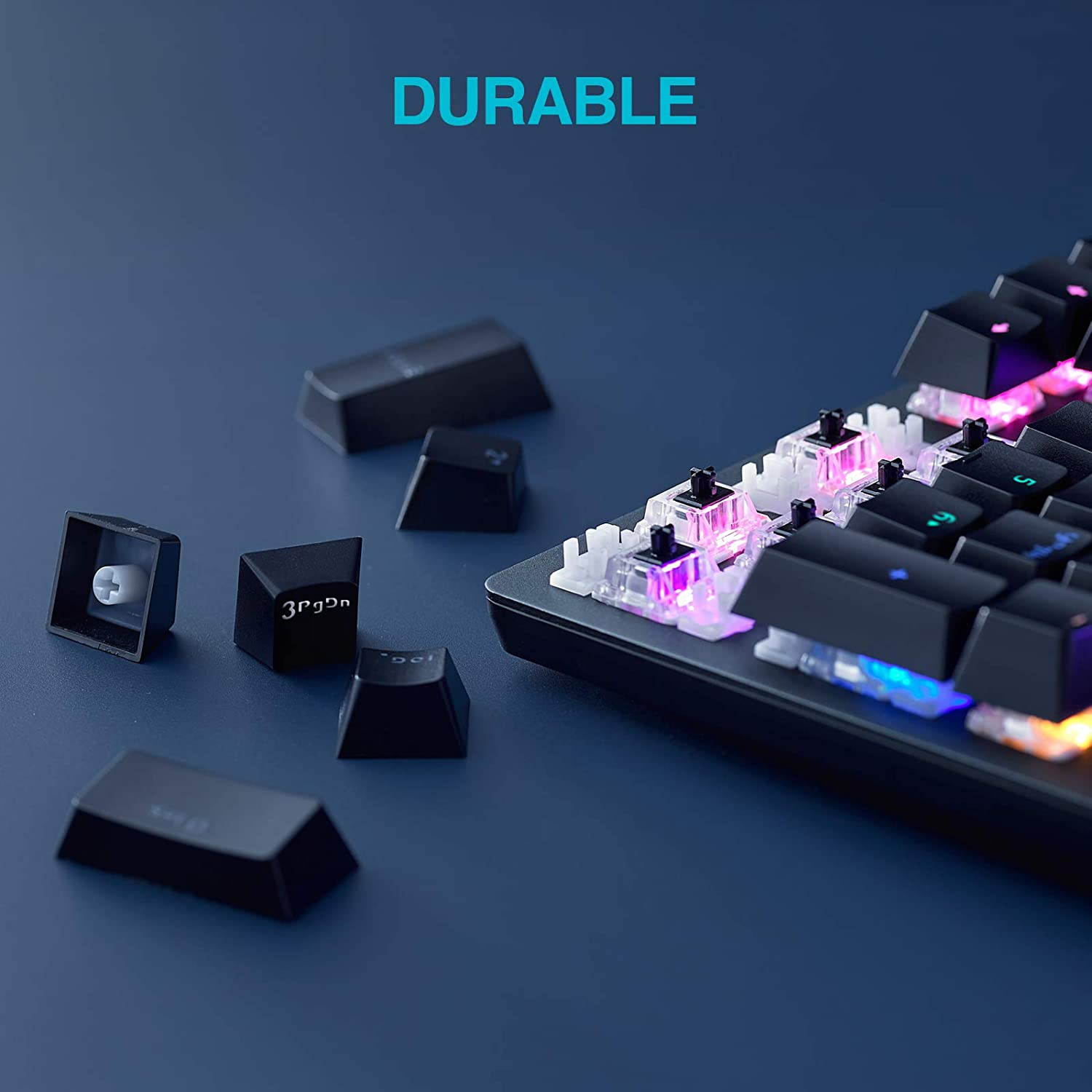
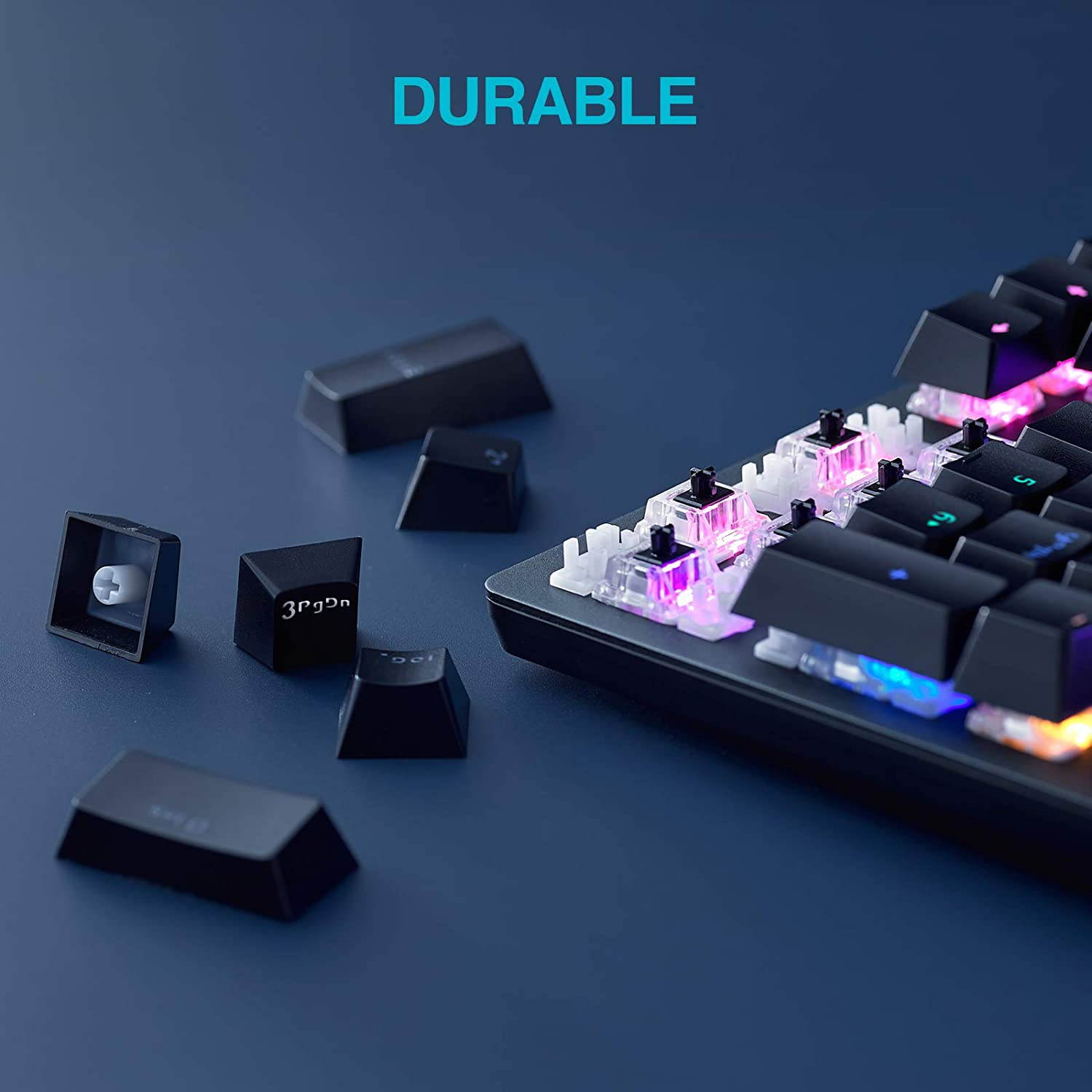
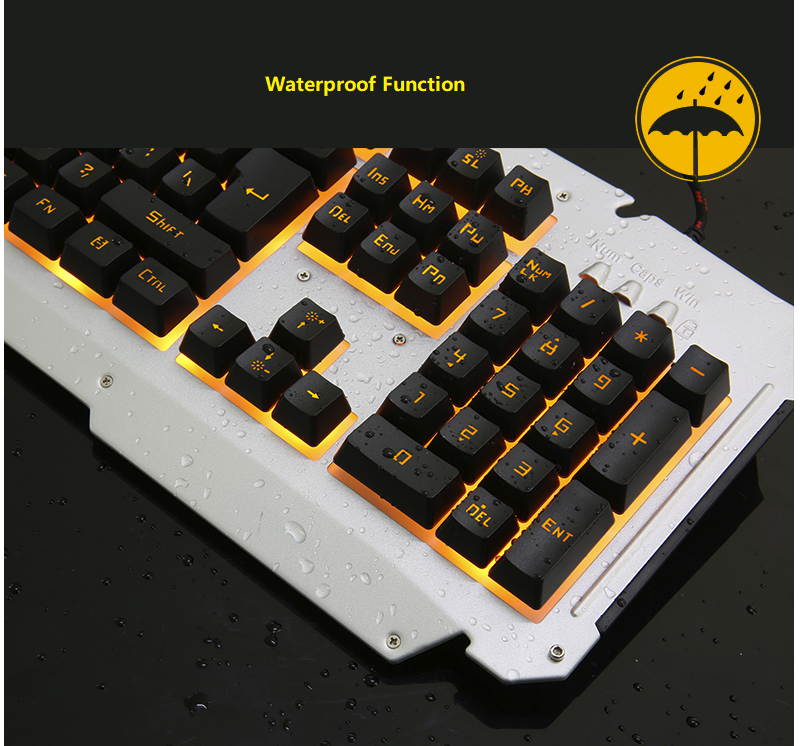
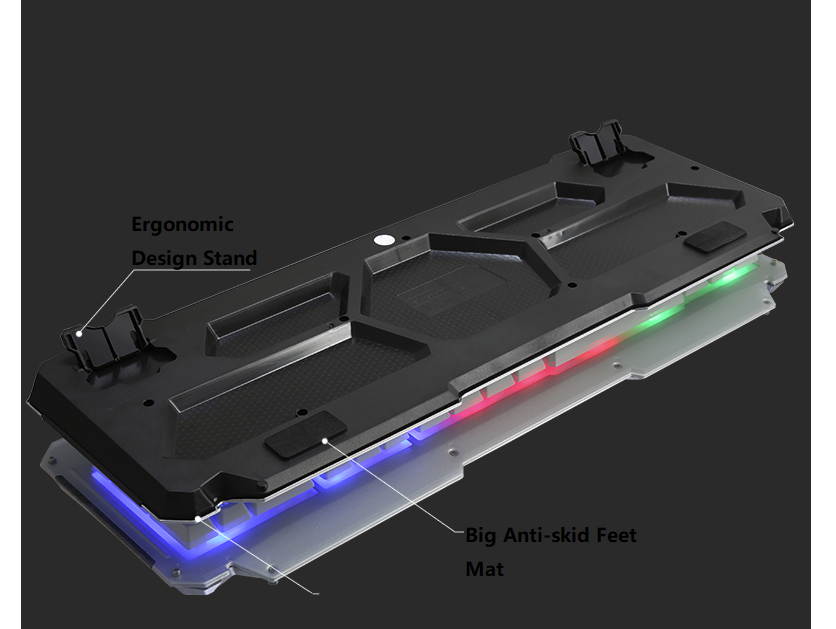
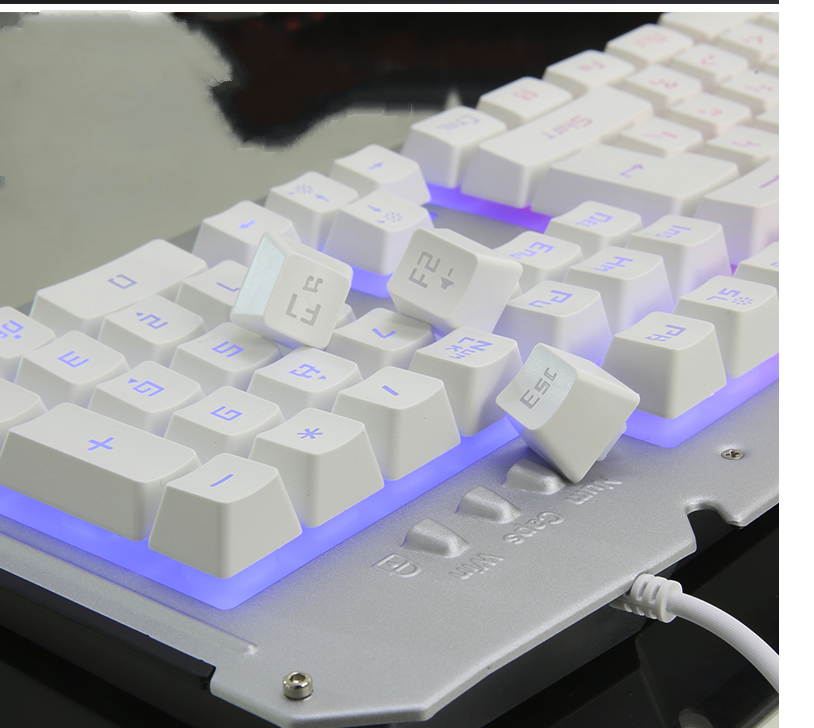
Flow velocity - Accidentally make water into the keyboard during use. Don't worry. This keyboard is protected,and the fluid can be discharged quickly.
Blue Keys:
104 keys Actuation Force:
50 ?à 10g Color:
pink color Rating:
4.5-5.5V, 350mA Data Cable Length:
150cm Product Size:
43*13*4cm; Product Weight:
1030g 21 Backlit Modes Adjust 1. FN + DELMode A. Waving left to right Mode B. Circling wave Mode C. Waving right to left Mode D. Glistening wave 2. FN + INSERTMode A. Steady lighting Mode B. Left part keys lighting Mode C. Breathing Mode D. Hit key light down 3. FN + HOMEMode A. Hit key waving Mode B. Hit key light up Mode C. Hit key light in a row Mode D. Light around the key 4. FN + PG UPMode A. S shape lighting Mode B. W shape lighting Mode C. Raining Mode D. Billow 5. FN + PG DNMode A. Star Shining Mode B. Shimmering Mode C. lighting from top to bottom Mode D. Lighting in a gradient 6. FN + ENDStop the backlit mode for customizing another backlit modesPressing FN + END twice for saving the backlit mode 5 Backlit Intensity Modes AdjustFN + ?ü/?y:
Backlight intensity up/downFN + ??/?ú :
Backlight direction adjusting4 flow velocity ModesFN + + :
Flow velocity +FN + - :
Flow velocity - Accidentally make water into the keyboard during use. Don't worry. This keyboard is protected,and the fluid can be discharged quickly.