Trusted shipping
Easy returns
Secure shopping



Buy ViewSonic XG3220 32" (Actual szie 31.5") 4K Ultra HD 3840 x 2160 2 x HDMI DisplayPort AMD FreeSync Dual Speakers Anti-Glare Backlit LED Gaming Monitor in United States - Cartnear.com
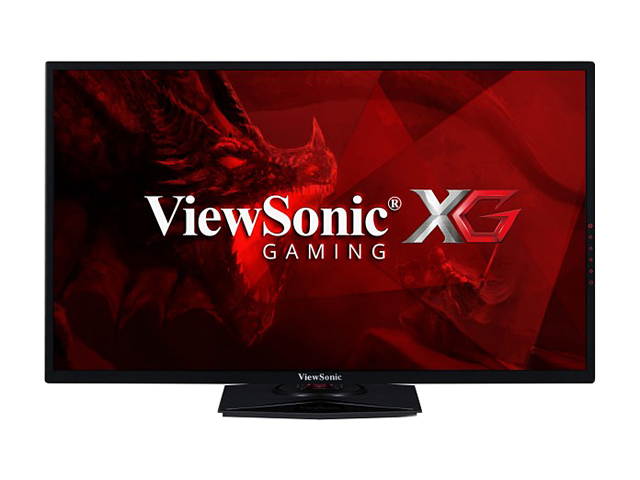
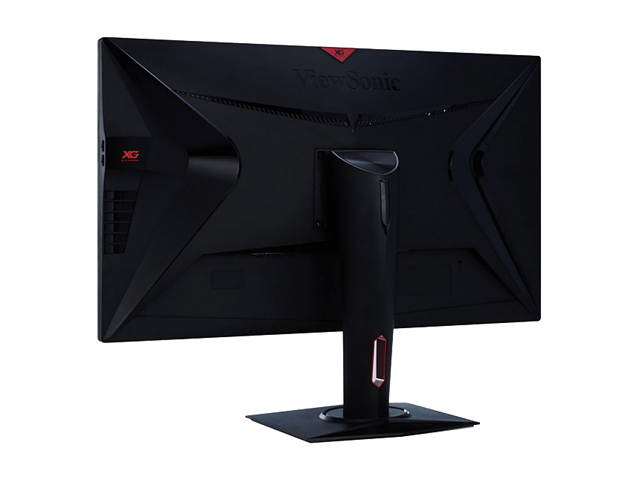
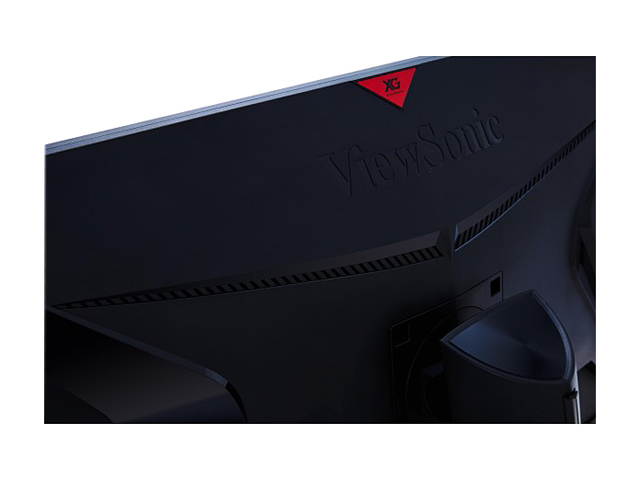
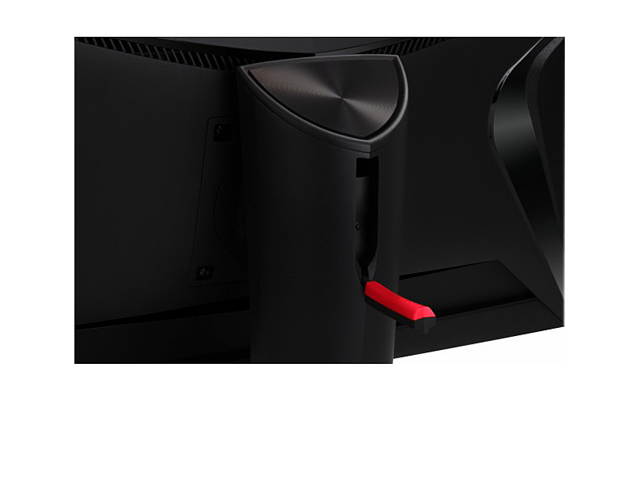
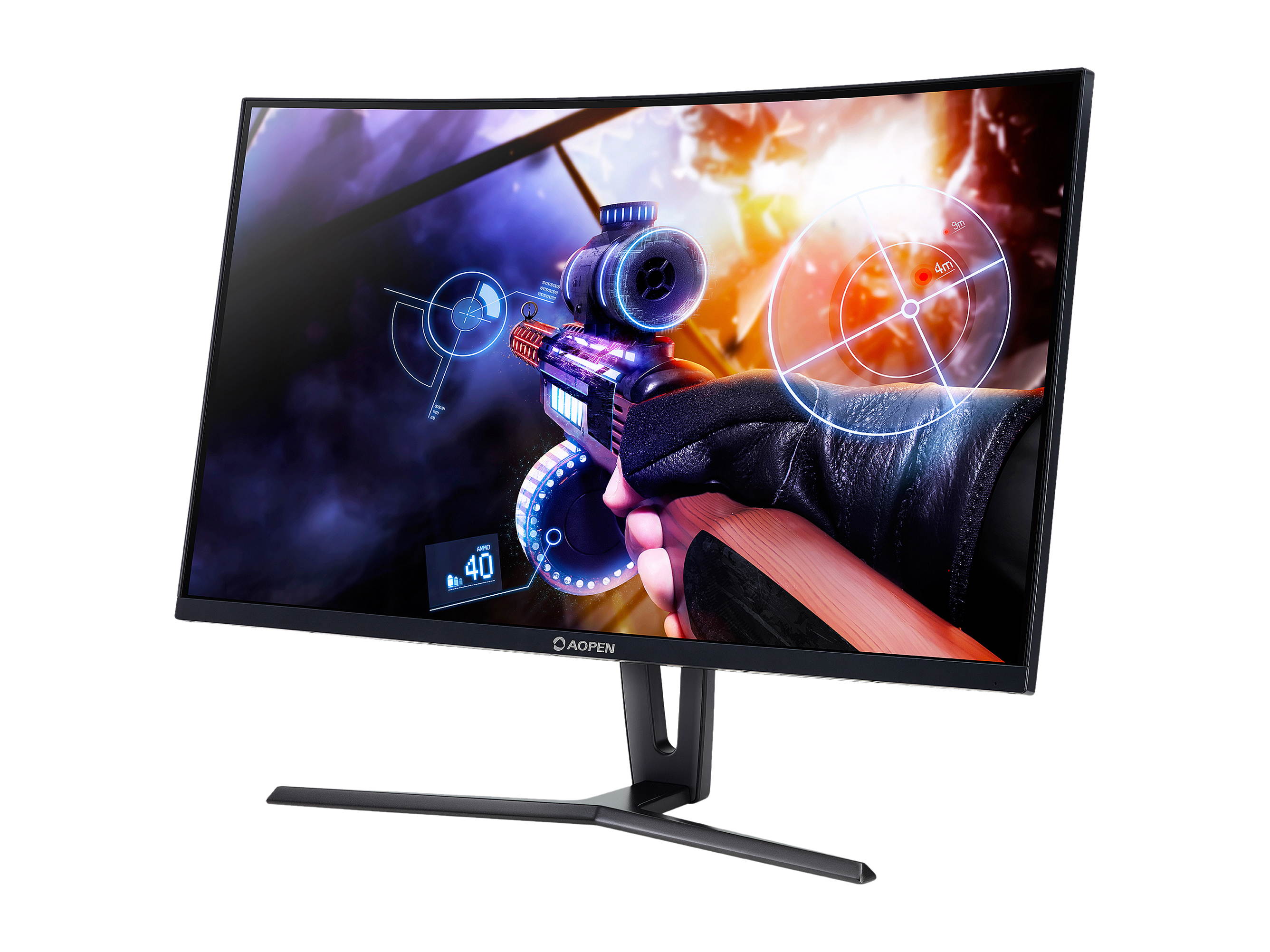
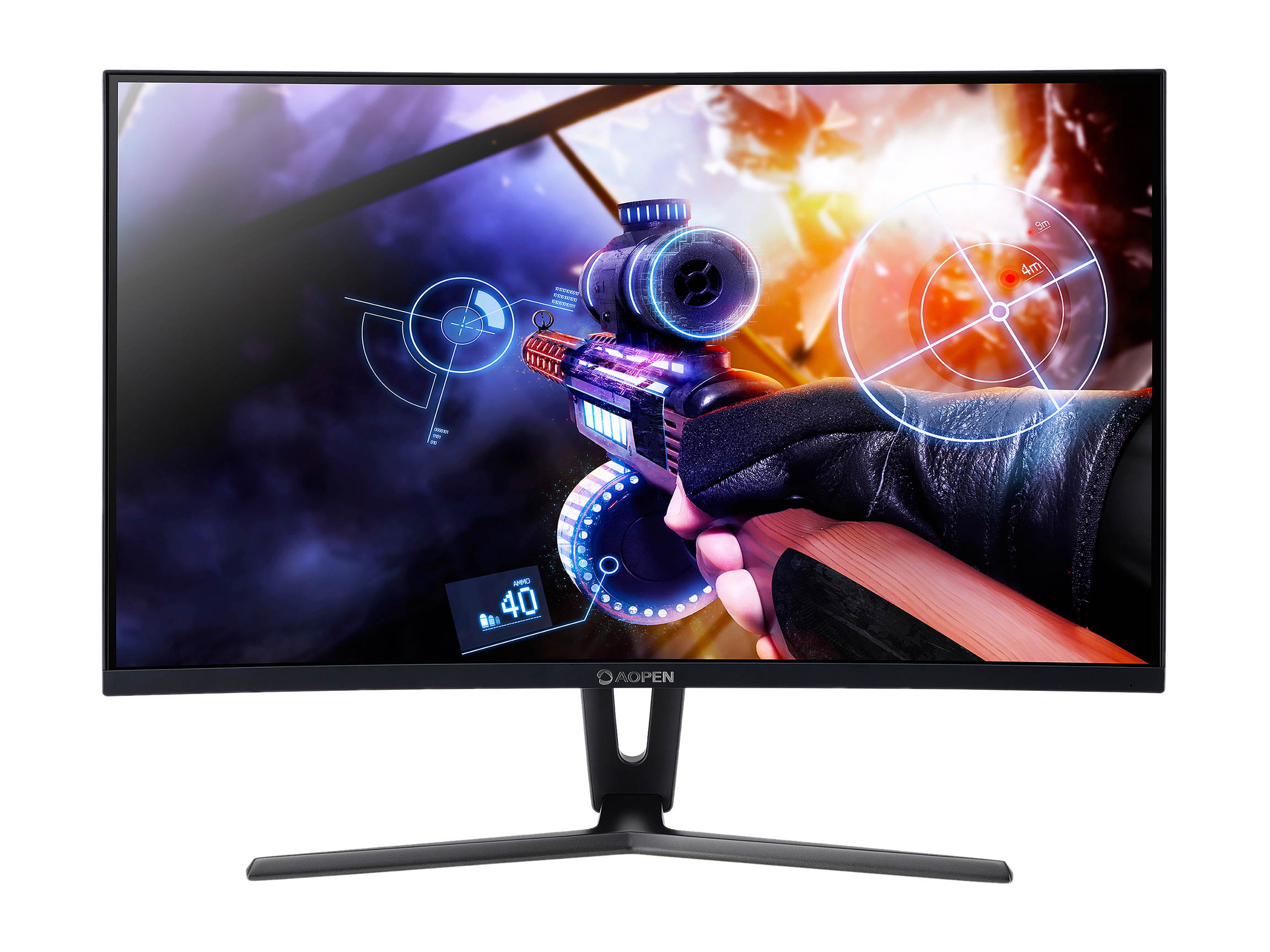
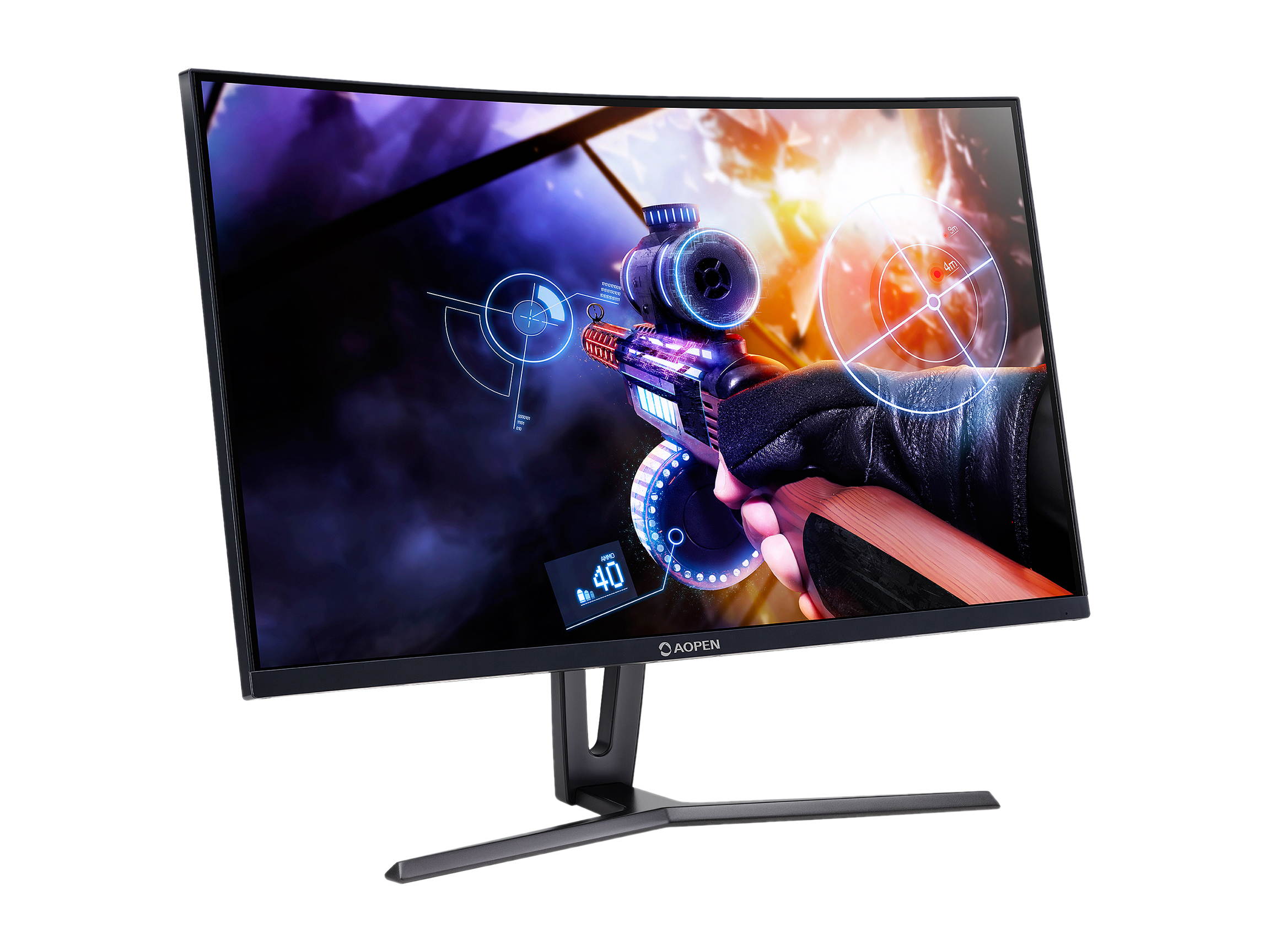
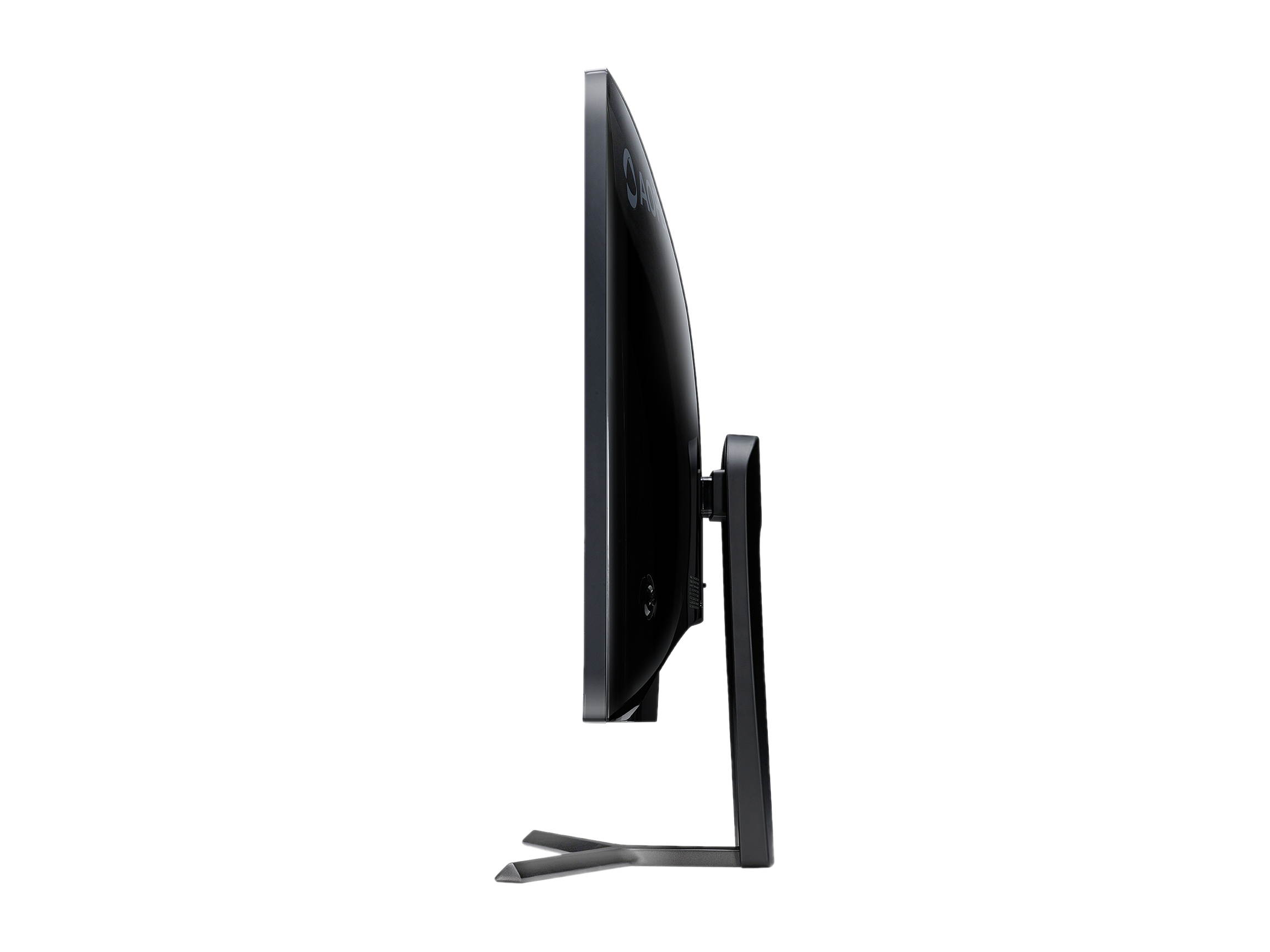
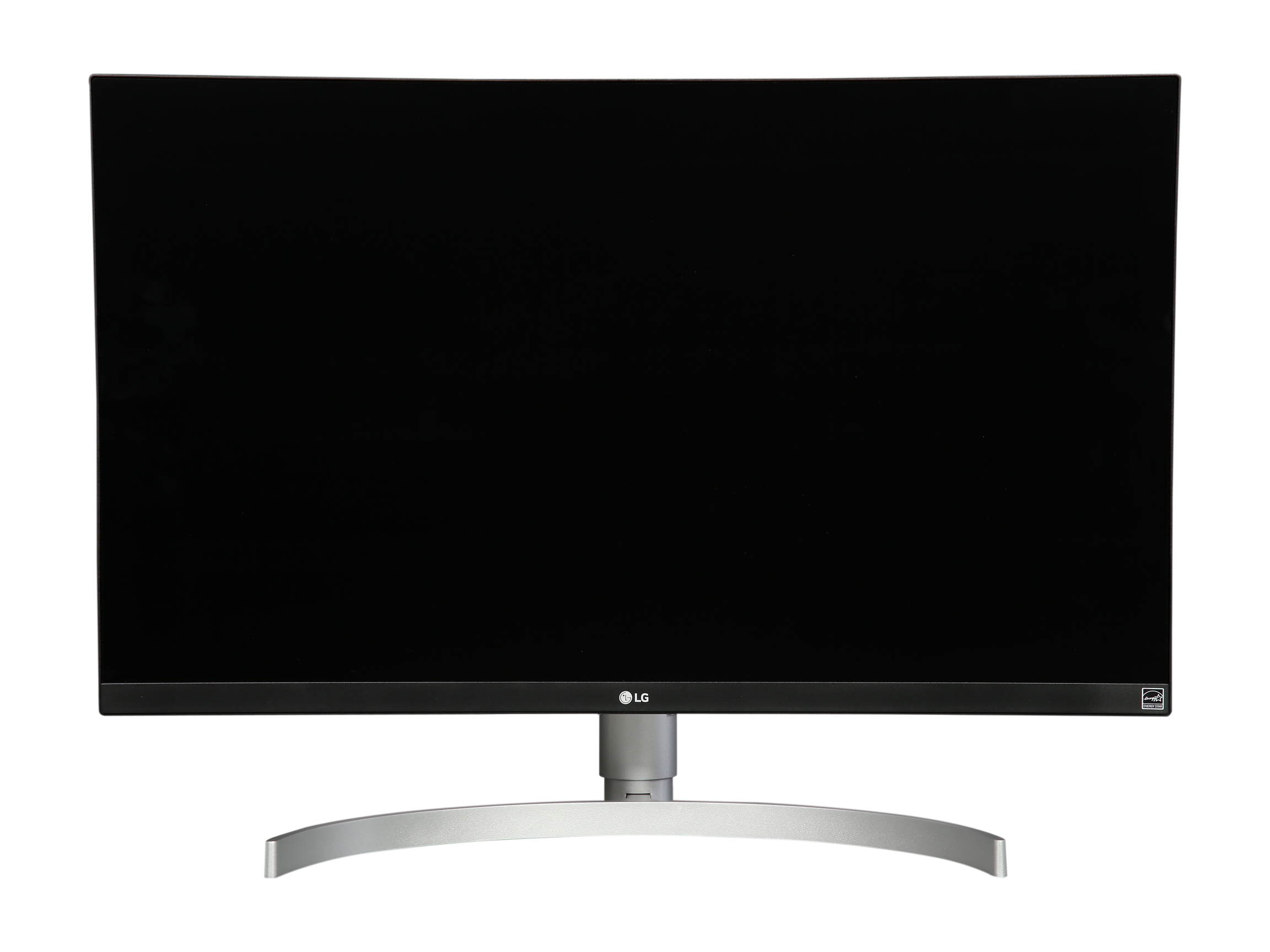
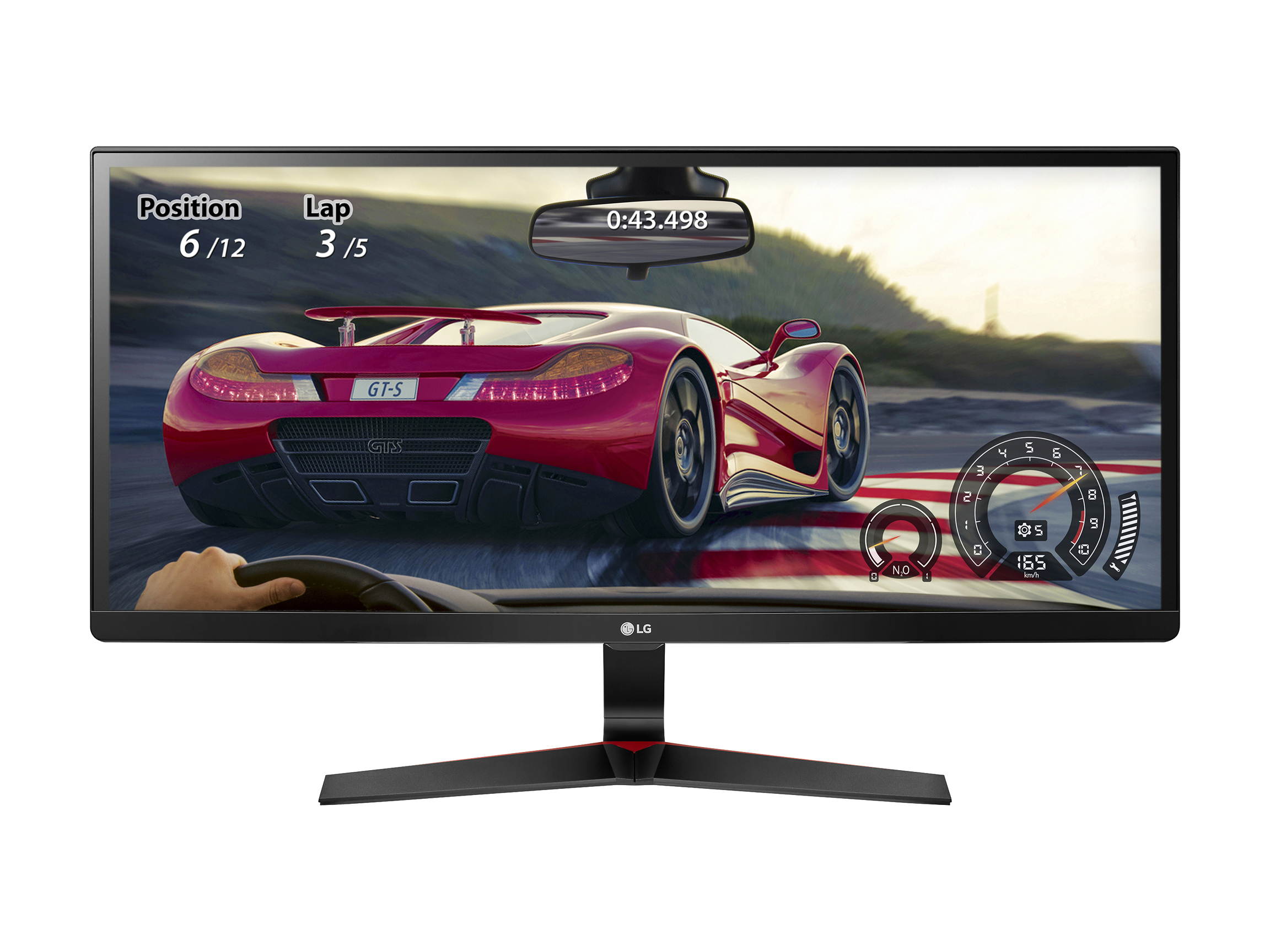
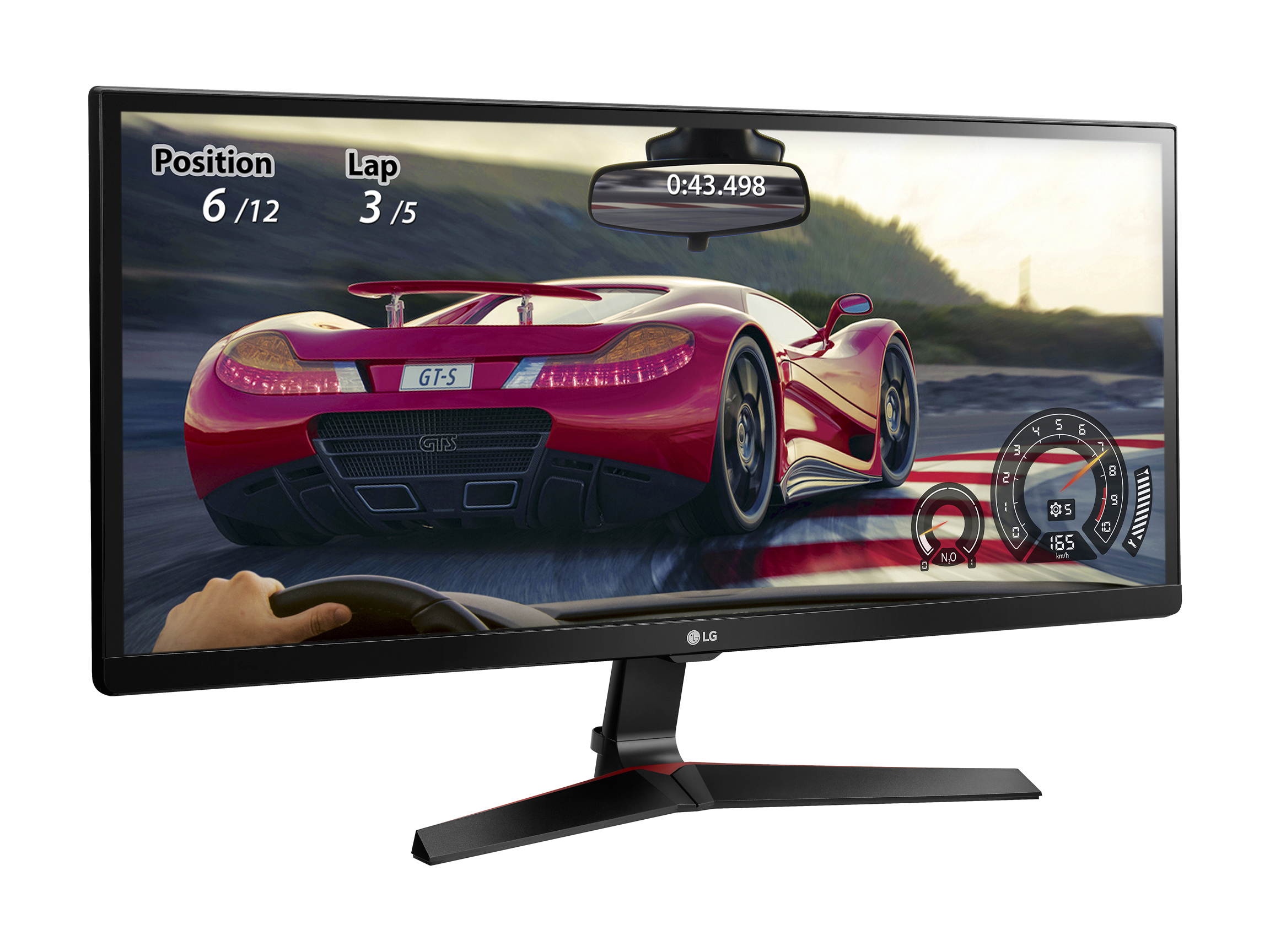
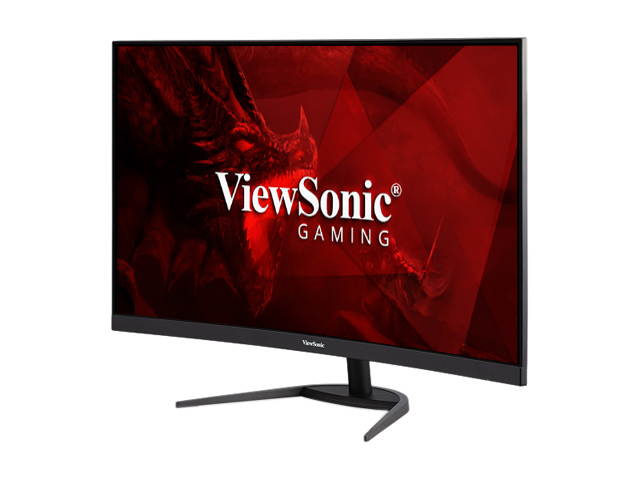
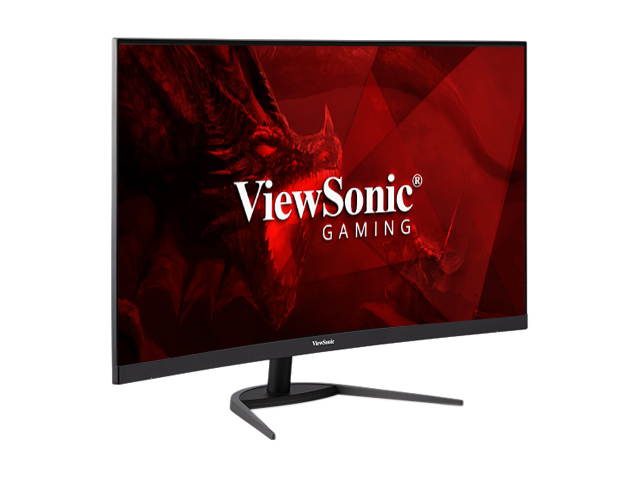
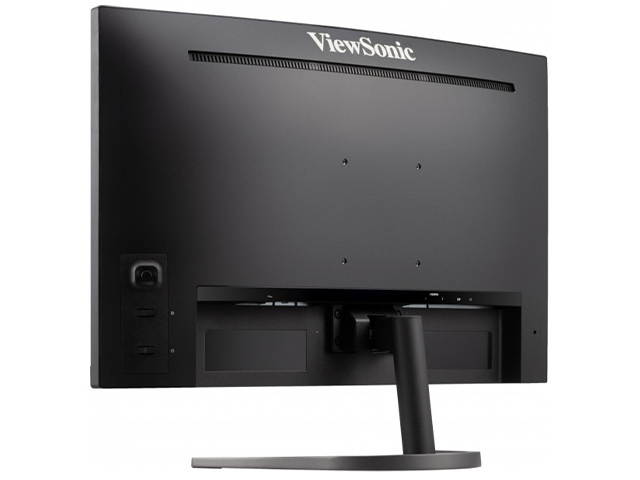
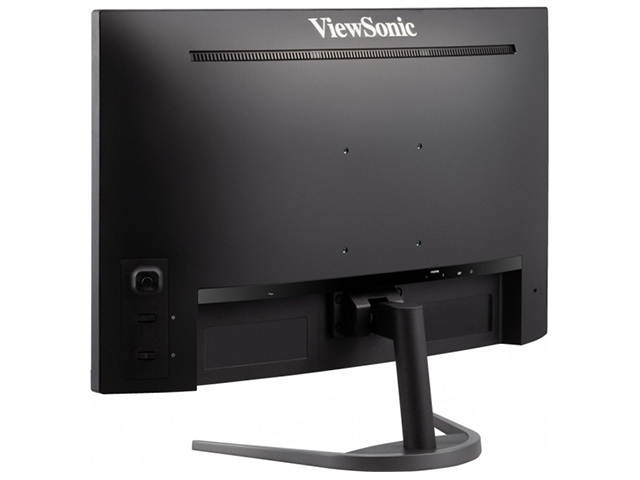
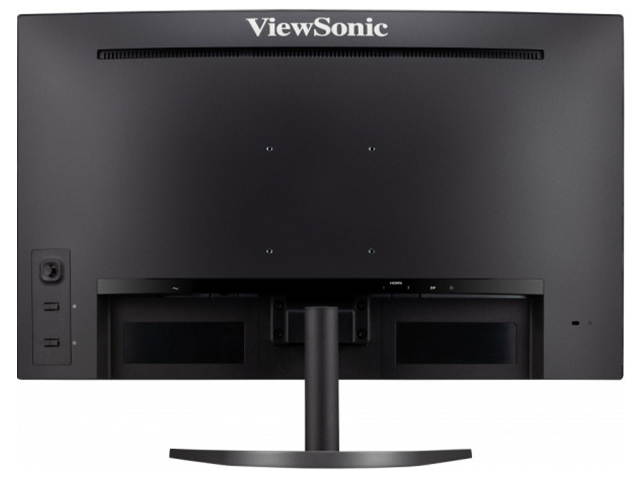
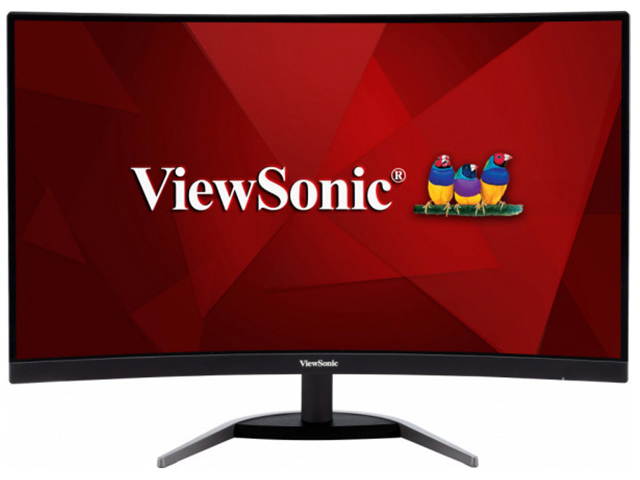
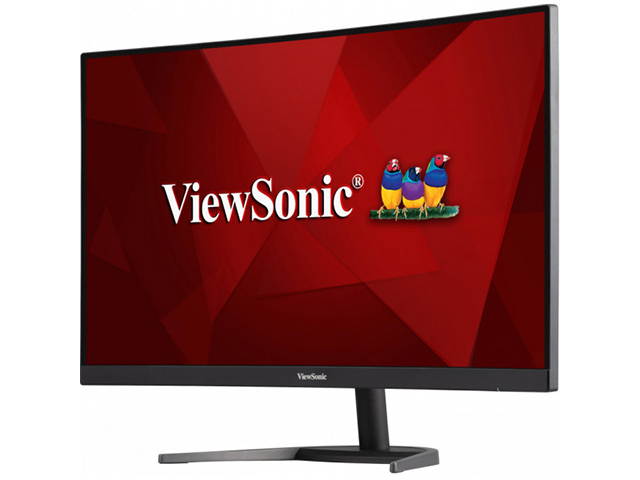
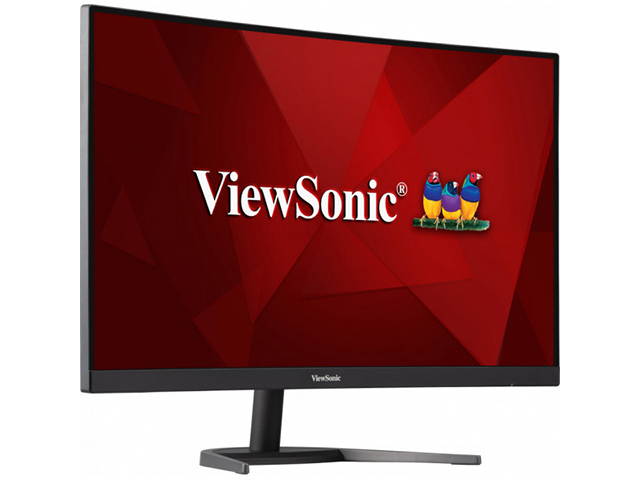
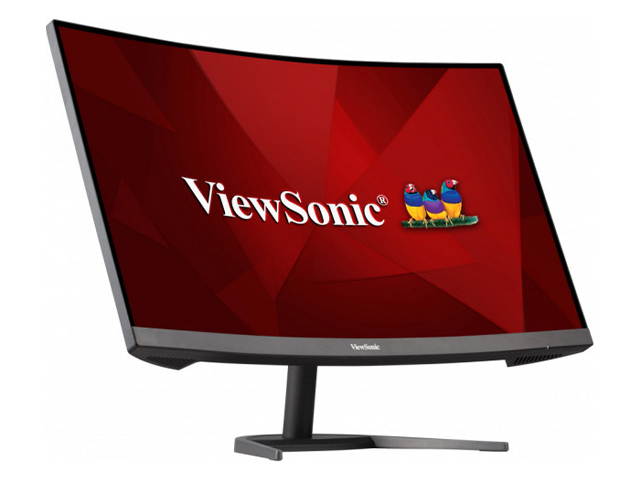
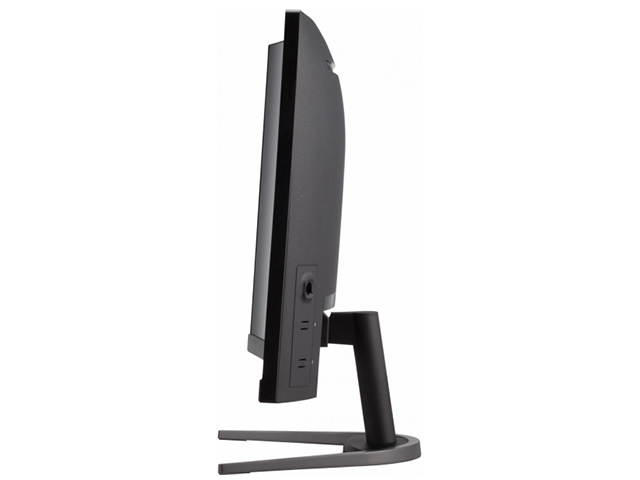
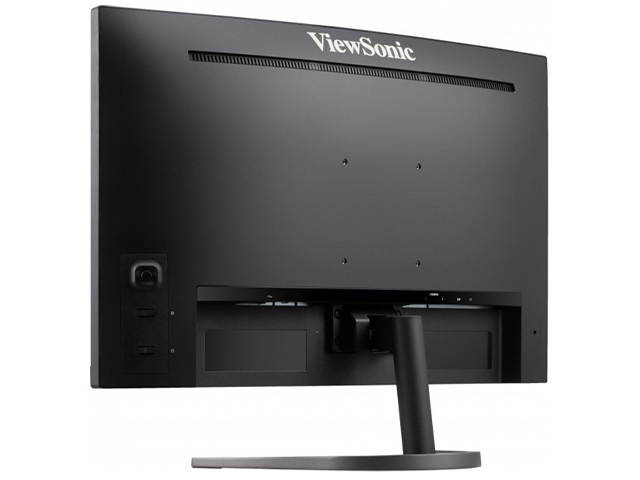
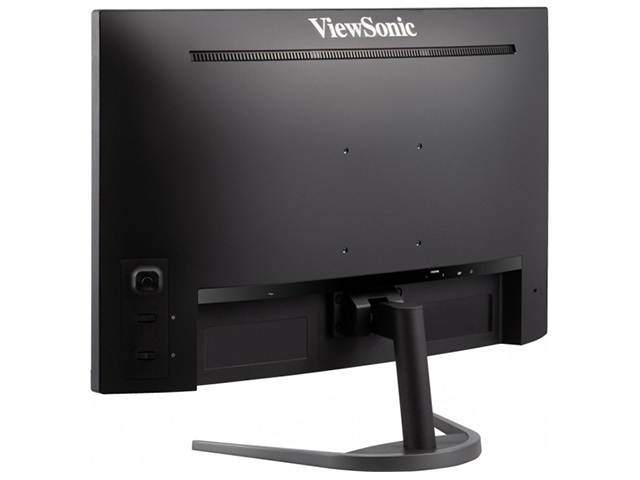
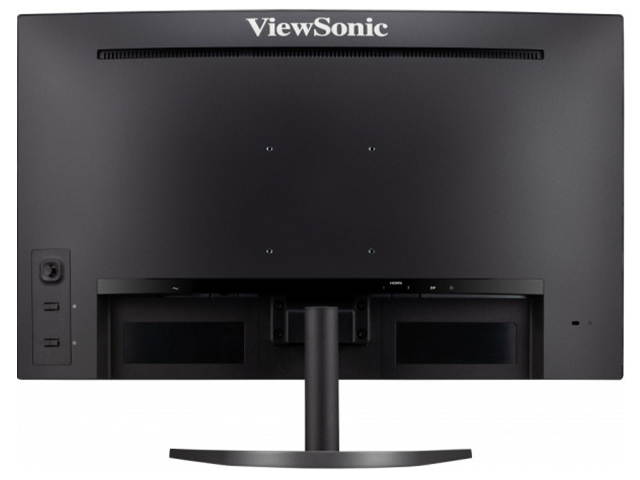
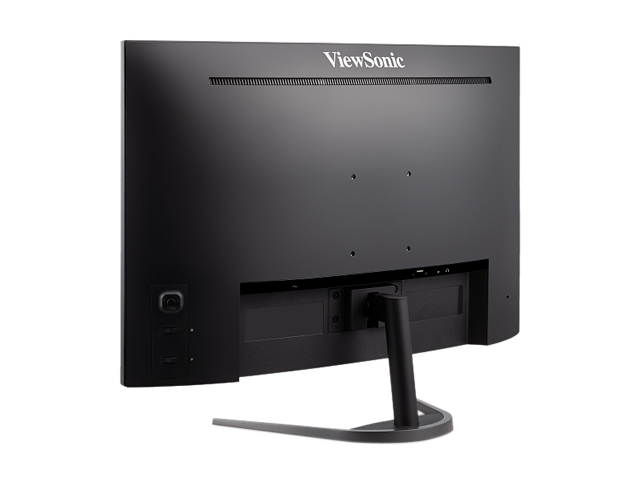
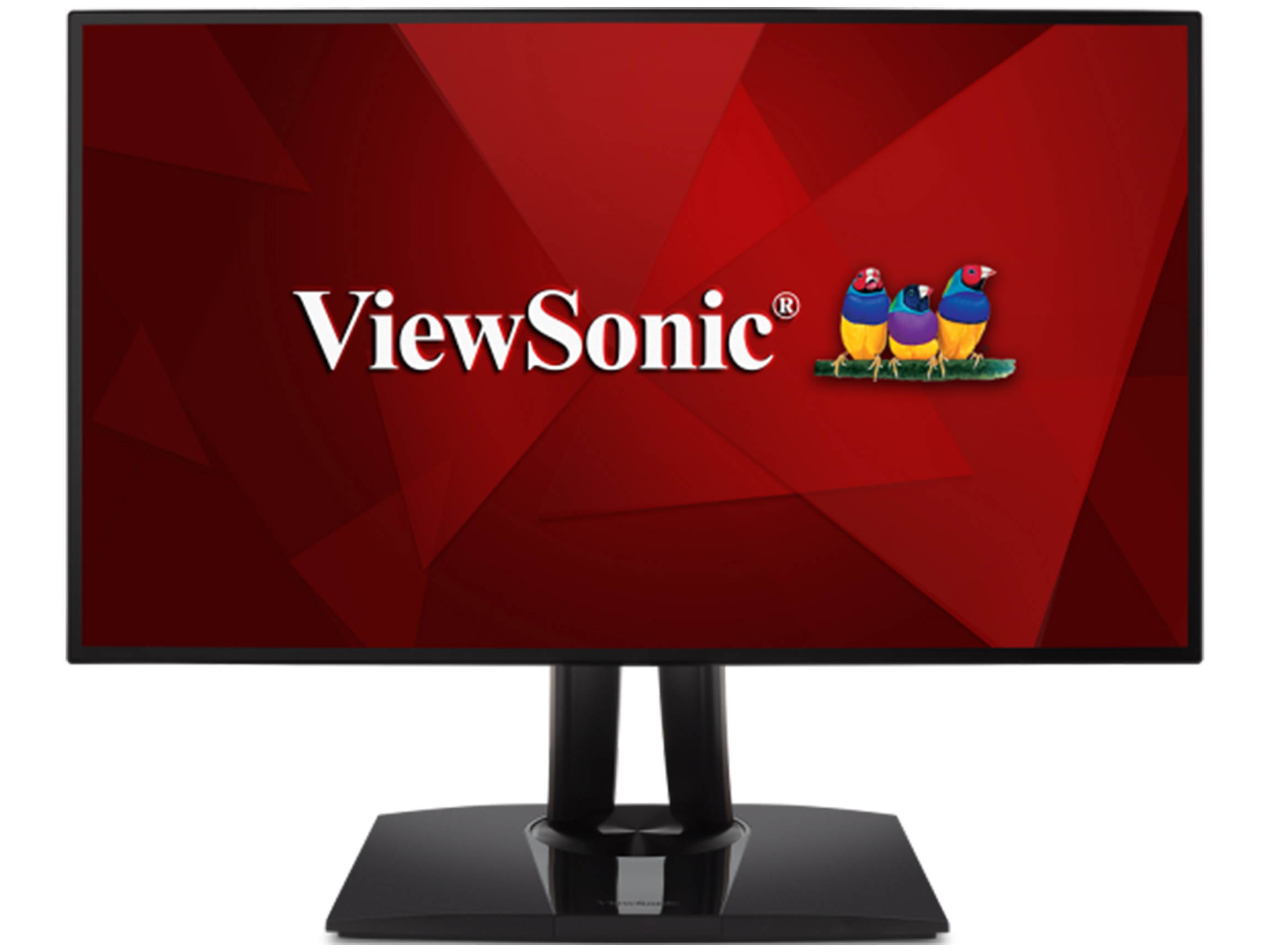
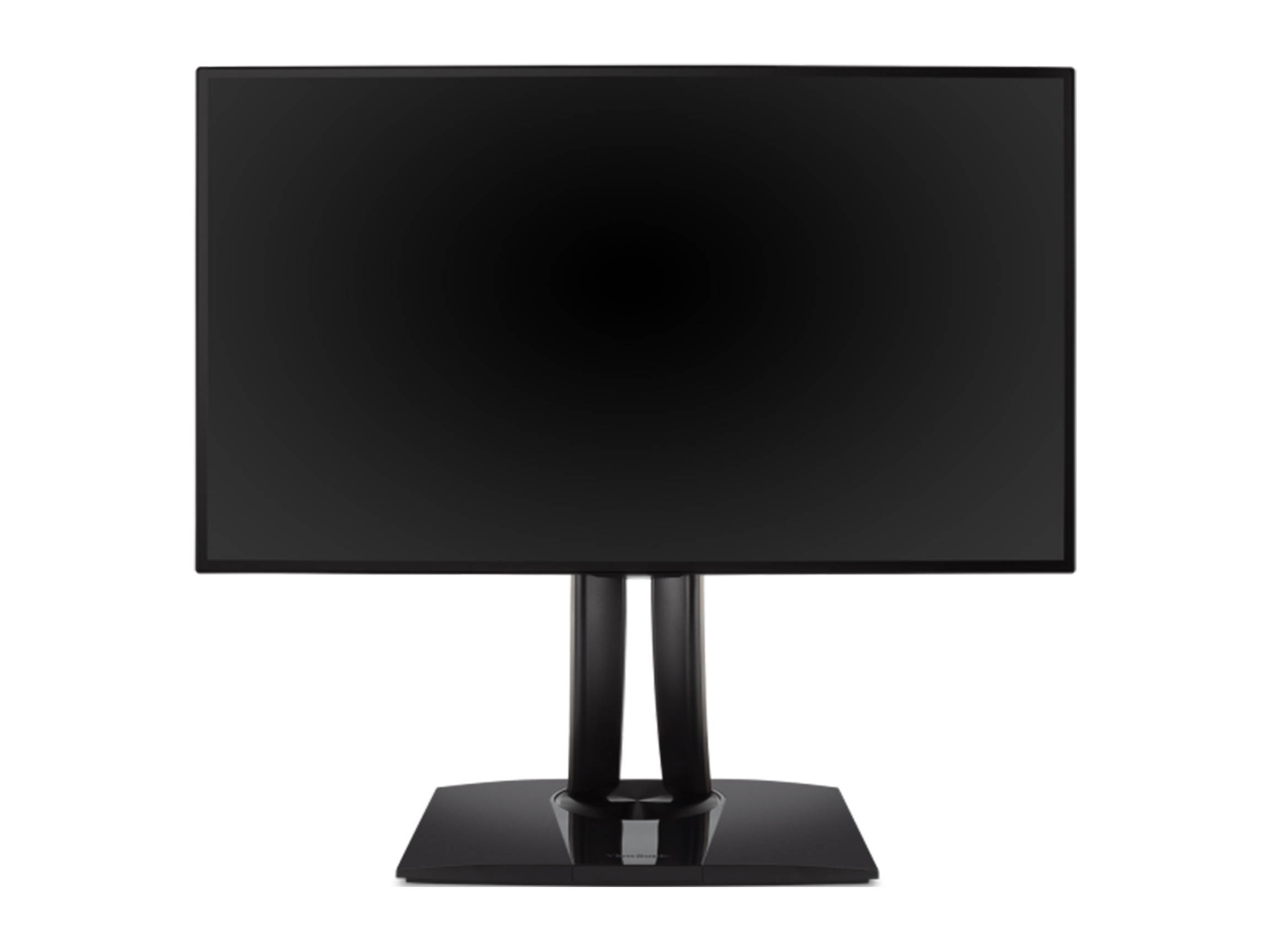
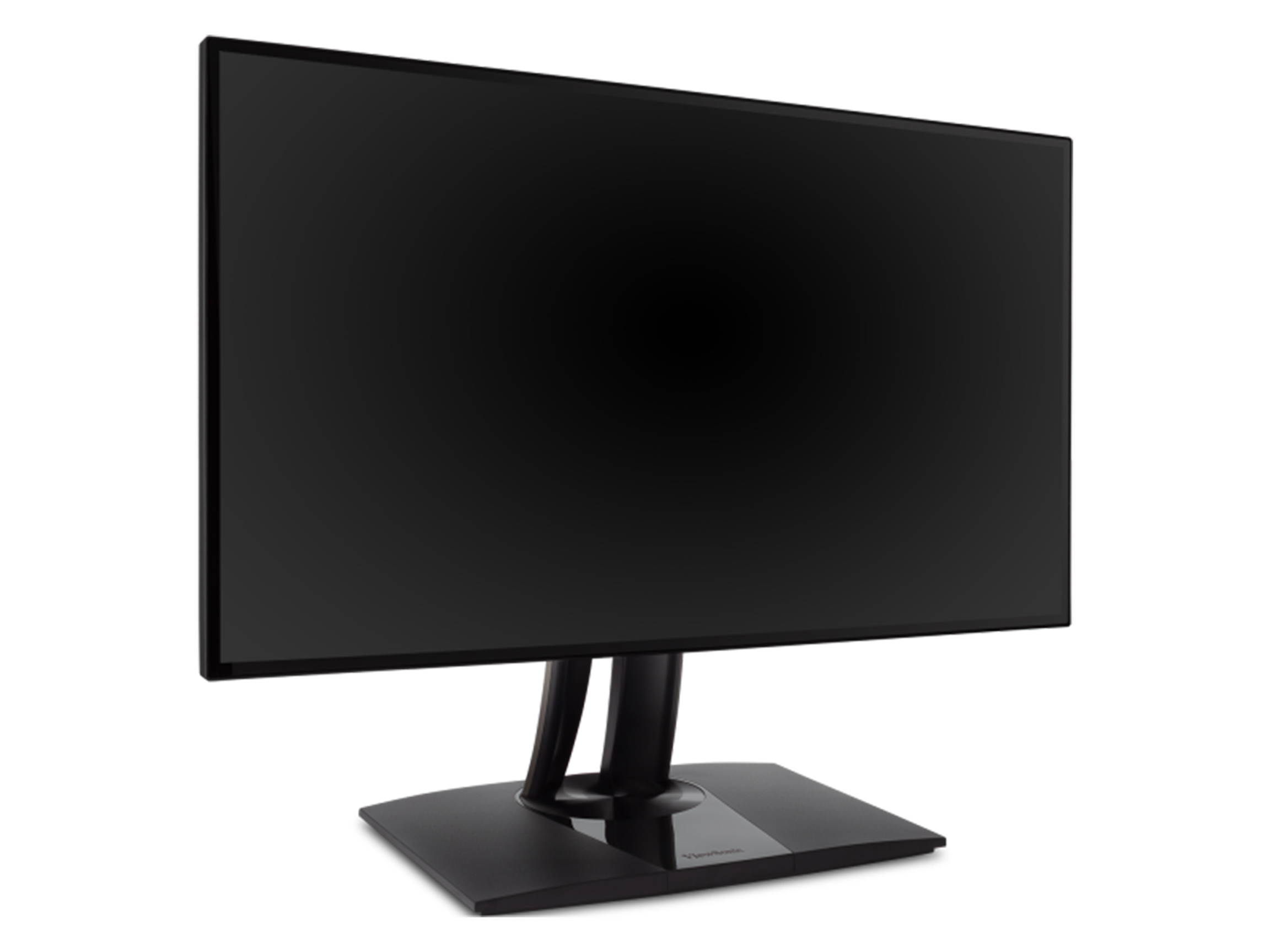
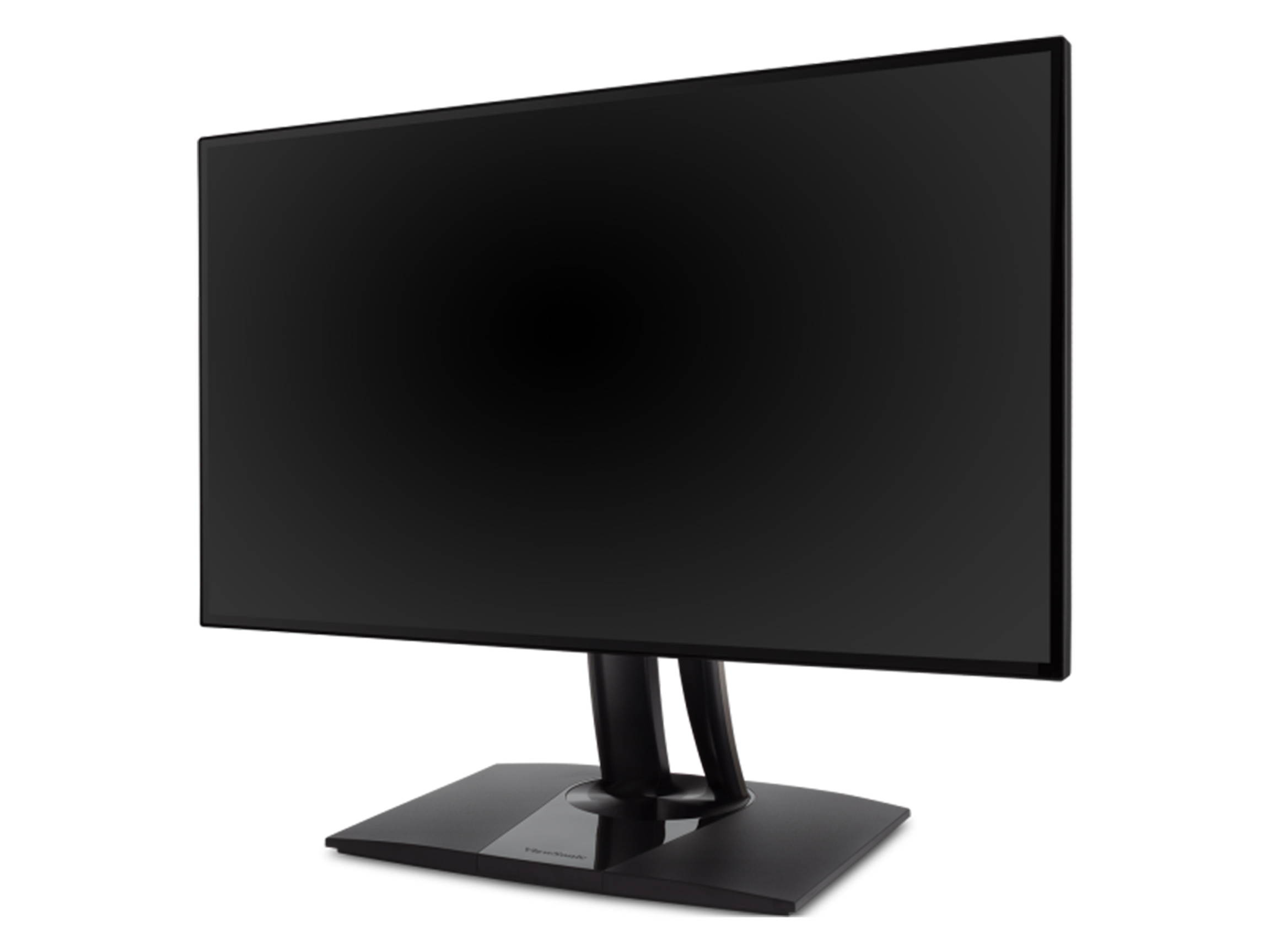
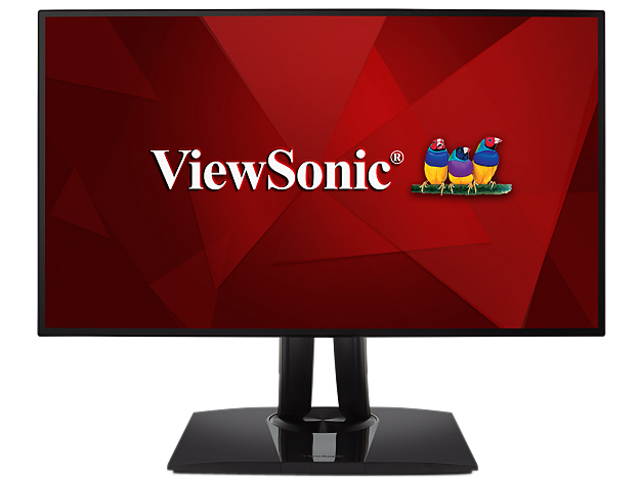
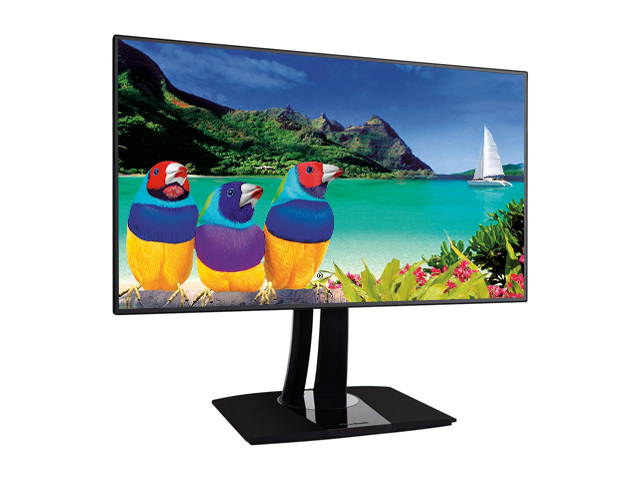
ViewSonic XG3220 32" (Actual szie 31.5") 4K Ultra HD 3840 x 2160 2 x HDMI DisplayPort AMD FreeSync Dual Speakers Anti-Glare Backlit LED Gaming Monitor
CTNR1629913 0766907927610 CTNR1629913ViewSonic
2027-06-05
/itm/viewsonic-xg3220-32-actual-szie-315-4k-ultra-hd-3840-x-2160-2-x-hdmi-displayport-amd-freesync-dual-speakers-anti-glare-backlit-led-gaming-monitor-1629913
USD
469.47
$ 469 $ 484 3% Off
Item Added to Cart
customer
*Product availability is subject to suppliers inventory

SHIPPING ALL OVER UNITED STATES

100% MONEY BACK GUARANTEE

EASY 30 DAYSRETURNS & REFUNDS

24/7 CUSTOMER SUPPORT

TRUSTED AND SAFE WEBSITE

100% SECURE CHECKOUT
| Brand | ViewSonic |
|---|---|
| Model | XG3220 |
| Cabinet Color | Black |
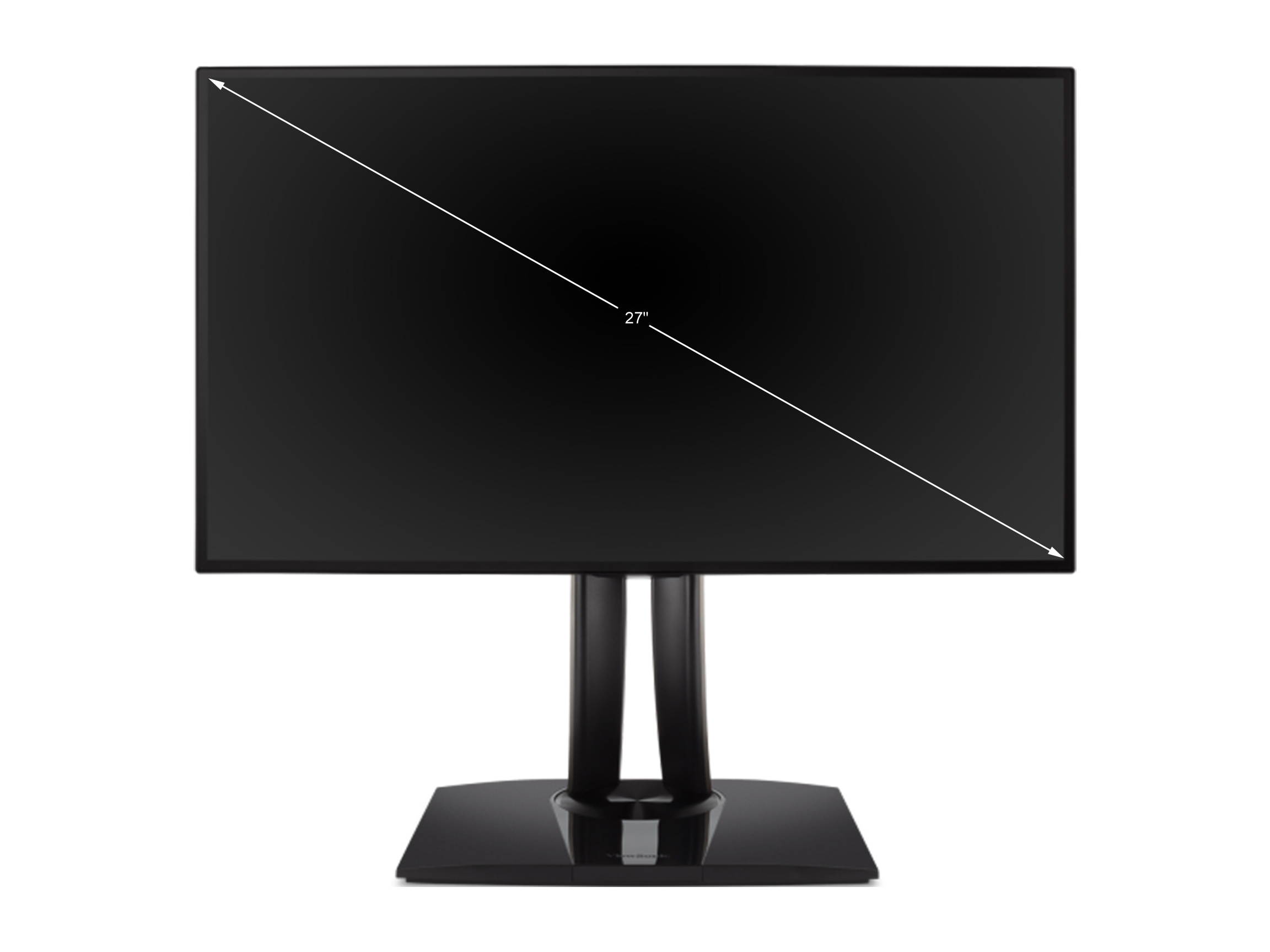
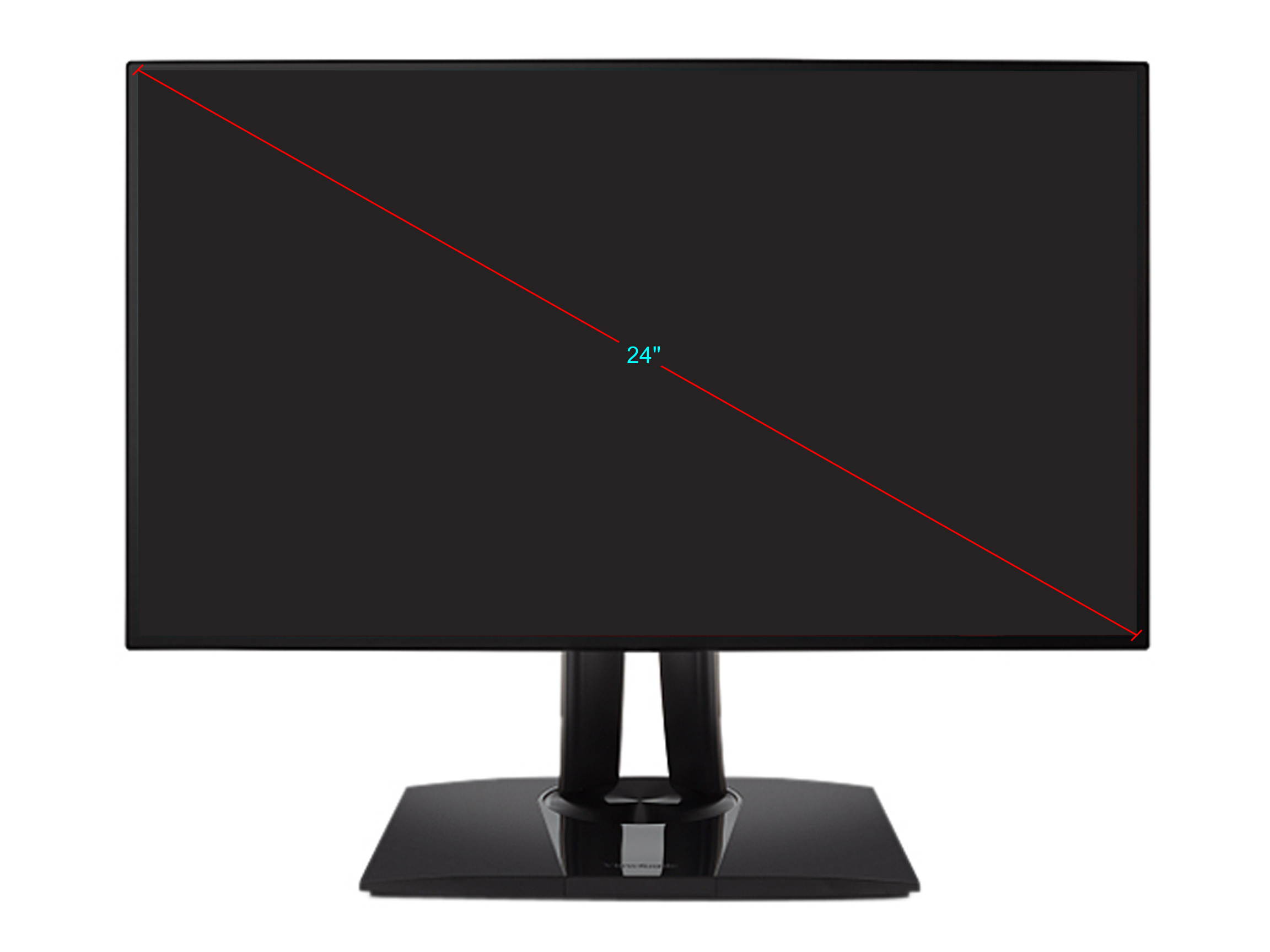
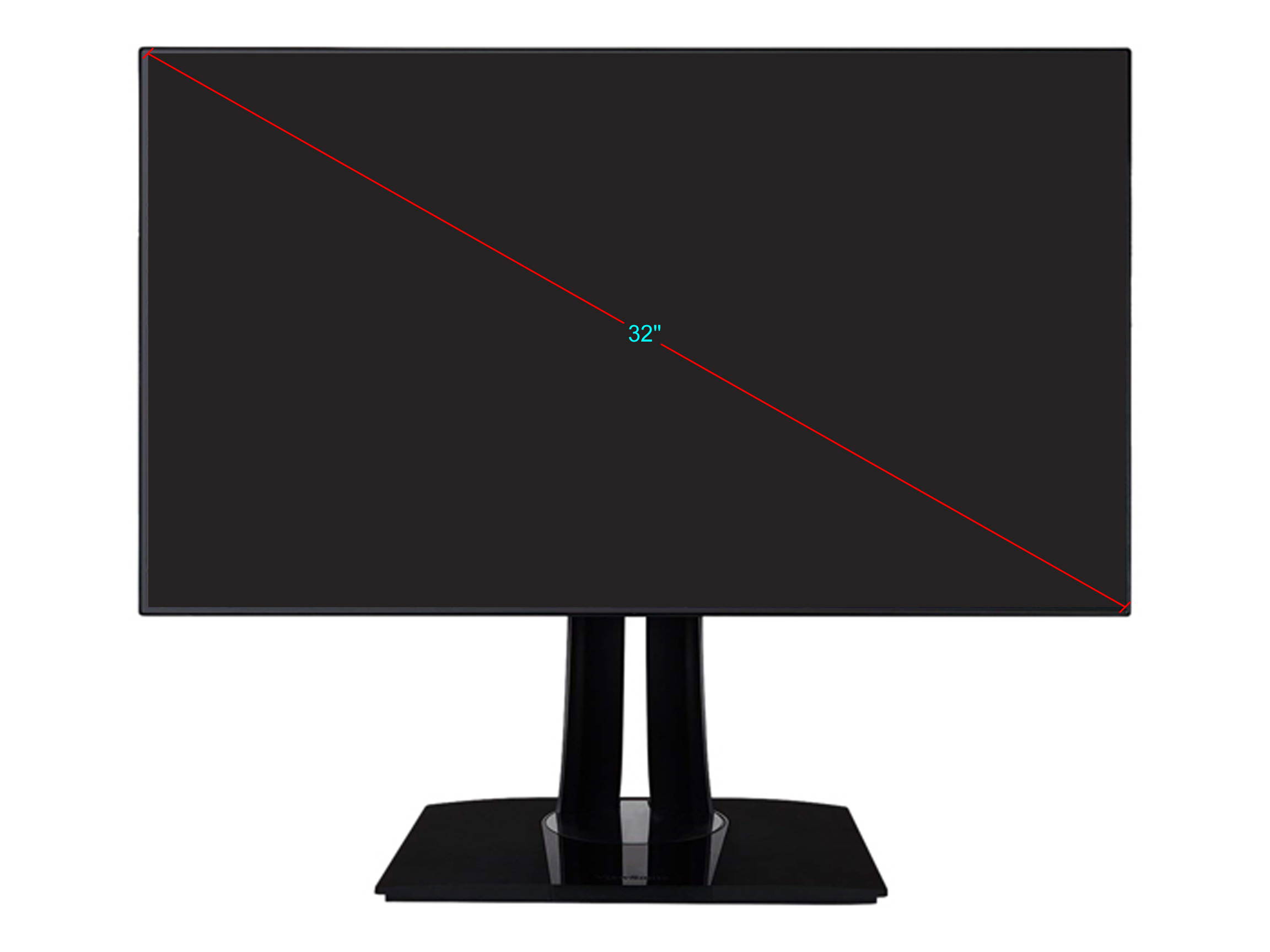
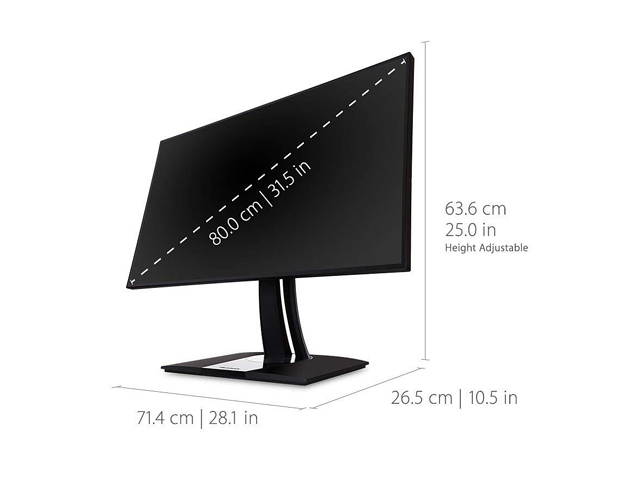
| Screen Size | 32" (Actual size 31.5") |
| Widescreen | Yes |
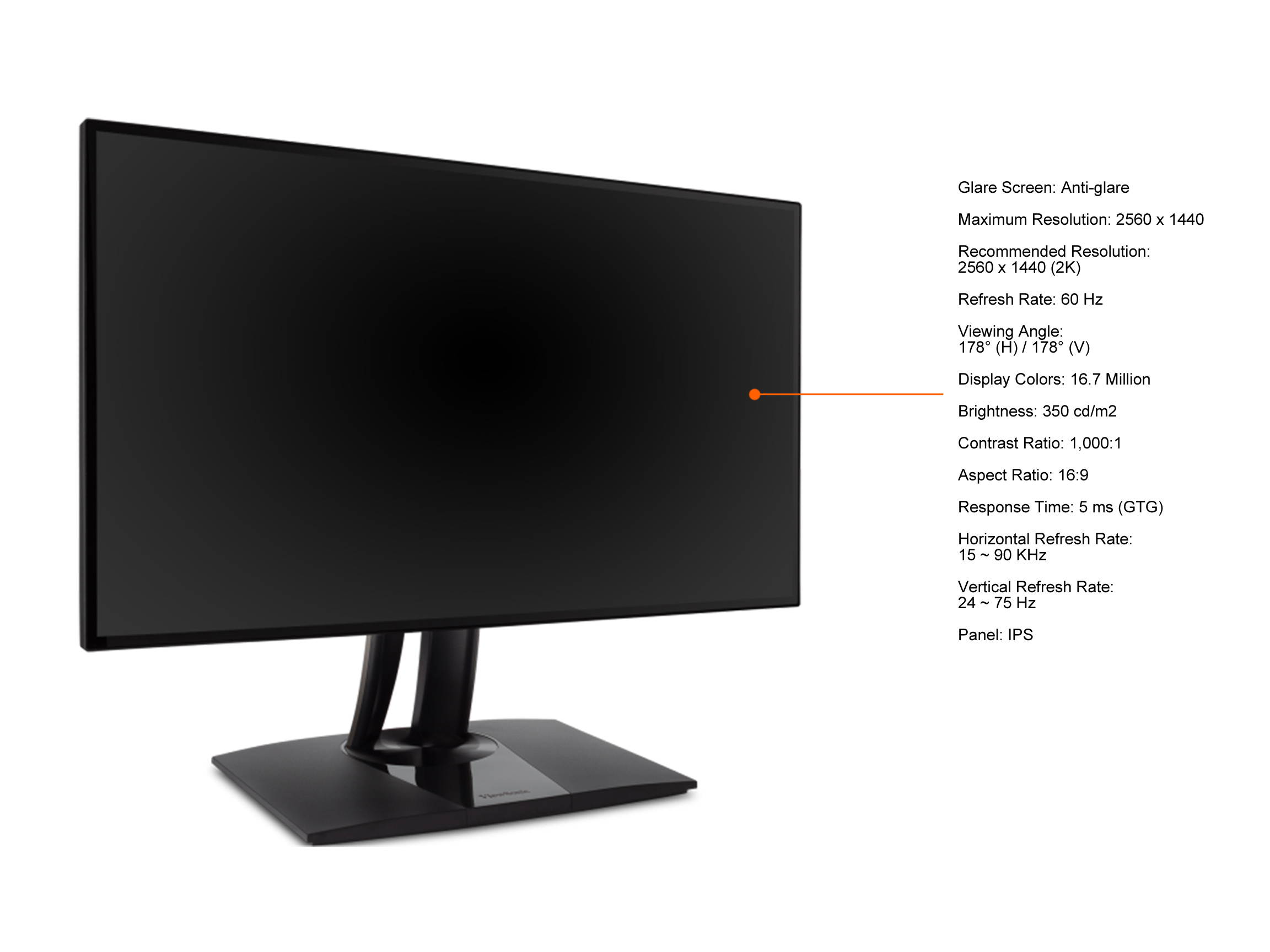
| Glare Screen | Anti-glare |
| LED Backlight | Yes |
| Panel | VA |
| Display Type | UHD |
| Adaptive Sync Technology | FreeSync (AMD Adaptive Sync) |
| Maximum Resolution | 3840 x 2160 |
| Recommended Resolution | 3840 x 2160 (4K) |
| Viewing Angle | 178° (H) / 178° (V) |
| Aspect Ratio | 16:9 |
| Brightness | 300 cd/m2 |
| Contrast Ratio | DCR 120,000,000:1 (3,000:1) |
| Response Time | 5ms (GTG W/OD), 9.5ms (GTG Typ) |
| Display Colors | 1.07 Billion |
| Refresh Rate | 60 Hz |
| Input Video Compatibility | Digital |
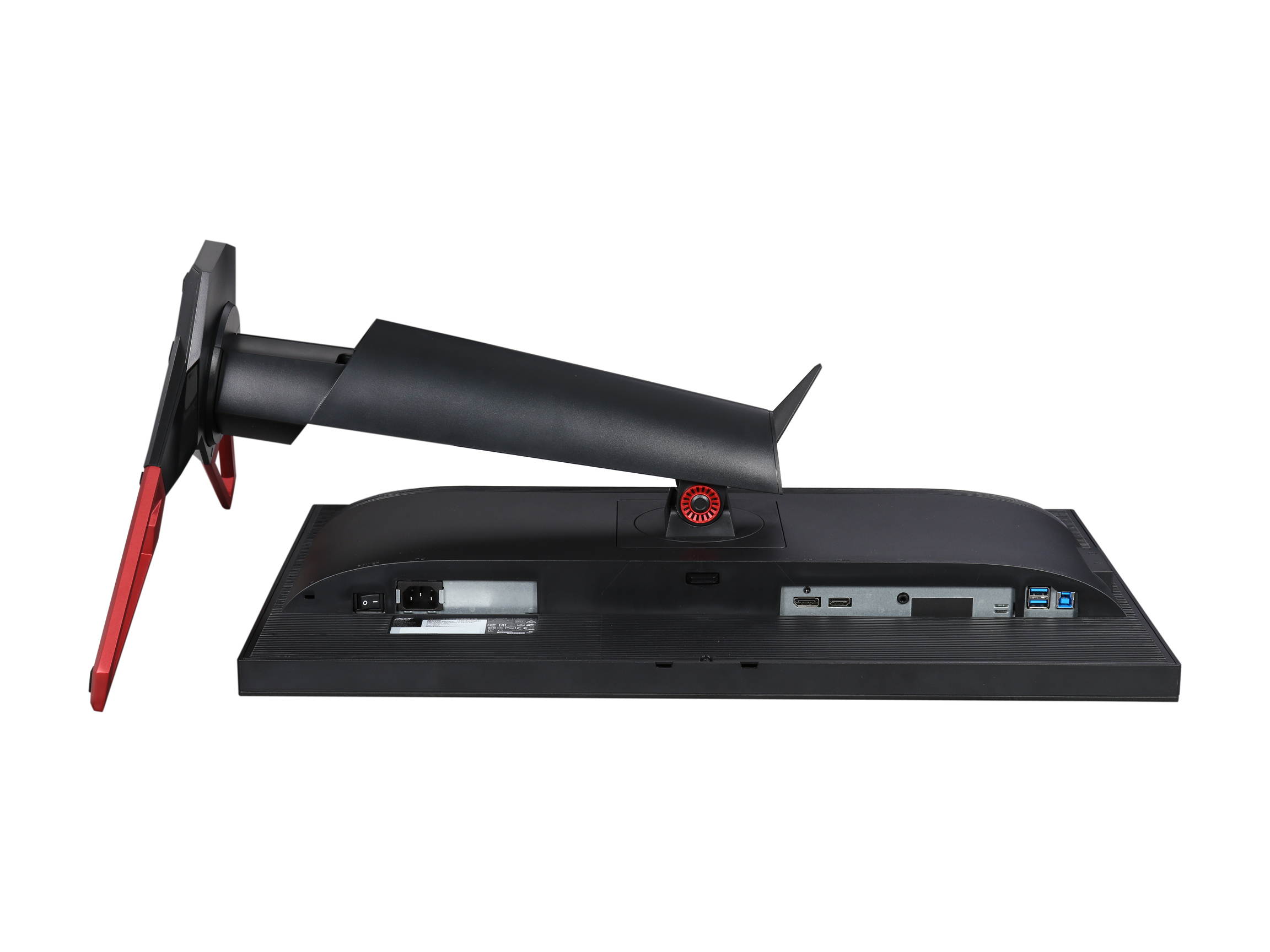
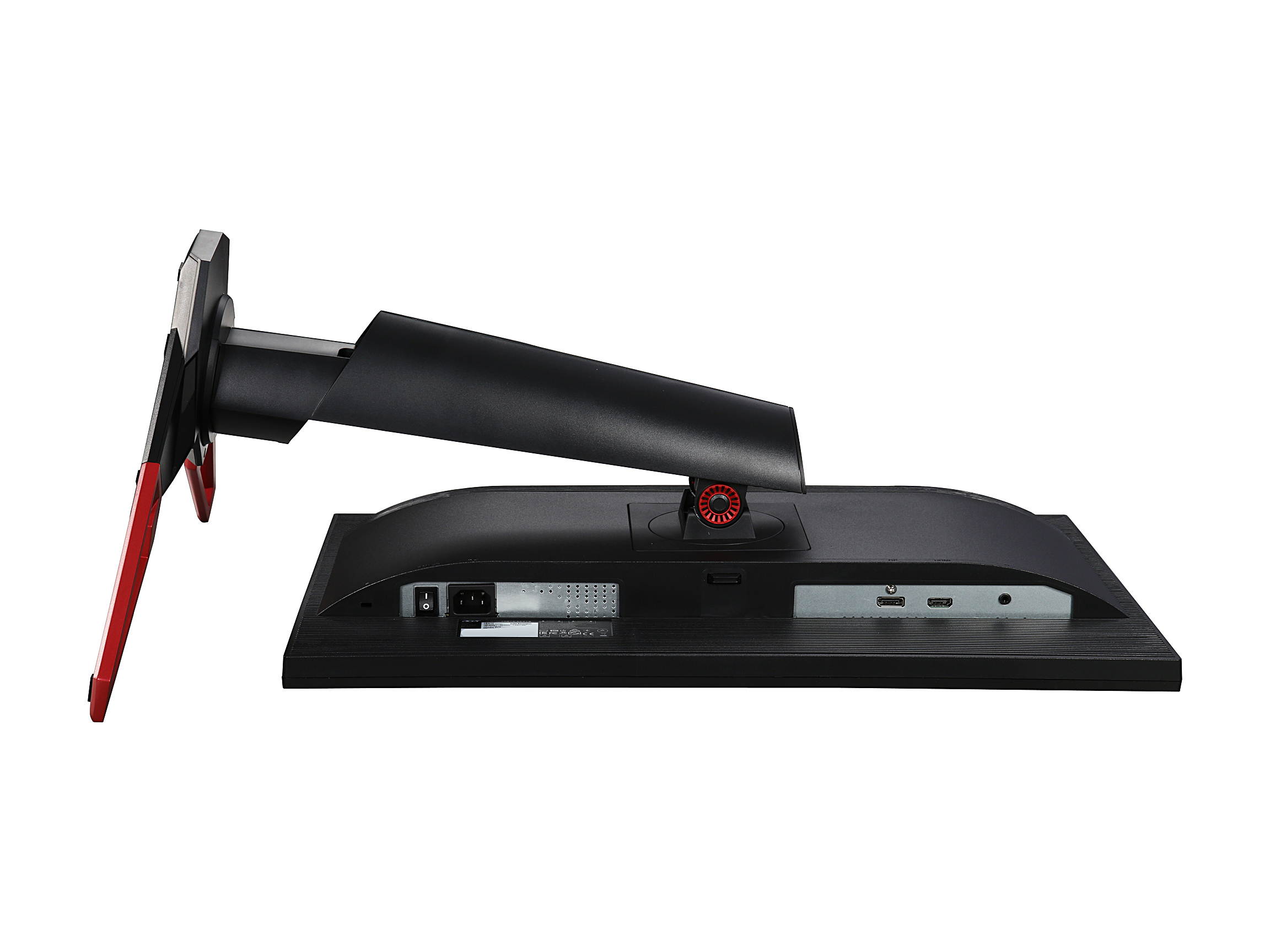
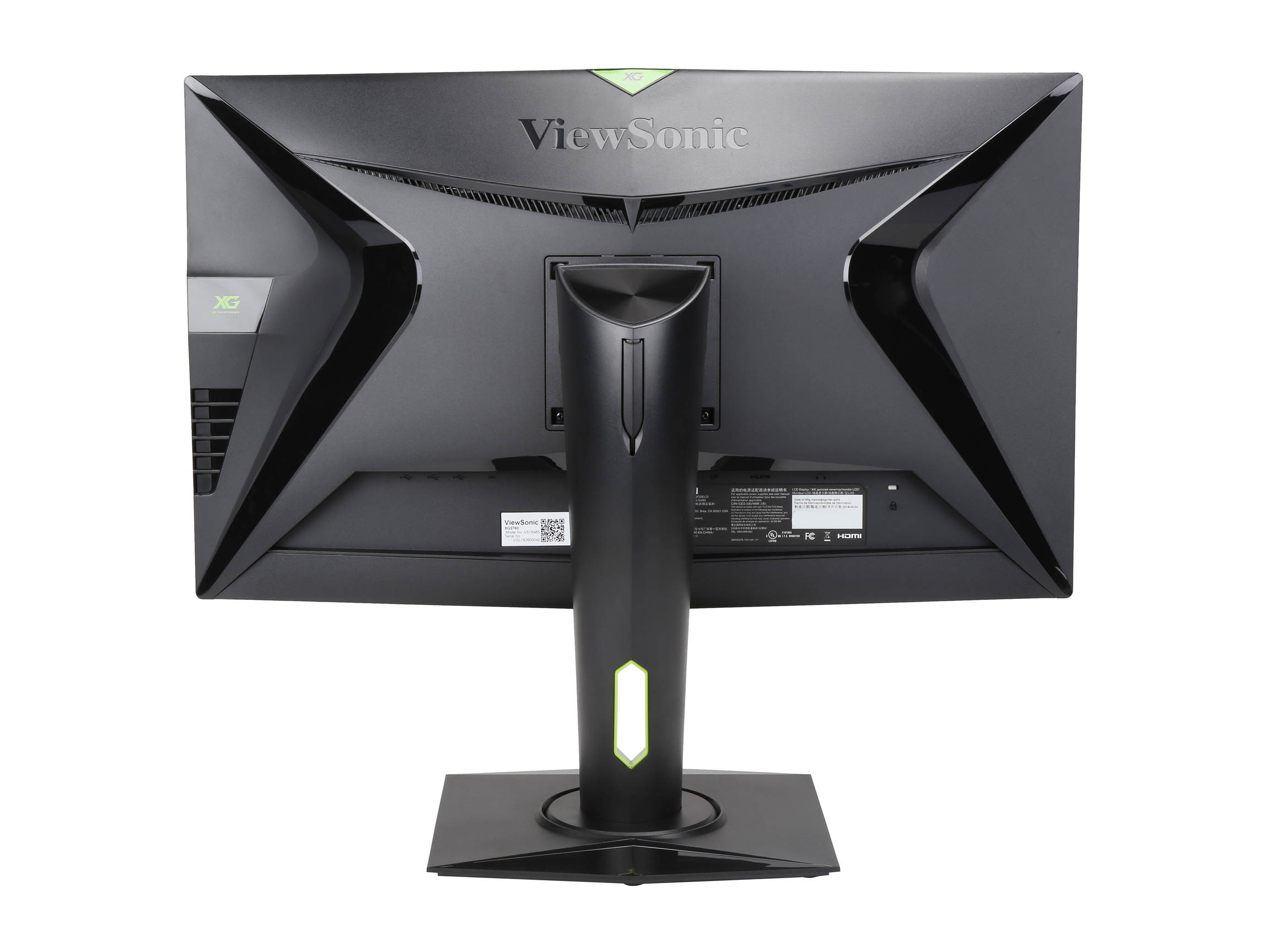
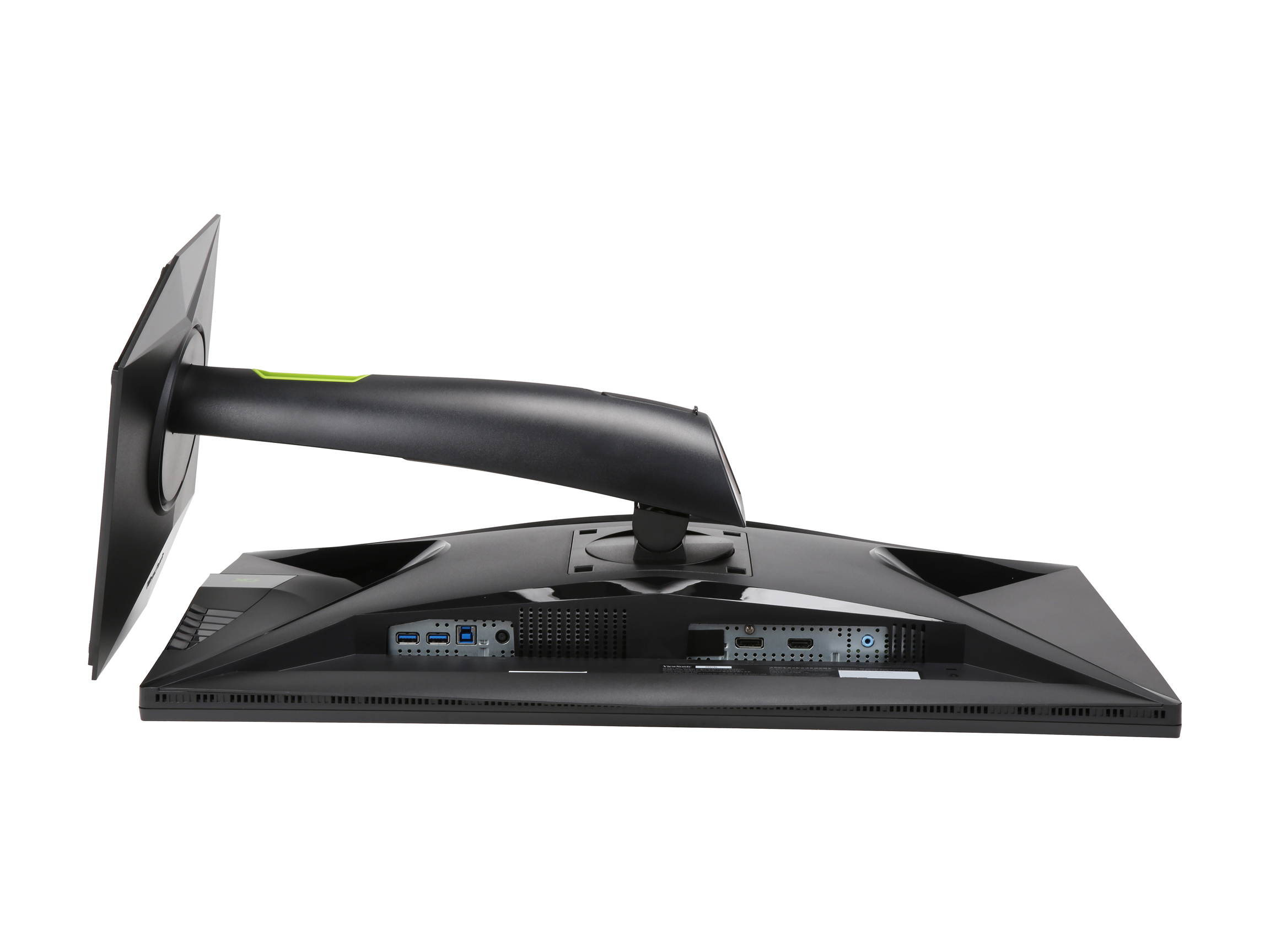
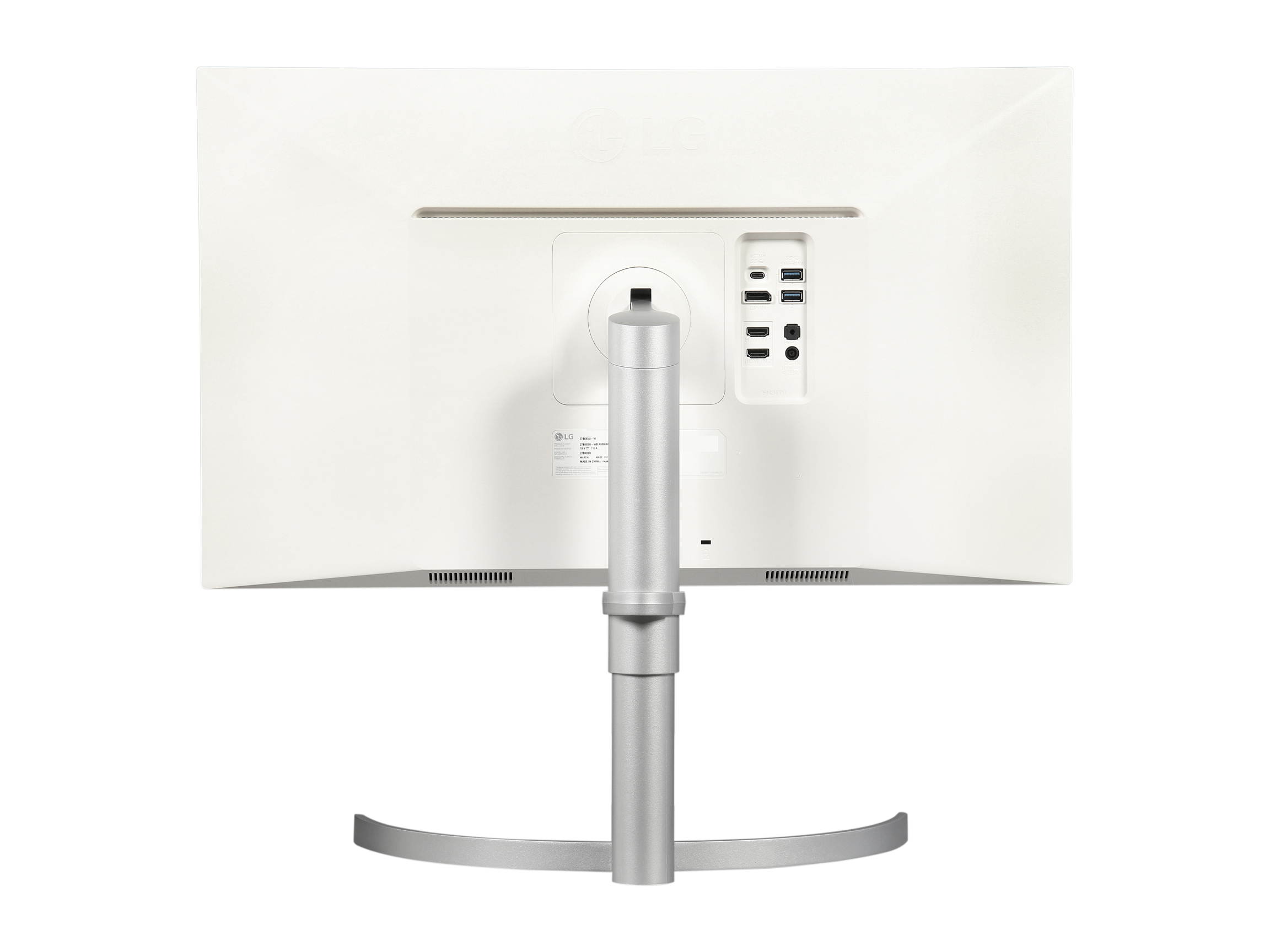
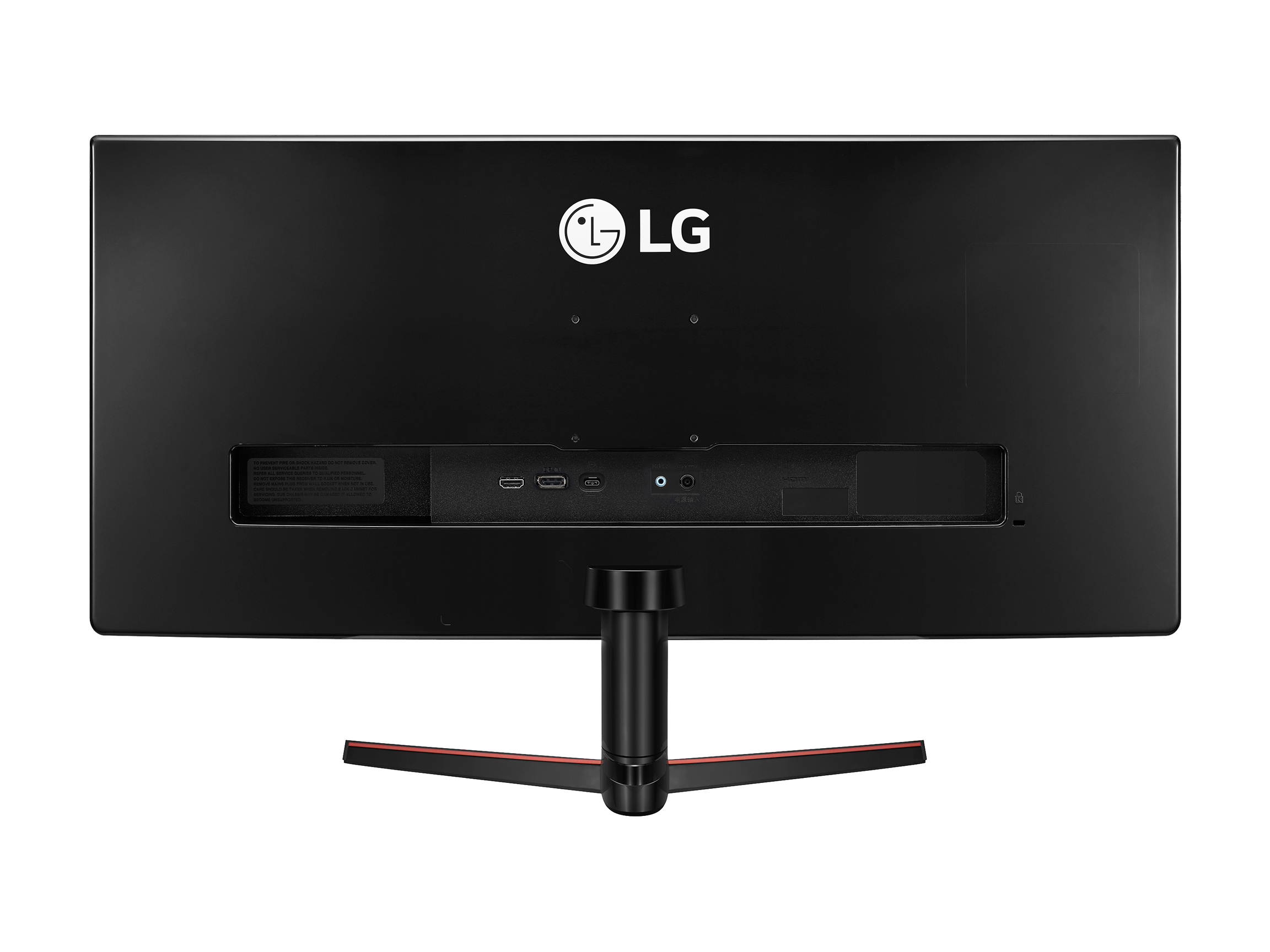
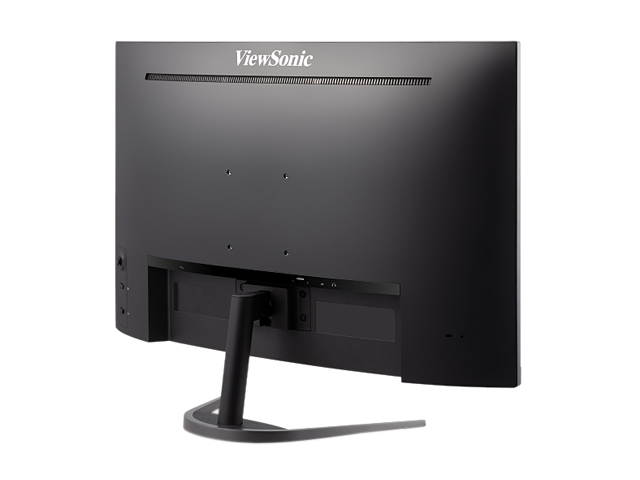
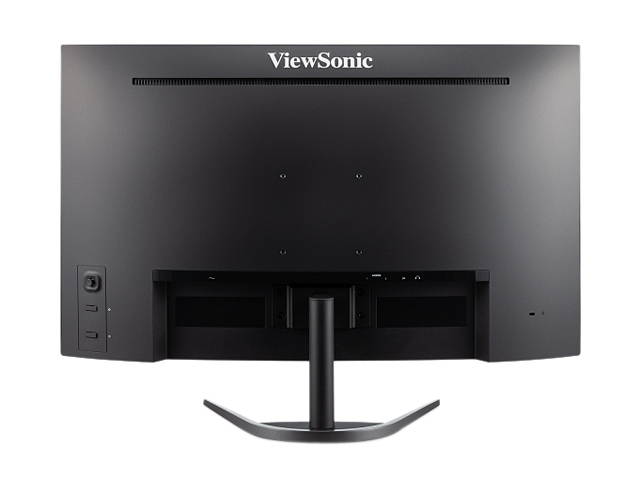
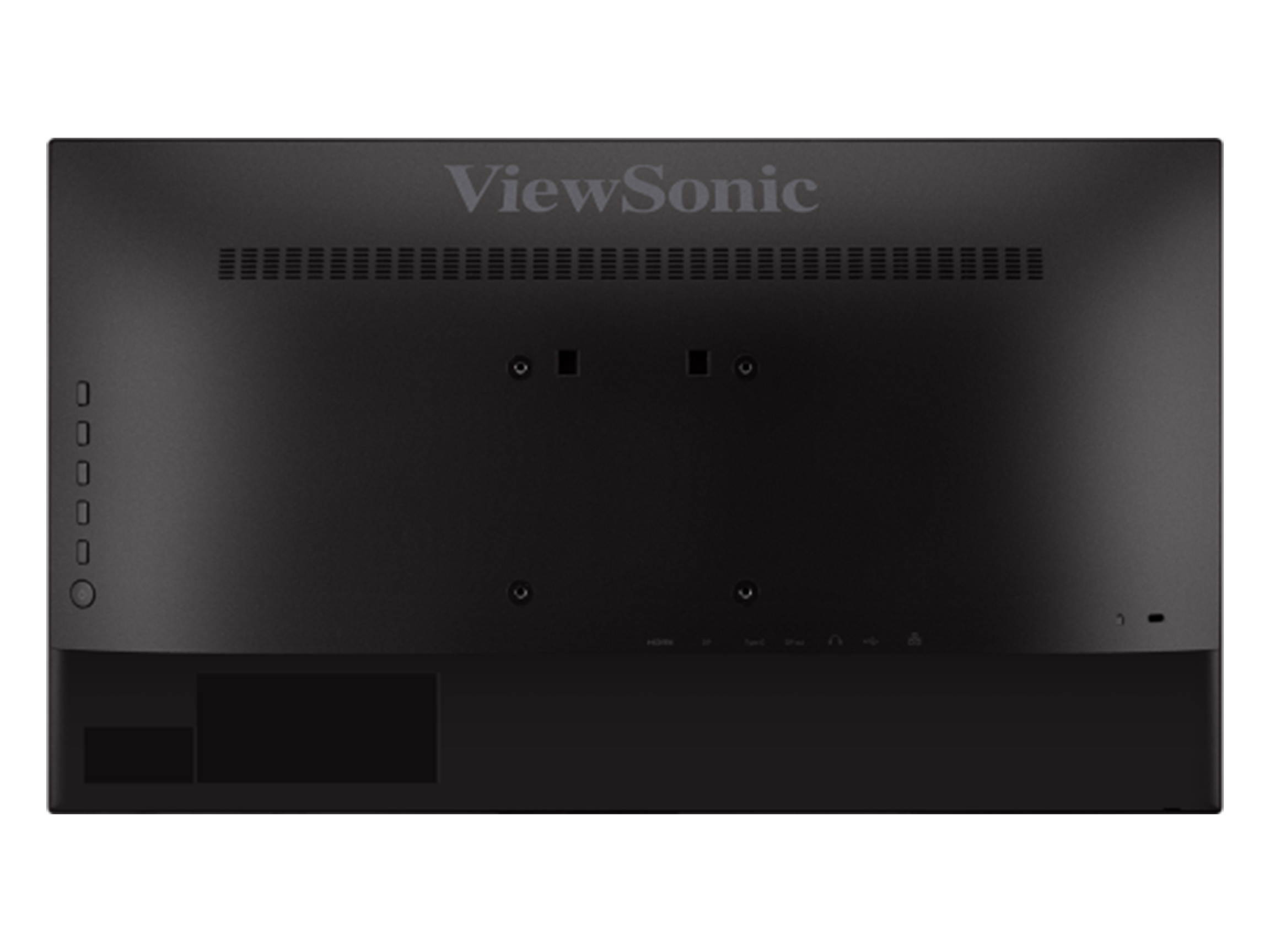
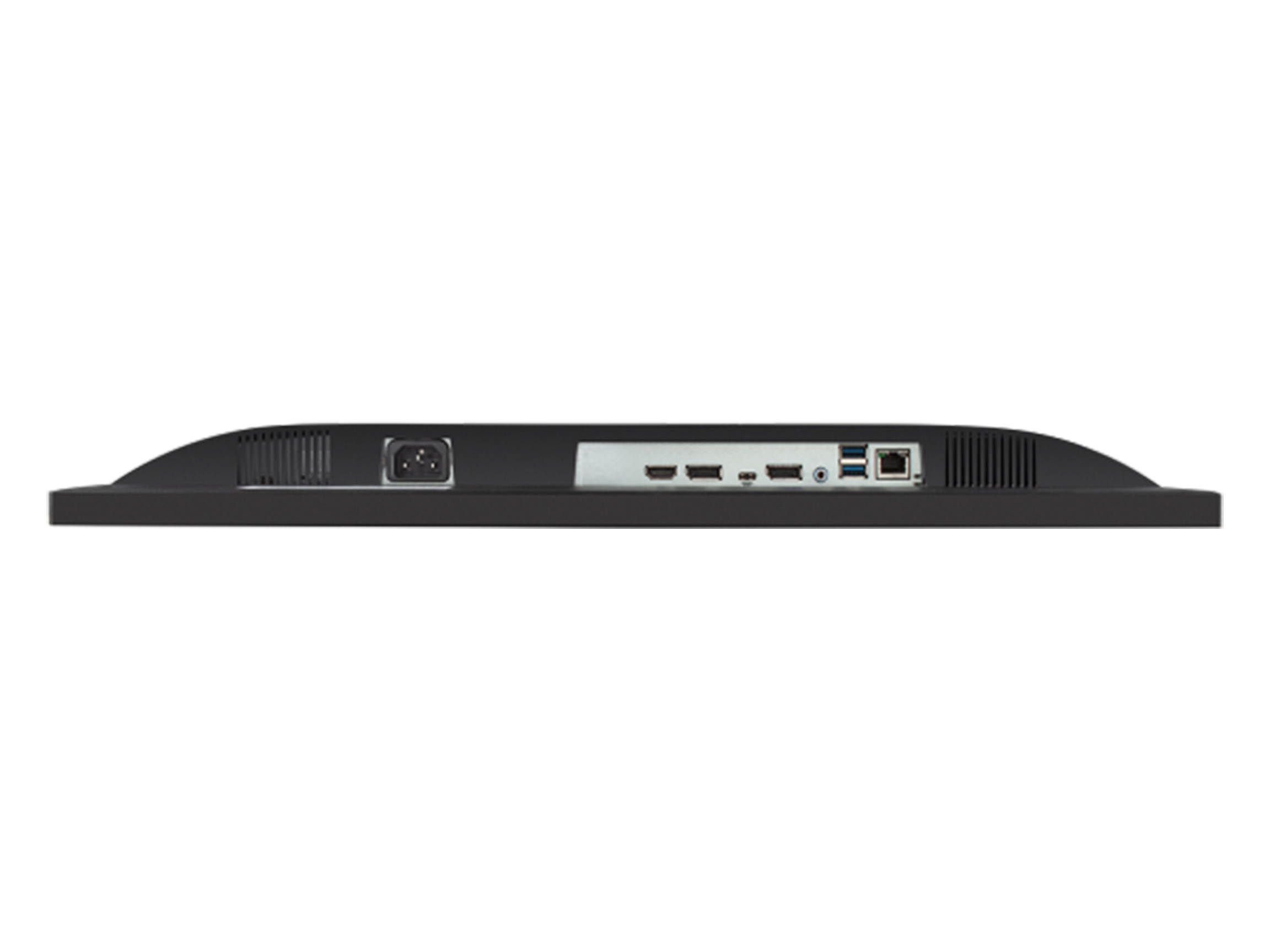
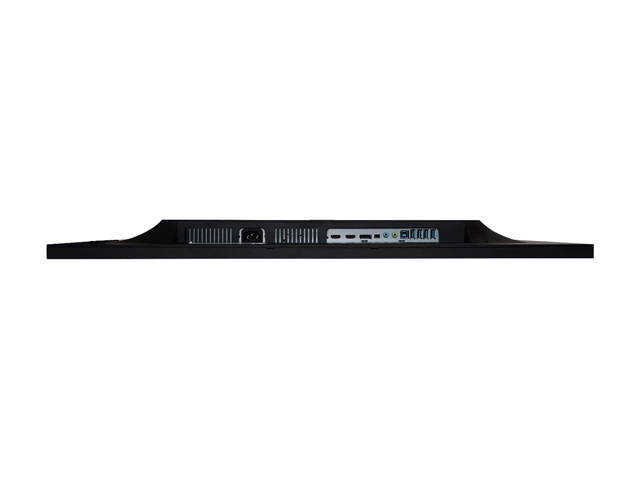
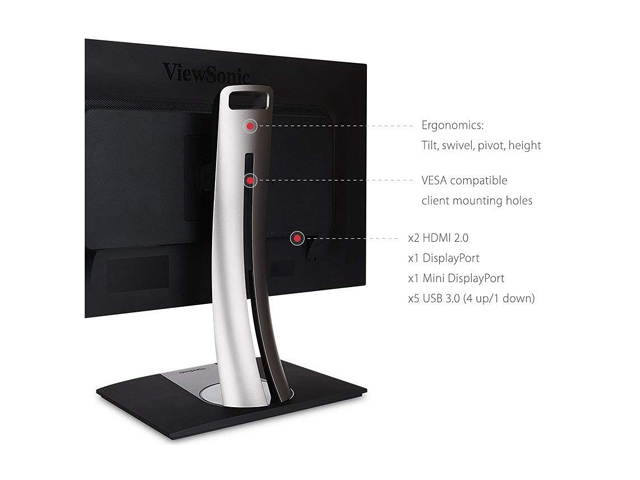
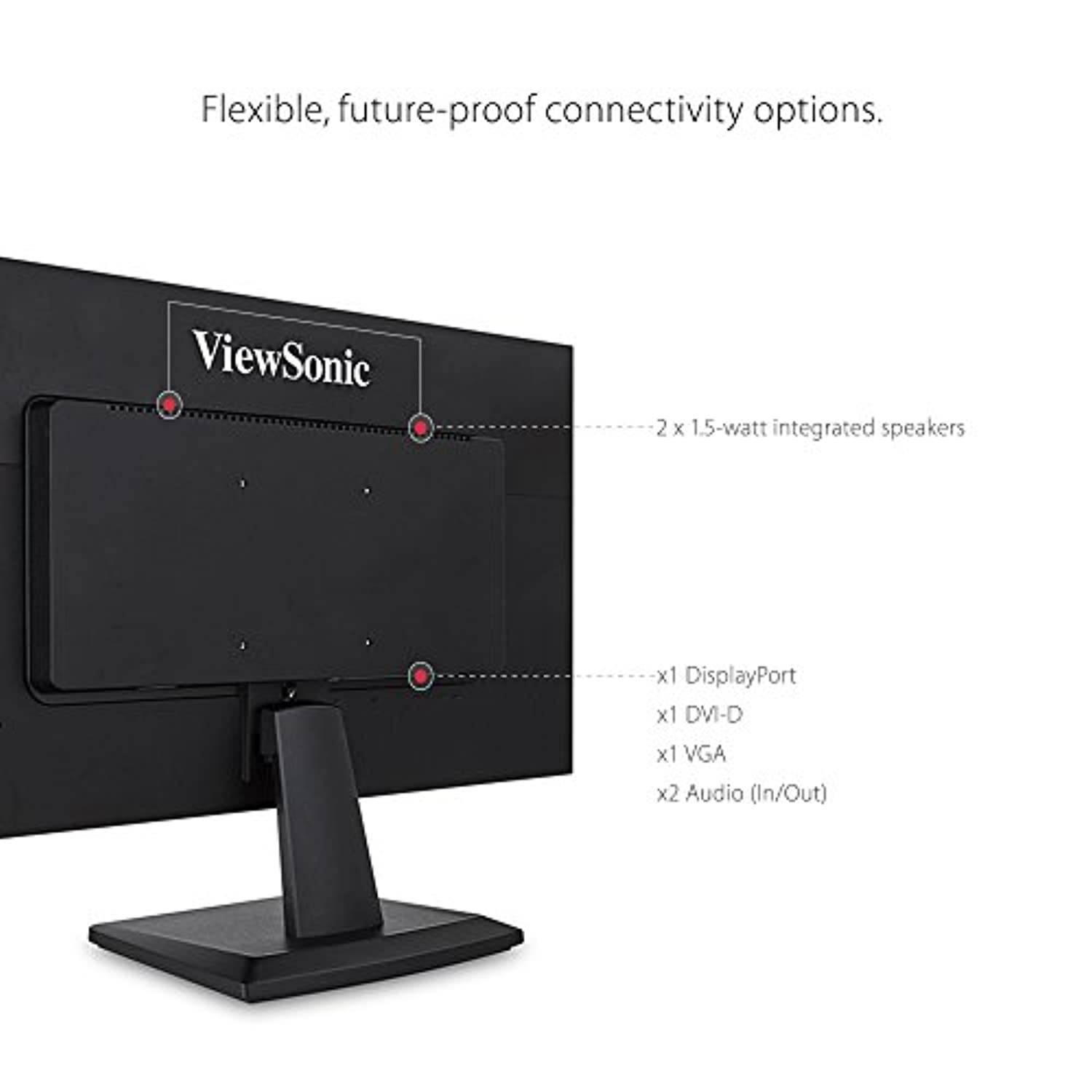
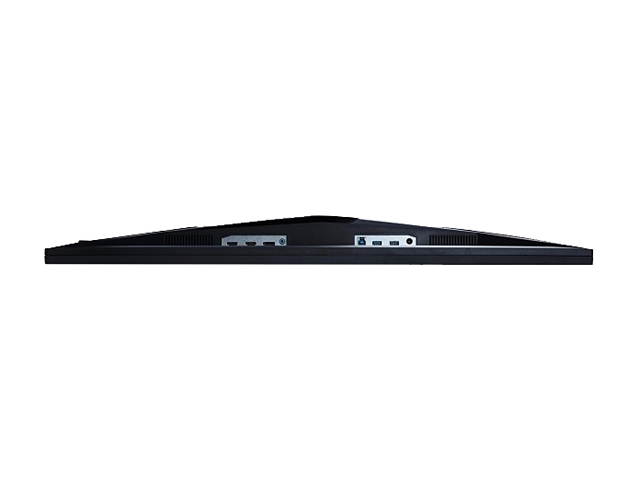
| Connectors | HDMI, DisplayPort |
| HDMI | 2 x HDMI 2.0 |
| Thunderbolt 2 | No |
| DisplayPort | 1 |
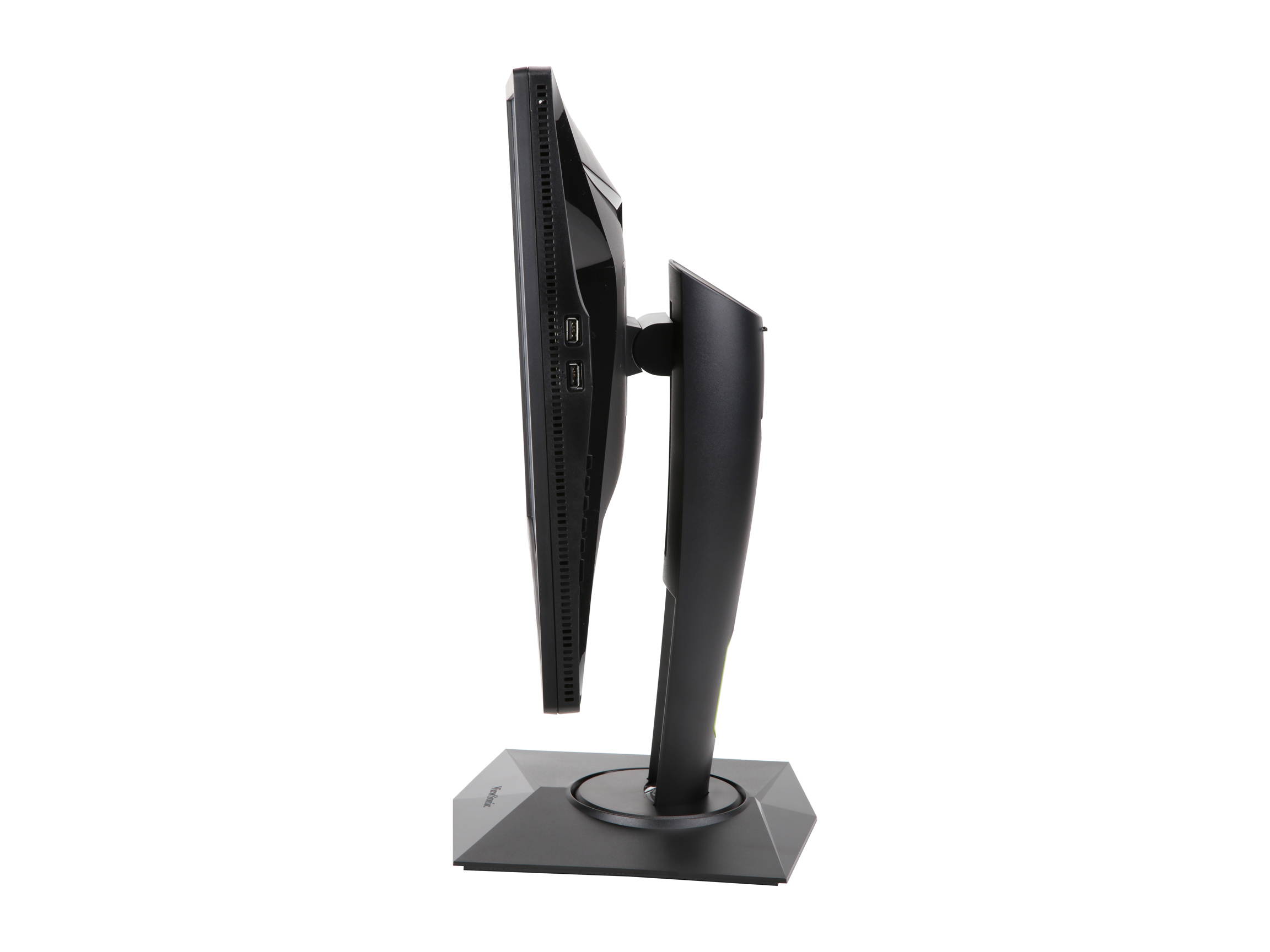
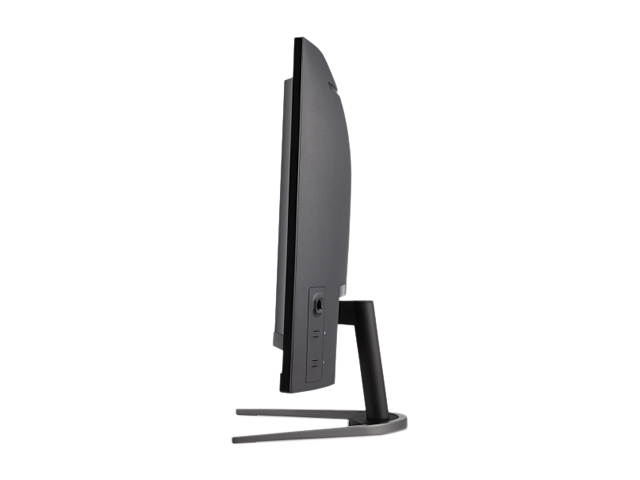
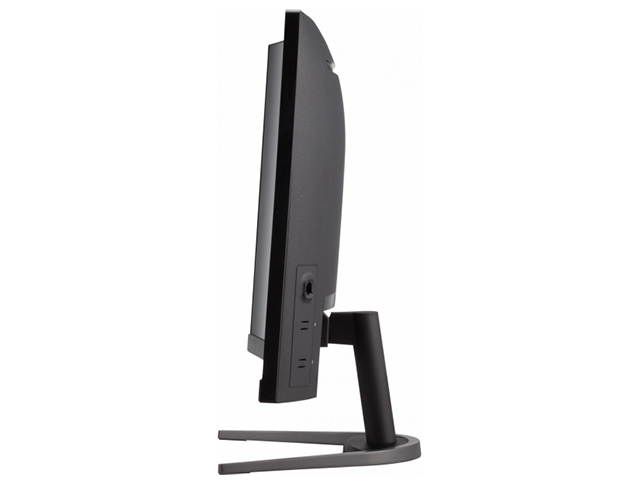
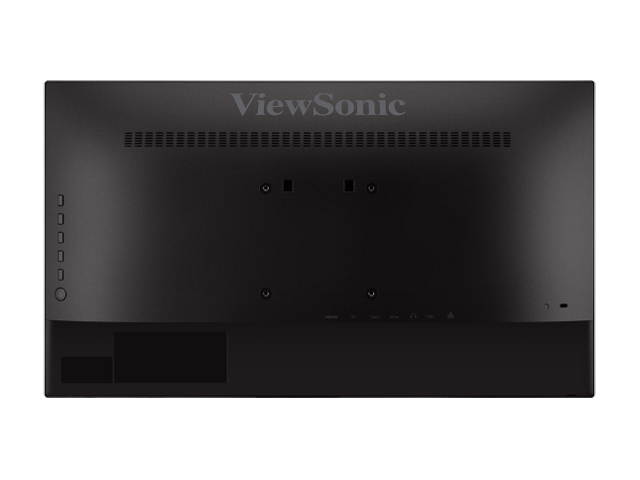
| USB 3.0 | 4 x USB 3.0 Type A 1 x USB 3.0 Type B |
| Power Supply | AC 100-240V (universal), 50-60Hz |
| Power Consumption | Eco Mode (conserve): 33W Eco Mode (optimized): 42W Consumption (typical): 50W Consumption (max): 92W Stand-by: 0.5W |
| User Controls | Physical Controls: Key Buttons 1, 2, 3, 4, 5, 6 (power) On Screen Display: Auto Image Adjust, Contrast/Brightness, Input Select, Audio Adjust, Color Adjust, Information, Manual Image Adjust, Advanced Image Adjust, Setup Menu, Memory Recall (See user guide for complete OSD functionality) |
| Regulatory Approvals | cTUVus, FCC-B, ICES003, Energy Star, EPEAT, NRCan |
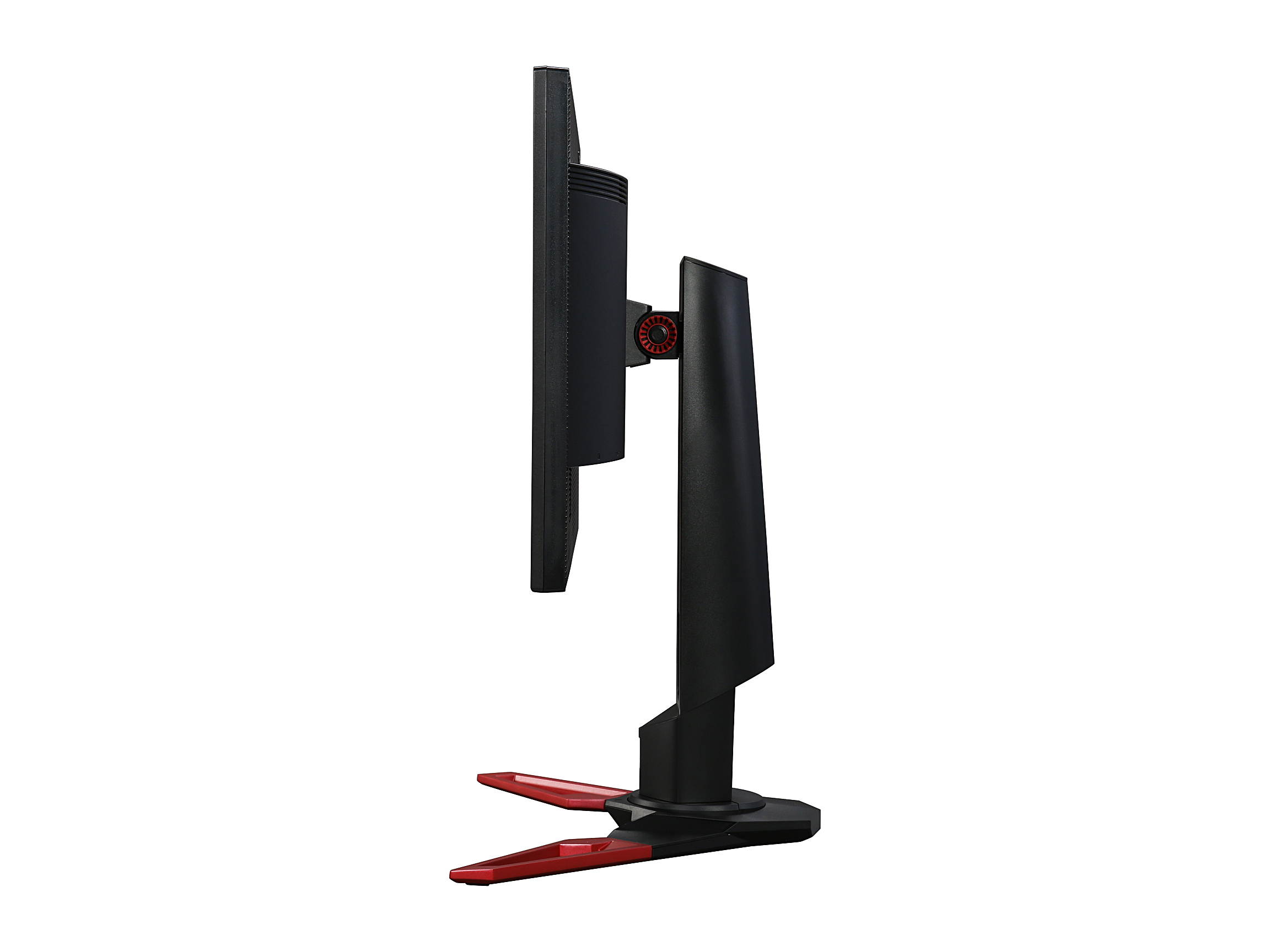
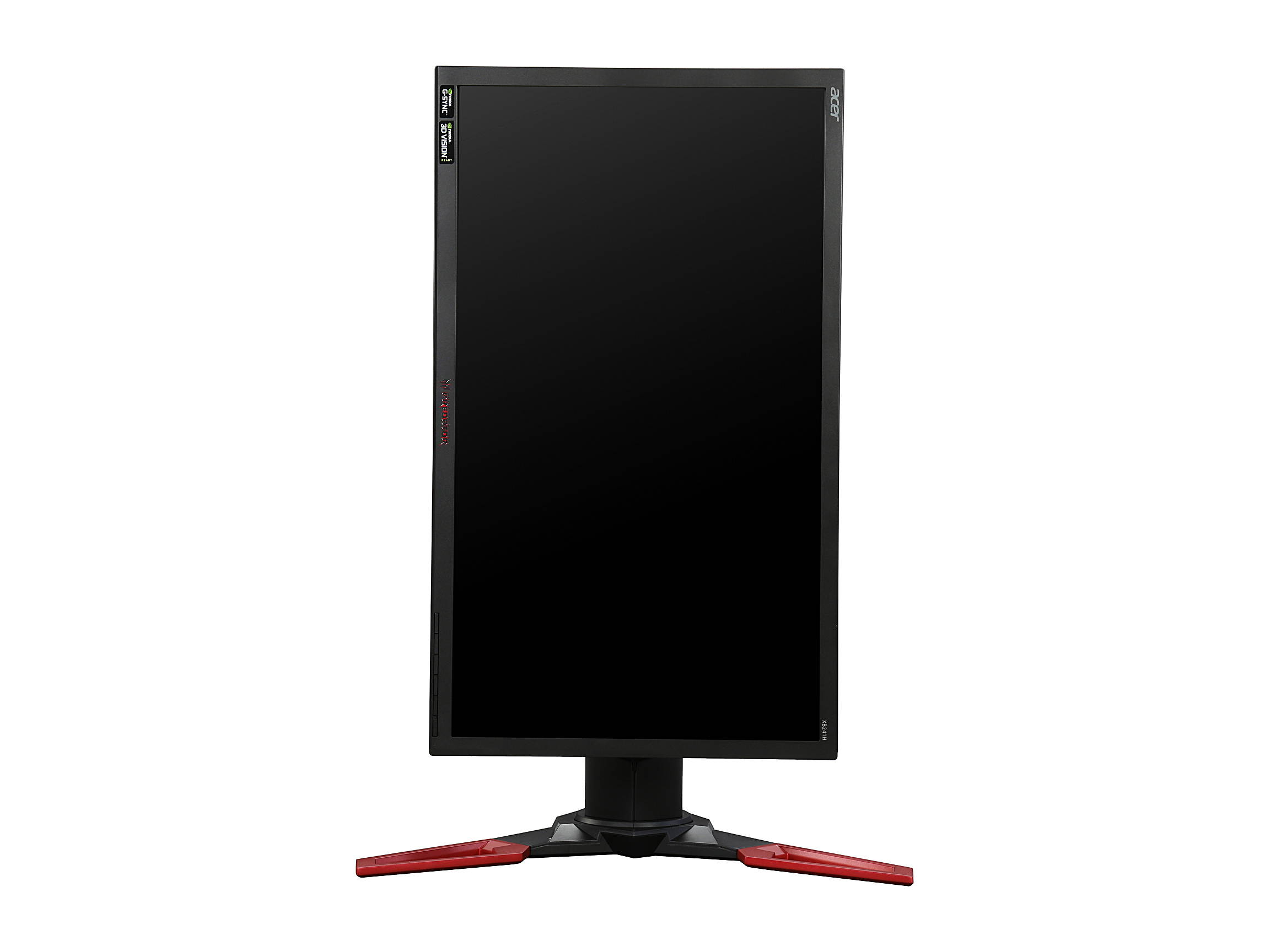
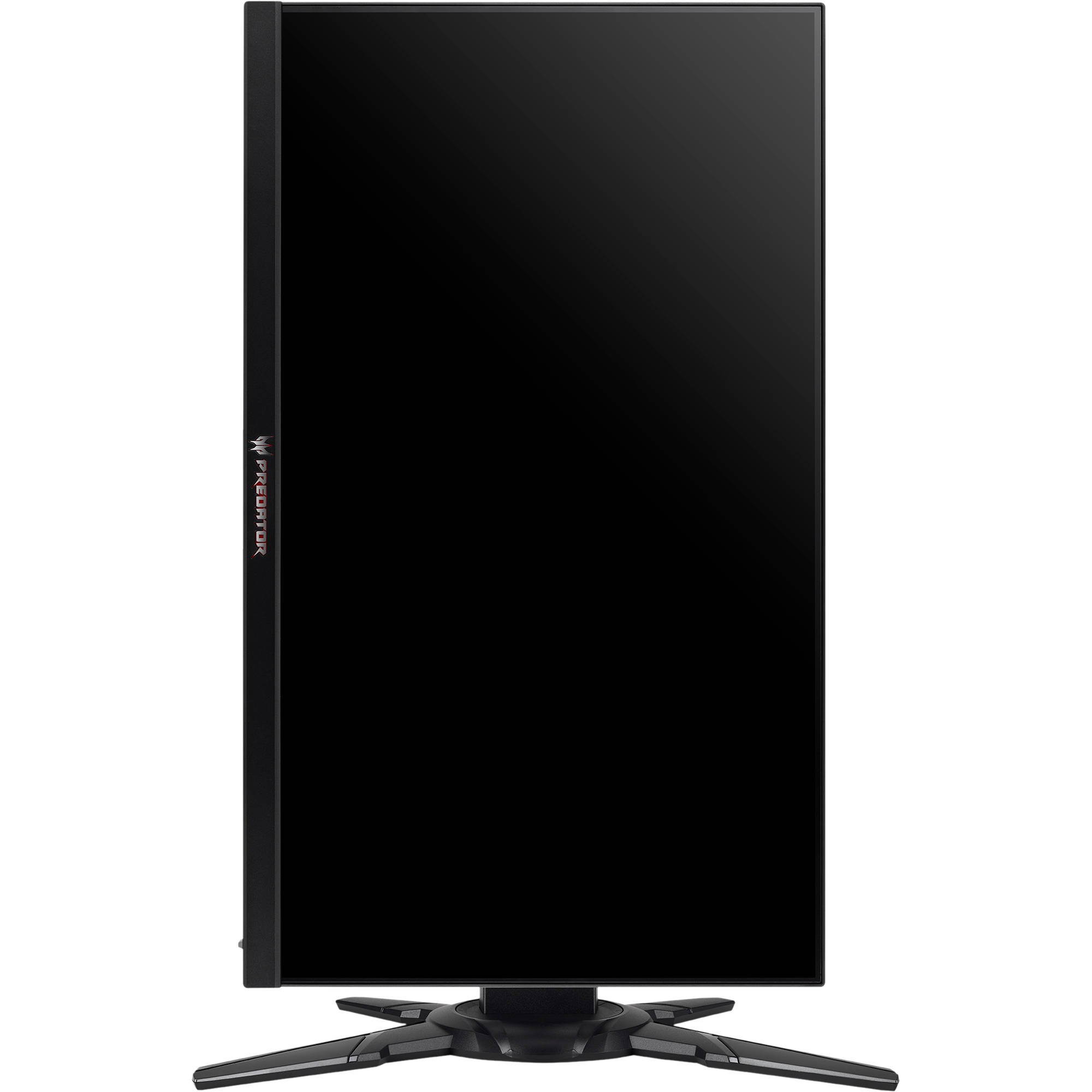
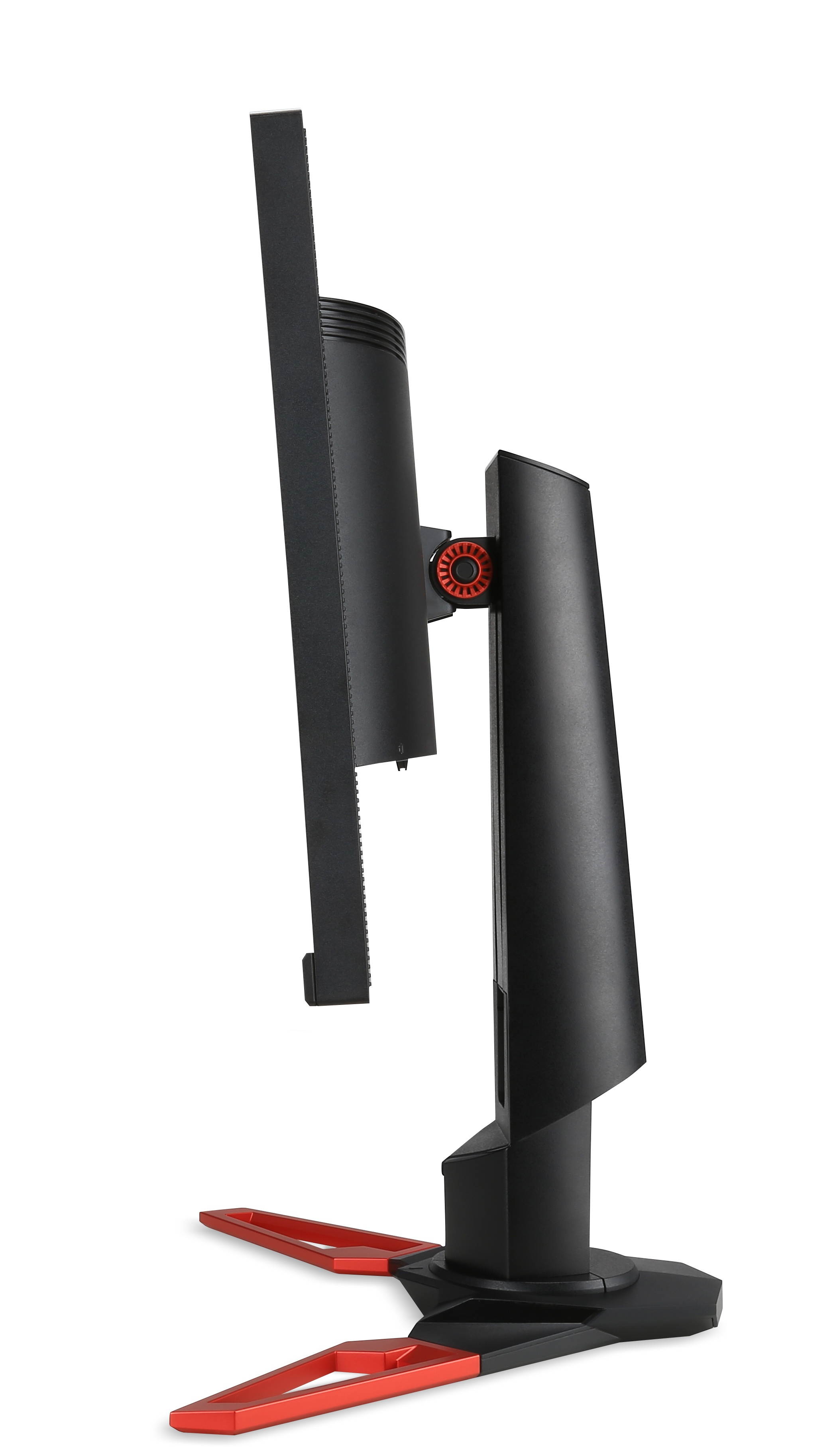
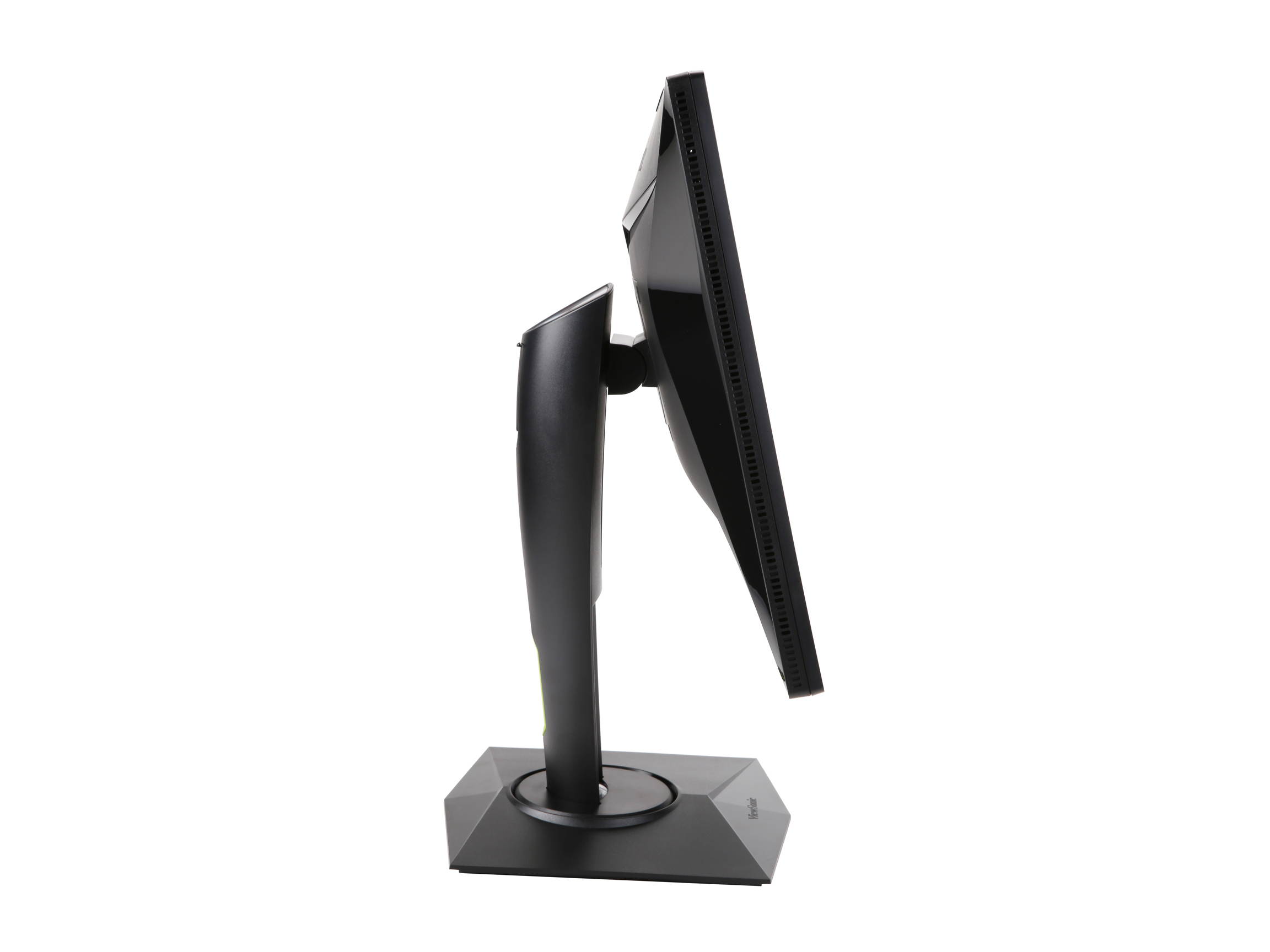
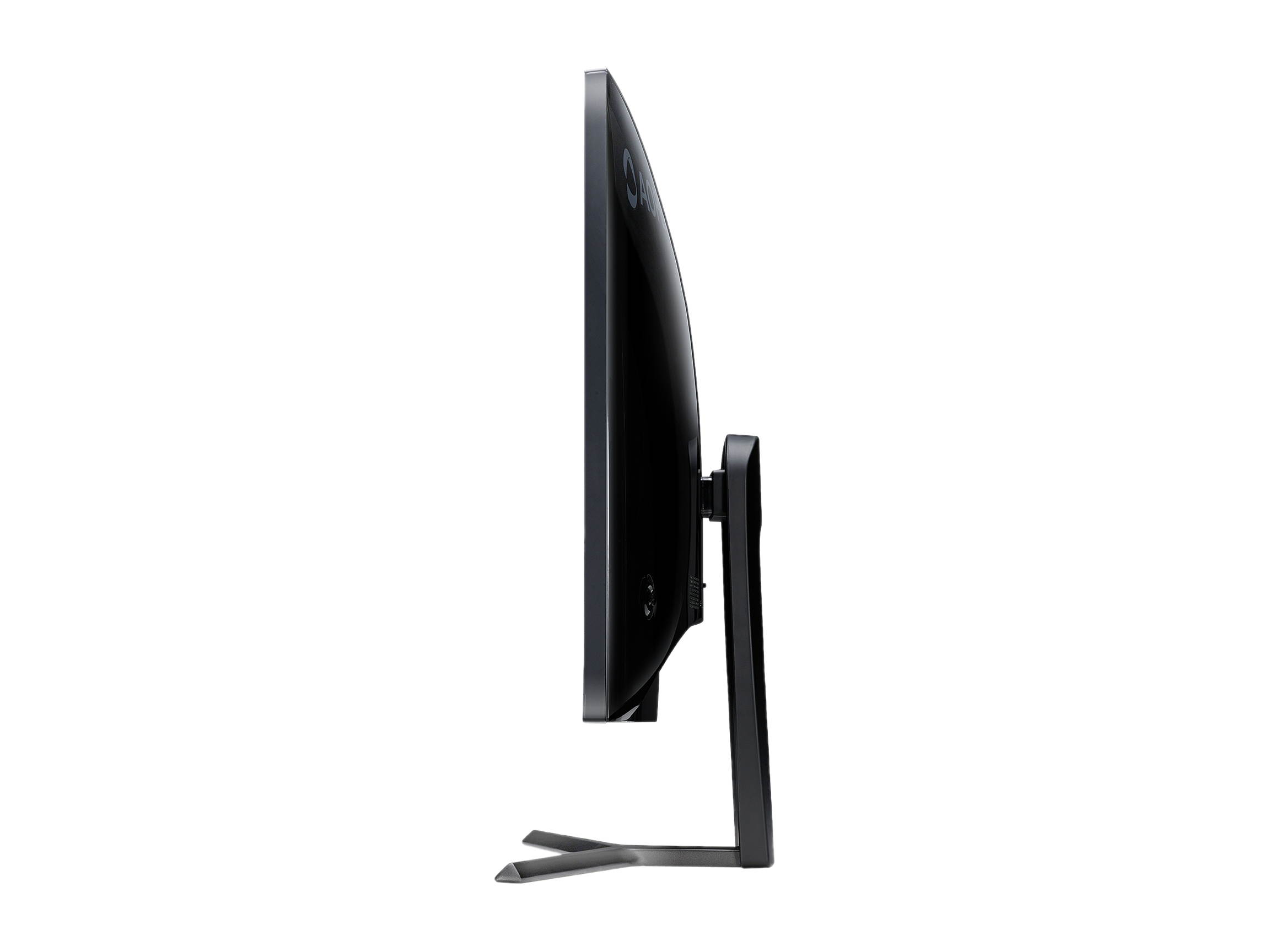
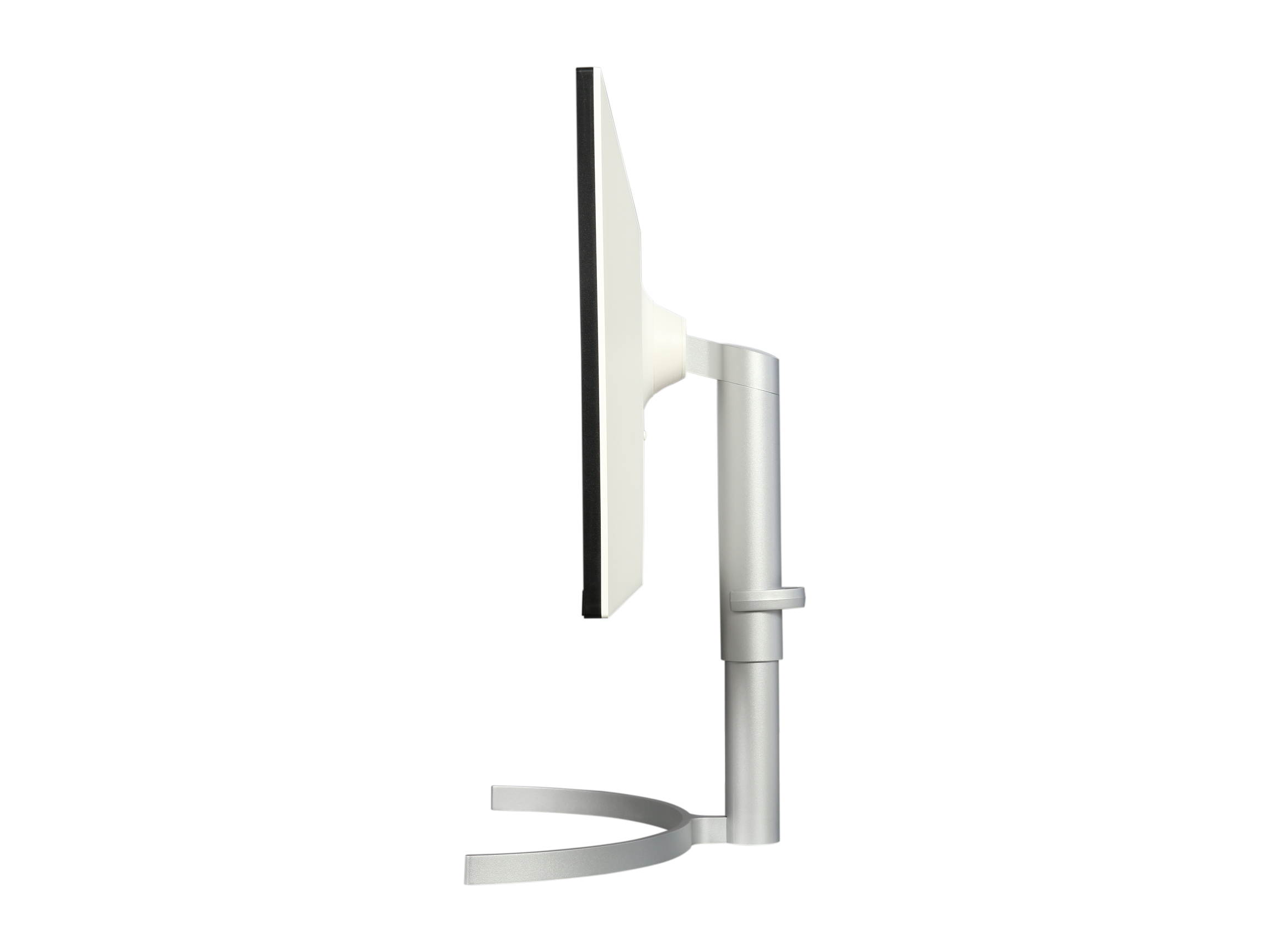
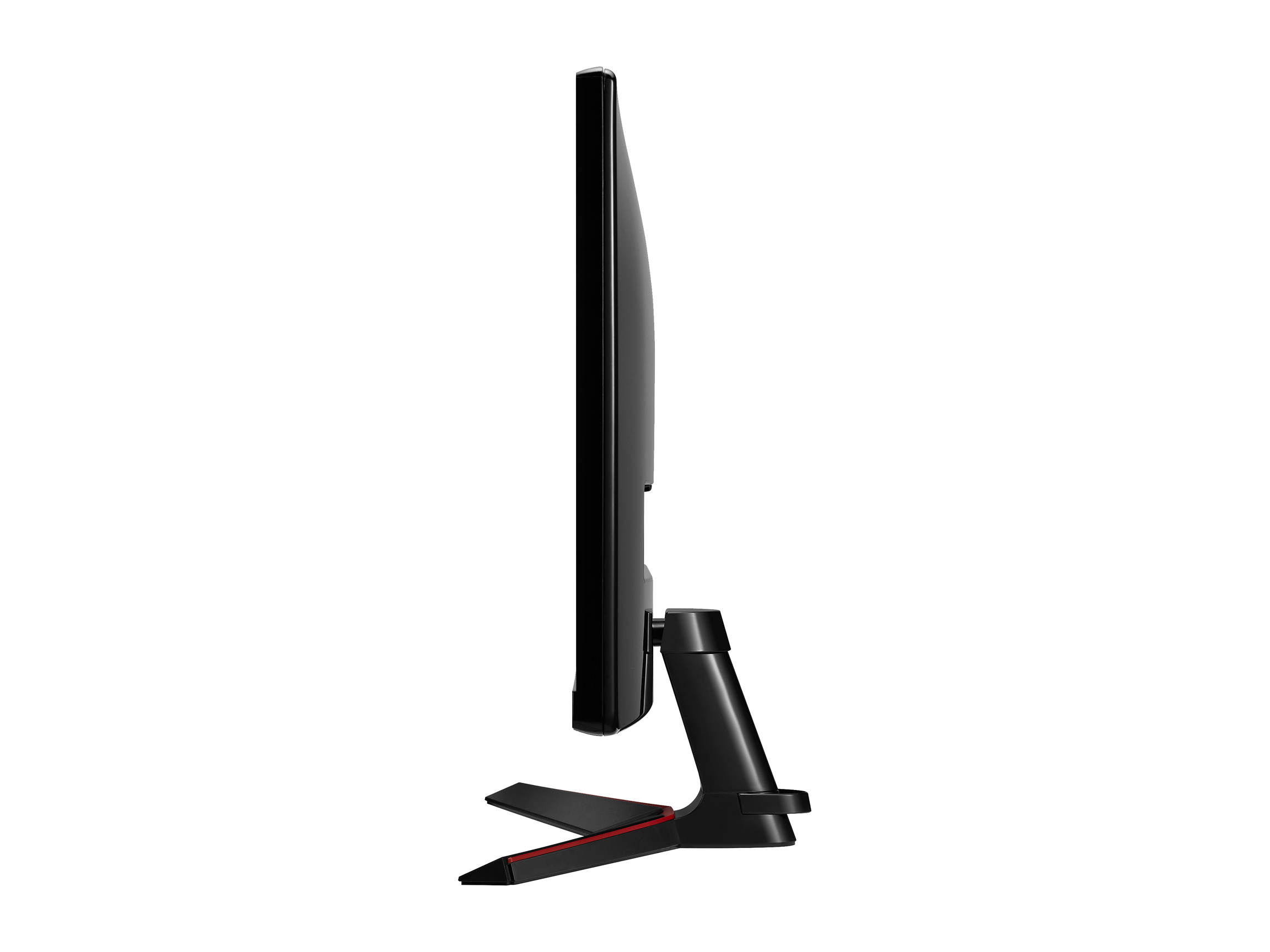
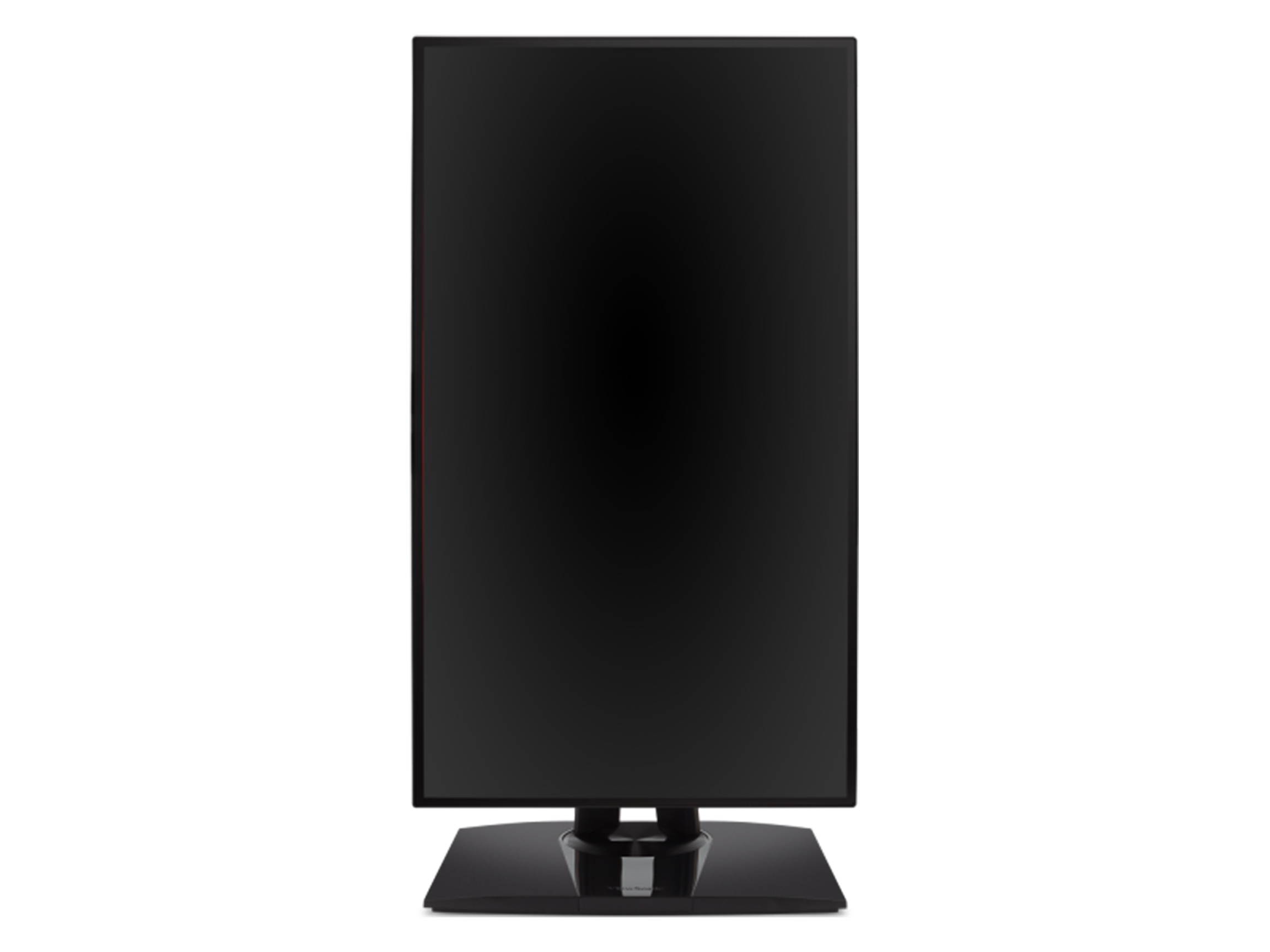
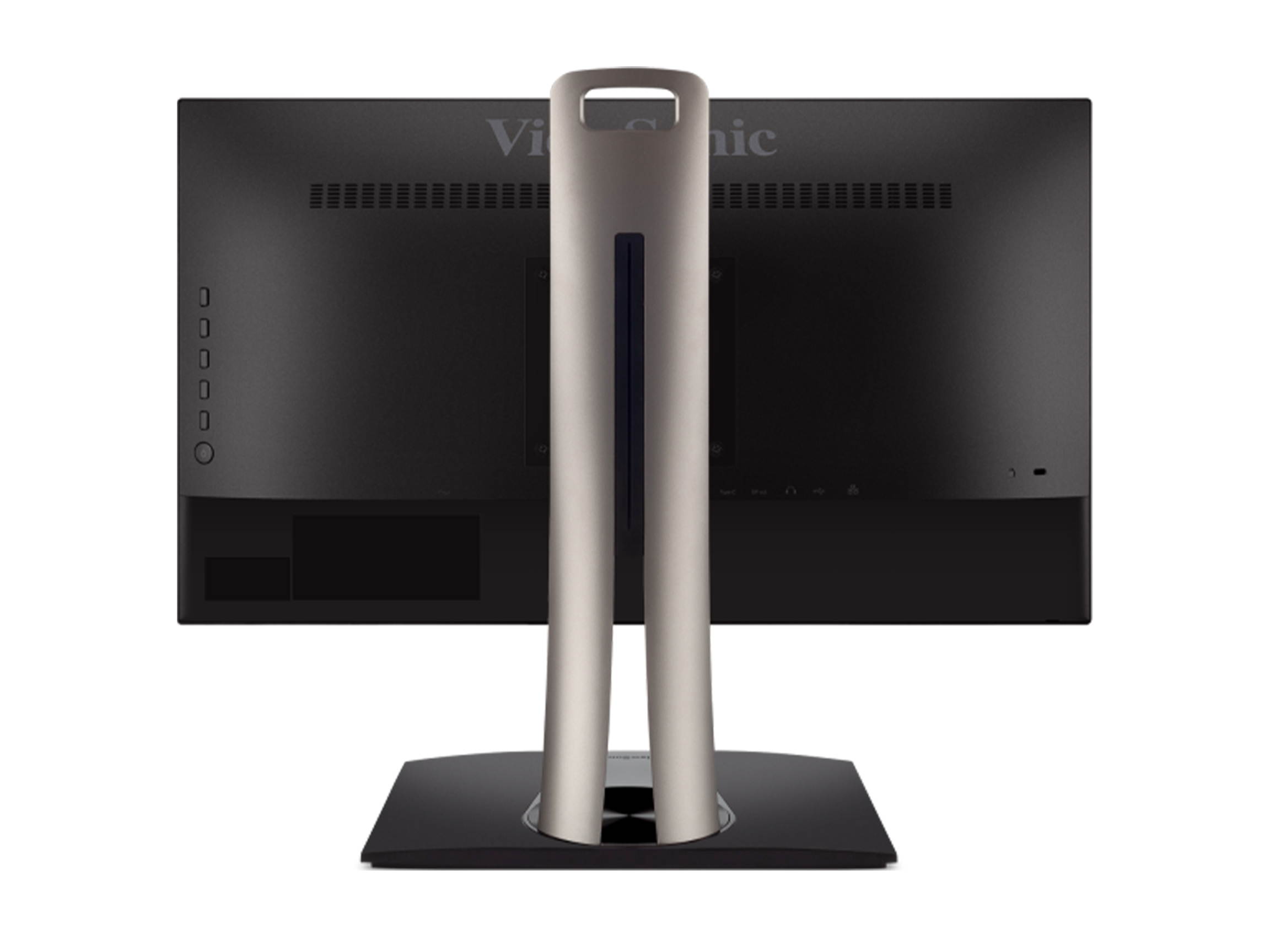
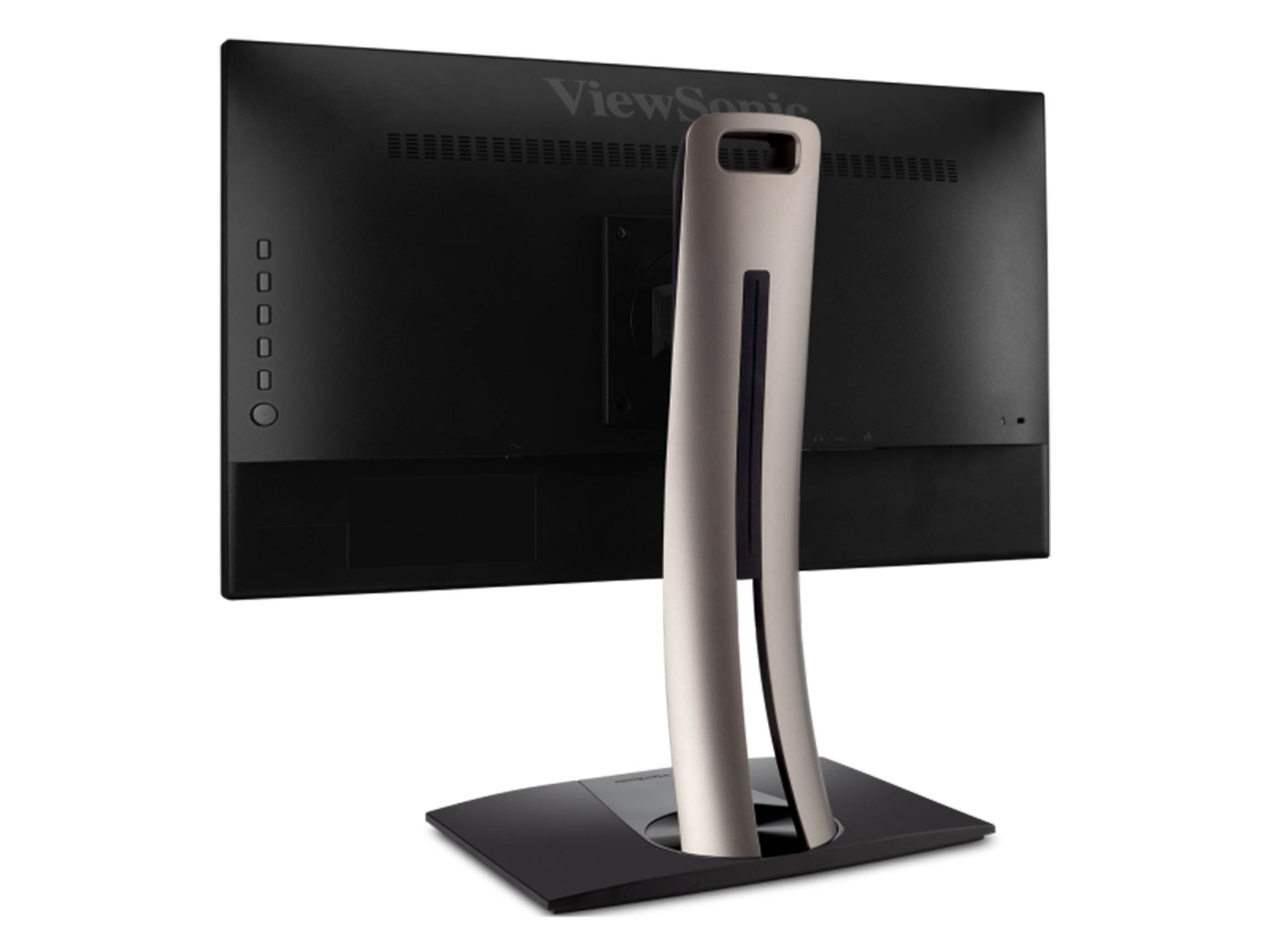
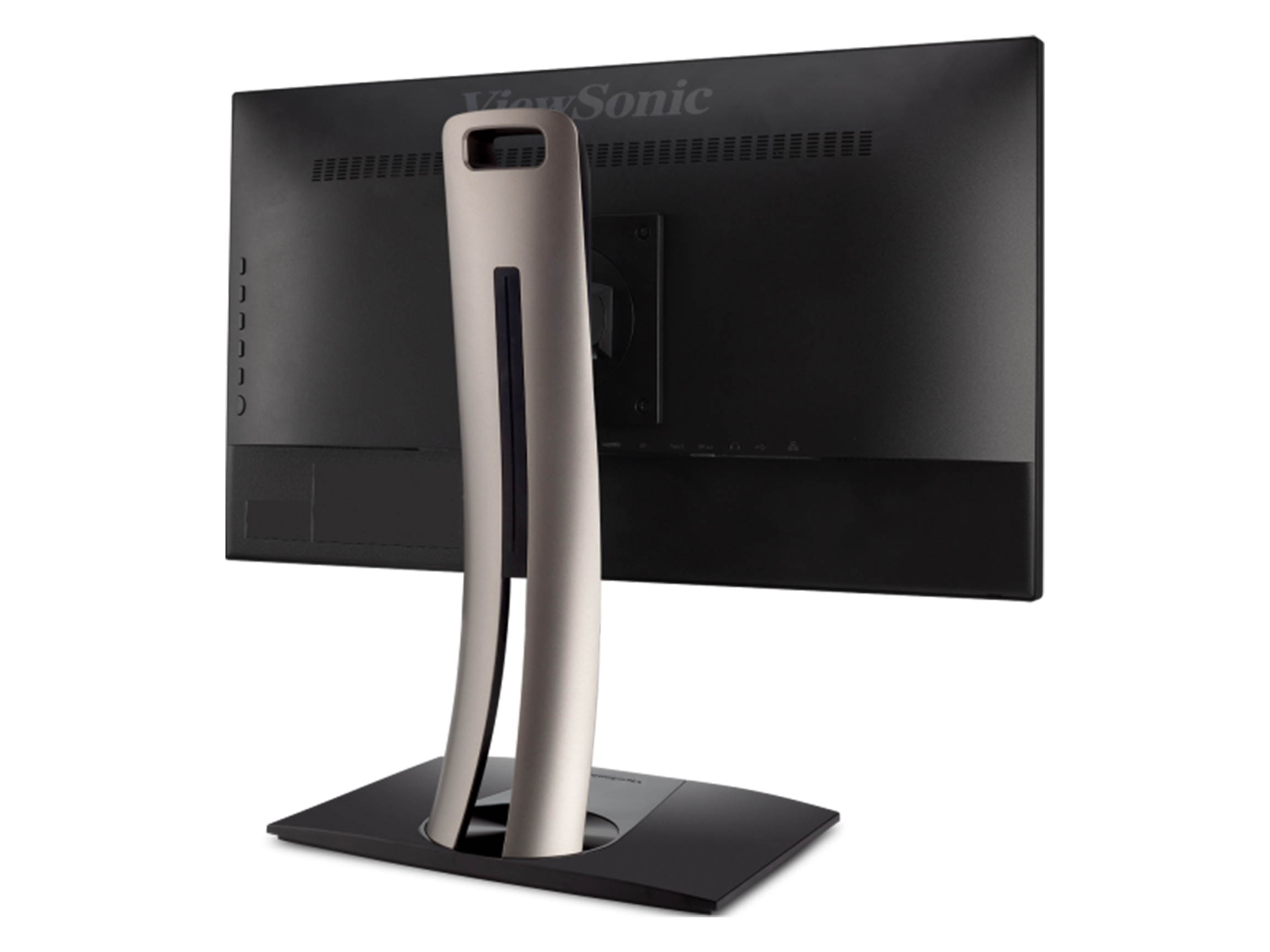
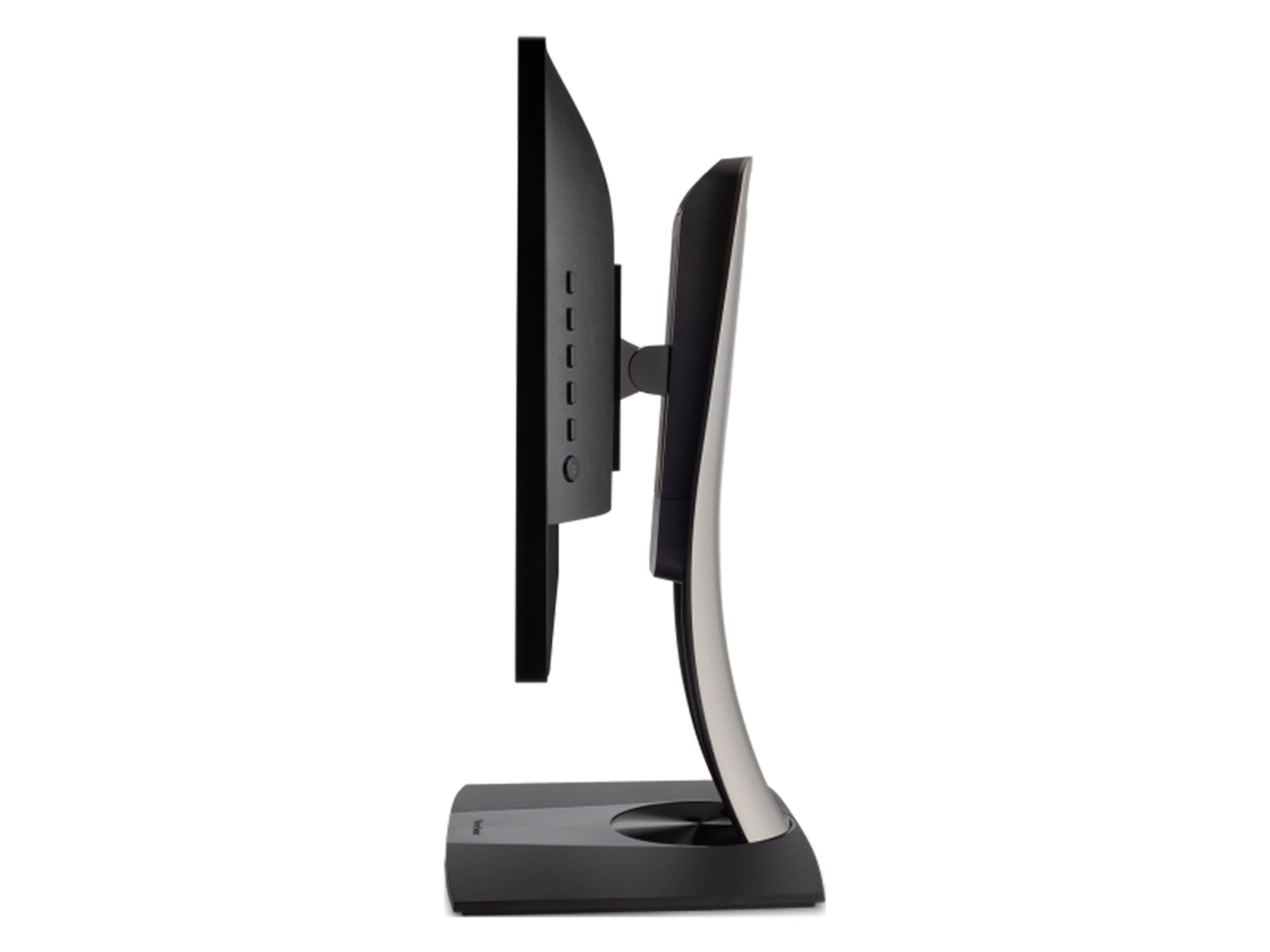
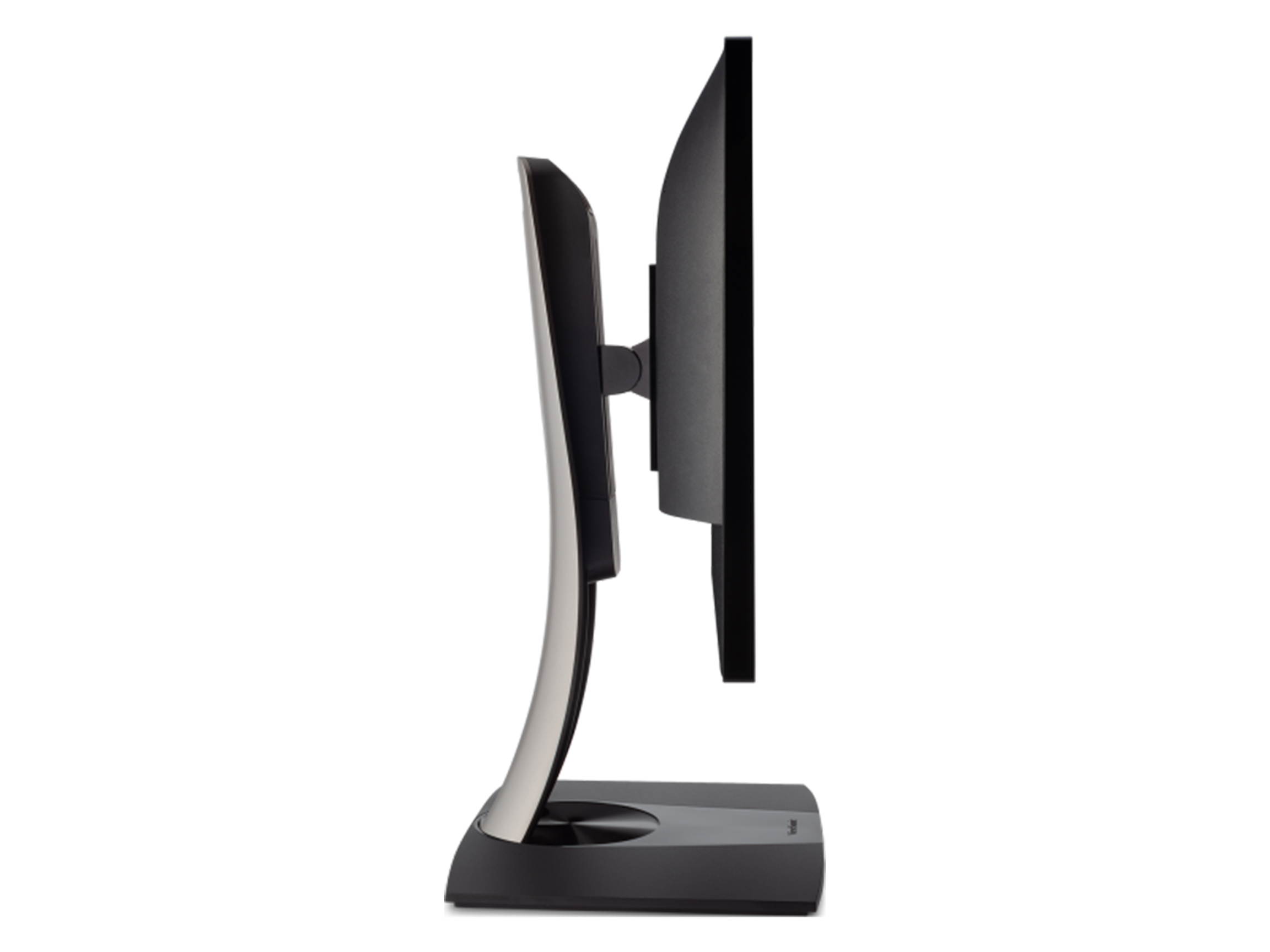
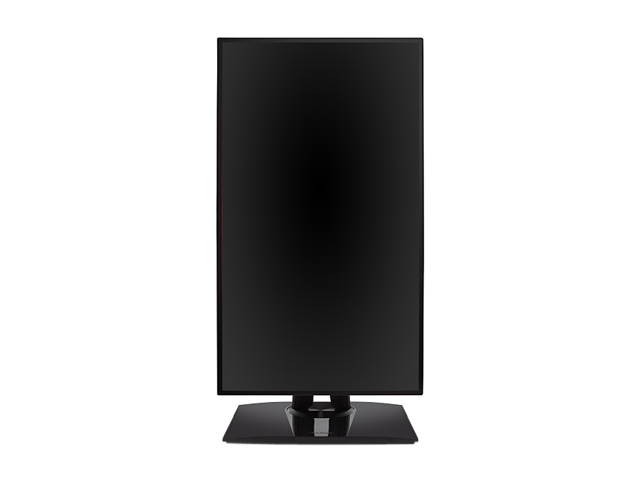
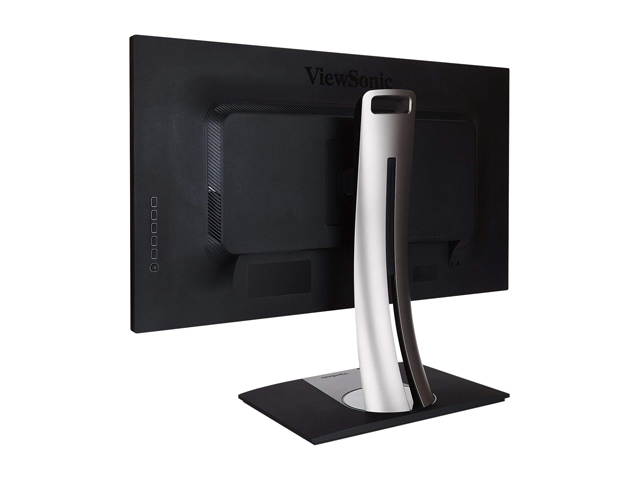
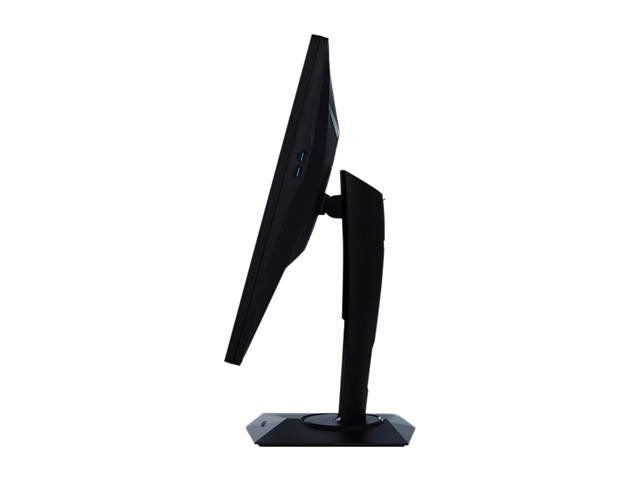
| Stand Adjustments | Height Adjust: 100mm Swivel: 90 degree Pivot (right/left): 90 / 0 degree Tilt (forward/back): 5 / 15 degree |
| Built-in Speakers | 2 x 5W |
| VESA Compatibility - Mountable | 100 x 100mm |
| Features | Stunning 4K Ultra HD resolution AMD FreeSync technology Low Input Lag 22-Level Black stabilization Next Generation Connectivity |
| Usage | Consumer |
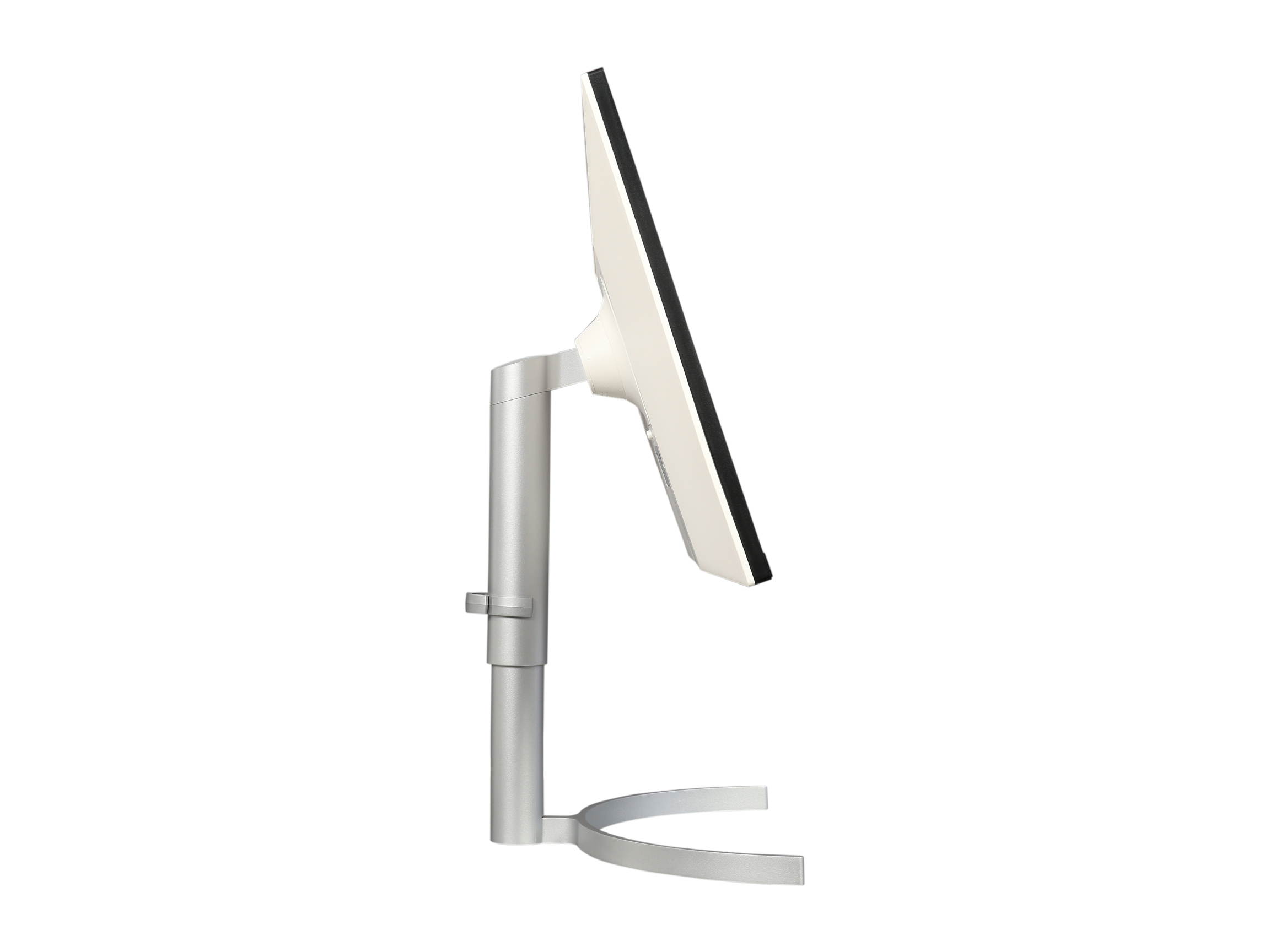
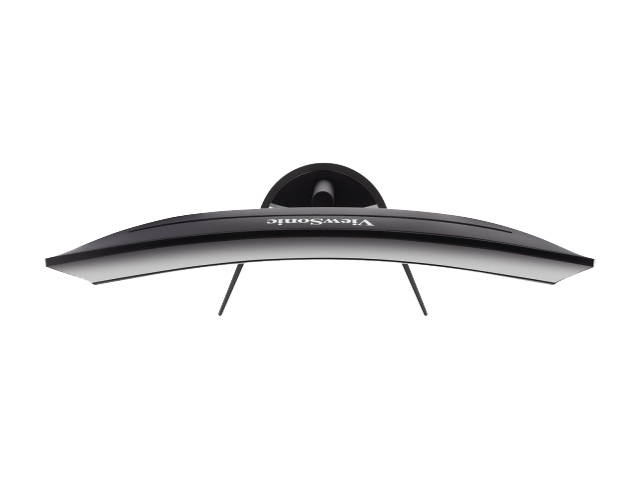
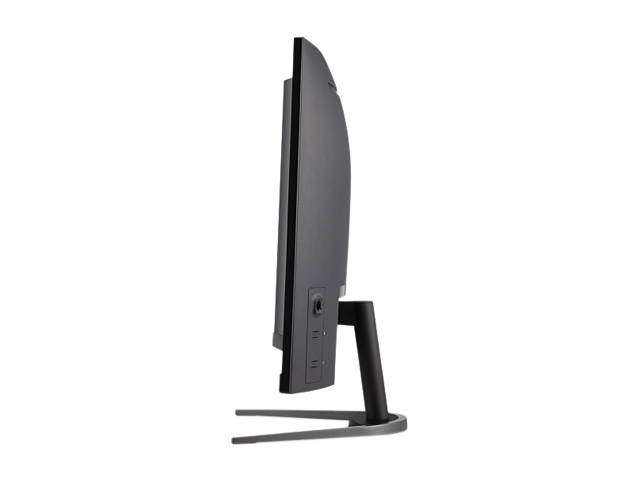
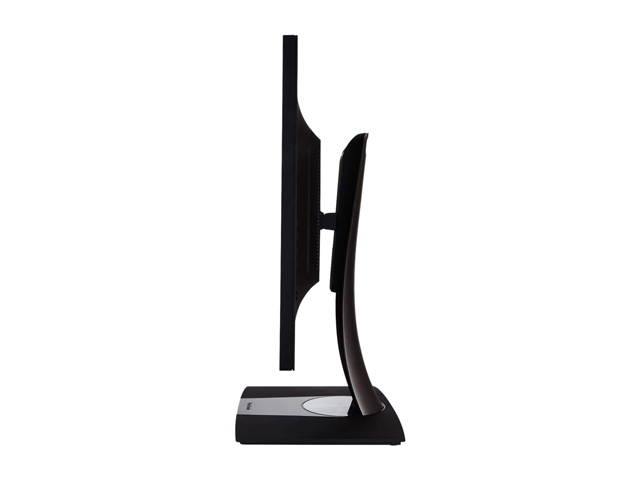
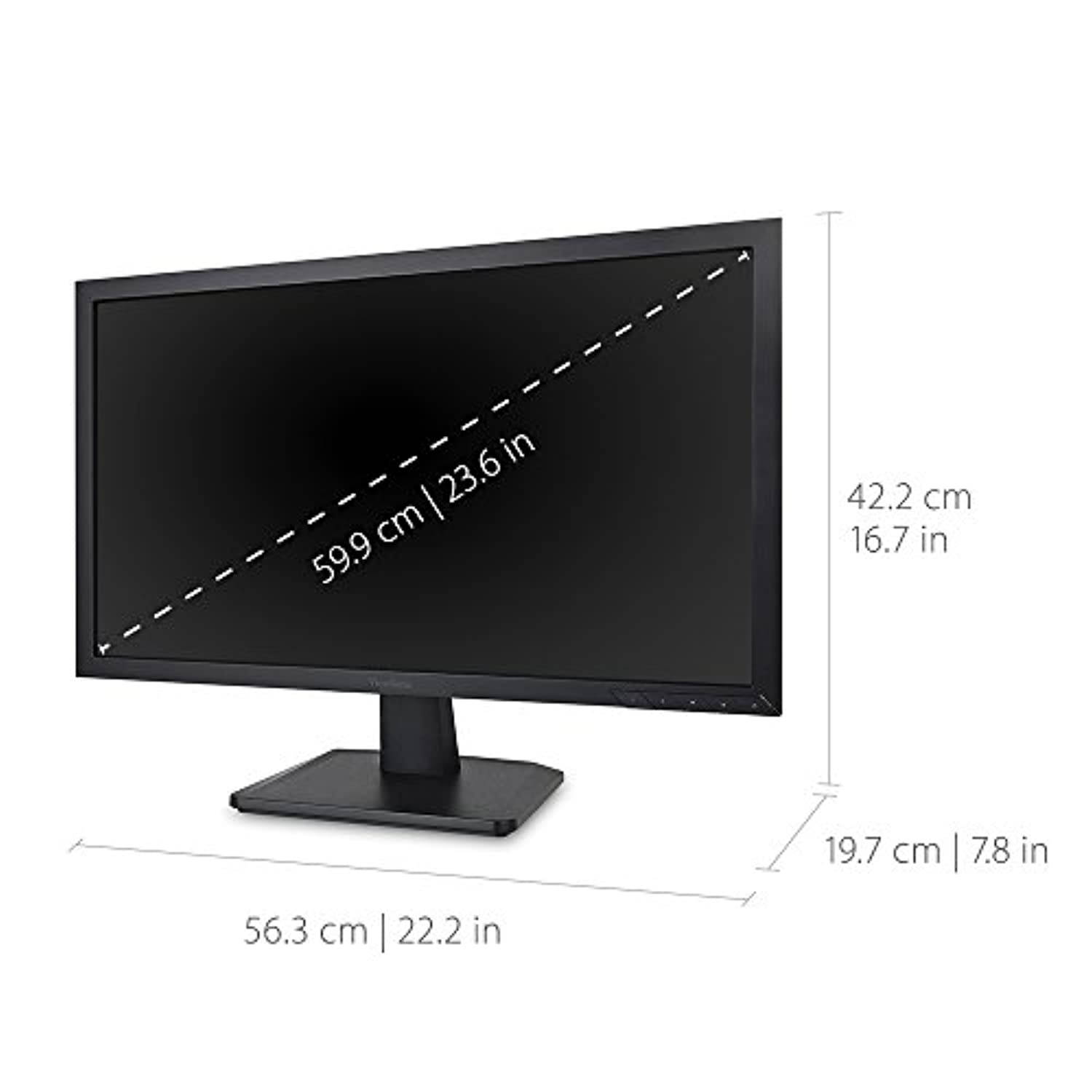
| Dimensions (H x W x D) | 18.10" x 28.60" x 10.30" w/ stand 16.80" x 28.60" x 3.00" w/o stand |
| Weight | 18.20 lbs. w/ stand 11.00 lbs. w/o stand |
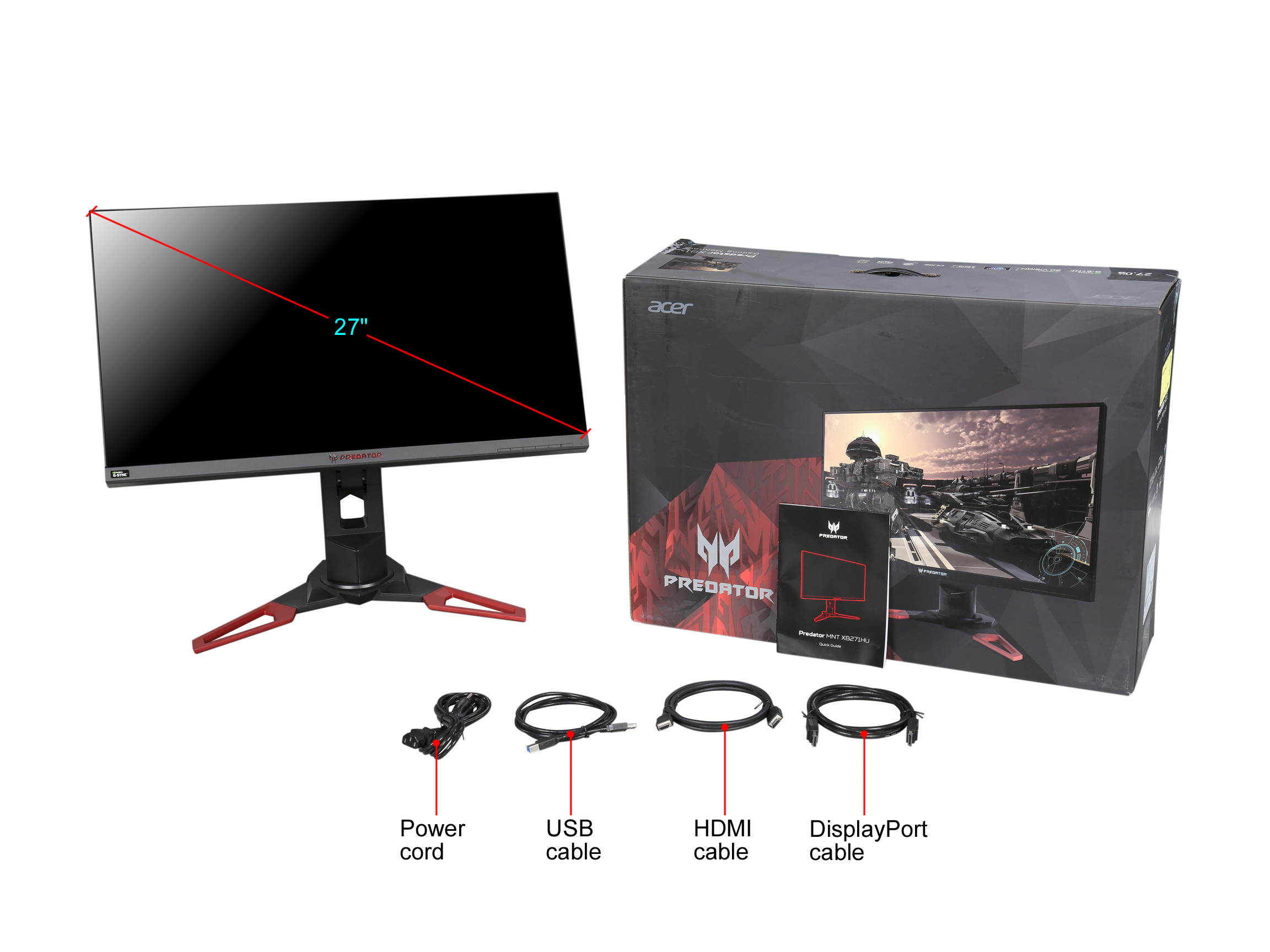
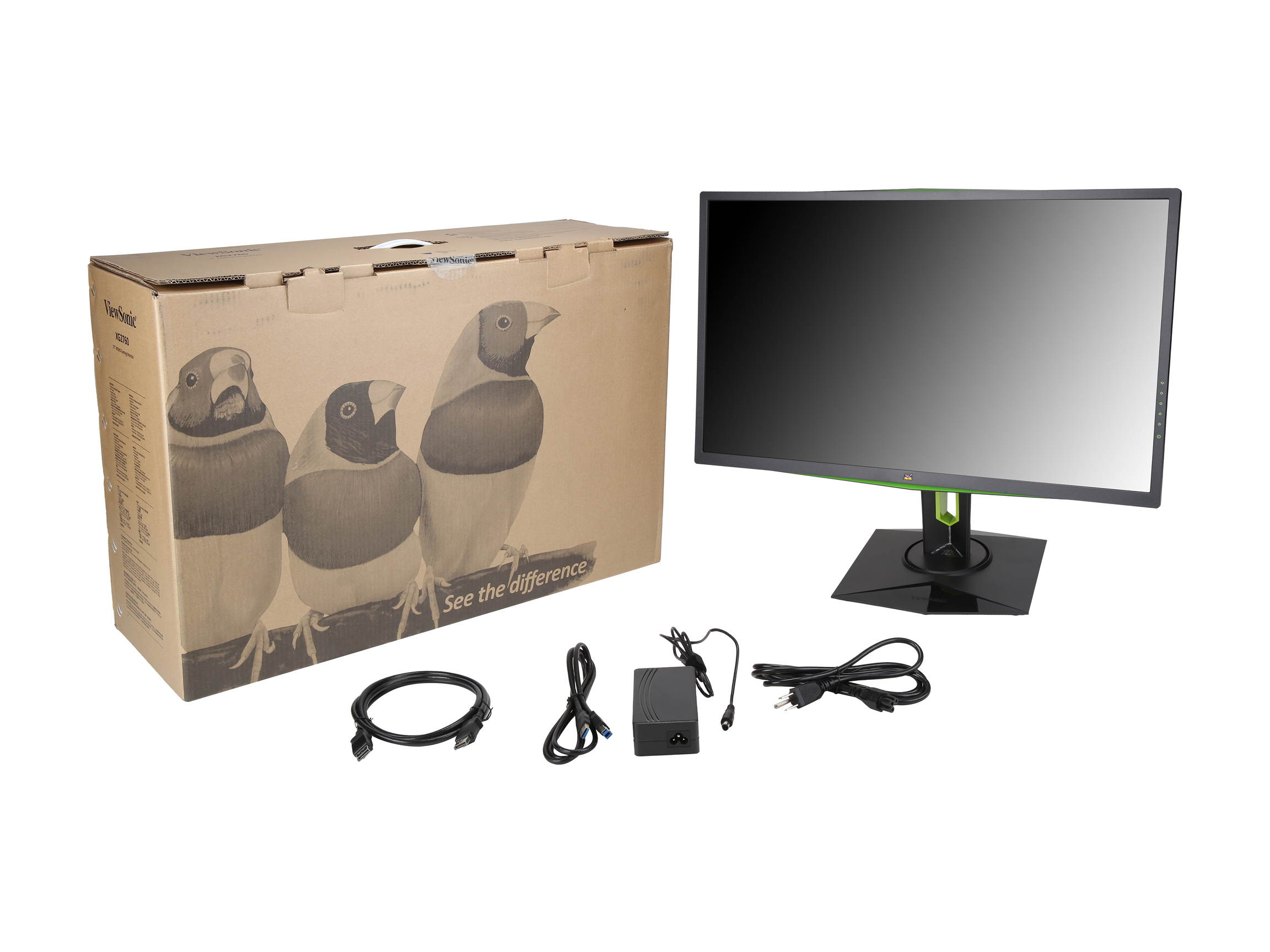
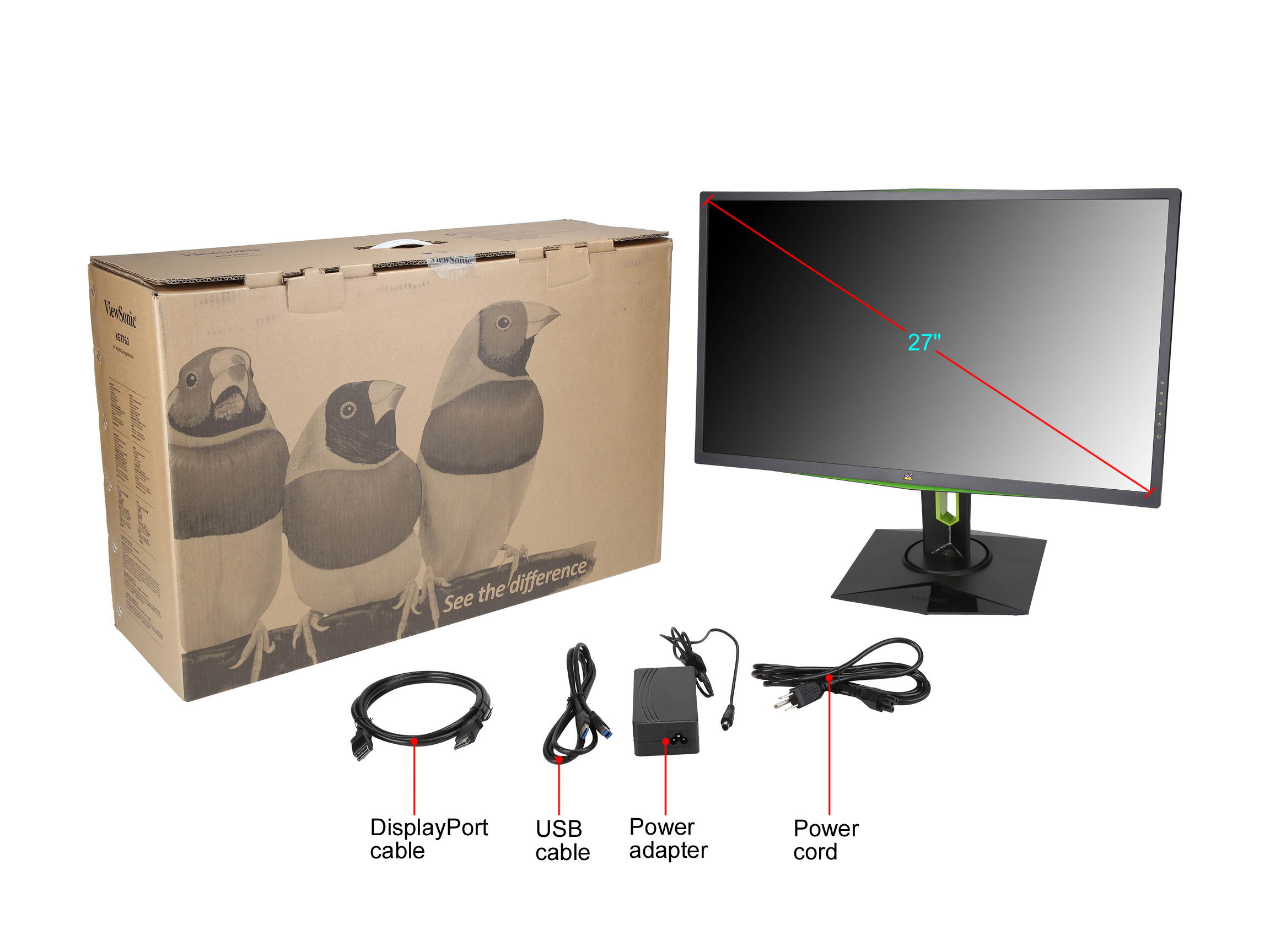
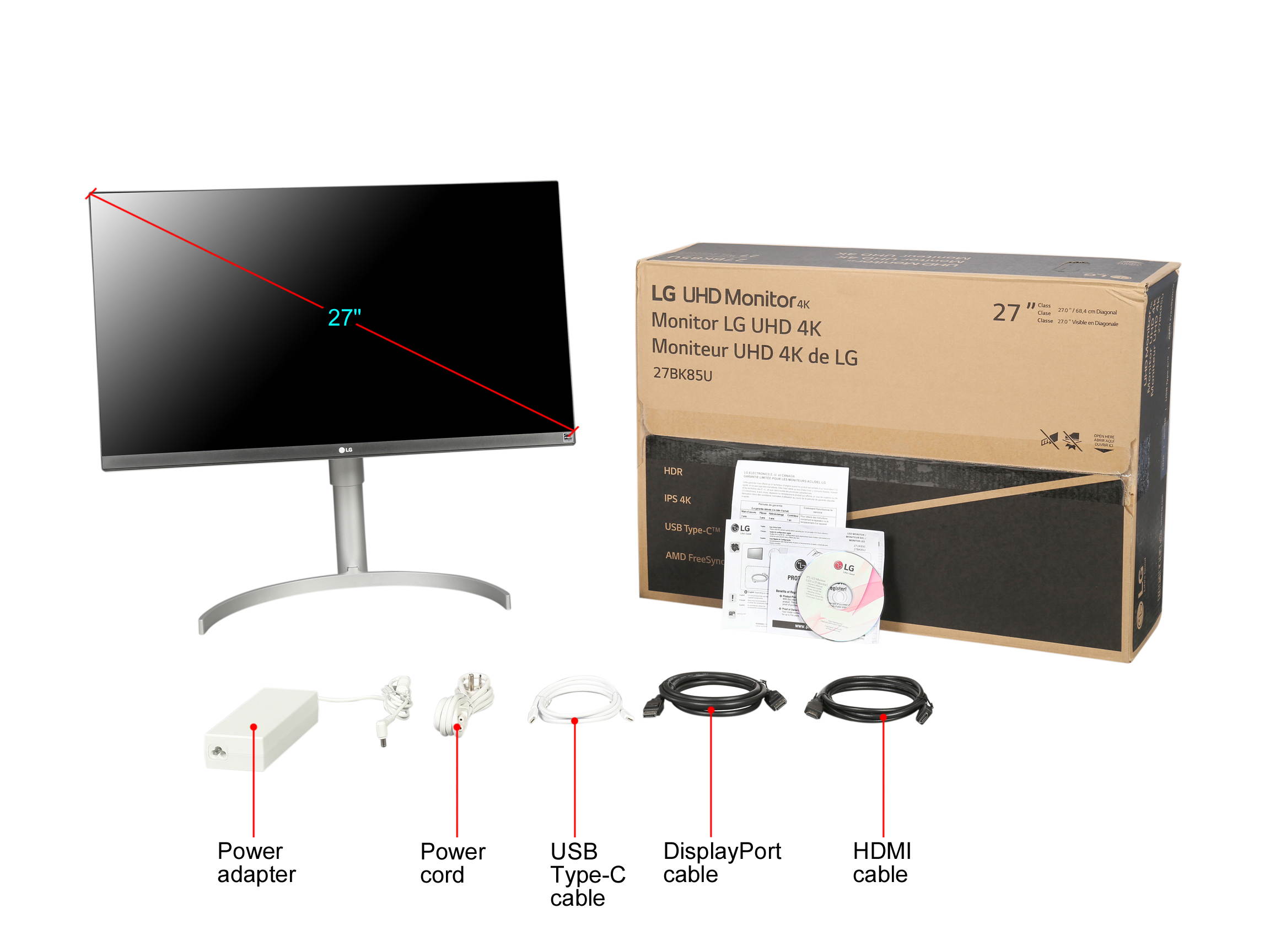
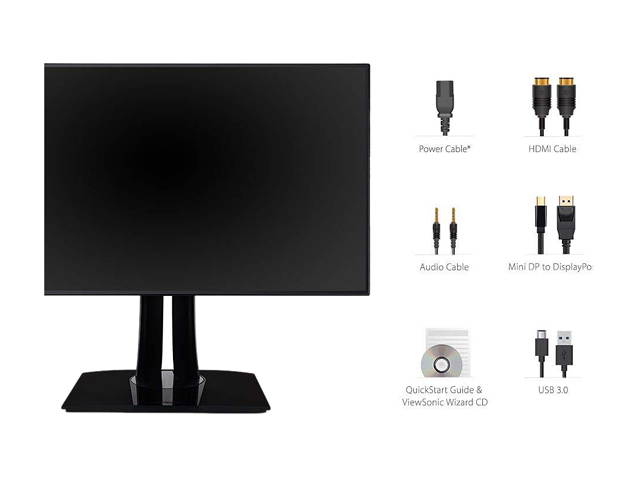
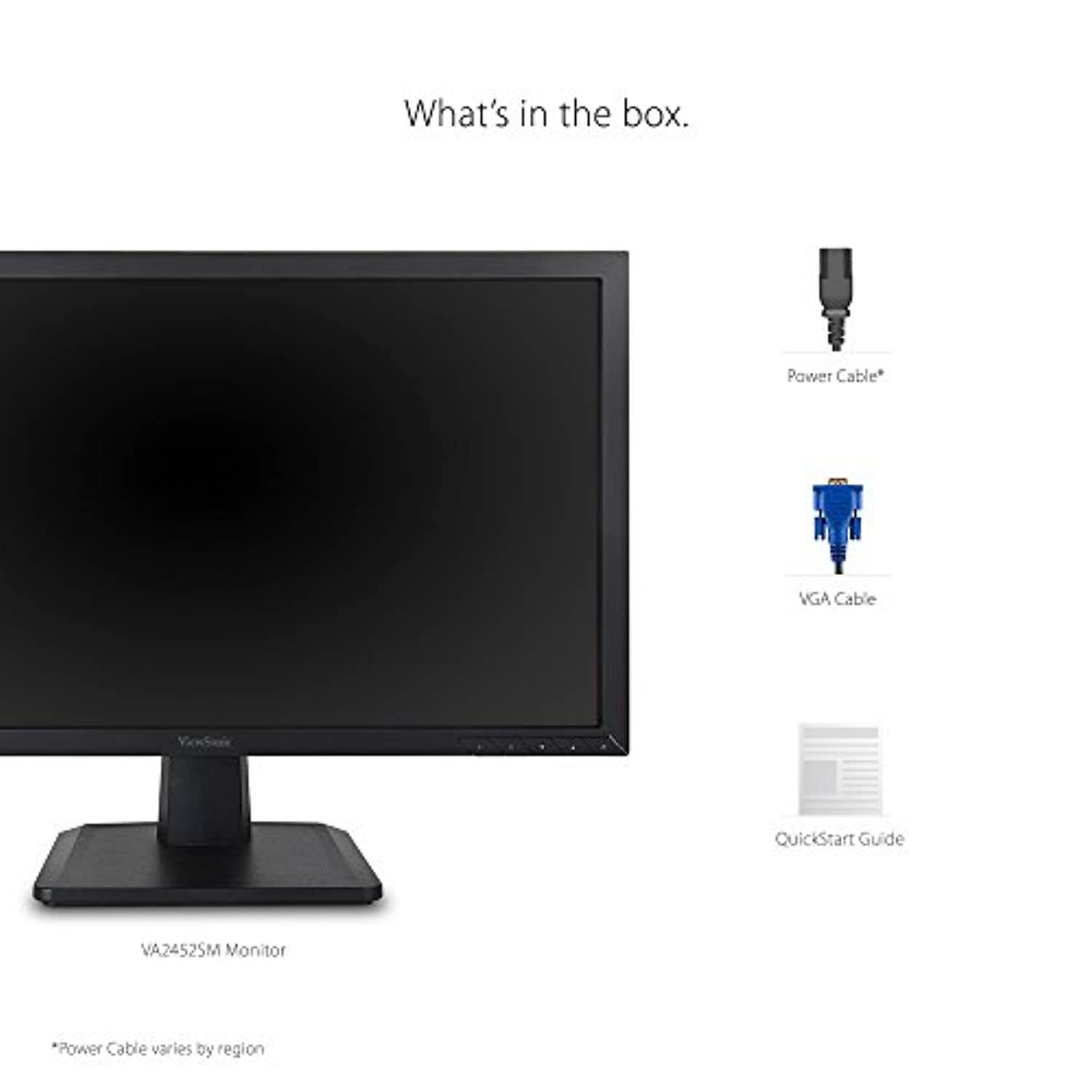
| Package Contents | XG3220 Display AC/DC Adapter Power Cable DisplayPort Cable USB3.0 Cable Quick Start Guide |
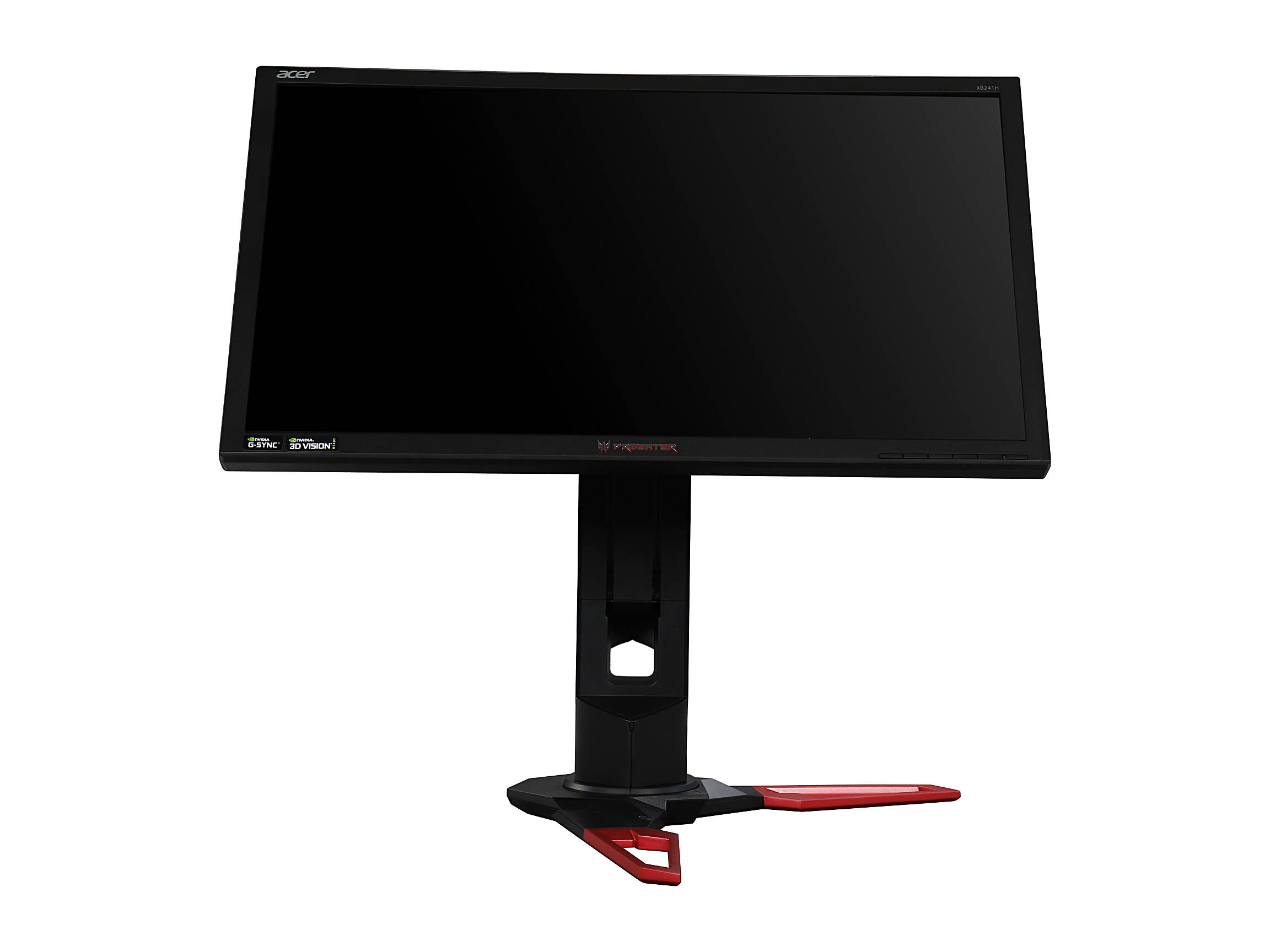
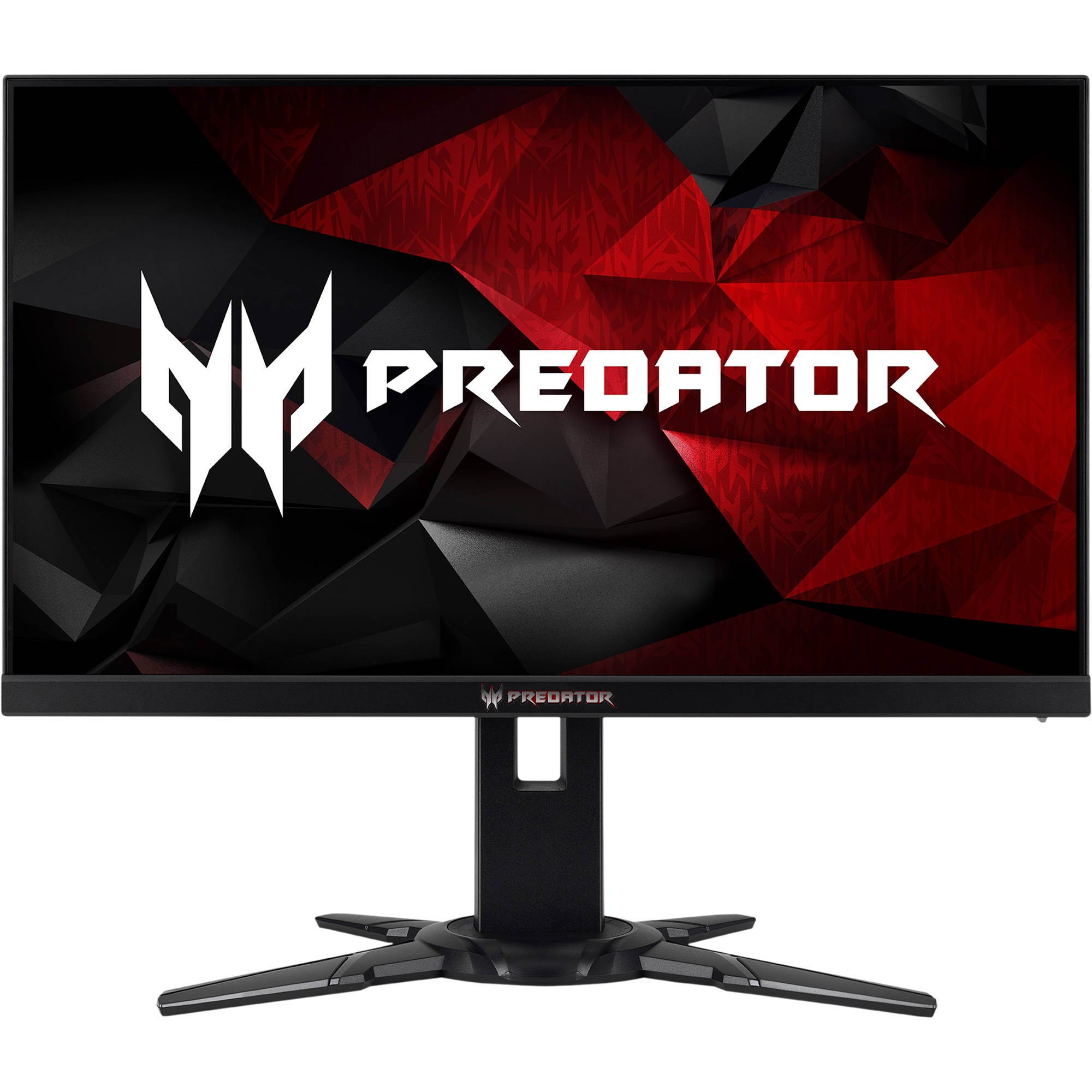
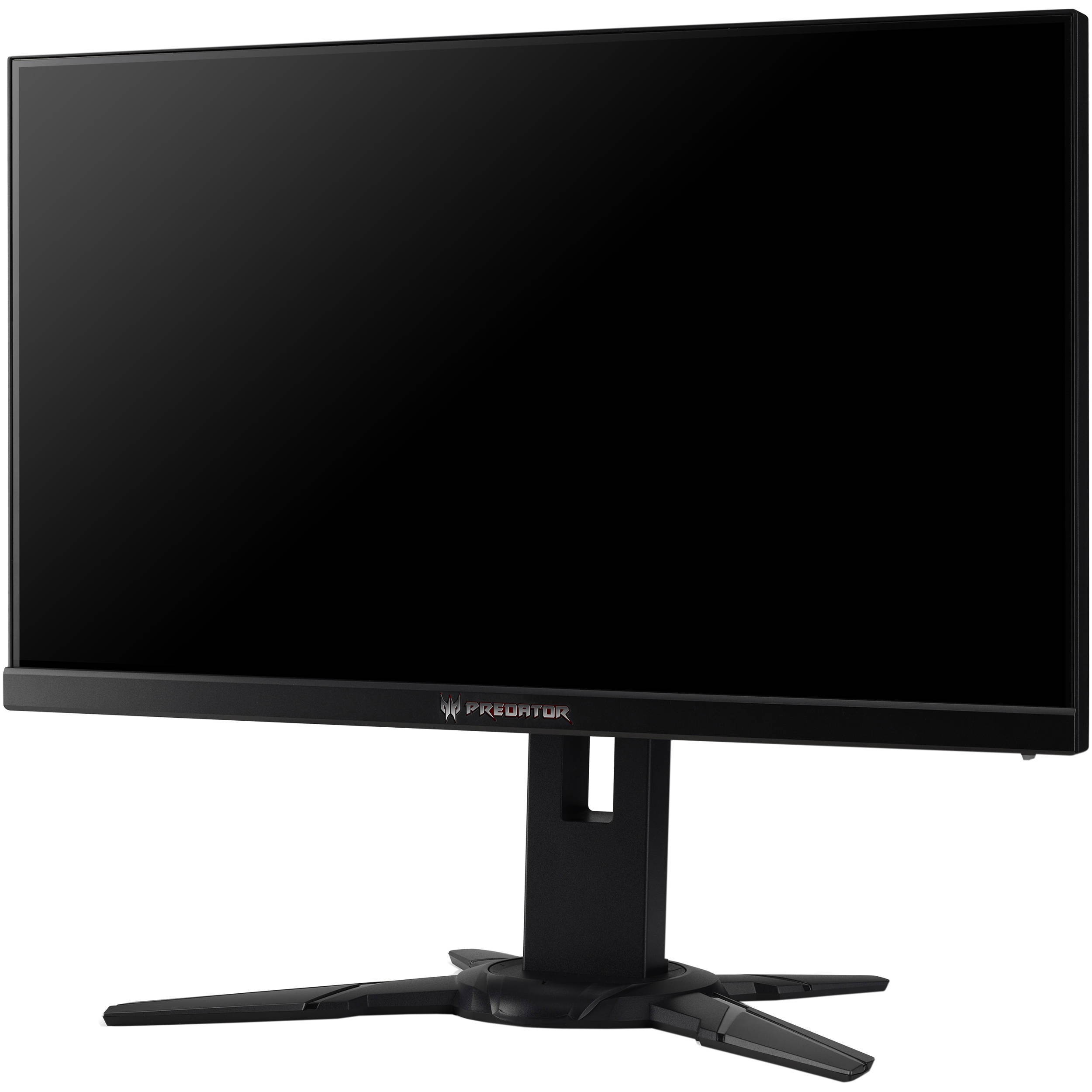
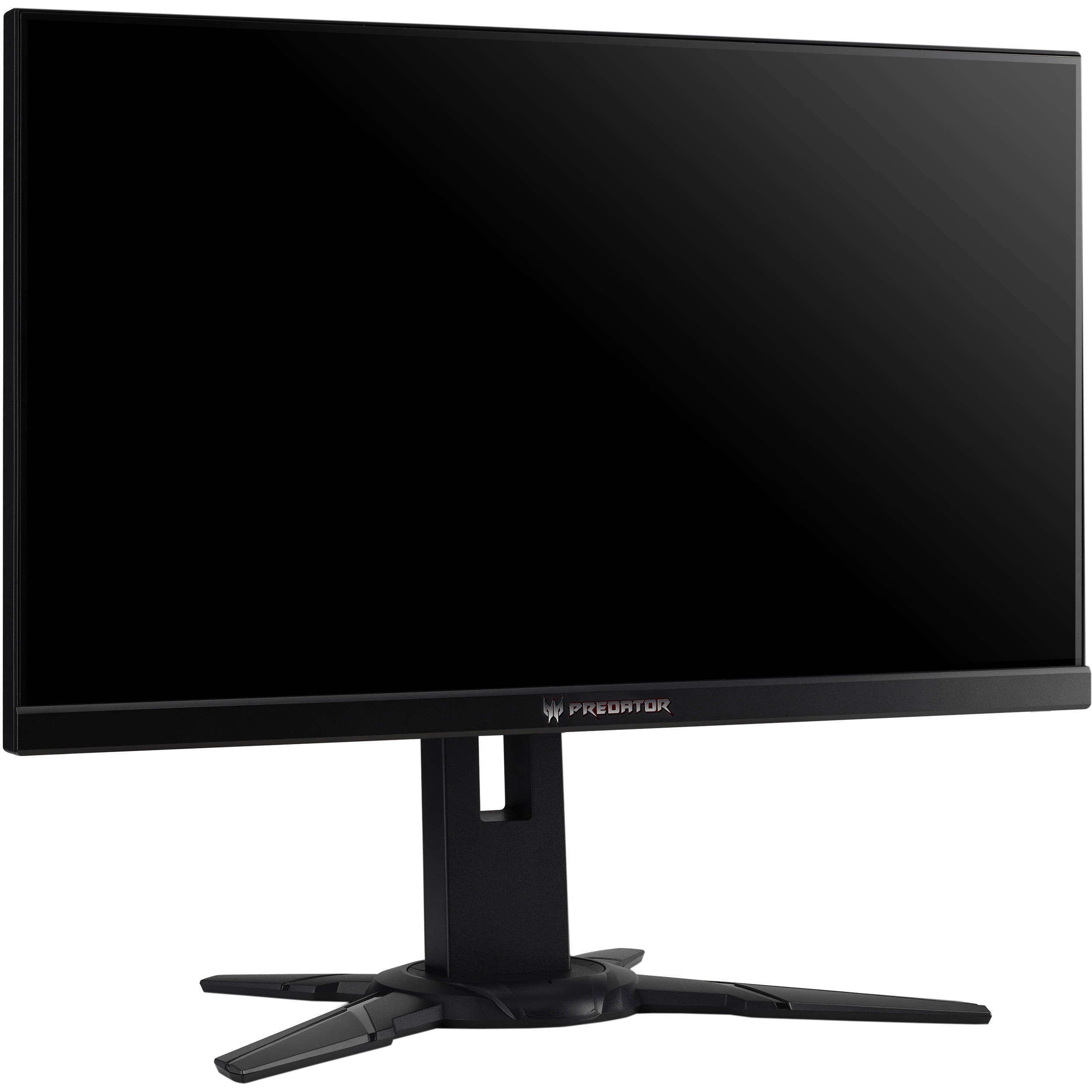
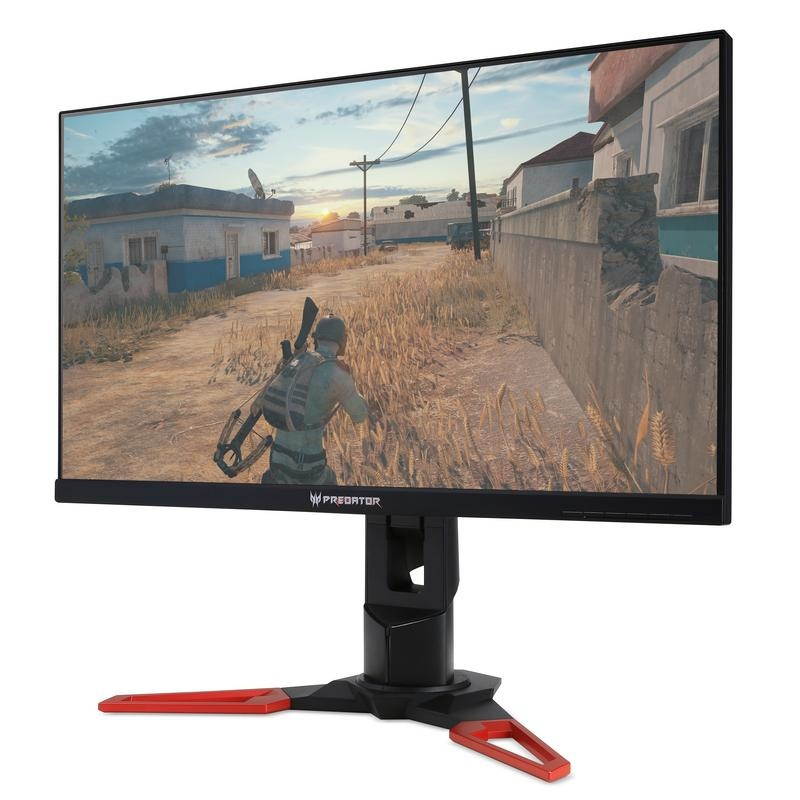
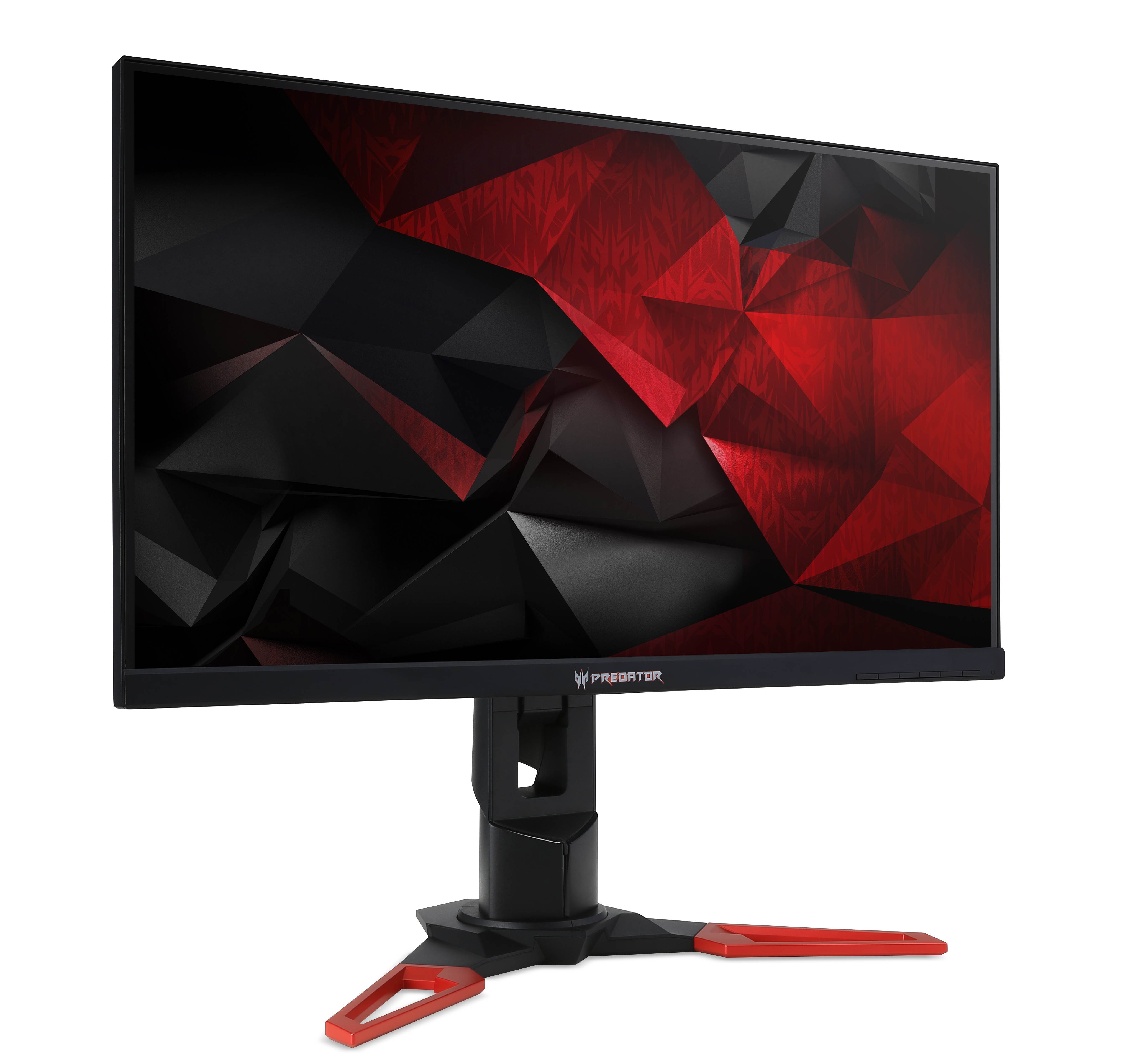
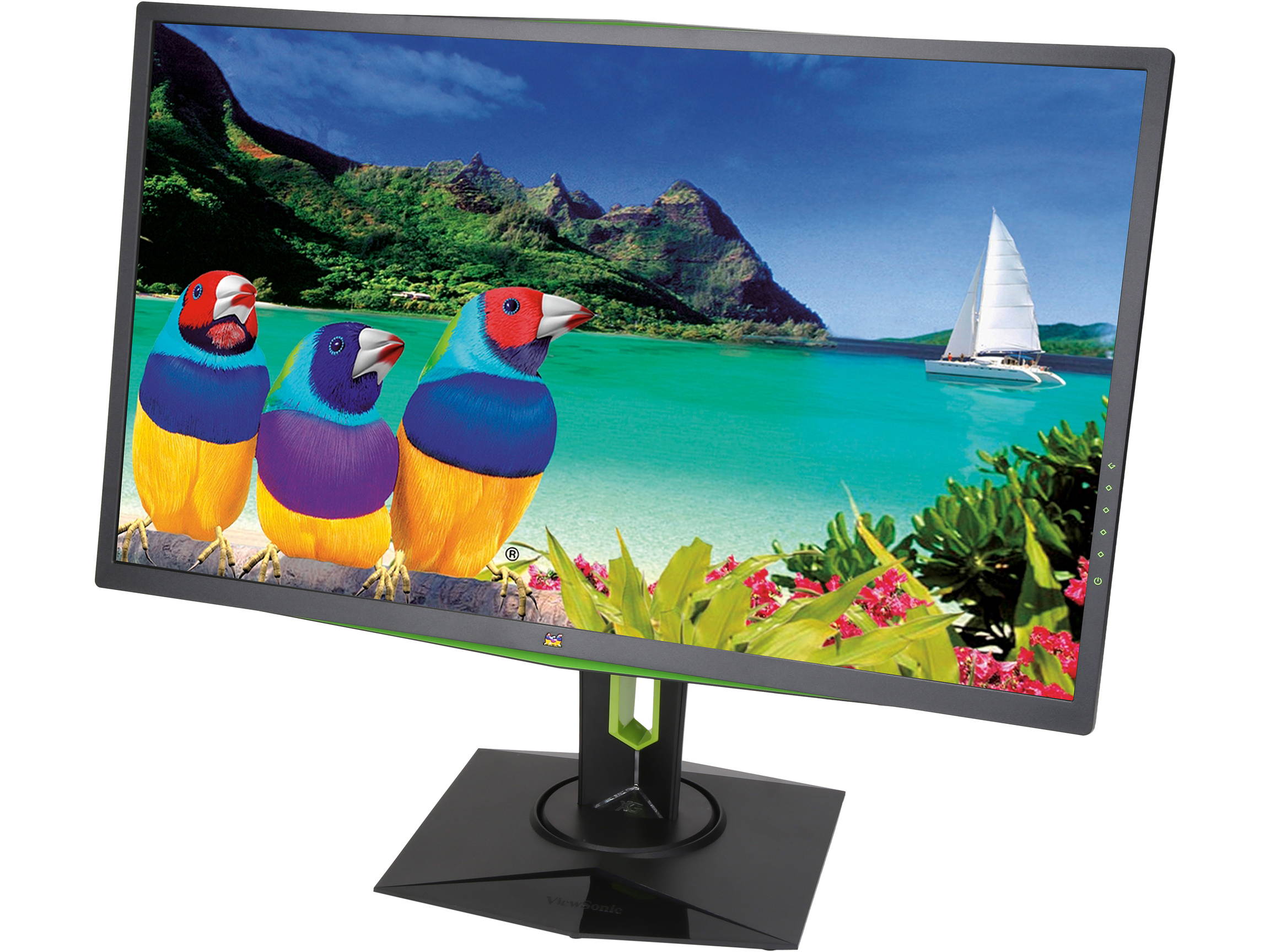
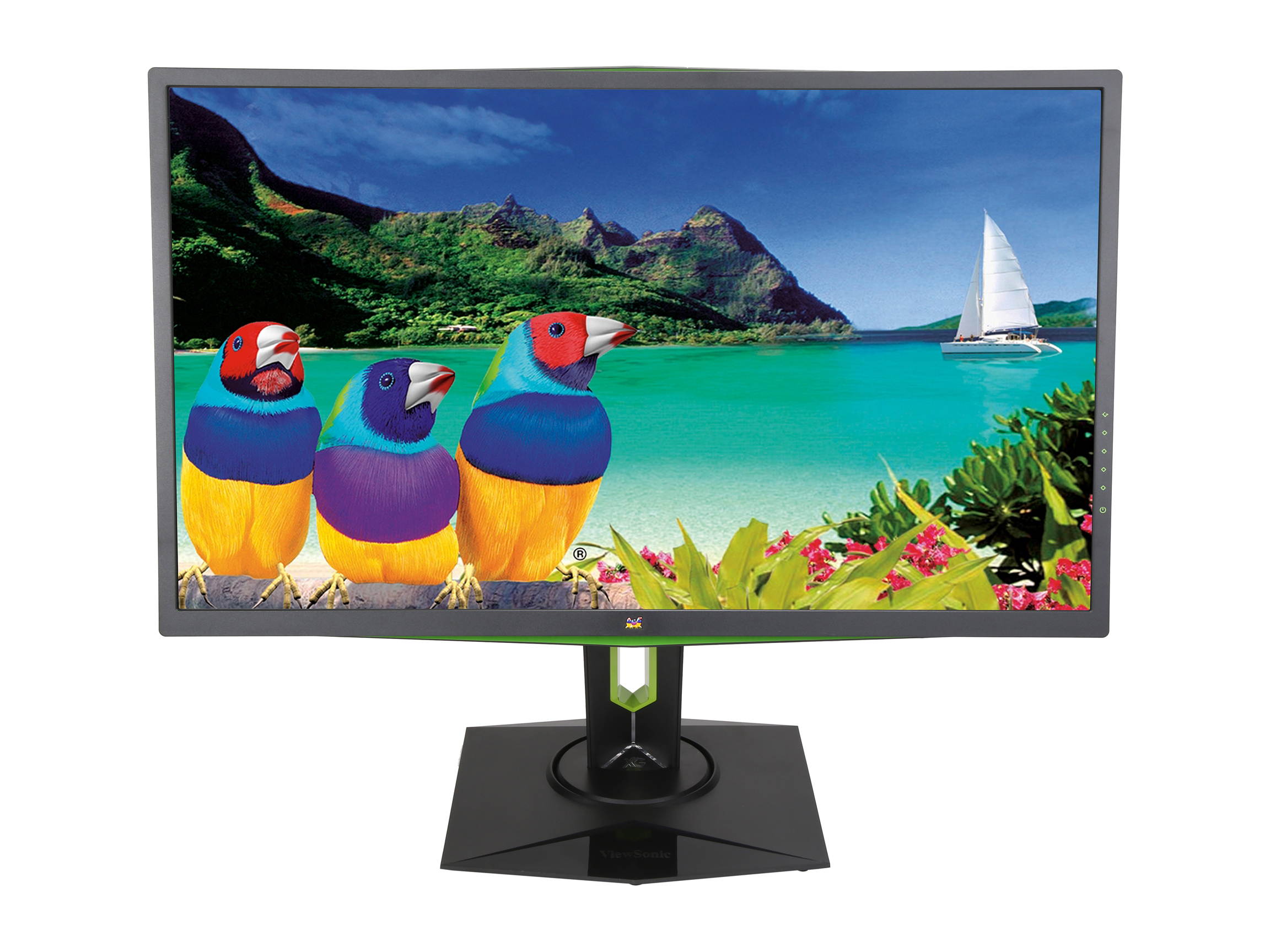
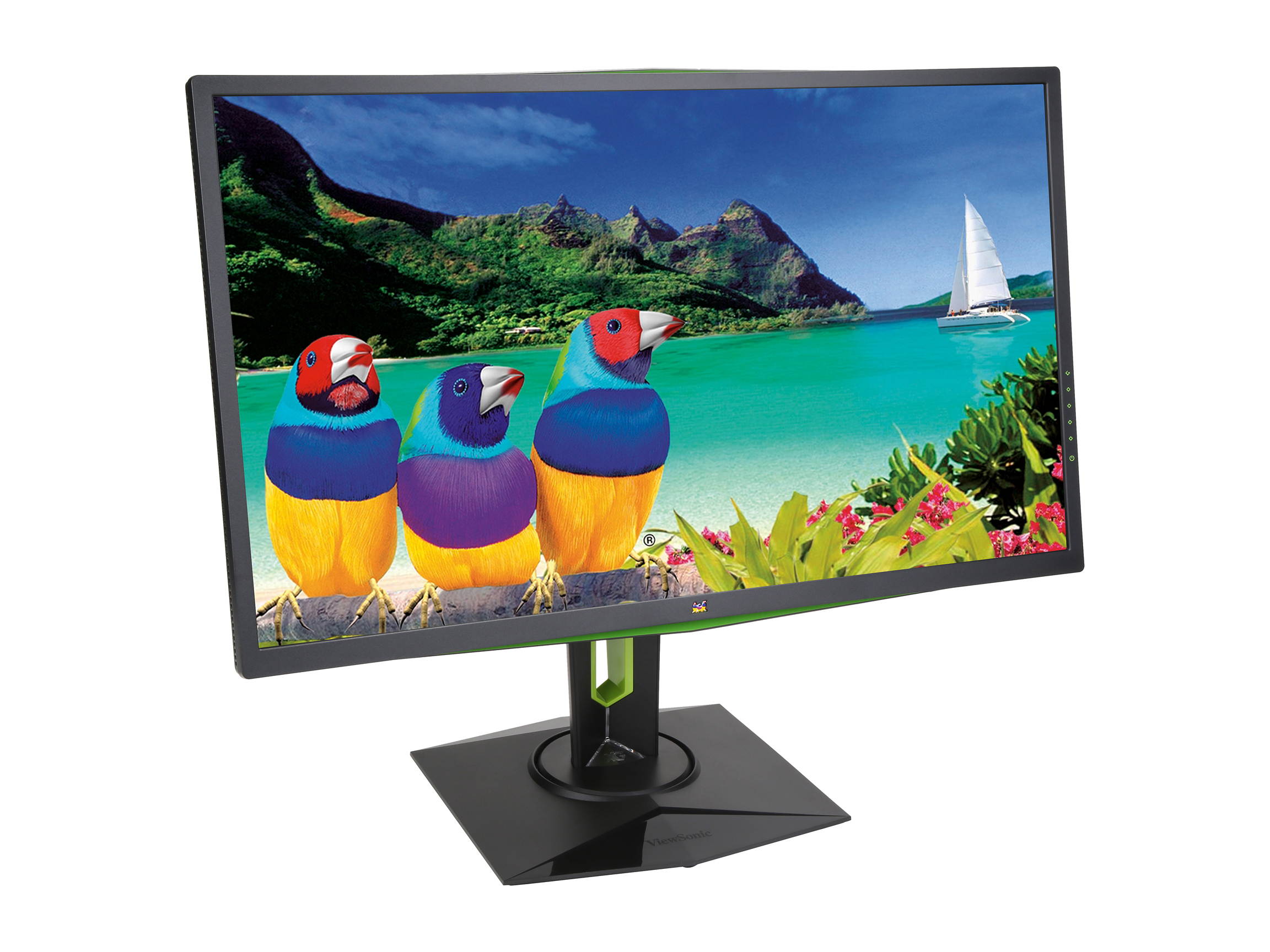
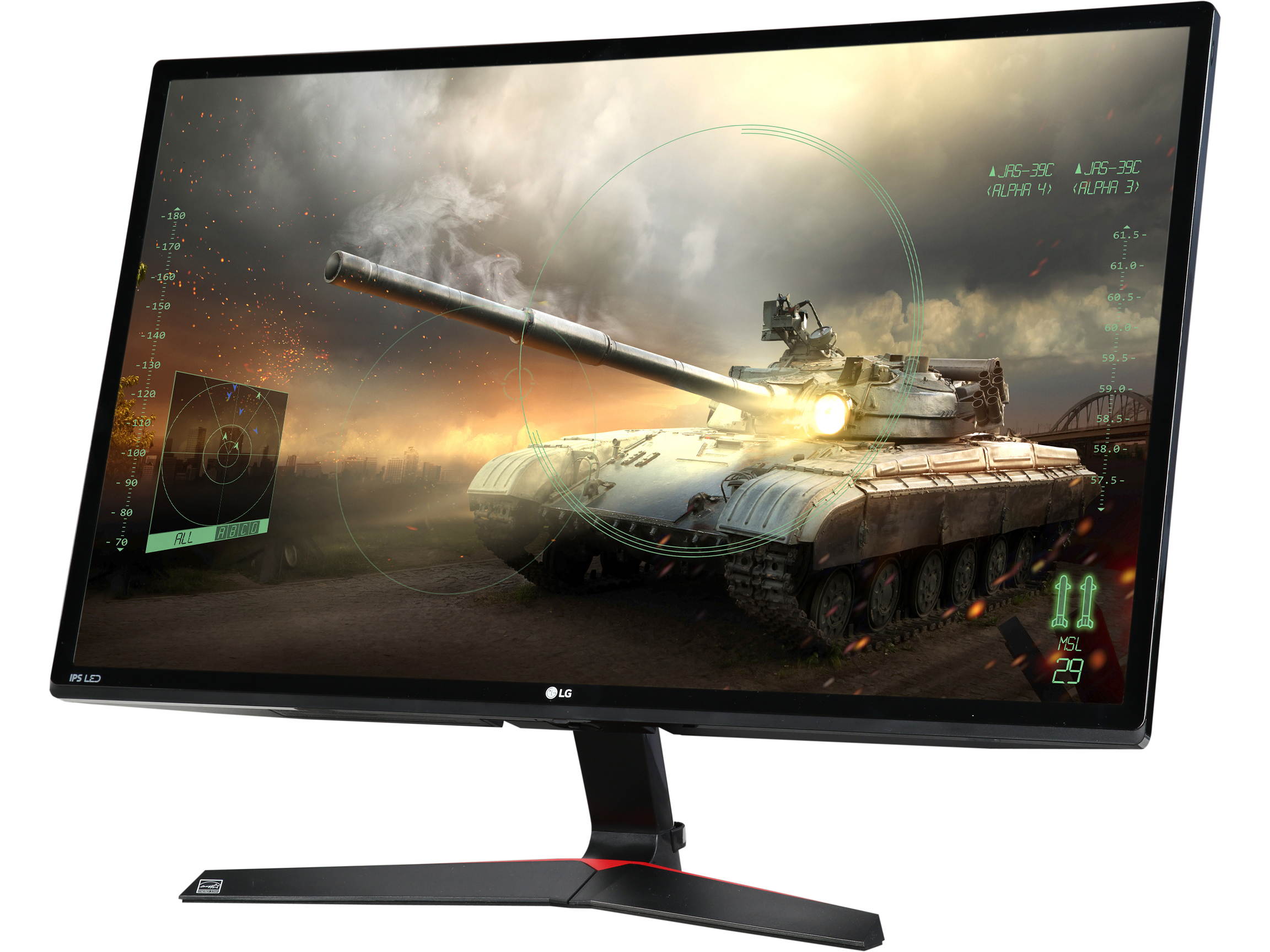
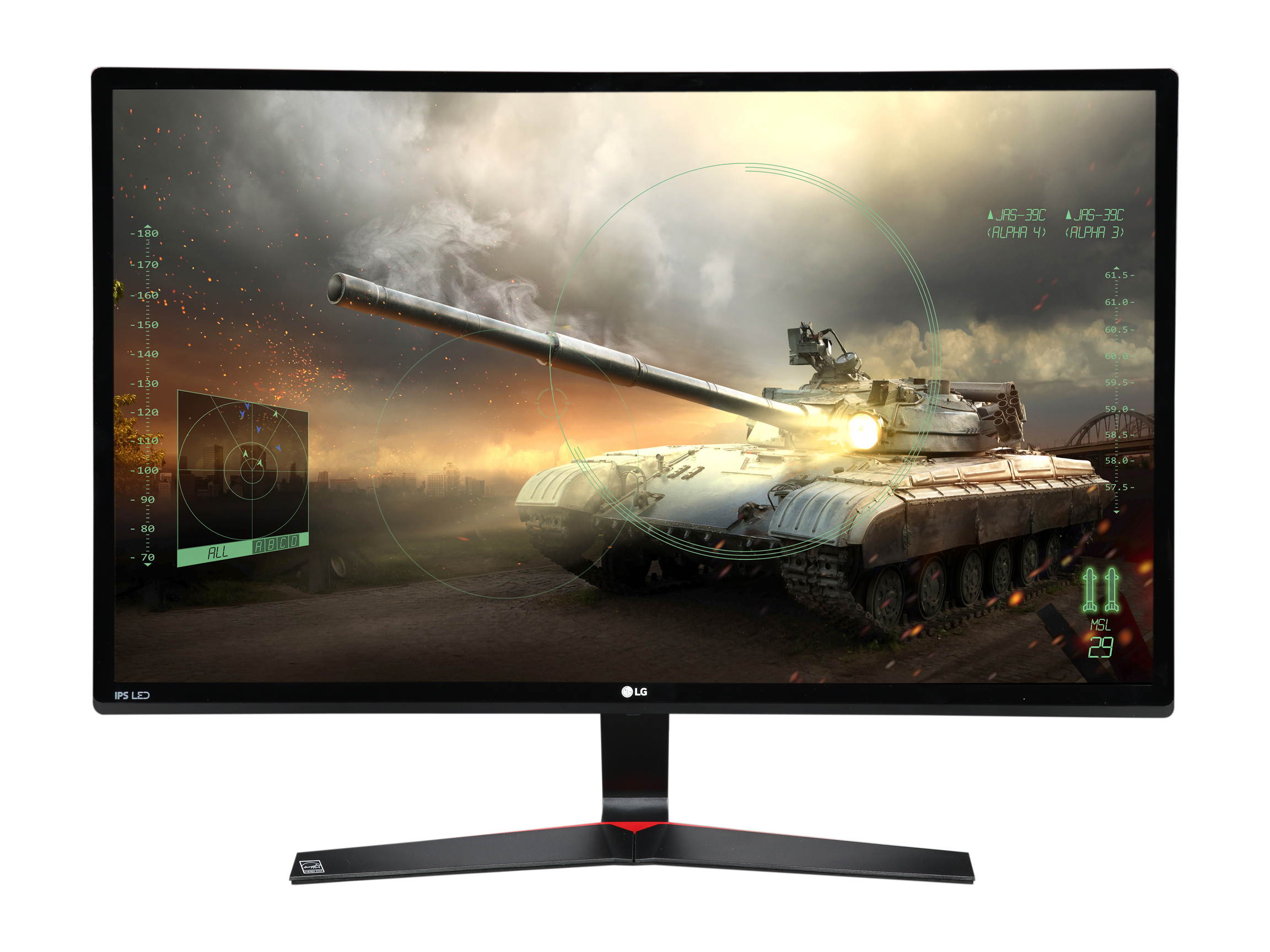
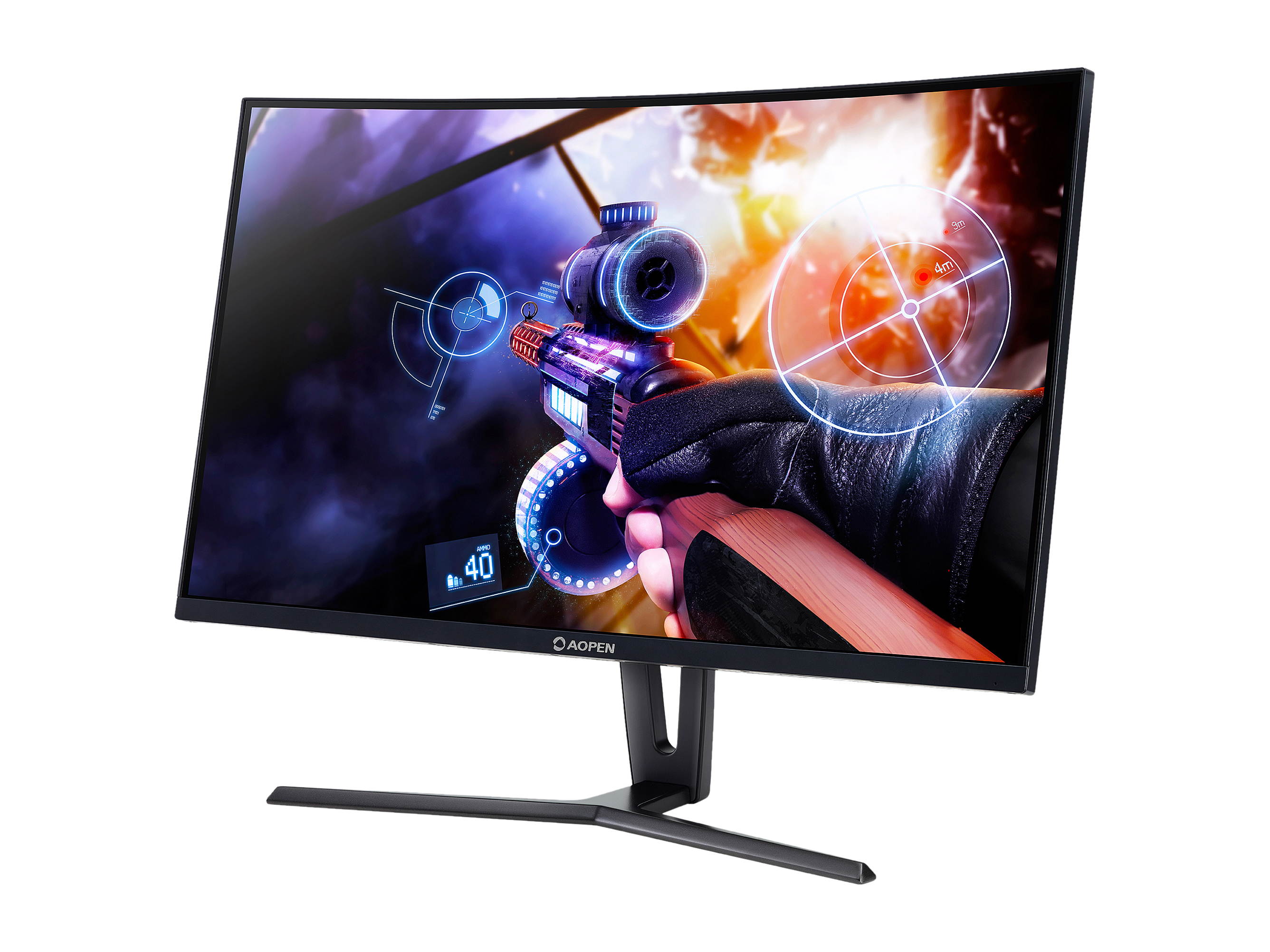
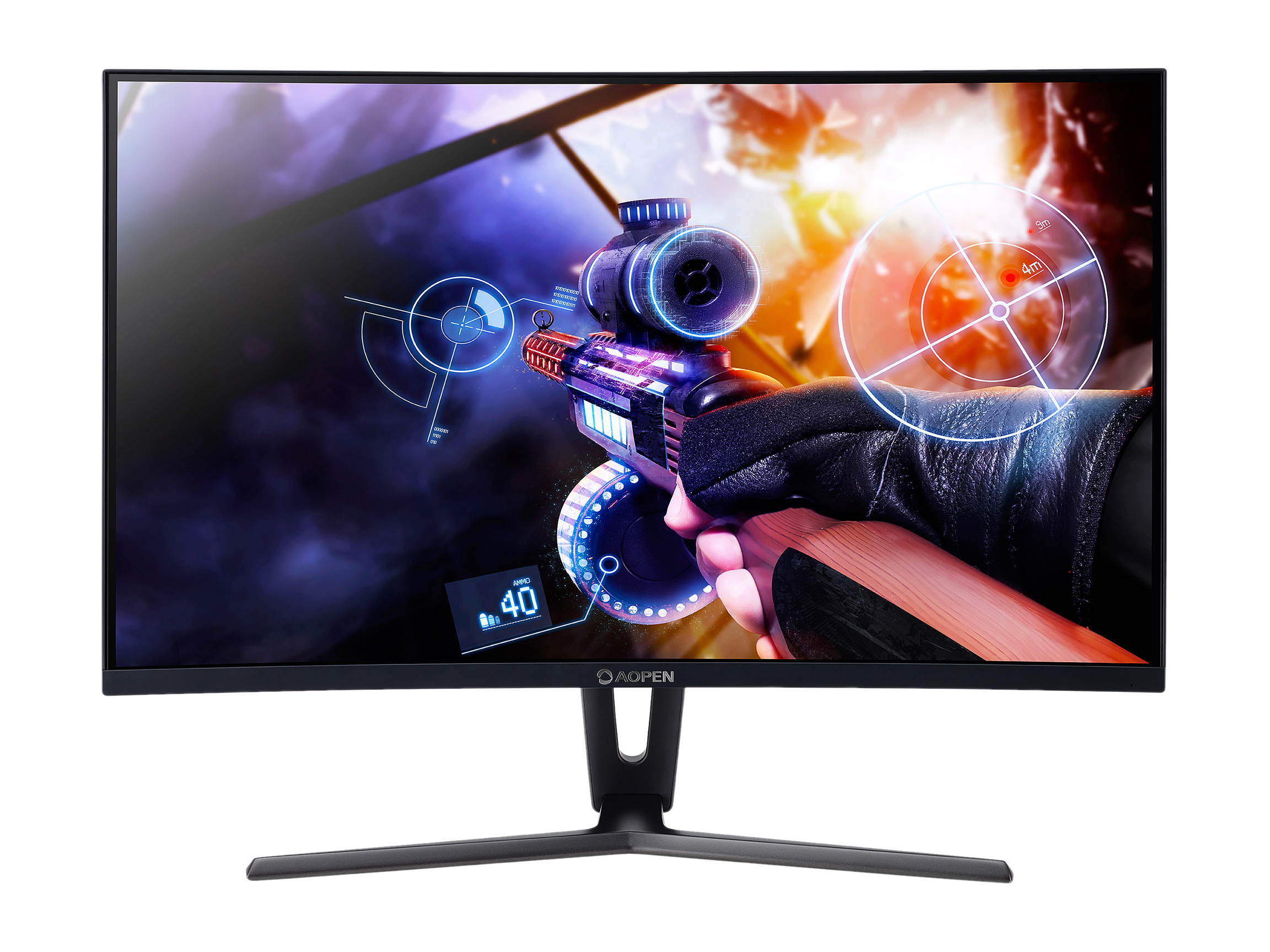
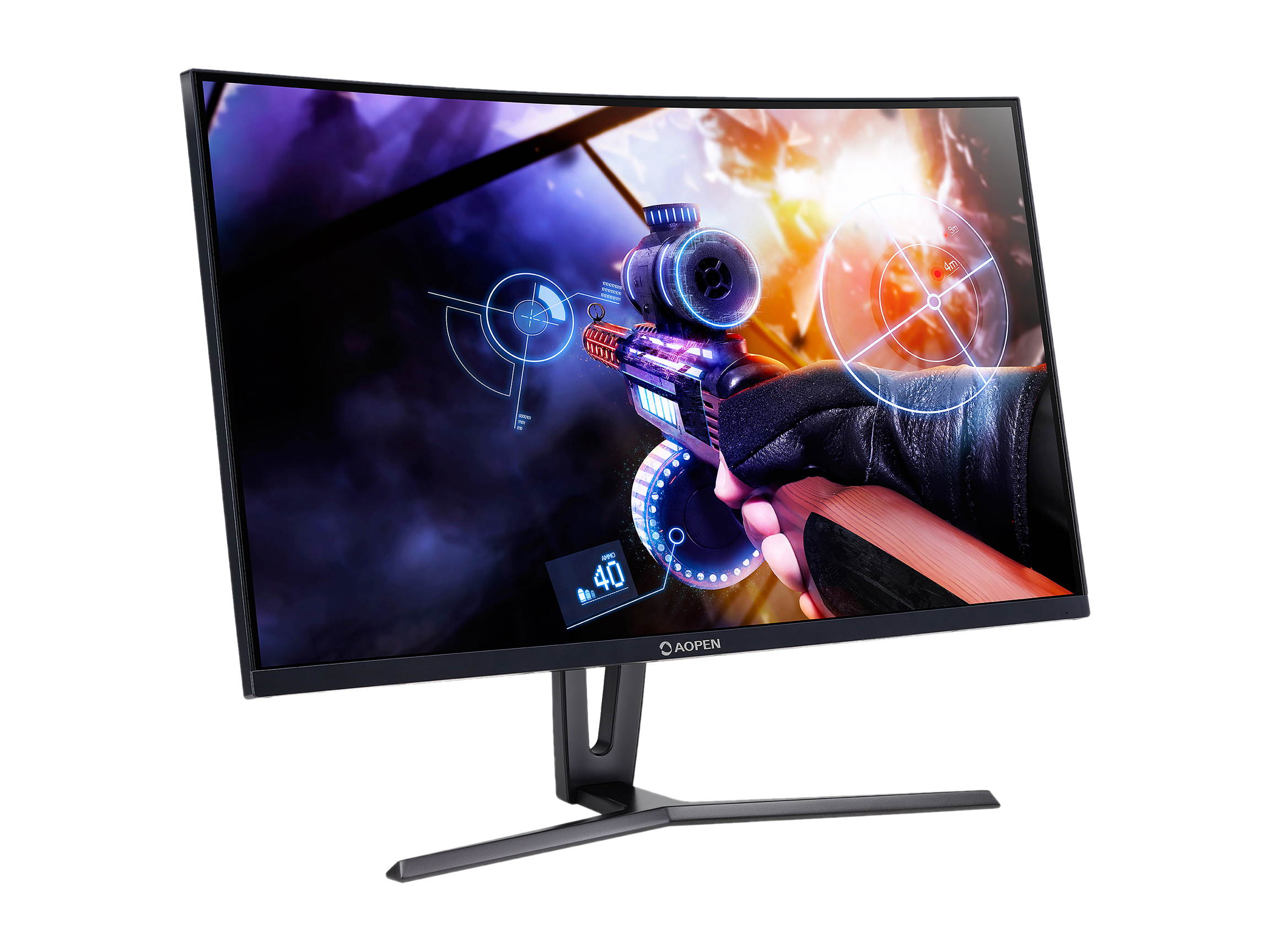
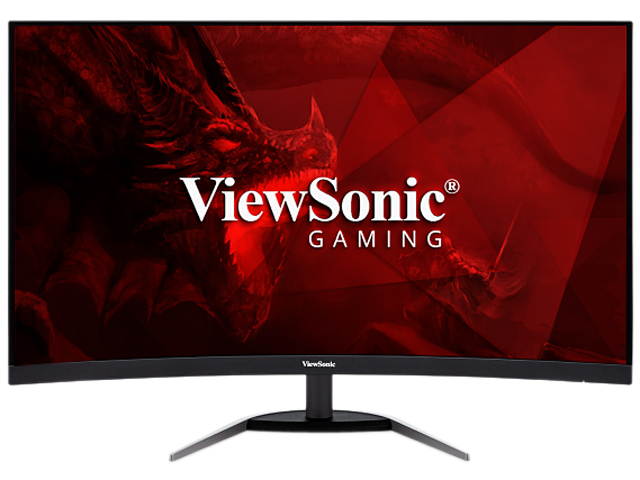
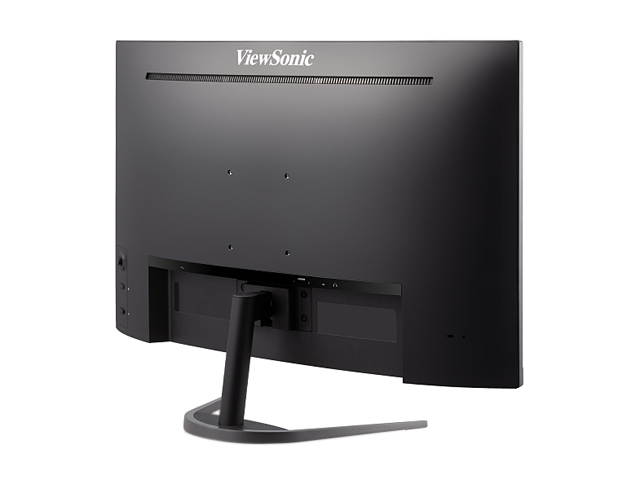
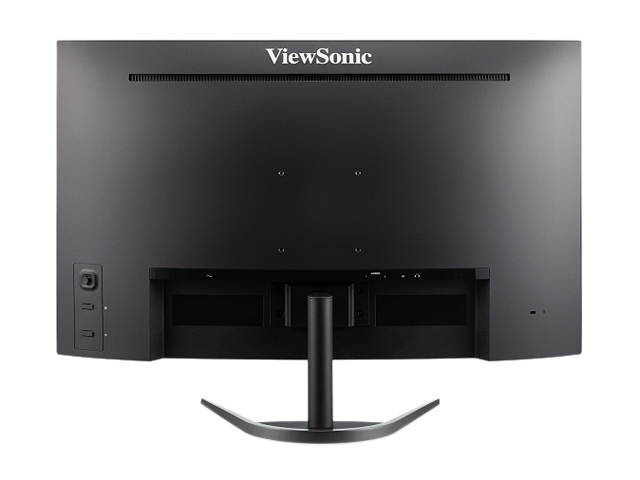
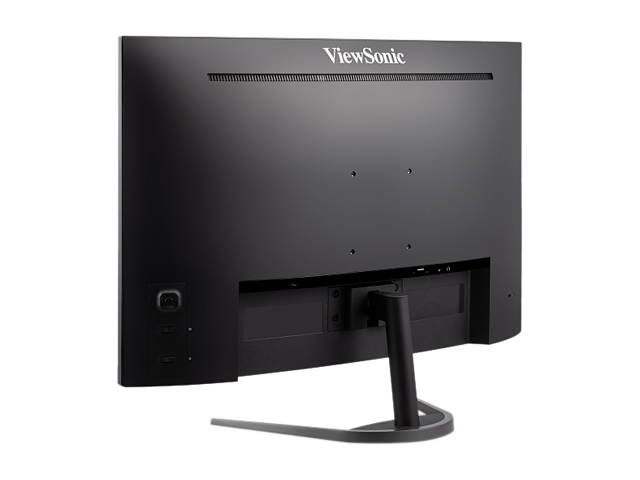
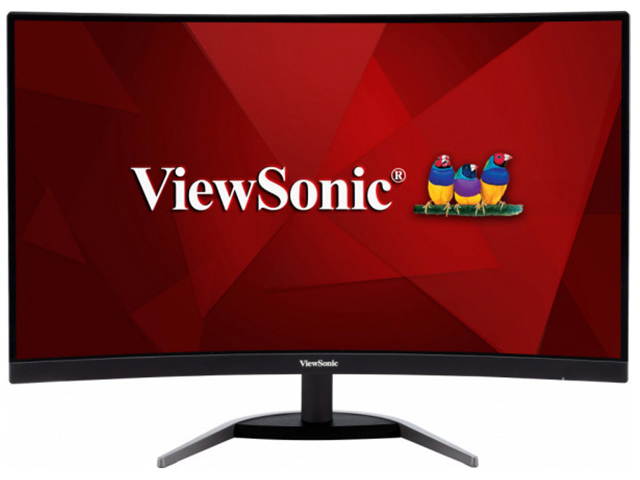
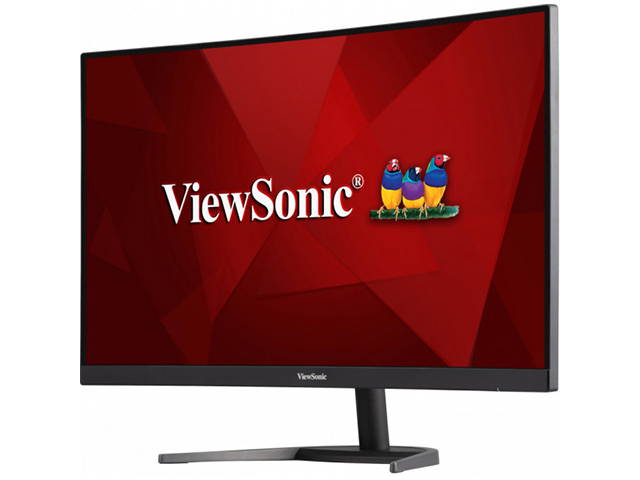
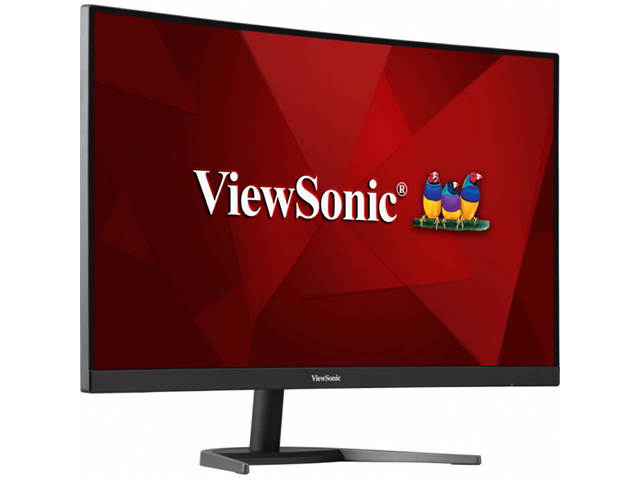
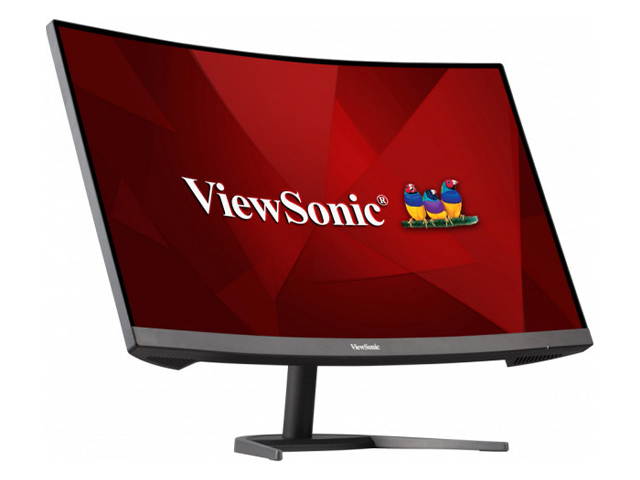
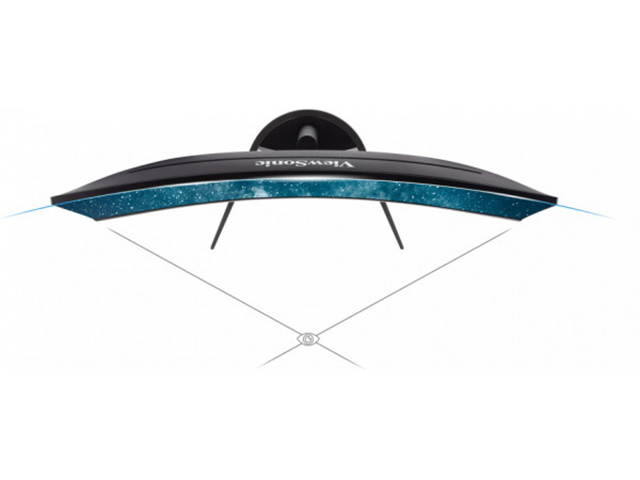
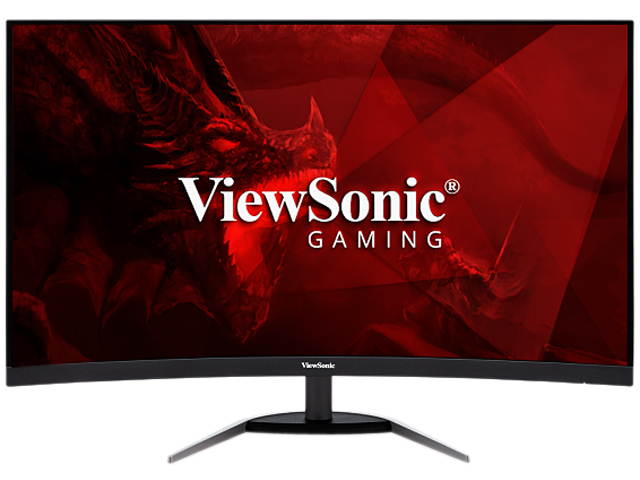
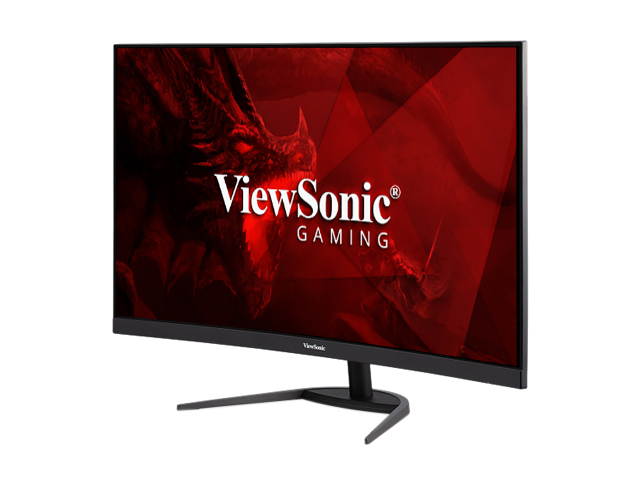
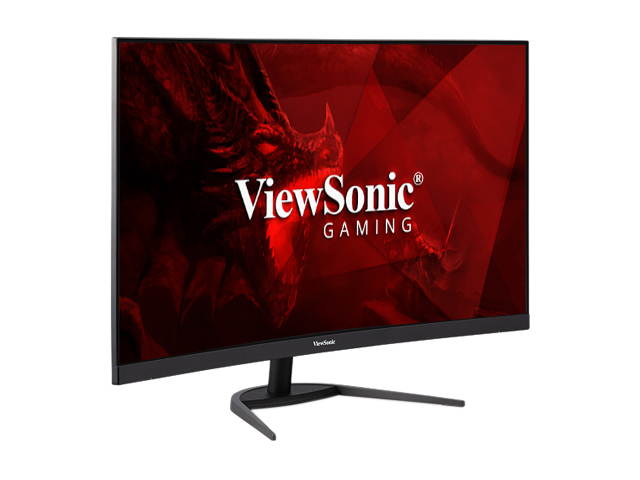
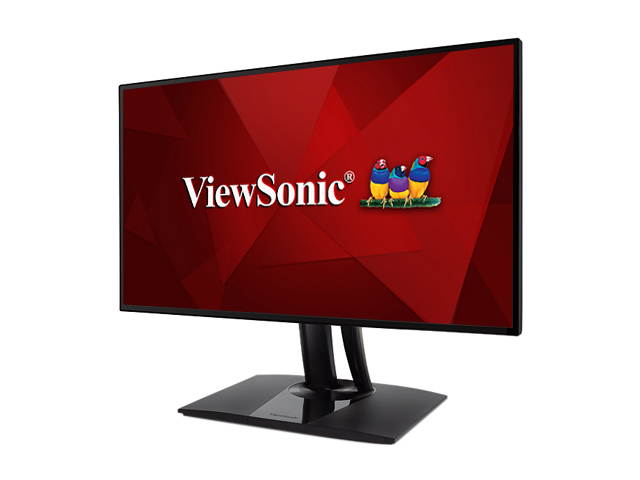
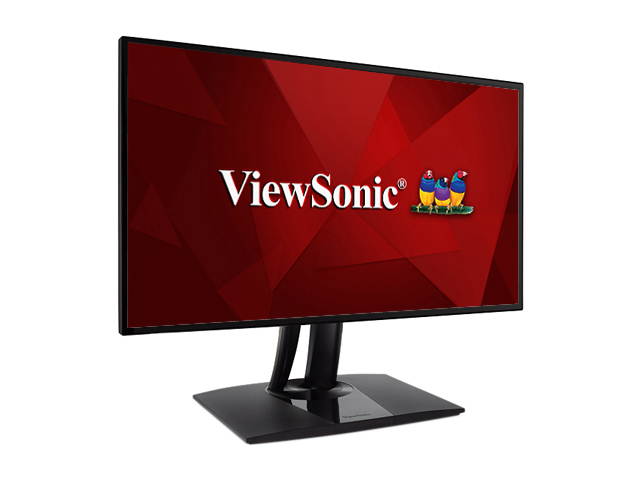
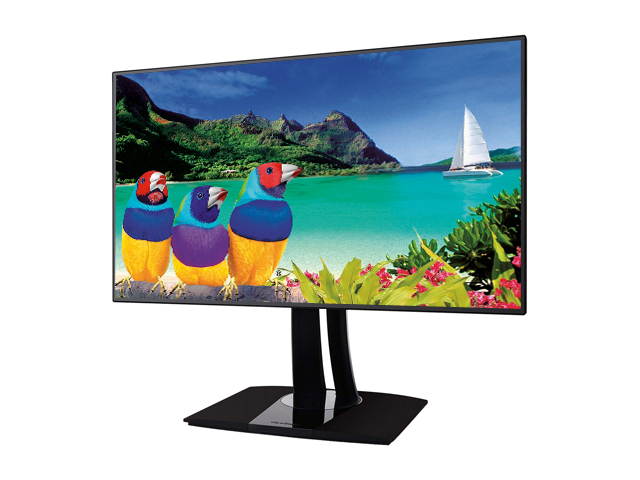
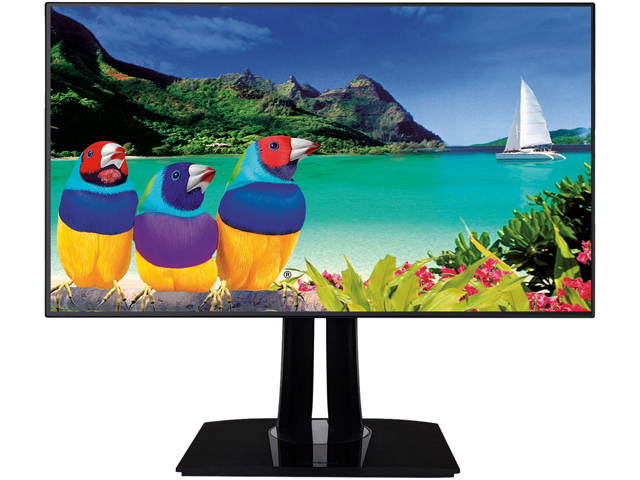
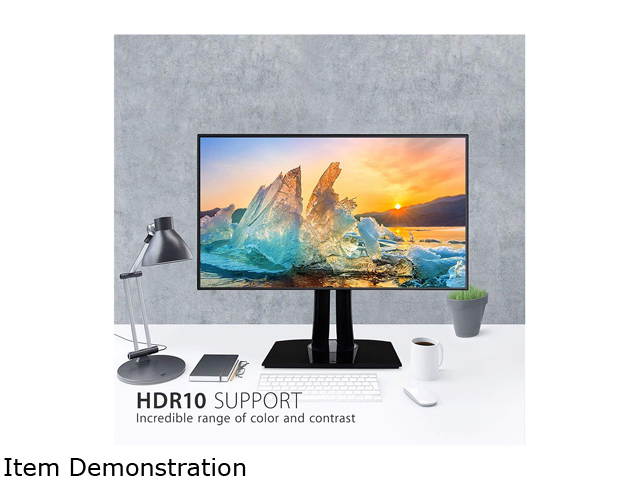
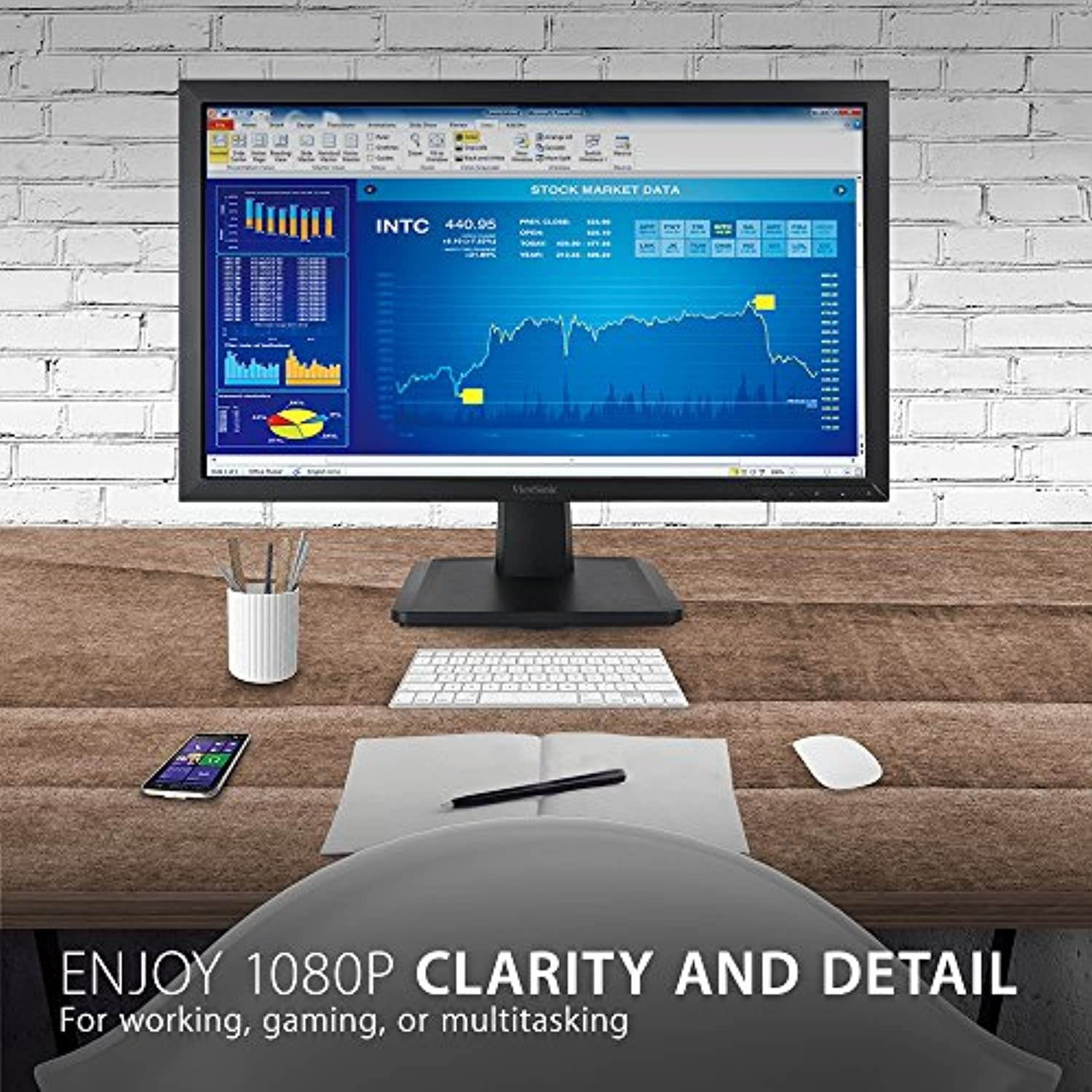
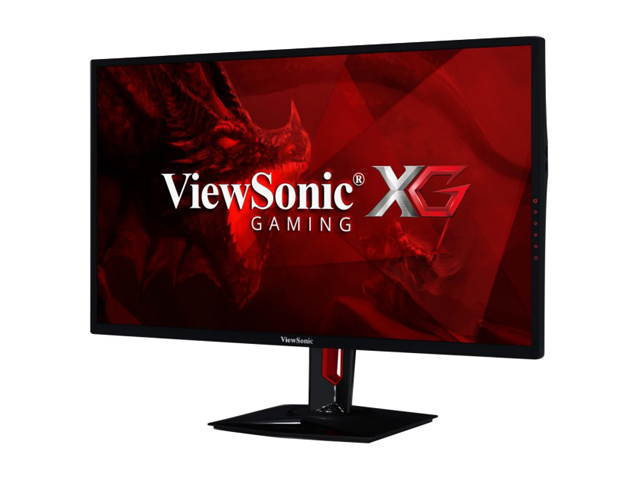
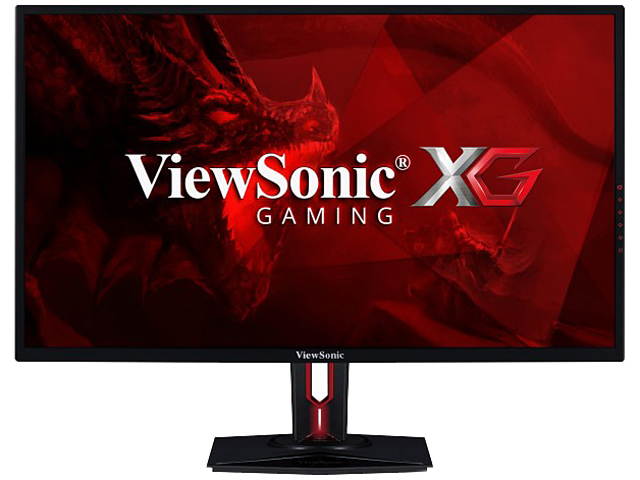
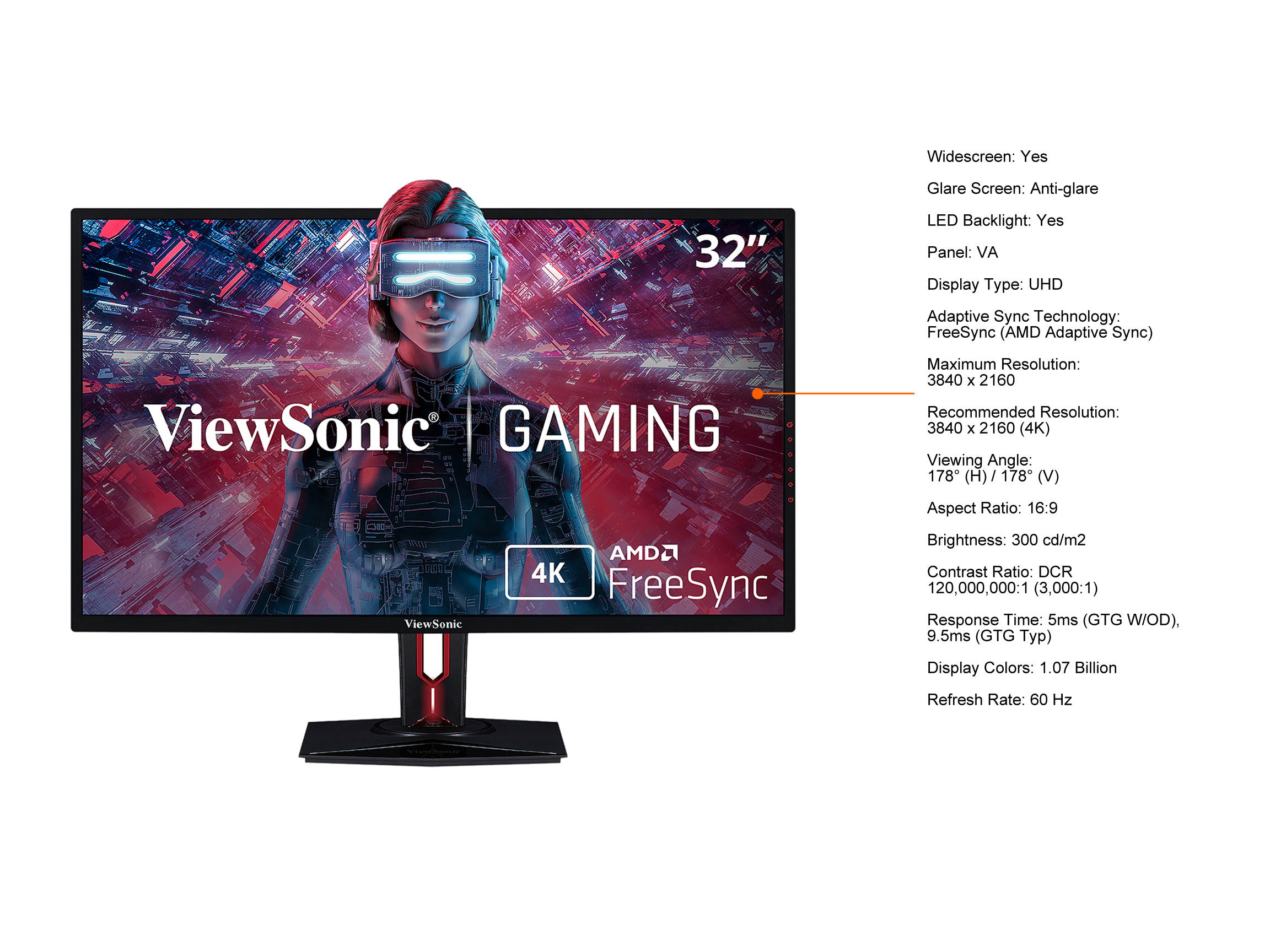
PC or Console? Why not both? With the ViewSonic? XG3220 4K Ultra HD gaming monitor, you get everything you need in a crossover display with faster-than-TV input response. Featuring 3840x2160 resolution, this 32? ( 31.5 viewable) monitor provides incredibly sharp and detailed visuals, while HDR10 content support delivers a high dynamic range of vivid color and contrast for incredible screen performance. AMD FreeSync technology reduces image tears and choppiness for effortlessly smooth gameplay. An exclusive ColorX gaming mode delivers optimum speed and visuals, while an arsenal of pre-set customizable visual modes keep you ready for any FPS, RTS, or MOBA gaming scenario.
On top of that, a customizable 22-level black stabilization function helps you target enemies lurking in the dark, while the monitor maintains brilliantly rich colors and contrast. With future-proof DisplayPort and HDMI 2.0 to support 4K UHD resolution at 60Hz, this monitor maximizes the gaming potential for console and PC gaming.
On top of that, a customizable 22-level black stabilization function helps you target enemies lurking in the dark, while the monitor maintains brilliantly rich colors and contrast. With future-proof DisplayPort and HDMI 2.0 to support 4K UHD resolution at 60Hz, this monitor maximizes the gaming potential for console and PC gaming.