Trusted shipping
Easy returns
Secure shopping



Buy Acer Predator Z1 31.5" Widescreen Gaming Monitor 2560 x 1440 4 ms GTG 165 Hz - Manufacturer Refurbished in United States - Cartnear.com
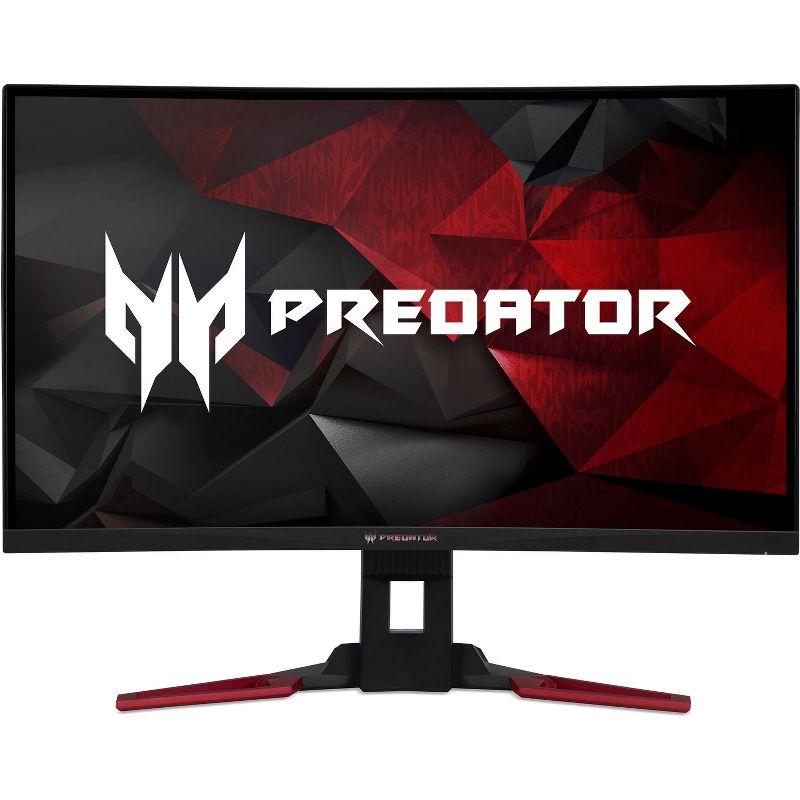
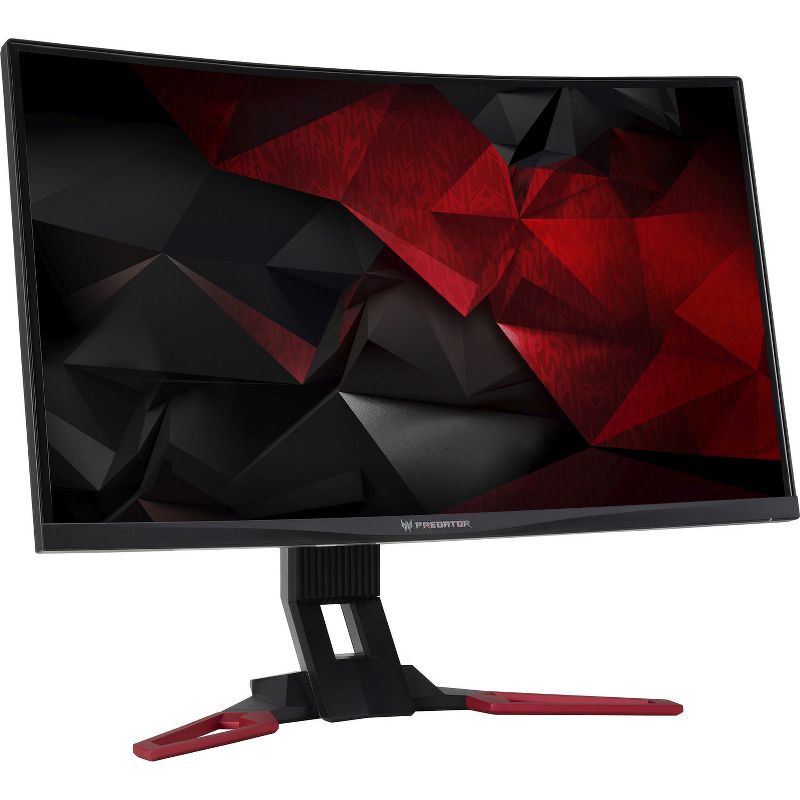
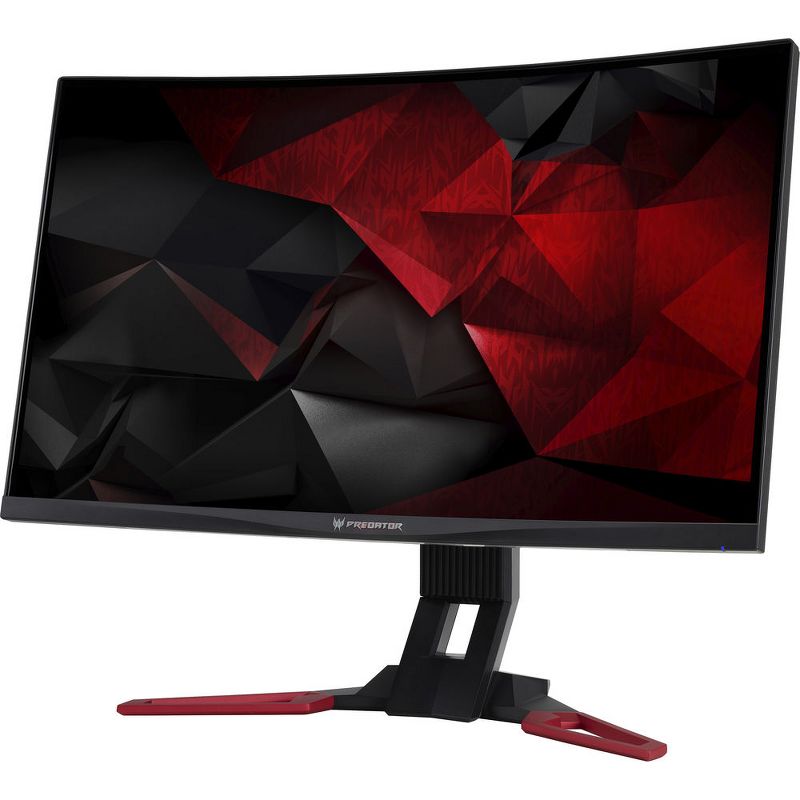
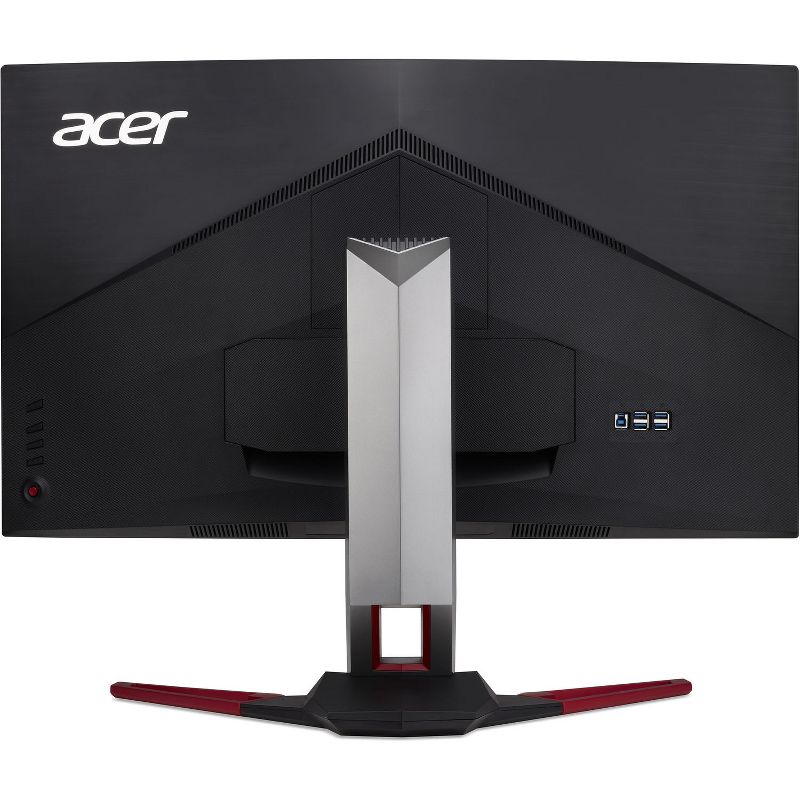
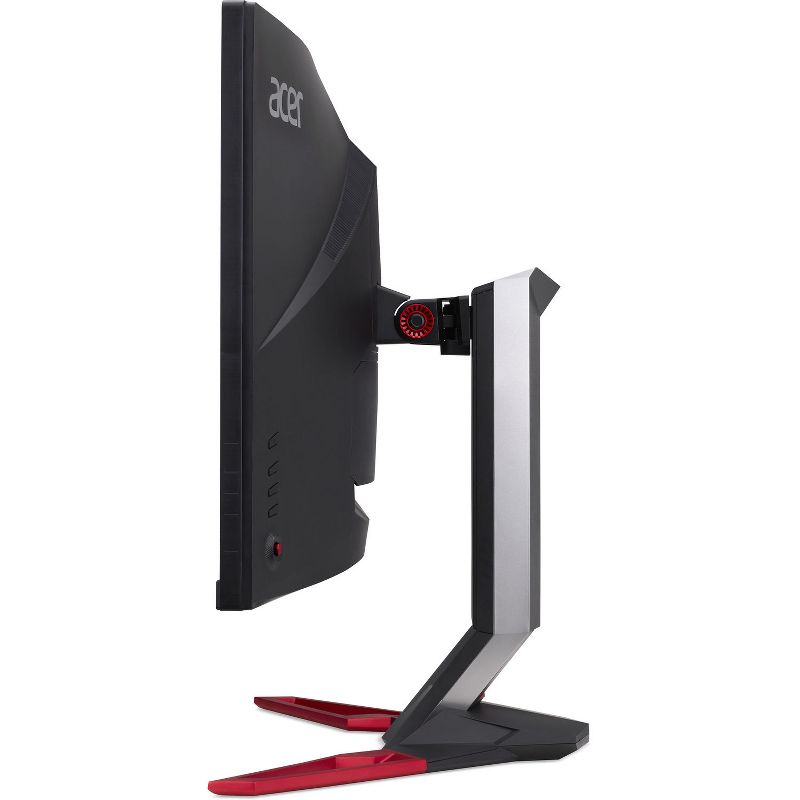
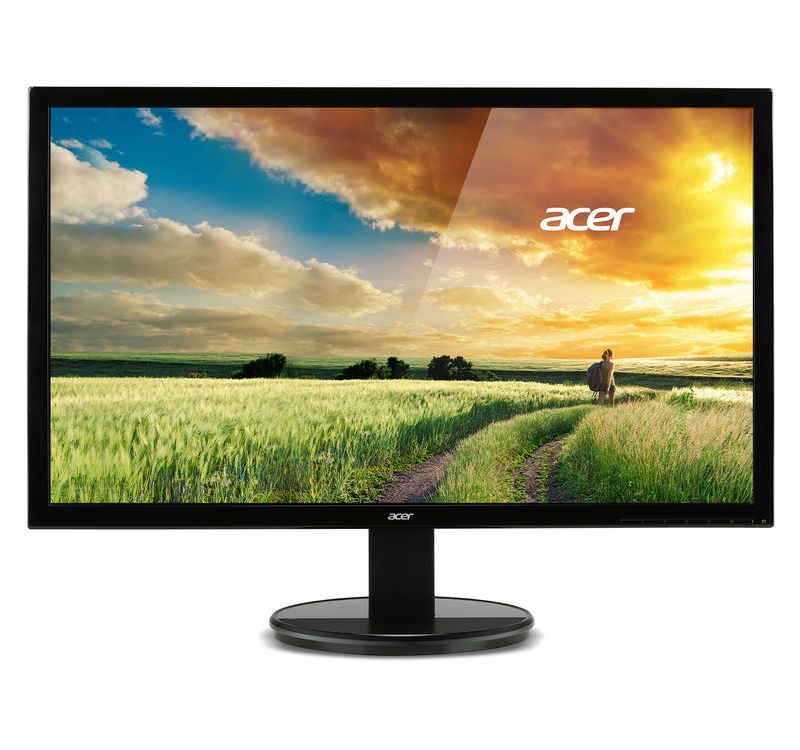
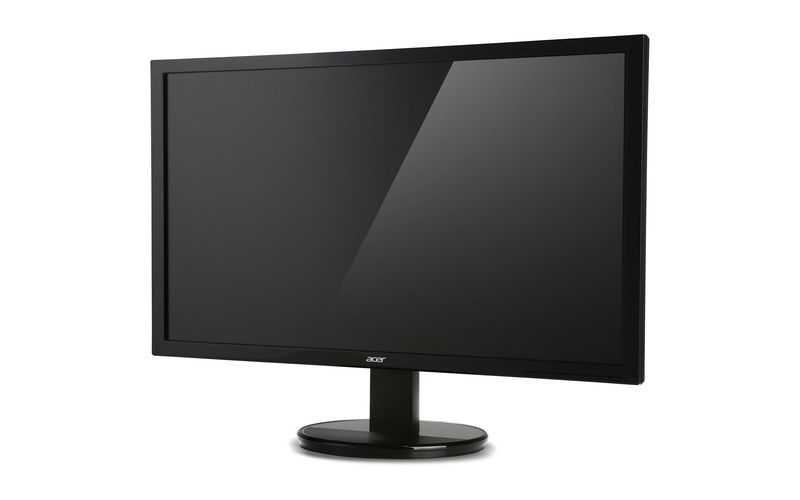
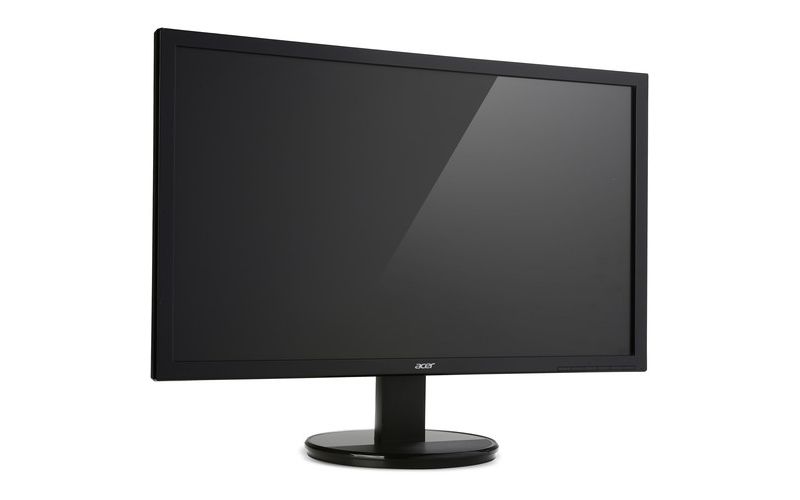
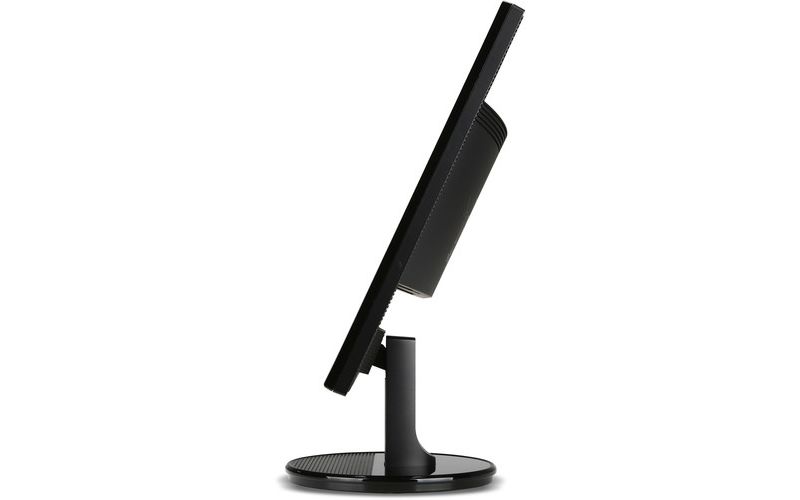
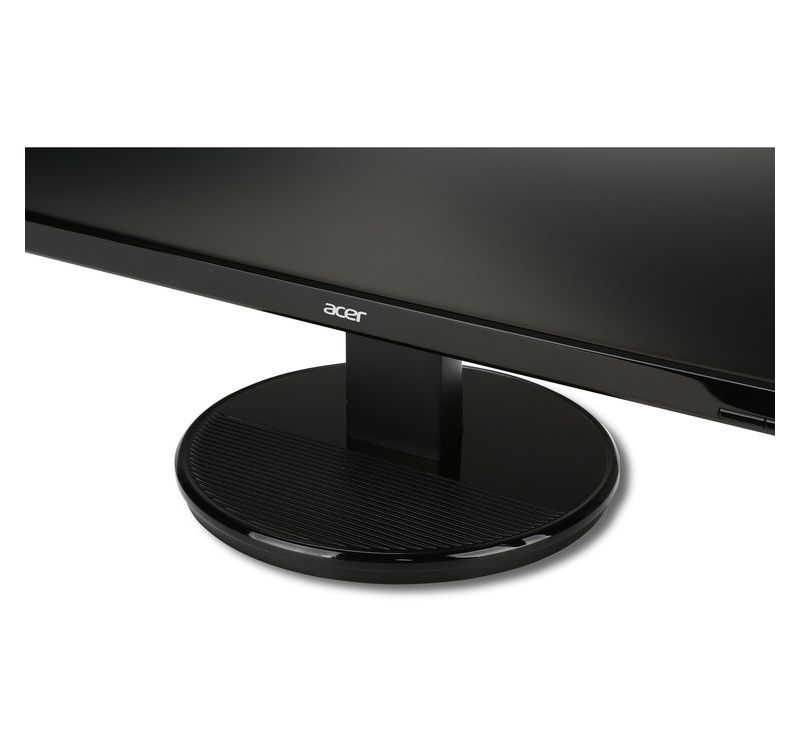
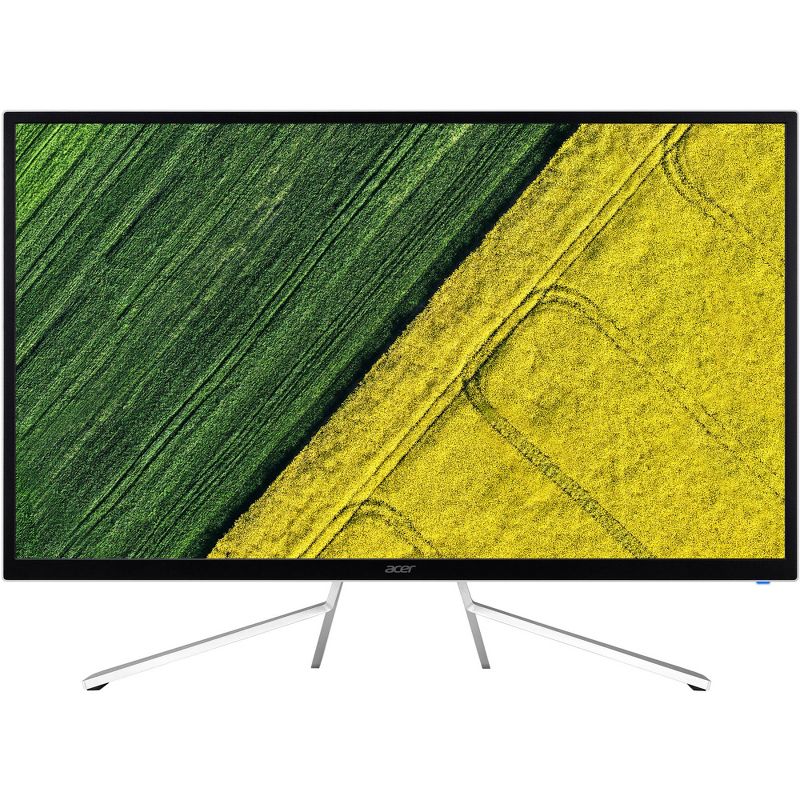
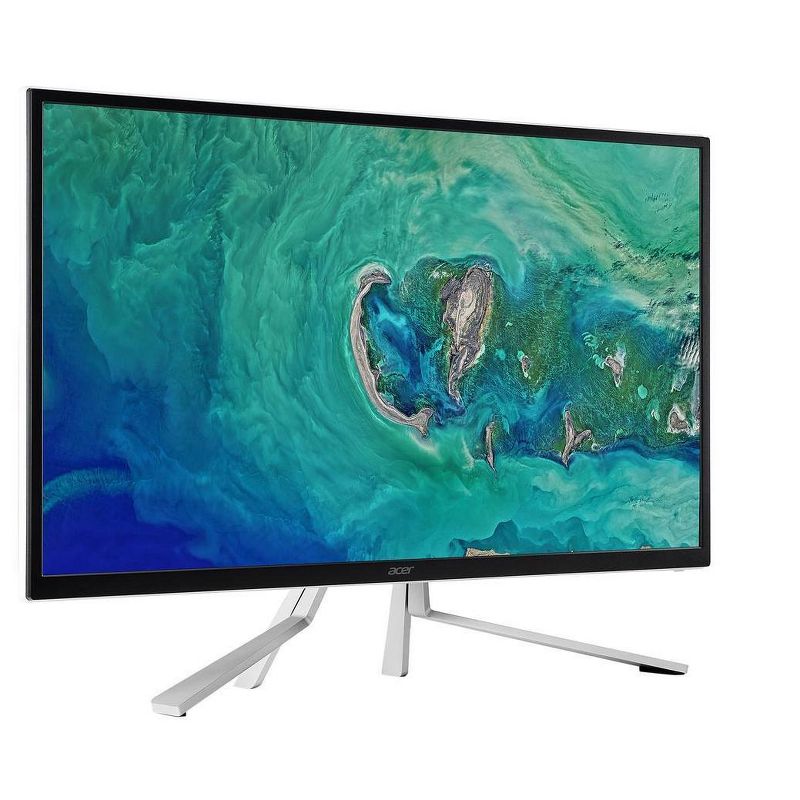
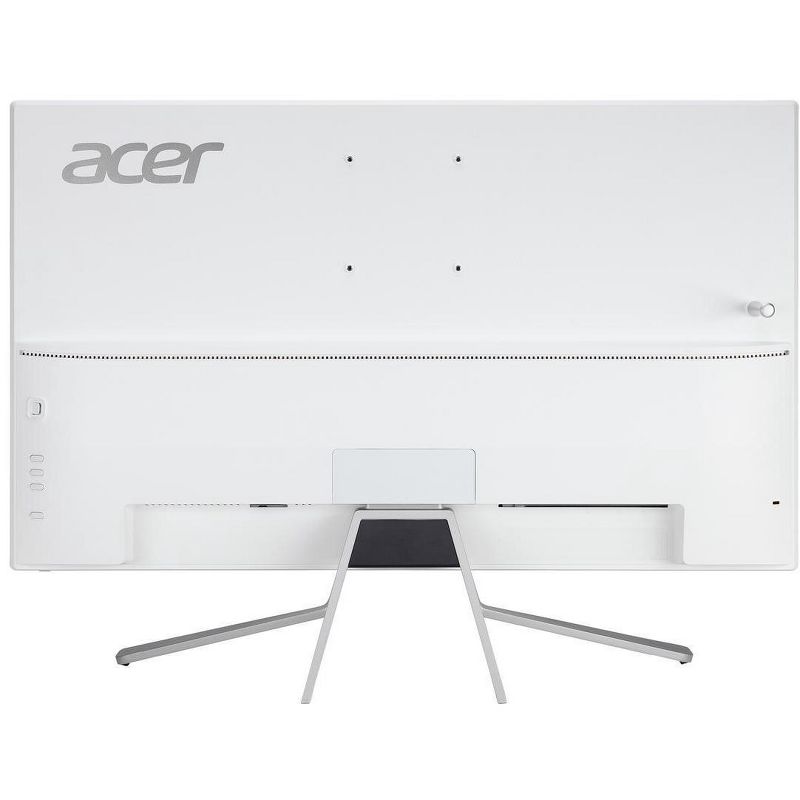
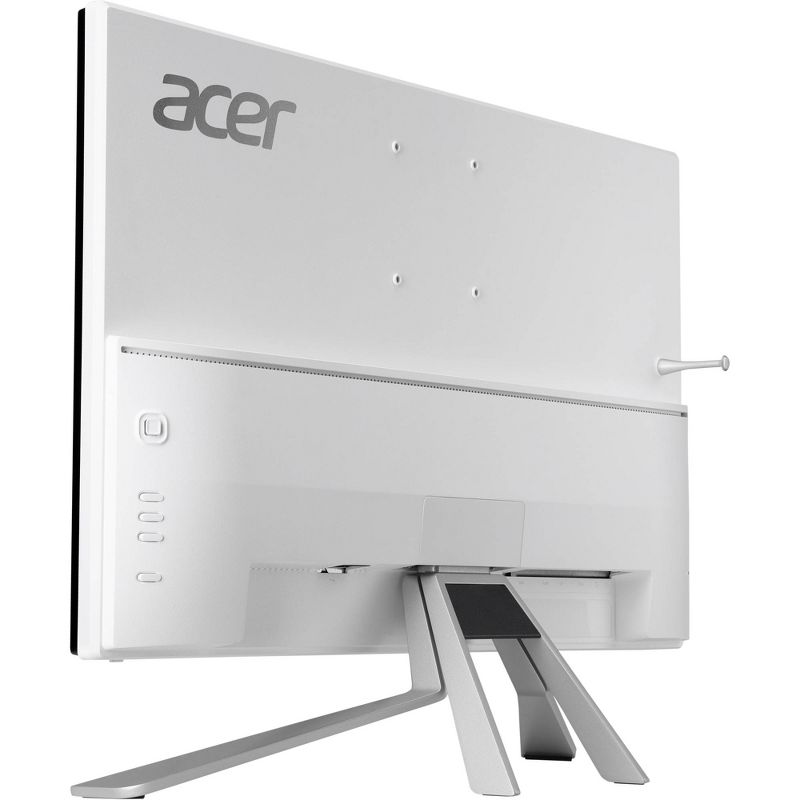
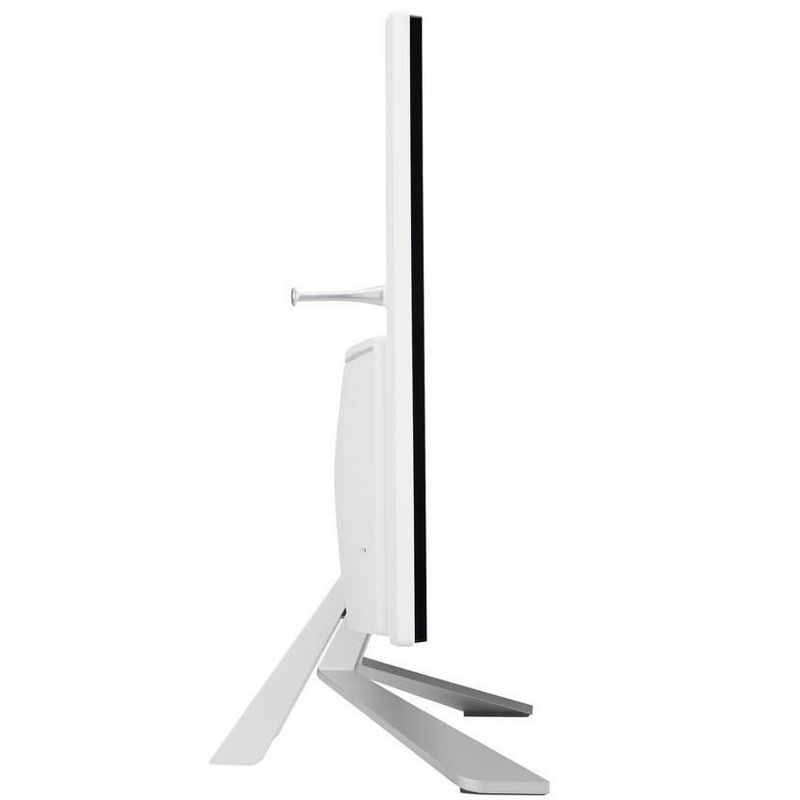
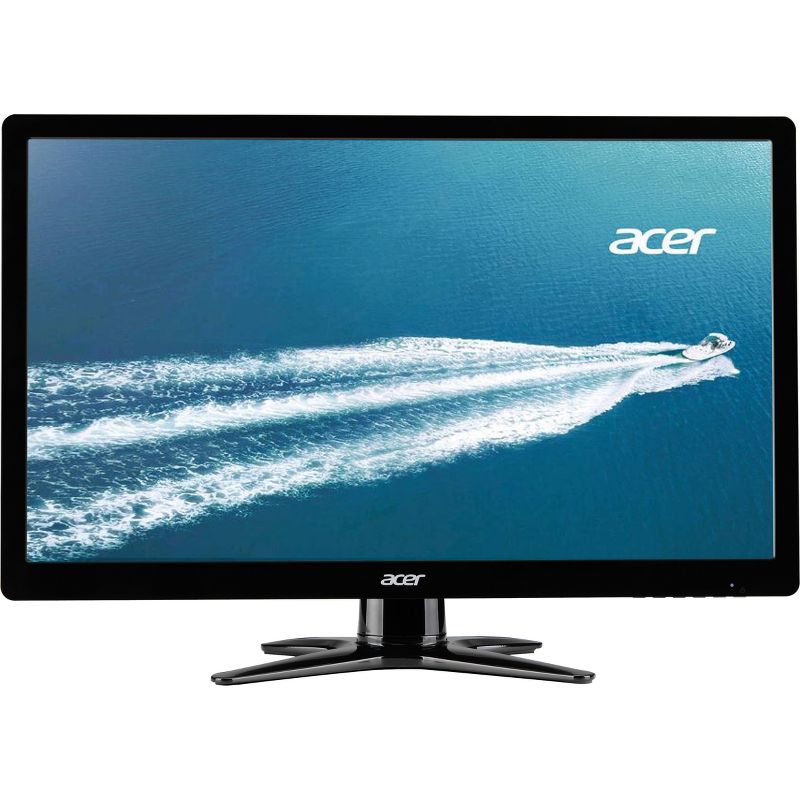
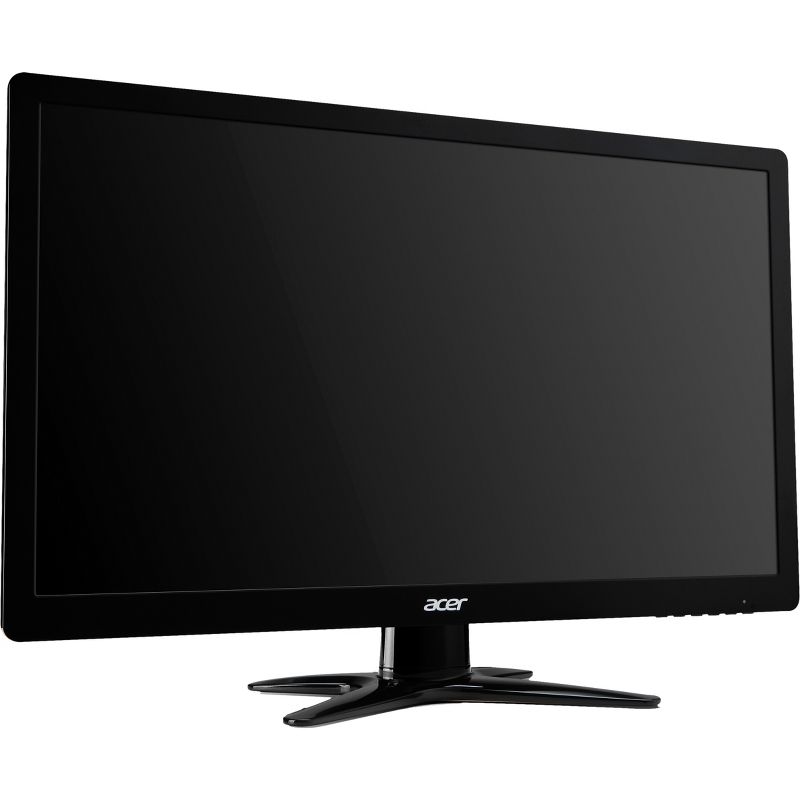
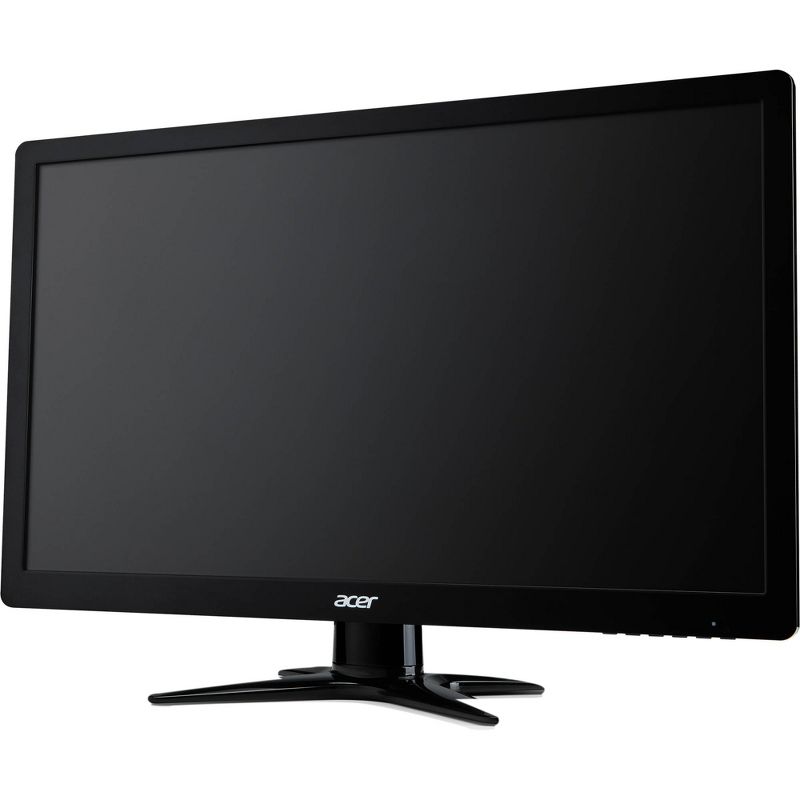
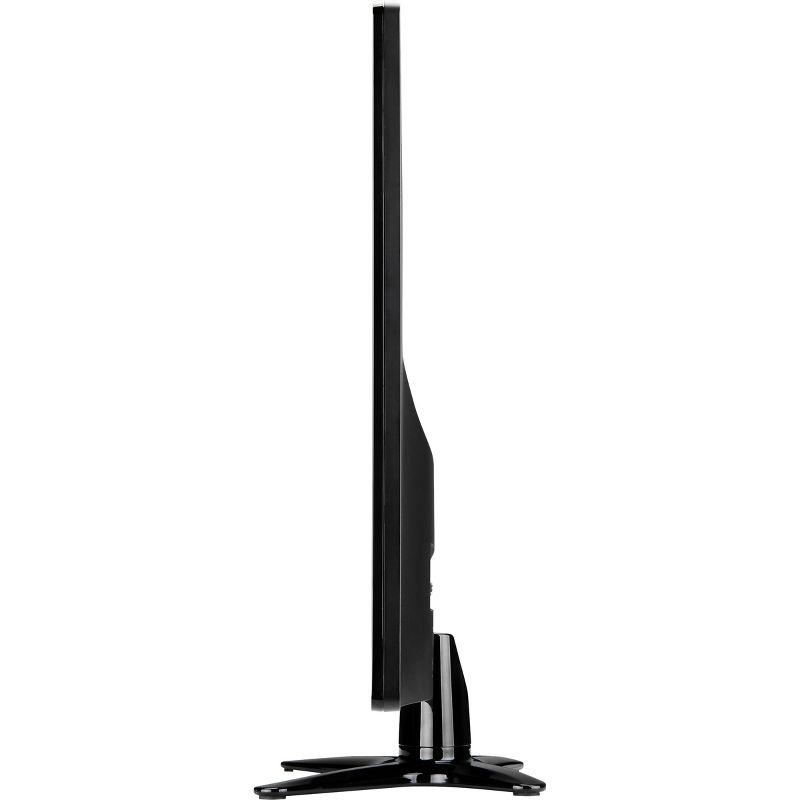
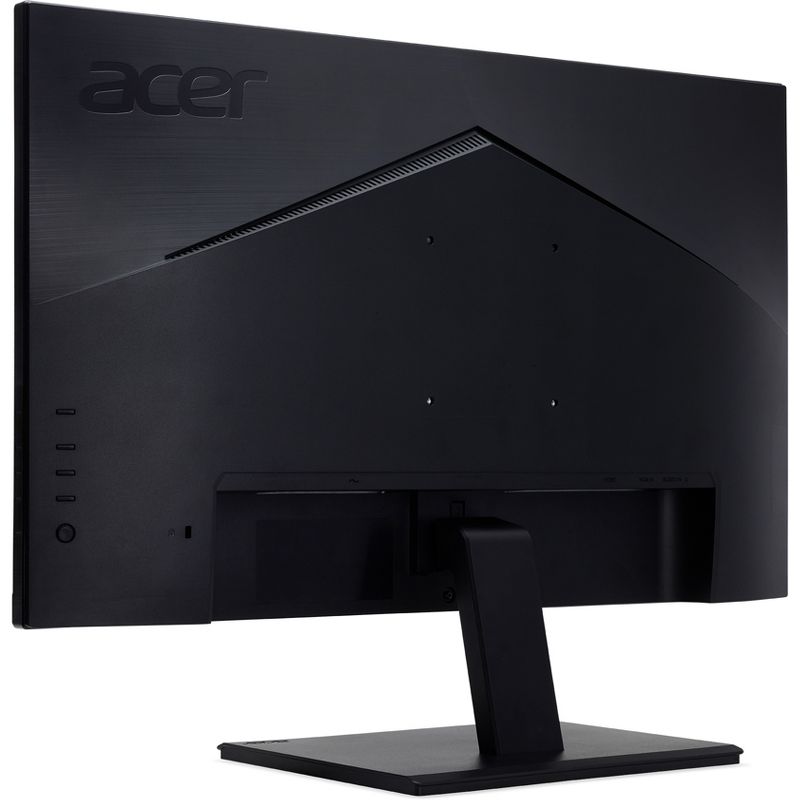
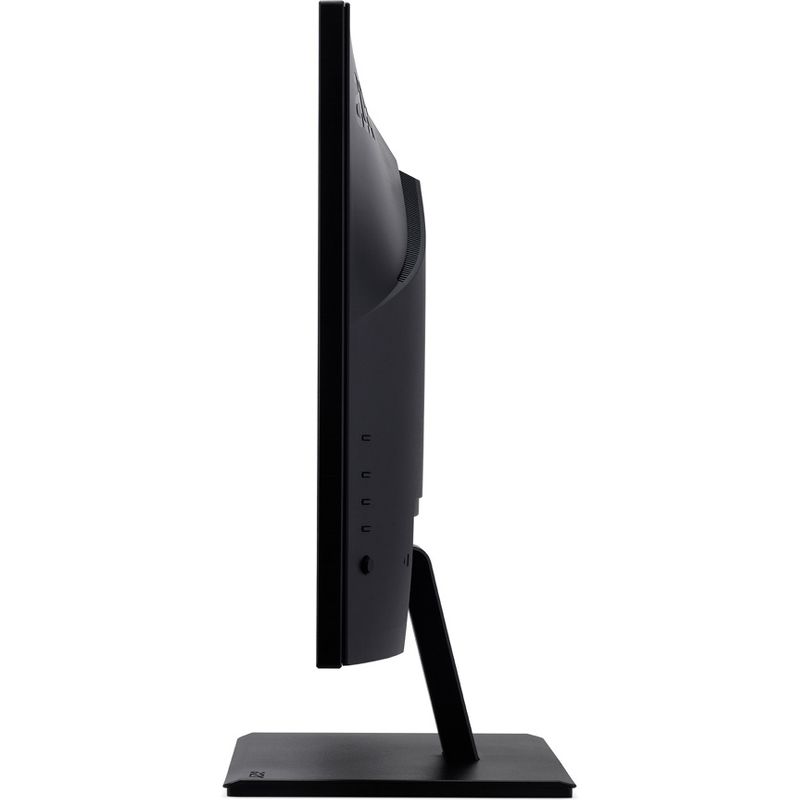
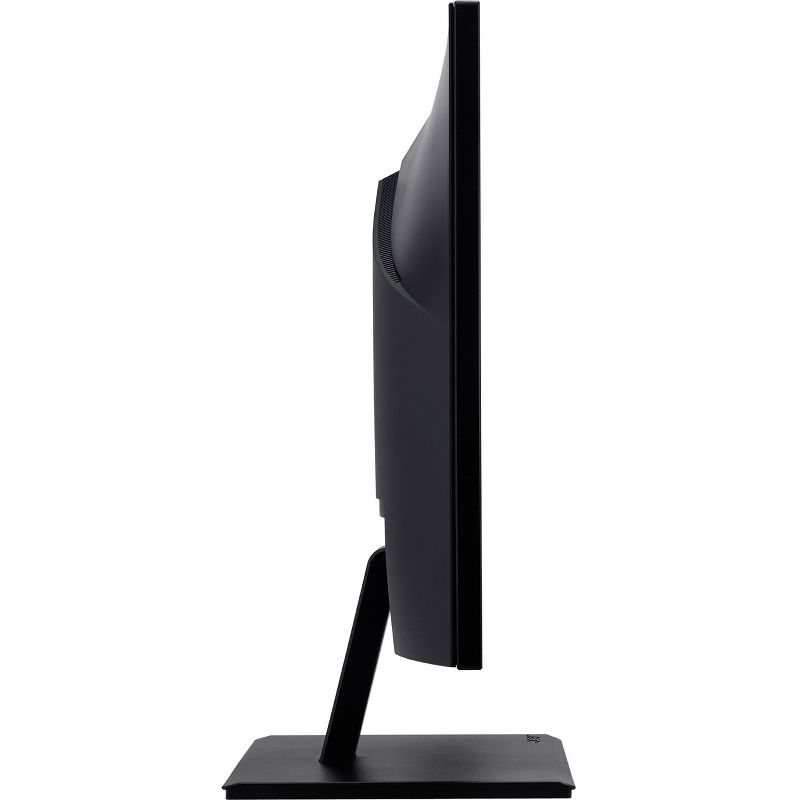
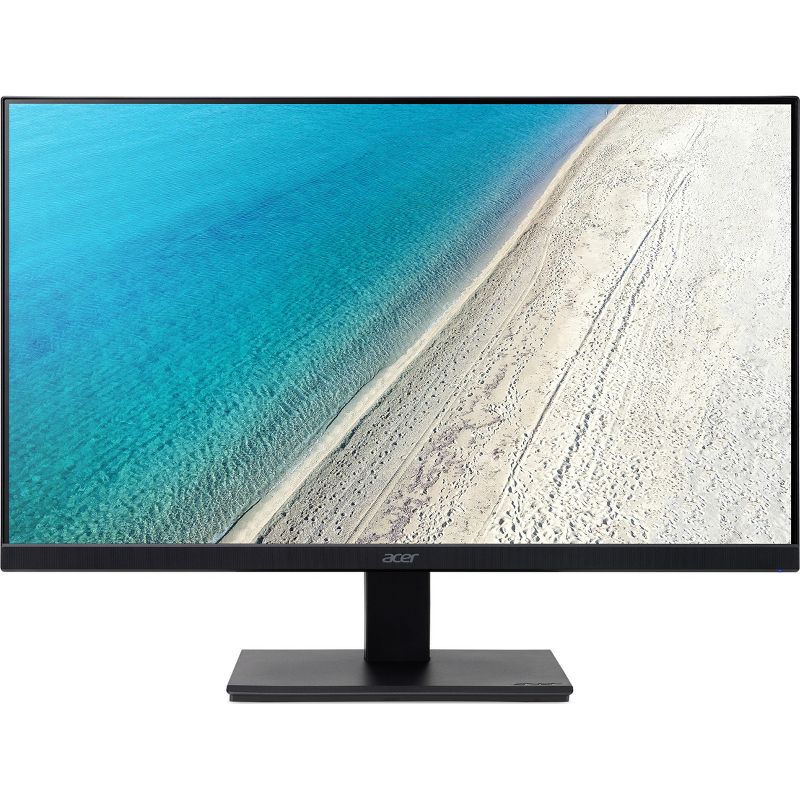
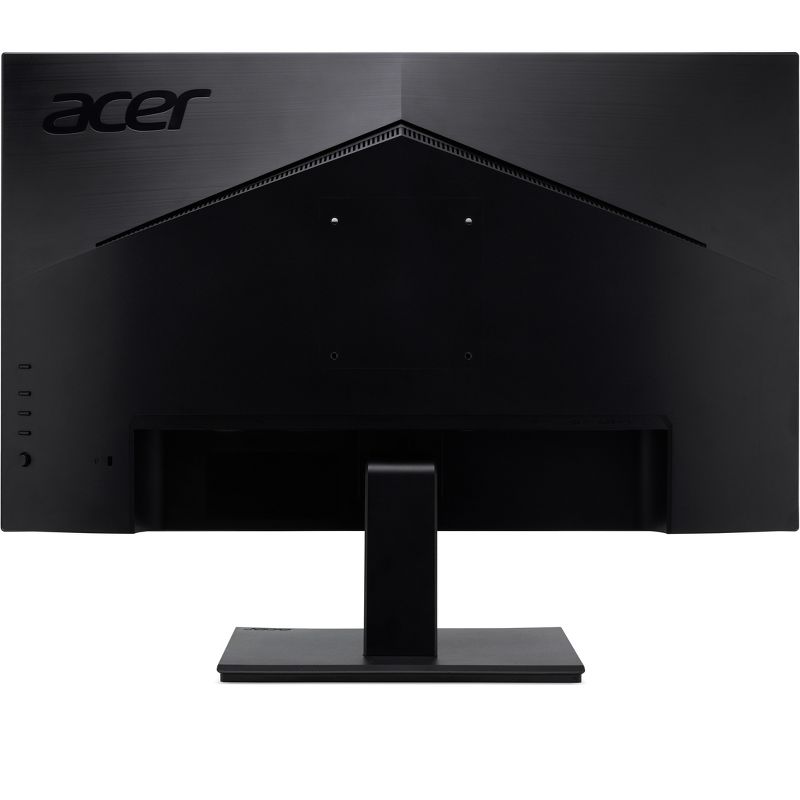
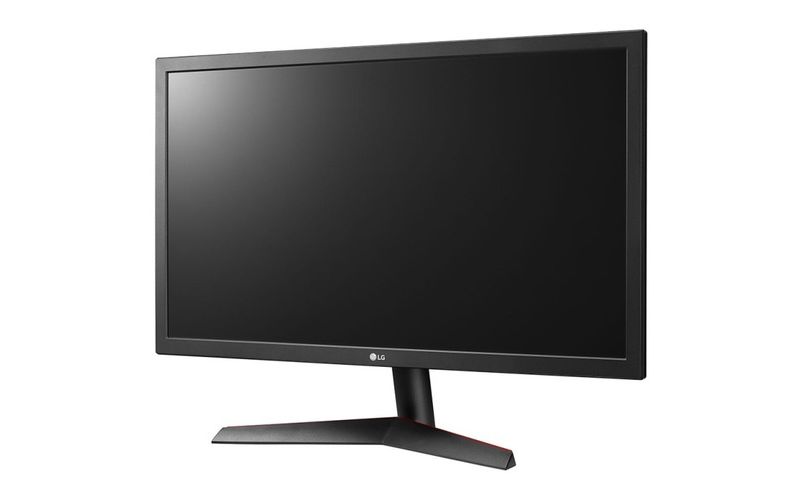
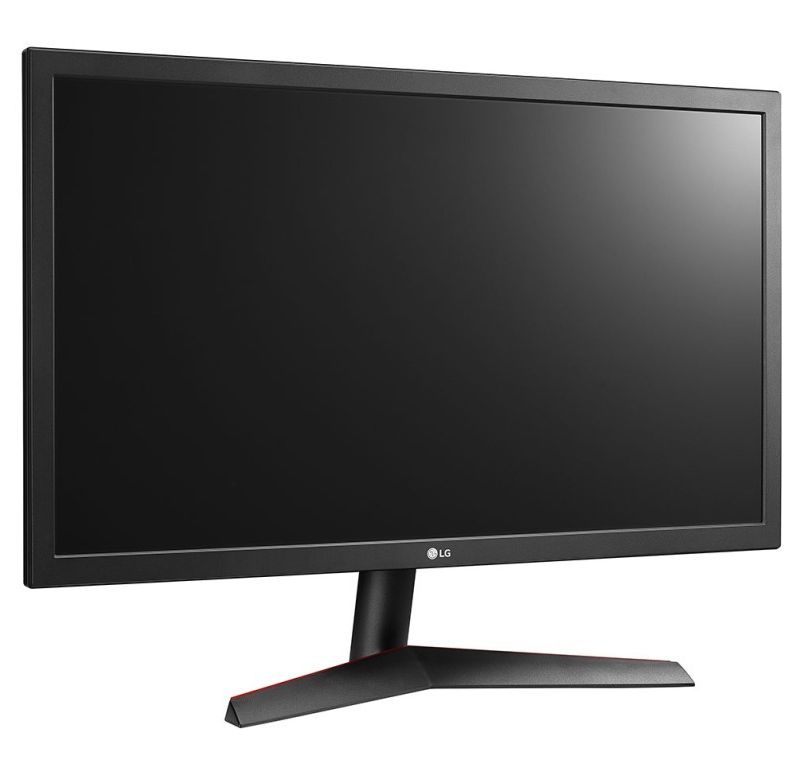
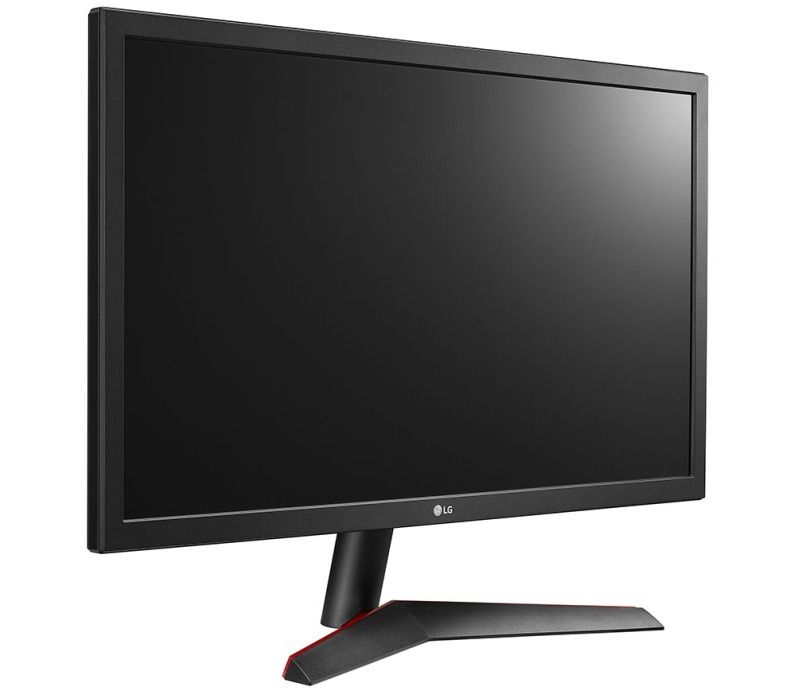
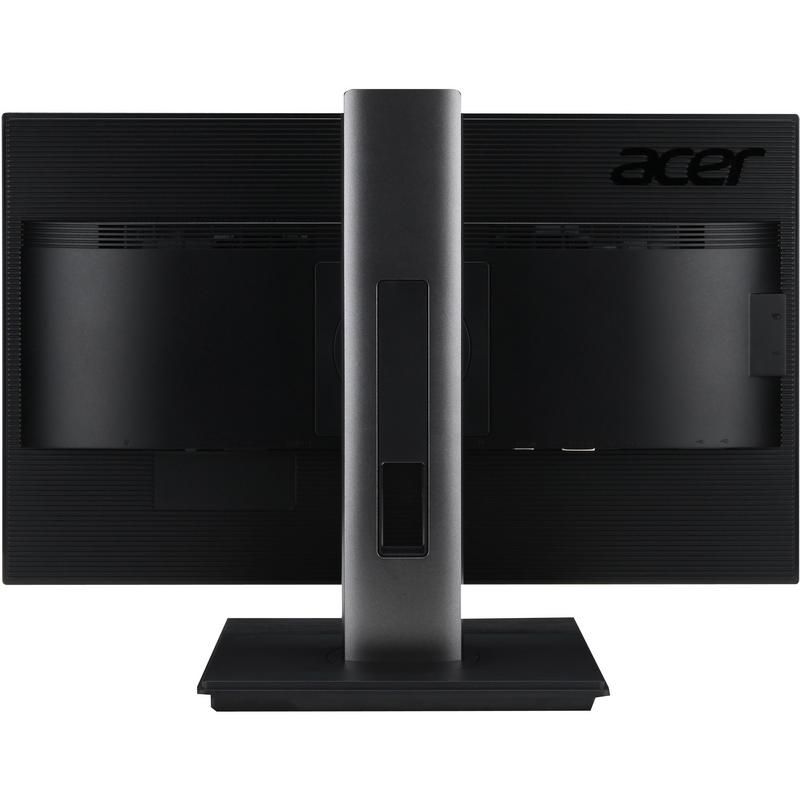
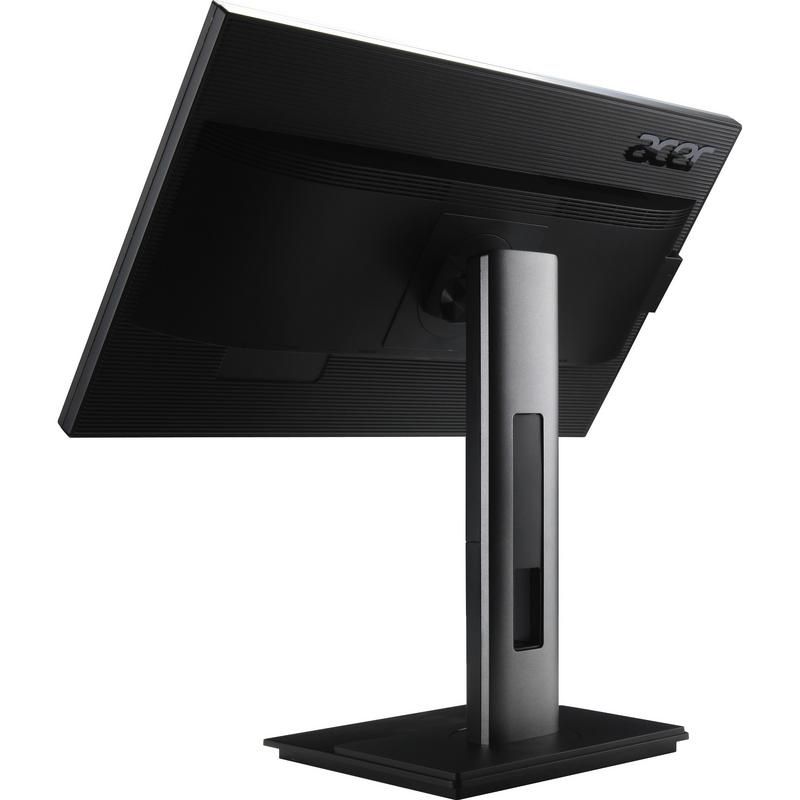
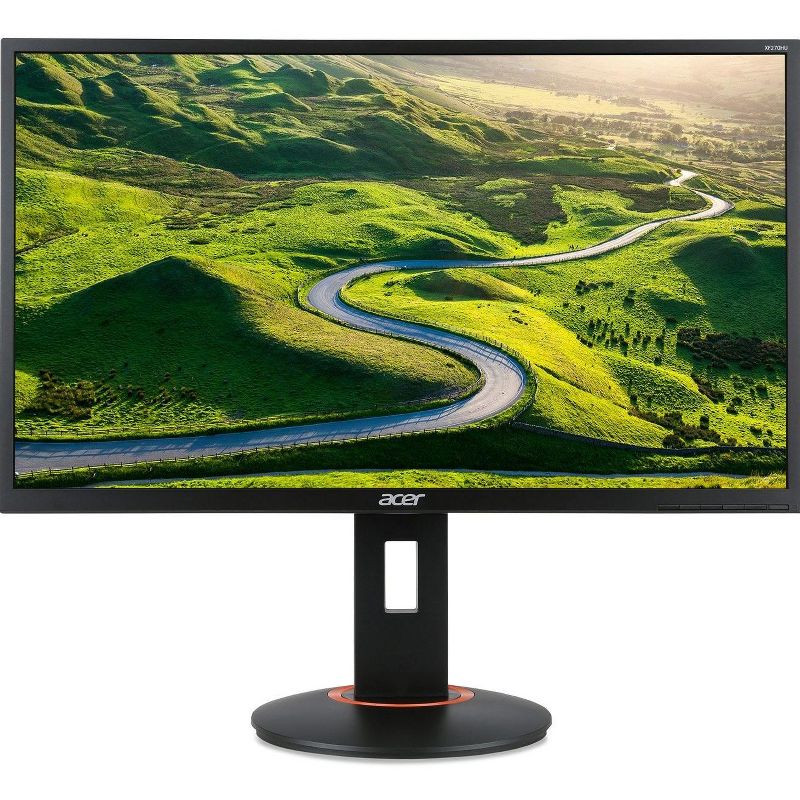
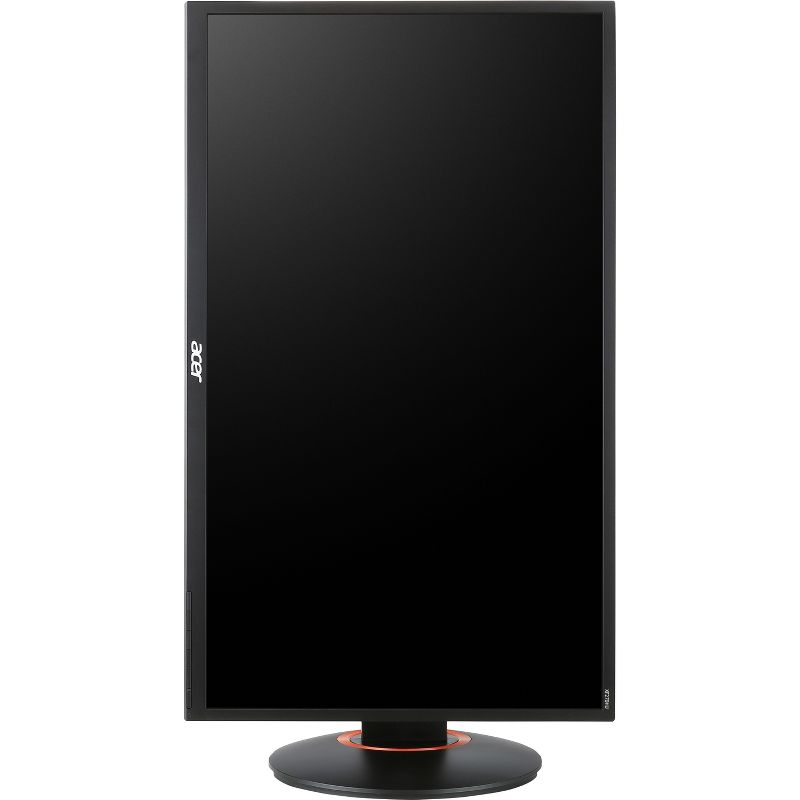
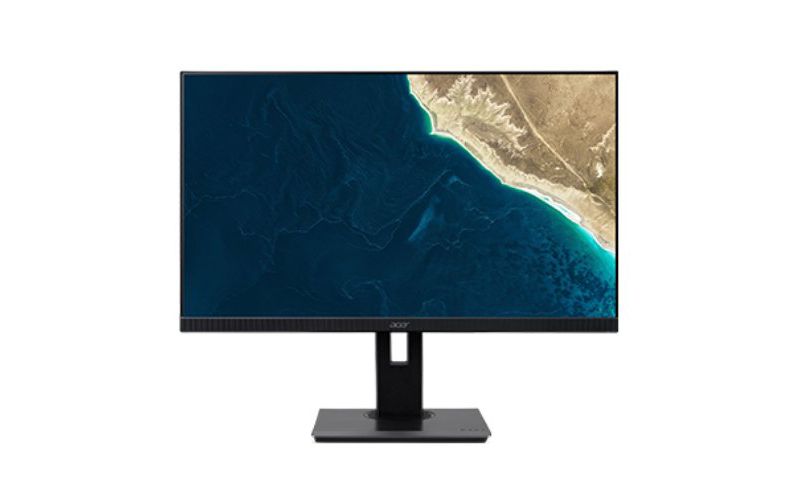
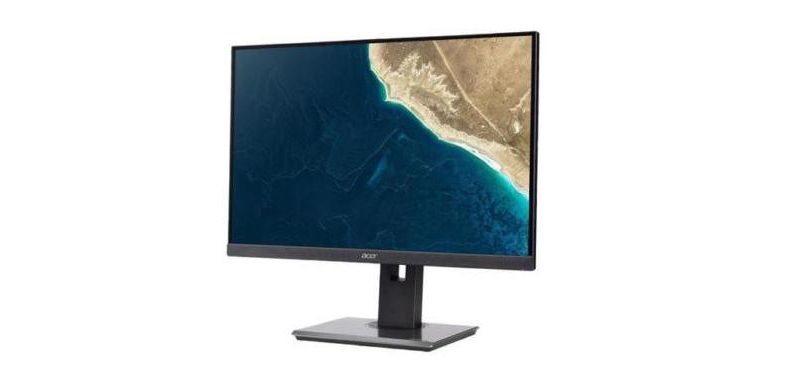
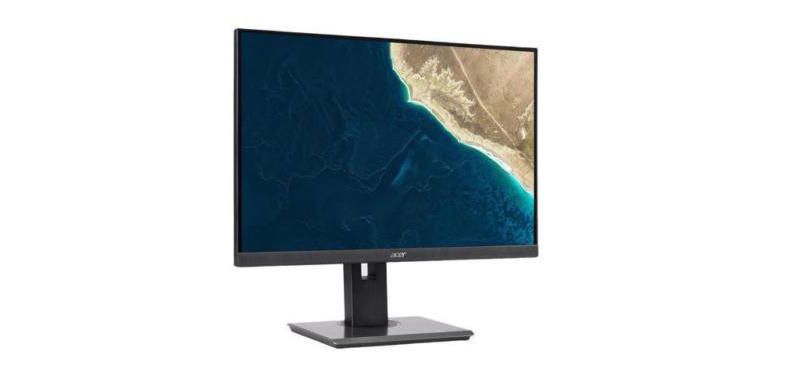
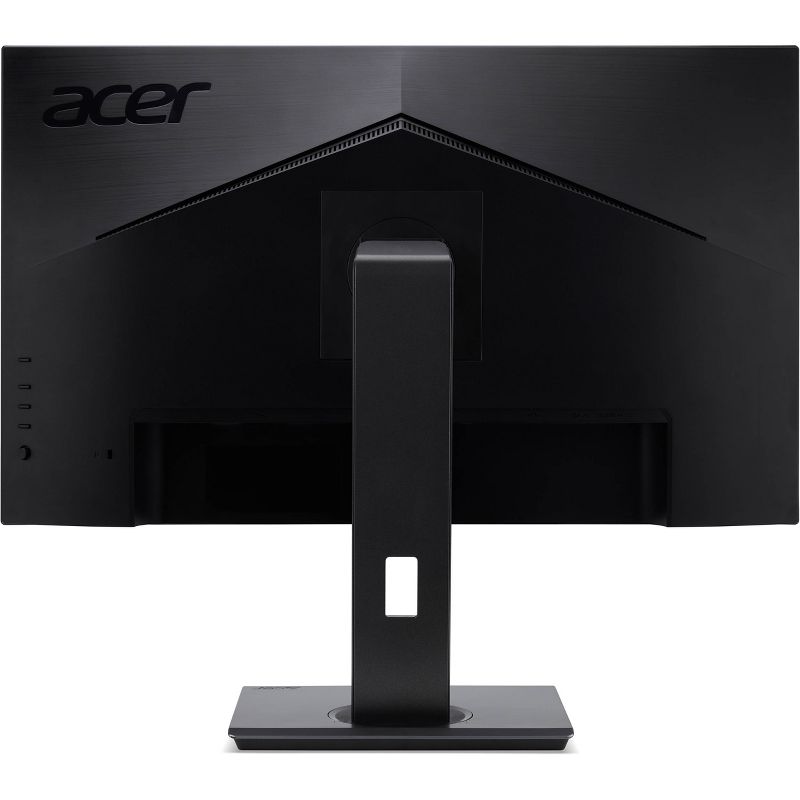
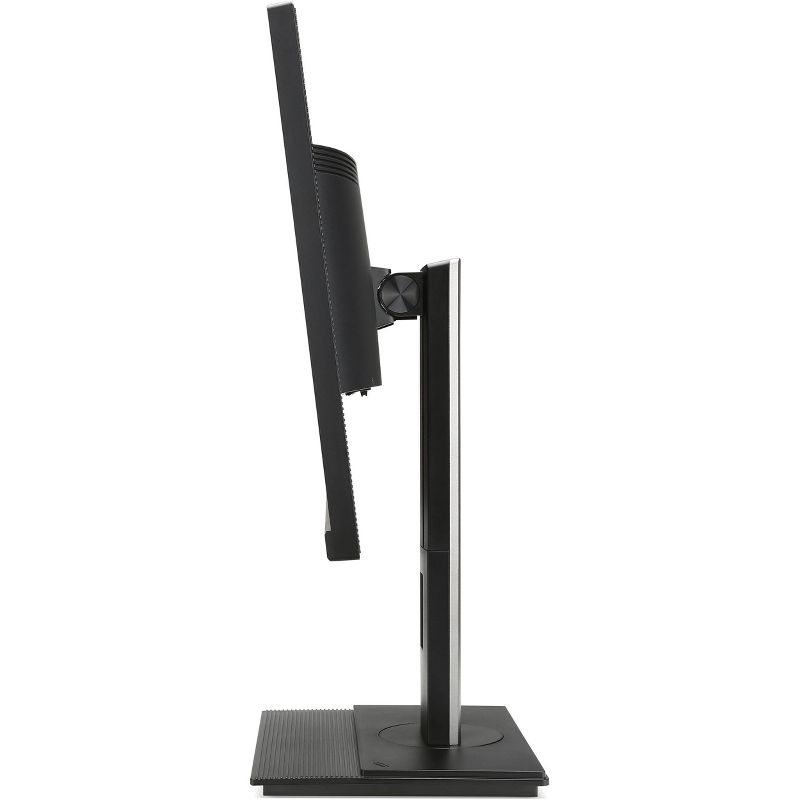
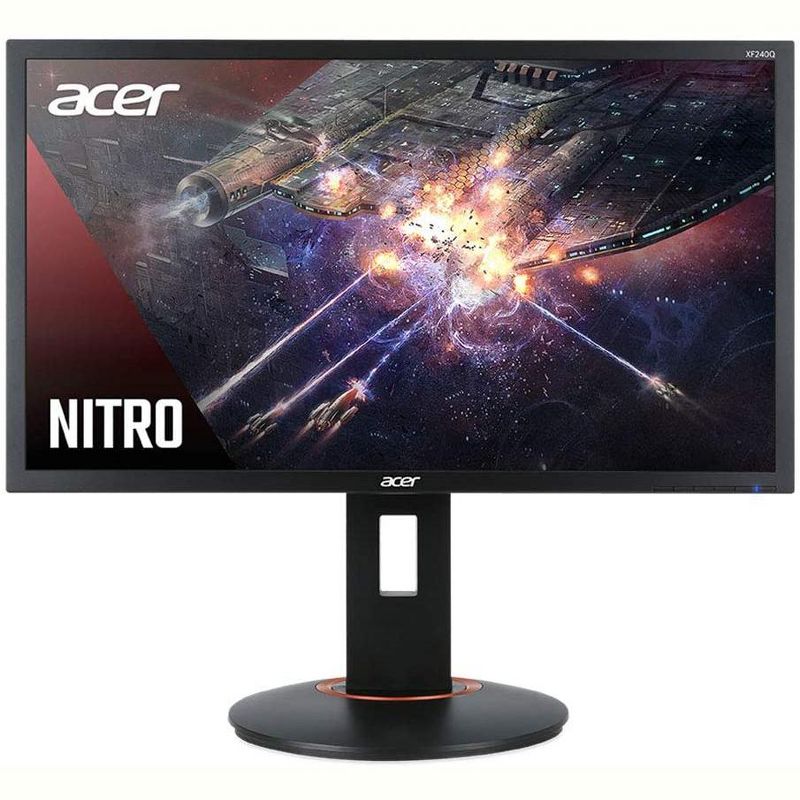
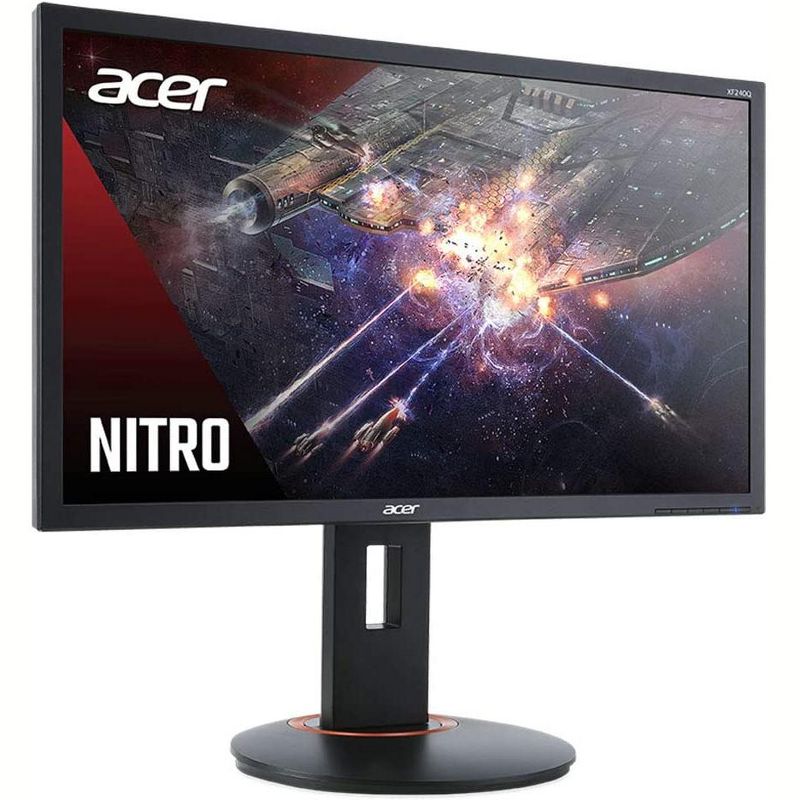
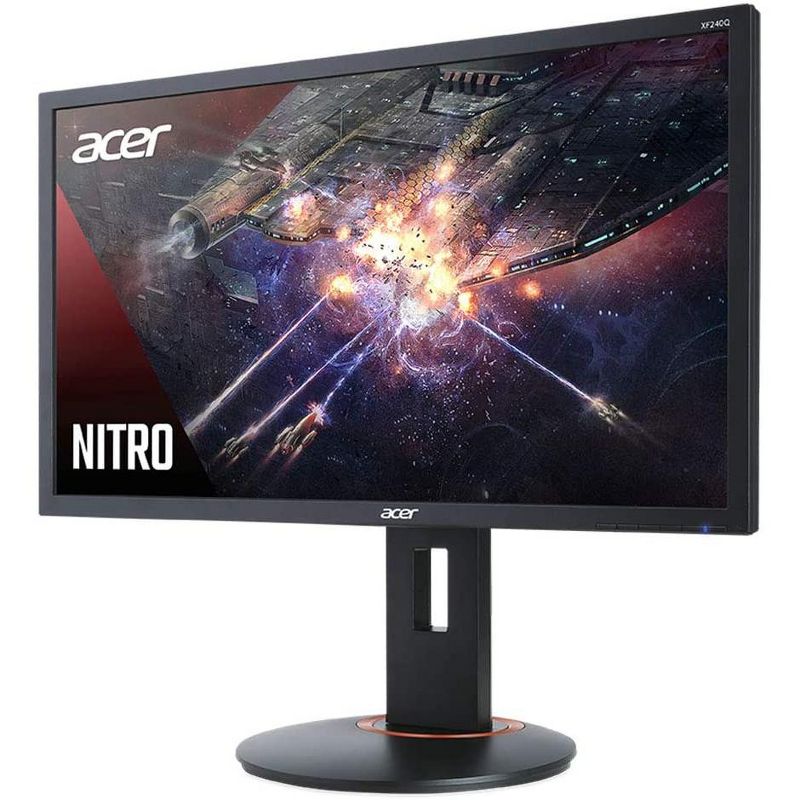
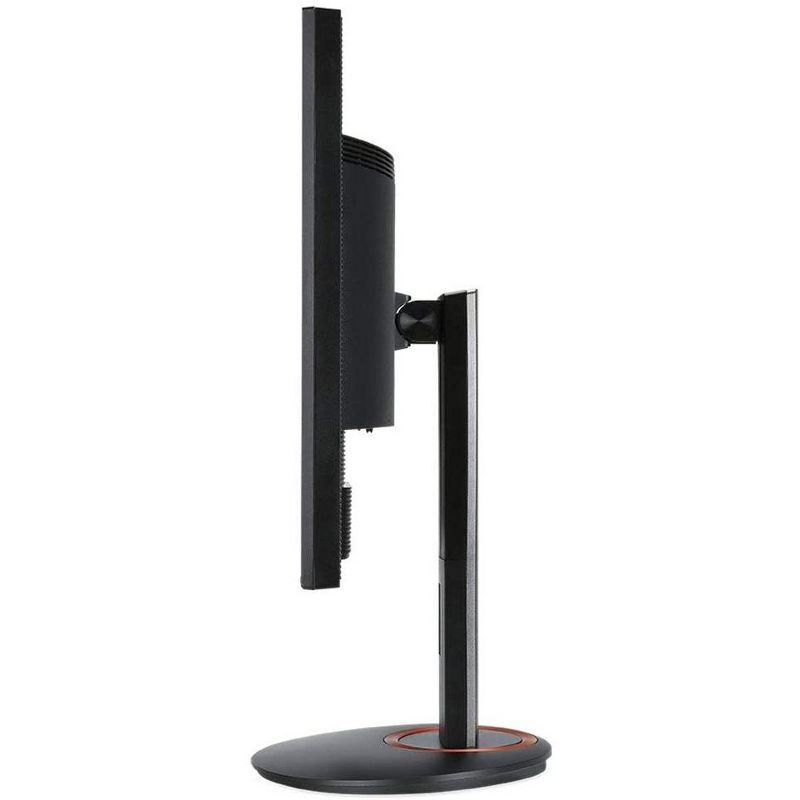
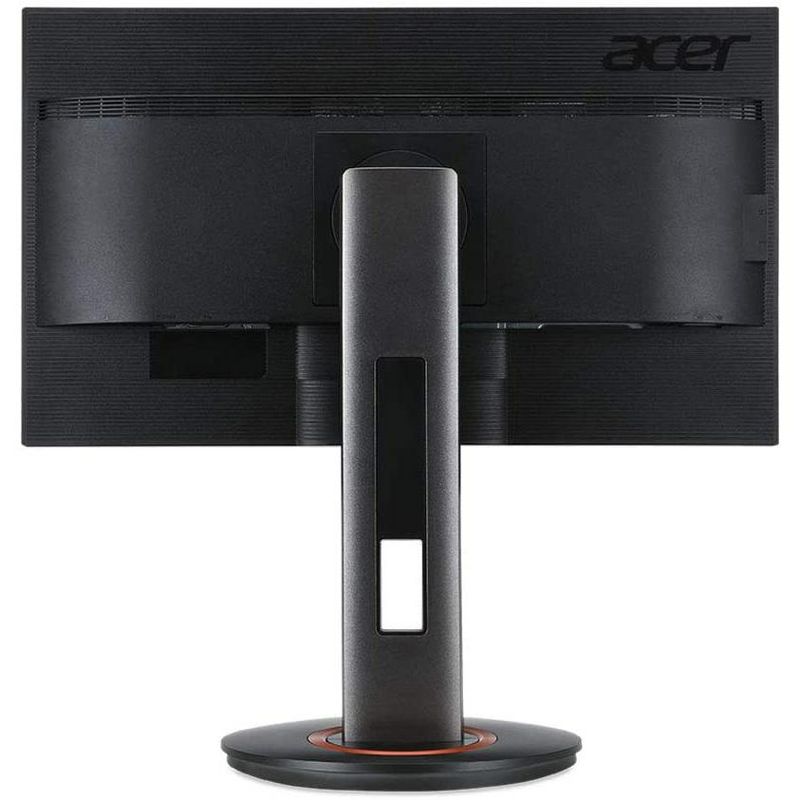
Acer Predator Z1 31.5" Widescreen Gaming Monitor 2560 x 1440 4 ms GTG 165 Hz - Manufacturer Refurbished
CTNR109567 0841631126185 CTNR109567Acer
2027-01-05
/itm/acer-predator-z1-315-widescreen-gaming-monitor-2560-x-1440-4-ms-gtg-165-hz-manufacturer-refurbished-109567
USD
613.1
$ 613.10 $ 619.29 1% Off
Item Added to Cart
customer
*Product availability is subject to suppliers inventory

SHIPPING ALL OVER UNITED STATES

100% MONEY BACK GUARANTEE

EASY 30 DAYSRETURNS & REFUNDS

24/7 CUSTOMER SUPPORT

TRUSTED AND SAFE WEBSITE

100% SECURE CHECKOUT
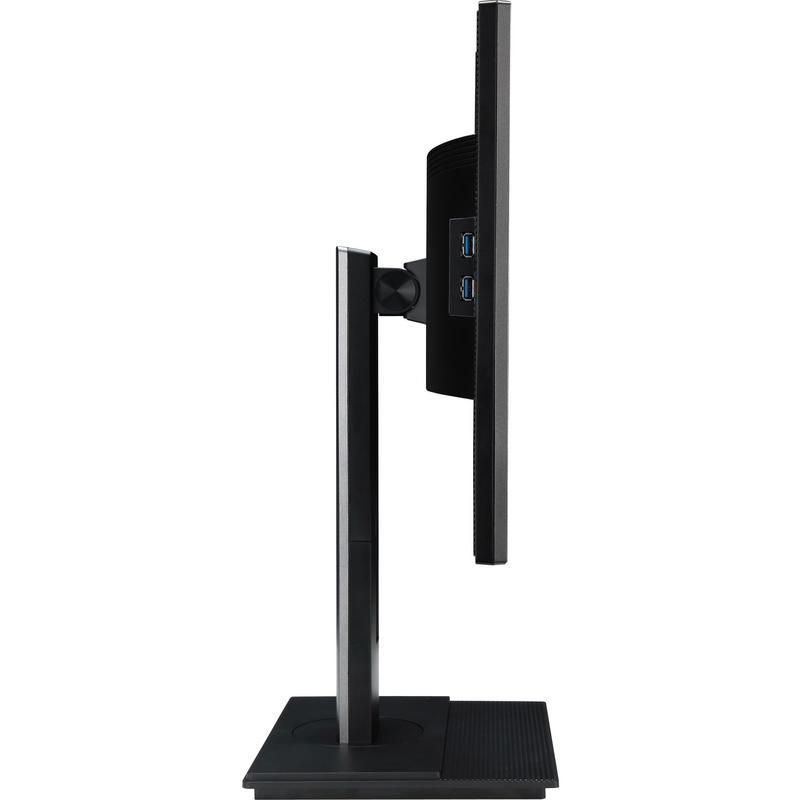
Number of USB ports: 5
Display Type: VA Panel
Primary use: Gaming
Screen Resolution: 2560 x 1440
Model name: Z321QU bmiphzx
Aspect Ratio: 16:9 Aspect Ratio
Contrast Ratio: 3000:1 Static Contrast Ratio
Native screen refresh rate: 165 Hz
Number of HDMI ports: 1
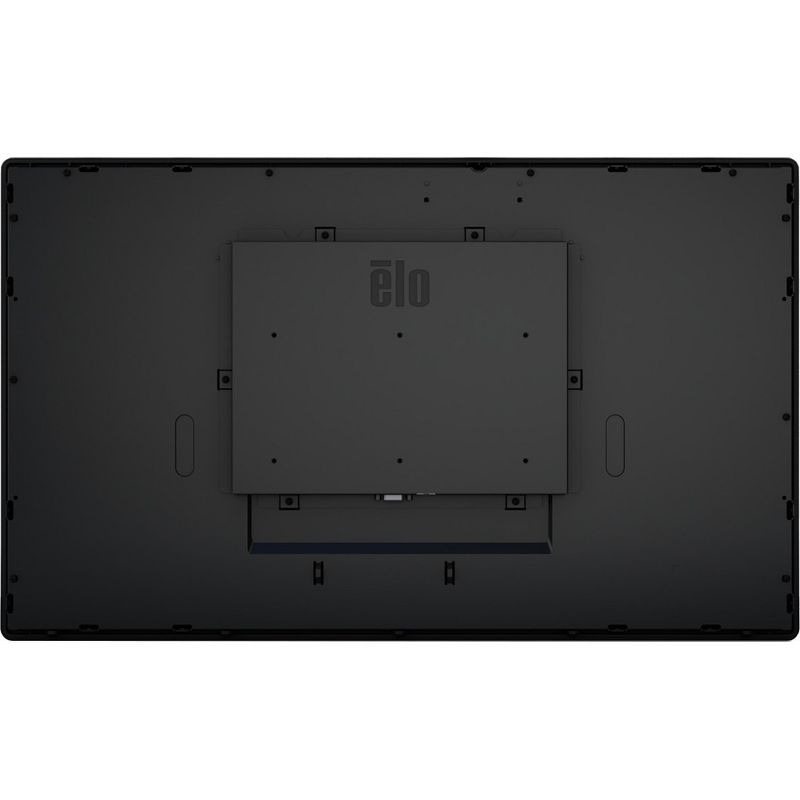
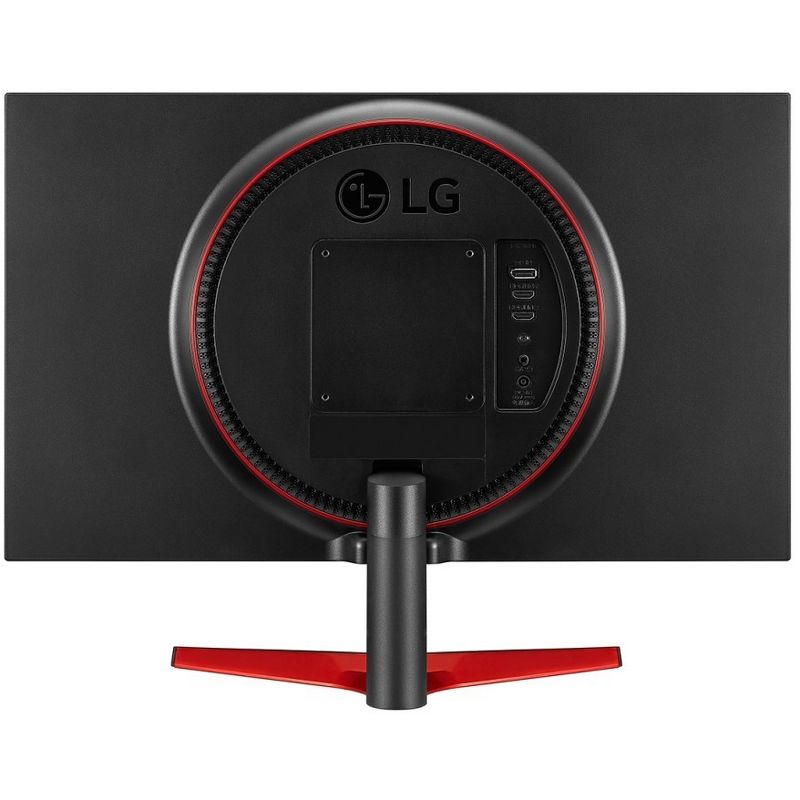
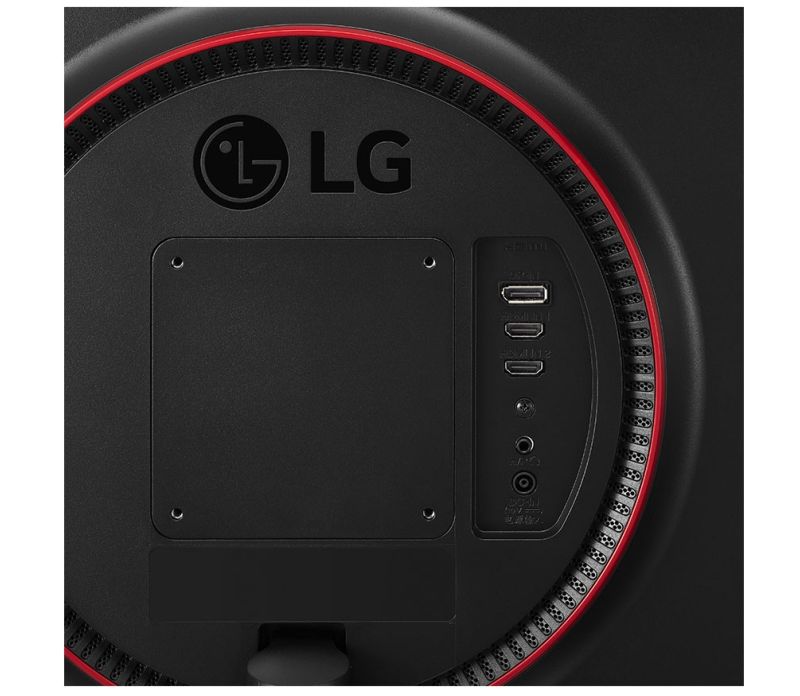
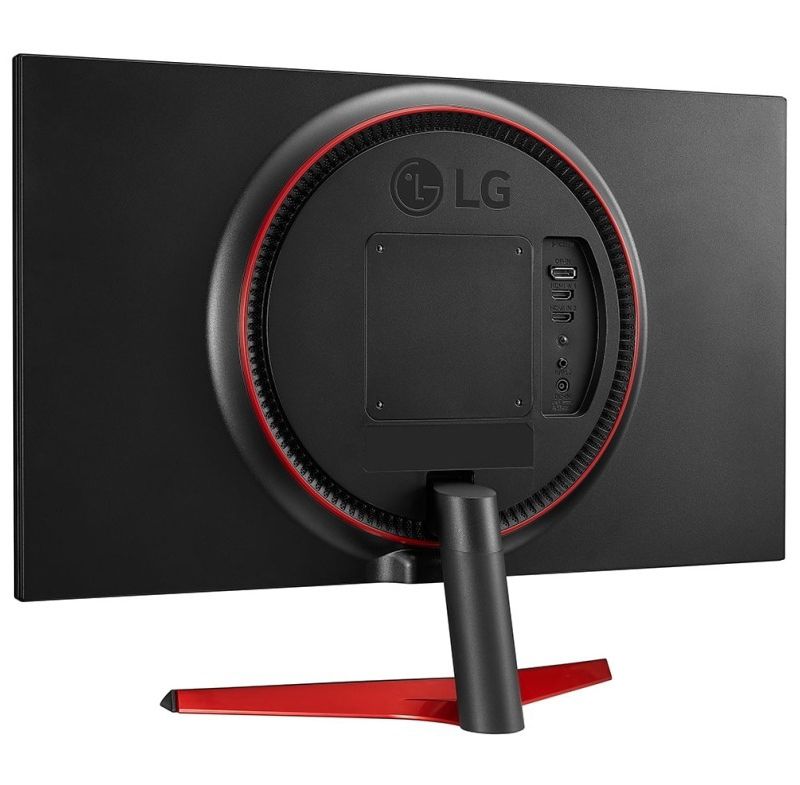
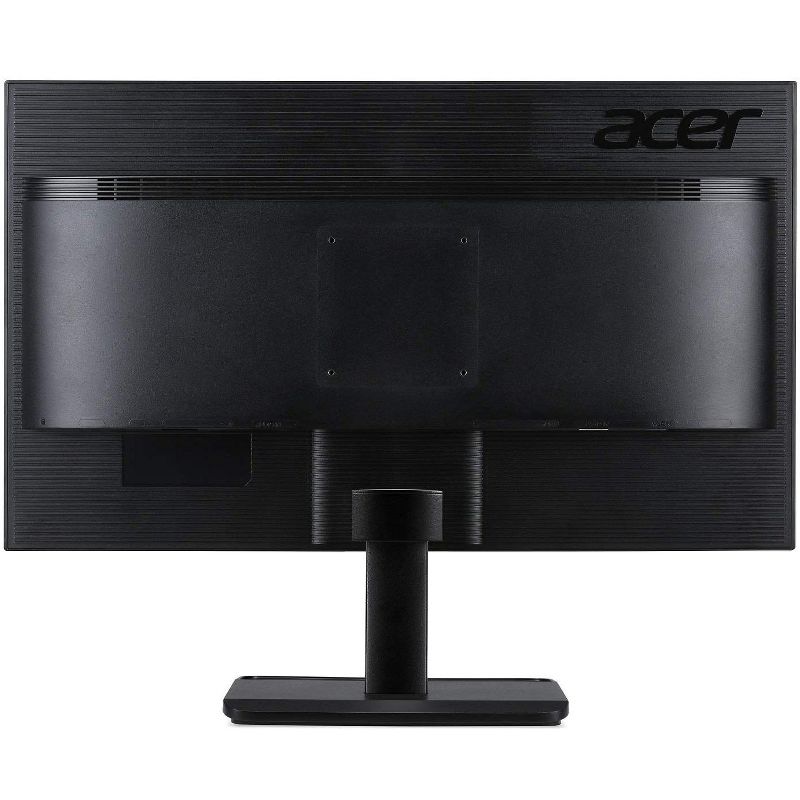
VESA Mounting Standard: 100x100
Brightness(cd/m2): 300
Number of display ports: 1
Number of DVI ports: 0
Number of VGA Ports: 0
Response Time: 4ms Response Time
Screen Size: 31.5 inches
Warranty: 90 Day Limited Warranty. To obtain a copy of the manufacturer's or supplier's warranty for this item prior to purchasing the item,
• This Manufacturer Refurbished product is Certified Manufacturer Refurbished, shows limited or no wear, and includes all original accessories plus a 90-day warranty.
• Unrelenting perfection. It lives within every 4K 2560 x 1440 screen, eager for the chance to push image quality beyond what’s expected.
• Experience something new. Something never before possible. Pushed to 144Hz on a 4K panel, the graphic goliath has finally arrived.
• Smooth, tear-free gaming is illuminated in the darker blacks and brighter lights of the NVIDIA G-SYNC HDR display.
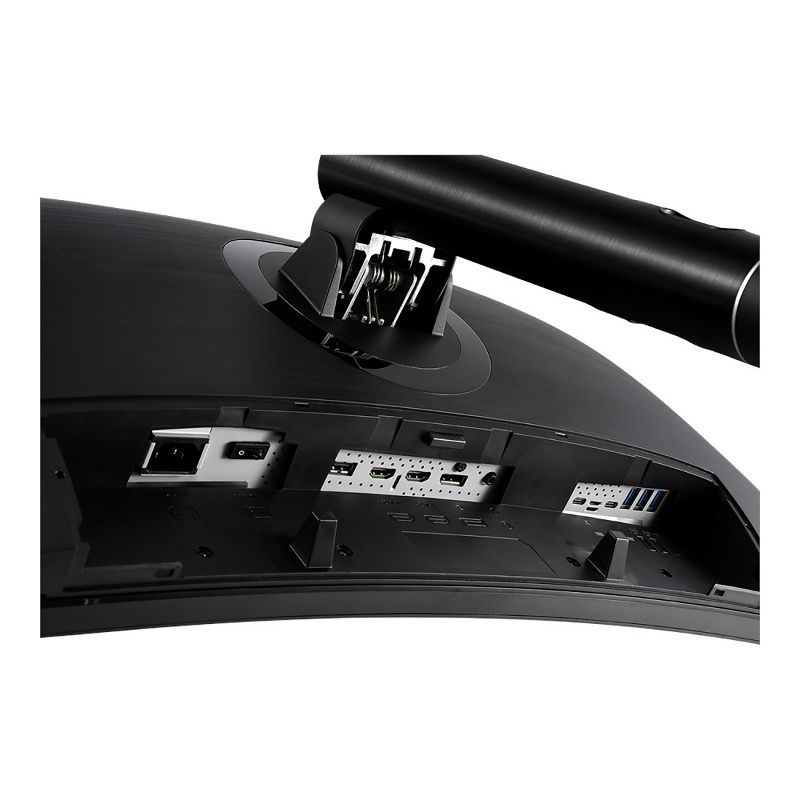
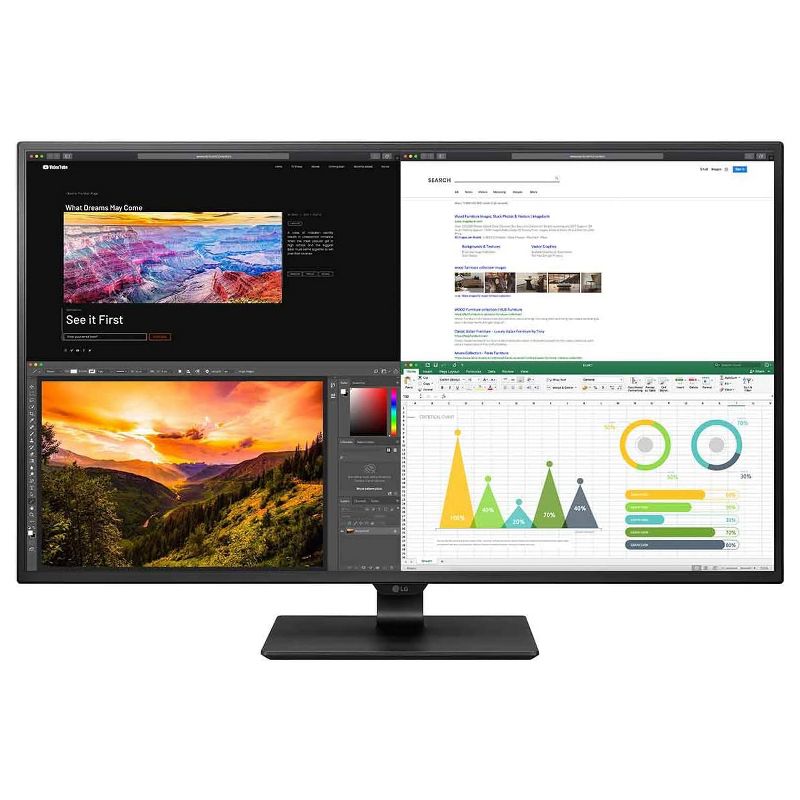
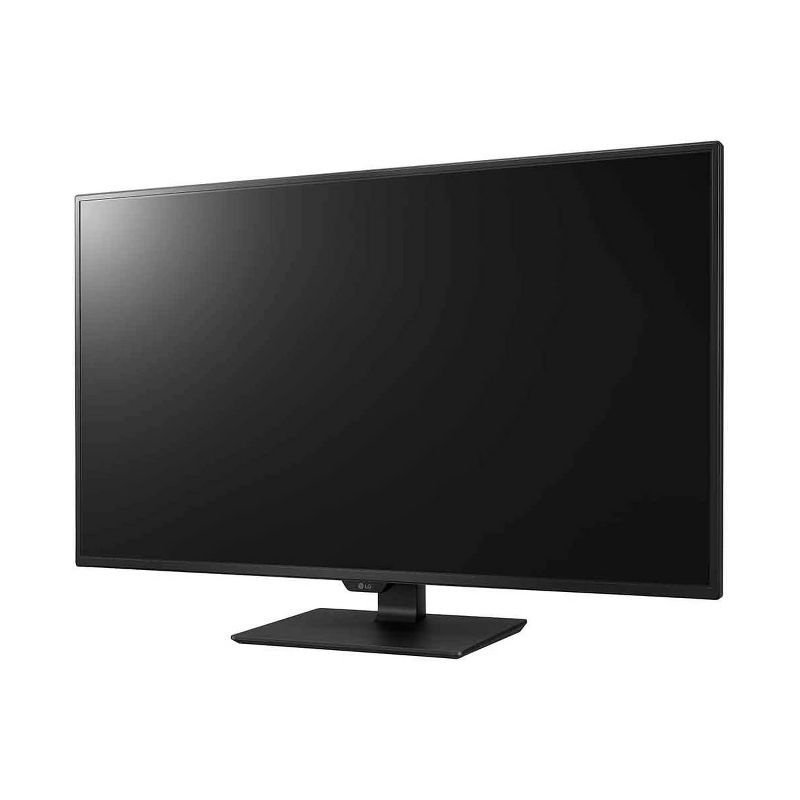
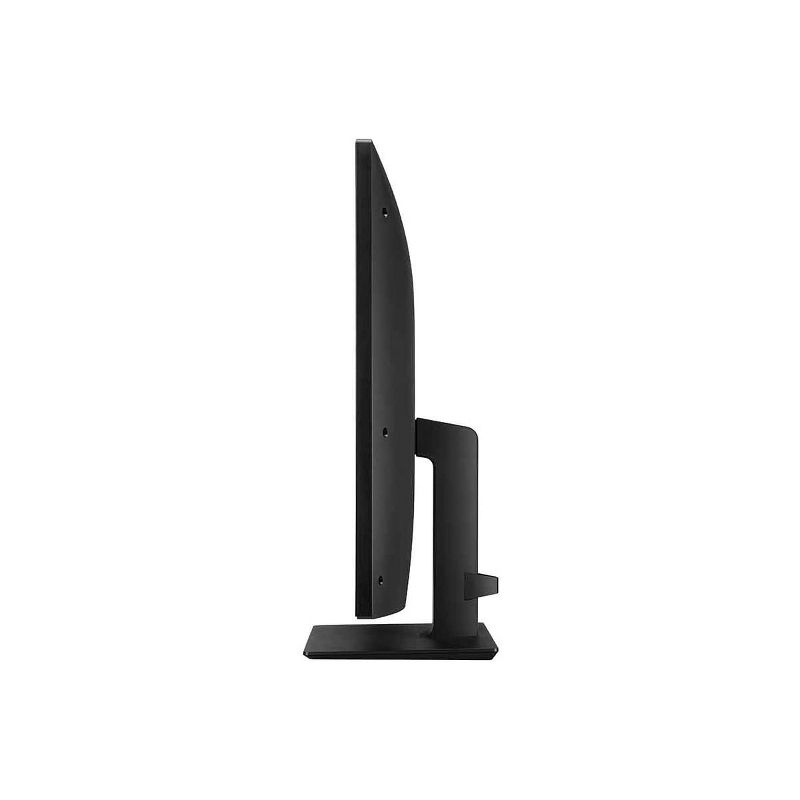
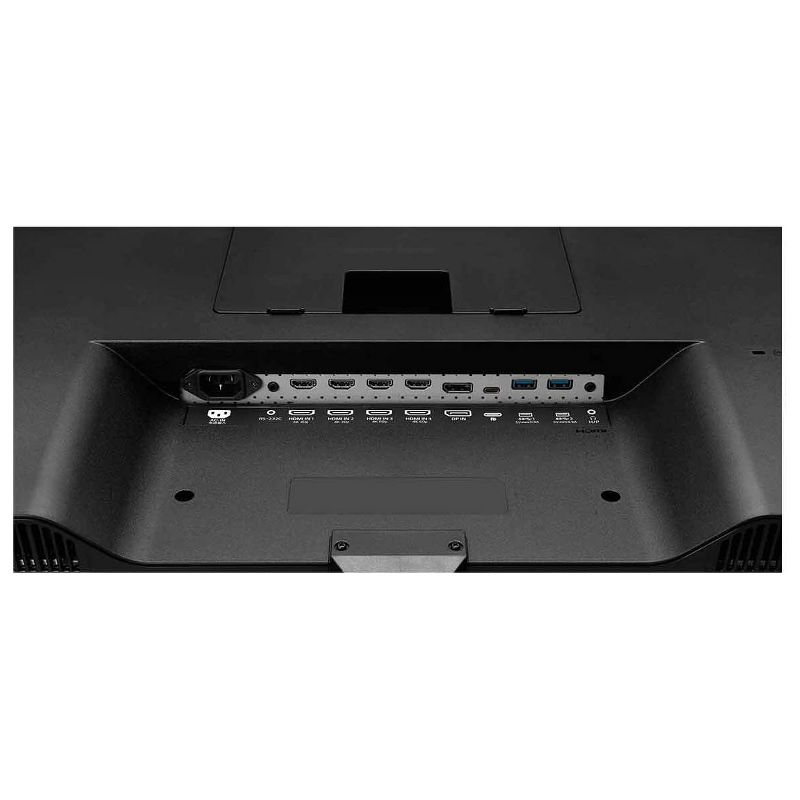
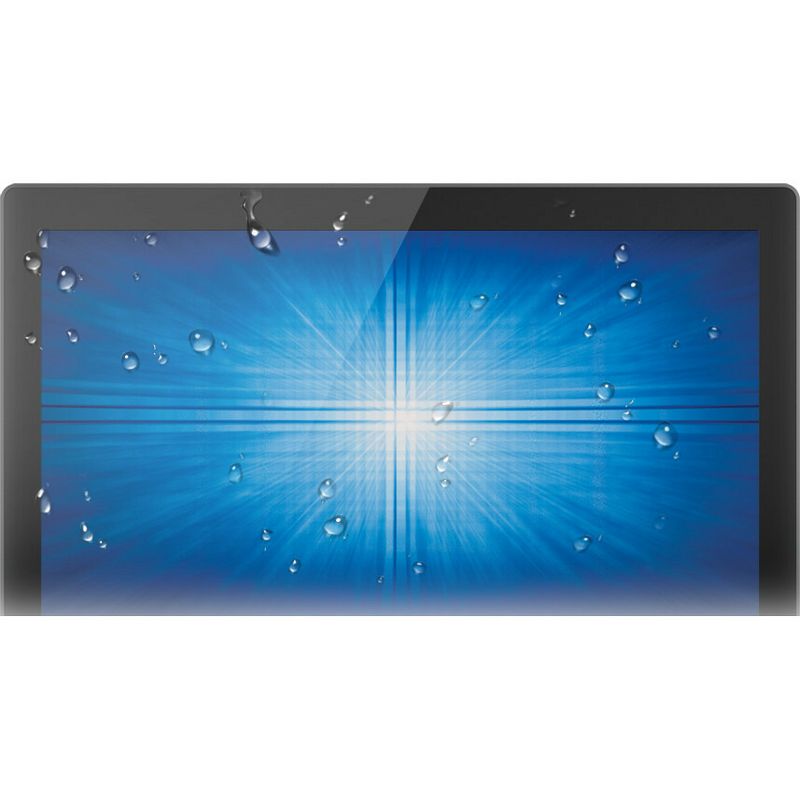
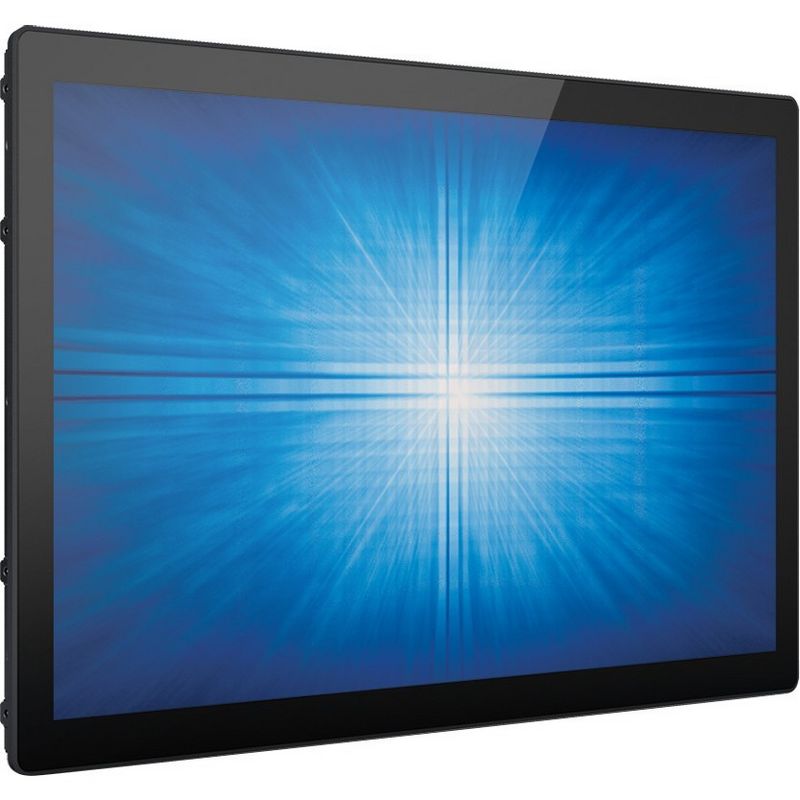
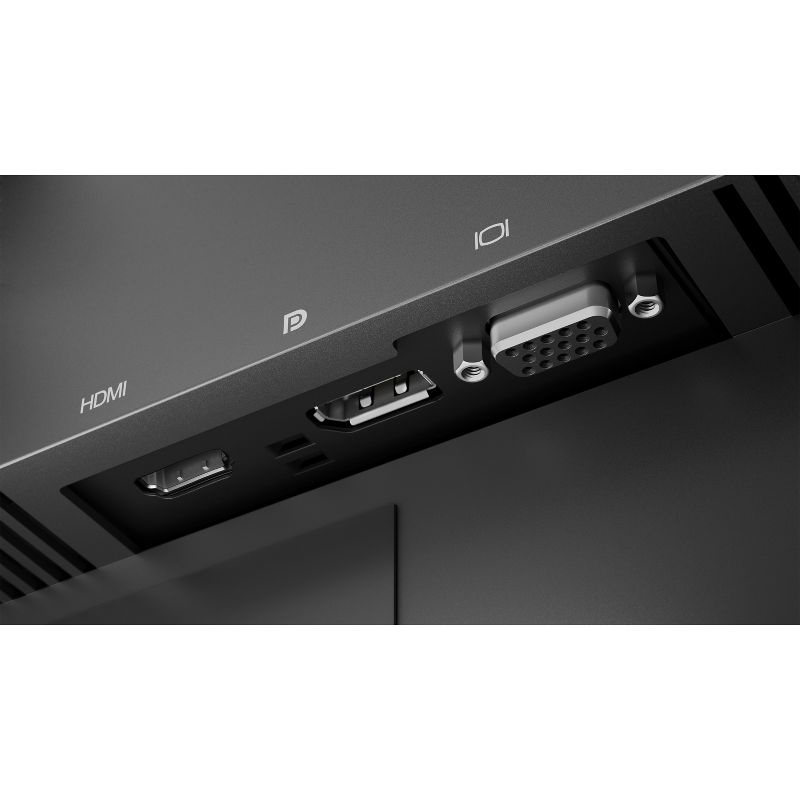
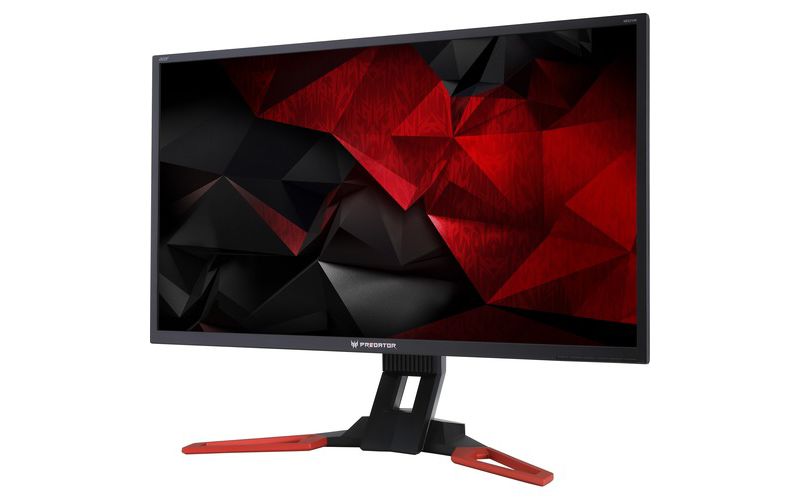
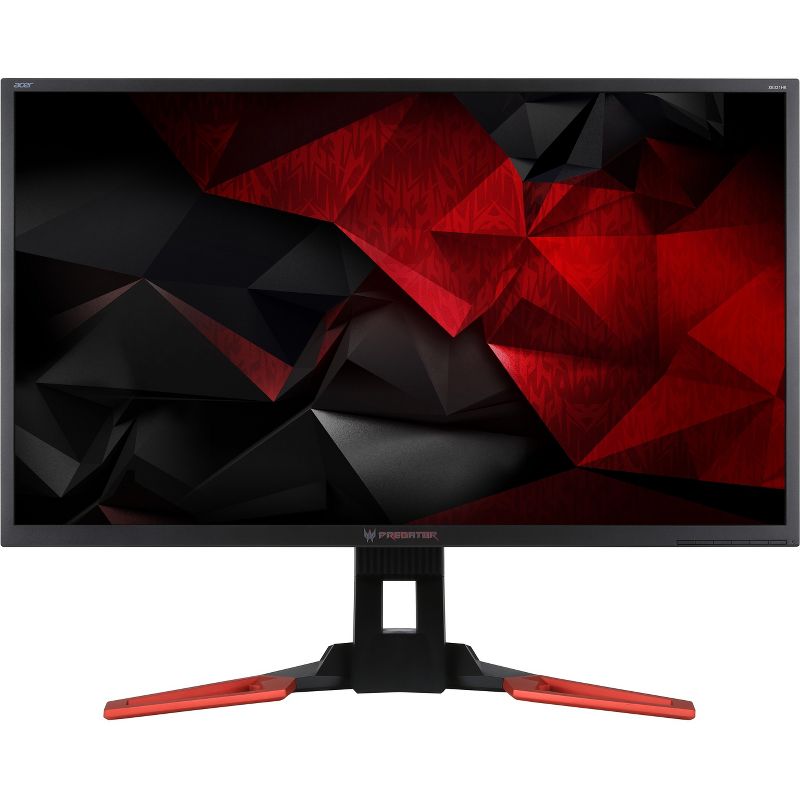
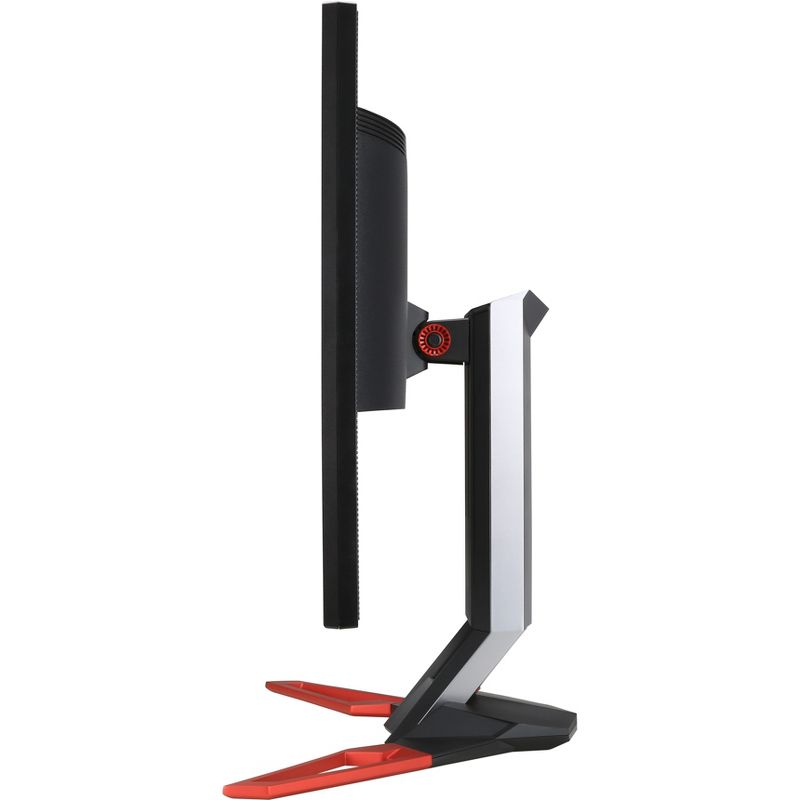
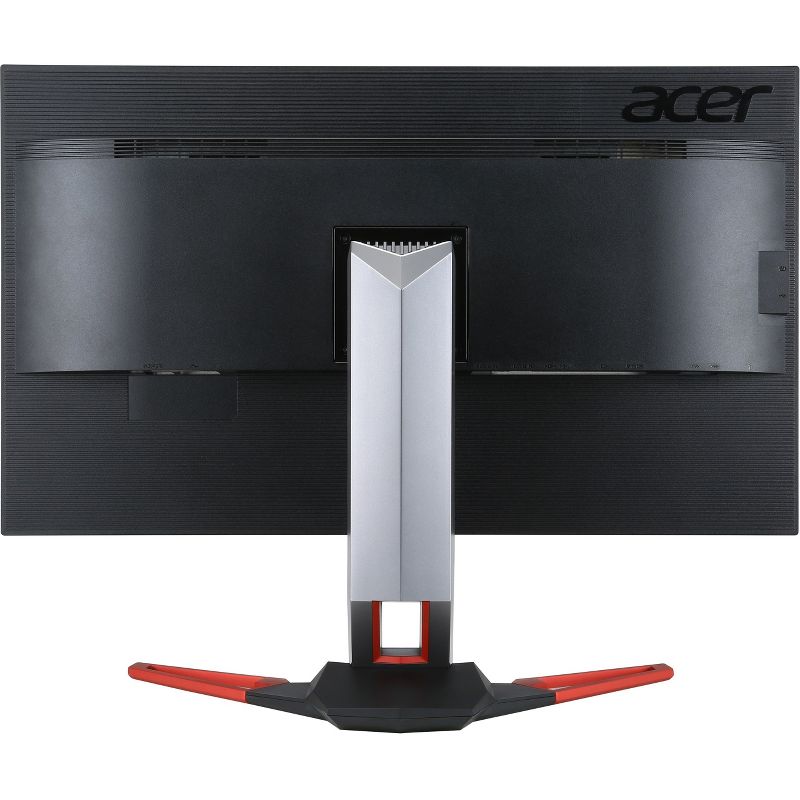
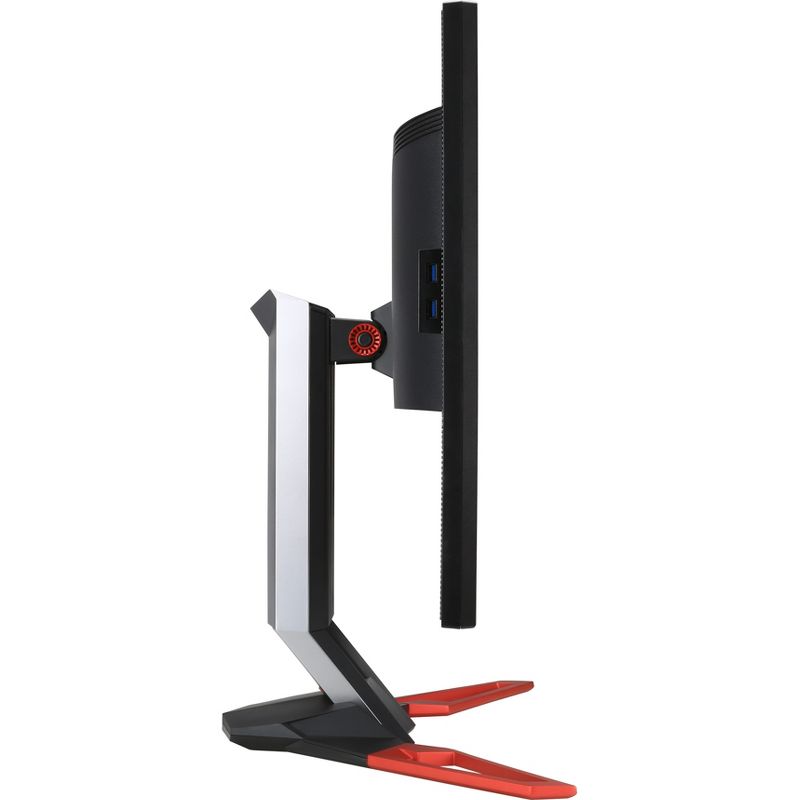
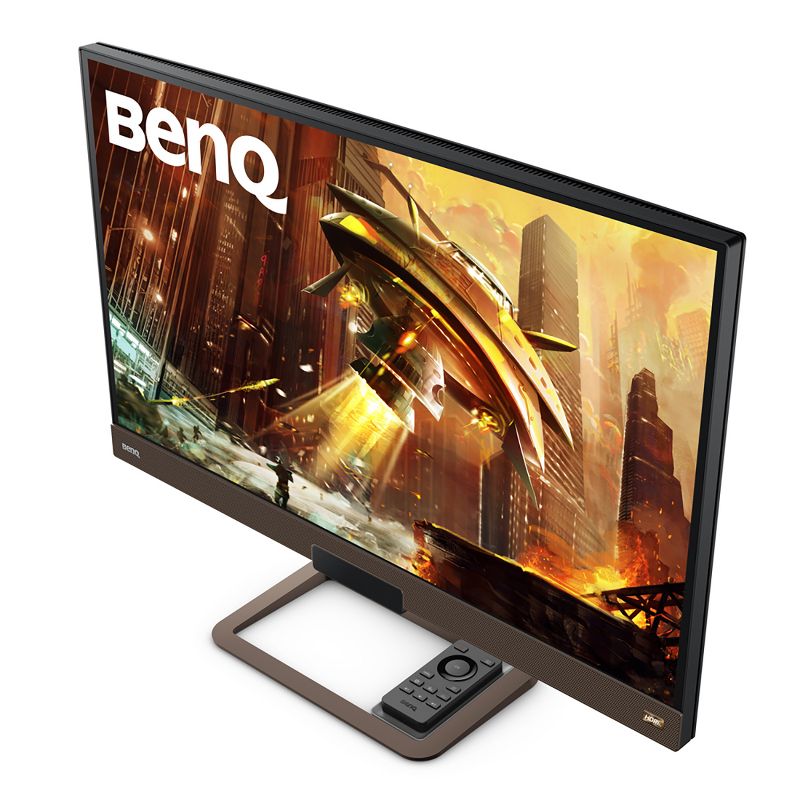
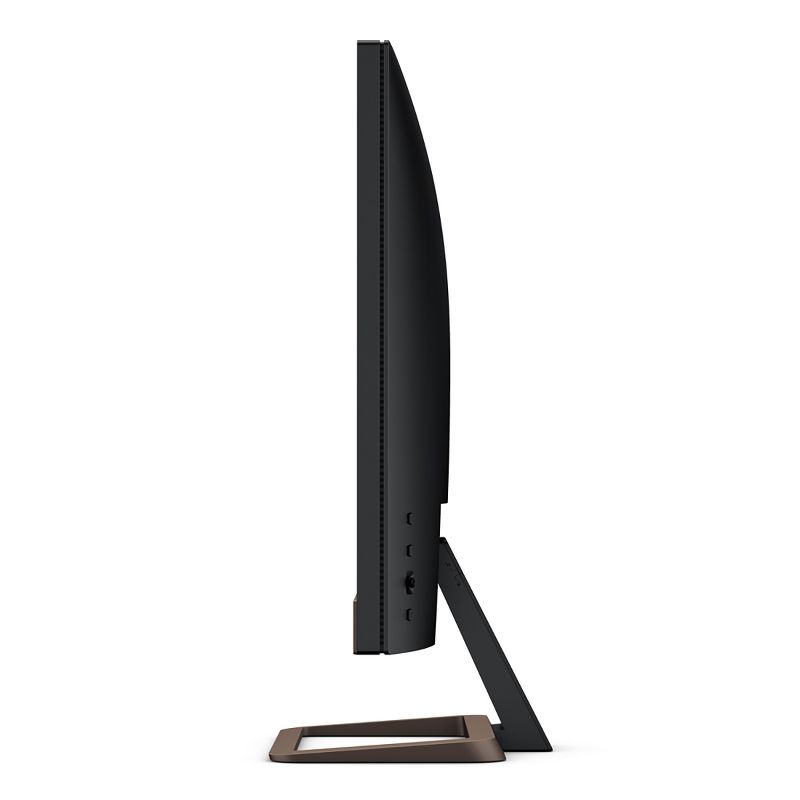
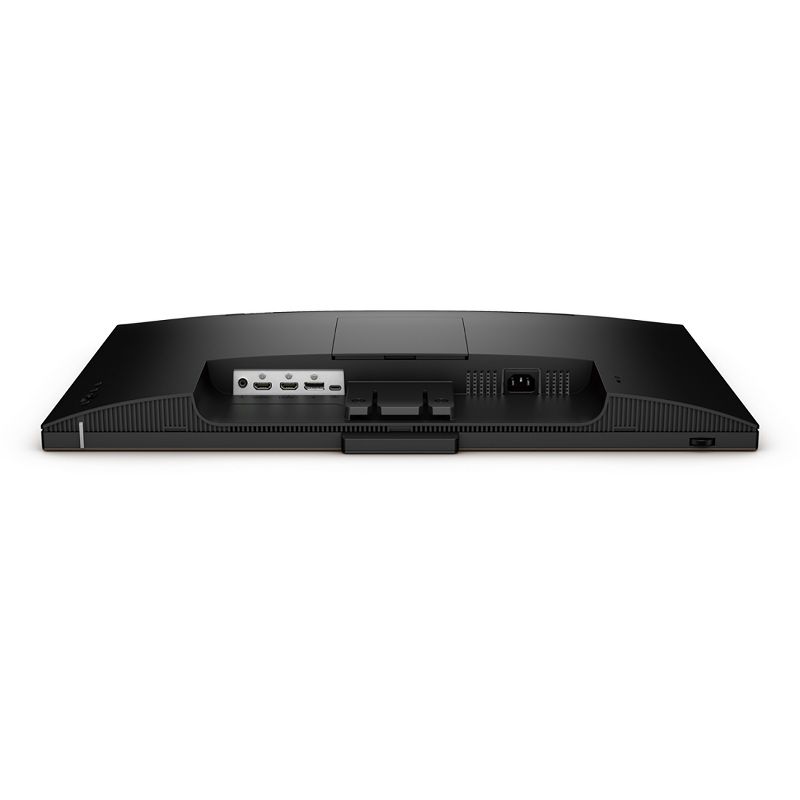
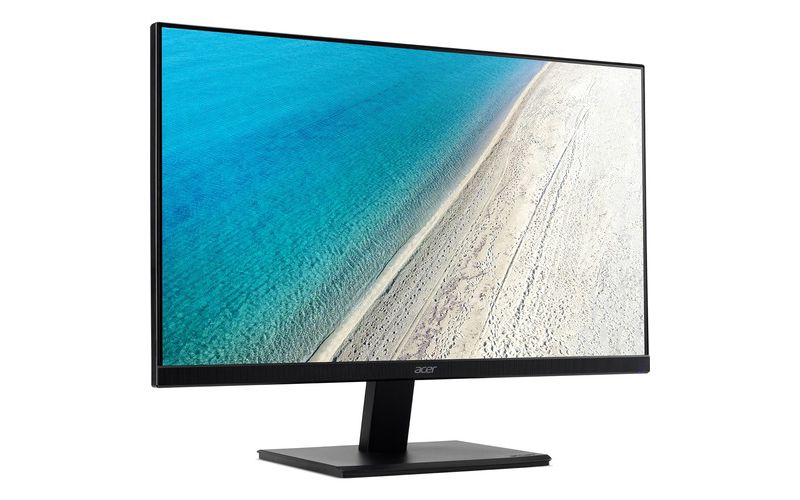
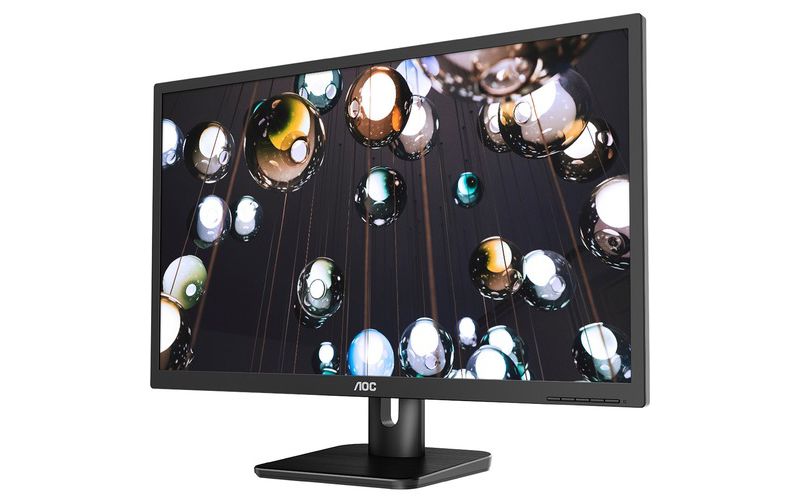
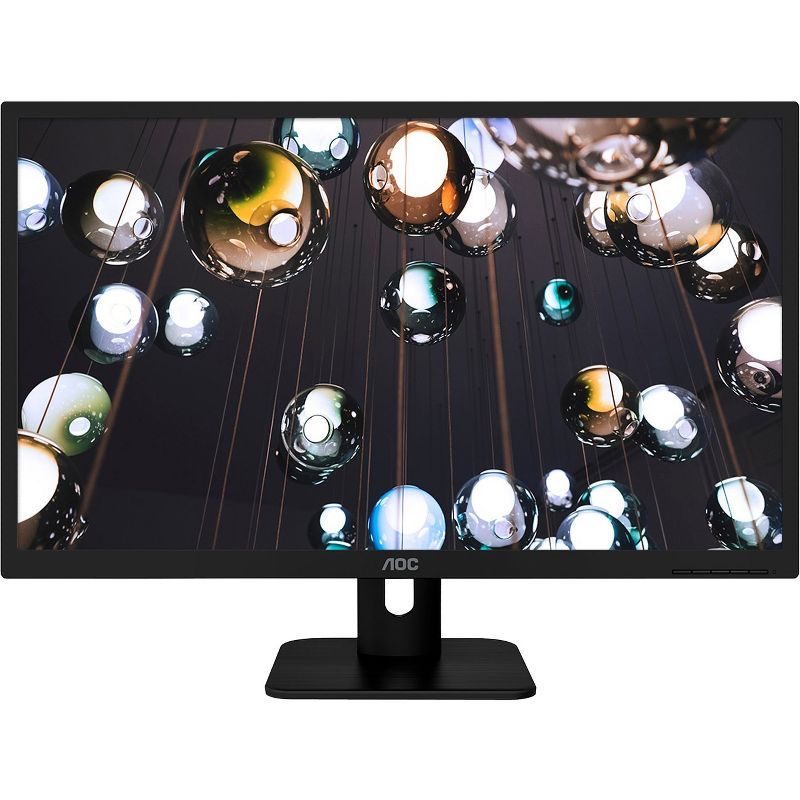
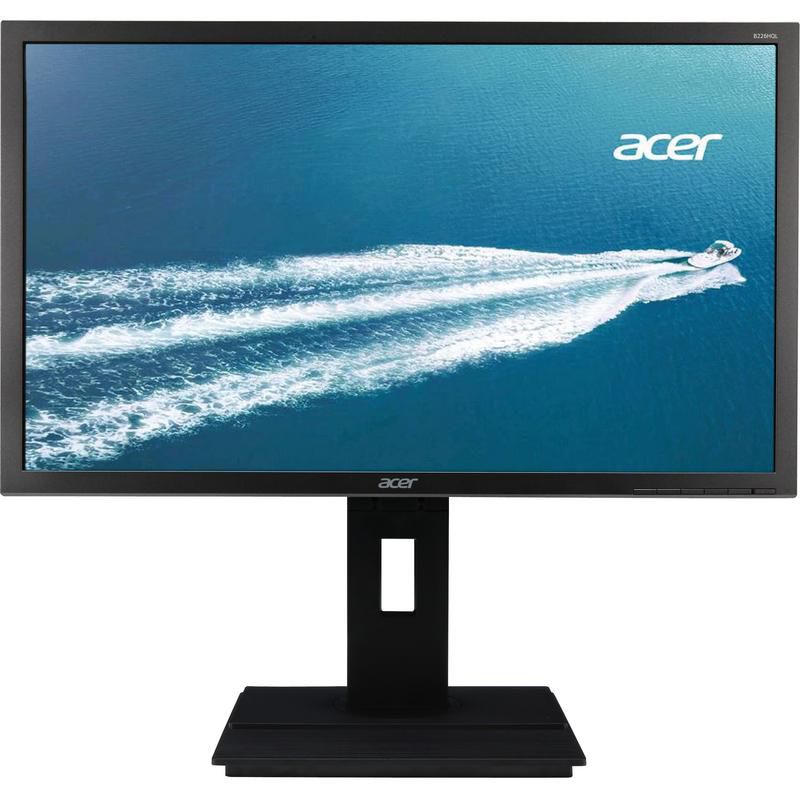
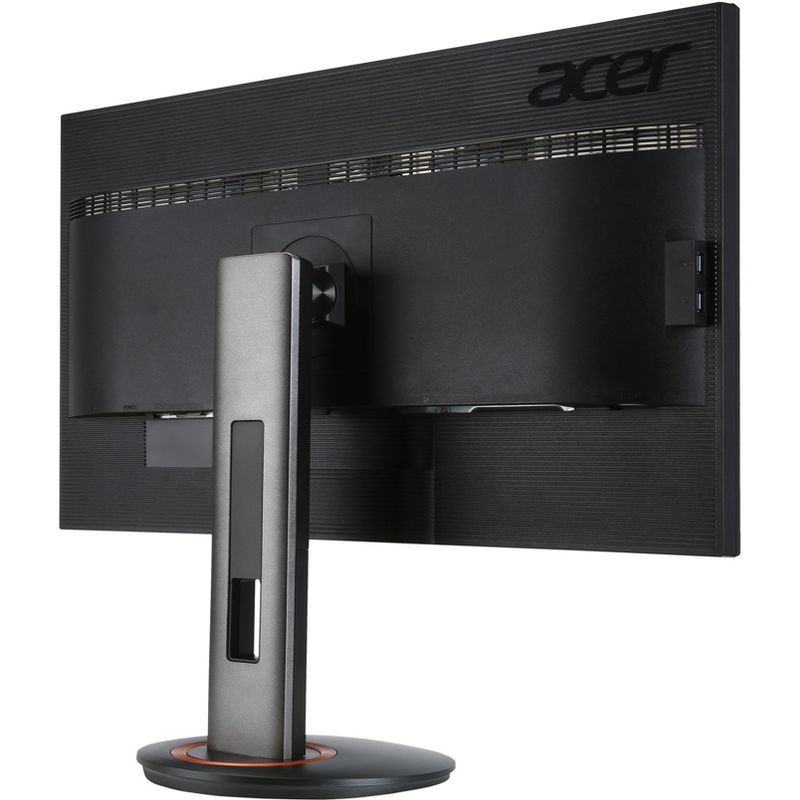
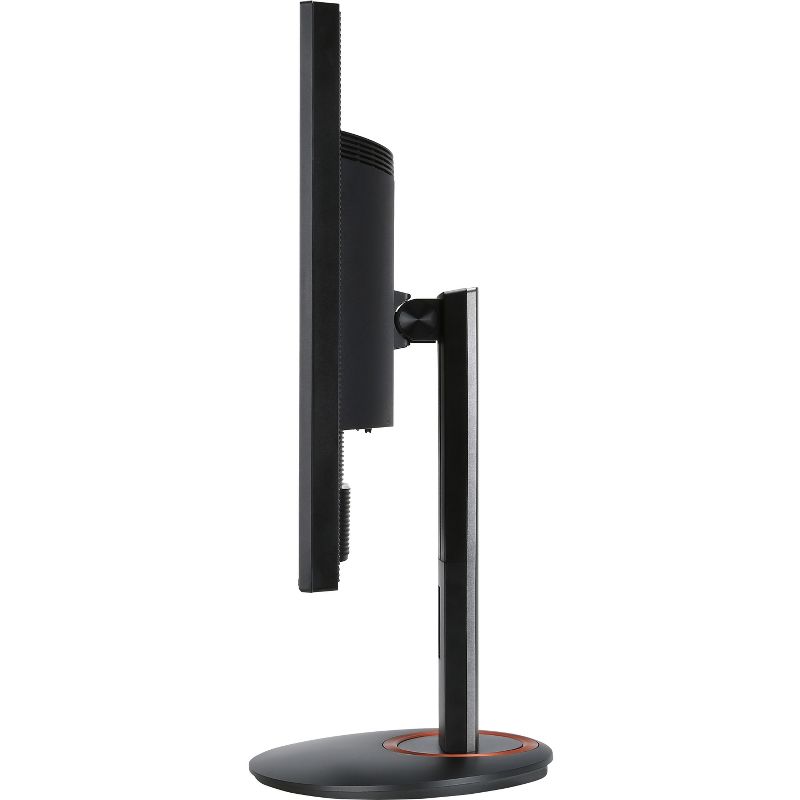
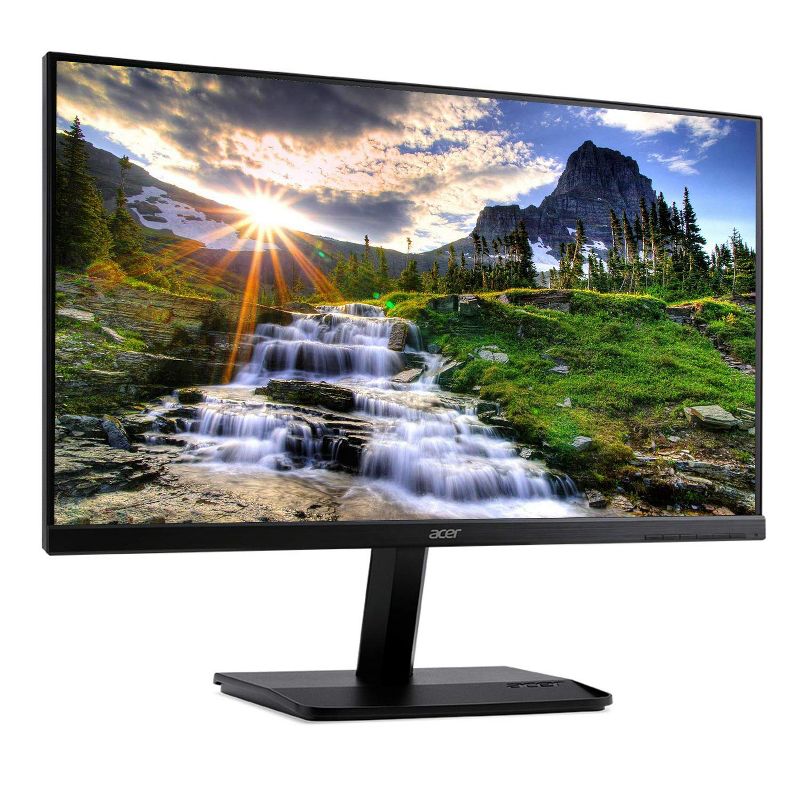
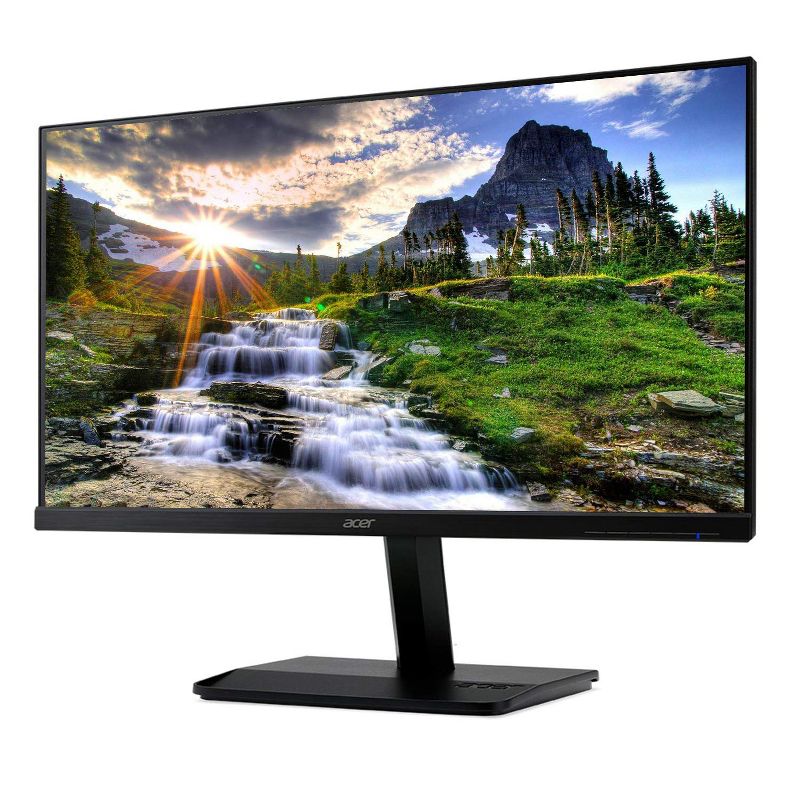
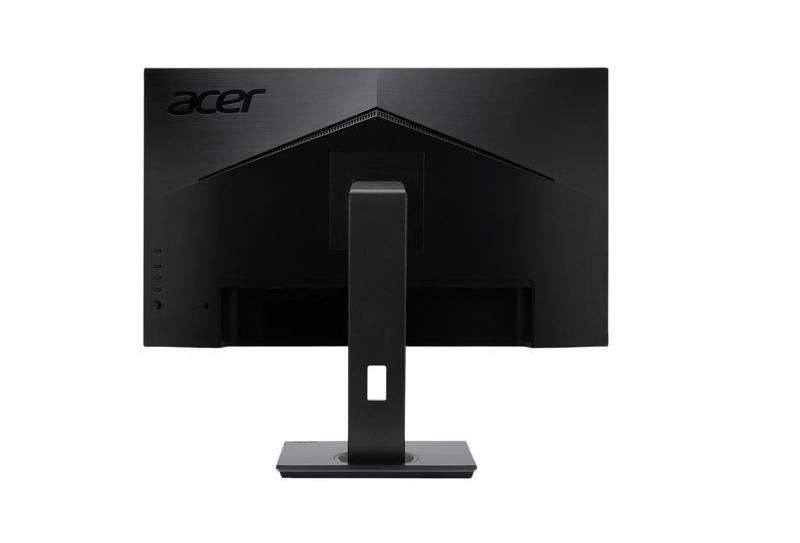
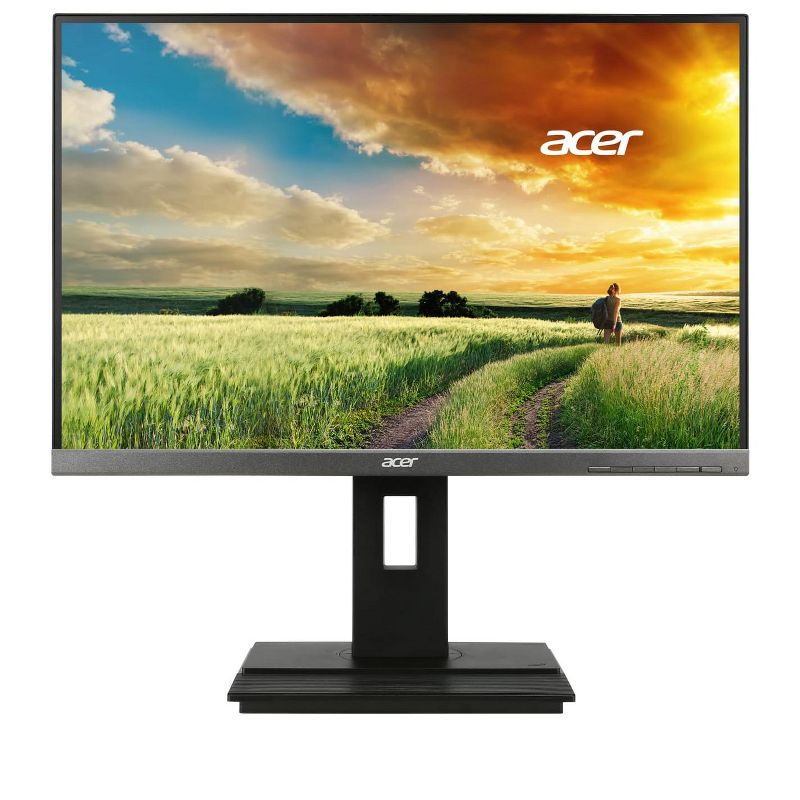
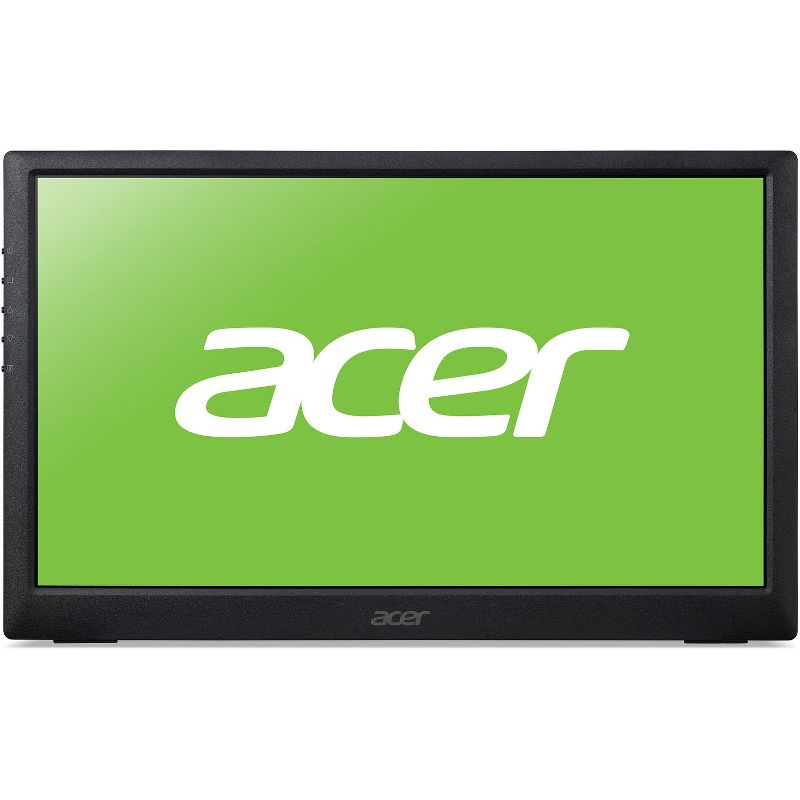
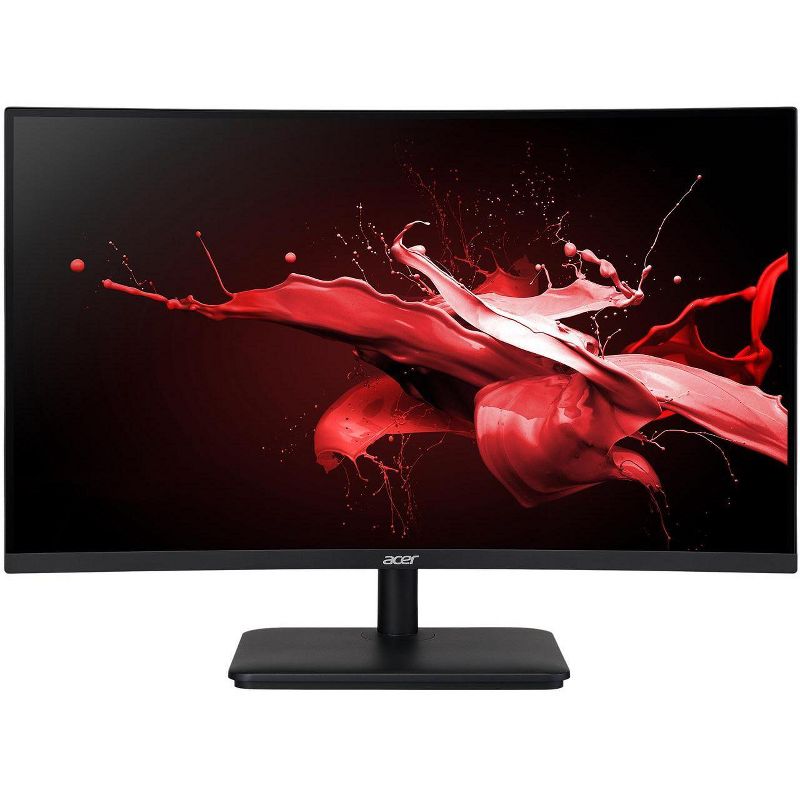
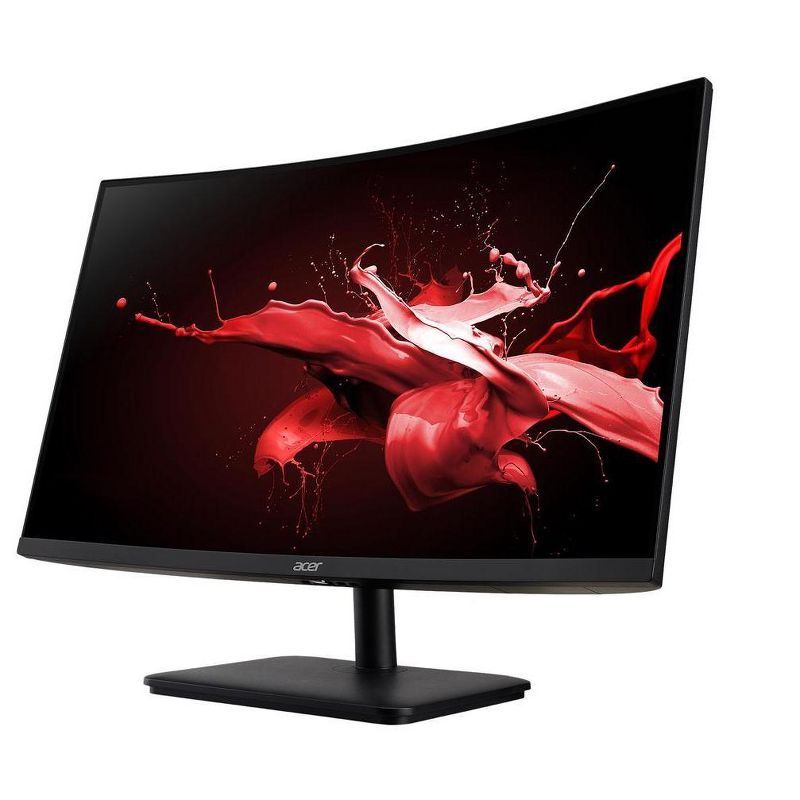
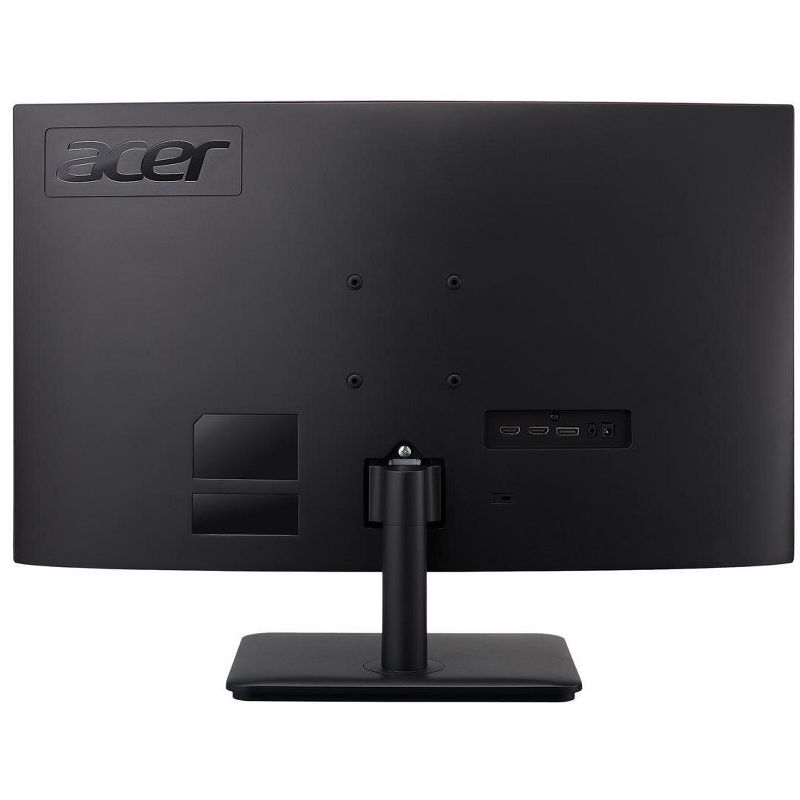
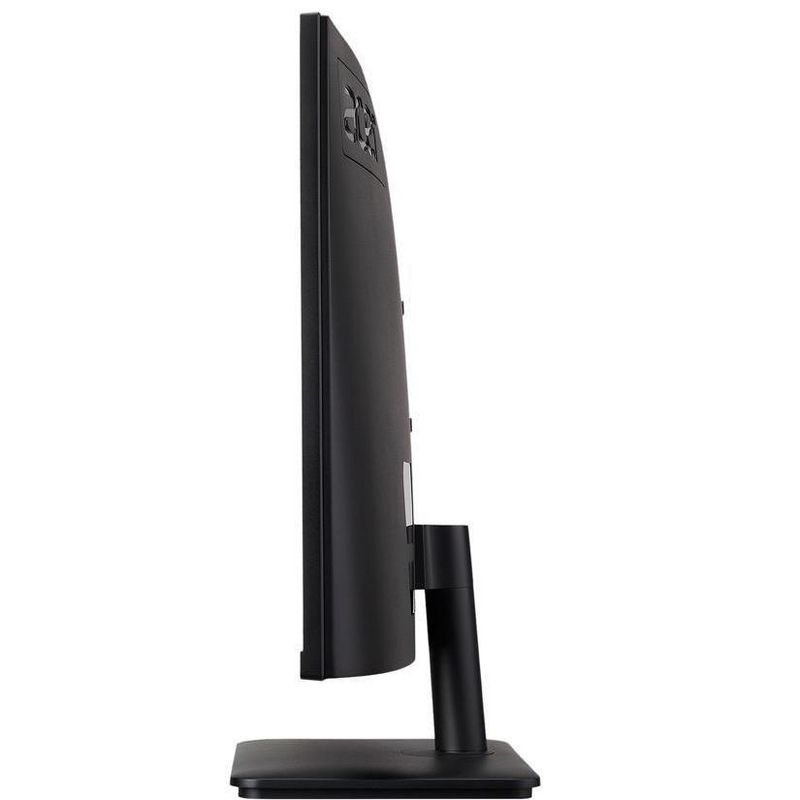
Experience fast and fluid gaming with the Predator Z1 Z321QU bmiphzx 31.5" 16:9 165 Hz G-SYNC LCD Gaming Monitor from Acer. This monitor is built with a Vertical Alignment (VA) panel that provides you with wide 178° viewing angles and vivid colors. Additionally, it supports NVIDIA G-SYNC technology, which synchronizes the graphics card with the display to output content at variable refresh rates, eliminating screen stuttering and tearing. A 165 Hz refresh rate will also add to a smoother gaming experience if the graphics card is capable. The Predator Z1 Z321QU has a 2560 x 1440 WQHD resolution for crisp and clear pictures. Combined with a 3000:1 static contrast ratio, a 300 cd/m² brightness rating, support for 16.7 million colors, and a 4 ms response time, you'll be able to enjoy vivid, lag-free content reproduction with darker blacks and brighter bright colors. Connect this display to your system via HDMI or DisplayPort and then adjust it your viewing preference.
Display Type: VA Panel
Primary use: Gaming
Screen Resolution: 2560 x 1440
Model name: Z321QU bmiphzx
Aspect Ratio: 16:9 Aspect Ratio
Contrast Ratio: 3000:1 Static Contrast Ratio
Native screen refresh rate: 165 Hz
Number of HDMI ports: 1
VESA Mounting Standard: 100x100
Brightness(cd/m2): 300
Number of display ports: 1
Number of DVI ports: 0
Number of VGA Ports: 0
Response Time: 4ms Response Time
Screen Size: 31.5 inches
Warranty: 90 Day Limited Warranty. To obtain a copy of the manufacturer's or supplier's warranty for this item prior to purchasing the item,
• This Manufacturer Refurbished product is Certified Manufacturer Refurbished, shows limited or no wear, and includes all original accessories plus a 90-day warranty.
• Unrelenting perfection. It lives within every 4K 2560 x 1440 screen, eager for the chance to push image quality beyond what’s expected.
• Experience something new. Something never before possible. Pushed to 144Hz on a 4K panel, the graphic goliath has finally arrived.
• Smooth, tear-free gaming is illuminated in the darker blacks and brighter lights of the NVIDIA G-SYNC HDR display.
Experience fast and fluid gaming with the Predator Z1 Z321QU bmiphzx 31.5" 16:9 165 Hz G-SYNC LCD Gaming Monitor from Acer. This monitor is built with a Vertical Alignment (VA) panel that provides you with wide 178° viewing angles and vivid colors. Additionally, it supports NVIDIA G-SYNC technology, which synchronizes the graphics card with the display to output content at variable refresh rates, eliminating screen stuttering and tearing. A 165 Hz refresh rate will also add to a smoother gaming experience if the graphics card is capable. The Predator Z1 Z321QU has a 2560 x 1440 WQHD resolution for crisp and clear pictures. Combined with a 3000:1 static contrast ratio, a 300 cd/m² brightness rating, support for 16.7 million colors, and a 4 ms response time, you'll be able to enjoy vivid, lag-free content reproduction with darker blacks and brighter bright colors. Connect this display to your system via HDMI or DisplayPort and then adjust it your viewing preference.