Trusted shipping
Easy returns
Secure shopping



Buy MXRSKEY 96U 96 Key Dual Mode Bluetooth 5.0 Mechanical Keyboard Kit Lighting Effect RGB Switch led Type c Software Macro (MXRSKEY 96U Kit G Green Switch x1) in United States - Cartnear.com
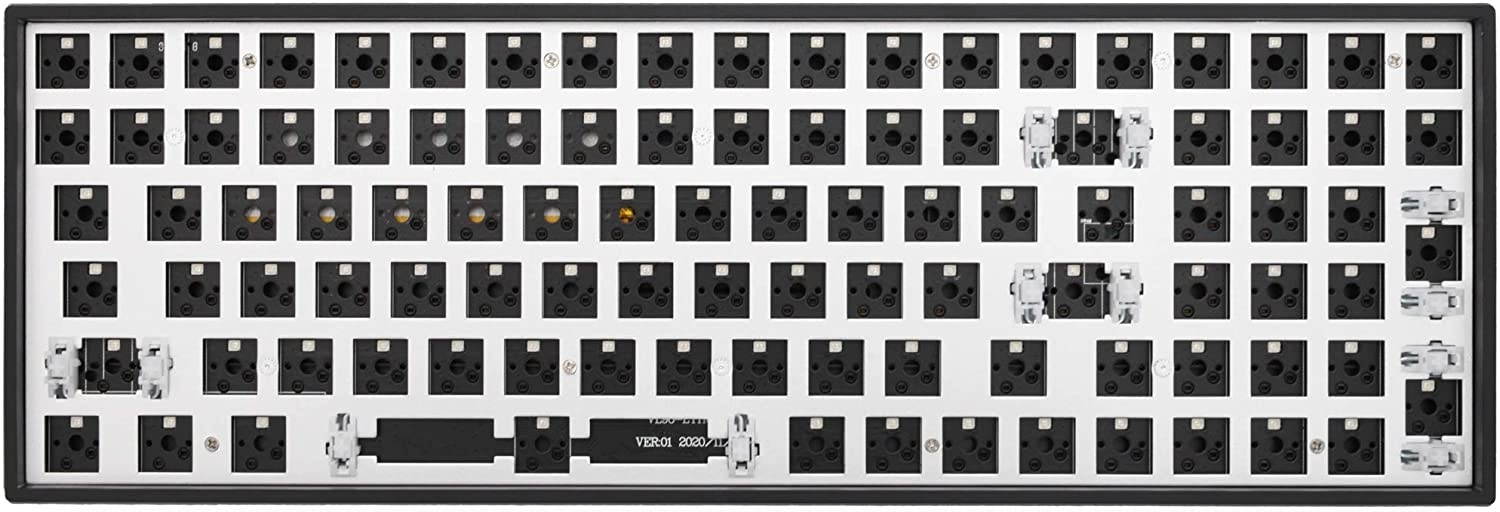
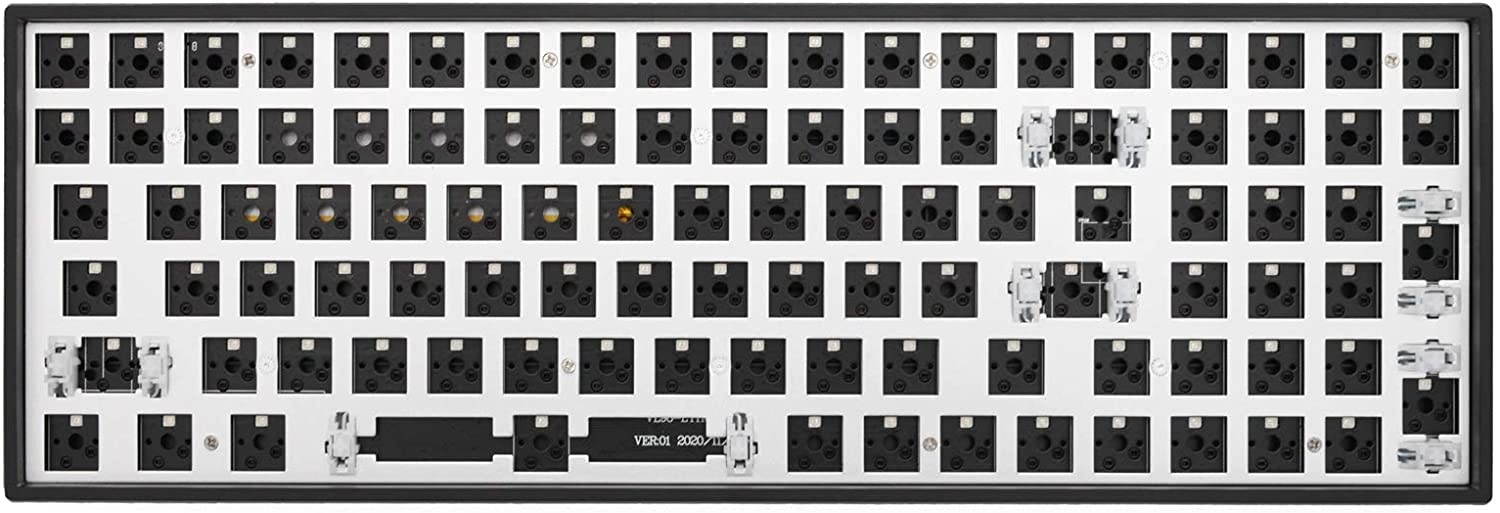
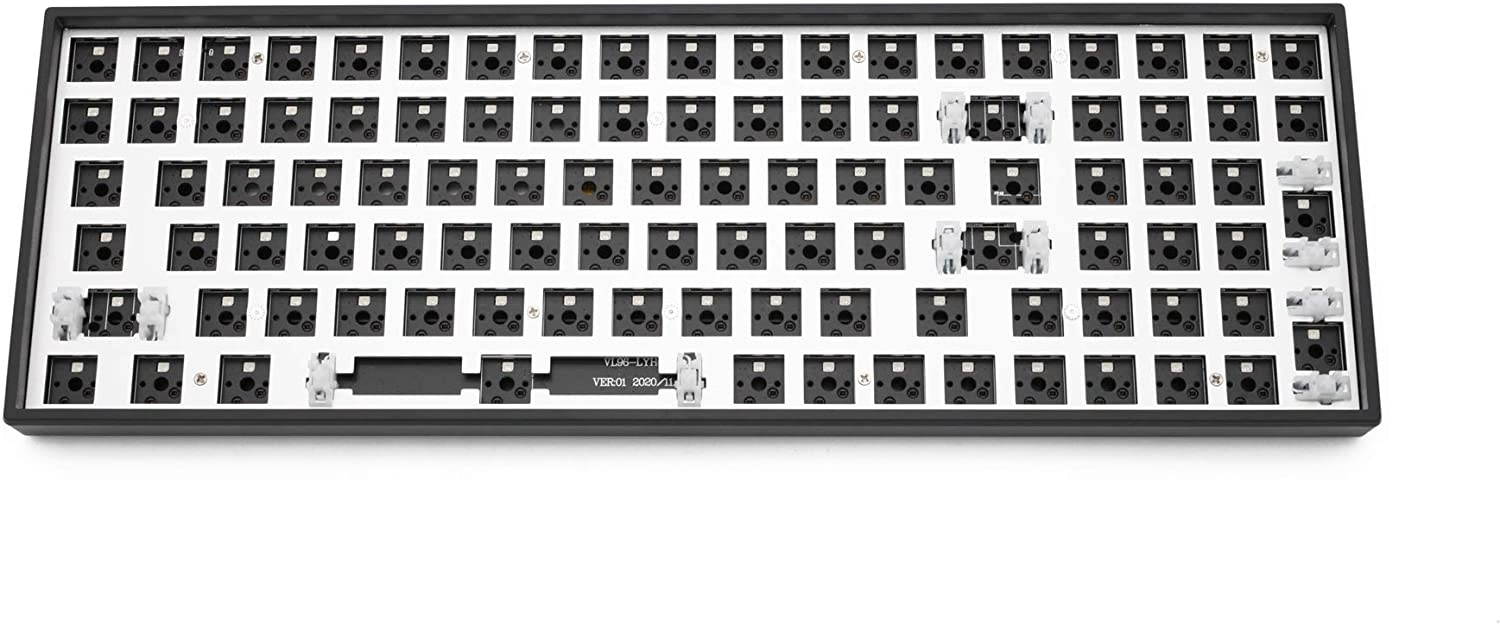
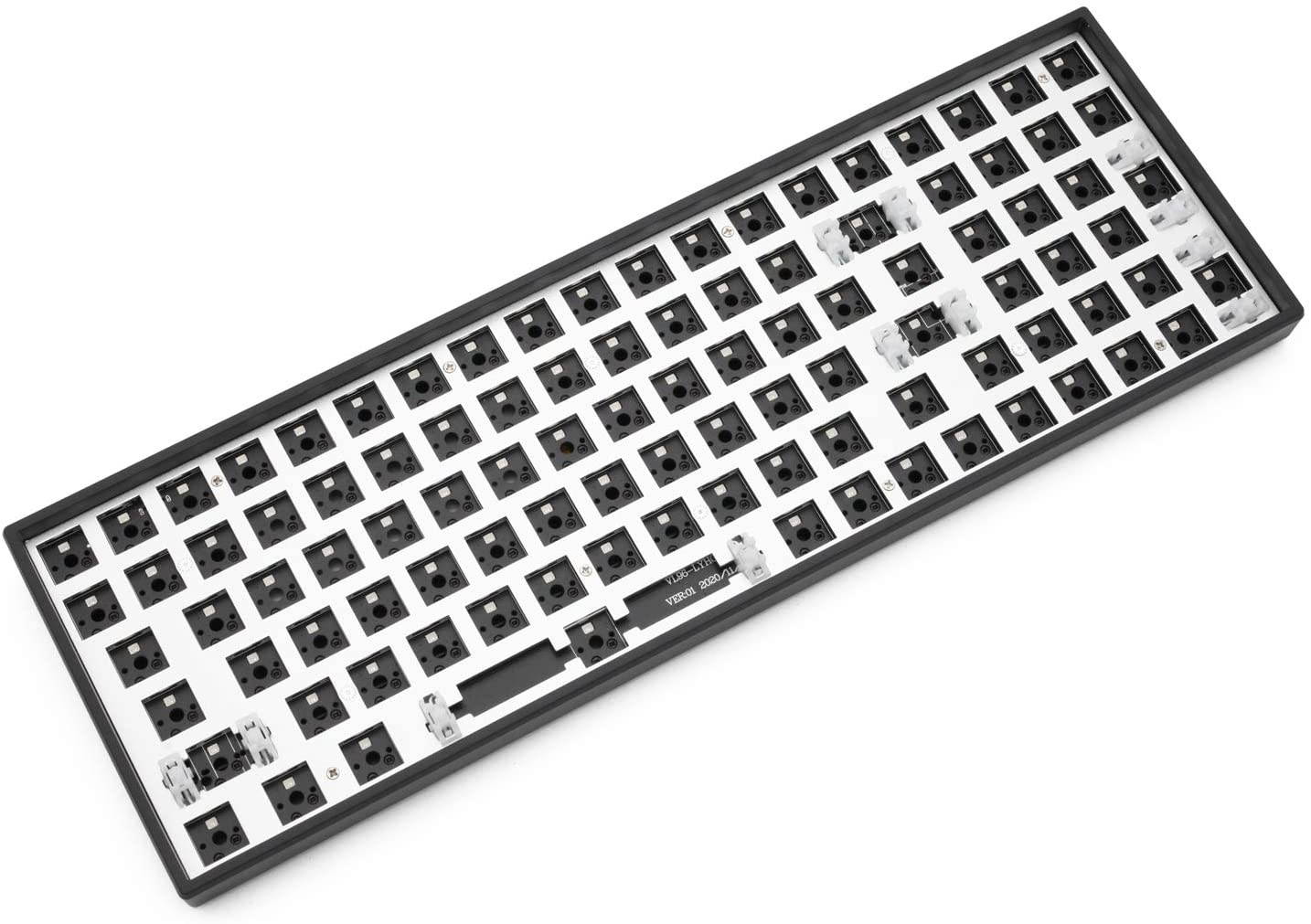
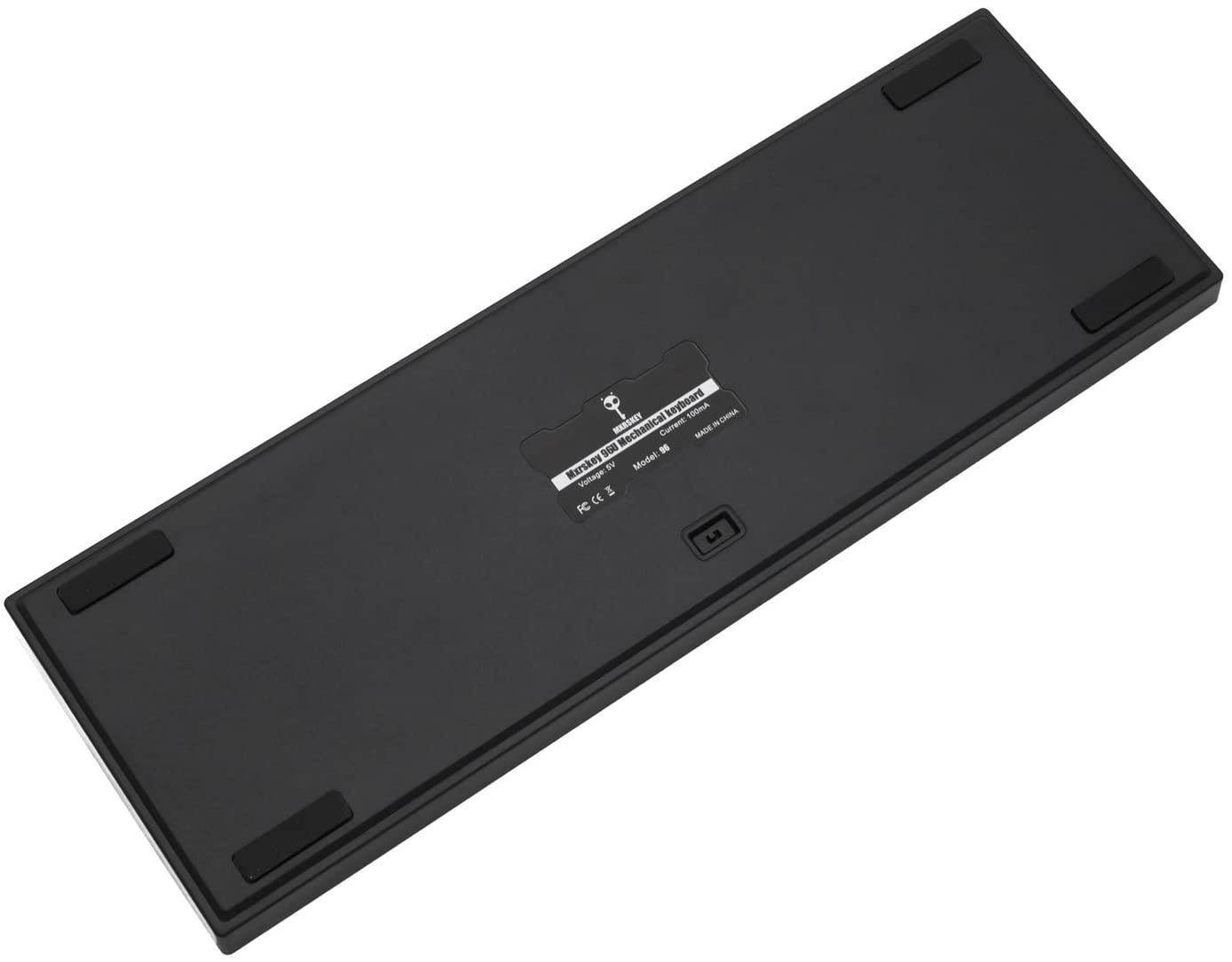
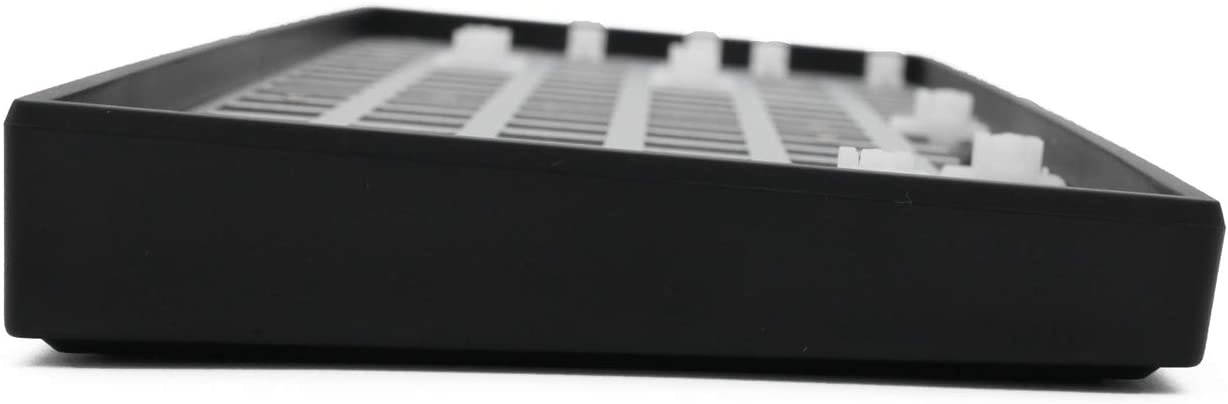
MXRSKEY 96U 96 Key Dual Mode Bluetooth 5.0 Mechanical Keyboard Kit Lighting Effect RGB Switch led Type c Software Macro (MXRSKEY 96U Kit G Green Switch x1)
CTNR1591181 CTNR1591181EVESKY
2027-01-09
/itm/mxrskey-96u-96-key-dual-mode-bluetooth-50-mechanical-keyboard-kit-lighting-effect-rgb-switch-led-type-c-software-macro-mxrskey-96u-kit-g-green-switch-x1-1591181
USD
155.72
$ 155.72 $ 157.29 1% Off
Item Added to Cart
customer
*Product availability is subject to suppliers inventory

SHIPPING ALL OVER UNITED STATES

100% MONEY BACK GUARANTEE

EASY 30 DAYSRETURNS & REFUNDS

24/7 CUSTOMER SUPPORT

TRUSTED AND SAFE WEBSITE

100% SECURE CHECKOUT
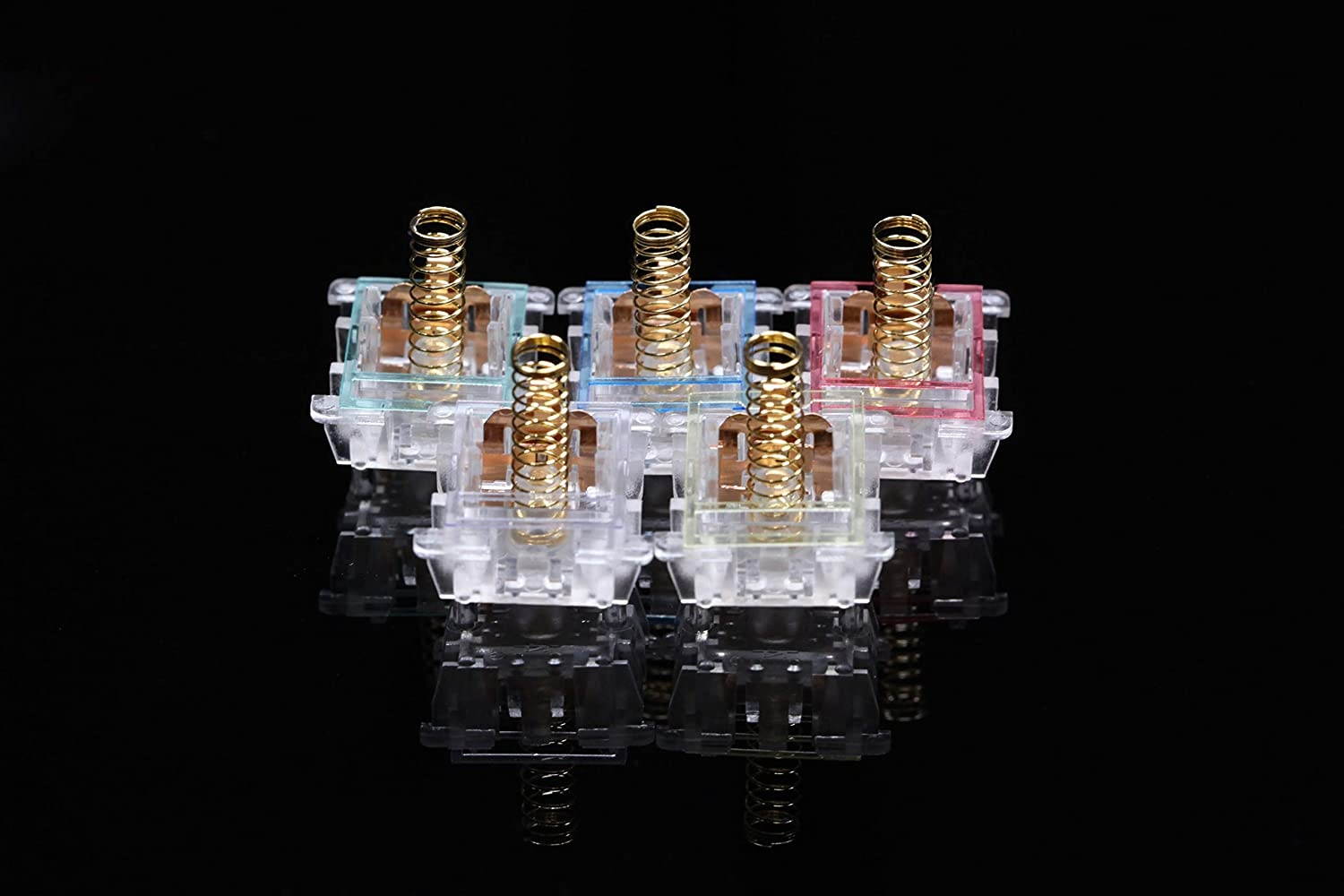
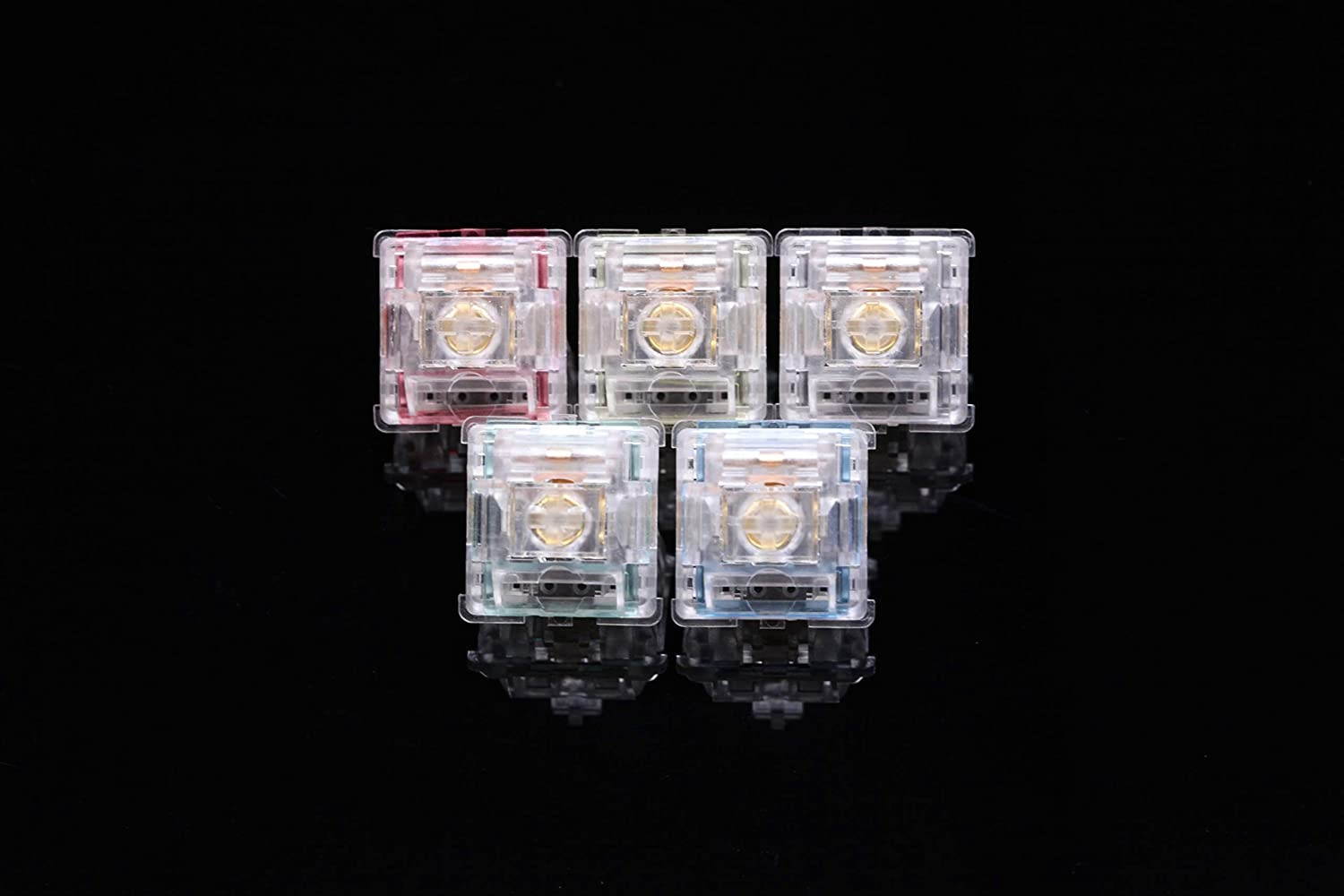
Pls pay attention: To avoid damaging PCB hot swapping sockets, pls make sure your switches' pin is vertical , and you'd better not using used key switches with soldering tin.
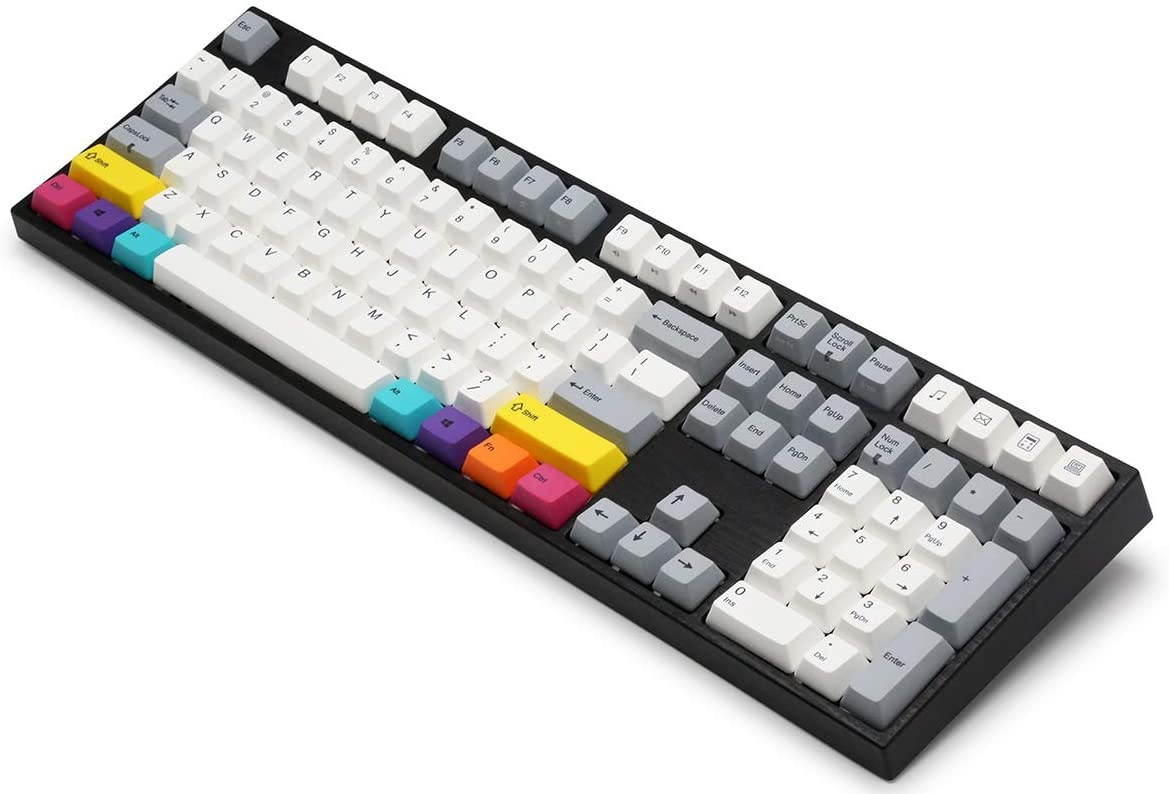
MXRSKEY 96U Mechanical Keyboard
SPEC
1\\Dual Mode Keyboard(Bluetooth 5.0+ Cable Mode)
2\\Full RGB LEDS(support kinds of light effects)
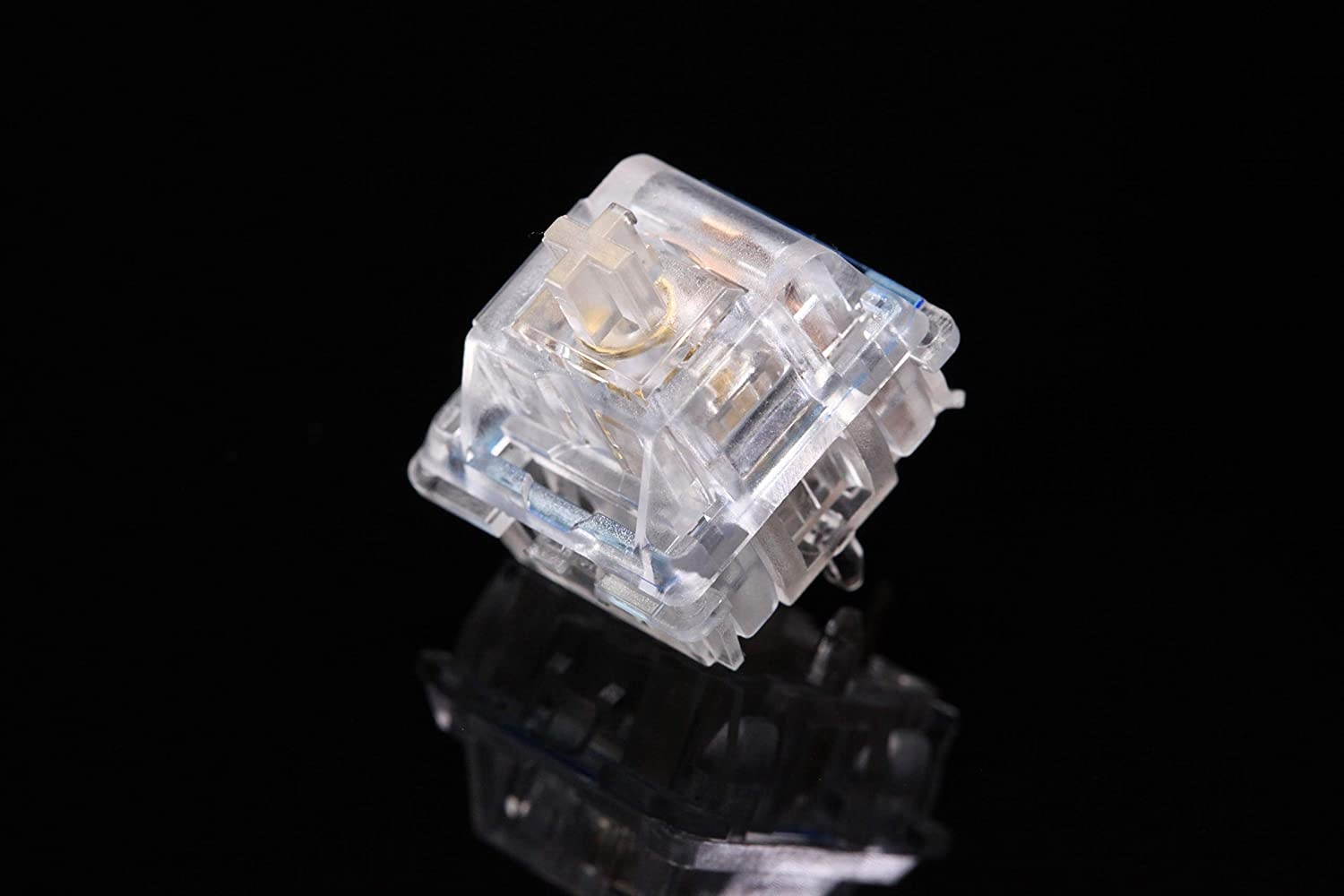
3\\Switch Hot swappable sockets
4\\Support software to adjust keyvalue\\RGB light effect\\Macro
5\\Type C(USB detachable design)
6\\NKRO
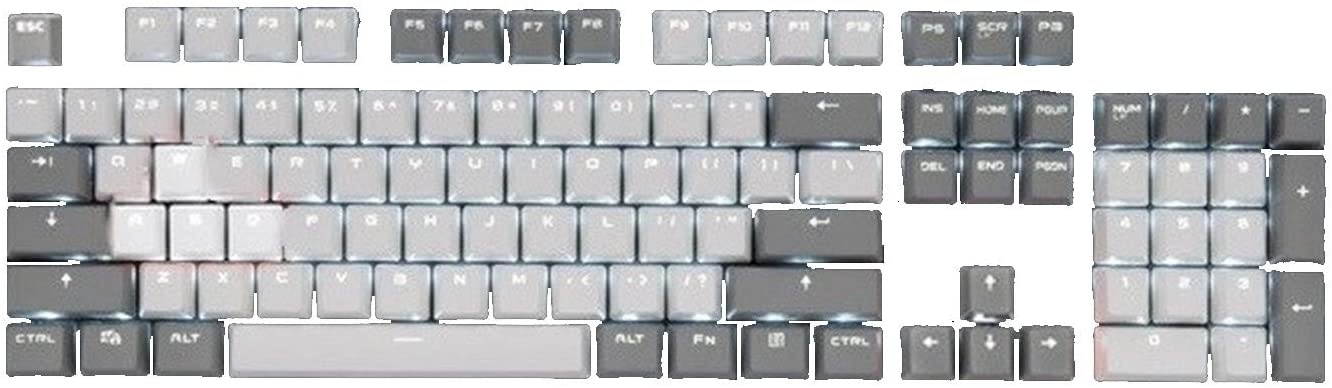
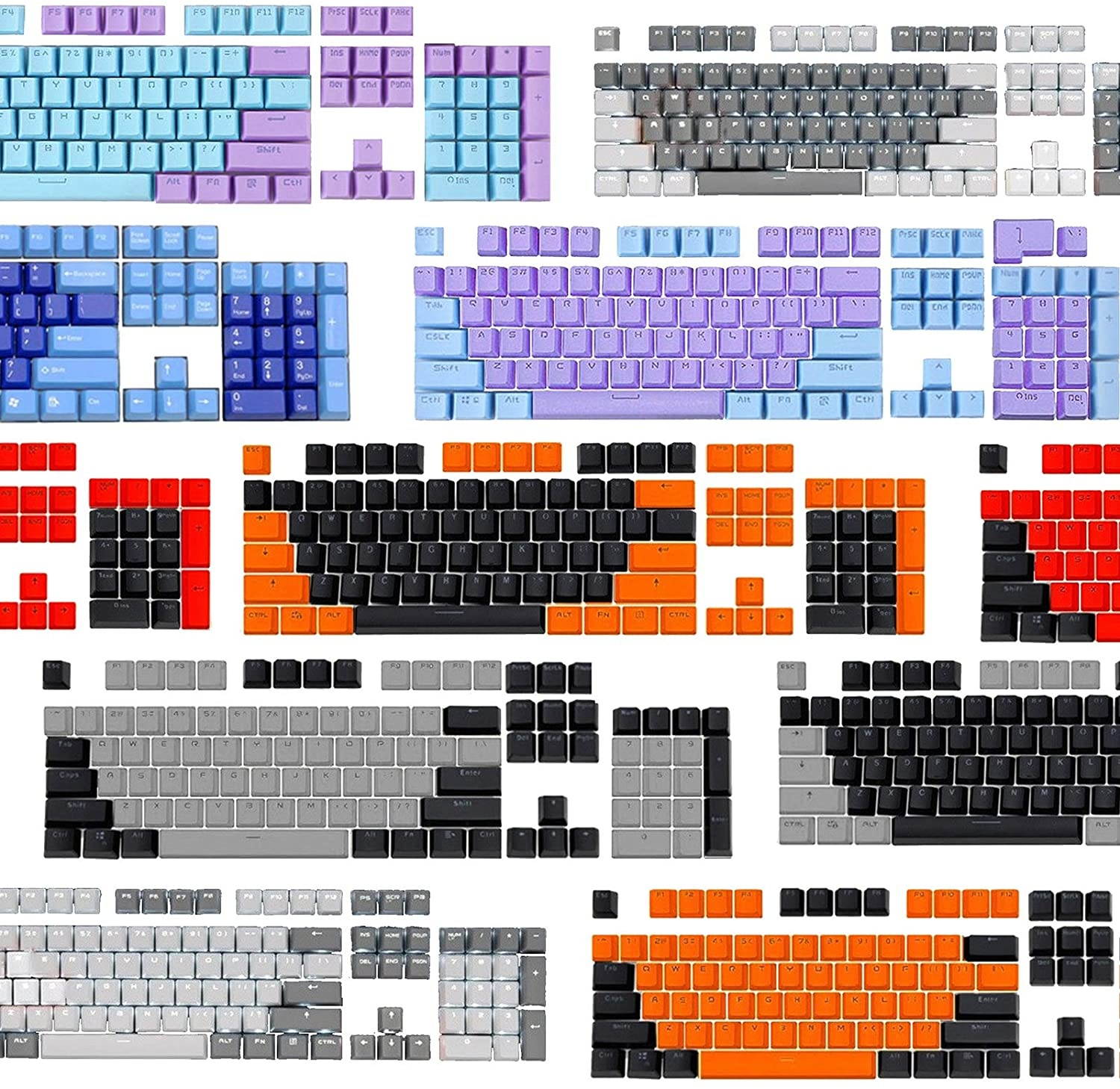
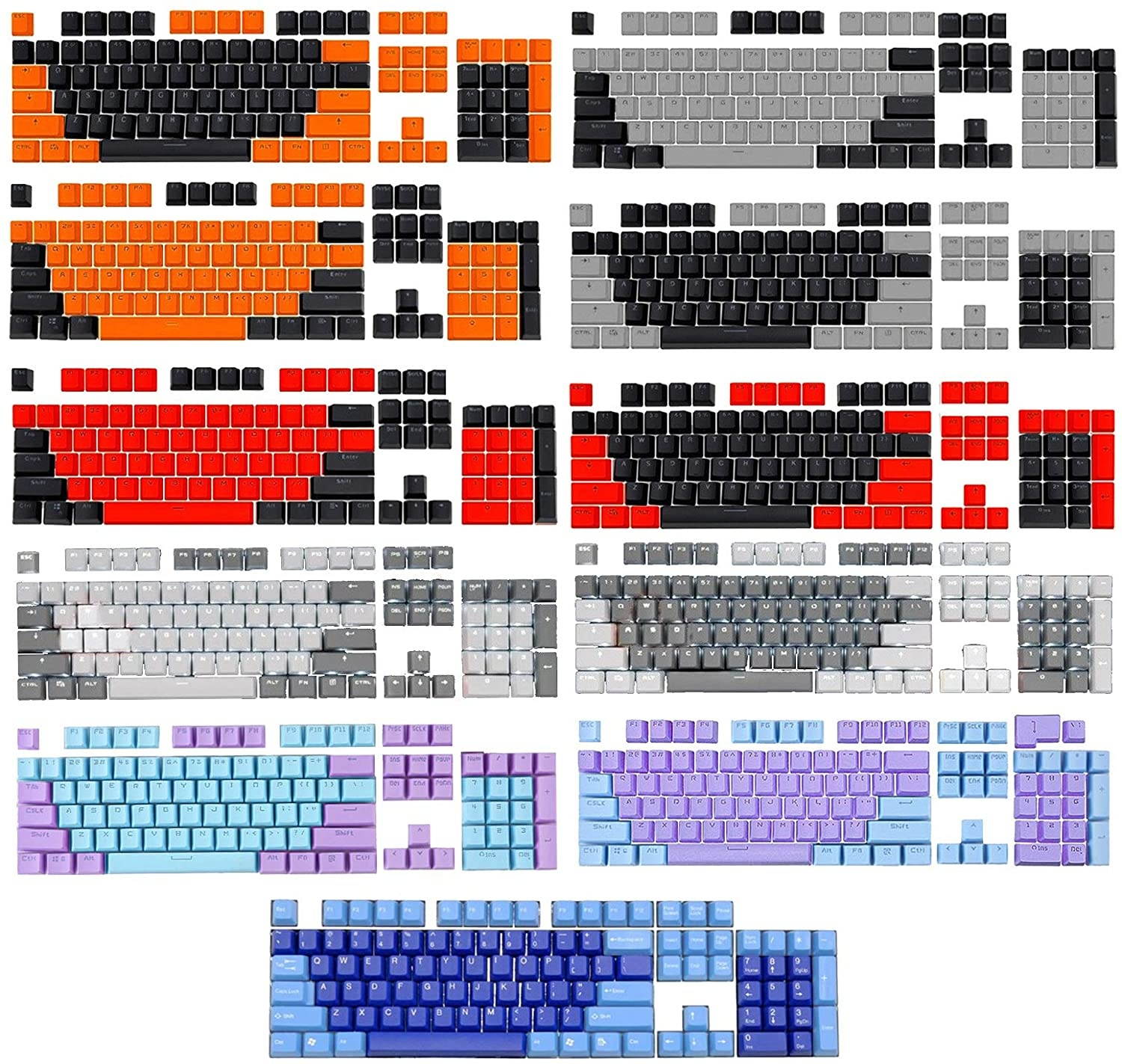
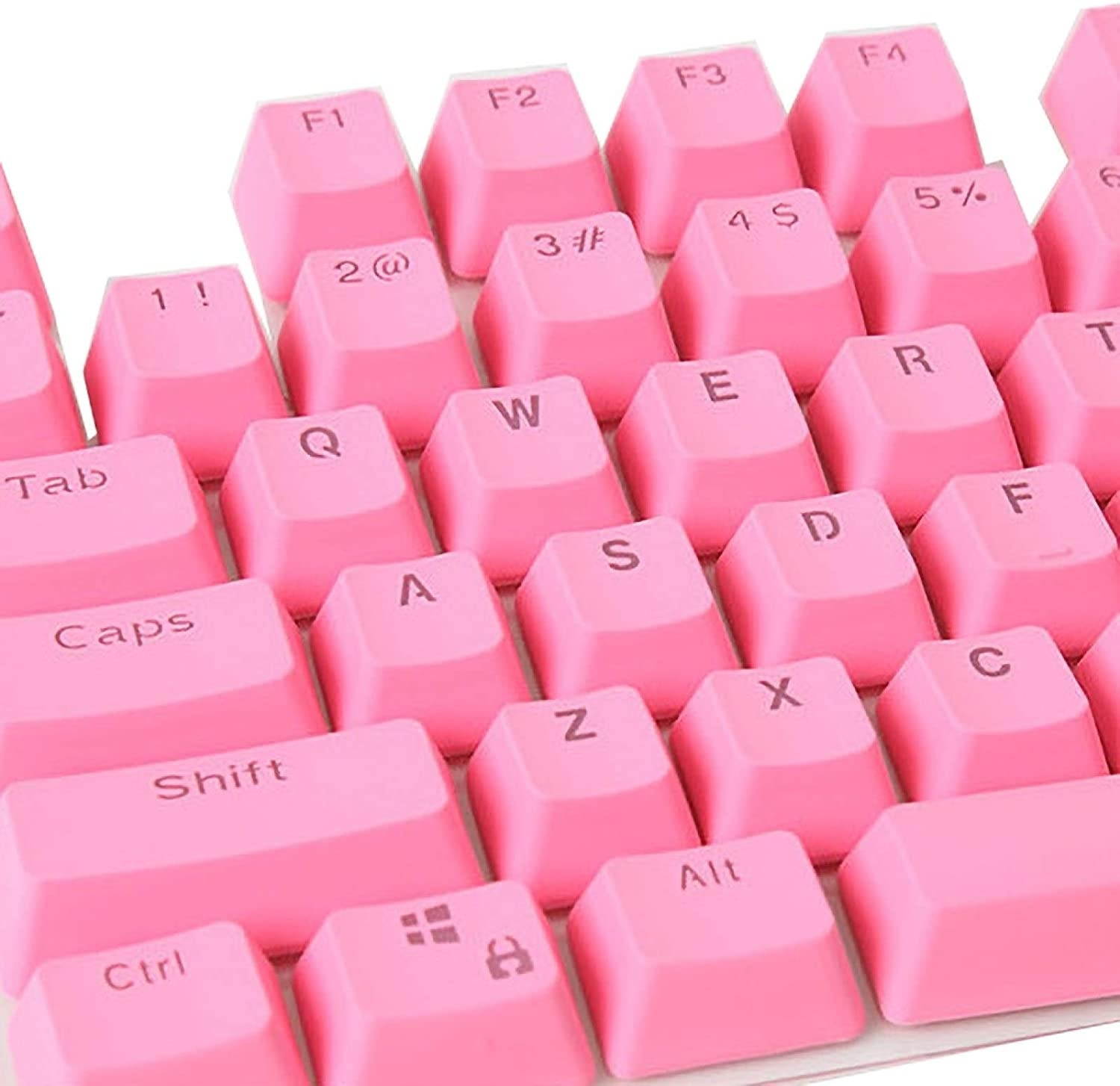
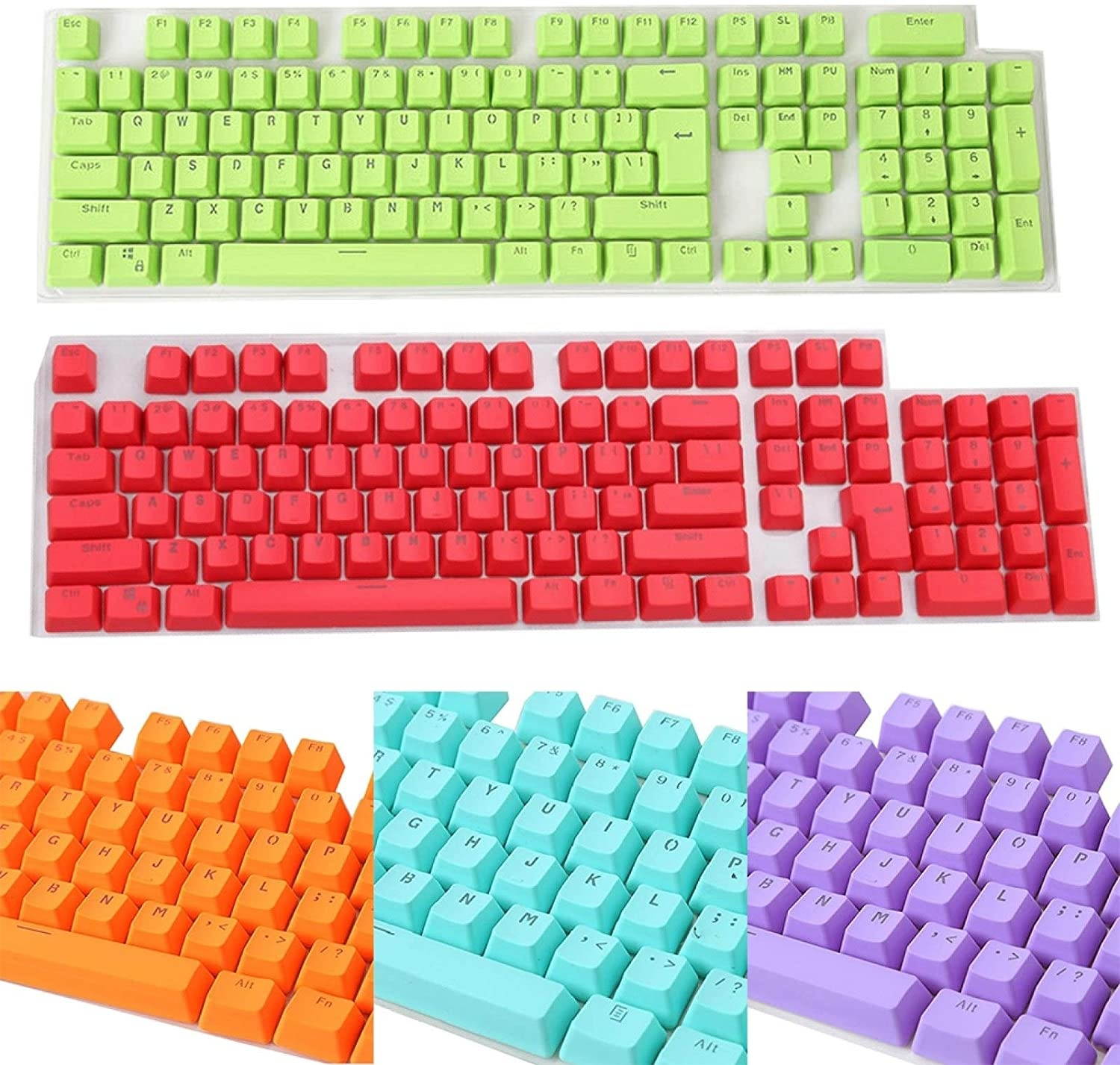
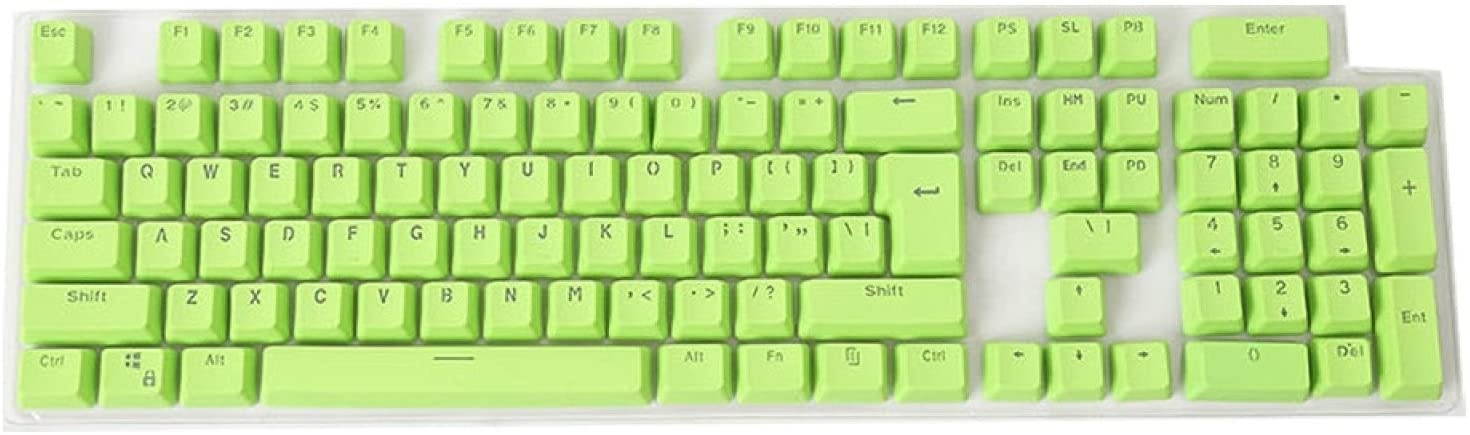
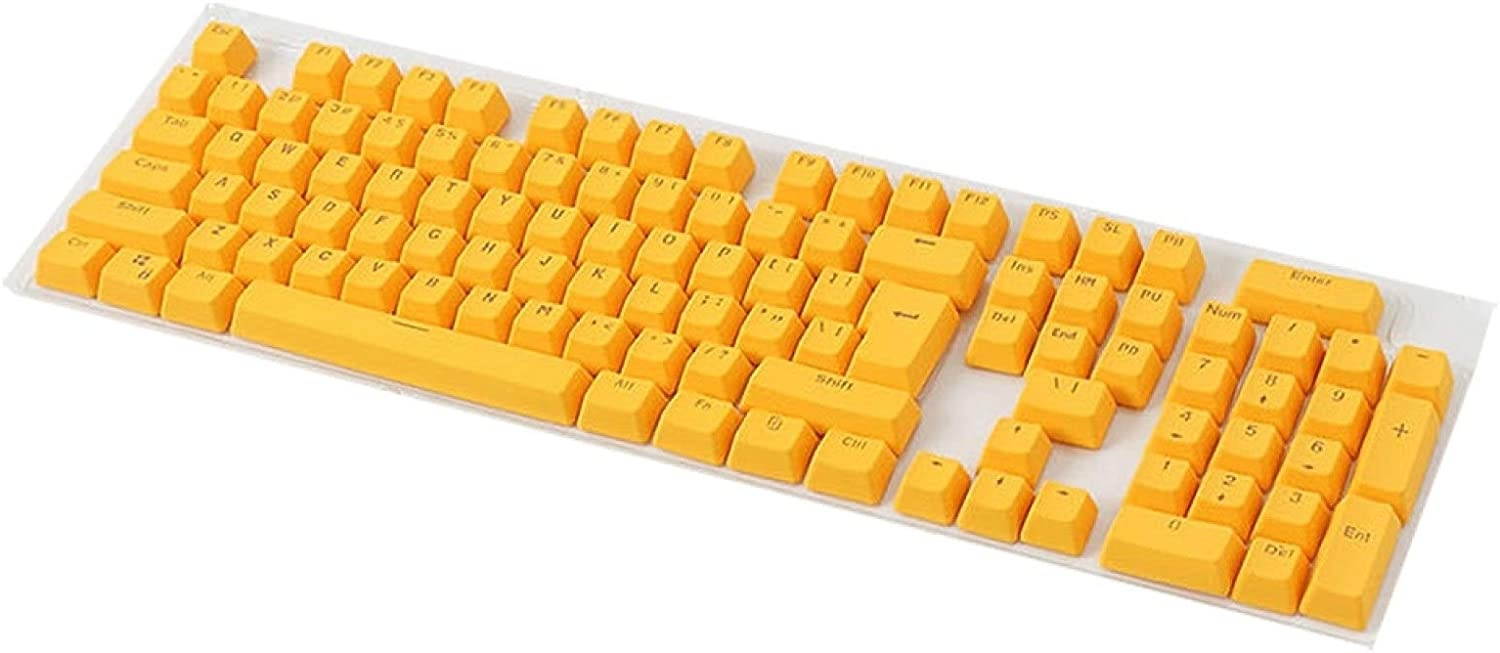
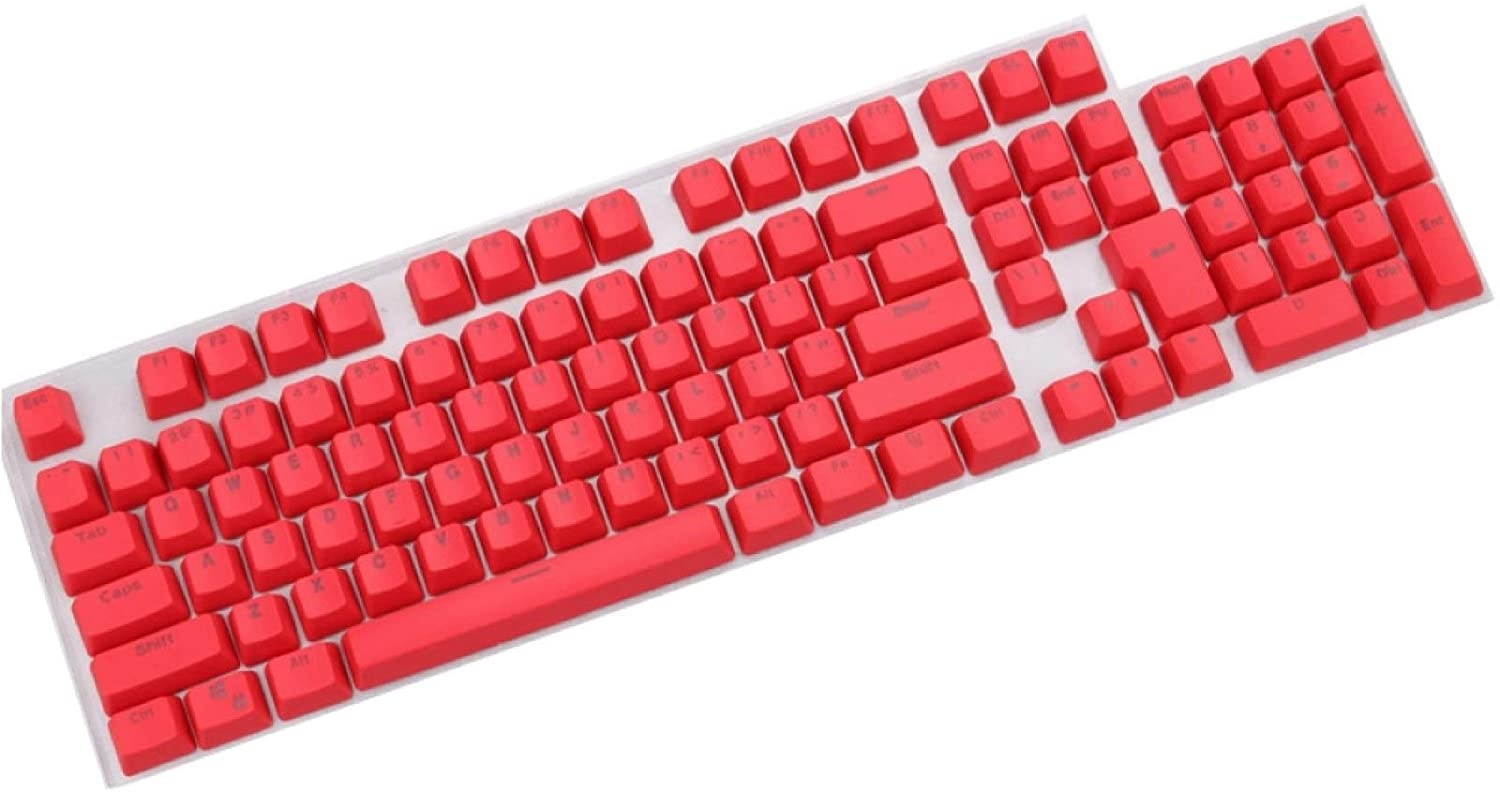
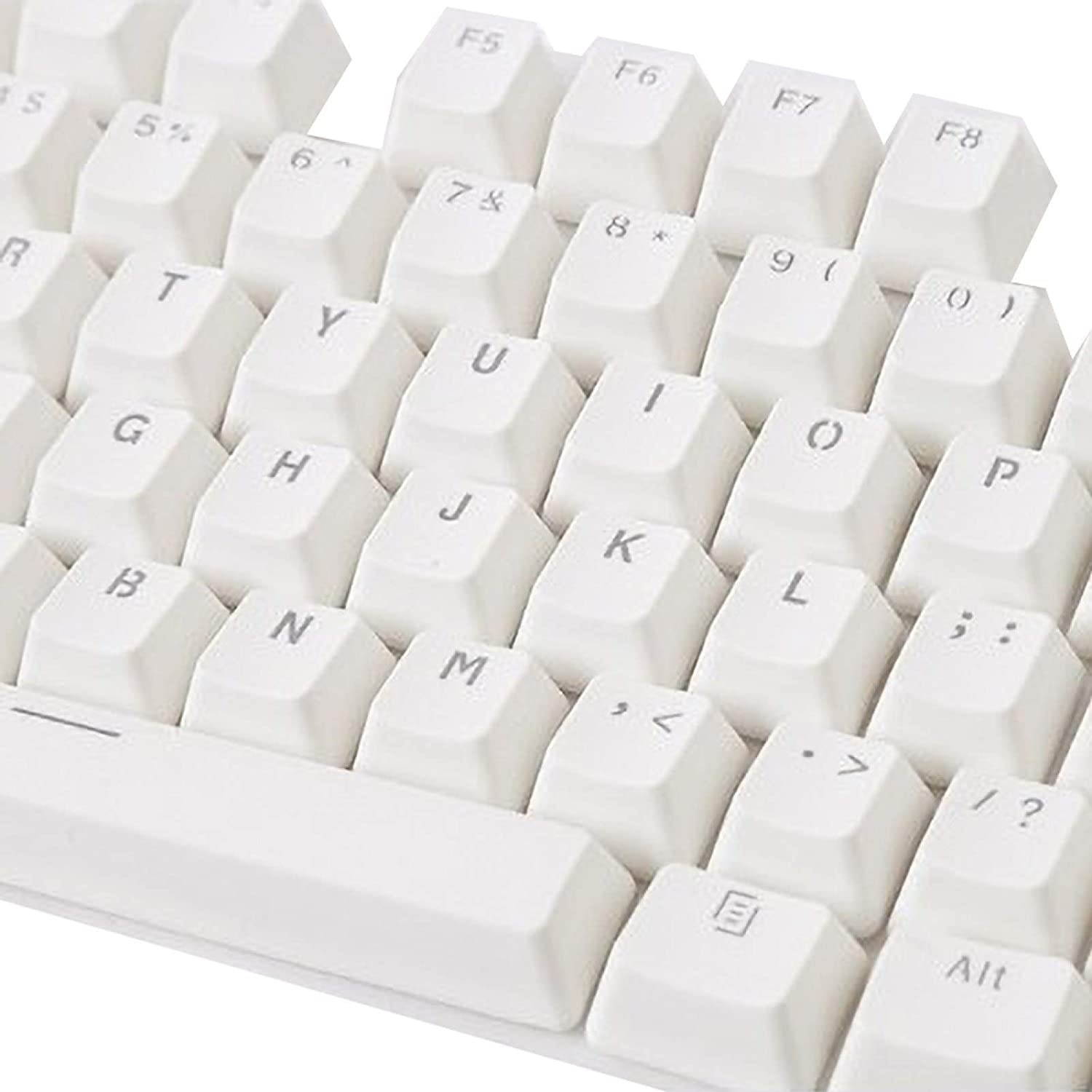
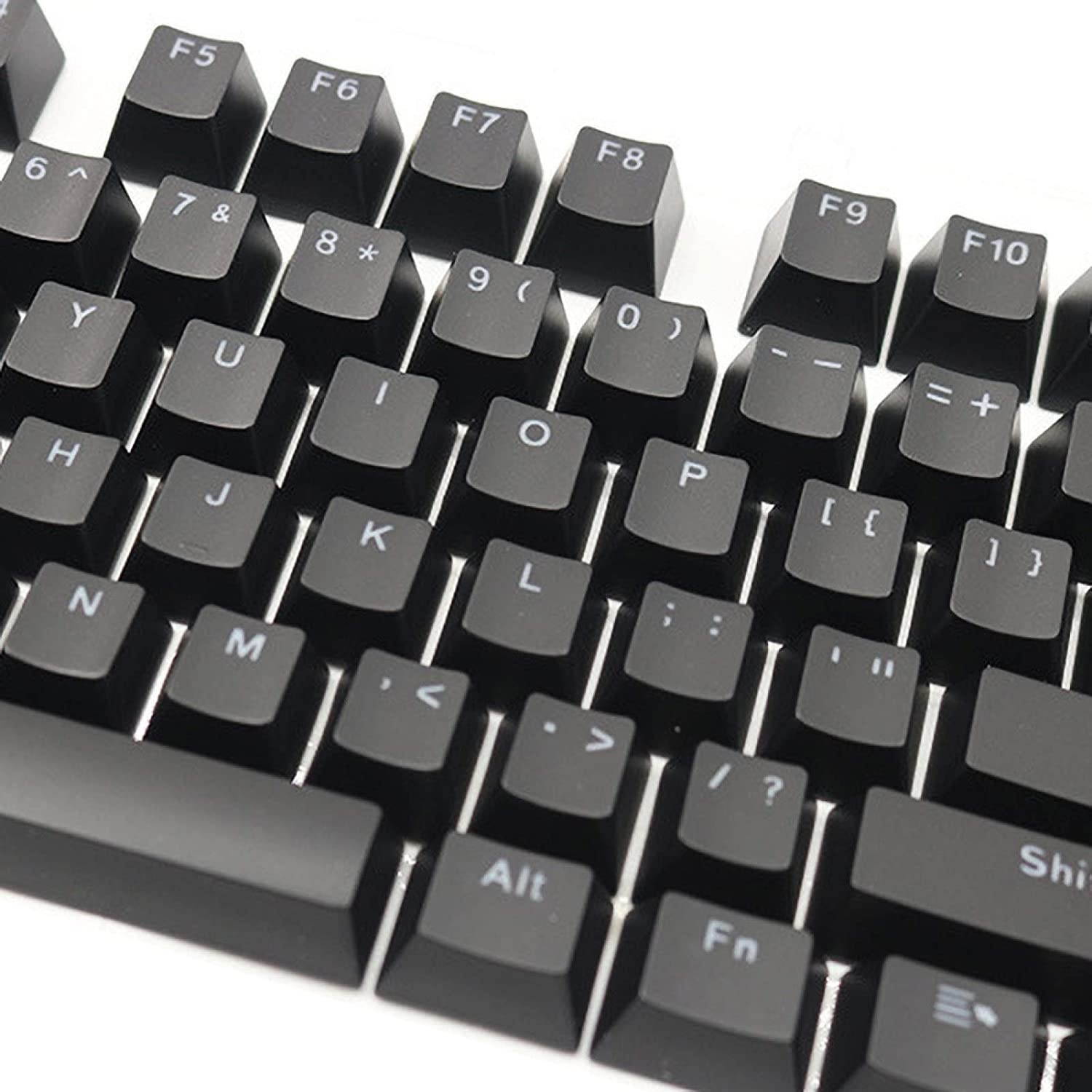
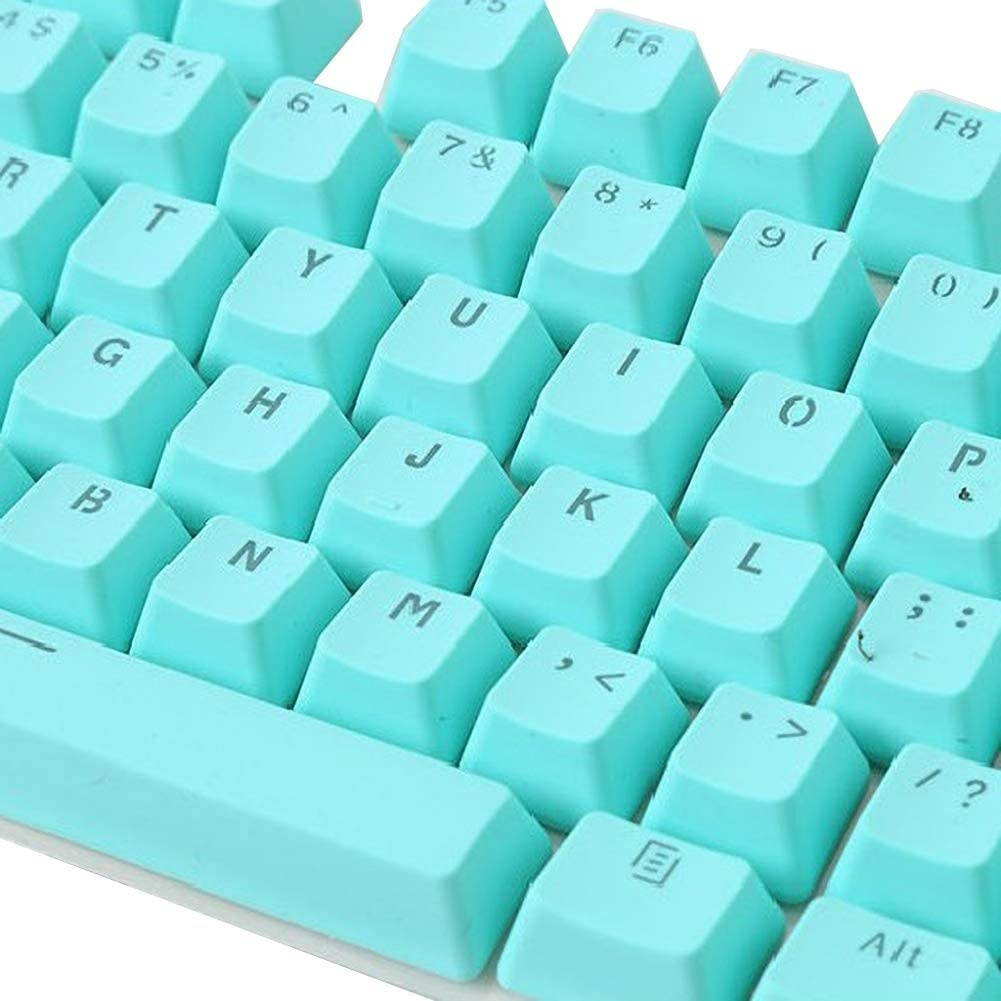
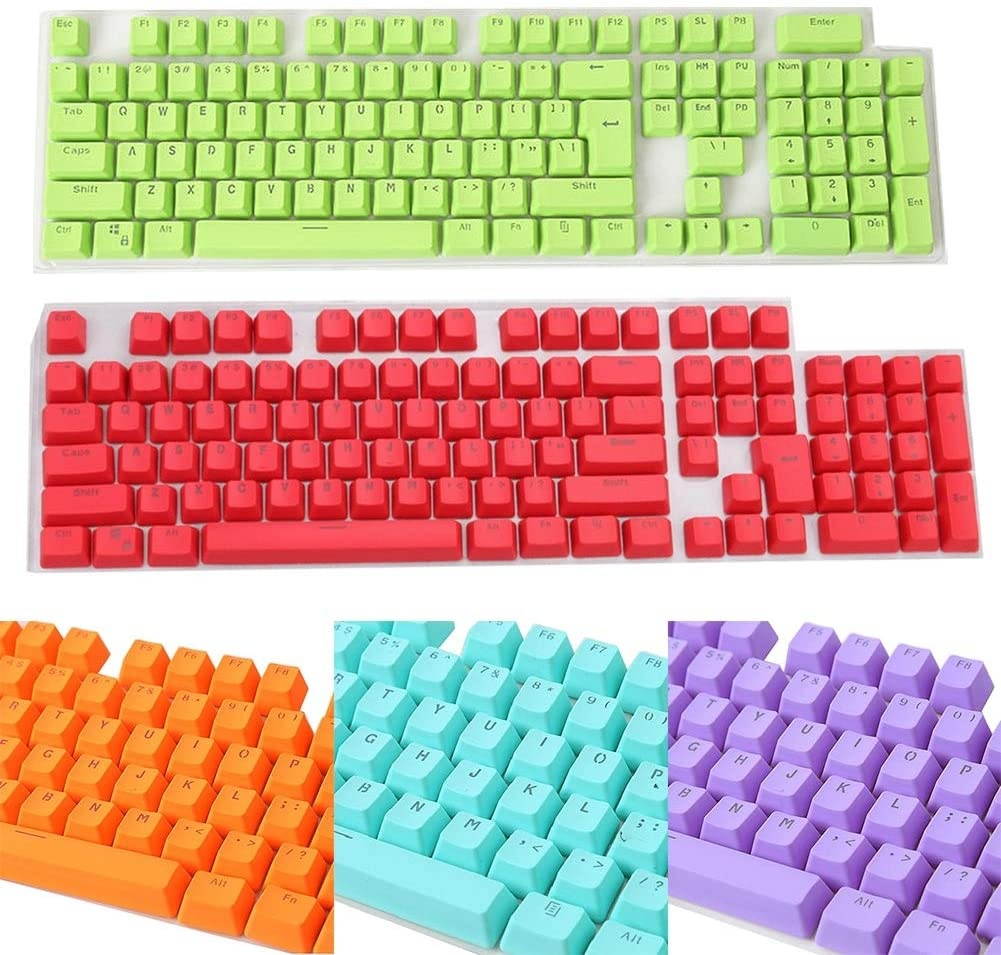
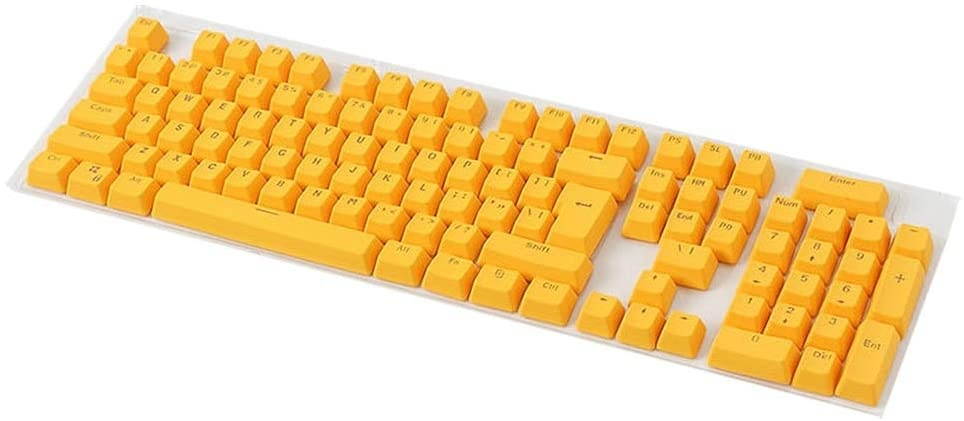
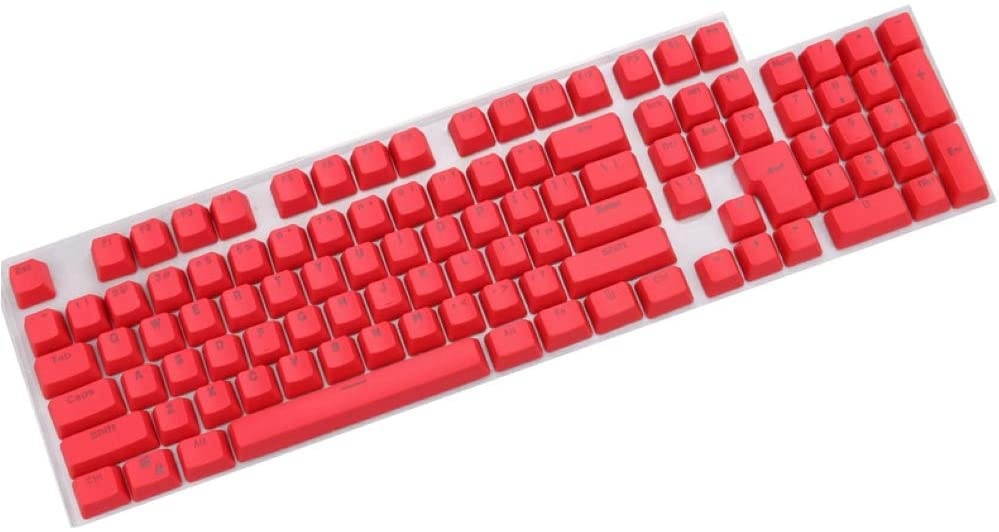
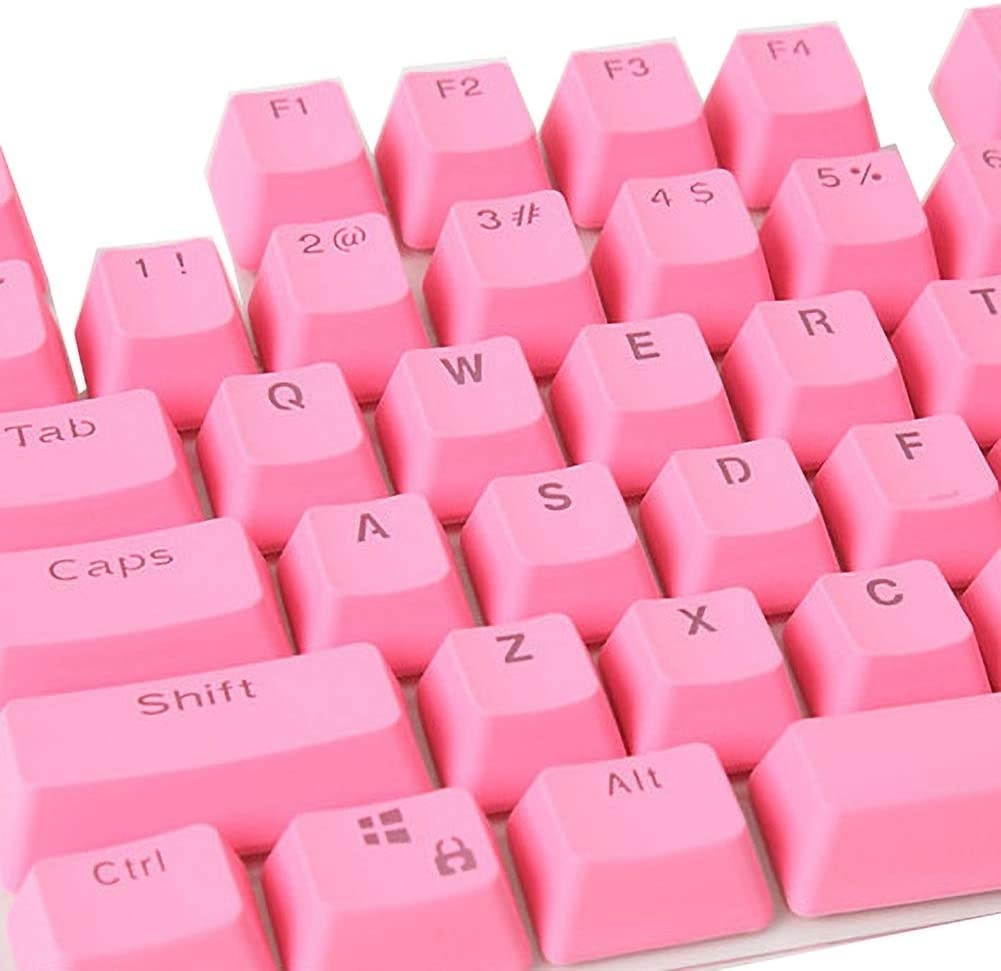
7\\ABS Doubleshot Backlit Keycap\\OEM Profile
How to connect with other device:
1\\Make sure your keyboard is not connected with cable
2\\Turn battery button on(at the bottom of keyboard)
3\\Press Fn+Z or X or C for 3 sec , make sure 96U is in pairing mode
4\\Then search Bluetooth device at your mobile device and connect with 96U, next time , you just need press Fn+Z or X or C to change with different devices.
5\\If you connect with cable under blue tooth mode, pls remember press Fn+Spacebar to change it to Cable mode. And 896U software can only run when 96U is under cable mode.
FN+ESC+Q=Default Setting
FN+F1=Screen Brightness-
FN+F2=Screen Brightness+
FN+F3=Win+Tab
FN+F4=WIN+E
FN+F5=Email
FN+F6=Home Page
FN+F7=Prev
FN+F8=Pause
FN+F9=Next
FN+F10=Mute
FN+F11=Vol-
FN+F12=Vol+
FN+[=Brightness+
FN+]=Brightness-
FN+;=Speed-
FN+'=Speed+
FN+\\=Light Effect Change
FN+Backspace=Close Light effect
FN+Spacebar=Change 96U to Cable Mode
Pls pay attention: Keyboard only, not including other things.
MXRSKEY 96U Software Link: Https://drive.google.com/open?id=1W_gEDvrQ4U2cU7-NQ7ChMHBhihs1utPG
MXRSKEY 96U Mechanical Keyboard
SPEC
1\\Dual Mode Keyboard(Bluetooth 5.0+ Cable Mode)
2\\Full RGB LEDS(support kinds of light effects)
3\\Switch Hot swappable sockets
4\\Support software to adjust keyvalue\\RGB light effect\\Macro
5\\Type C(USB detachable design)
6\\NKRO
7\\ABS Doubleshot Backlit Keycap\\OEM Profile
How to connect with other device:
1\\Make sure your keyboard is not connected with cable
2\\Turn battery button on(at the bottom of keyboard)
3\\Press Fn+Z or X or C for 3 sec , make sure 96U is in pairing mode
4\\Then search Bluetooth device at your mobile device and connect with 96U, next time , you just need press Fn+Z or X or C to change with different devices.
5\\If you connect with cable under blue tooth mode, pls remember press Fn+Spacebar to change it to Cable mode. And 896U software can only run when 96U is under cable mode.
FN+ESC+Q=Default Setting
FN+F1=Screen Brightness-
FN+F2=Screen Brightness+
FN+F3=Win+Tab
FN+F4=WIN+E
FN+F5=Email
FN+F6=Home Page
FN+F7=Prev
FN+F8=Pause
FN+F9=Next
FN+F10=Mute
FN+F11=Vol-
FN+F12=Vol+
FN+[=Brightness+
FN+]=Brightness-
FN+;=Speed-
FN+'=Speed+
FN+\\=Light Effect Change
FN+Backspace=Close Light effect
FN+Spacebar=Change 96U to Cable Mode
Pls pay attention: Keyboard only, not including other things.
MXRSKEY 96U Software Link: Https://drive.google.com/open?id=1W_gEDvrQ4U2cU7-NQ7ChMHBhihs1utPG