Trusted shipping
Easy returns
Secure shopping



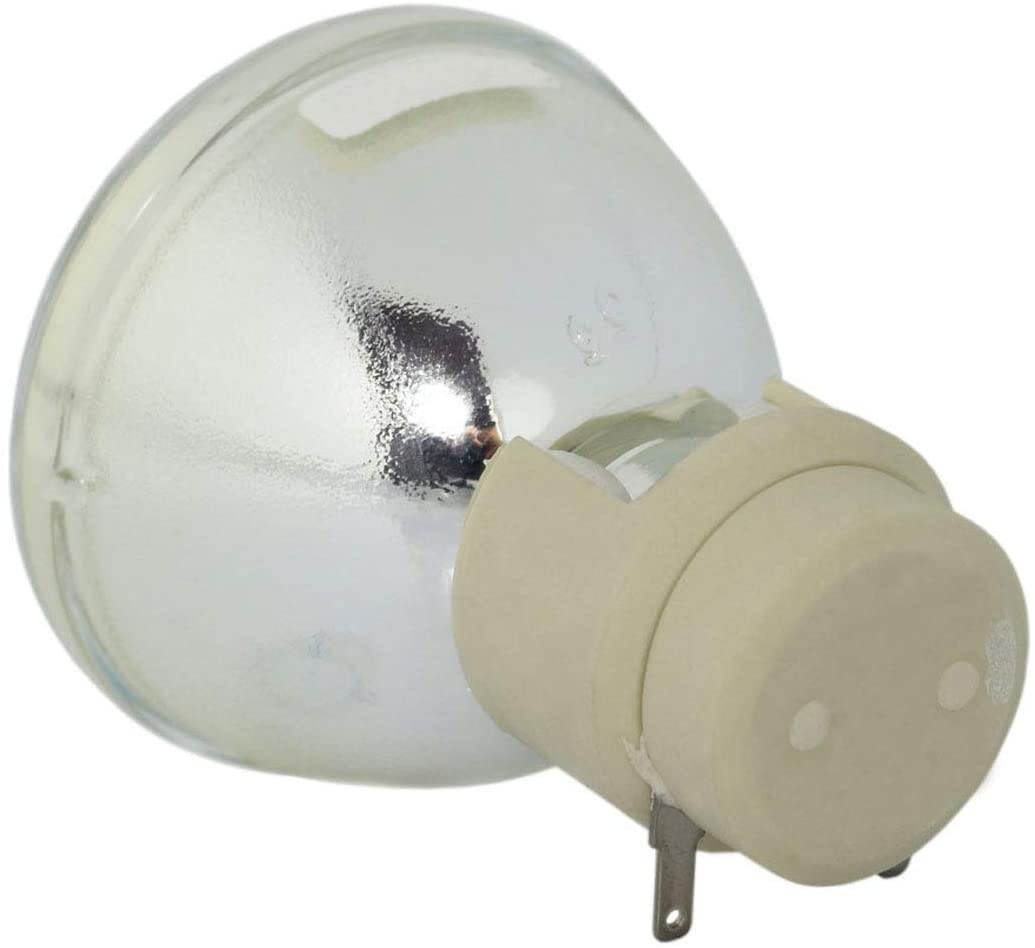
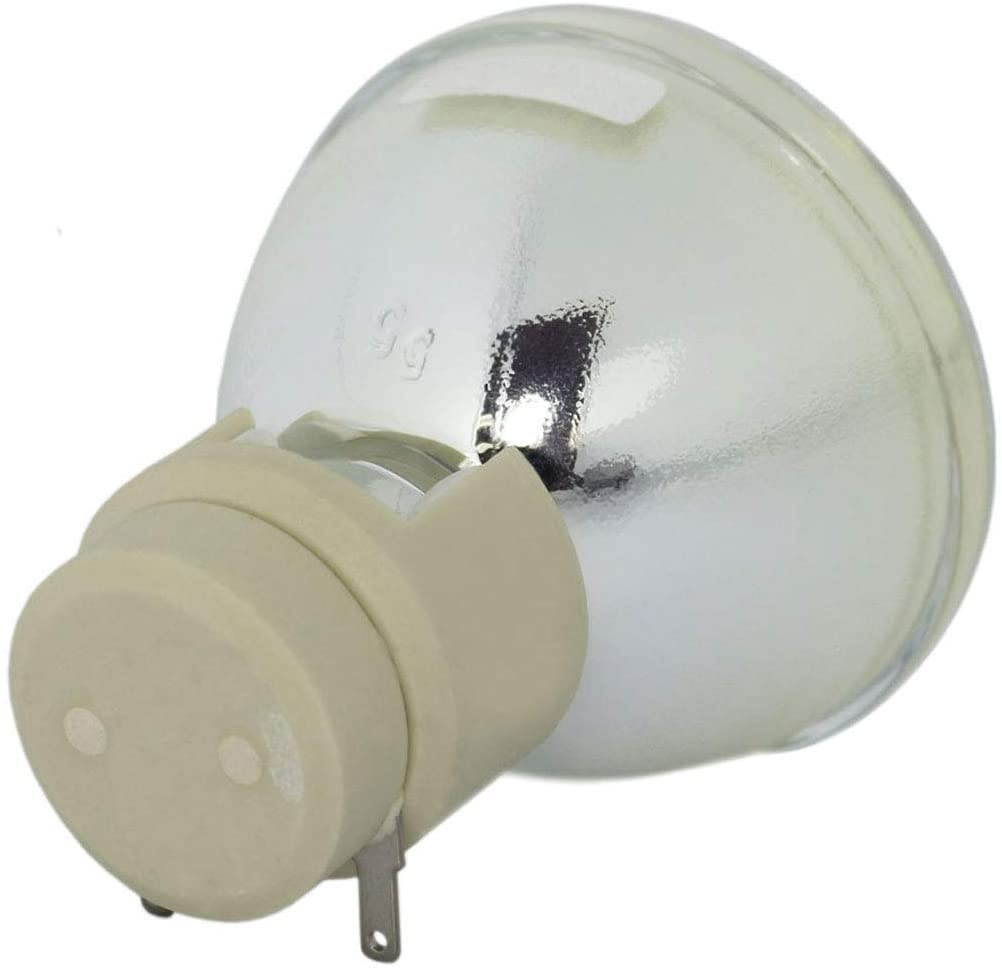
Buy 5JJ7L05001 5JJ9H05001 5JJEE05001 5JJ9E05001 Replacement Bare Lamp for Benq W1070 W1080ST HT1075 HT1085ST W1070+ i700 W1500 MX662 MX720 in United States - Cartnear.com
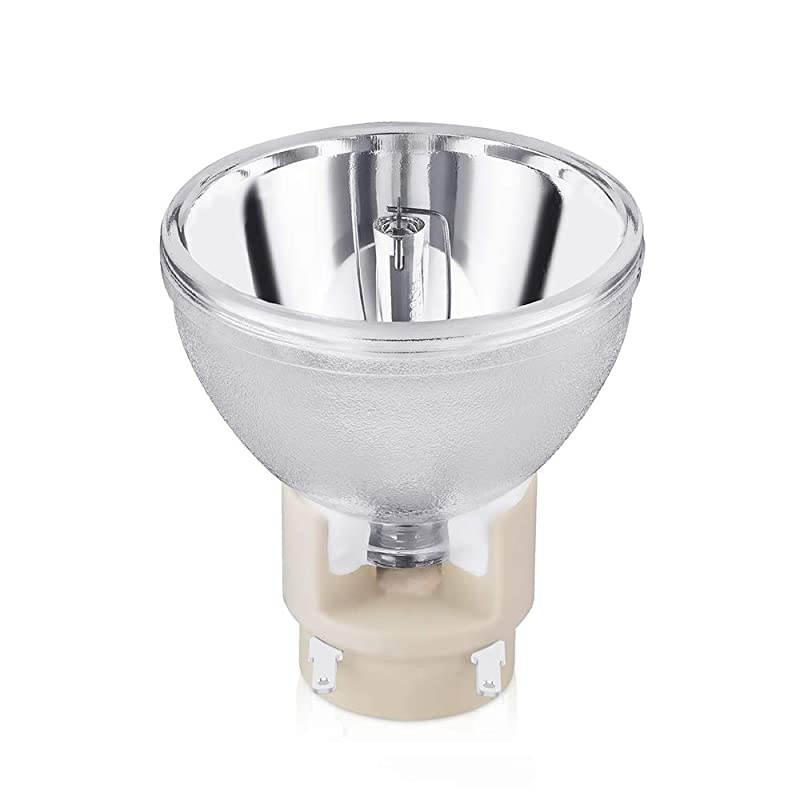
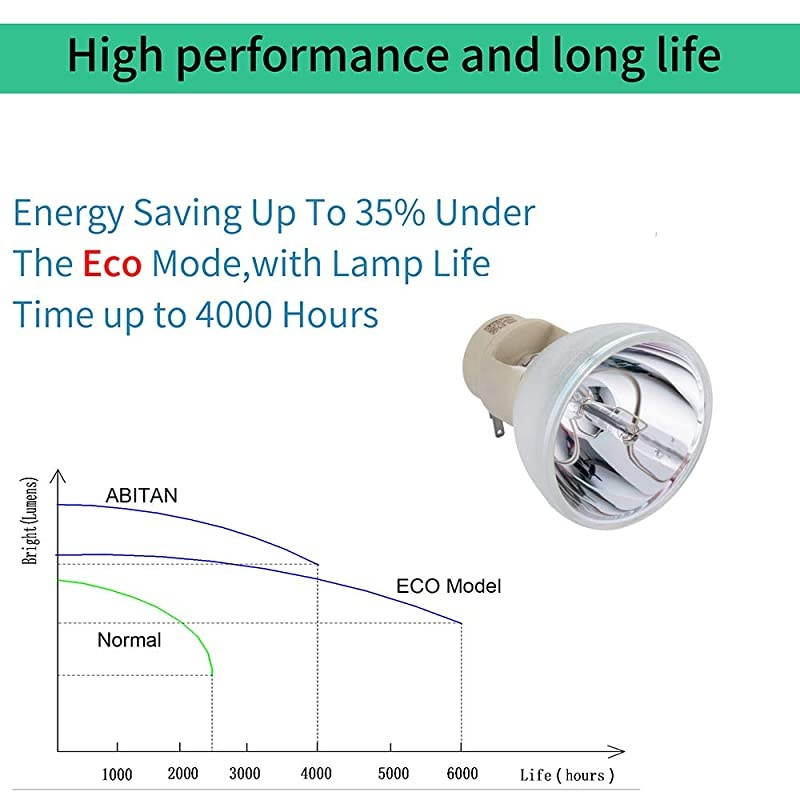
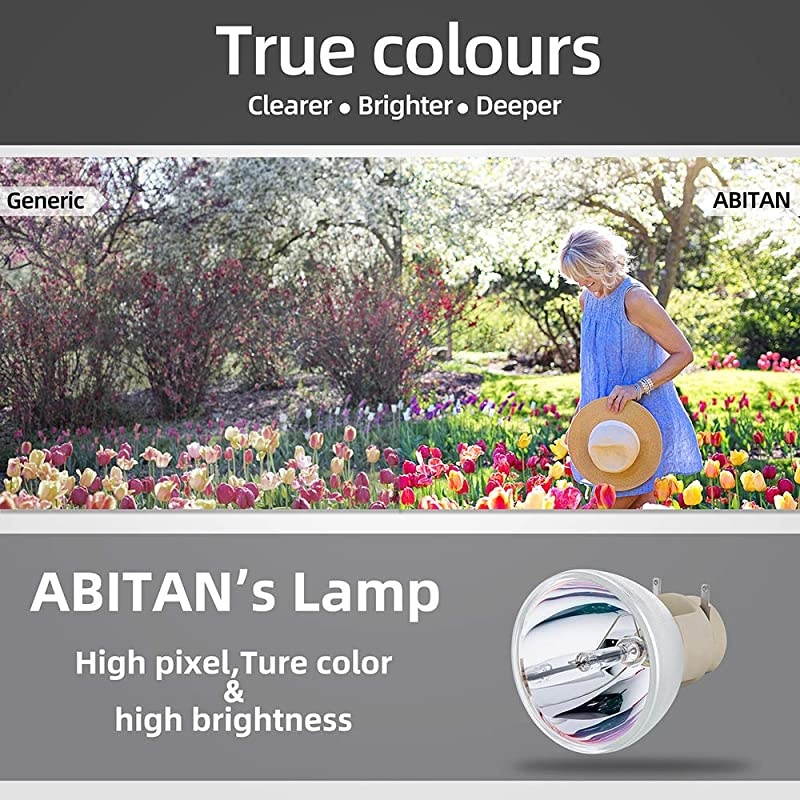


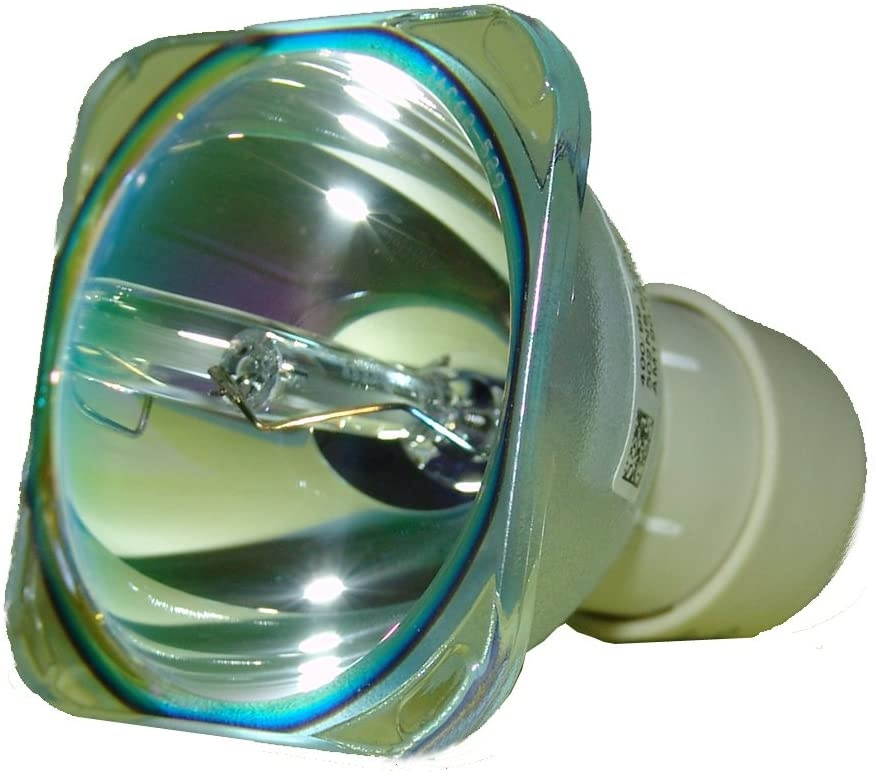
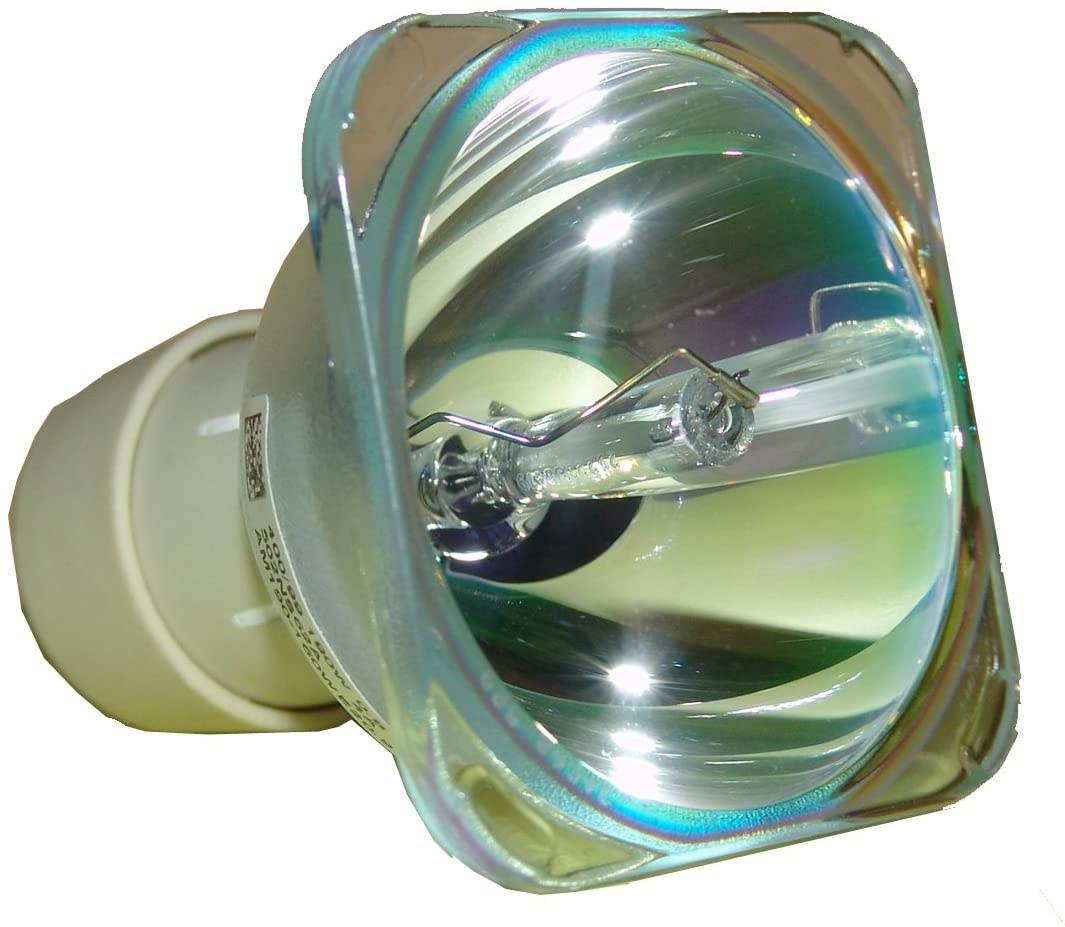
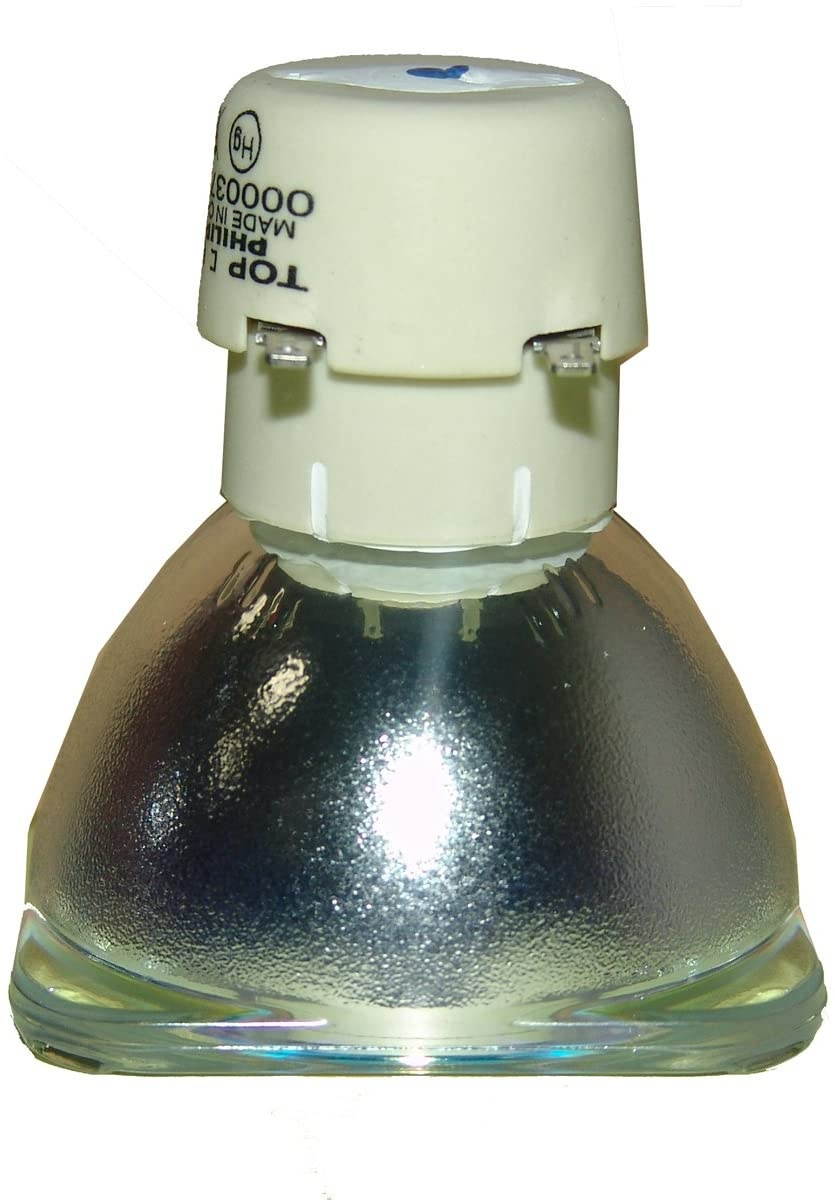
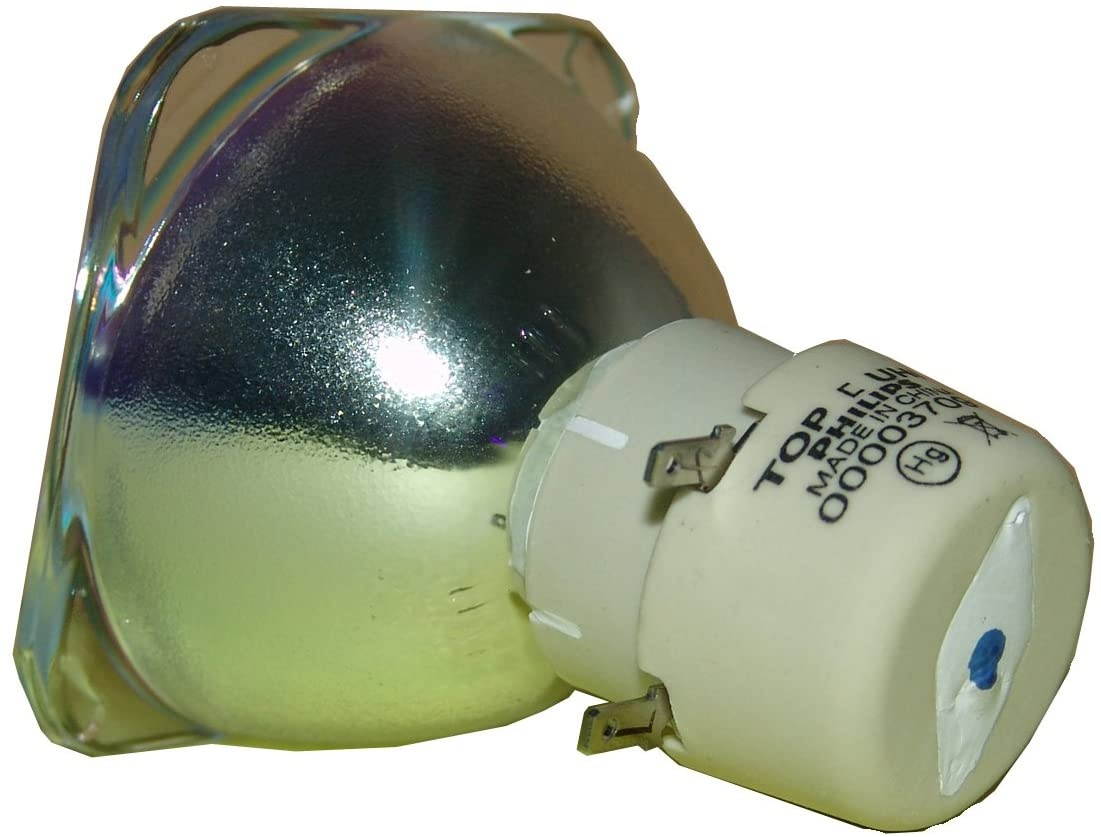
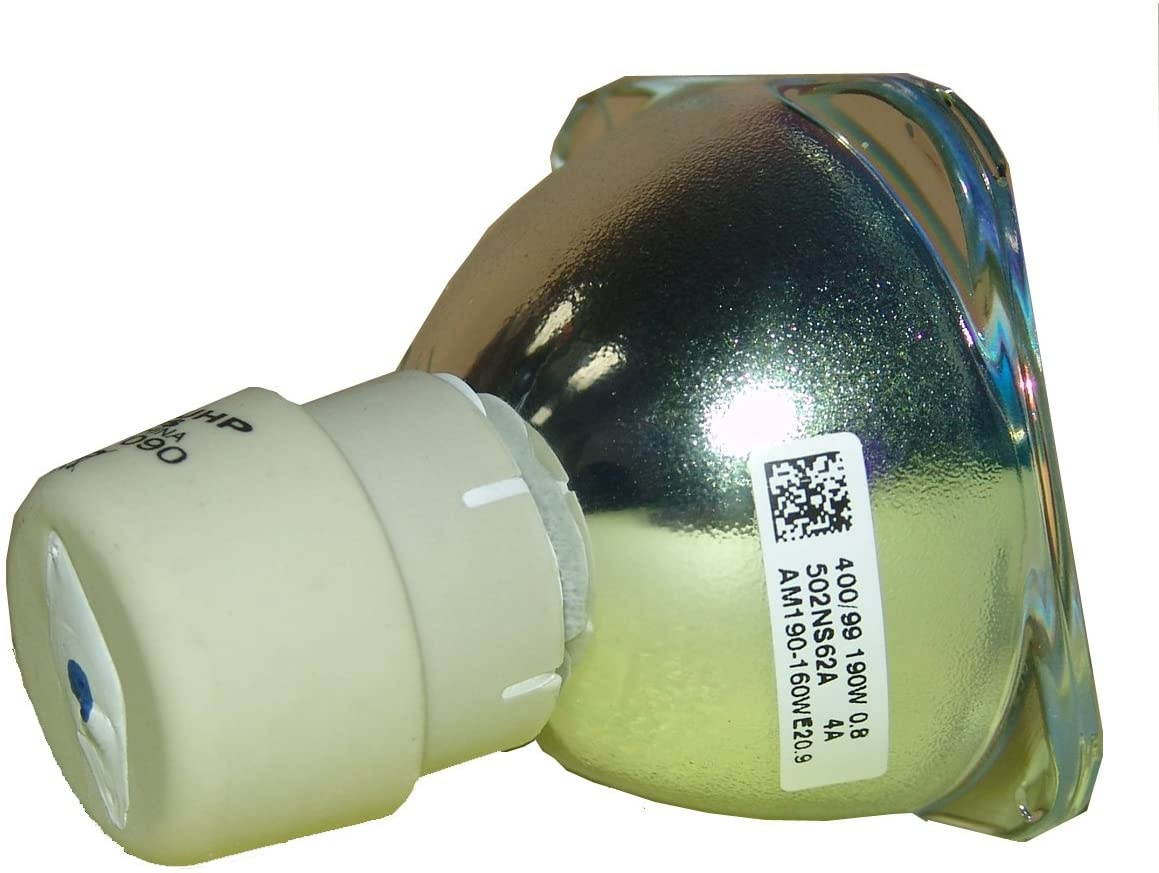
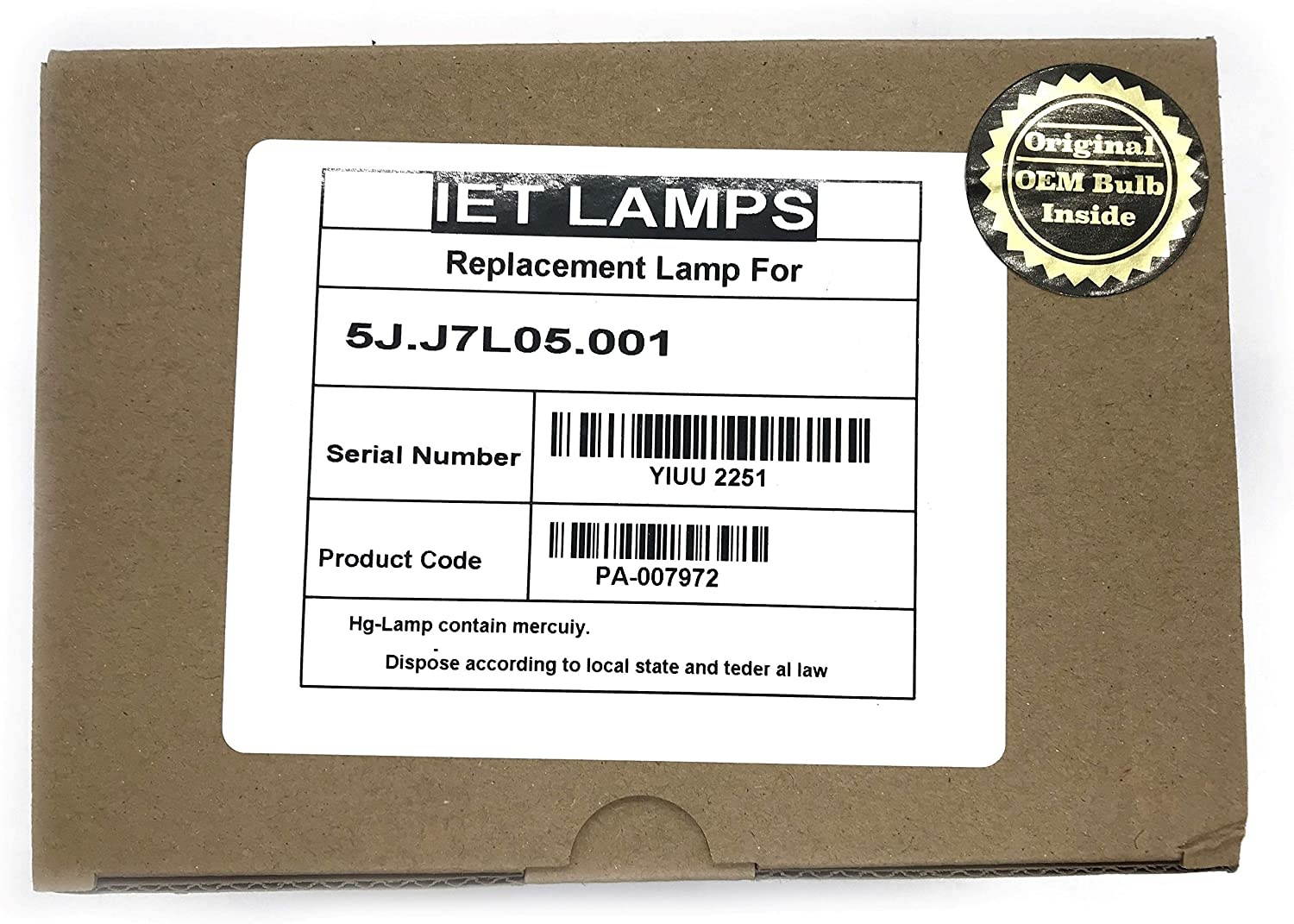
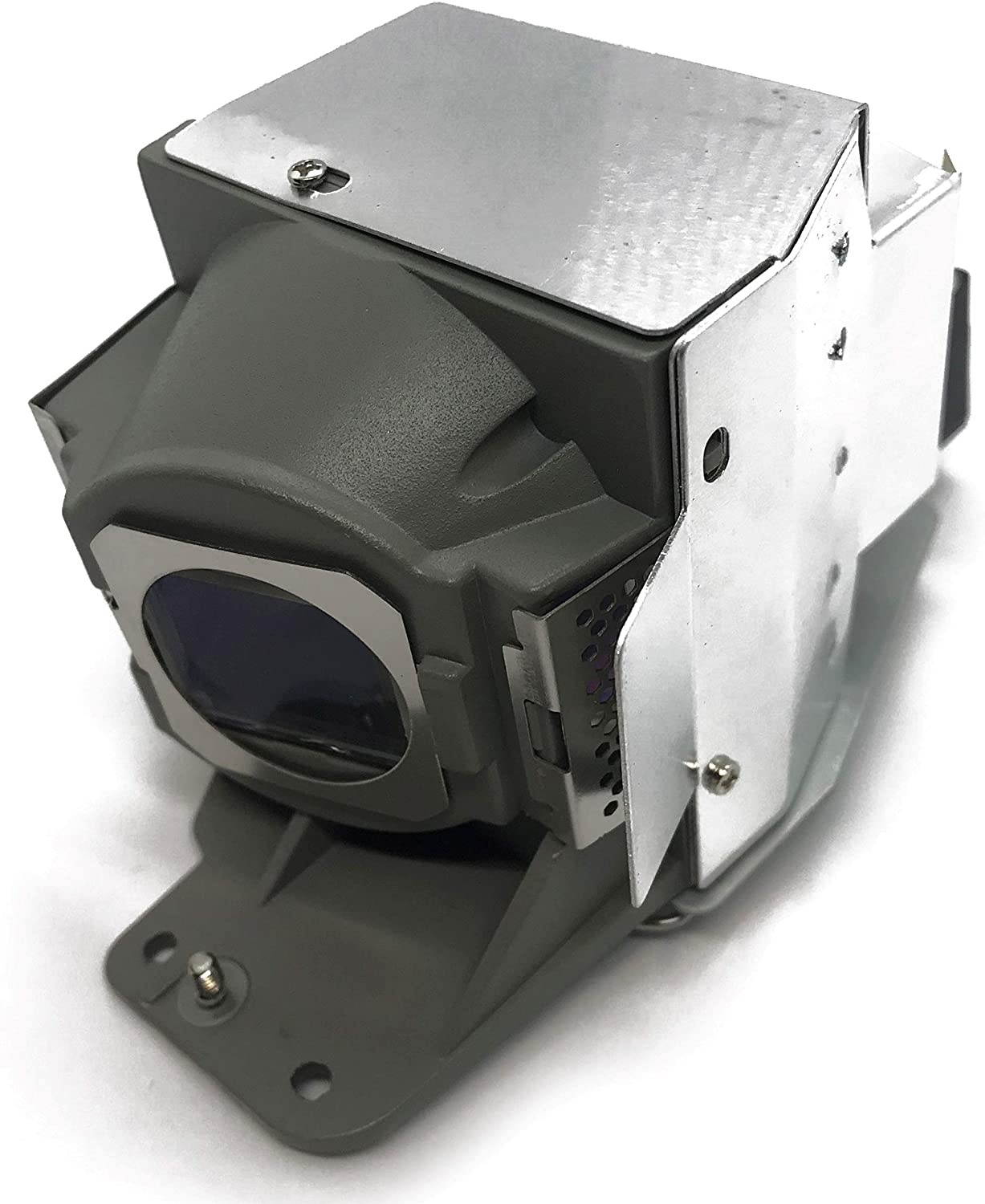
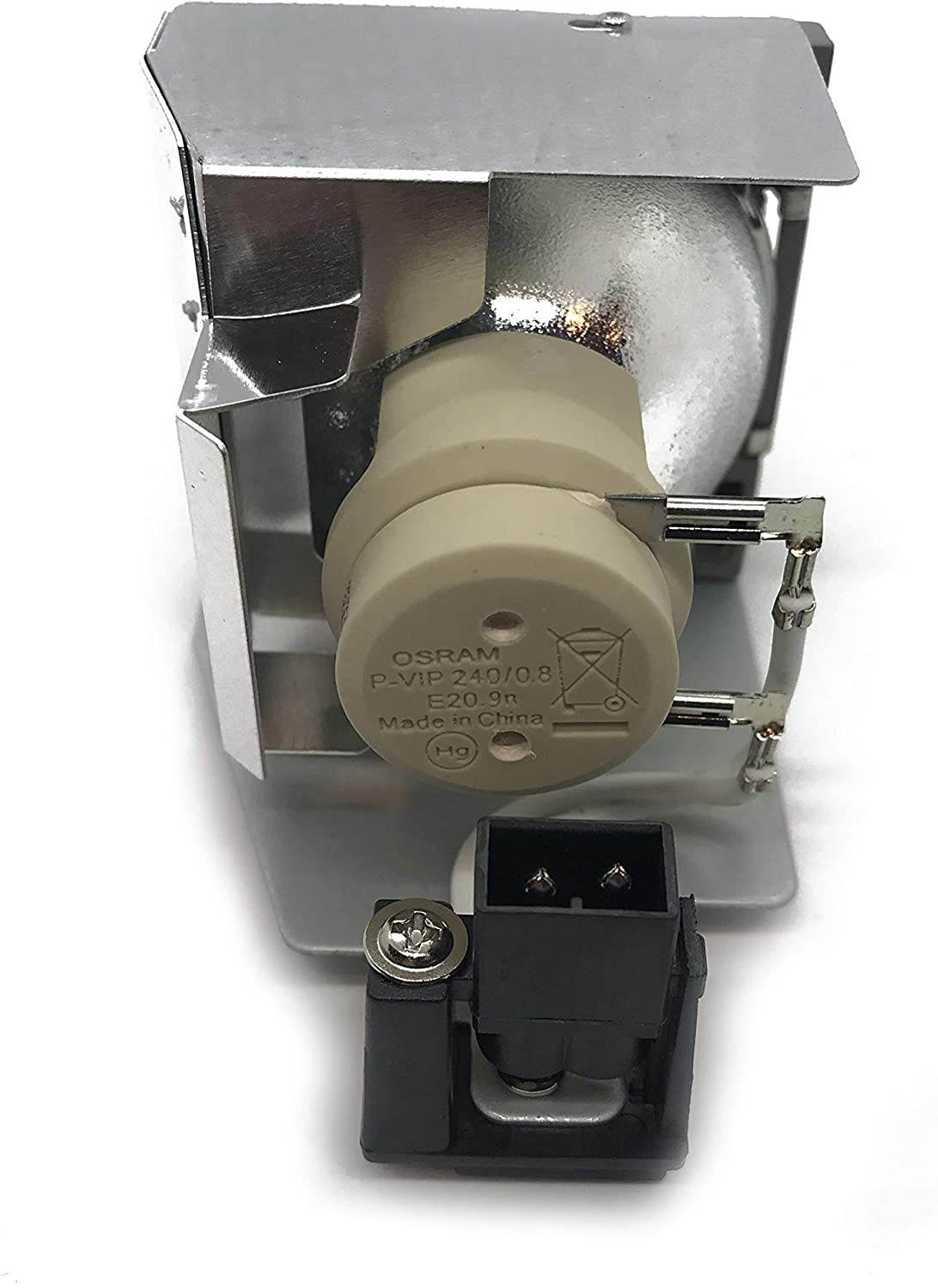
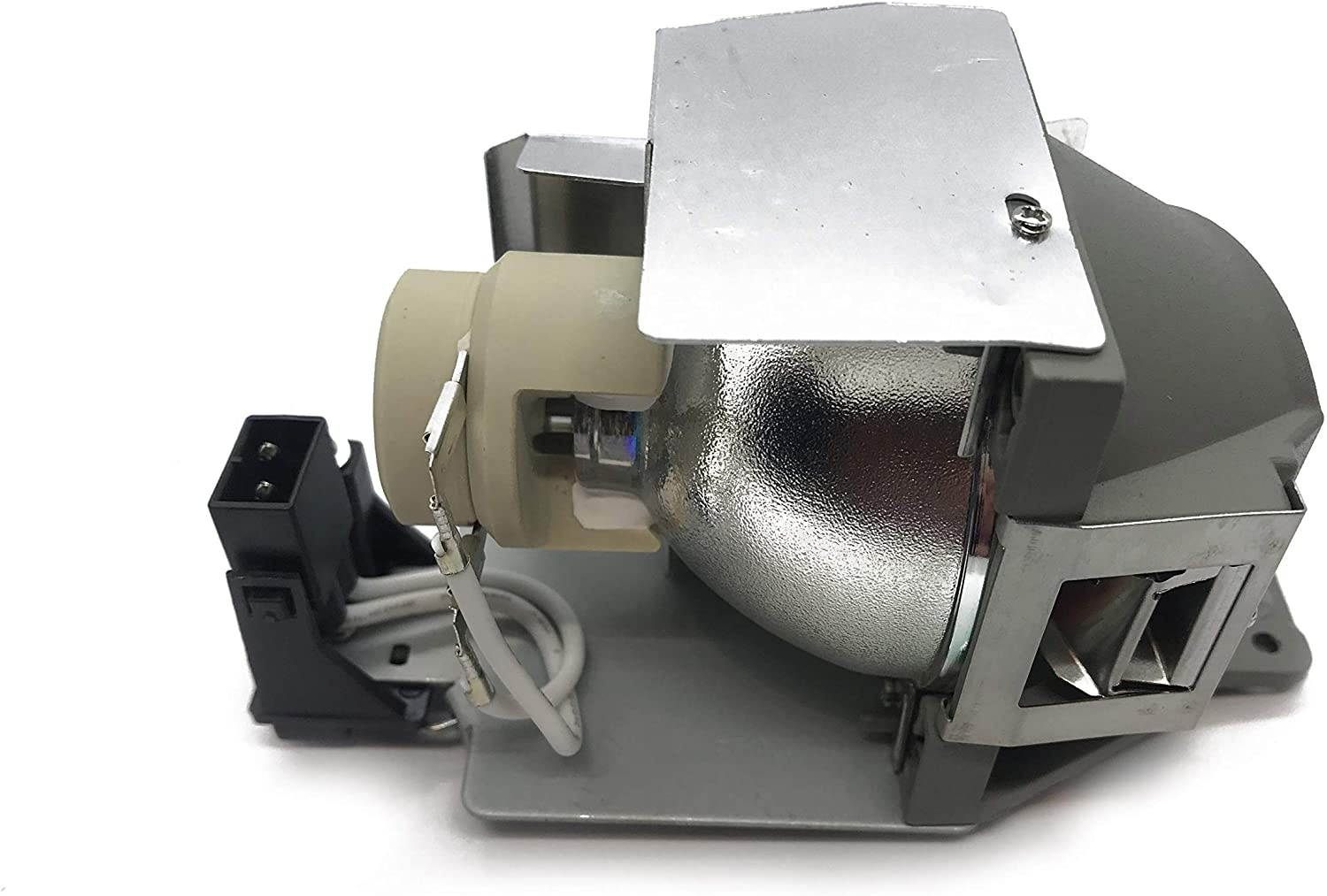
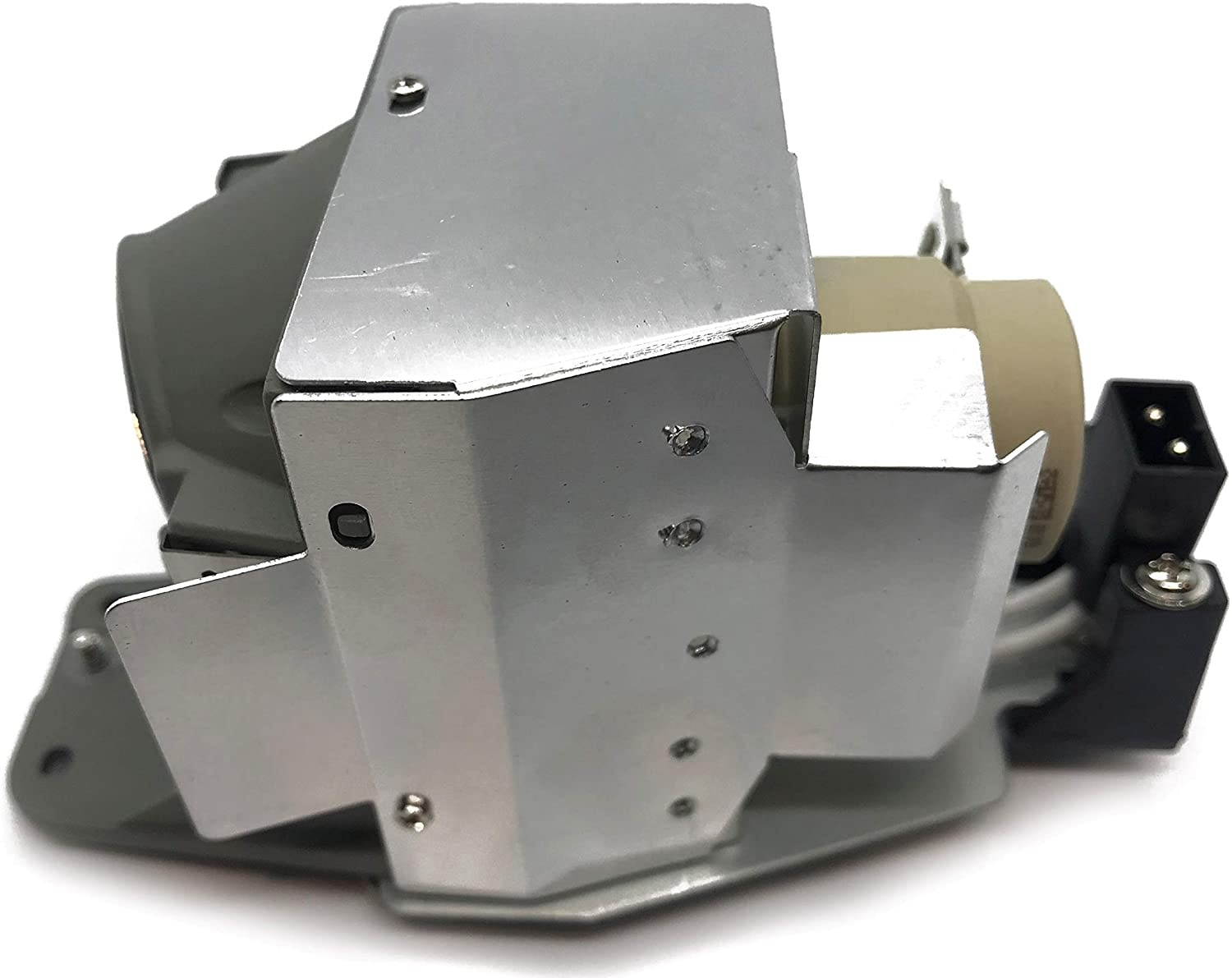
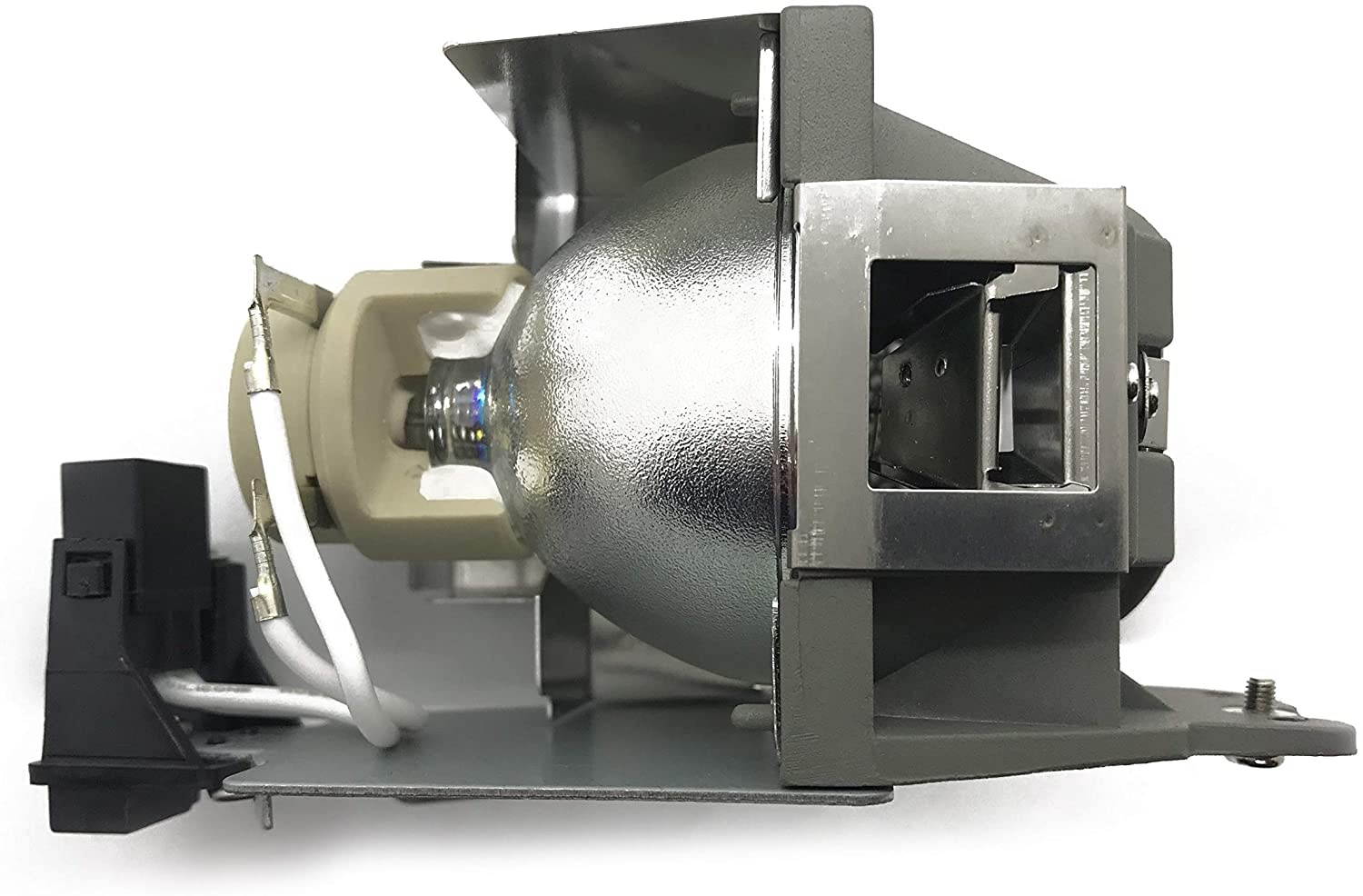
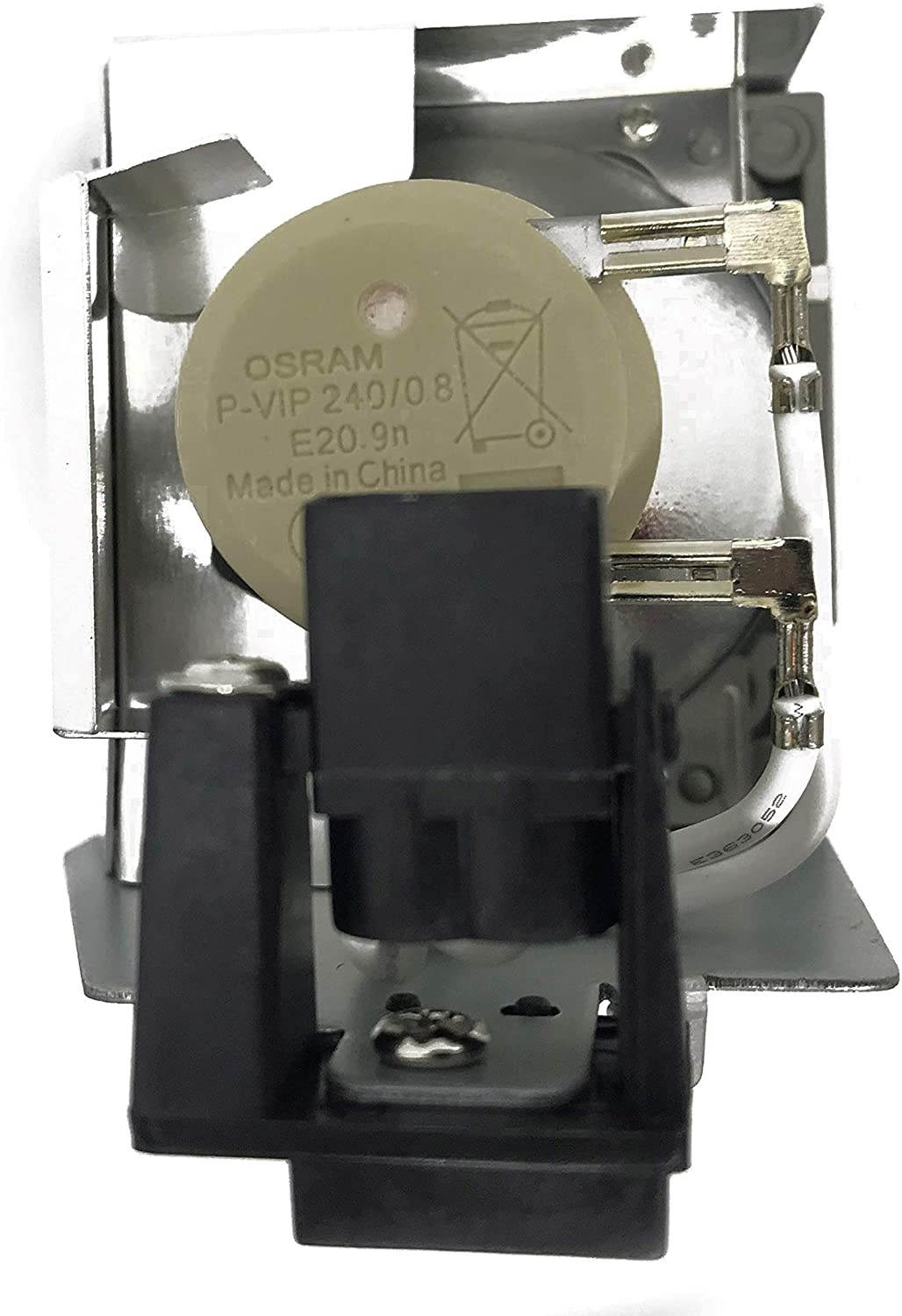
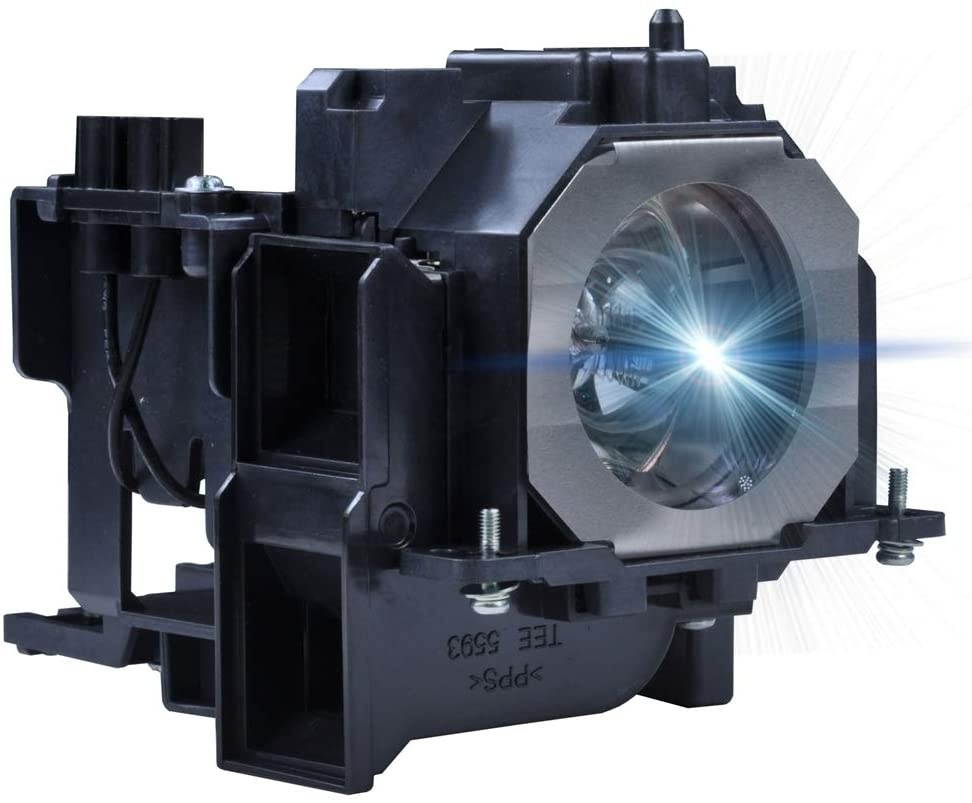
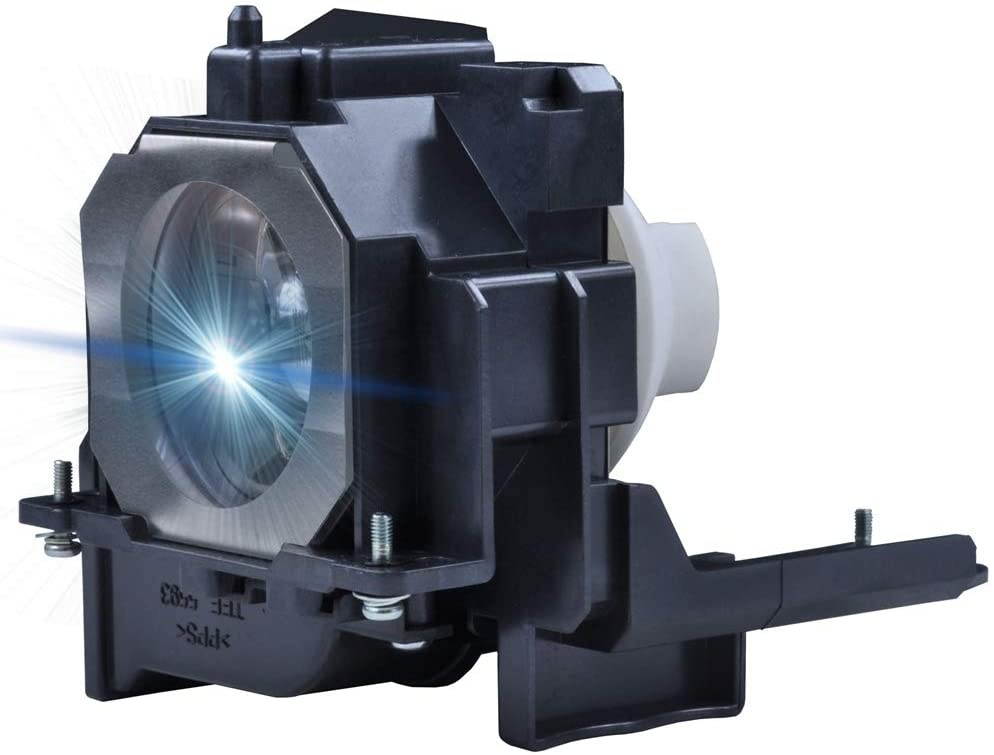
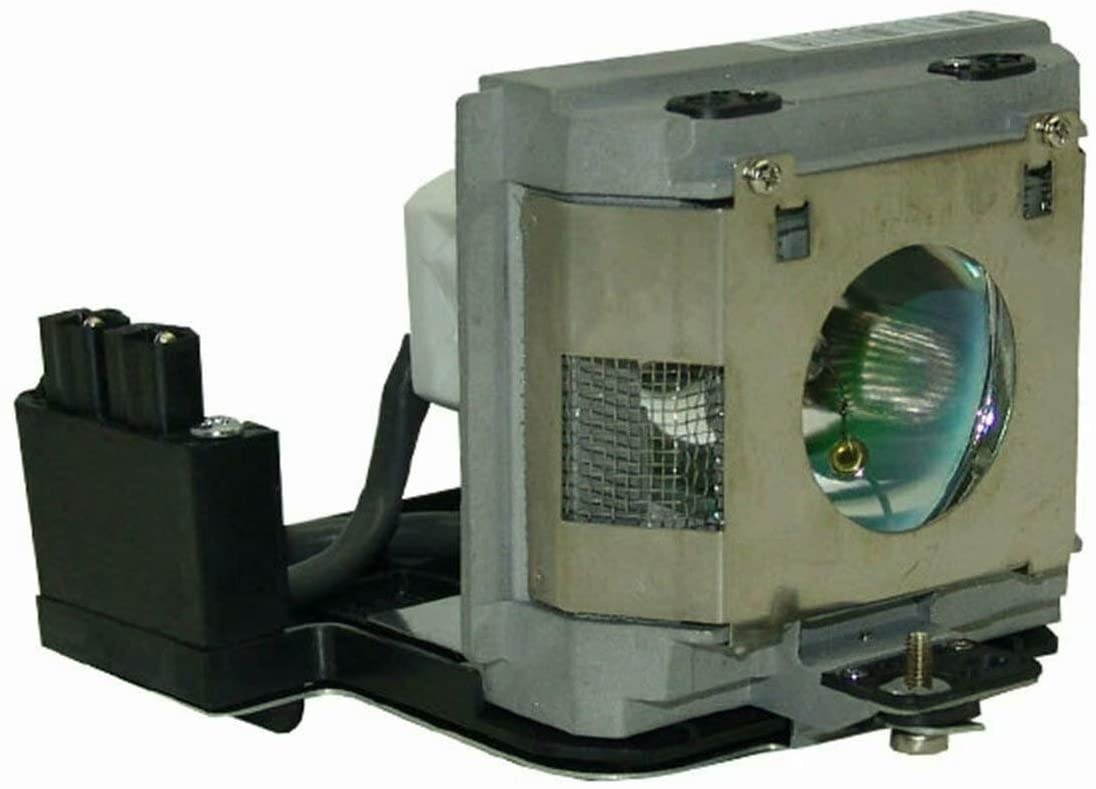
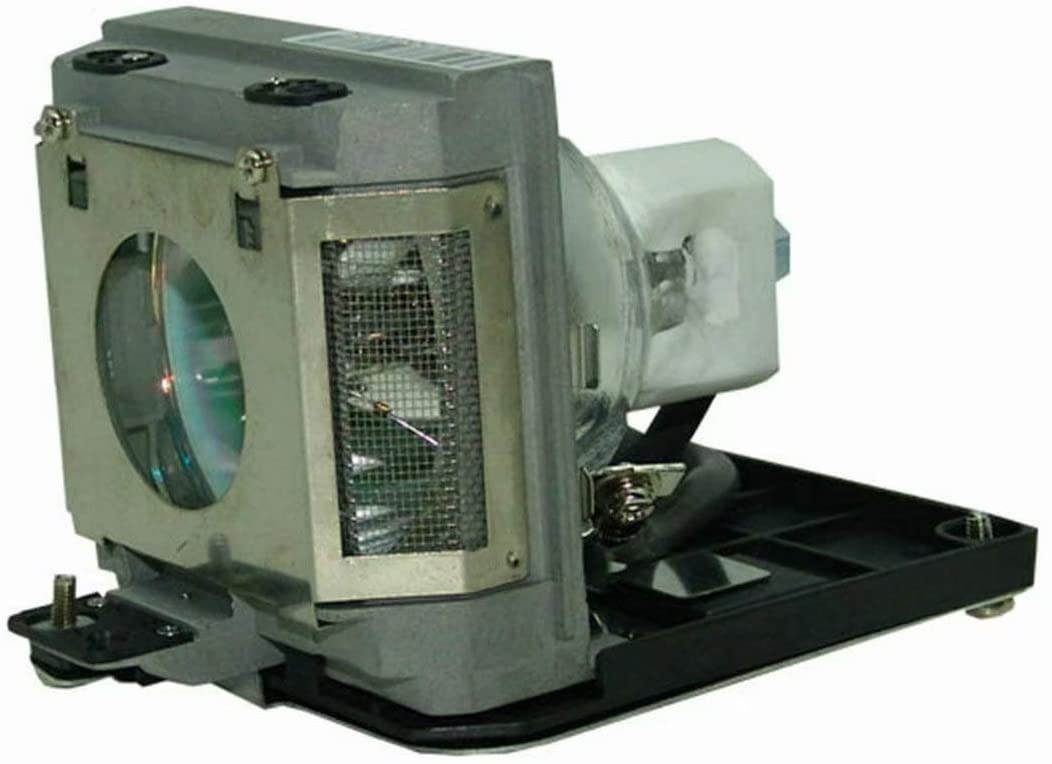
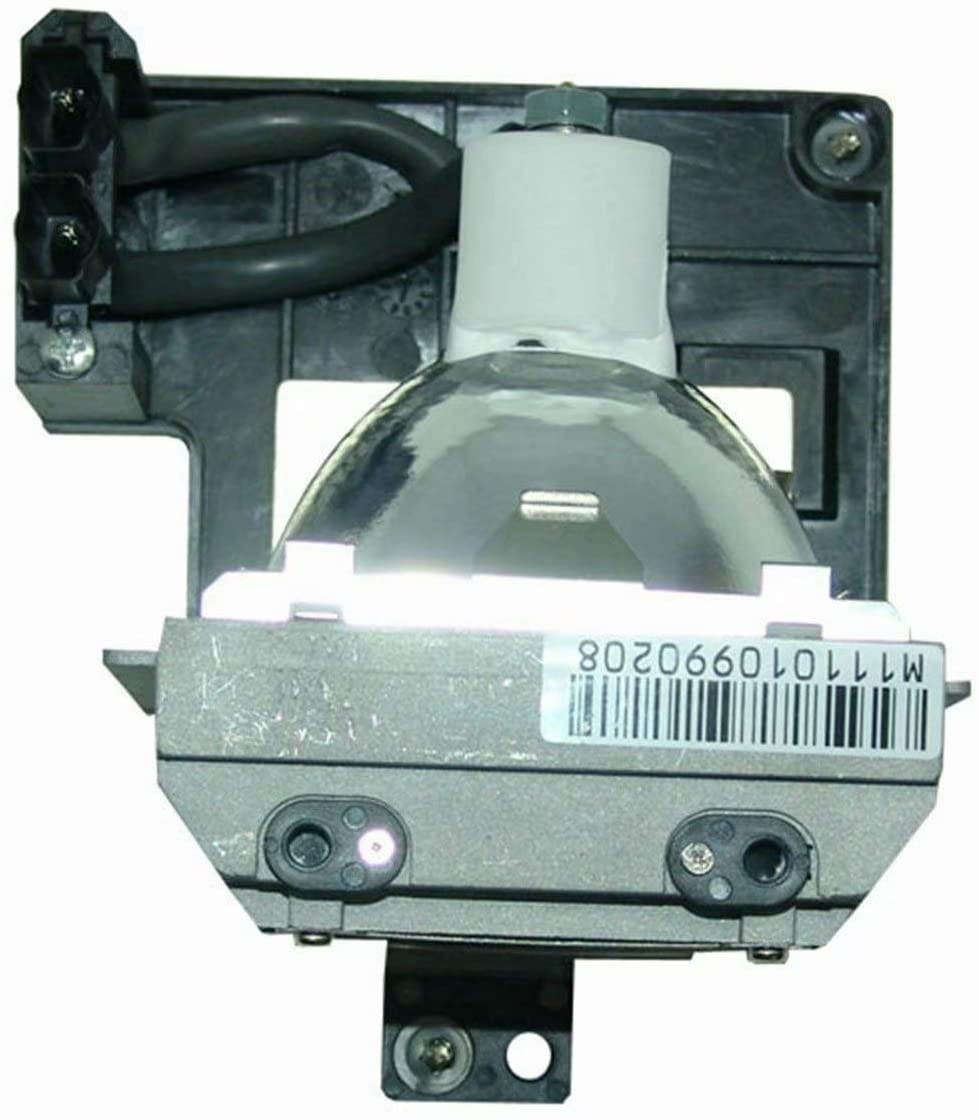
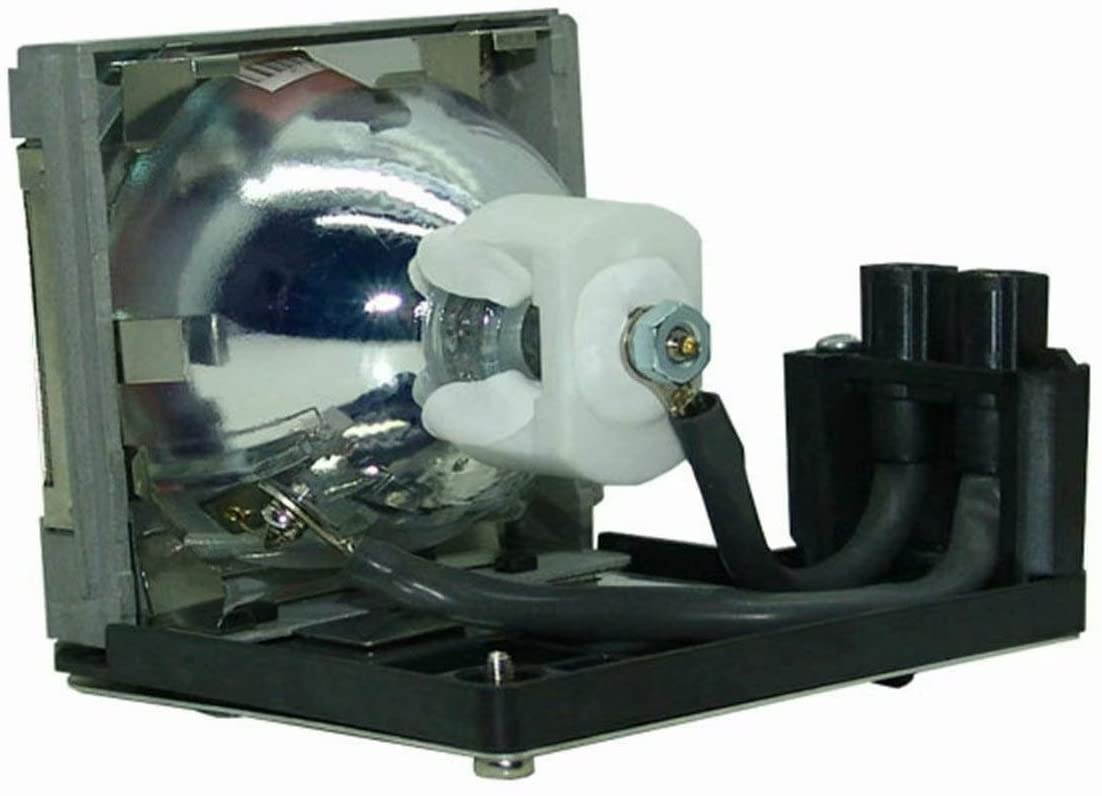
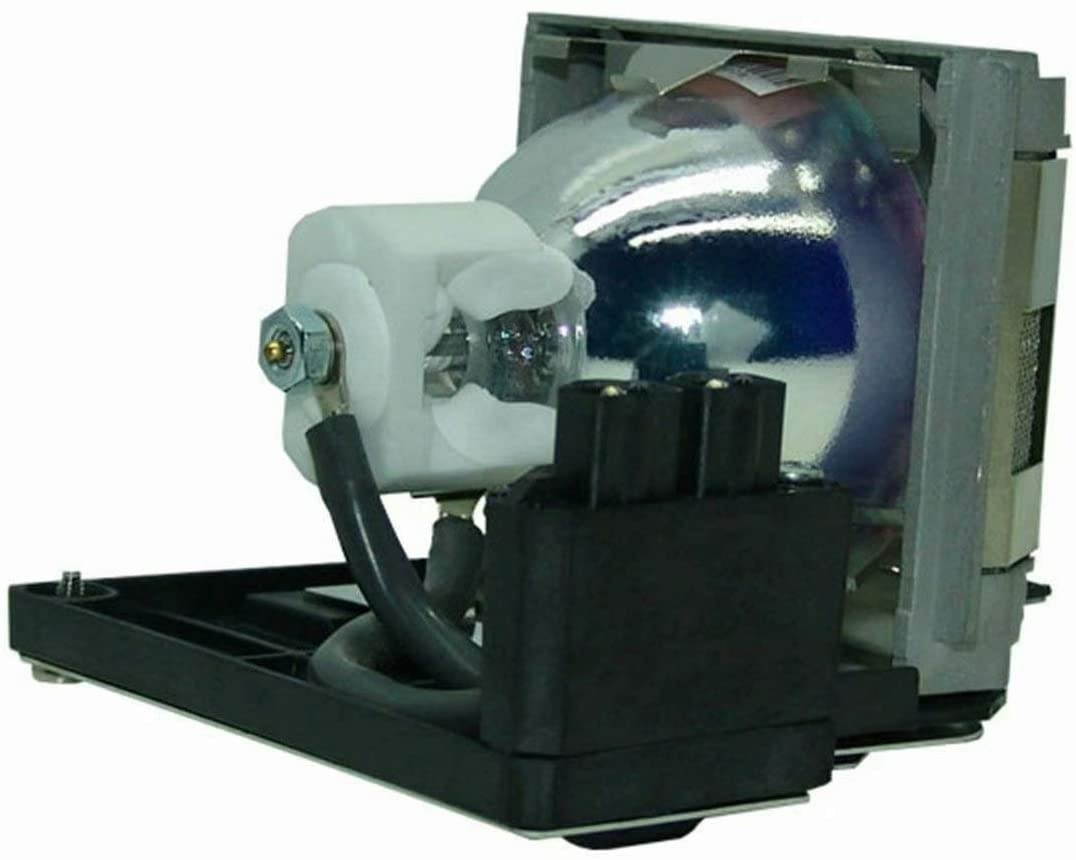
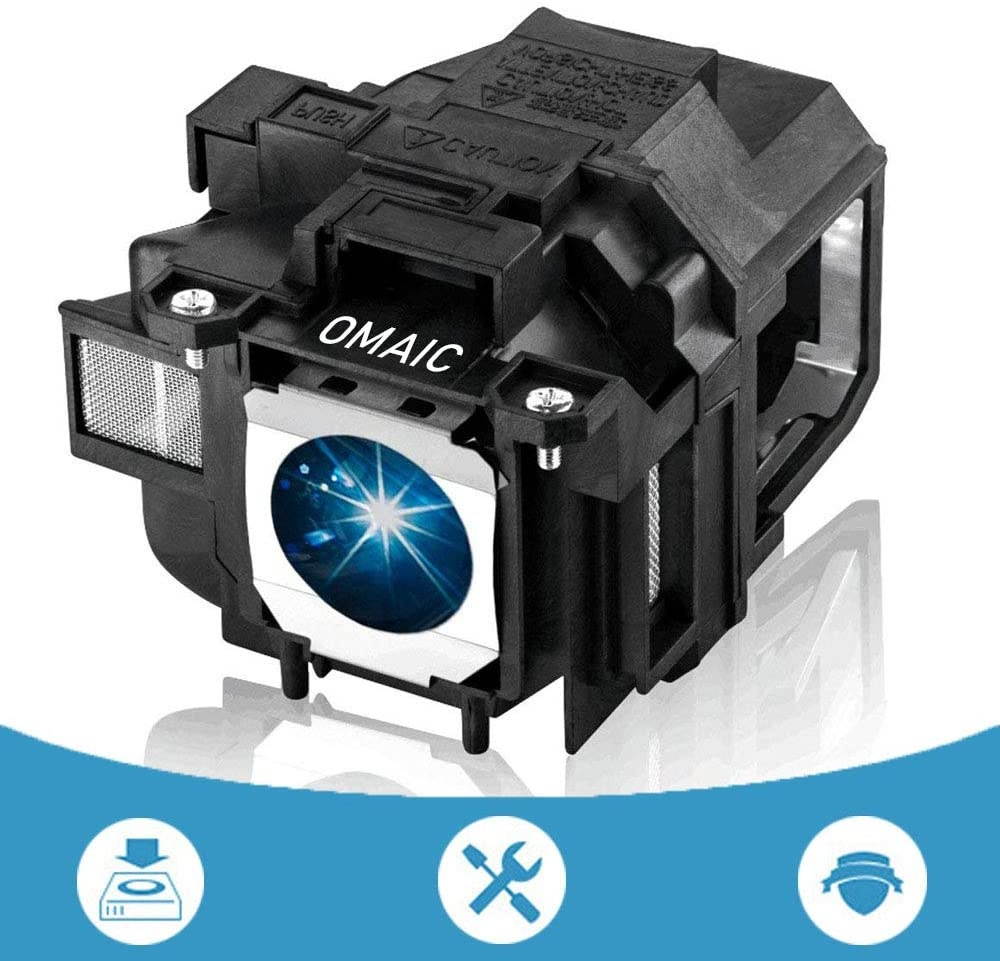
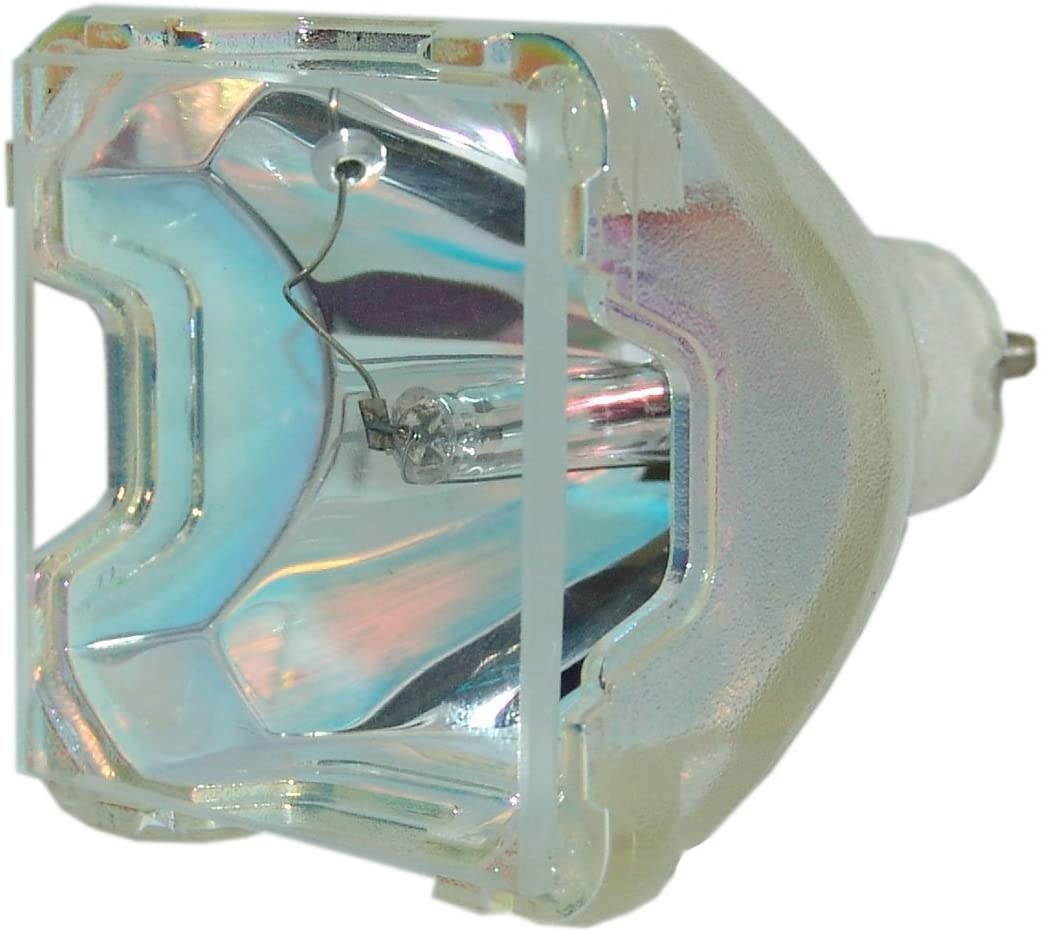
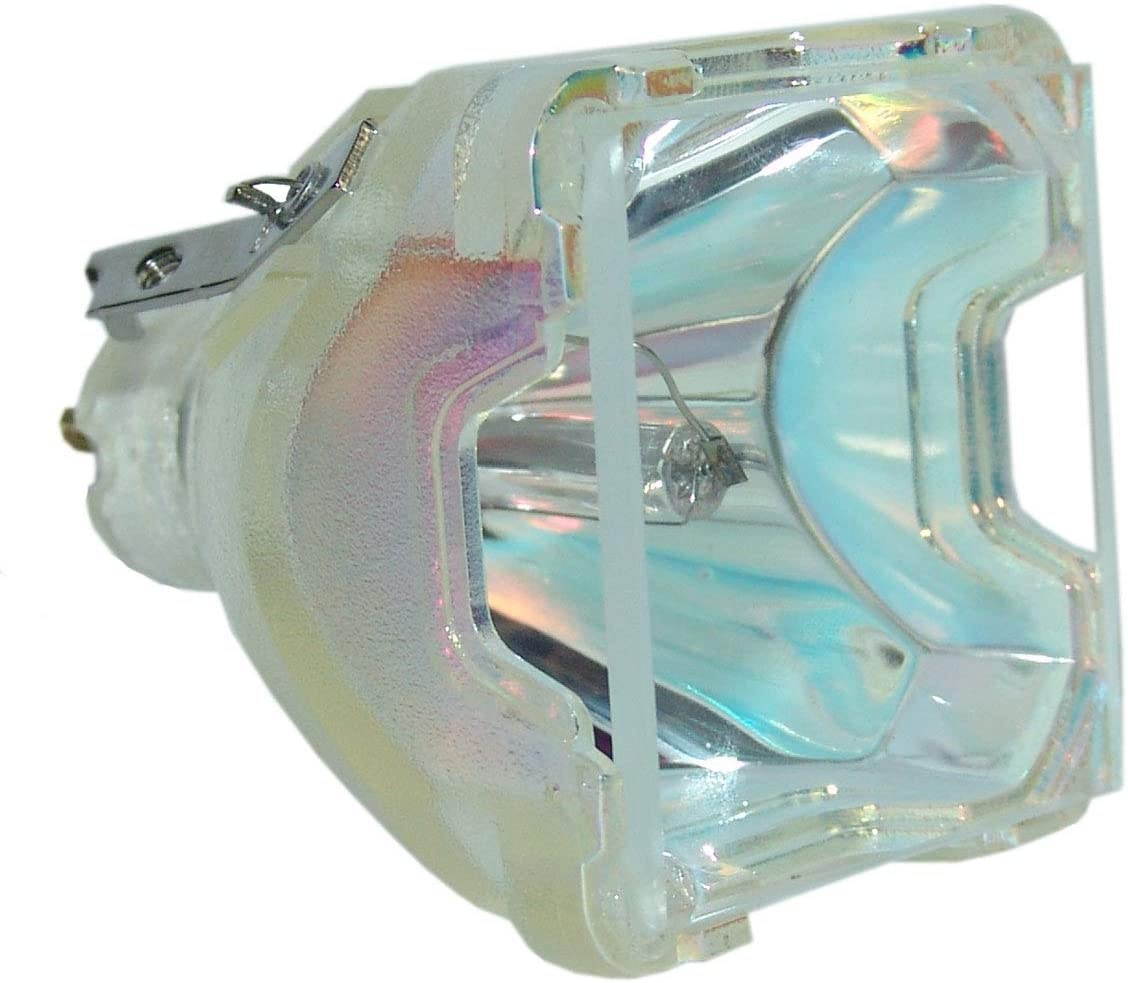
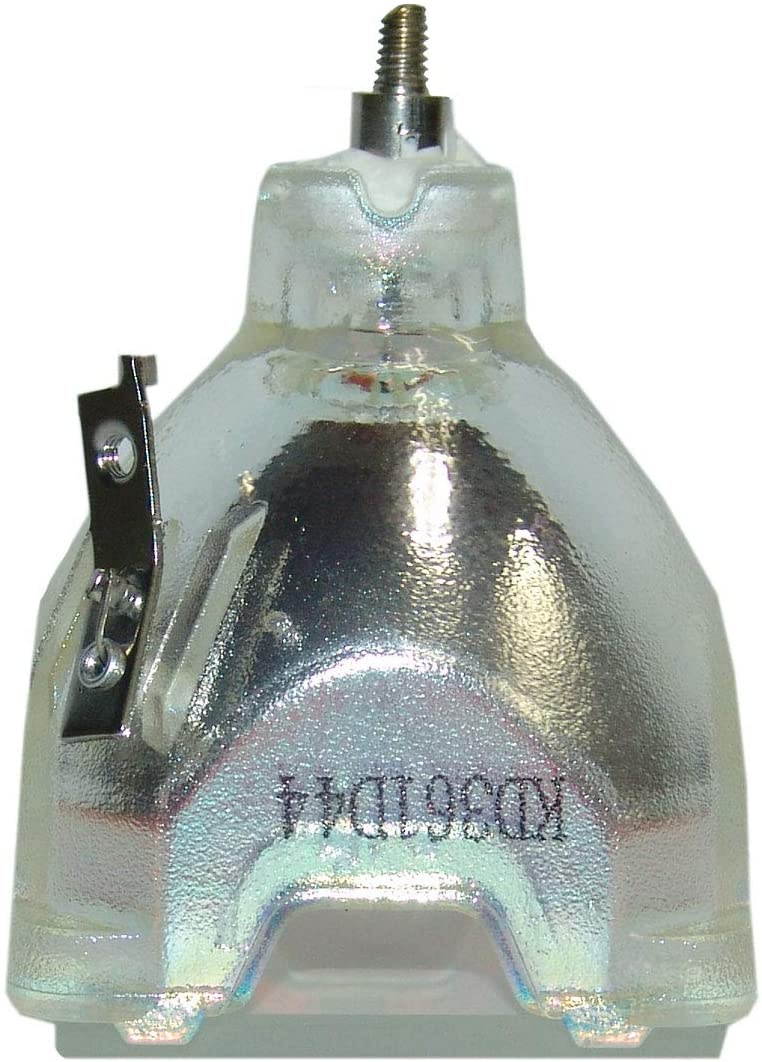
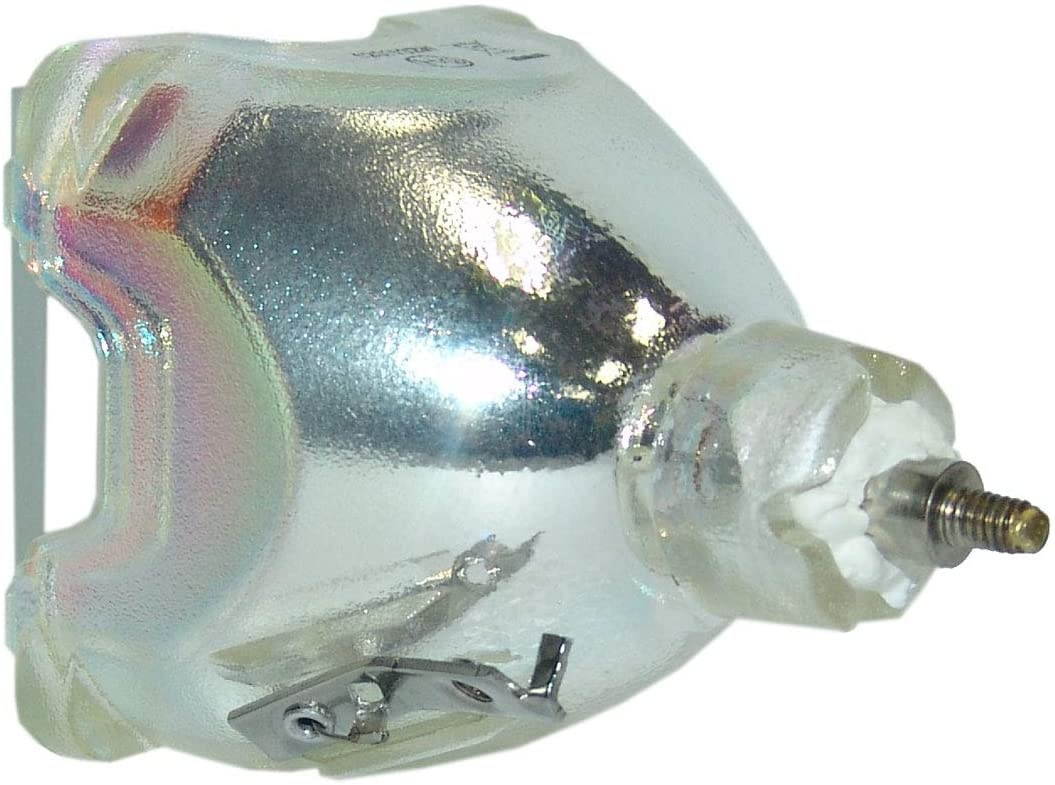
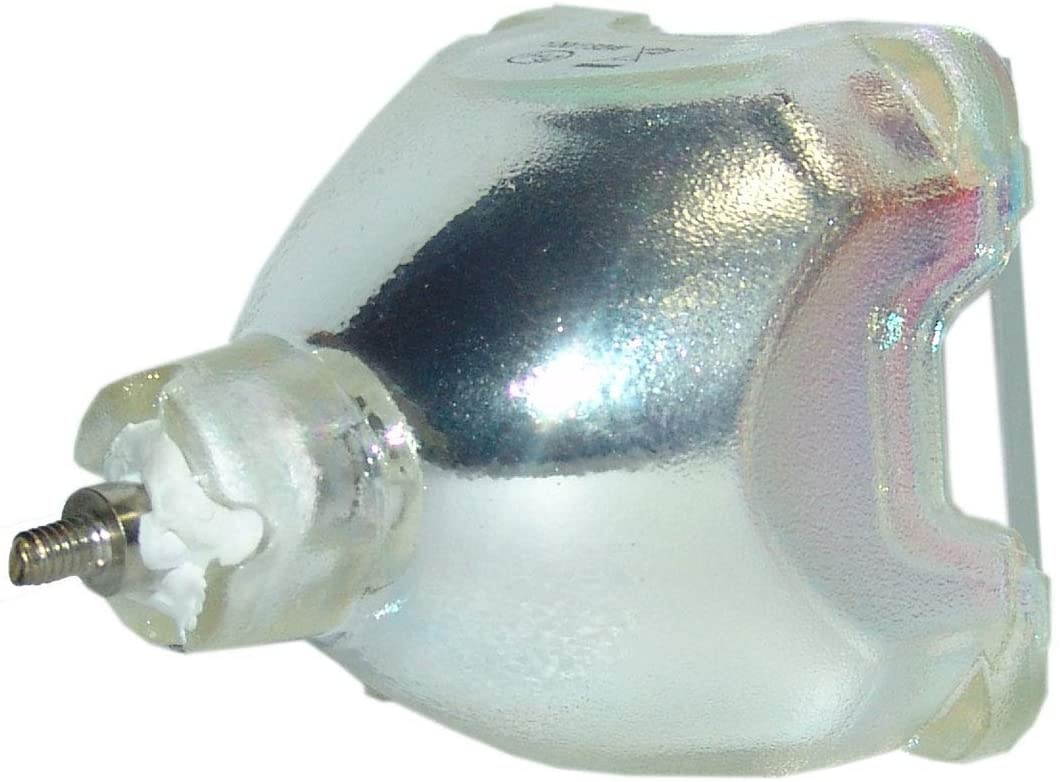
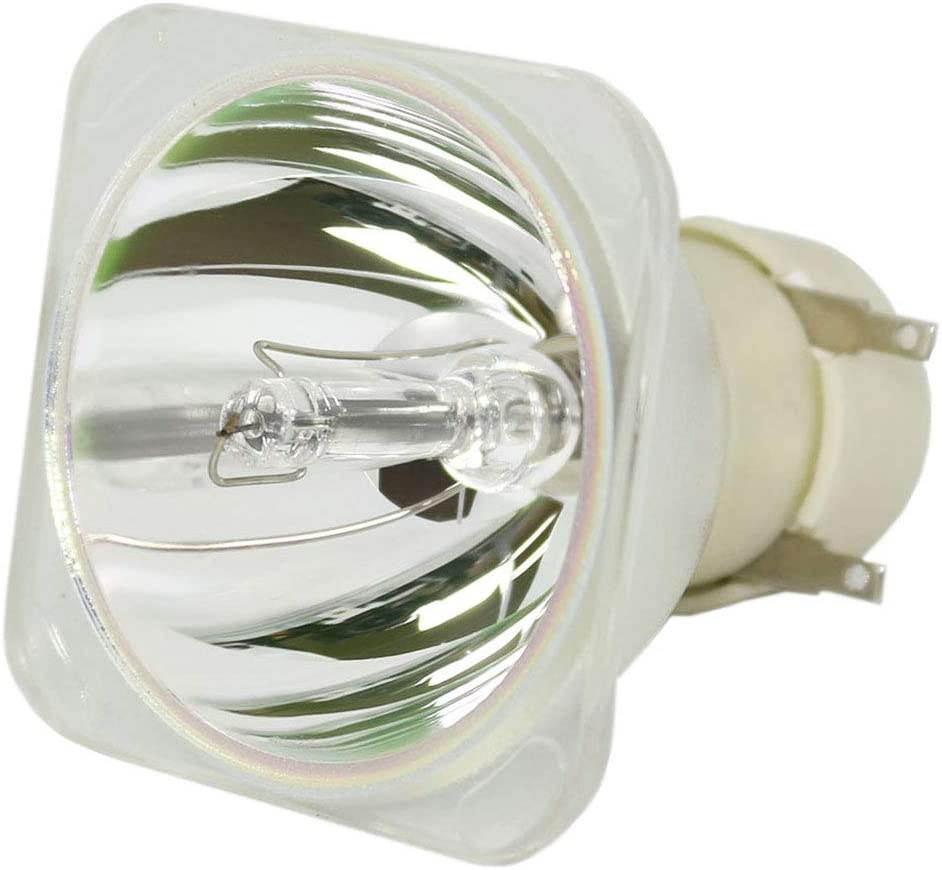
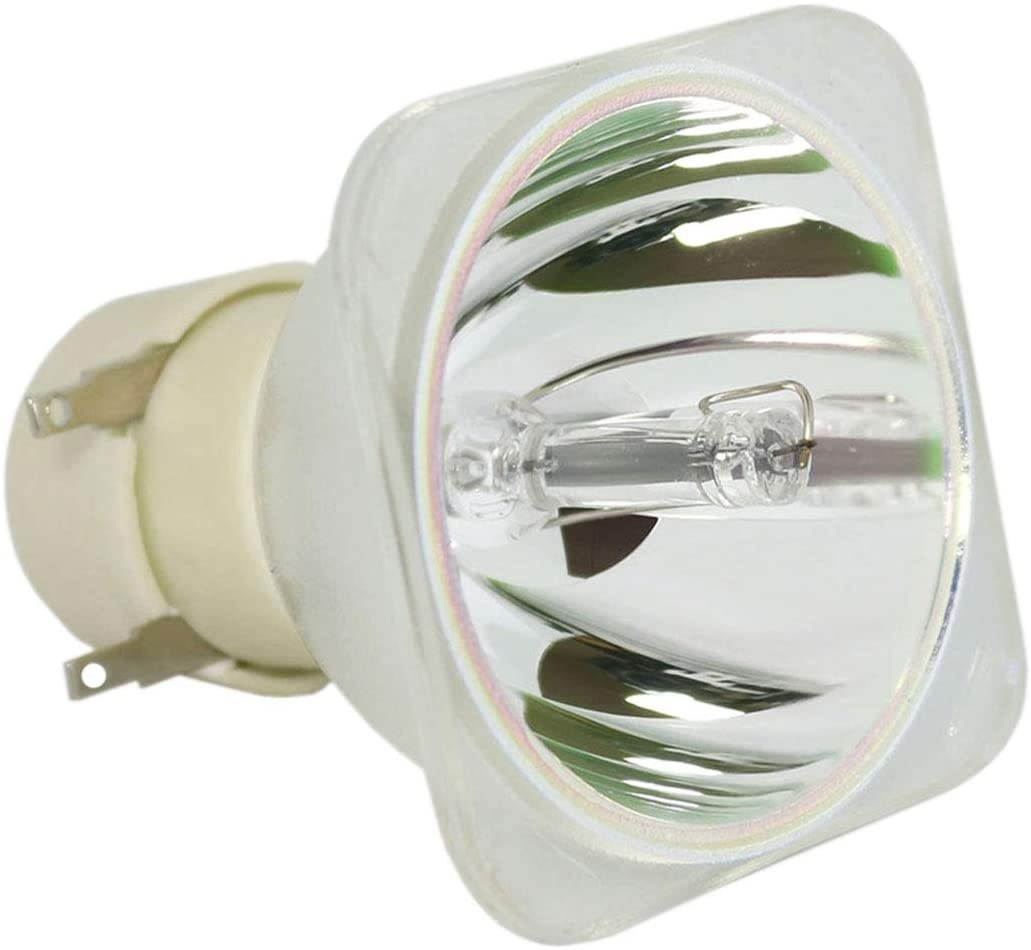
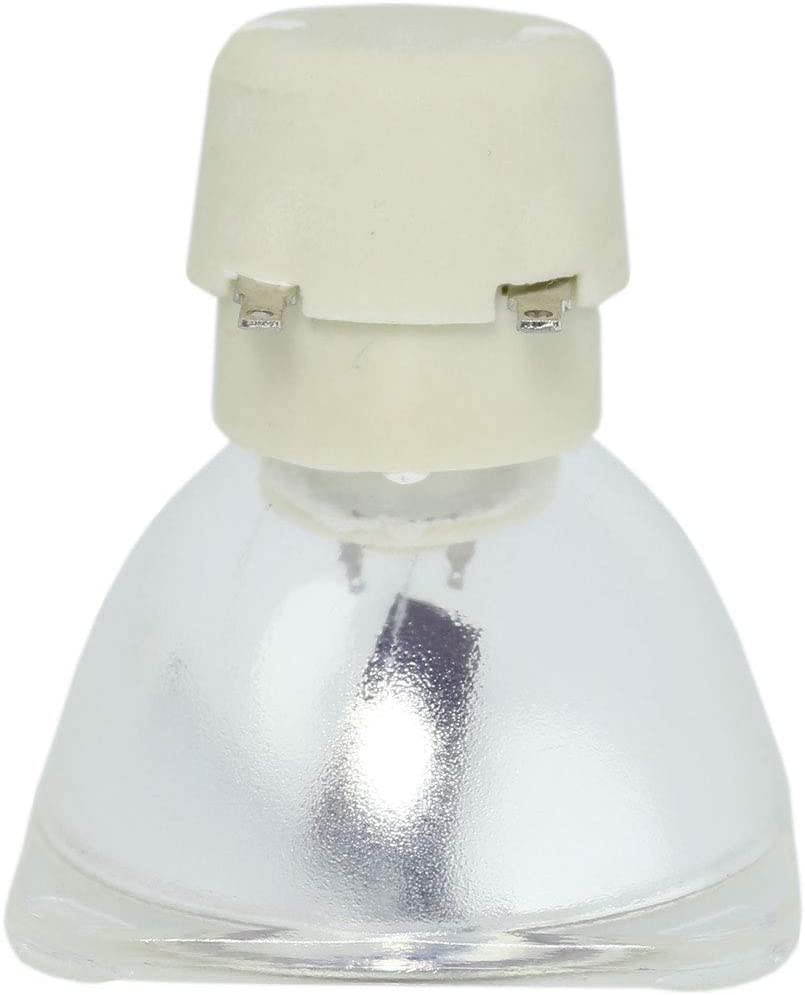
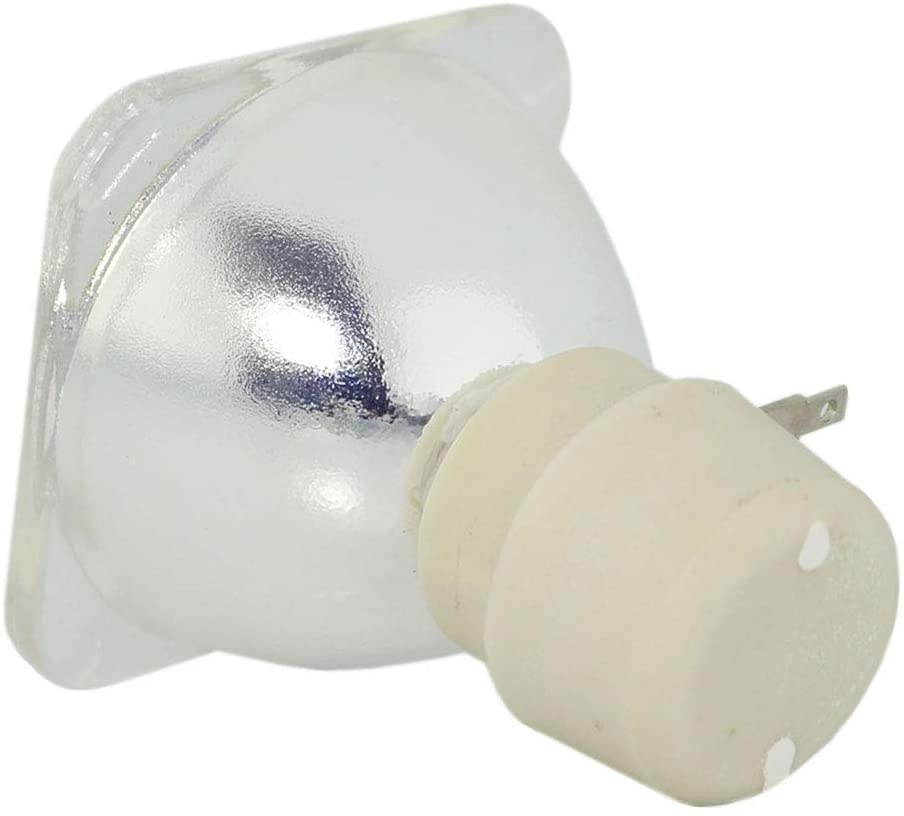
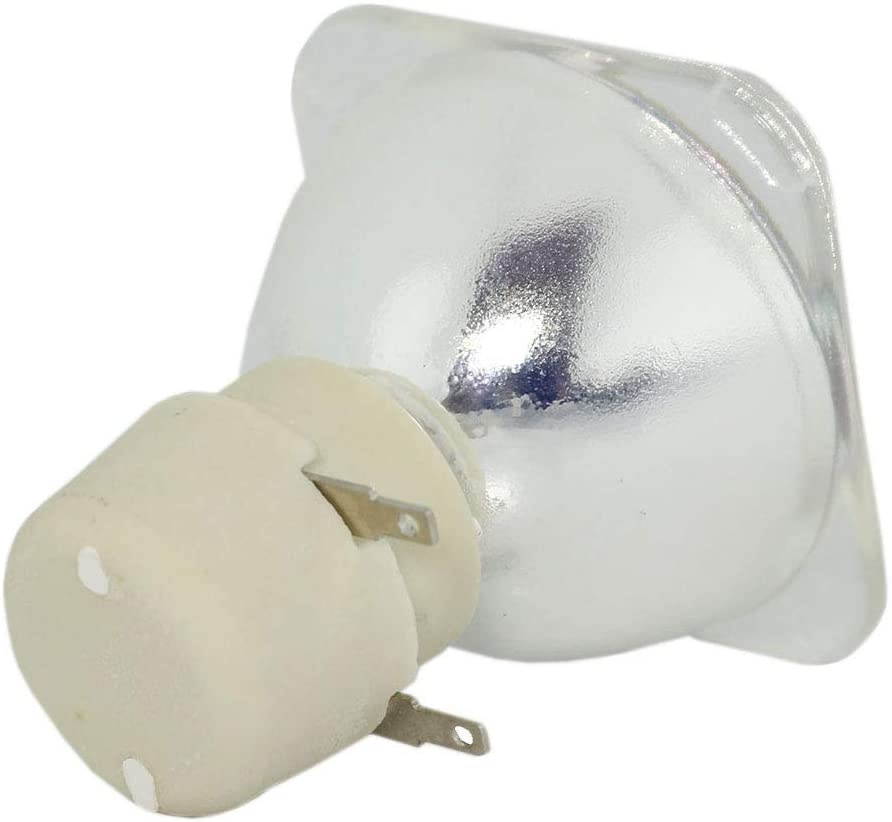
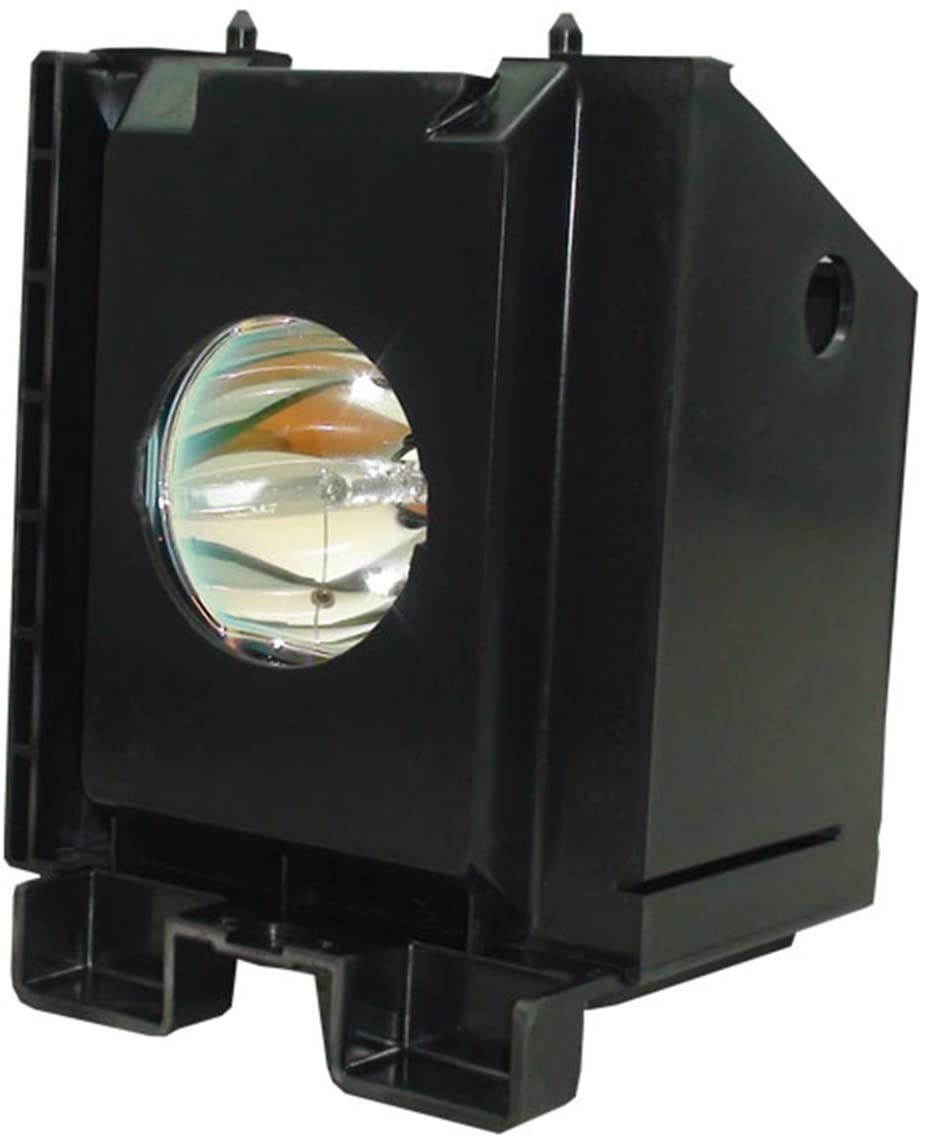
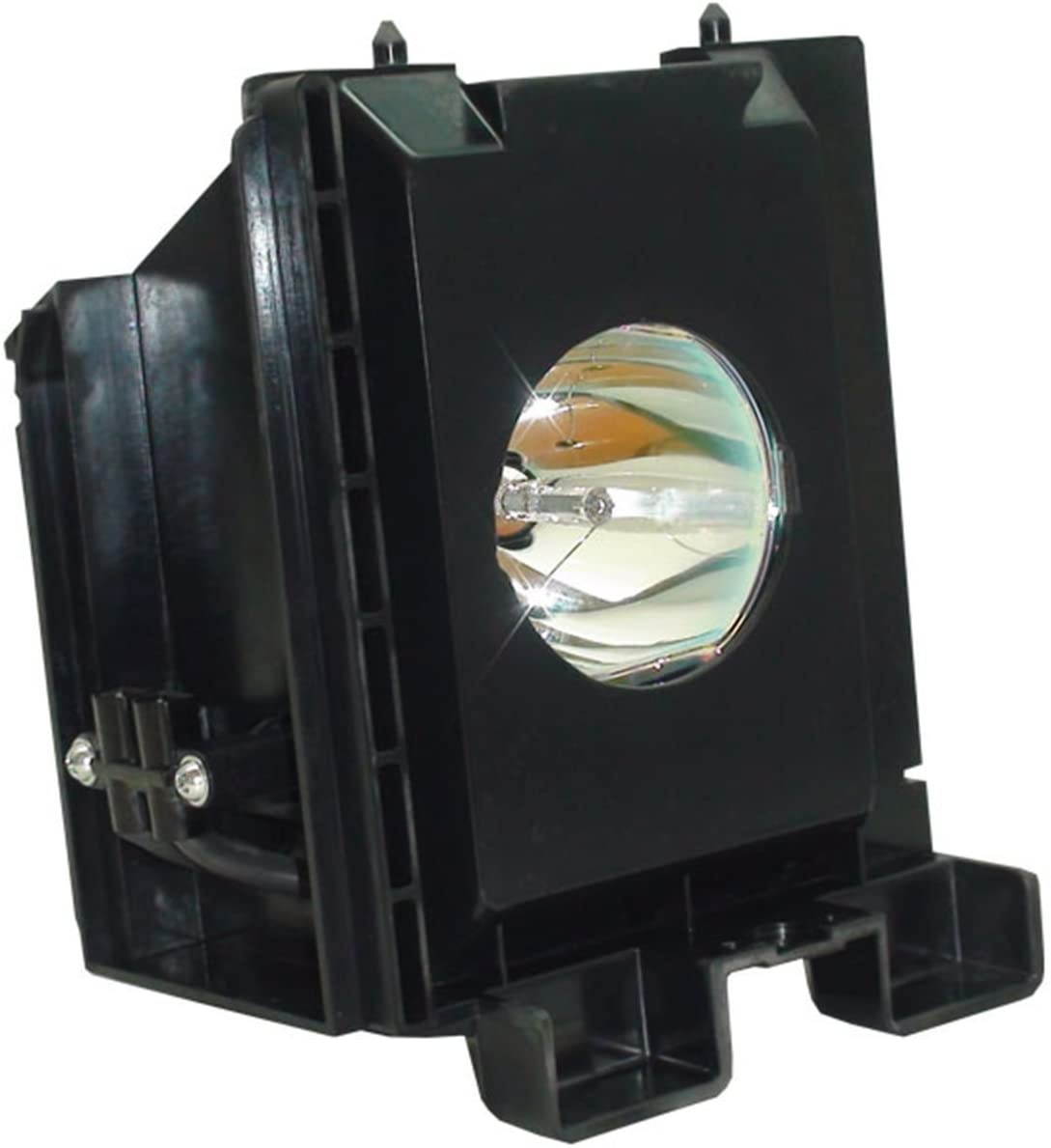
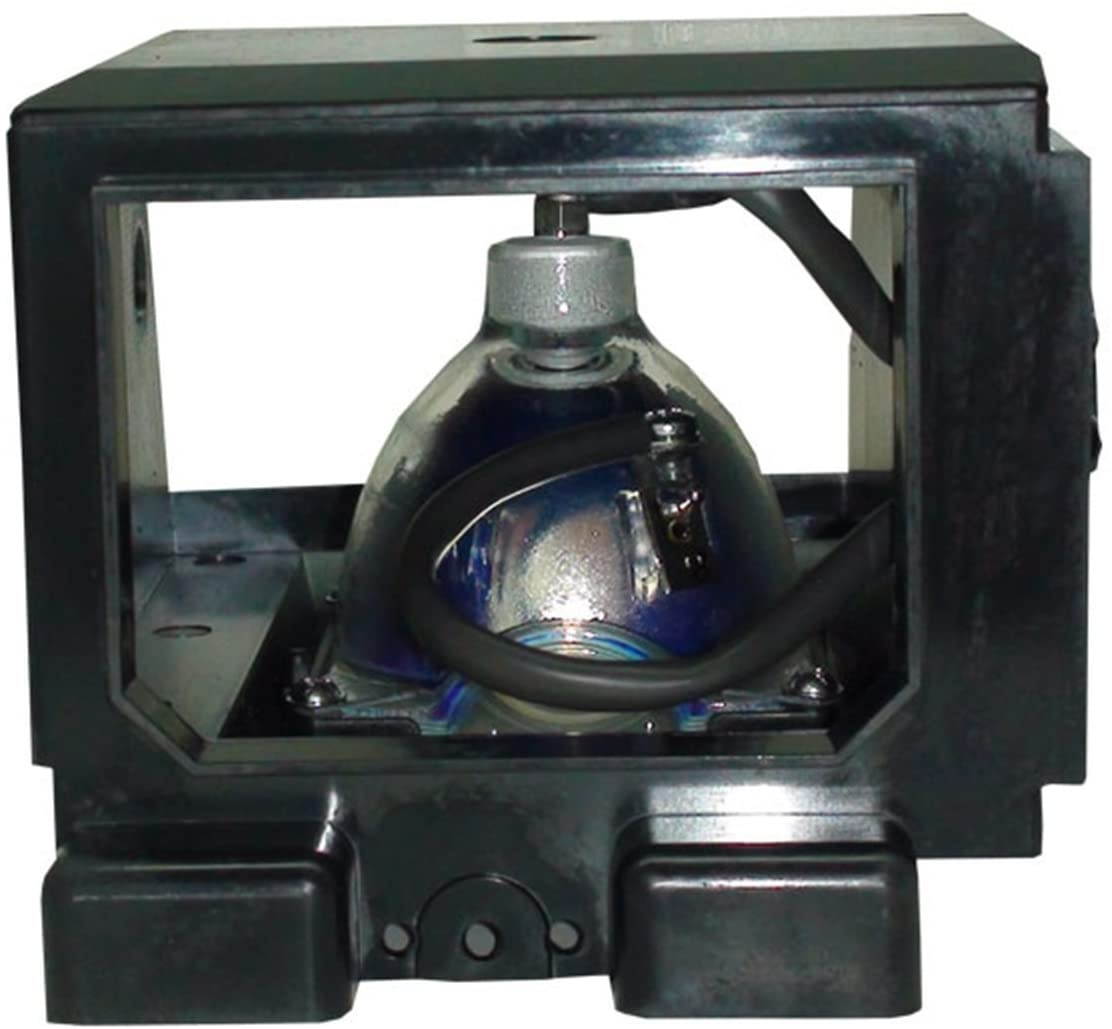
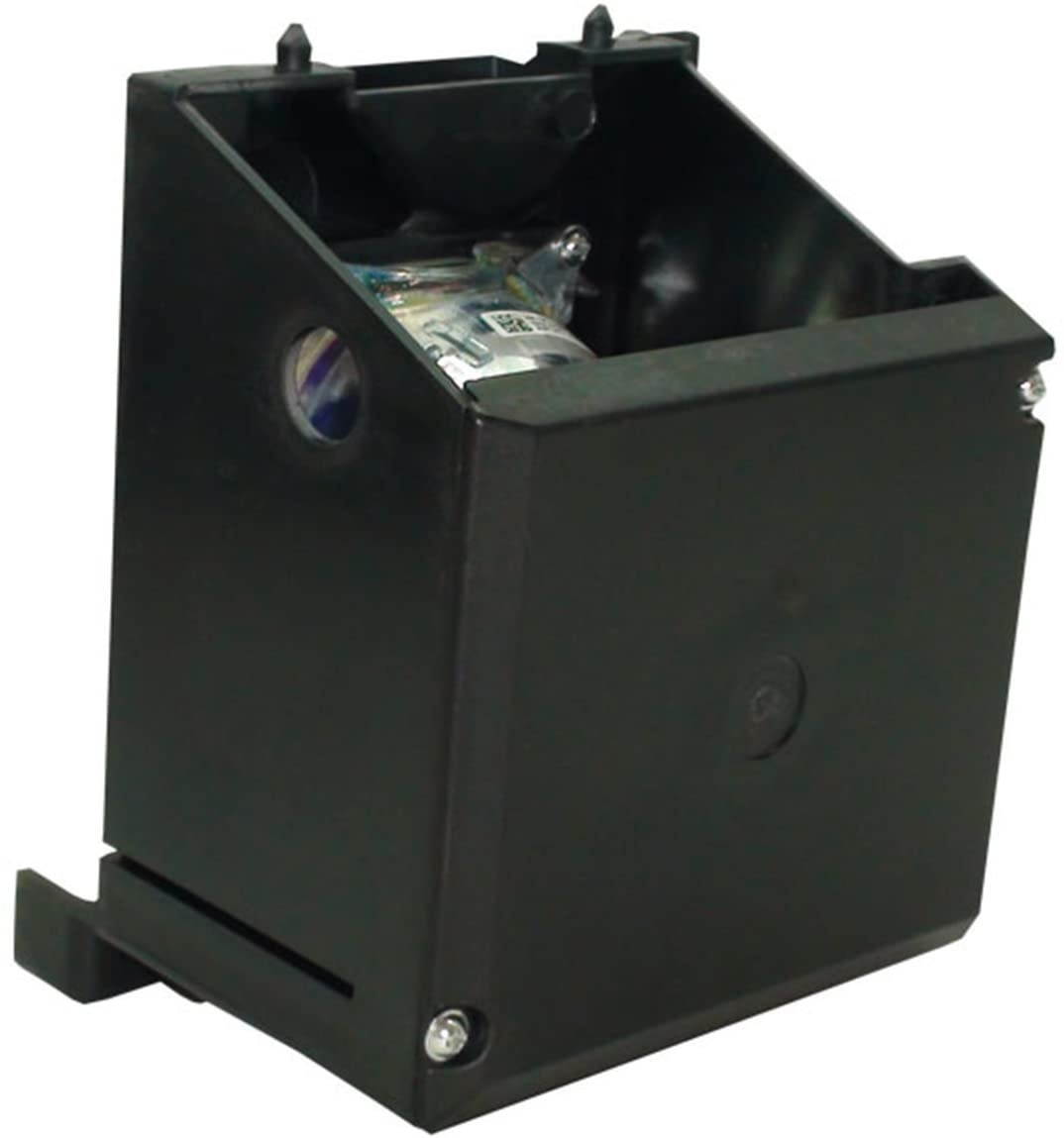
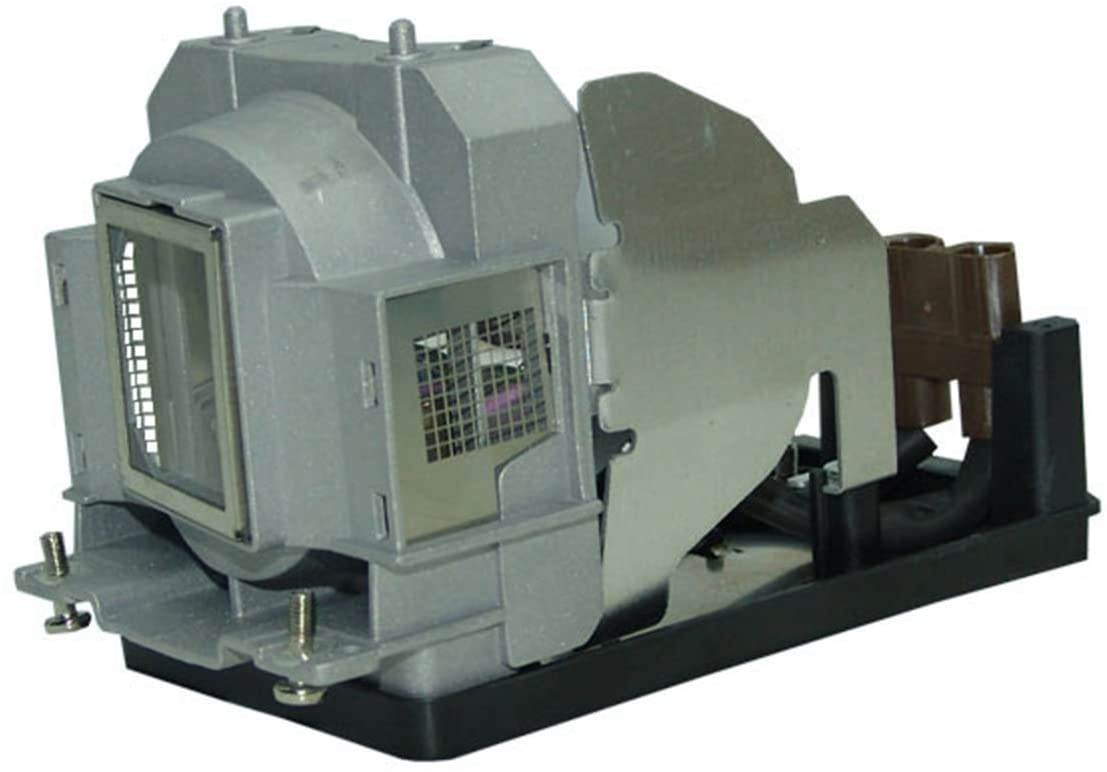
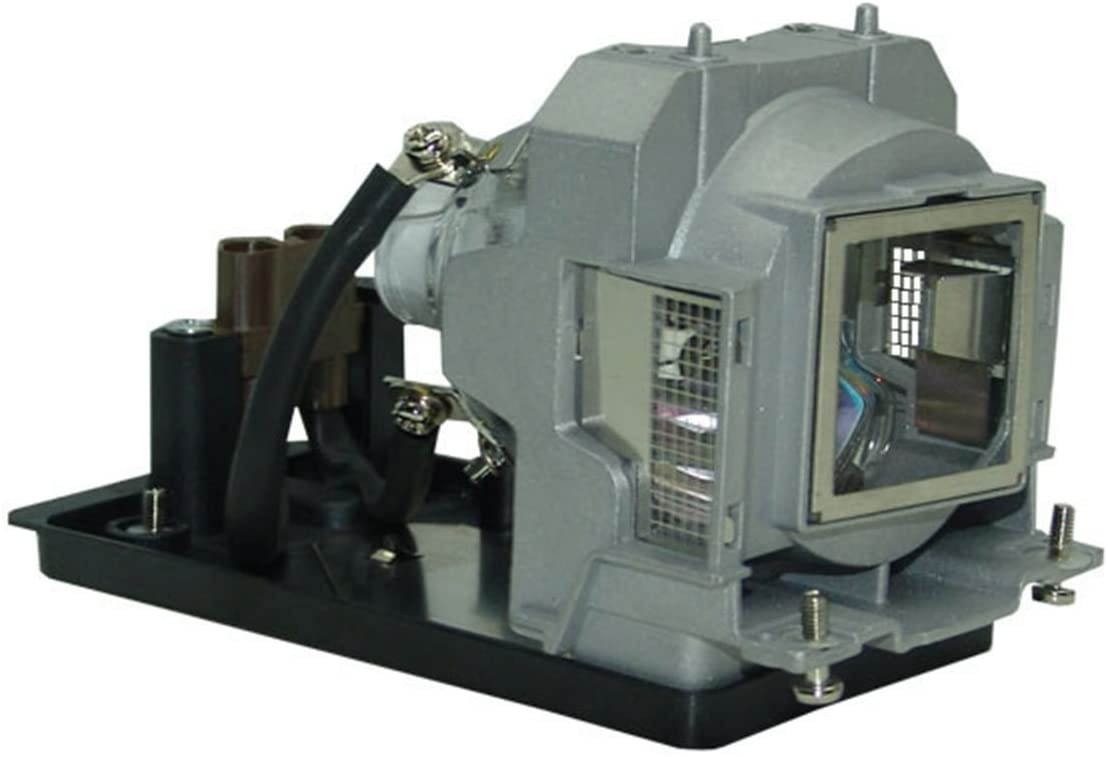
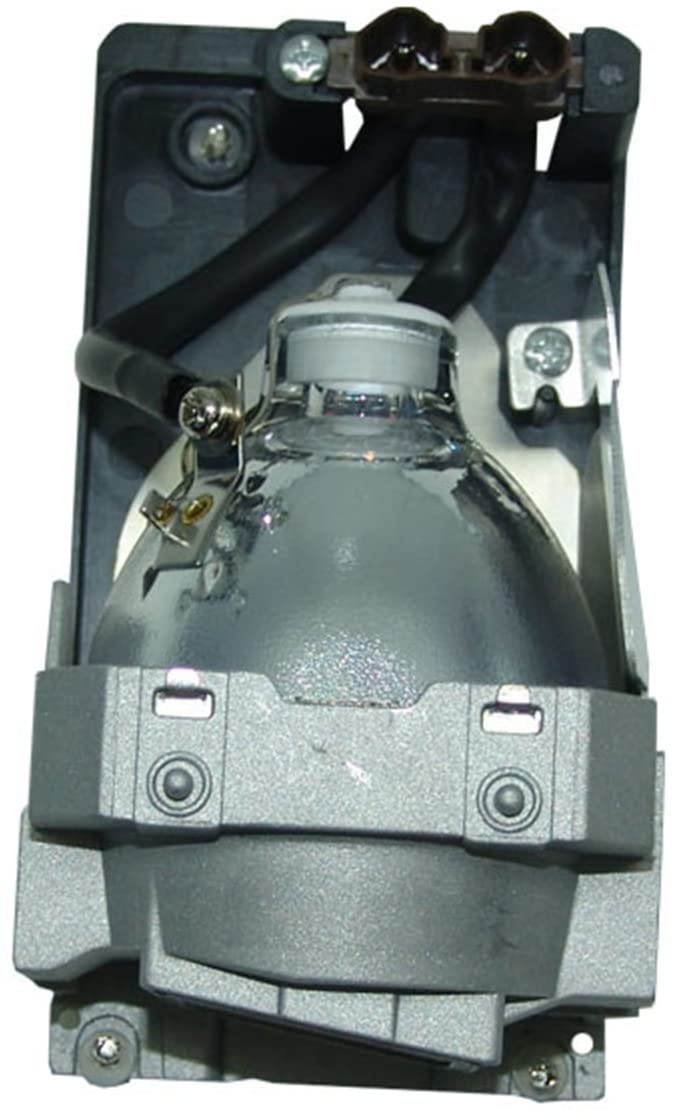
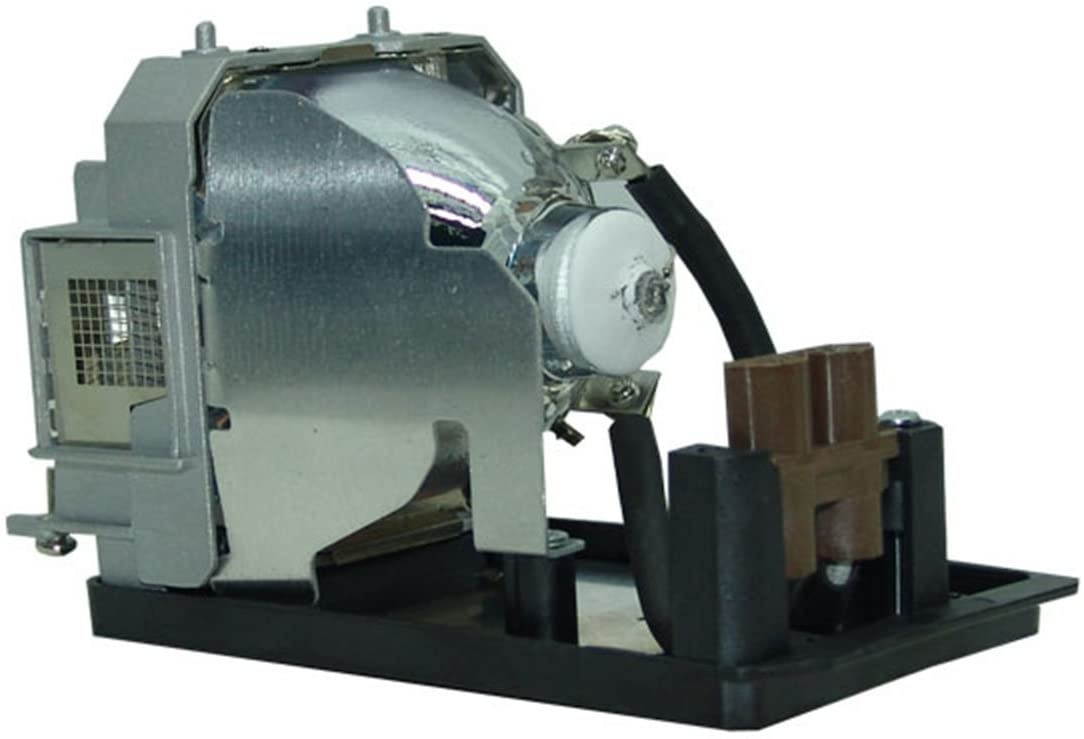
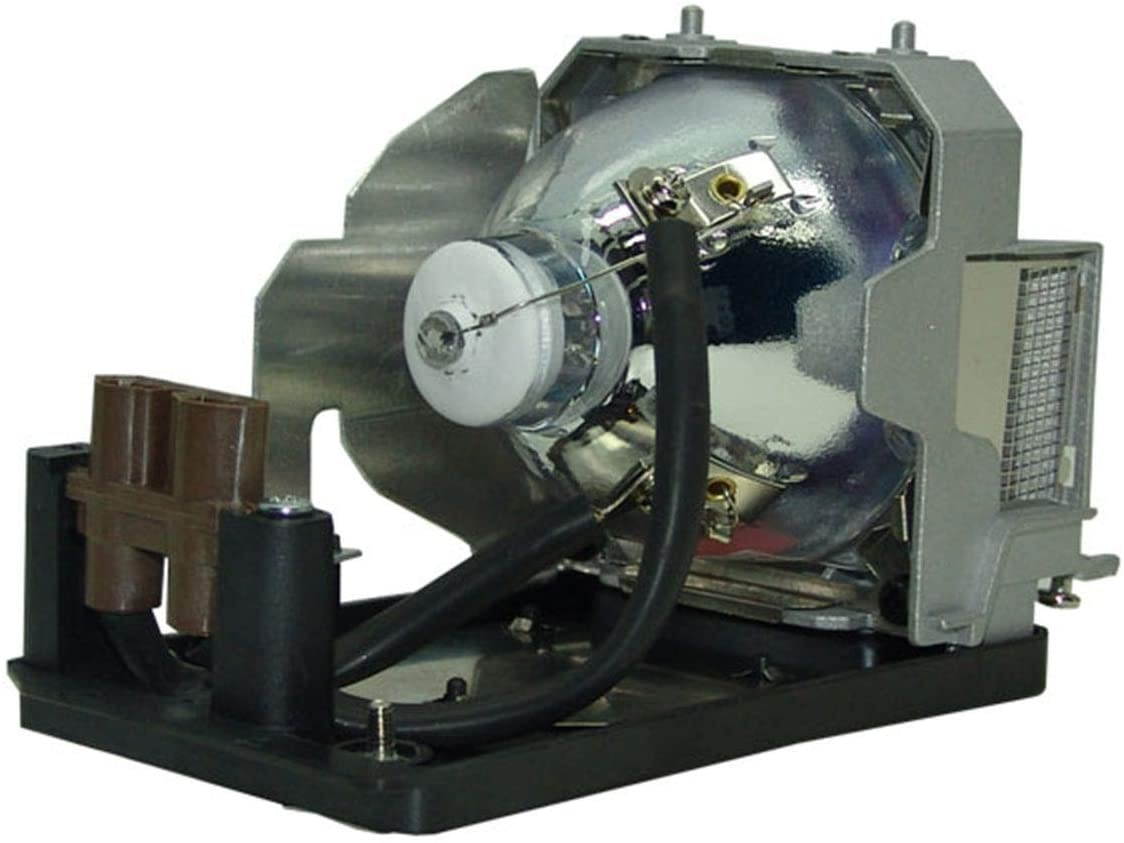
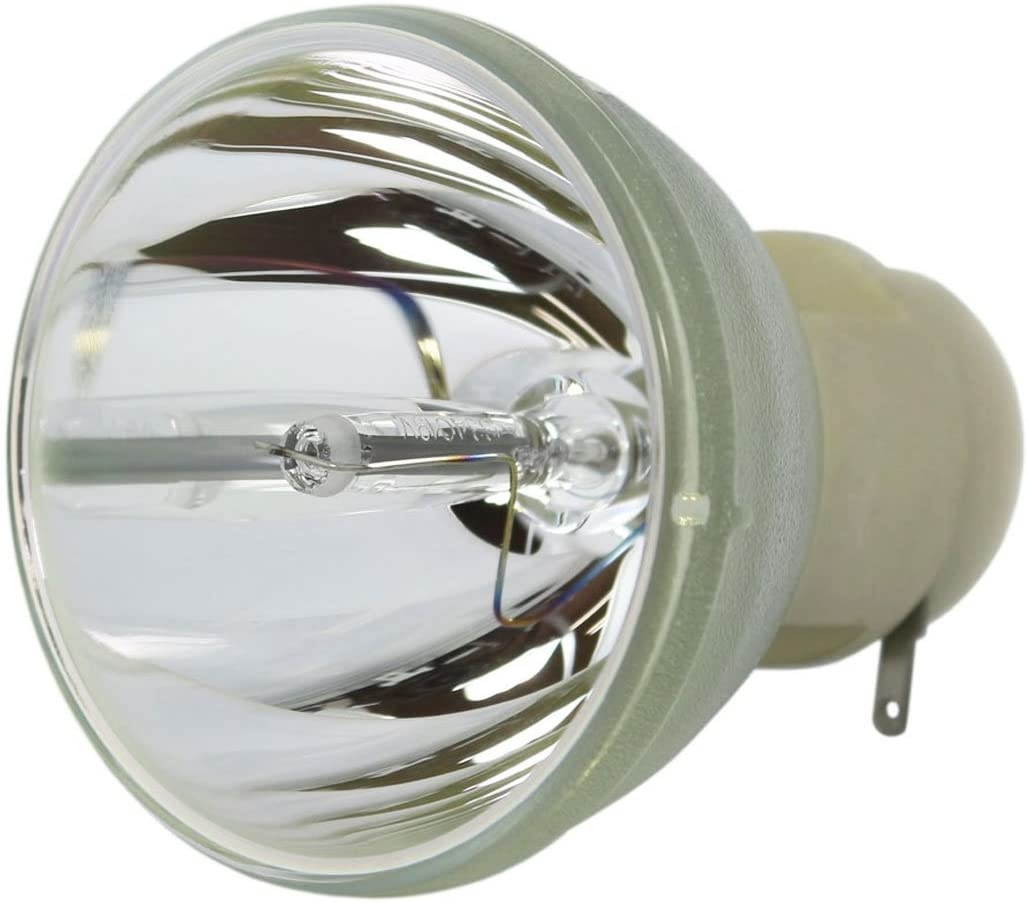
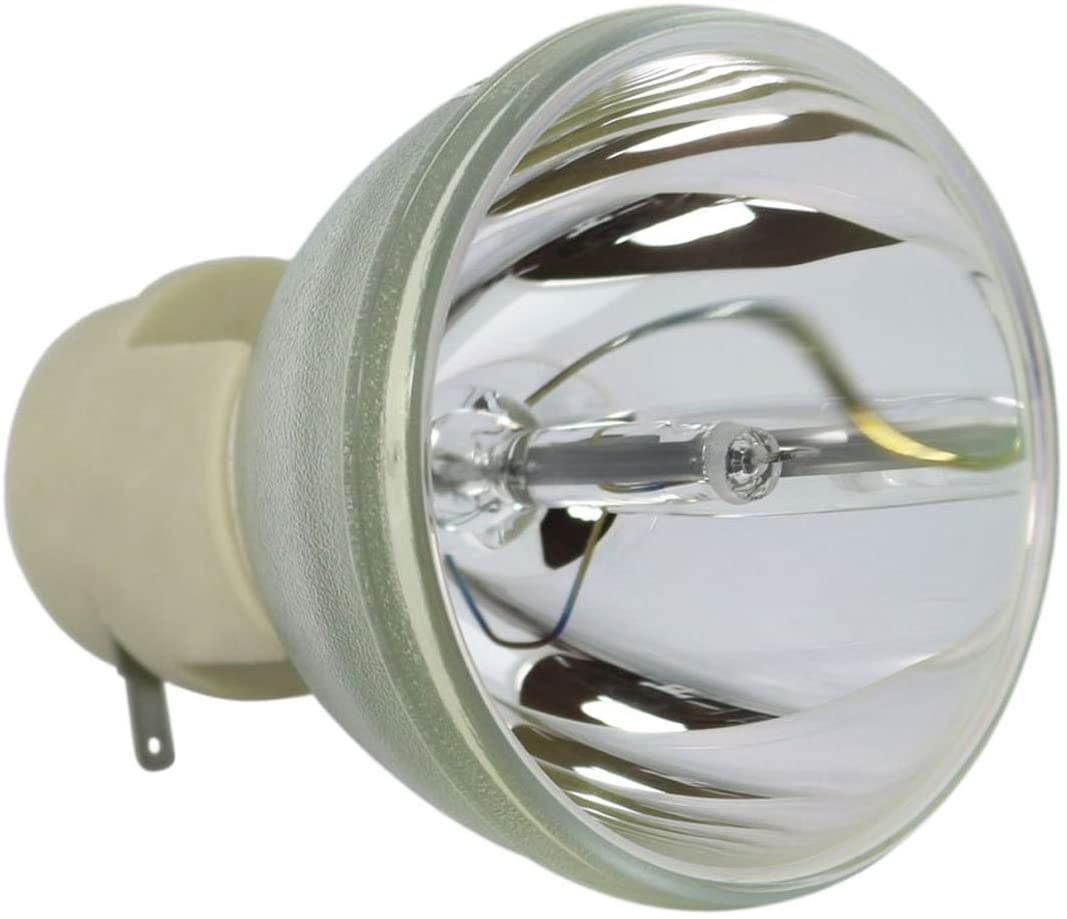
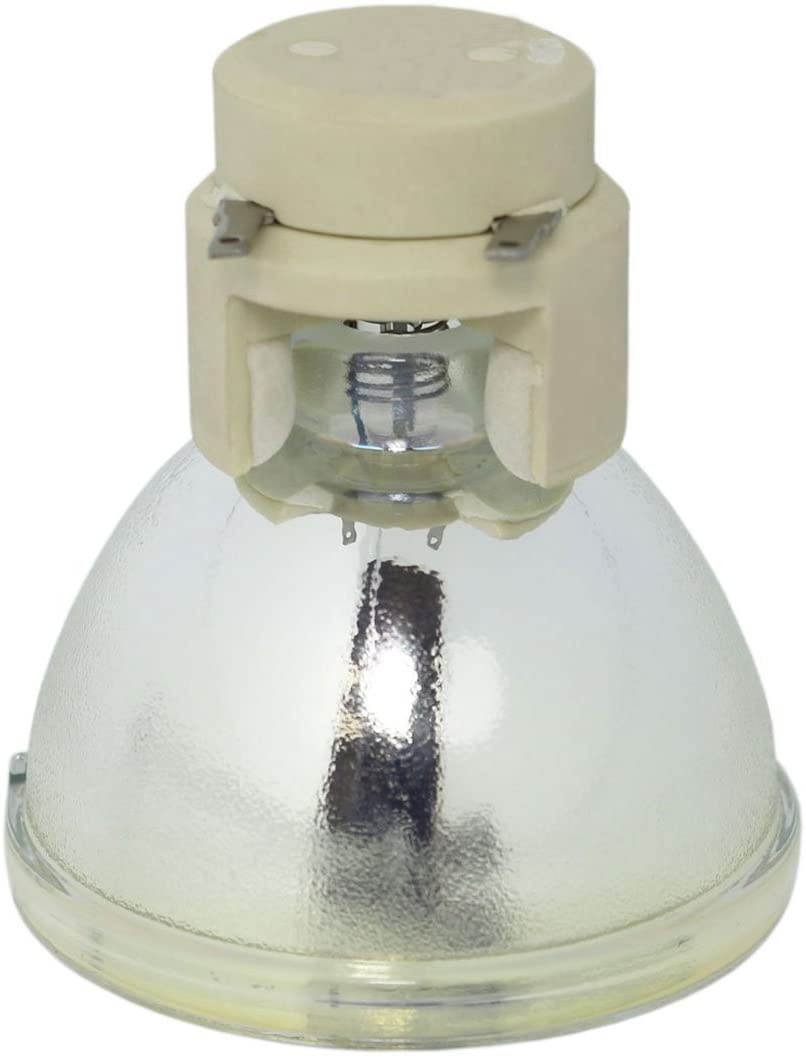
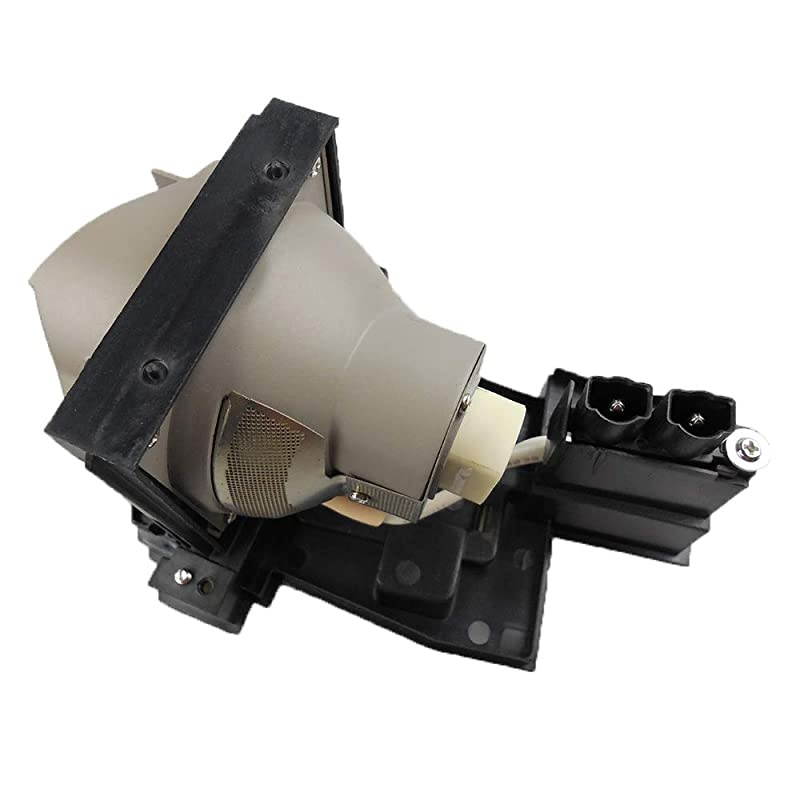
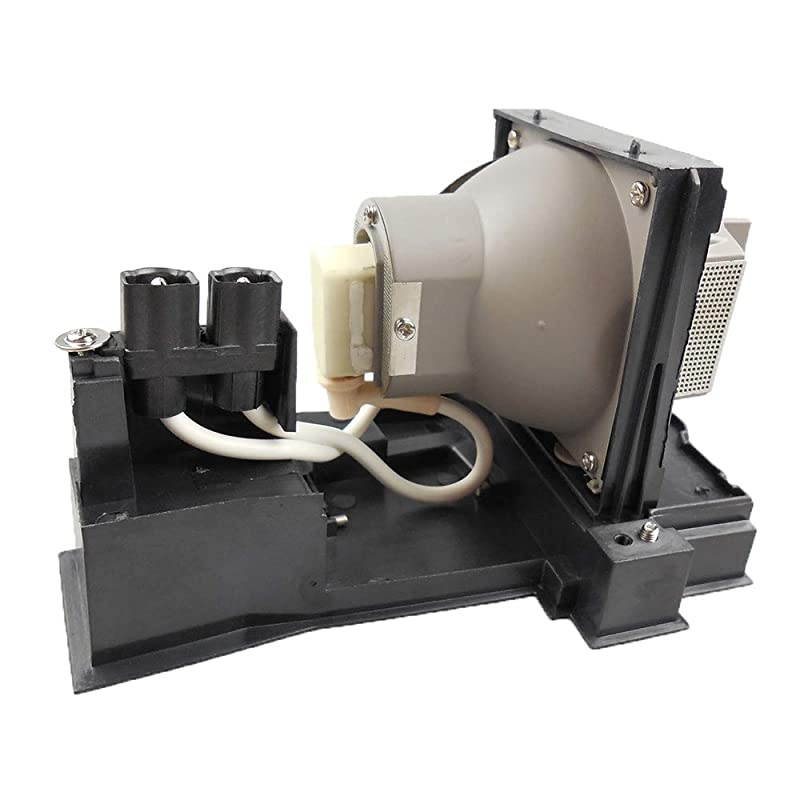
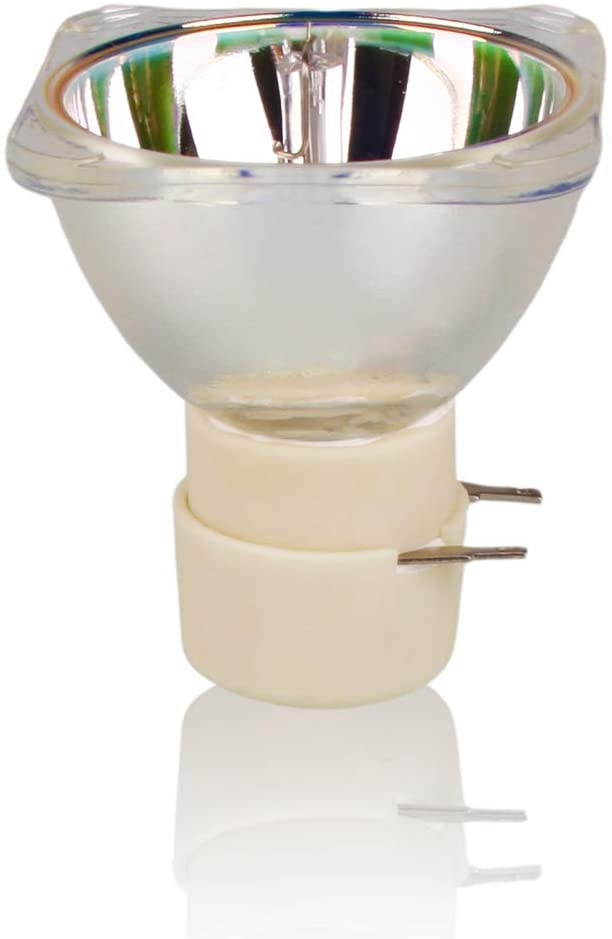
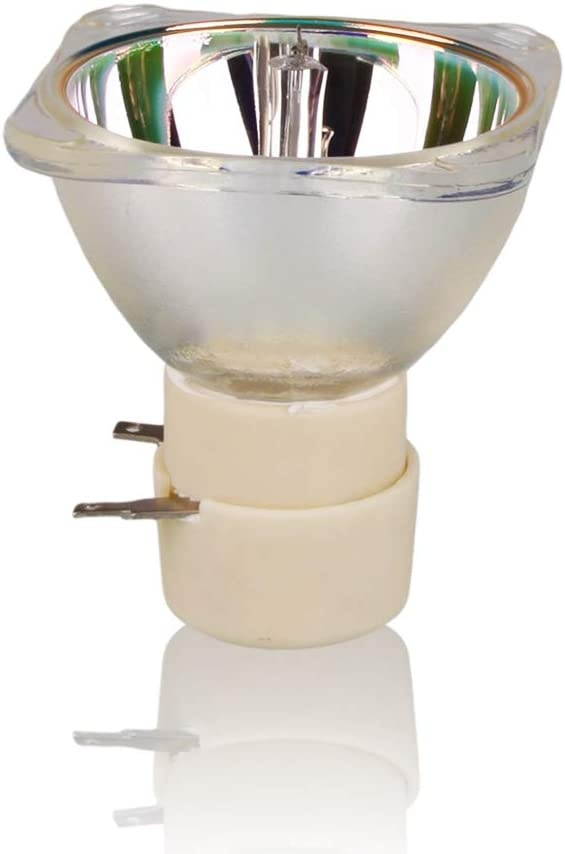
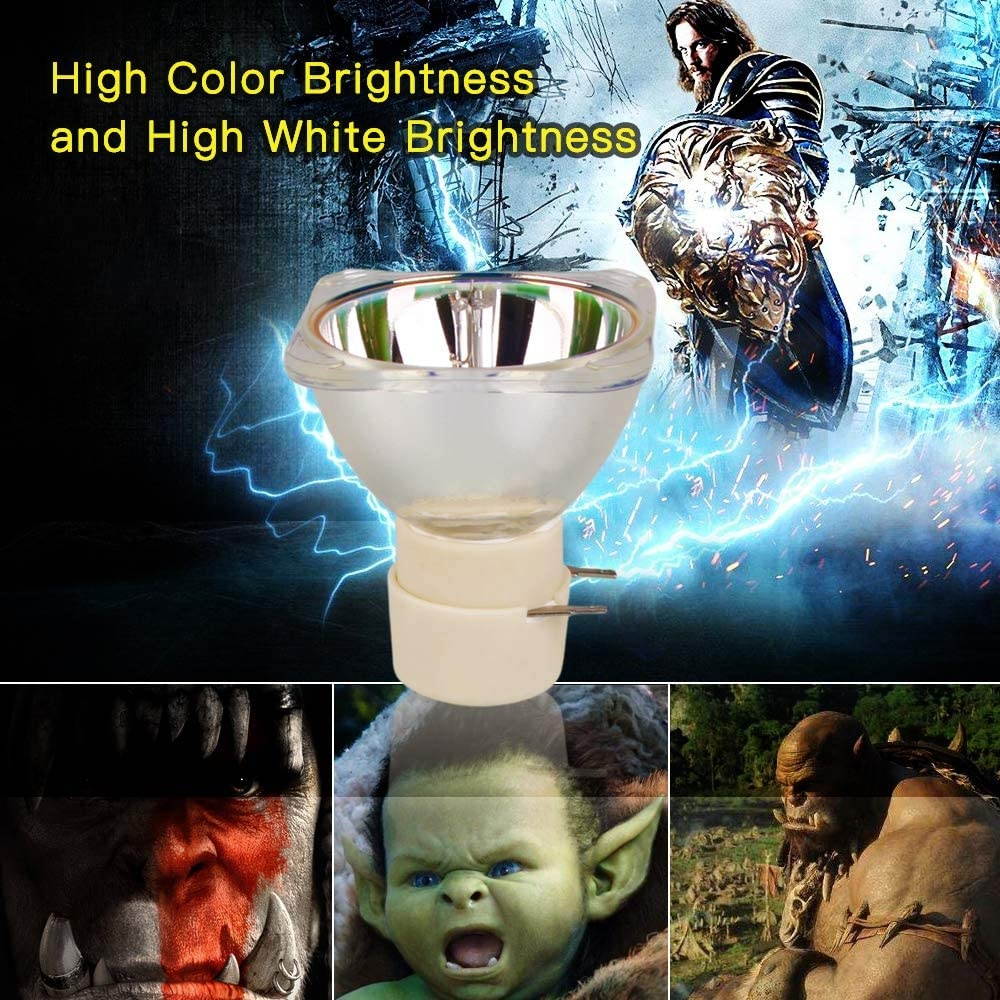
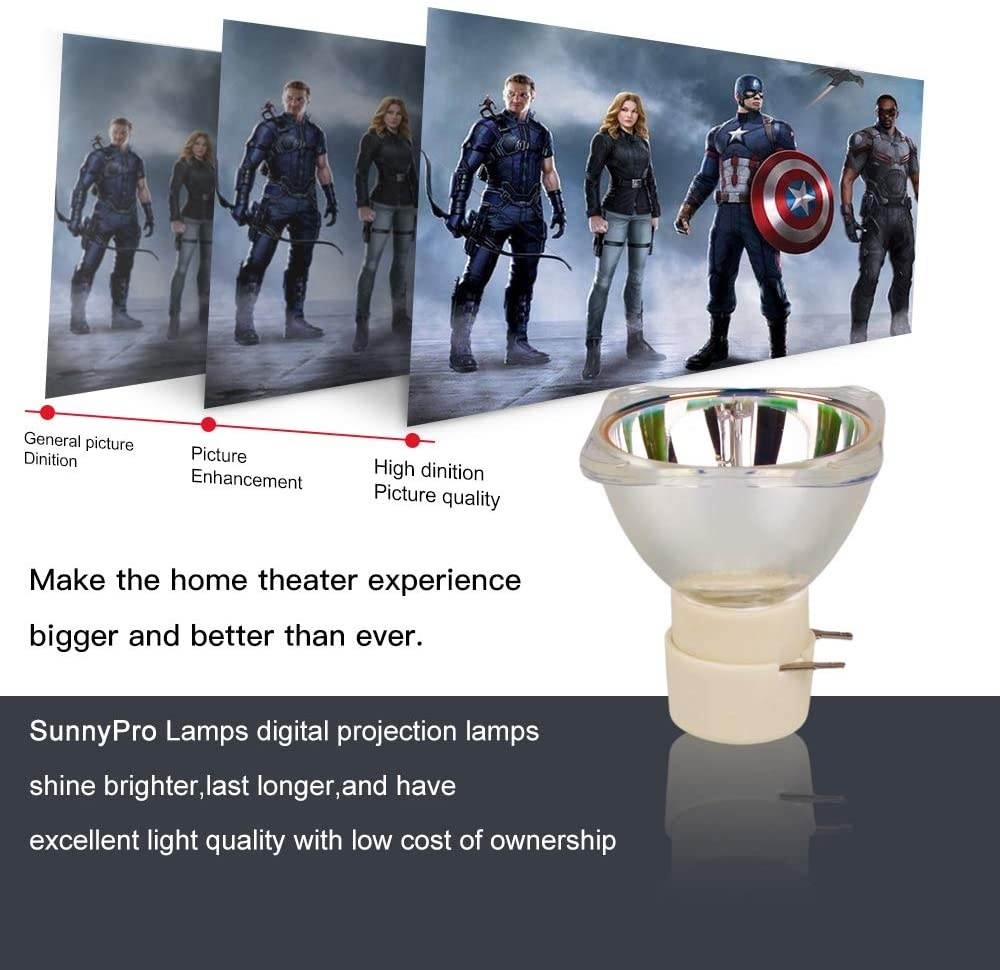
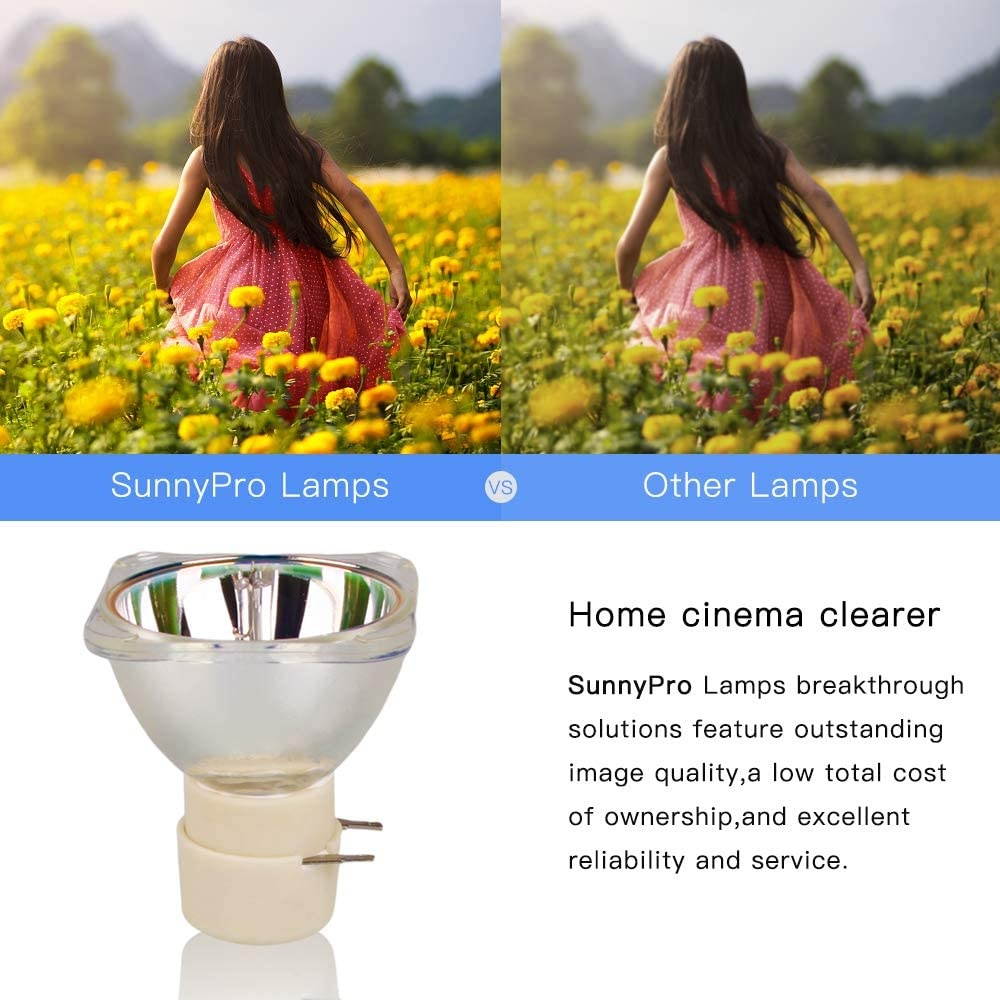
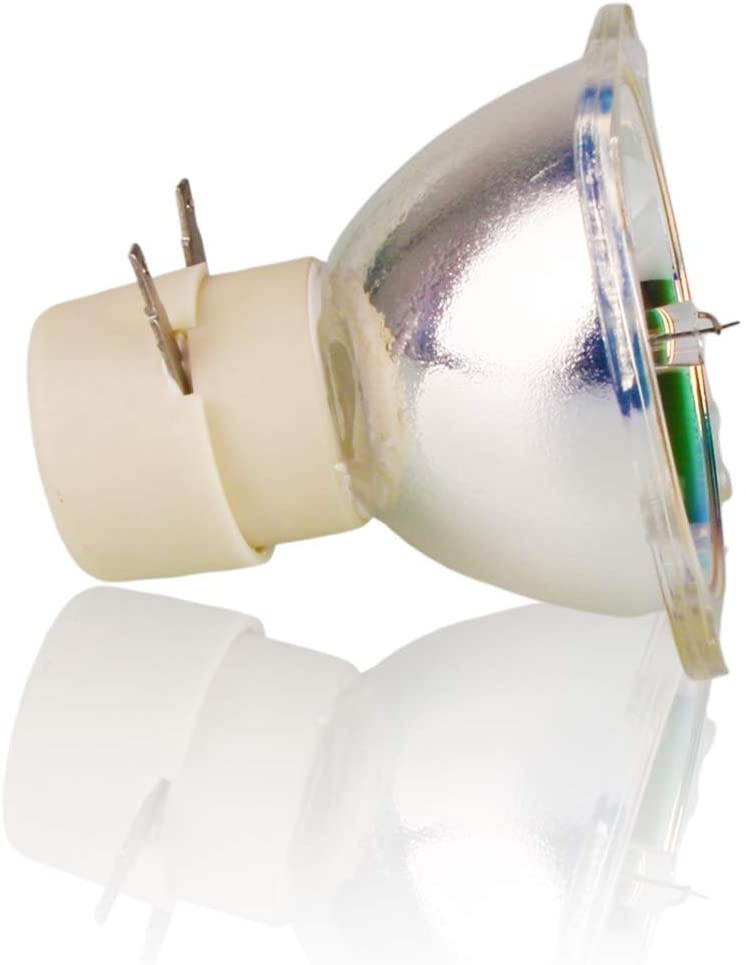
5JJ7L05001 5JJ9H05001 5JJEE05001 5JJ9E05001 Replacement Bare Lamp for Benq W1070 W1080ST HT1075 HT1085ST W1070+ i700 W1500 MX662 MX720
CTNR1450018 CTNR1450018Link AKC
2027-01-09
/itm/5jj7l05001-5jj9h05001-5jjee05001-5jj9e05001-replacement-bare-lamp-for-benq-w1070-w1080st-ht1075-ht1085st-w1070-i700-w1500-mx662-mx720-1450018
USD
121.35
$ 121.35 $ 122.58 1% Off
Item Added to Cart
customer
*Product availability is subject to suppliers inventory

SHIPPING ALL OVER UNITED STATES

100% MONEY BACK GUARANTEE

EASY 30 DAYSRETURNS & REFUNDS

24/7 CUSTOMER SUPPORT

TRUSTED AND SAFE WEBSITE

100% SECURE CHECKOUT
Part number: for 5J. J7L 05.001 / 5J. J9H 05.001 / 5J. JEE 05.001 / 5J.
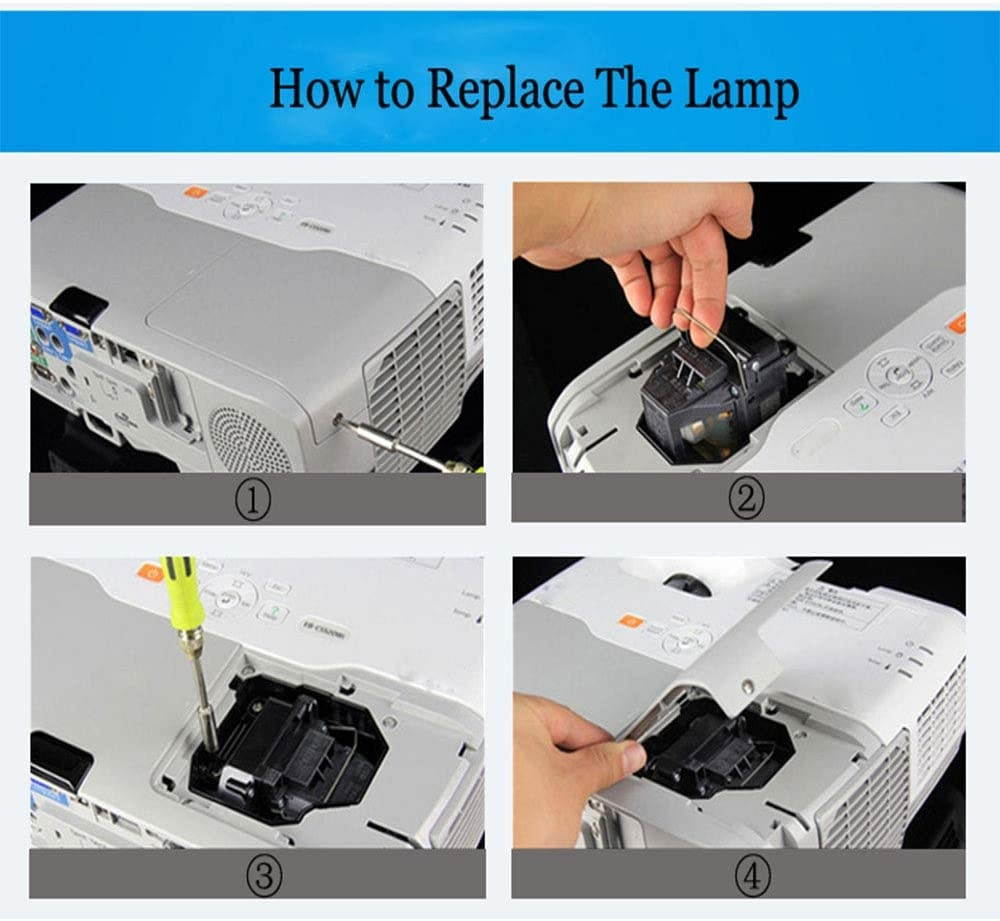
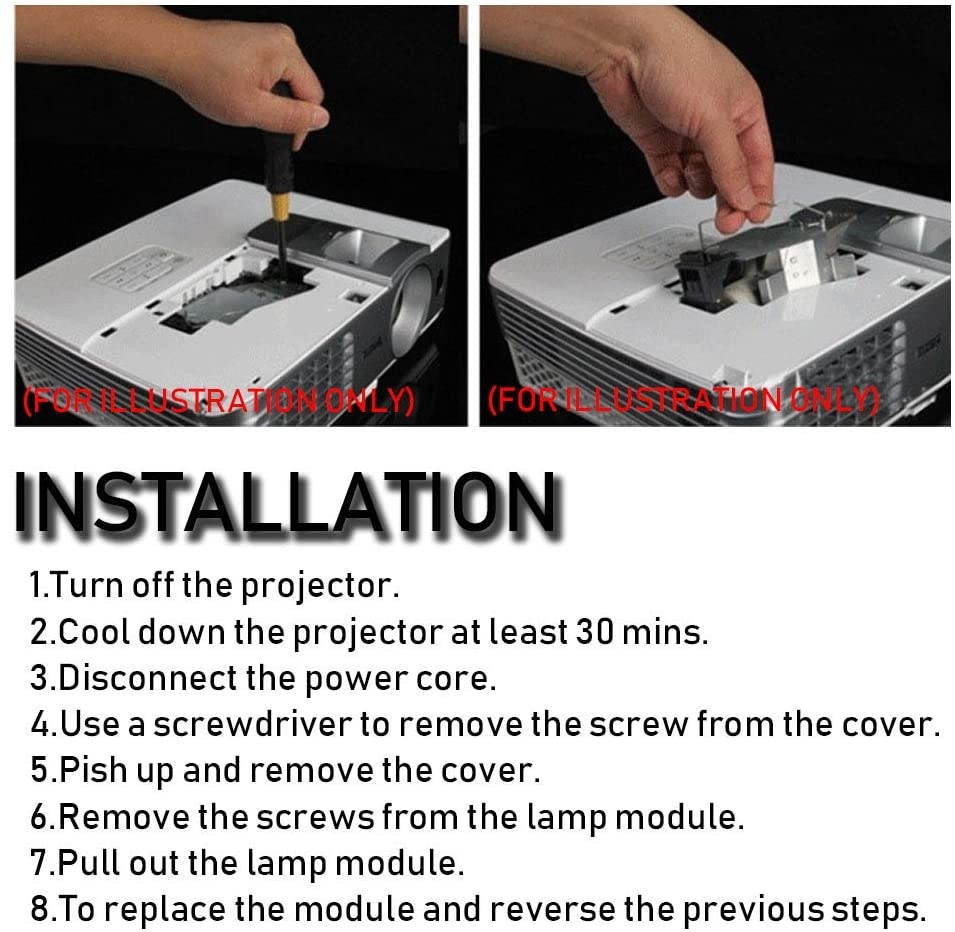
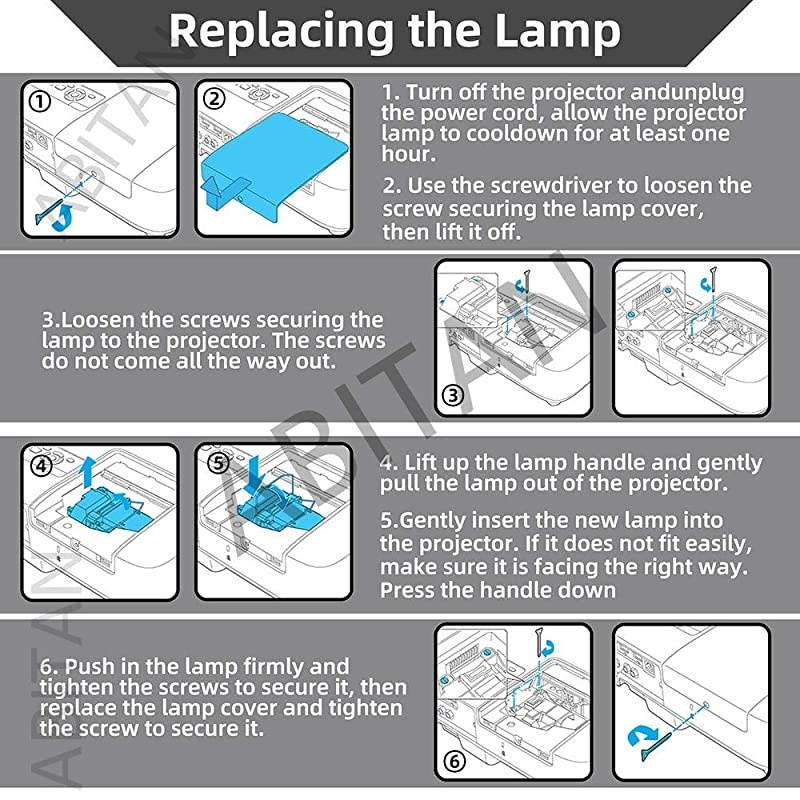
J9E 05.001 Compatible Models: (Ctrl+F to find your model) For BENQ W1070 W1070+ W1080ST W1080ST+ HT1075 HT1085ST W1250 W1500 HT2050 HT3050 HT4050 HT2050A HT2150ST W1110 W1350 W2000 W3000 W1210ST MX662 MX720 i700 MH630 MH680 TH680 TH681 TH681+ TH682ST. Installation Manual 1. Turn off the projector and unplug the power cord, allow the projector lamp to cool down for at least one hour; 2. Use the screwdriver to loosen the screw securing the lamp cover, then lift it off; 3. Loosen the screws securing the lamp to the projector. The screws do not come all the way out; 4. Lift up the lamp handle and gently pull the lamp out of the projector; 5. Gently insert the new lamp into the projector. make sure it is facing the right way. Press the handle down; 6. Push in the lamp firmly and tighten the screws to secure it, then replace the lamp cover and tighten the screw to secure it. About We are a Professional manufacture and supplier of light source for projection and stage, with more than 10 years experience; All of our product have 200-day warranty, just contact us if you have any other problems.
J9E 05.001 Compatible Models: (Ctrl+F to find your model) For BENQ W1070 W1070+ W1080ST W1080ST+ HT1075 HT1085ST W1250 W1500 HT2050 HT3050 HT4050 HT2050A HT2150ST W1110 W1350 W2000 W3000 W1210ST MX662 MX720 i700 MH630 MH680 TH680 TH681 TH681+ TH682ST. Installation Manual 1. Turn off the projector and unplug the power cord, allow the projector lamp to cool down for at least one hour; 2. Use the screwdriver to loosen the screw securing the lamp cover, then lift it off; 3. Loosen the screws securing the lamp to the projector. The screws do not come all the way out; 4. Lift up the lamp handle and gently pull the lamp out of the projector; 5. Gently insert the new lamp into the projector. make sure it is facing the right way. Press the handle down; 6. Push in the lamp firmly and tighten the screws to secure it, then replace the lamp cover and tighten the screw to secure it. About We are a Professional manufacture and supplier of light source for projection and stage, with more than 10 years experience; All of our product have 200-day warranty, just contact us if you have any other problems.