Trusted shipping
Easy returns
Secure shopping



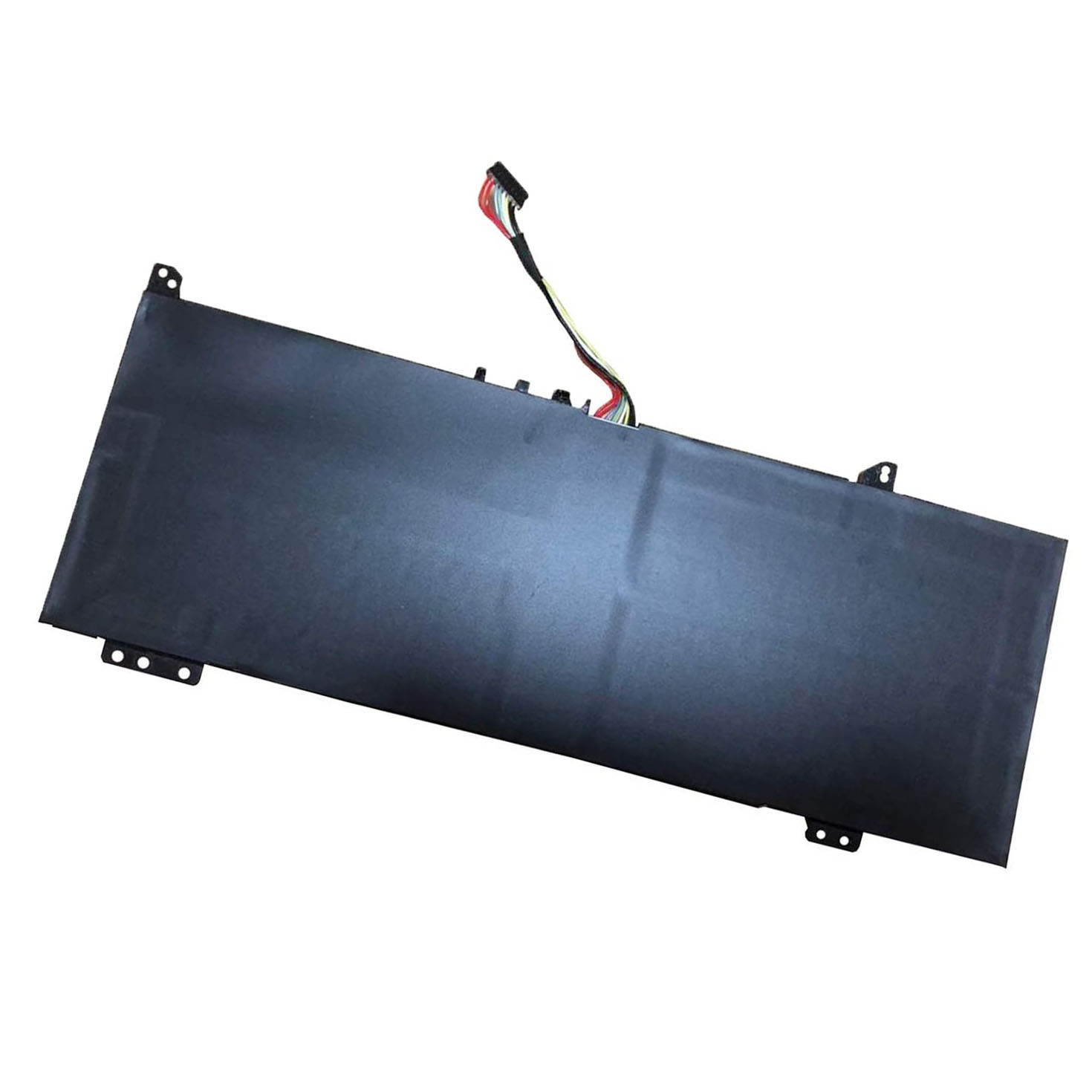
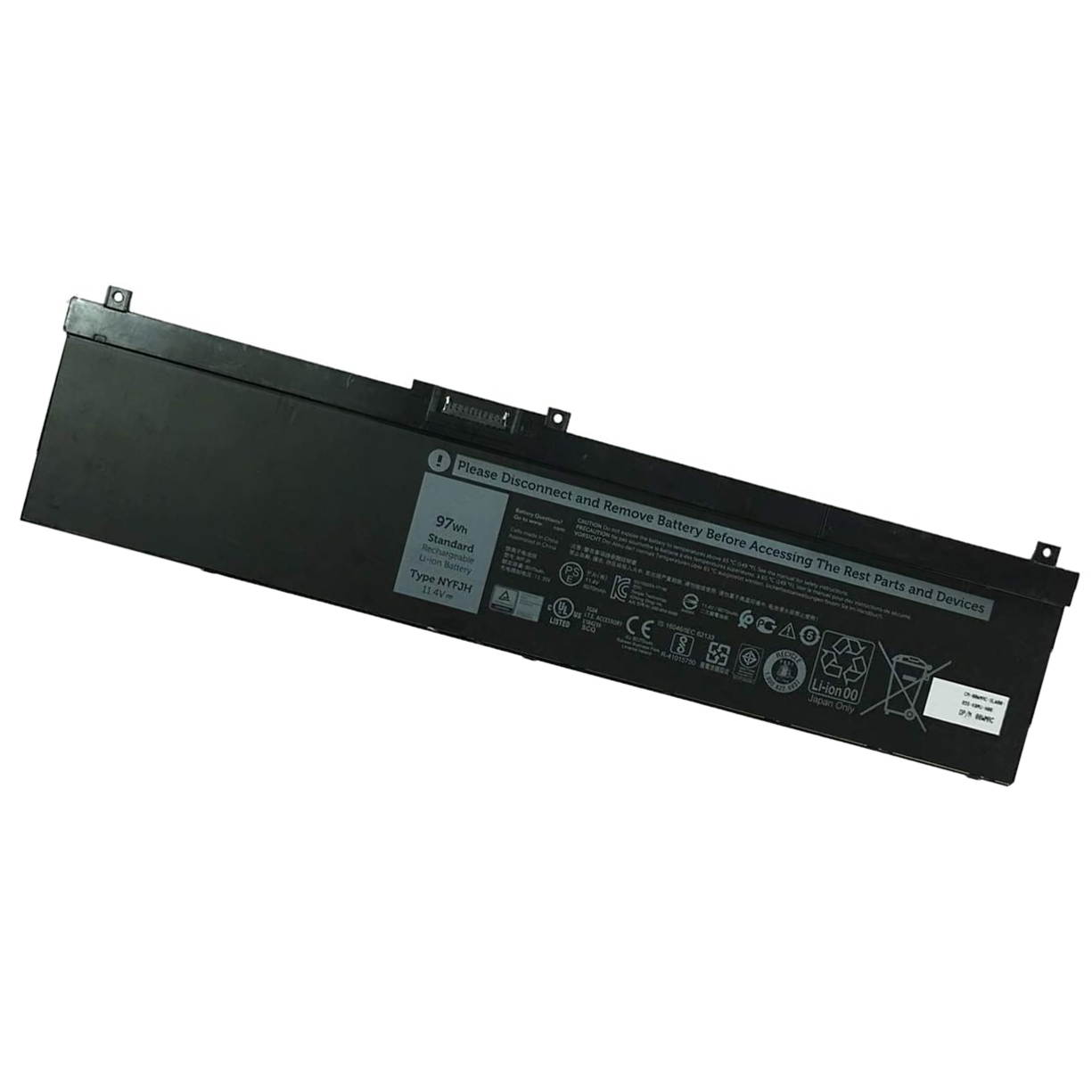
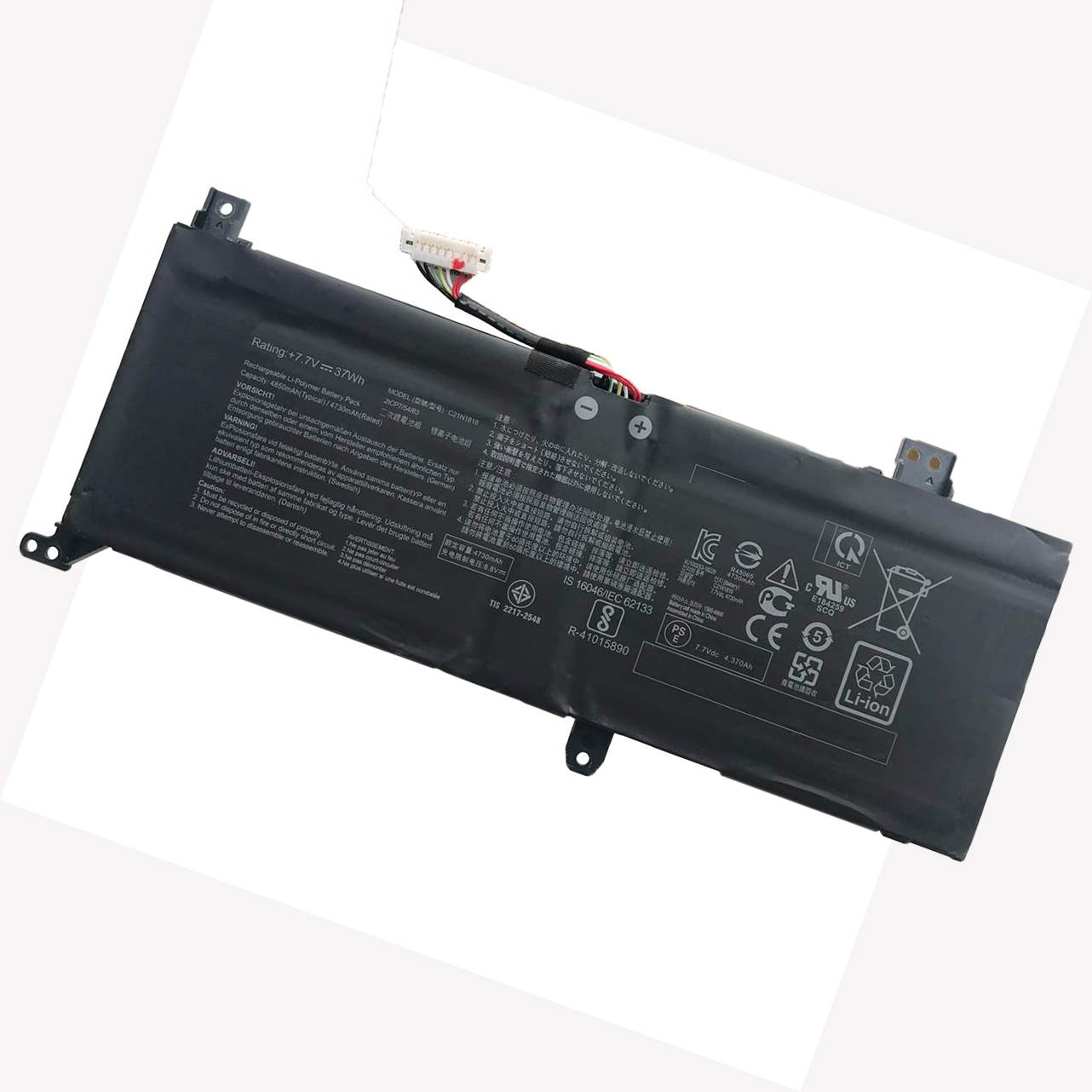
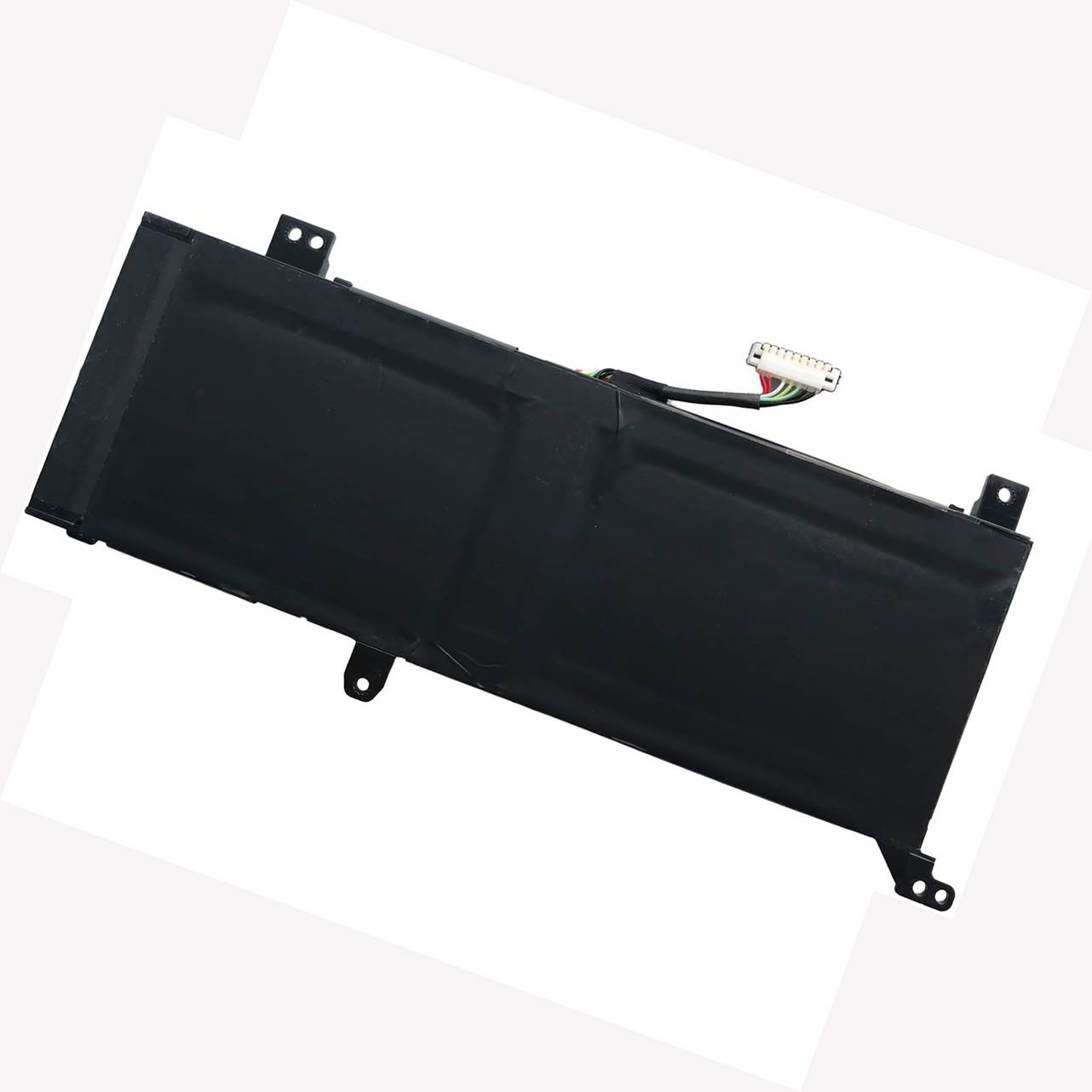
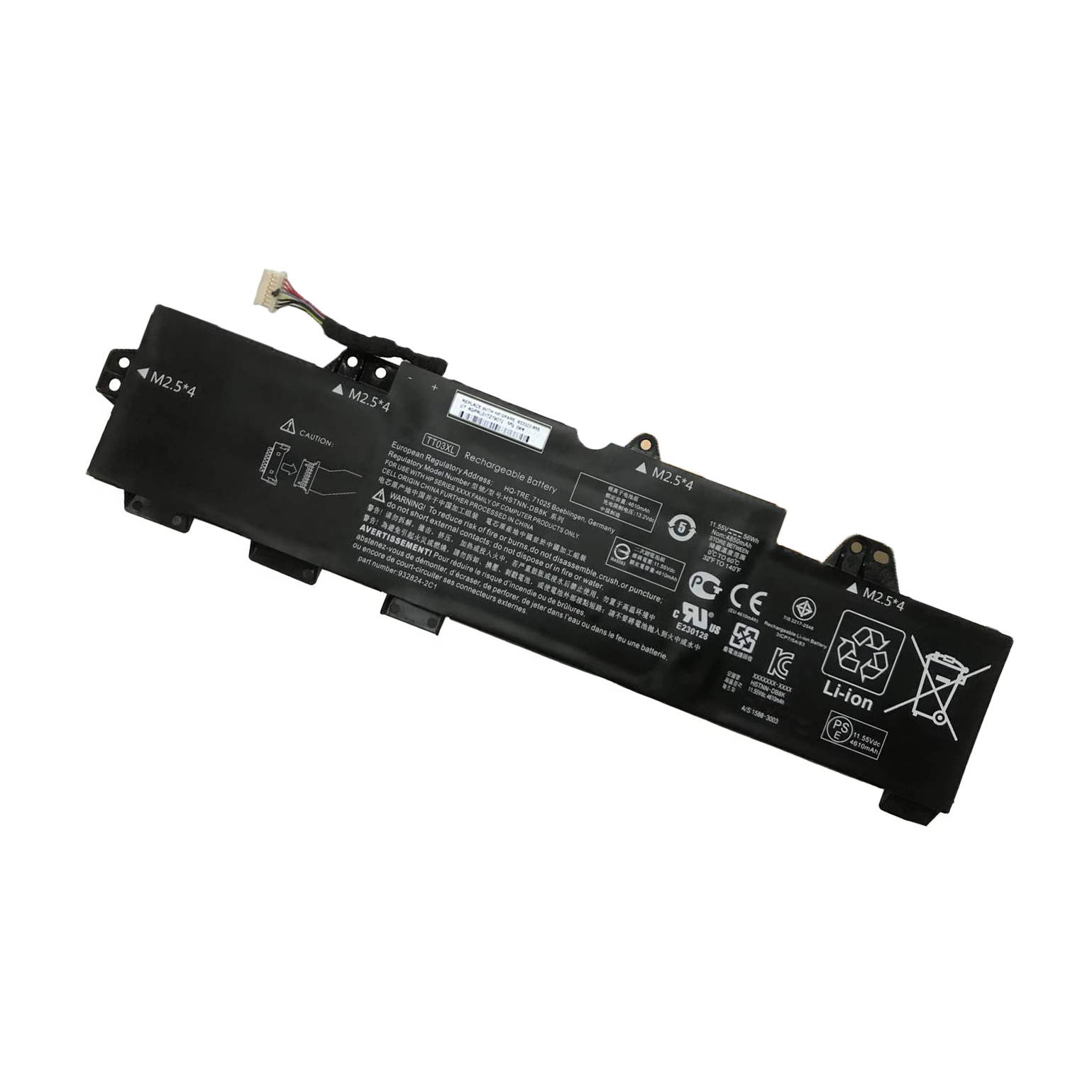
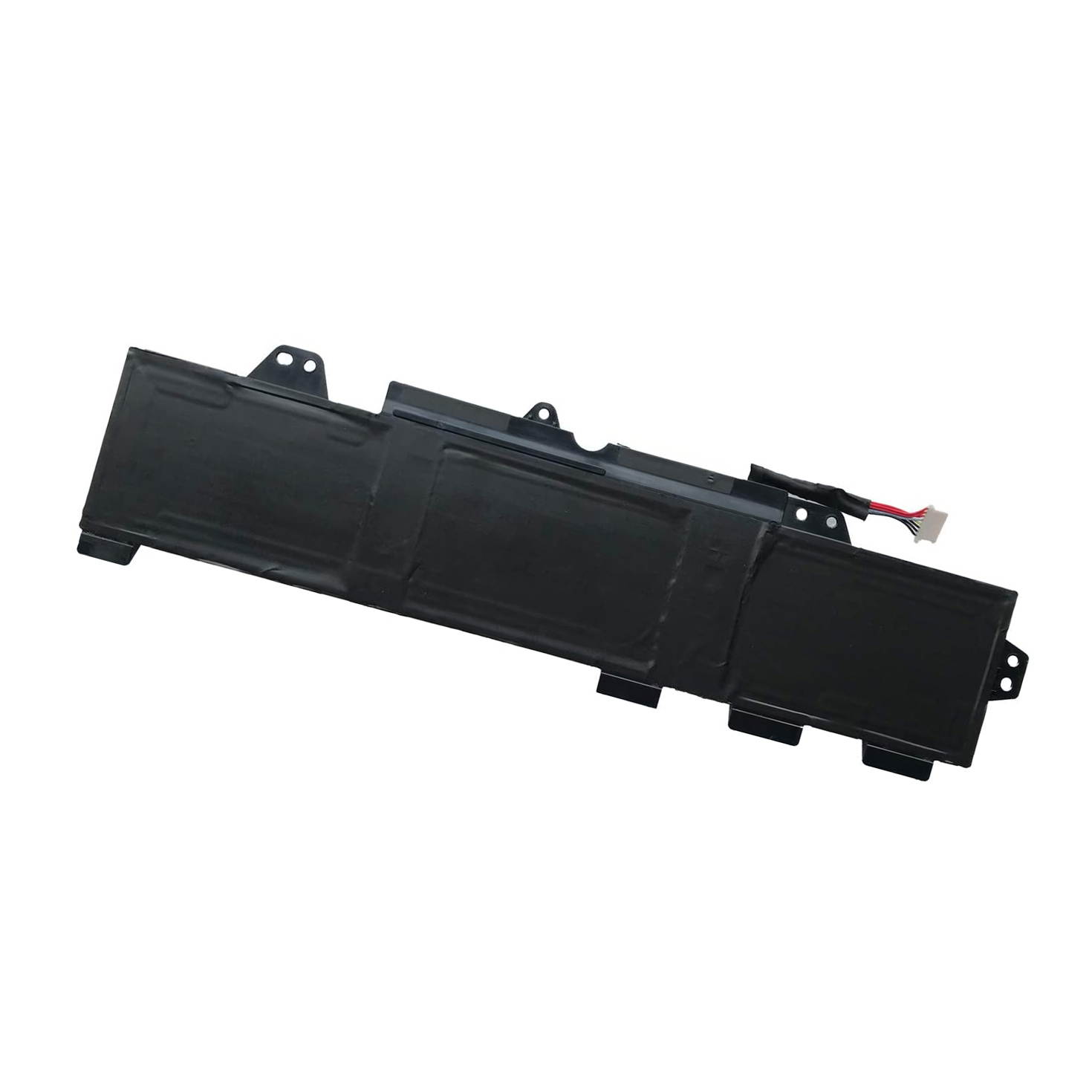
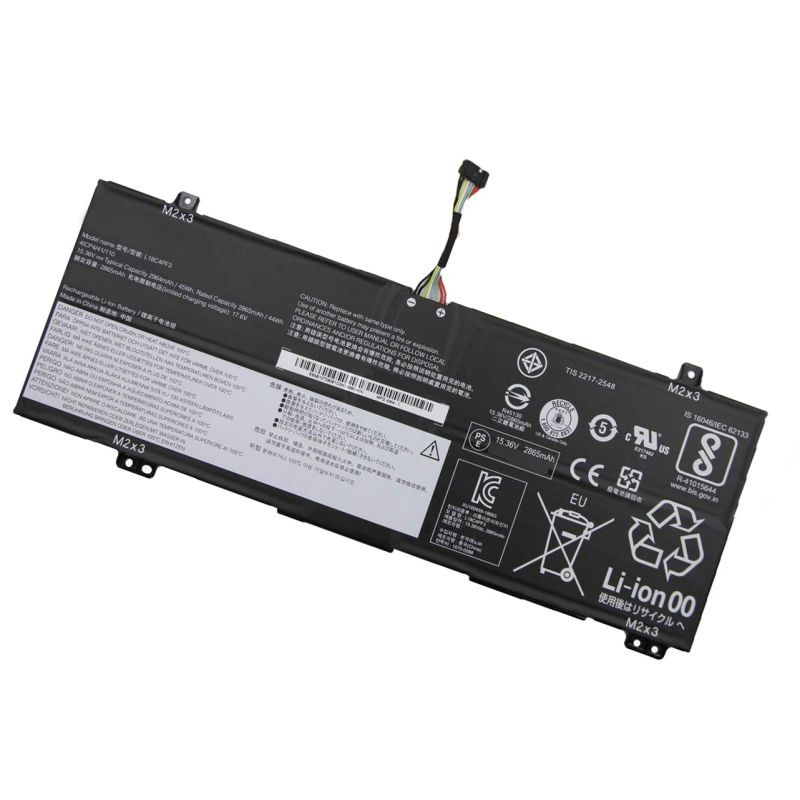
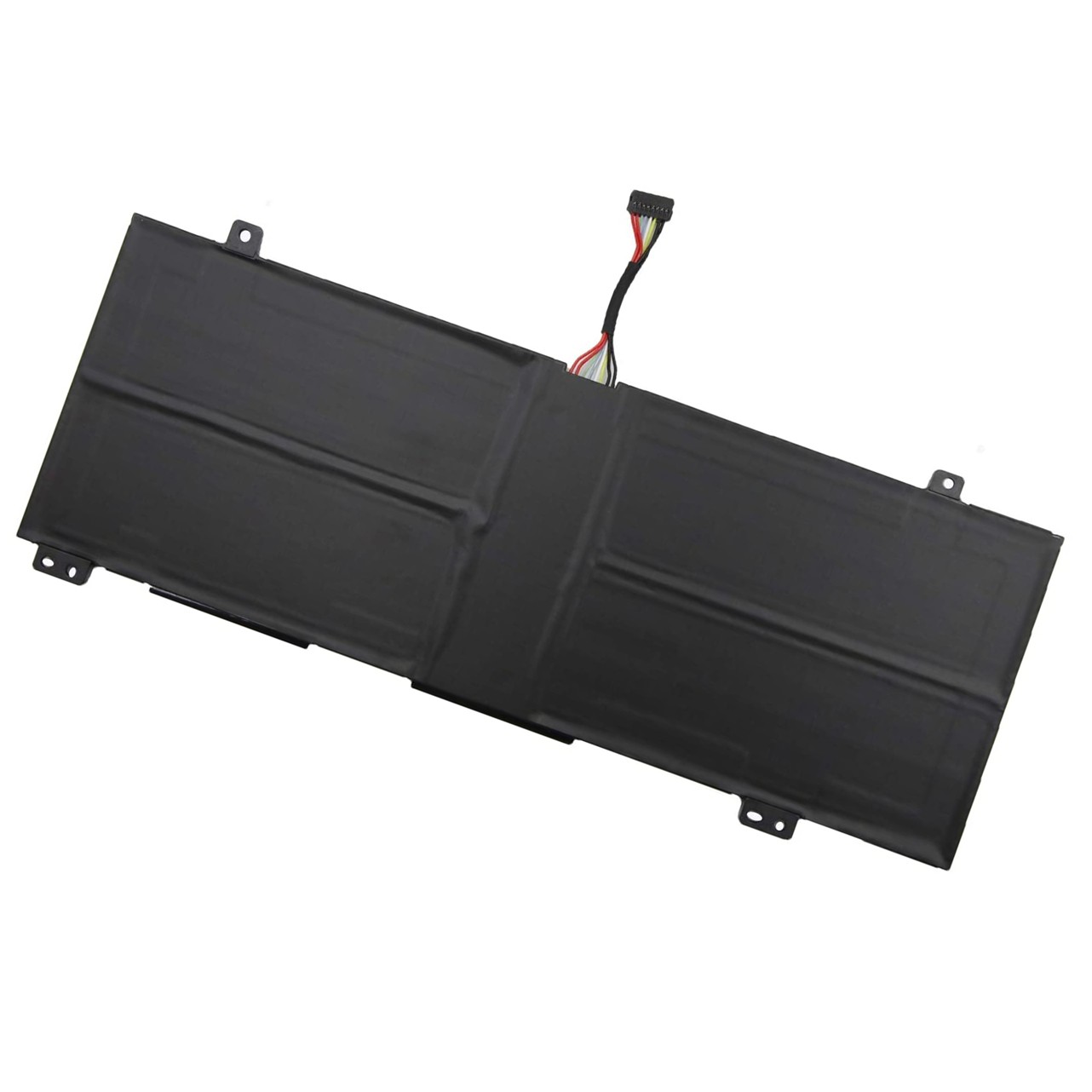
Buy New 15.2V 48Wh 3220mAh AC17B8K Laptop Battery Compatible with Acer Swift 3 SF315-52 SF315-52-54EV SF315-52-54GV SF315-52-52YX SF315 SF315-52G SF315-52G-51HV SF315-52G-58R7 SF315-52G-55EW Notebook Batt in United States - Cartnear.com
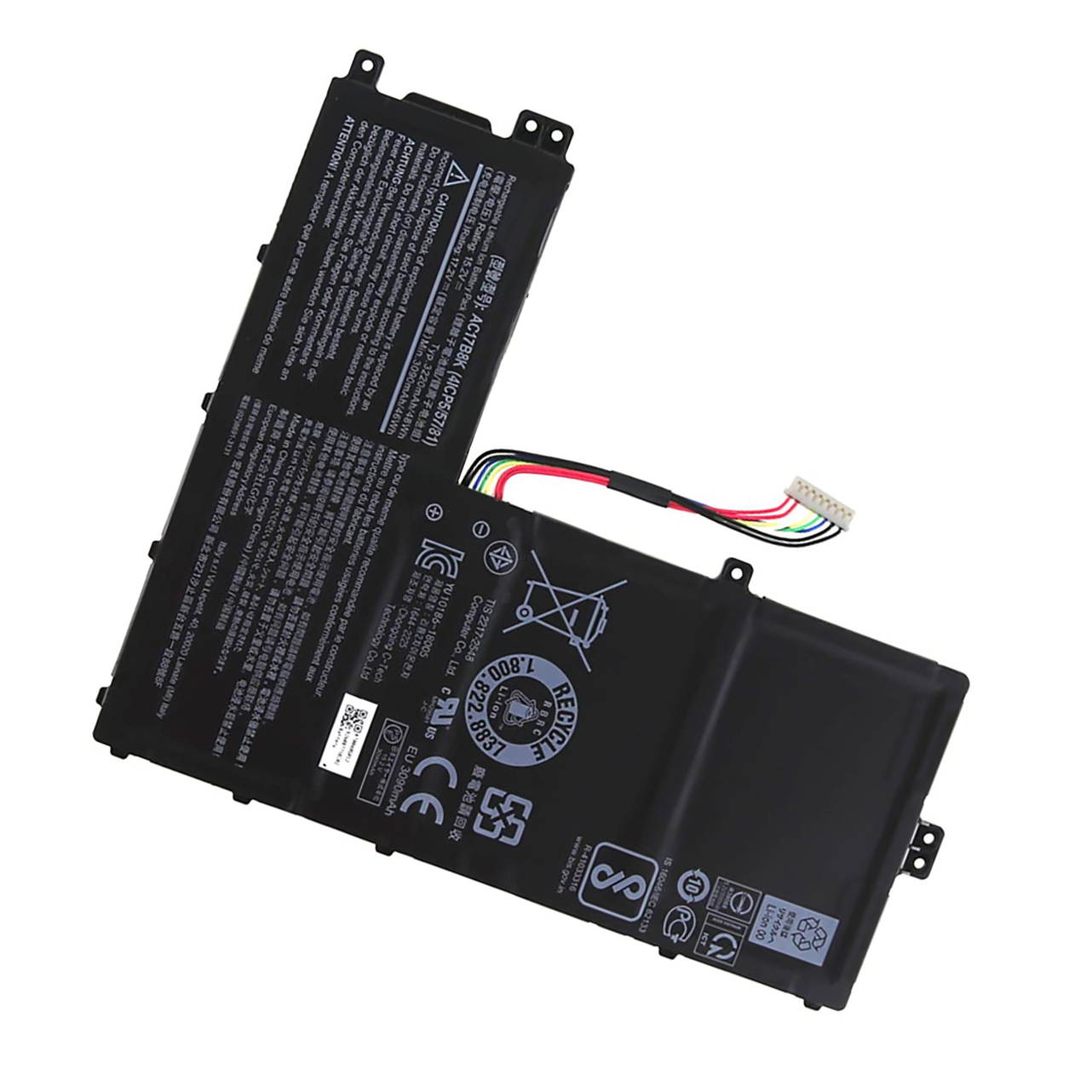
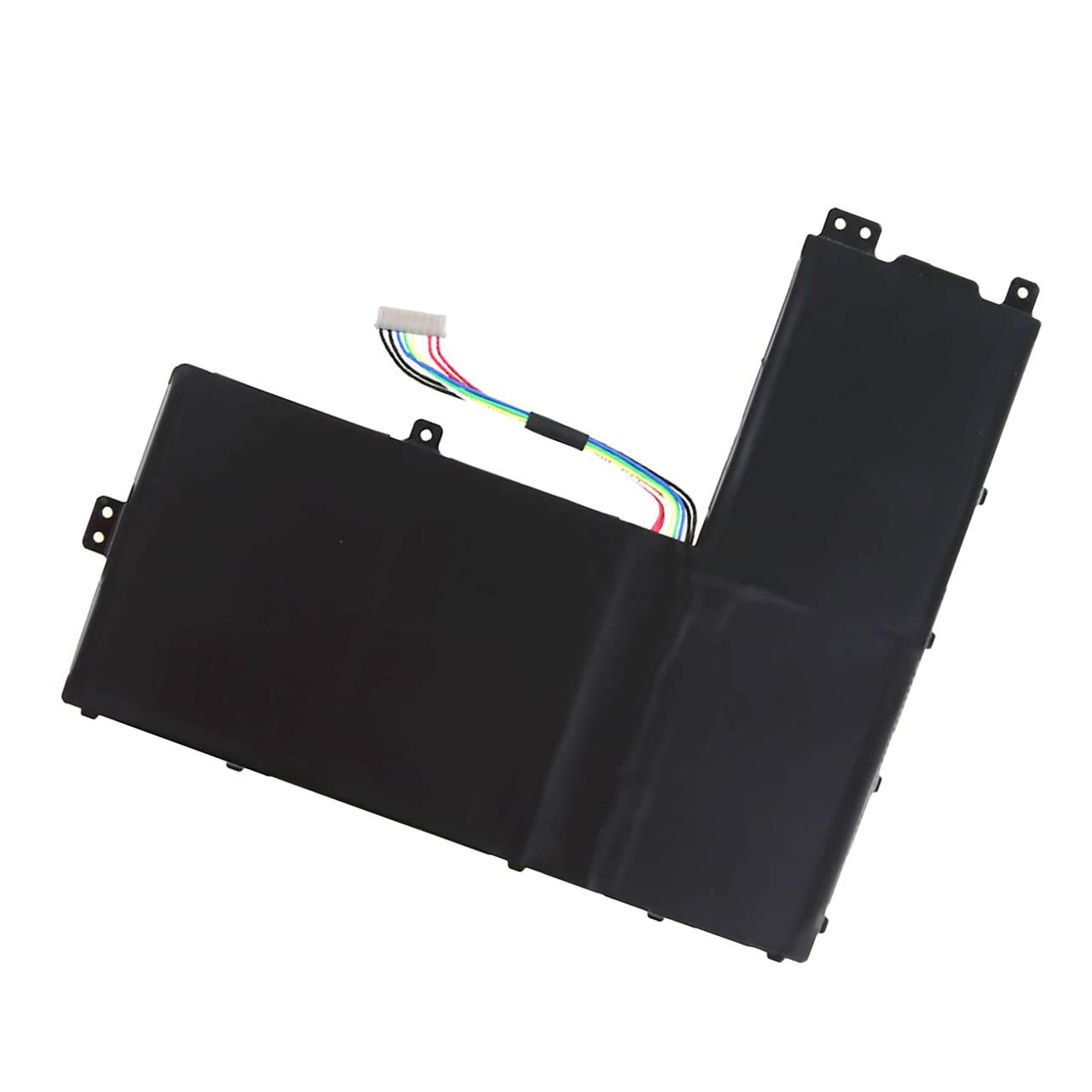
New 15.2V 48Wh 3220mAh AC17B8K Laptop Battery Compatible with Acer Swift 3 SF315-52 SF315-52-54EV SF315-52-54GV SF315-52-52YX SF315 SF315-52G SF315-52G-51HV SF315-52G-58R7 SF315-52G-55EW Notebook Batt
CTNR1345633 CTNR1345633LikkPower
2026-12-26
/itm/new-152v-48wh-3220mah-ac17b8k-laptop-battery-compatible-with-acer-swift-3-sf315-52-sf315-52-54ev-sf315-52-54gv-sf315-52-52yx-sf315-sf315-52g-sf315-52g-51hv-sf315-52g-58r7-sf315-52g-55ew-notebook-batt-1345633
USD
67.9
$ 67.90 $ 69.29 2% Off
Item Added to Cart
customer
*Product availability is subject to suppliers inventory

SHIPPING ALL OVER UNITED STATES

100% MONEY BACK GUARANTEE

EASY 30 DAYSRETURNS & REFUNDS

24/7 CUSTOMER SUPPORT

TRUSTED AND SAFE WEBSITE

100% SECURE CHECKOUT
Note:
1.Before placing your order, we highly suggest you to open the back case of your latptop and check out the exact part number of your laptop's original battery.
2.Discharge the new battery use to 5%(not to 0%) and then charge to 95%, and cycle 3-4 times.
3.If you remove battery for a long time, charge more than 80% at least one time within one months.
4.Don't connect adapter for a long time while using the battery. It may damage the battery.
5.Do not disassemble, crush or puncture. Do not dispose of in fire or water.
6.When using the battery, care should be taken to prevent exposure and moisture.