Trusted shipping
Easy returns
Secure shopping



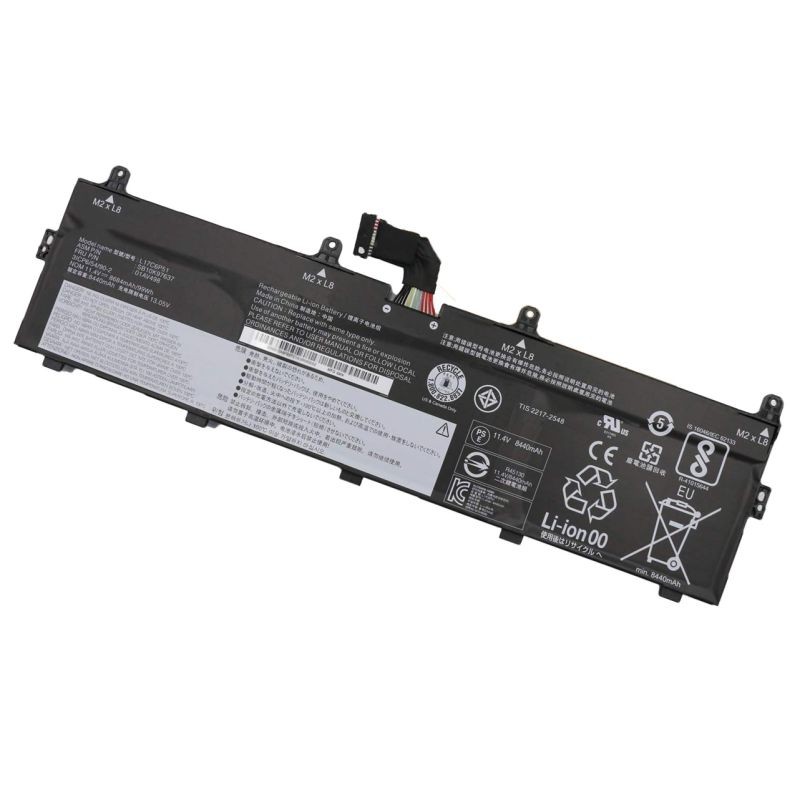
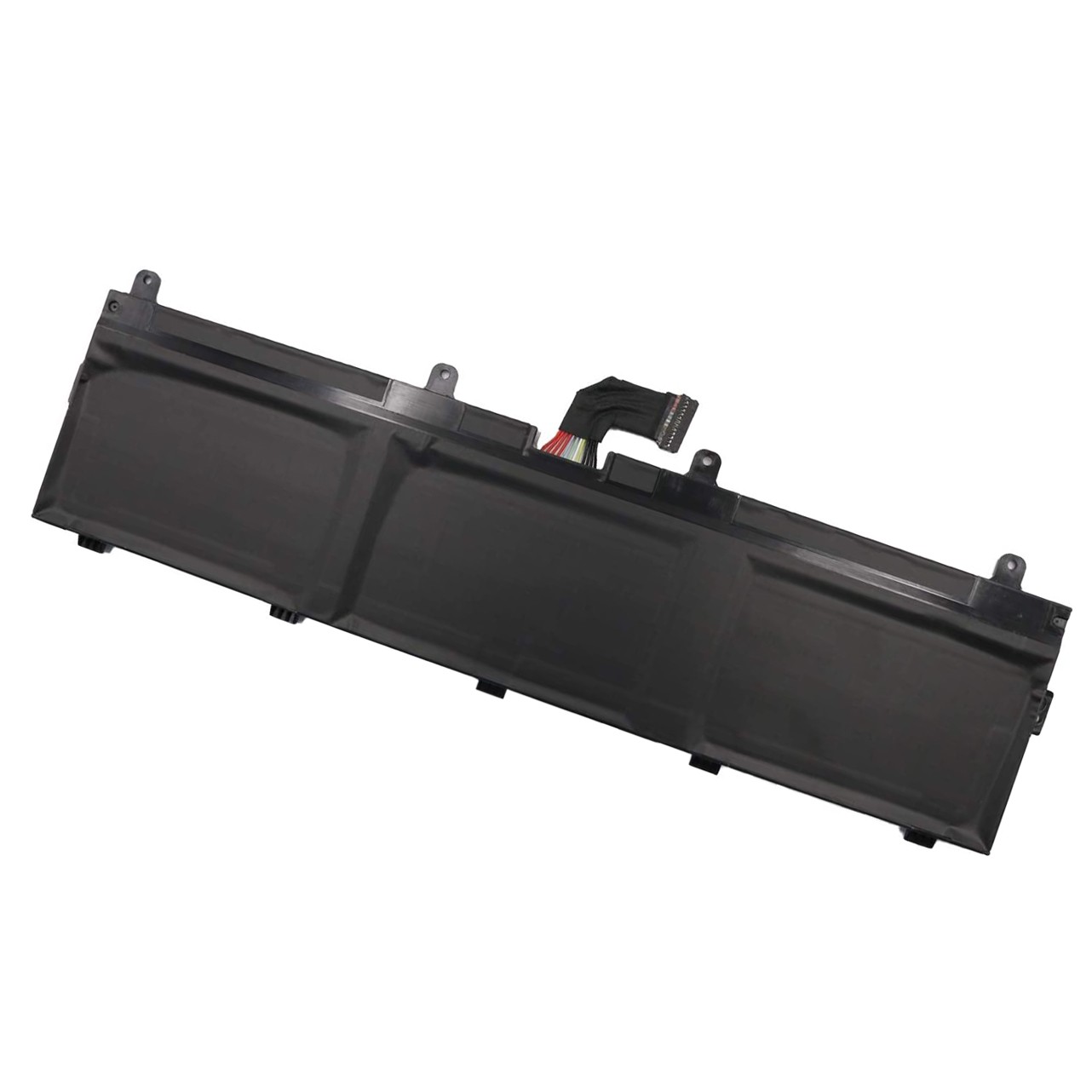
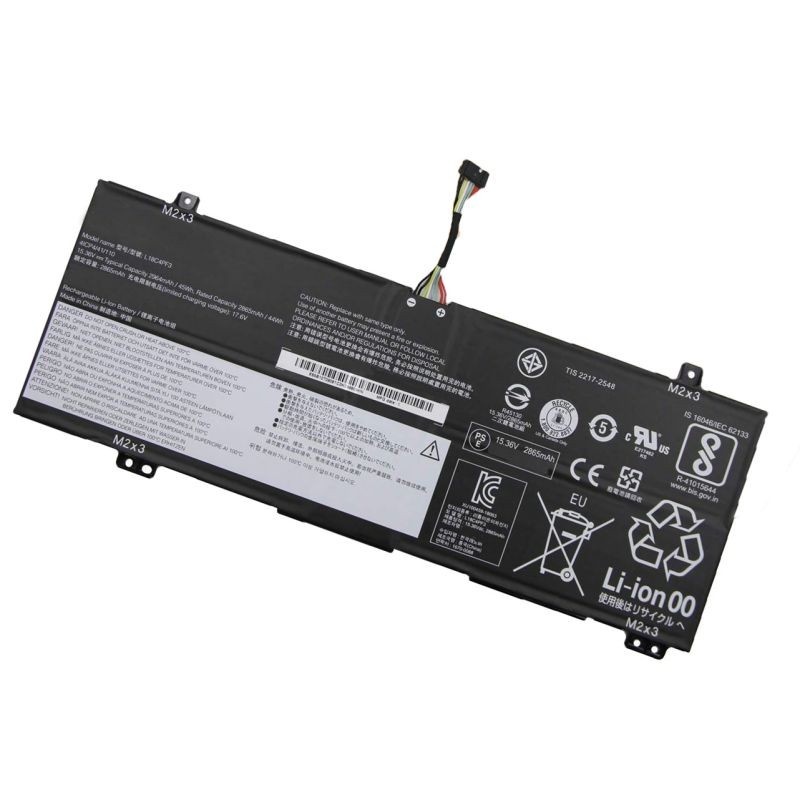
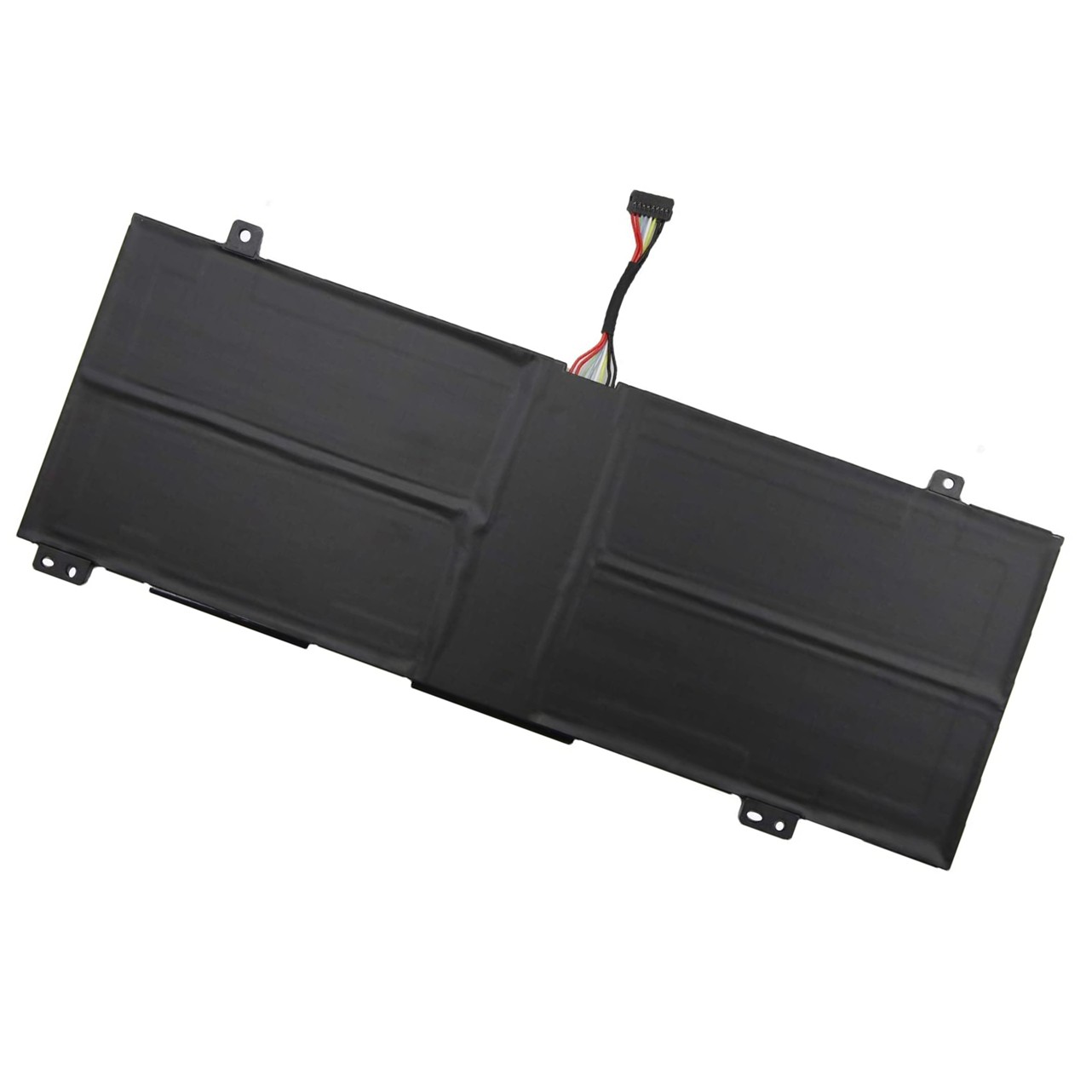
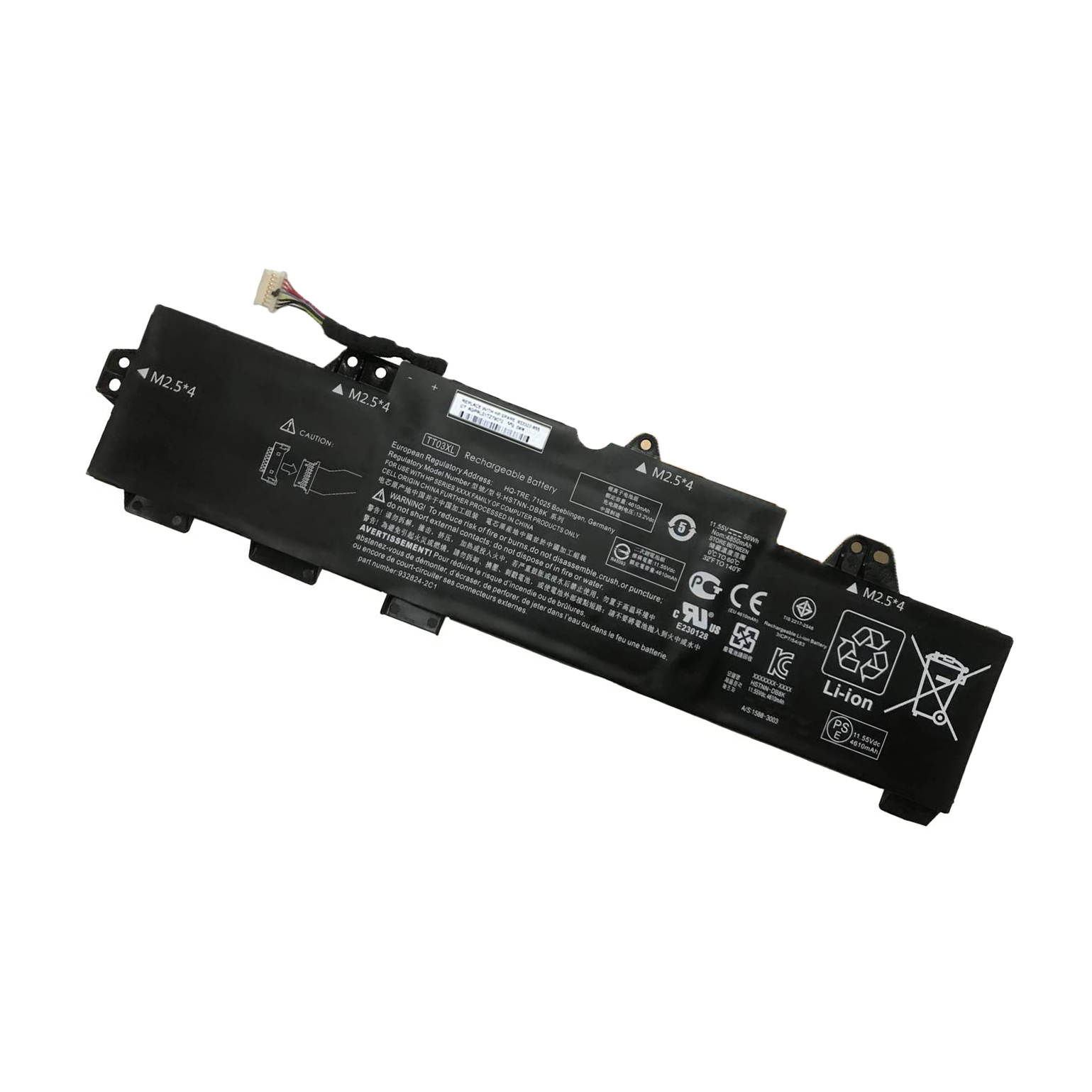
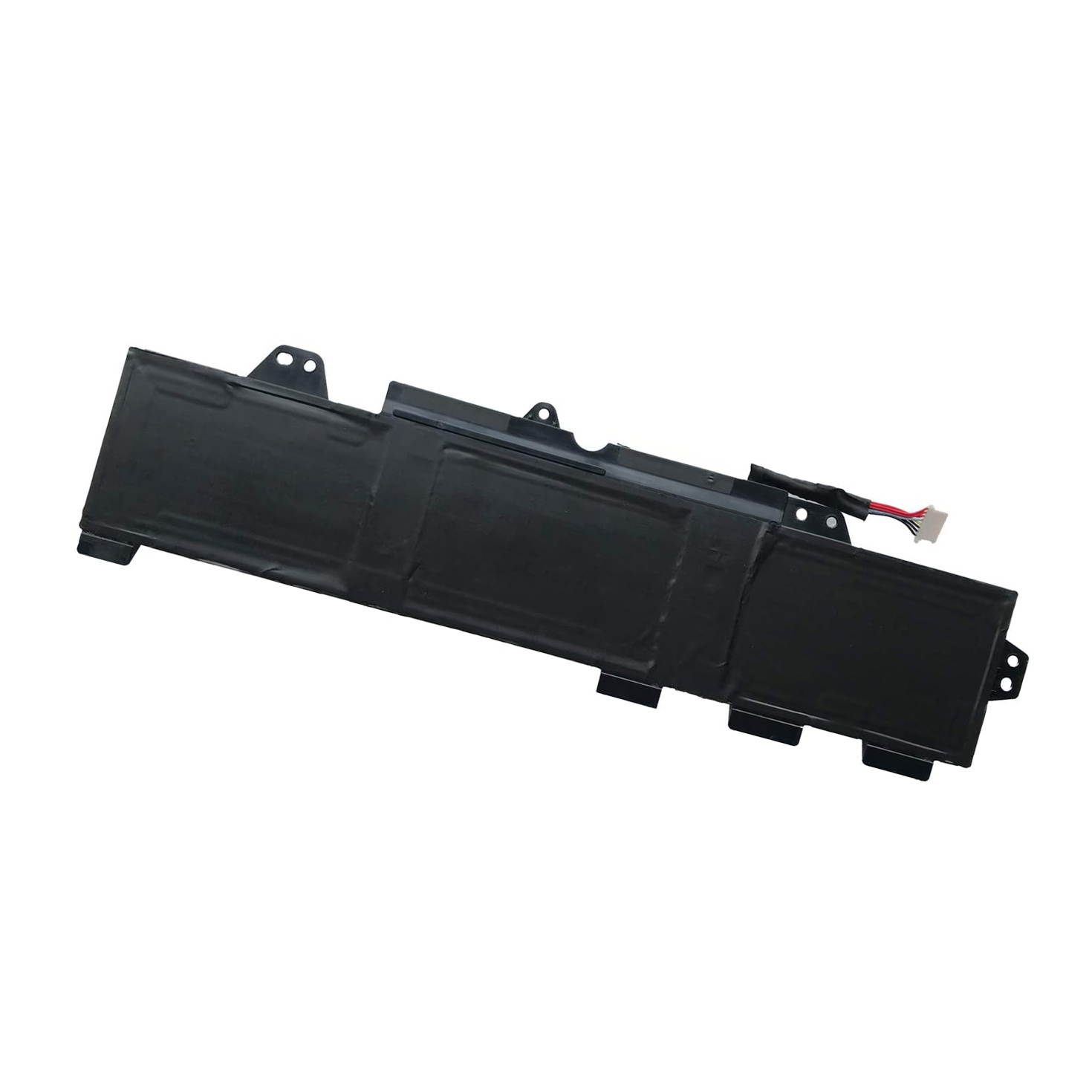
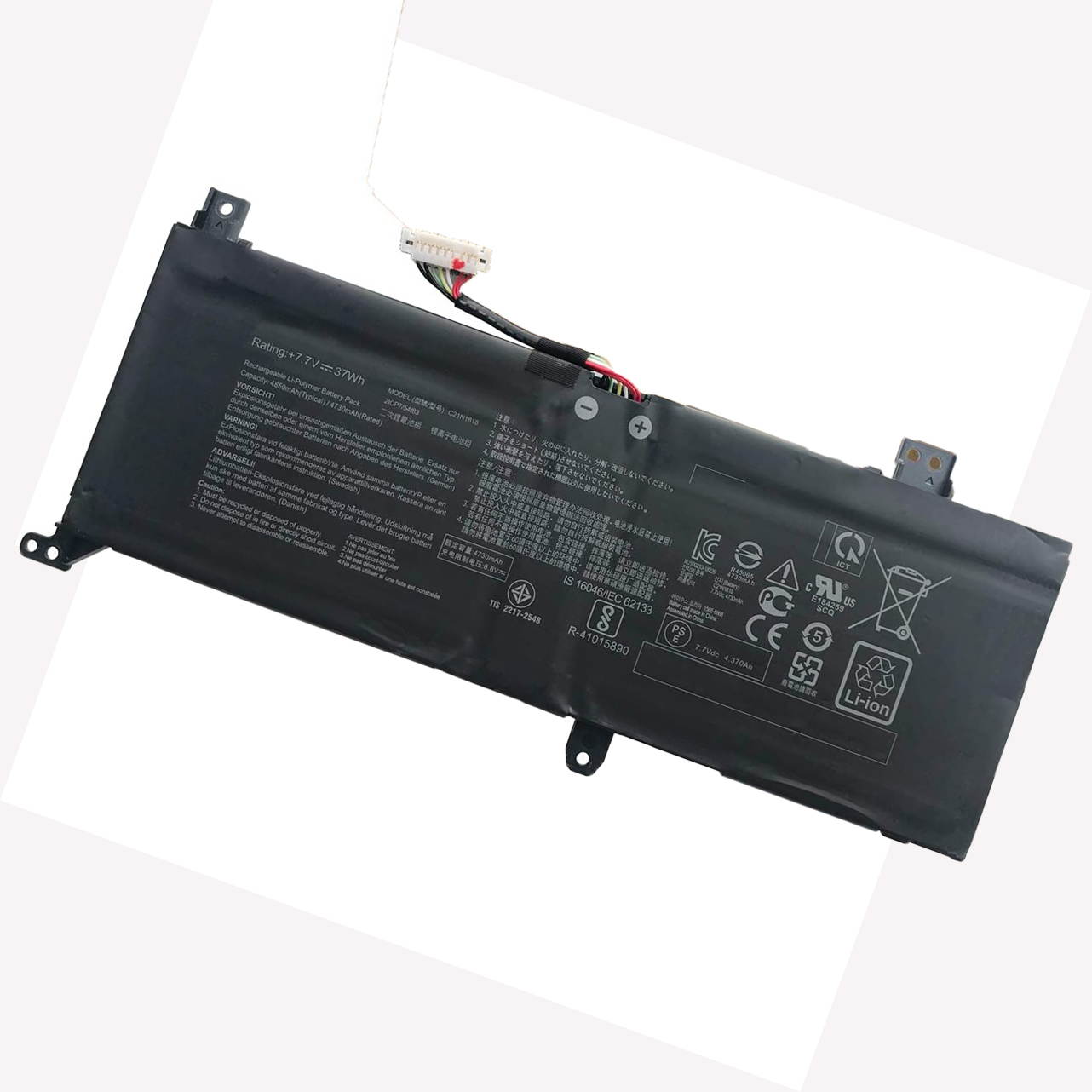
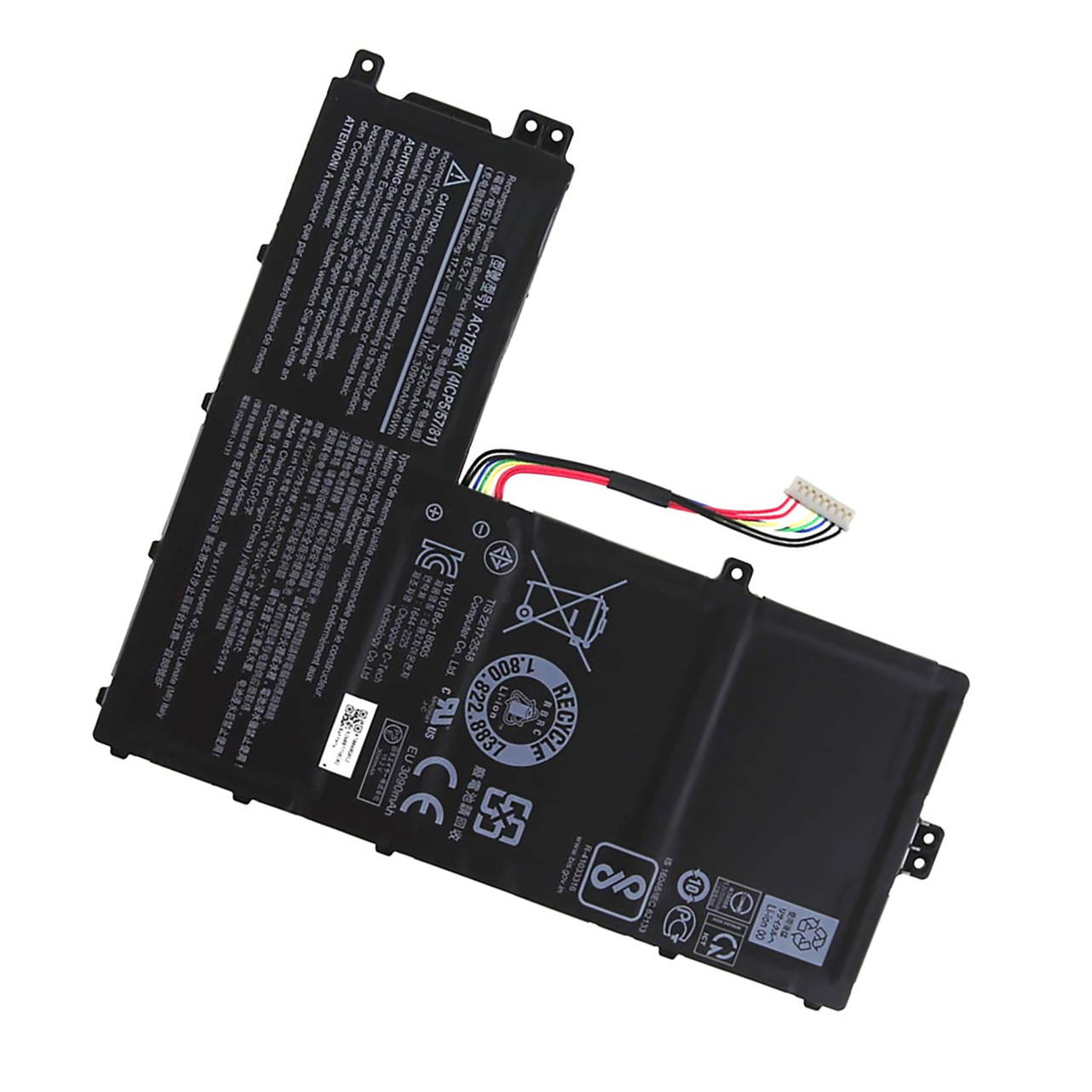
Buy New 7.68V 45Wh 5928mAh L17C4PB0 Laptop Battery for Lenovo Flex 6-14IKB 14ARR IdeaPad 530S-14ARR 530S-14IKB 530S-15IKB L17M4PB0 L17C4PB2 L17M4PB2 Notebook Battery in United States - Cartnear.com
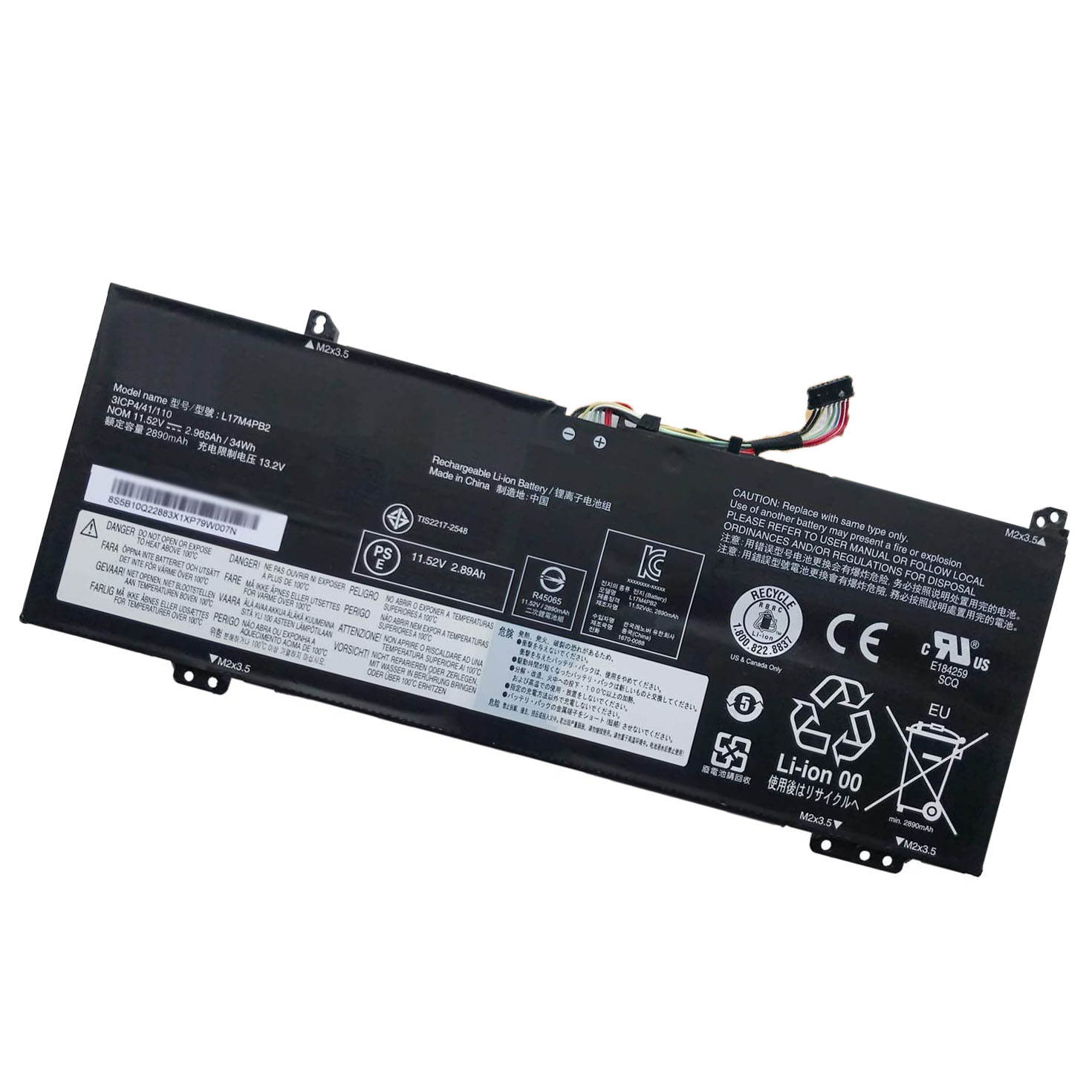
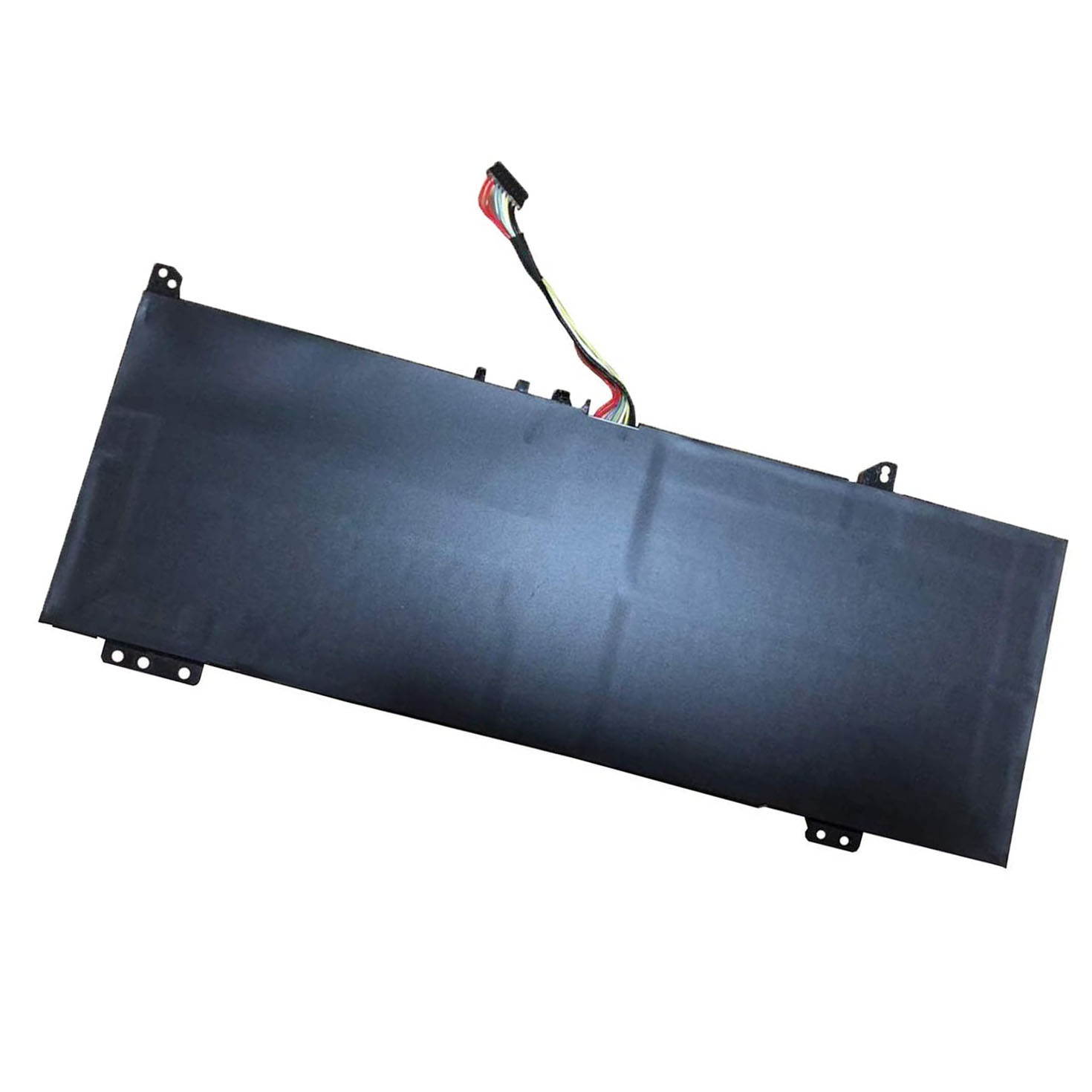
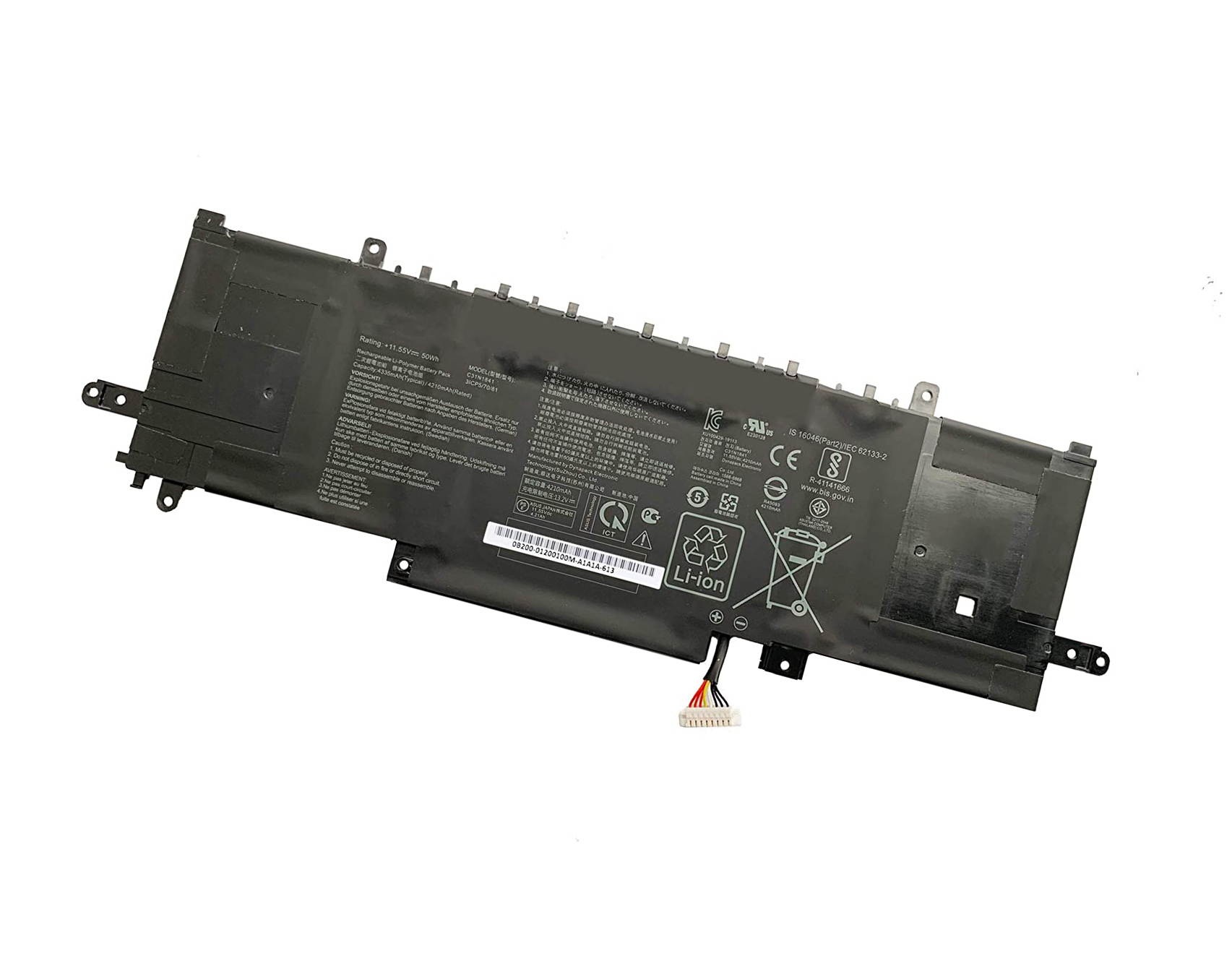
New 7.68V 45Wh 5928mAh L17C4PB0 Laptop Battery for Lenovo Flex 6-14IKB 14ARR IdeaPad 530S-14ARR 530S-14IKB 530S-15IKB L17M4PB0 L17C4PB2 L17M4PB2 Notebook Battery
CTNR1347904 CTNR1347904LikkPower
2027-01-06
/itm/new-768v-45wh-5928mah-l17c4pb0-laptop-battery-for-lenovo-flex-6-14ikb-14arr-ideapad-530s-14arr-530s-14ikb-530s-15ikb-l17m4pb0-l17c4pb2-l17m4pb2-notebook-battery-1347904
USD
86.02
$ 86.02 $ 86.89 1% Off
Item Added to Cart
customer
*Product availability is subject to suppliers inventory

SHIPPING ALL OVER UNITED STATES

100% MONEY BACK GUARANTEE

EASY 30 DAYSRETURNS & REFUNDS

24/7 CUSTOMER SUPPORT

TRUSTED AND SAFE WEBSITE

100% SECURE CHECKOUT
Support : Thanks for our order.If you have any questions, please contact us freely first, we will reply within 24 hours via emails, we are willing to help you to resolve it before you leave a negative feedback or low review. Thanks for your kind support
Shipping Time: About 10-15 working days
Note:
1.Before placing your order, we highly suggest you to open the back case of your latptop and check out the exact part number of your laptop's original battery.
2.Discharge the new battery use to 5%(not to 0%) and then charge to 95%, and cycle 3-4 times.
3.If you remove battery for a long time, charge more than 80% at least one time within one months.
4.Don't connect adapter for a long time while using the battery. It may damage the battery.
5.Do not disassemble, crush or puncture. Do not dispose of in fire or water.
6.When using the battery, care should be taken to prevent exposure and moisture.